Gallery: Photo and Video Gallery
Gallery is a photography app by Google LLC that organizes photos and videos automatically and offers one-tap editing tools.

Gallery is a free photography app from Google LLC that groups pictures by categories such as People, Selfies, Nature, Animals, Documents, Videos and Movies each night, and it includes one-tap auto-enhance editing plus folder and SD card support. The app works offline and requires Android 8.0 or later.
Get Gallery · v1.9.4.930218541 releaseScreenshots
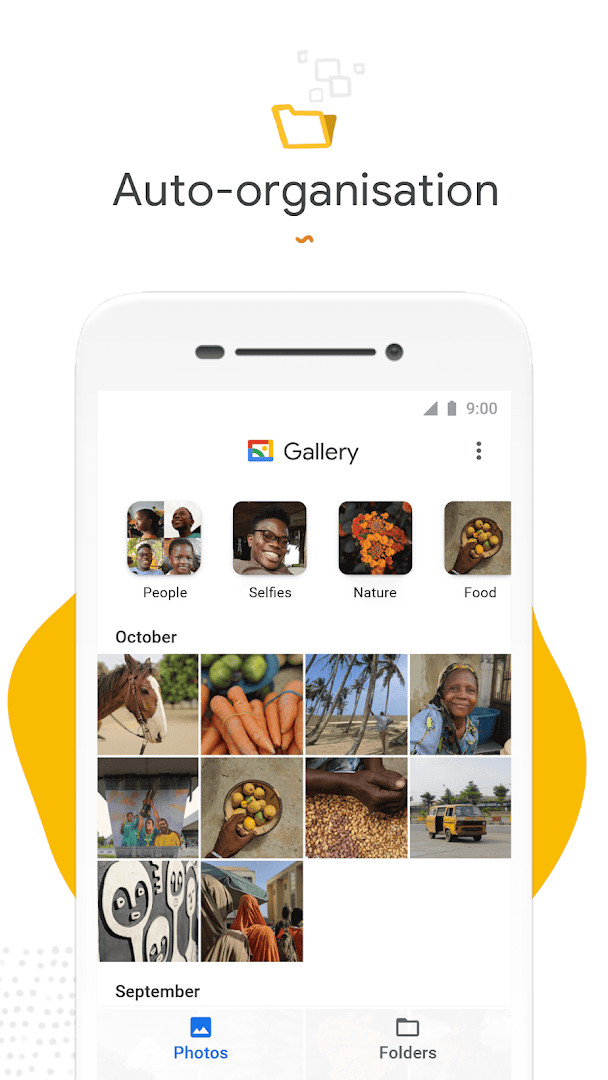
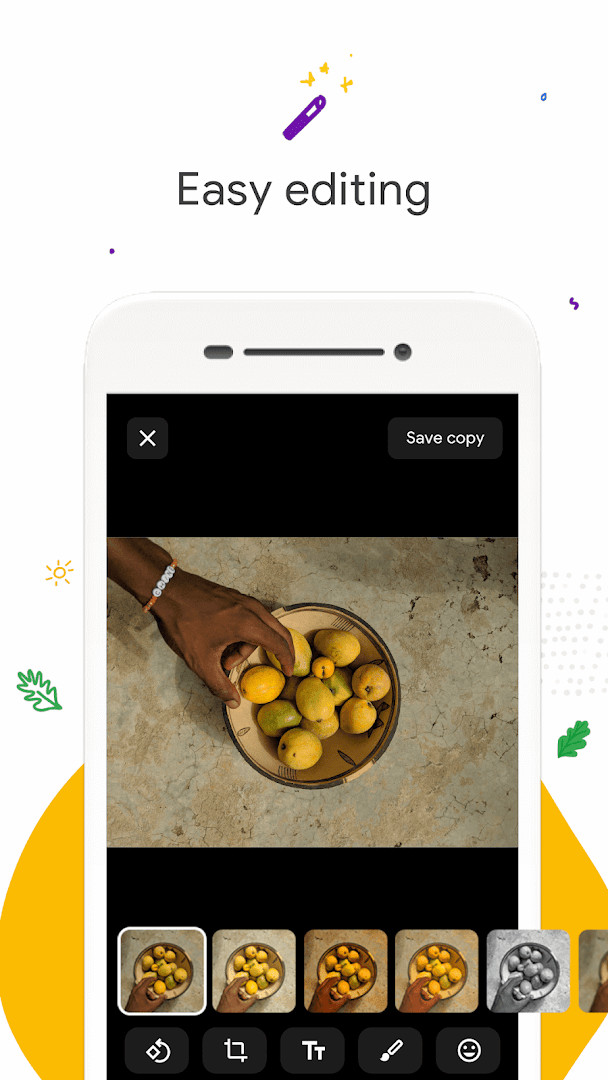
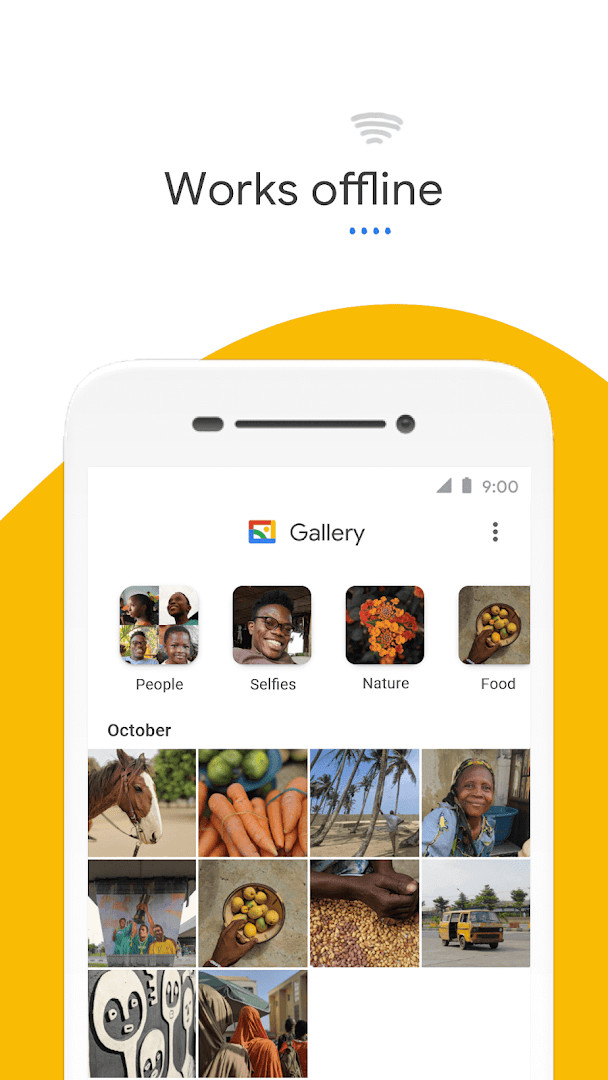
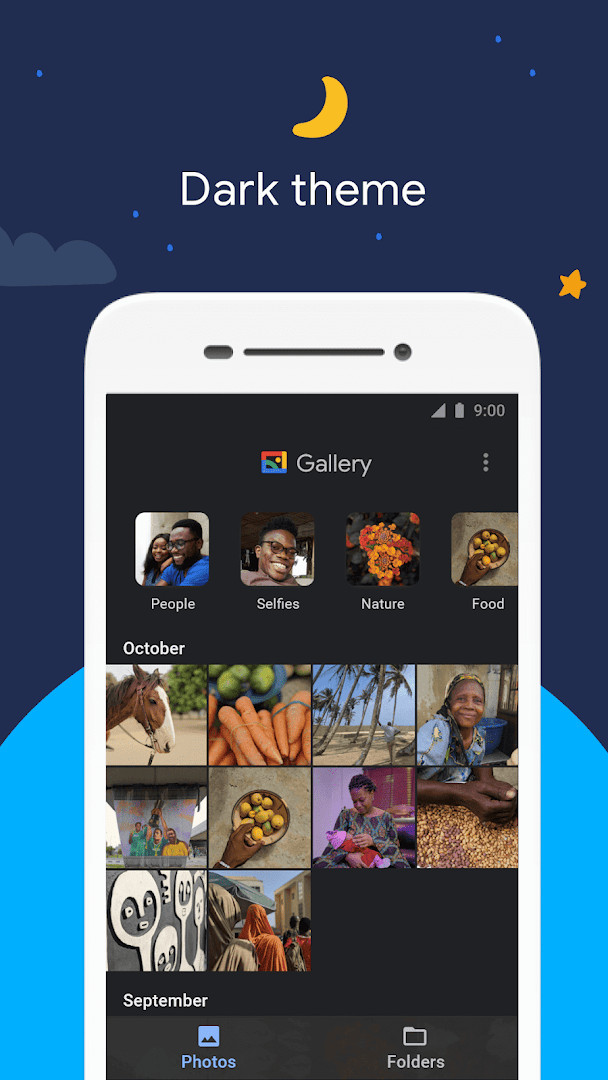
Gallery is a photo and video management app by Google LLC that organizes, edits, and stores your media library efficiently. It solves the problem of cluttered galleries by automatically grouping photos into categories like People, Selfies, Nature, Animals, Documents, Videos, and Movies each night, so you spend less time scrolling and more time sharing memories. The app also includes one-tap auto-enhance editing tools, folder organization, and SD card support, all while working offline to save data. With a small file size and low memory usage, it aims to keep your device running smoothly without sacrificing space for your own photos. Gallery requires Android 8.0 or higher and is free, with no ads or in-app purchases, making it a straightforward choice for managing your media.
Key features
- Automatic nightly organization of photos into categories such as People, Selfies, Nature, Animals, Documents, Videos, and Movies
- One-tap auto-enhance photo editing tool to improve image quality
- Folder-based organization for custom photo management
- SD card support for viewing, copying, and transferring photos and videos
- Optimized to work offline, reducing data usage
- Small file size and low memory footprint to avoid slowing down your device
- Face grouping feature, though not available in all countries
How to install
- Tap the download button on this page to get the APK file.
- When Android prompts, allow your browser or file manager to install apps by enabling the 'Install unknown apps' setting.
- Open the downloaded APK file from your notifications or file manager.
- Tap Install on the installation screen.
- After installation completes, tap Open to launch Gallery.
- The file size is not specified, and the minimum Android version required is 8.0.
Pros
- Free to use with no ads or in-app purchases
- Automatic organization saves time searching for specific photos
- Offline functionality minimizes data usage
- SD card support offers flexible storage options
- Small app size helps conserve device storage
Cons
- Requires access to Photos/Media/Files and Storage permissions, which may raise privacy concerns for some users
- Face grouping is not available in all countries, limiting the automatic organization feature's completeness
Latest changes · 1.9.4.930218541 release
This update for Gallery focuses on bug fixes and minor improvements to keep the app running smoothly. It arrives as version 1.9.4.930218541, released on June 24, 2026.
Previous versions
| Version | Size | Requires Android | Updated |
|---|---|---|---|
| 1.9.4.930218541 release | — | 8.0 | Jun 24, 2026 |
| 1.9.2.712403868 release | 0.1 MB | 8.0 | Apr 3, 2026 |
| 1.0.7.280110503 release | 10 MB | 8.1 | Nov 14, 2019 |
Gallery is ideal for Android users who want a fast, lightweight photo and video manager that works offline. It suits people with large media libraries who appreciate automatic organization and simple editing tools. The app is also a good fit for those who use SD cards to expand storage, as it seamlessly handles transfers and copies. Given its focus on privacy-friendly features like offline operation and no ads, it appeals to users who prefer to keep their data on-device without cloud syncing.
To make the most of automatic organization, ensure your photos are backed up or synced to an external service if you rely on them. Since face grouping may not be available in your region, you can manually create folders for people to compensate.
Permissions
Frequently asked questions
How do I install the Gallery APK on my Android device?
To install the APK, download the file and open it from your notifications or file manager. If prompted, allow installation from unknown sources in your device settings, then follow the on-screen steps. The app requires Android 8.0 or higher.
What is new in version 1.9.4.930218541 release?
This release, dated June 24, 2026, includes bug fixes and minor improvements. It follows the previous 1.9.2.712403868 release from April 2026.
Does Gallery contain ads or in-app purchases?
No. The app is free, includes no ads, and offers no in-app purchases. You can use all its features without any extra cost.
Can I use Gallery offline?
Yes, Gallery is optimized to work offline. It can manage and store your photos and videos without using mobile data, helping you save on data usage.
Are there alternatives to Gallery in the Photography category?
Yes, many other photo and video gallery apps are available in the Photography category. You can explore other options that offer similar features like organization and editing, though their specifics vary.
What permissions does Gallery require?
Gallery requests access to Photos/Media/Files and Storage. These permissions allow it to view and manage your photos and videos on your device.
Gallery delivers a clean, efficient photo management experience with useful automatic organization and editing tools. It is a solid choice for Android users seeking a free, privacy-conscious gallery app that works offline.
Similar apps
 Google WalletGoogle Wallet is for Android users who want to pay in stores, online, or in apps and keep passes, tickets, and digital IDs in one place. …Google LLC · ★ 4.3 · Finance · 16 MB
 Samsung GallerySamsung Gallery has a size of 51 MB and requires Android 11 or higher. The app does not charge for its core features, and it does not inc…Samsung Electronics Co., Ltd. · ★ 3.8 · Photography · 51 MB
 Picsart AI Photo Editor, VideoPicsart AI Photo Editor, Video is free to download and also offers optional in-app purchases, and it carries ads. The app requires Androi…PicsArt, Inc. · ★ 4.0 · Photography · v30.9.5
 Video Editor & Maker - InShotVideo Editor & Maker - InShot combines video editing, a photo editor and a collage maker in one app, with AI captions, speech, background…InShot Video Editor · ★ 4.8 · Photography · v2.231.1551
More from this developer
 Google MessagesGoogle Messages is a free Communication app from Google LLC, with no ads and no in-app purchases. It runs on Android 6.0 and up and the d…Google LLC · ★ 4.6 · Communication · 9 MB
 Gboard - the Google KeyboardGboard - the Google Keyboard is designed for Android users who want to type faster through Glide Typing, voice typing, handwriting, and e…Google LLC · ★ 4.5 · Tools · 9.4 MB
 Google CalendarGoogle Calendar is a 33 MB app that requires Android 8.0 or higher, contains no ads or in-app purchases, and has received 4.86 million ra…Google LLC · ★ 4.6 · Productivity · 33 MB
 Google TVGoogle TV occupies about 40 MB and requires Android 6.0 or newer to run. The app is free to download and contains no ads, though in-app p…Google LLC · ★ 3.9 · Entertainment · 40 MB
 GoogleGoogle is a free app with ads and no in-app purchases, sized at 156 MB and requiring Android 6.0 or higher. It offers AI-powered search f…Google LLC · ★ 4.0 · Tools · 156 MB
 Google DriveGoogle Drive is a 124 MB app that requires Android 8.0 or higher. It includes in-app purchases for additional storage via Google One, sta…Google LLC · ★ 4.3 · Productivity · 124 MB
Updated: Oct 24, 2026
- Version
- 1.9.4.930218541 release
- Requires Android
- 8.0
- Updated
- Jun 24, 2026
- Installs
- 1B+
- Rating
- ★ 4.23 (653,063)
- Category
- Photography
- Developer
- Google LLC
- Content rating
- Everyone
- Package
- com.google.android.apps.photosgo
- Free
- ✓