Gmail for Android
Gmail is a communication app from Google LLC for managing email, chat, and collaboration on Android devices.
Gmail is for individuals and teams who need secure email, chat, and collaboration in one place. It is free to download, requires Android 5.0 or higher, and is about 26 MB in size. The app supports multiple accounts, blocks over 99.9% of spam, phishing, and malware, and offers features like summary cards, Smart Reply, and Wear OS support.
Get GmailScreenshots
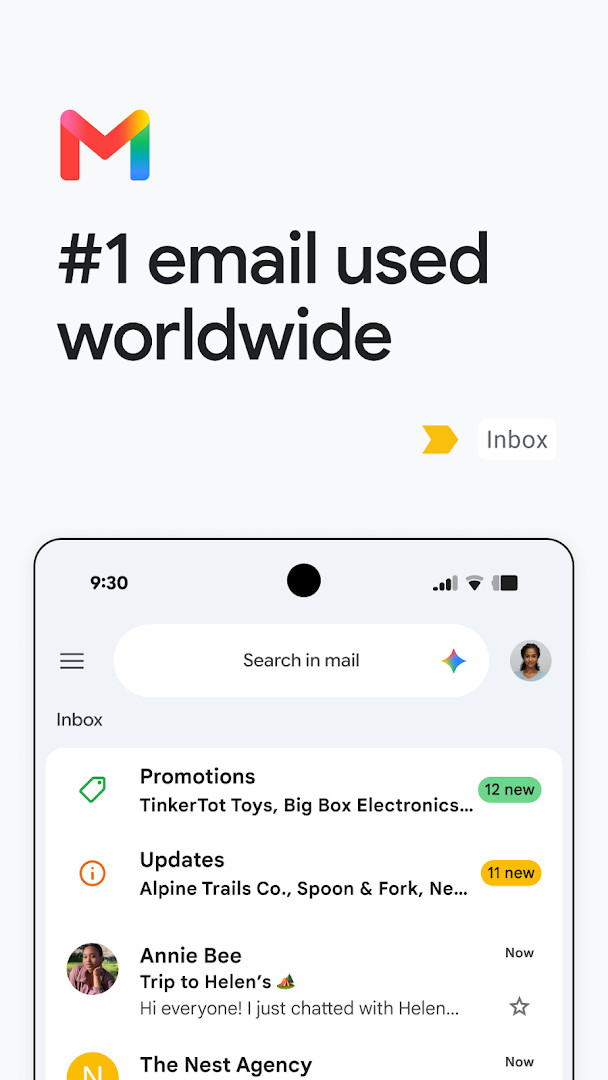
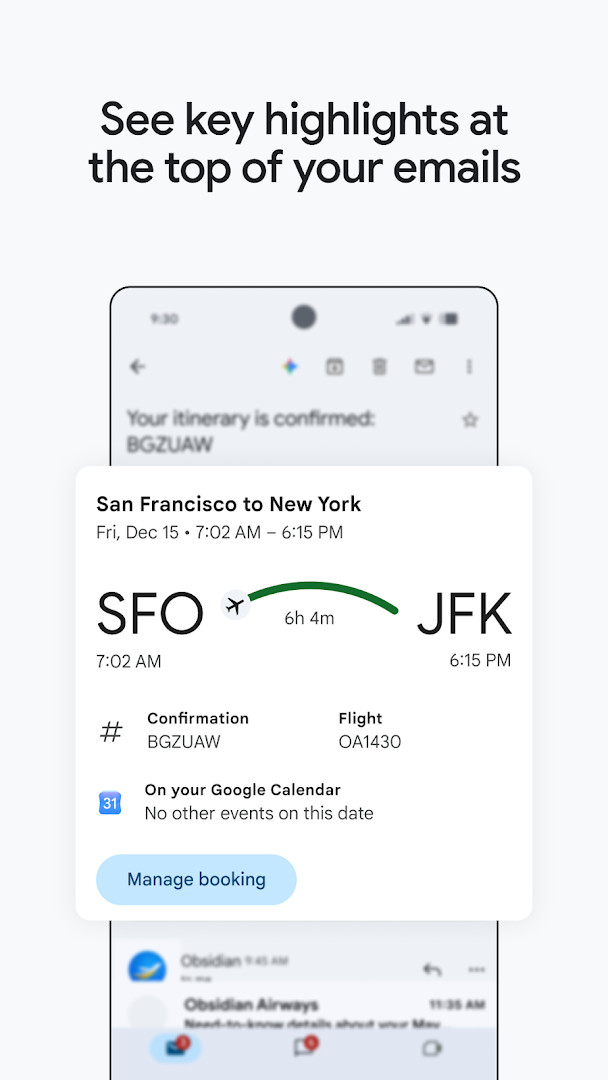
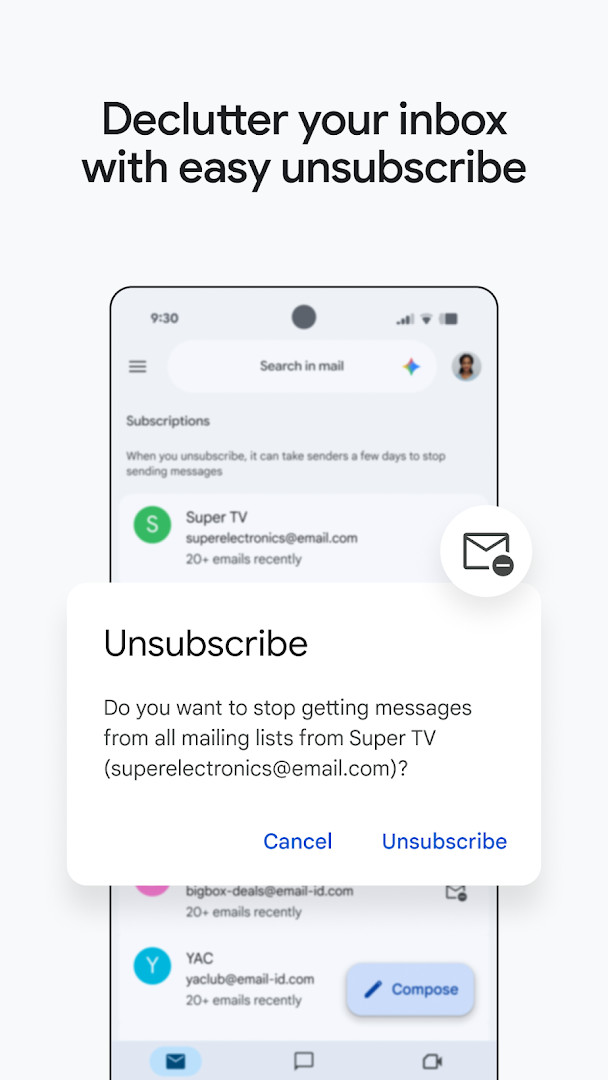
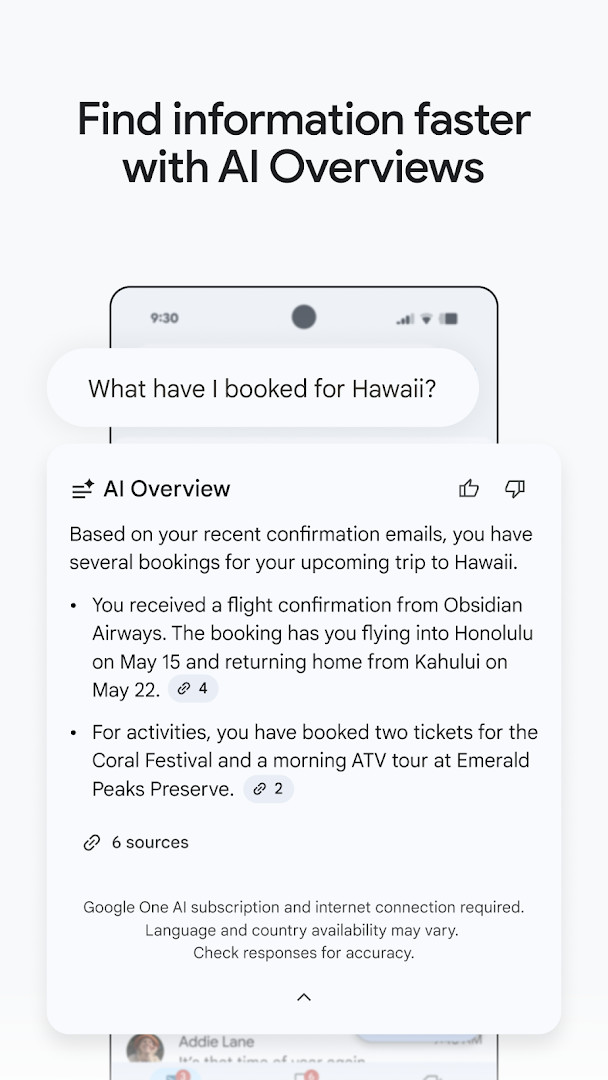
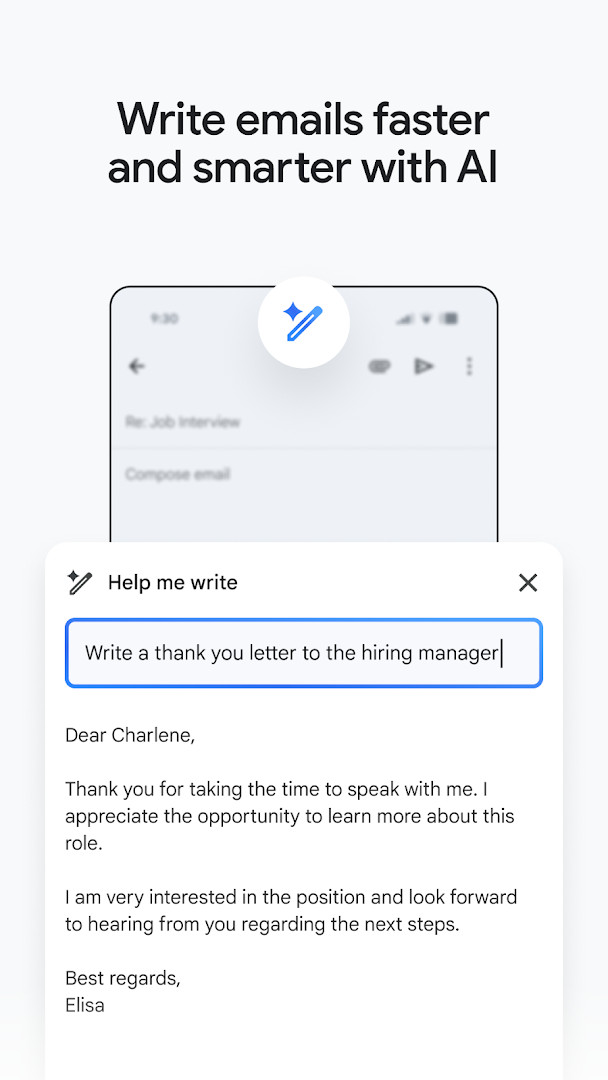
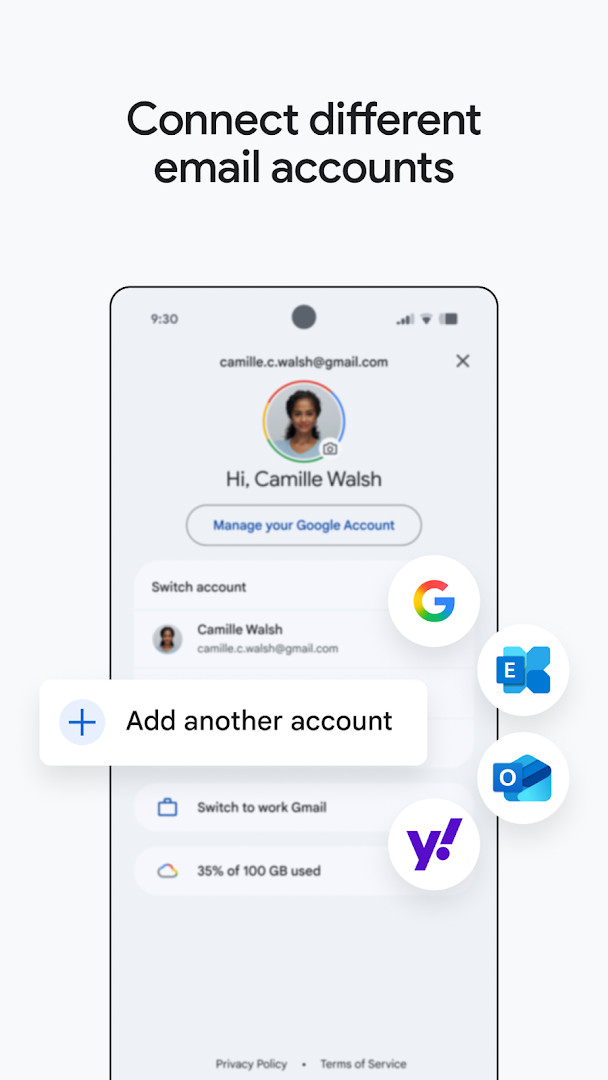
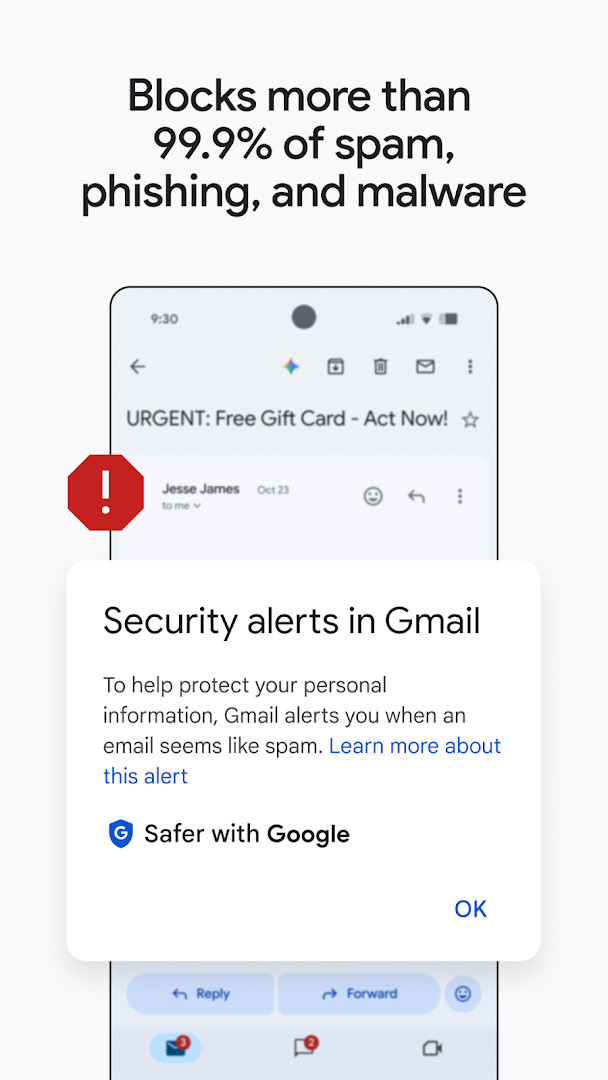
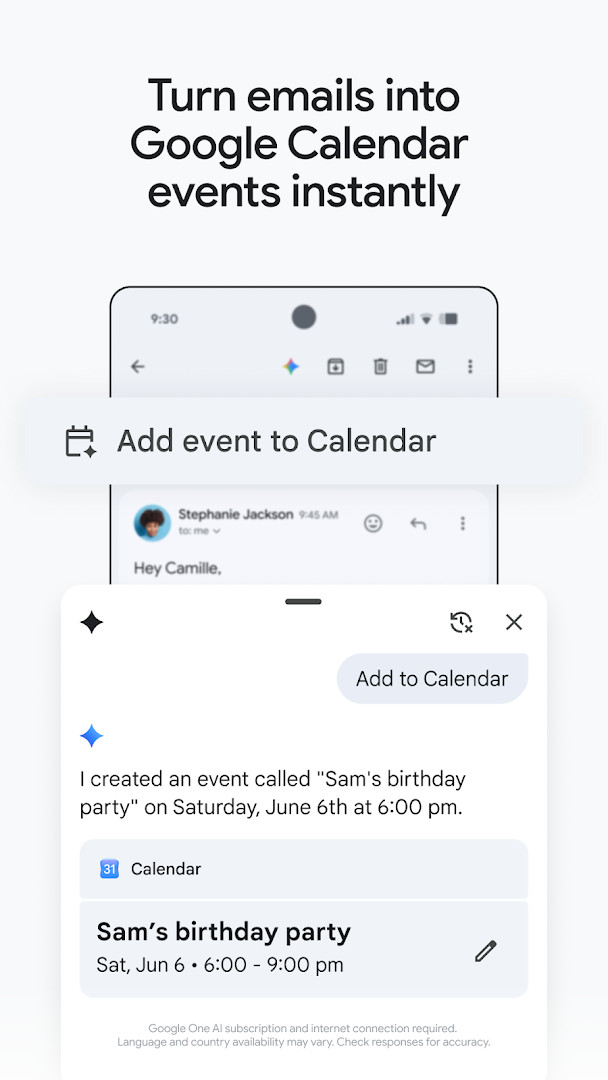
Gmail is an email client application developed by Google LLC, designed to provide users with a secure and efficient way to manage their email communications. It offers features to organize, search, and categorize emails effectively, helping users stay productive and on top of their inbox. The app is capable of handling multiple accounts from different providers, supports AI-powered features for writing and sorting emails, and includes security measures that automatically block spam, phishing, and malware. It also integrates seamlessly with other Google services such as Calendar, Drive, and Google Workspace tools, making it suitable for both personal and business use. Gmail addresses the common challenges of email overload and security threats by providing a unified platform that simplifies email management while enhancing safety and collaboration.
Key features
- Supports multiple email accounts from different providers.
- Automated spam, phishing, and malware blocking over 99.9%.
- AI-powered writing assistance and smart reply features.
- One-tap unsubscribe from unwanted email senders.
- Search inbox and Google Drive files with relevant keywords or through Google AI.
- Quickly create Google Calendar invites with 'Add to Calendar'.
- Includes summary cards at the top of emails for quick details.
- Available on Wear OS for managing emails from a smartwatch.
How to install
- Tap the download button on this page.
- When Android asks, allow your browser or file manager to install apps (the 'Install unknown apps' setting).
- Open the downloaded APK file, which is approximately 26 MB in size.
- Tap Install to begin the installation process.
- Once installed, open the app to start managing your emails.
Pros
- Includes advanced security features to protect users from threats.
- Supports multiple accounts for seamless email management.
- Offers AI features for writing, organizing, and searching emails.
- Integrates with Google Workspace tools for enhanced productivity.
Cons
- Contains permissions that access personal data like contacts, microphone, camera, and more.
- Contains advertisements during usage.
- Does not offer in-app purchases, but AI features require a Google Workspace subscription.
Latest changes
The latest update emphasizes Gmail as part of Google Workspace, letting you handle secure email alongside chat, group collaboration, and voice or video calls from one place. It's designed to help you stay on top of important work without switching between apps. The developer did not publish additional details beyond this overview.
Previous versions
| Version | Size | Requires Android | Updated |
|---|---|---|---|
| 8.10.7.218420740.release | 22 MB | 4.1 | Jan 20, 2026 |
| 2019.10.20.278647676.release | 26 MB | 4.4 | Jan 17, 2026 |
| 2020.05.31.316831277.release | 26 MB | 5.0 | Jan 16, 2026 |
| 7.5.7.156101332.release | 19 MB | 4.0 | May 18, 2017 |
| 2.3.6 | 1.8 MB | — | Jun 16, 2013 |
| 1.3 | 0.8 MB | — | Jan 27, 2012 |
Gmail is suitable for users who need a reliable and secure email platform that integrates with productivity and collaboration tools, suitable for both personal use and business environments that utilize Google Workspace.
Ensure your device meets the minimum Android version (5.0 or higher). Consider privacy settings related to permissions, especially for microphone and camera access.
Permissions
Frequently asked questions
How do I install the Gmail APK on an Android device?
To install the Gmail APK, download the file to your Android device, then open it from your file manager or notifications. If prompted, allow installation from unknown sources in your system settings. After installation completes, you can open Gmail and sign in with your account.
What is the current version of Gmail for Android?
The most recent version listed is 8.10.7.218420740.release, dated January 20, 2026. The app was last updated on October 12, 2026, and requires Android 5.0 or higher.
Does Gmail contain ads or in-app purchases?
Gmail is free to download and does not offer in-app purchases. However, the app does display ads. It is rated for Everyone and has been installed over 10 billion times.
Can I use Gmail offline?
The app requires an internet connection for many features, especially those powered by Google AI, such as Smart Reply and 'Help me write'. Basic email access may work with limited offline functionality, but Gemini-based tools need connectivity and a qualifying Google AI plan.
Are there alternatives to Gmail in the Communication category?
Yes, several other email and communication apps exist that offer similar features like multiple account support, search, and spam filtering. You can explore other options in the Communication category to find one that suits your needs, though Gmail integrates deeply with Google Workspace tools.
What permissions does Gmail request on Android?
Gmail requests access to identity, calendar, contacts, phone, photos and media, storage, camera, microphone, Wi-Fi connection information, and device ID and call information. These permissions support features like adding calendar invites, attaching files, and making calls.
Gmail provides a comprehensive email management solution with robust security, AI-powered features, and seamless integration with Google services. It is well-suited for users looking for a productive and secure email experience.
Similar apps
 Google ChromeGoogle Chrome is a free browser that syncs bookmarks, tabs, and passwords across devices and includes tools like Google Lens and Translat…Google LLC · ★ 4.1 · Communication · 215 MB
 Google MessagesGoogle Messages is a free Communication app from Google LLC, with no ads and no in-app purchases. It runs on Android 6.0 and up and the d…Google LLC · ★ 4.6 · Communication · 9 MB
 FacebookFacebook offers a central feed for text posts, photos, and videos, plus integrated messaging for threaded conversations. It is designed f…Meta Platforms, Inc. · ★ 4.6 · Communication · 147 MB
 WhatsAppWhatsApp Messenger is a free communication app used by over 2 billion people in more than 180 countries. It offers end-to-end encrypted m…WhatsApp LLC · ★ 4.6 · Communication
 KryfoKryfo is a 70 MB messaging app from GnosiWorks that runs on Android 7.0 and above and carries no ads. It routes messages over Tor by defa…GnosiWorks · Communication · 70 MB
More from this developer
 Speech Recognition & SynthesisSpeech Recognition & Synthesis is 15 MB in size, requires Android 8.0 or higher, and has no ads or in-app purchases. It has been updated …Google LLC · ★ 4.0 · Tools · 15 MB
Google ChromeGoogle Chrome is a free browser that syncs bookmarks, tabs, and passwords across devices and includes tools like Google Lens and Translat…Google LLC · ★ 4.1 · Communication · 215 MB
 Android Accessibility SuiteAndroid Accessibility Suite is a free collection of tools from Google LLC that includes TalkBack, Accessibility Menu, and Select to Speak…Google LLC · ★ 4.1 · Tools · 45 MB
Google MessagesGoogle Messages is a free Communication app from Google LLC, with no ads and no in-app purchases. It runs on Android 6.0 and up and the d…Google LLC · ★ 4.6 · Communication · 9 MB
 Gboard - the Google KeyboardGboard - the Google Keyboard is designed for Android users who want to type faster through Glide Typing, voice typing, handwriting, and e…Google LLC · ★ 4.5 · Tools · 9.4 MB
 Google CalendarGoogle Calendar is a 33 MB app that requires Android 8.0 or higher, contains no ads or in-app purchases, and has received 4.86 million ra…Google LLC · ★ 4.6 · Productivity · 33 MB
Updated: Nov 7, 2026
- Size
- 26 MB
- Requires Android
- 5.0
- Updated
- Oct 12, 2026
- Installs
- 10B+
- Rating
- ★ 4.06 (14,486,799)
- Category
- Communication
- Developer
- Google LLC
- Content rating
- Everyone
- Package
- com.google.android.gm
- Free
- ✓ · Contains ads