BeautyPlus-Selfie Photo Editor for Android
BeautyPlus-Selfie Photo Editor is a photography app from PIXOCIAL TECHNOLOGY (SINGAPORE) PTE. LTD. for retouching selfies, photos, and videos.
BeautyPlus-Selfie Photo Editor serves people who want to retouch selfies, edit photos, and enhance videos with AI tools. The app is free to download, requires Android 8.0 or higher, and offers over 50 editing tools, including makeup filters, body reshaping, background erasing, and video editing.
Download BeautyPlus · v7.49.2Screenshots
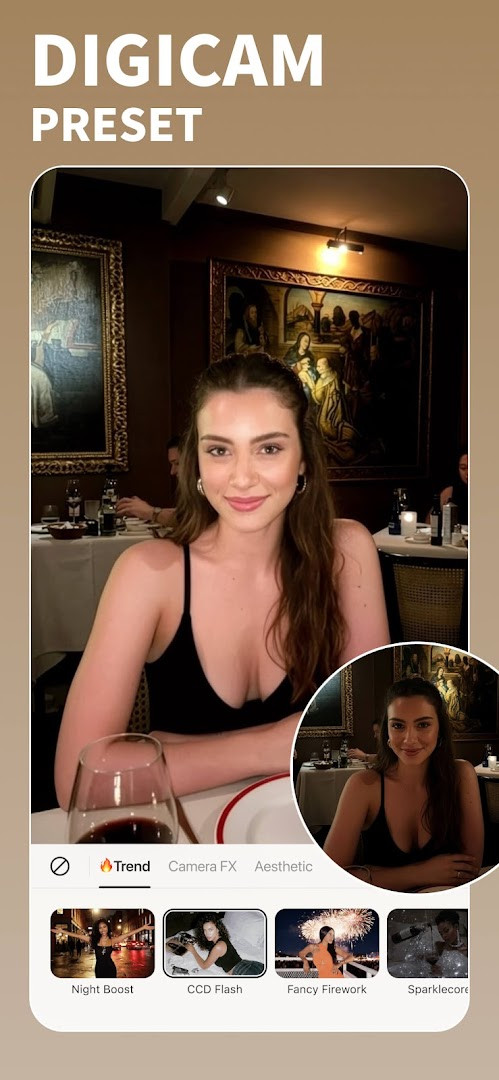
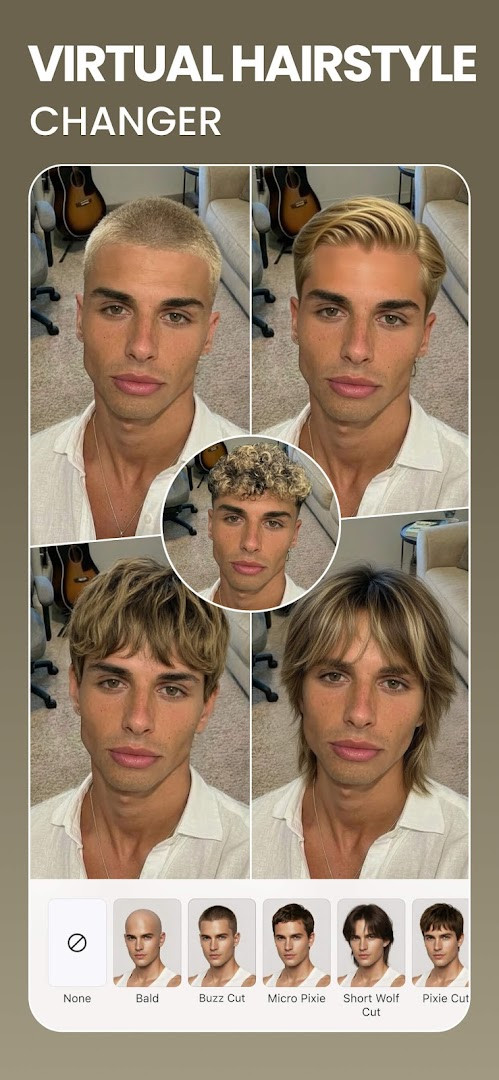
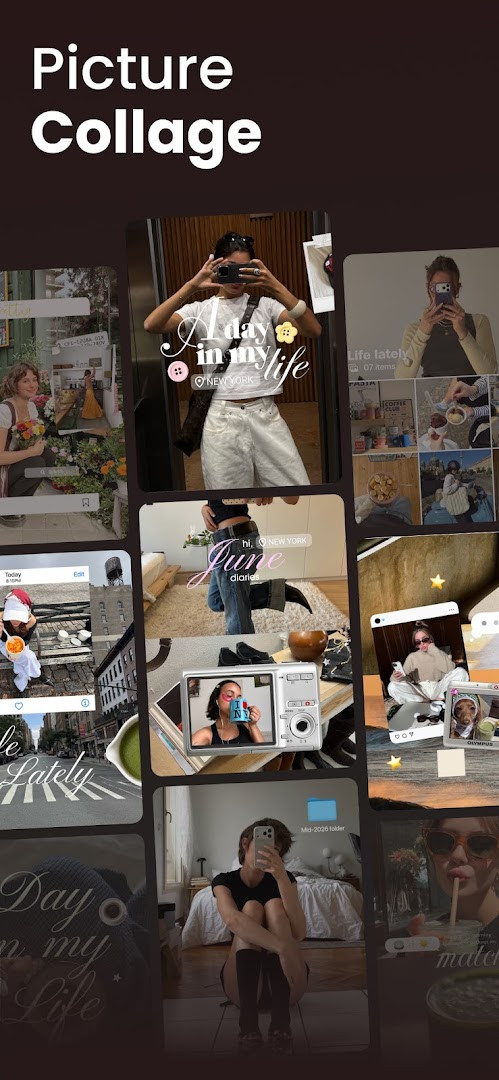
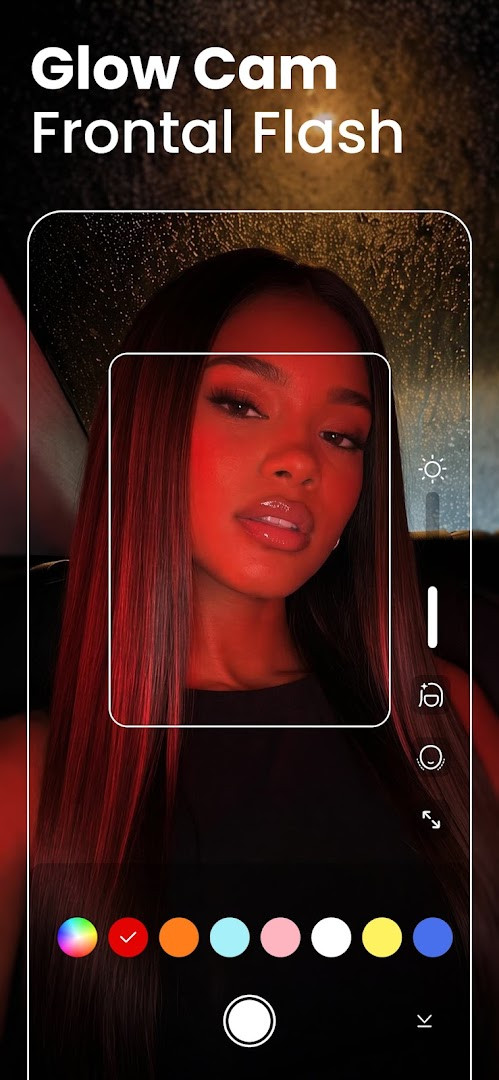
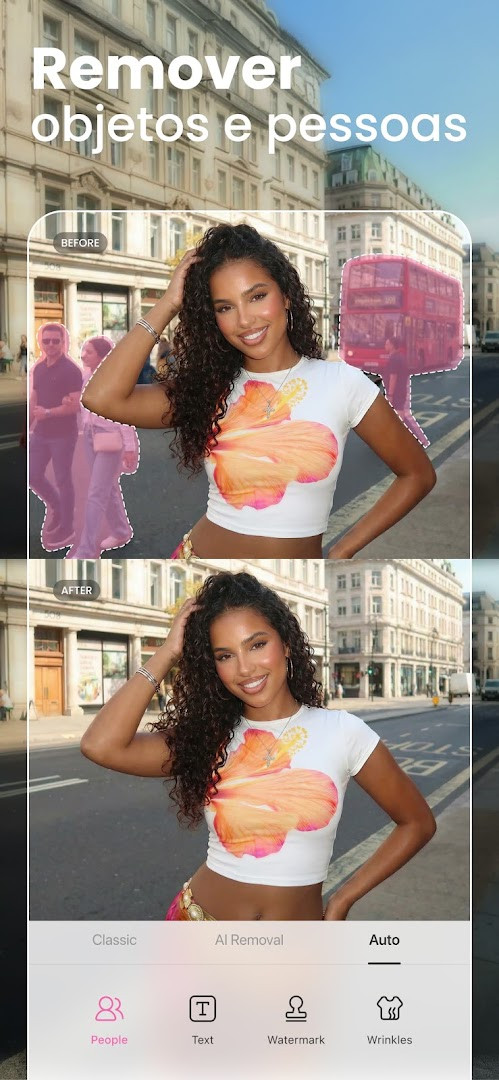
BeautyPlus-Selfie Photo Editor is a photography app by PIXOCIAL TECHNOLOGY (SINGAPORE) PTE. LTD. that provides AI-powered retouching, beauty filters, and editing tools for photos and videos. It addresses the need for quick, natural-looking selfie enhancement by offering one-tap HD retouch, blemish removal, and body shaping, along with creative features like anime filters, background editing, and video enhancement. The app combines a beauty camera, photo editor, and video tools in a single package, aiming to streamline the editing workflow for casual users who want polished results without complex software. It also includes a vintage film camera mode and AI-driven object removal, making it a versatile tool for social media content creation. The app is free to download with optional in-app purchases and shows ads, and it requests access to location, camera, microphone, storage, and Wi-Fi information.
Key features
- One-tap HD retouch that smooths skin and removes blemishes, dark circles, and wrinkles for a natural finish
- AI Anime camera and Anime Filter to turn selfies into cartoon-style images
- Body Editor with height adjustment, waist sculpting, and skin tone options to alter body shape
- Background eraser and editor to remove, change, or blur backgrounds and create transparent images
- Photo enhancer that restores old photos, unblurs images, and sharpens details
- Video editor with music, filters, and face tune tools for enhancing videos
- Hair color changer and teeth whitener for quick appearance tweaks
- Makeup editor with lipstick, eyebrows, and other cosmetic adjustments
How to install
- Tap the download button on this page to get the APK file for BeautyPlus-Selfie Photo Editor.
- When Android prompts you, allow your browser or file manager to install apps by enabling the 'Install unknown apps' setting for that app.
- Open the downloaded APK file from your notifications or file manager.
- Tap Install and wait for the installation to complete; the app requires Android 8.0 or higher.
- Open the app from your home screen or app drawer after installation is finished.
Pros
- Wide range of editing tools, from basic retouch to AI-powered effects
- Includes both photo and video editing capabilities in one app
- Free to download with optional premium upgrades for ad-free experience and extra features
- Regular updates with bug fixes and performance improvements
- Vintage camera mode adds a unique analog photography feel
- Easy sharing options for popular social media platforms
Cons
- Contains ads, which may interrupt the editing experience
- In-app purchases are required to unlock premium features and exclusive filters
- Requests access to location, camera, microphone, and storage, which may raise privacy concerns for some users
- Collects Wi-Fi connection information, potentially for analytics or targeted content
- Body editing tools may promote unrealistic beauty standards
Latest changes · 7.49.2
The latest update adds a new Fan Merch page, giving fans a fresh way to show support for their favorite stars. Alongside this, the release includes bug fixes and performance improvements to keep the app running smoothly. Users with any questions can check the Help Center articles for more details.
Previous versions
| Version | Size | Requires Android | Updated |
|---|---|---|---|
| 7.49.2 | — | 8.0 | Nov 11, 2026 |
| 7.47.0 | — | 8.0 | Oct 13, 2026 |
| 6.9.111 | 58 MB | 4.1 | Jun 20, 2026 |
| 7.0.270 | 59 MB | 4.4 | Jan 15, 2020 |
| 6.4.5 | 47 MB | 4.0 | May 20, 2017 |
This app is suited for casual smartphone photographers and social media enthusiasts who want to quickly enhance selfies and photos before sharing. It appeals to users who prefer one-tap solutions for skin smoothing, blemish removal, and body adjustments, as well as those interested in creative effects like anime filters or vintage film styles. The video editing features also make it useful for content creators who need basic editing on the go. However, users who are highly concerned about privacy may want to review the permission requests carefully, as the app accesses location, camera, microphone, and storage.
To avoid ads and unlock all premium features, consider the in-app purchase option, but first try the free tools to see if they meet your needs. Be mindful of the permissions you grant; you can deny location access if you do not use location-based features. For best results, use the one-tap HD retouch in good lighting conditions.
Permissions
Frequently asked questions
What editing tools does BeautyPlus offer for retouching selfies?
The app includes a one-tap HD Retouch feature, makeup filters, a face editor, and tools to remove acne, blemishes, and dark circles. You can also smooth body wrinkles, change hair color, whiten teeth, and apply lipstick or eyebrow enhancements through the makeup editor.
Does BeautyPlus include AI-based features beyond basic photo editing?
Yes, it provides AI tools such as the Anime camera and Anime Filter to cartoonize photos, AI Avatars for transforming selfies, and AI technology to remove unwanted people or objects from images.
Can I edit my body shape and background in the app?
The Body Editor lets you adjust height, waist, arms, face, and bust, plus choose skin tone options. The Background Eraser & Editor removes or changes backgrounds, creates transparent images, blurs backgrounds, and crops photos.
What video editing capabilities are included?
The Video Editor allows you to add music, apply filters, and use the face tune editor to adjust your appearance in videos. There is also a Film Cam vintage camera feature with 6 unique models for retro-style photos or videos.
What does the Premium subscription provide?
Premium offers a 100% ad-free experience and unlocks 50+ premium features, including 1000+ exclusive filters, makeup looks, templates, and stickers. The app itself is free to download with ads and in-app purchases available.
BeautyPlus-Selfie Photo Editor offers a comprehensive set of editing tools for photos and videos, making it a practical choice for everyday selfie enhancement. However, its ads, in-app purchases, and broad permission requests mean users should weigh convenience against privacy and cost considerations.
Similar apps
 Samsung GallerySamsung Gallery has a size of 51 MB and requires Android 11 or higher. The app does not charge for its core features, and it does not inc…Samsung Electronics Co., Ltd. · ★ 3.8 · Photography · 51 MB
 GalleryGallery is a free photography app from Google LLC that groups pictures by categories such as People, Selfies, Nature, Animals, Documents,…Google LLC · ★ 4.2 · Photography
 Picsart AI Photo Editor, VideoPicsart AI Photo Editor, Video is free to download and also offers optional in-app purchases, and it carries ads. The app requires Androi…PicsArt, Inc. · ★ 3.9 · Photography · v31.1.6
 AI GalleryAI Gallery has a 166 MB download size and requires Android version 12 or higher. It includes no ads, and the data indicates no in-app pur…Transsion Holdings · ★ 3.5 · Photography · 166 MB
 FaceApp: Perfect Face EditorFaceApp: Perfect Face Editor has 36 MB size and requires Android 5.0 or higher. It offers over 60 photorealistic filters, includes in-app…FaceApp Technology Ltd · ★ 4.3 · Photography · 36 MB
 Video Editor & Maker - InShotVideo Editor & Maker - InShot combines video editing, a photo editor and a collage maker in one app, with AI captions, speech, background…InShot Video Editor · ★ 4.8 · Photography · v2.250.1556
Updated: Nov 13, 2026
- Version
- 7.49.2
- Requires Android
- 8.0
- Updated
- Nov 11, 2026
- Installs
- 500M+
- Rating
- ★ 4.53 (4,992,763)
- Category
- Photography
- Developer
- PIXOCIAL TECHNOLOGY (SINGAPORE) PTE. LTD.
- Content rating
- Teen
- Package
- com.commsource.beautyplus
- Free
- ✓ · Contains ads · In-app purchases