Speech Recognition & Synthesis: Voice to Text and Back
Speech Recognition & Synthesis is a free tools app by Google LLC that lets you convert speech to text and have text read aloud.
Speech Recognition & Synthesis is 15 MB in size, requires Android 8.0 or higher, and has no ads or in-app purchases. It has been updated as of 2026-09-29 and holds a 3.96 rating from about 4.35 million ratings. The app suits users who want voice input for dictation, search, and accessibility, plus spoken output for translations and screen reading.
Get AppScreenshots
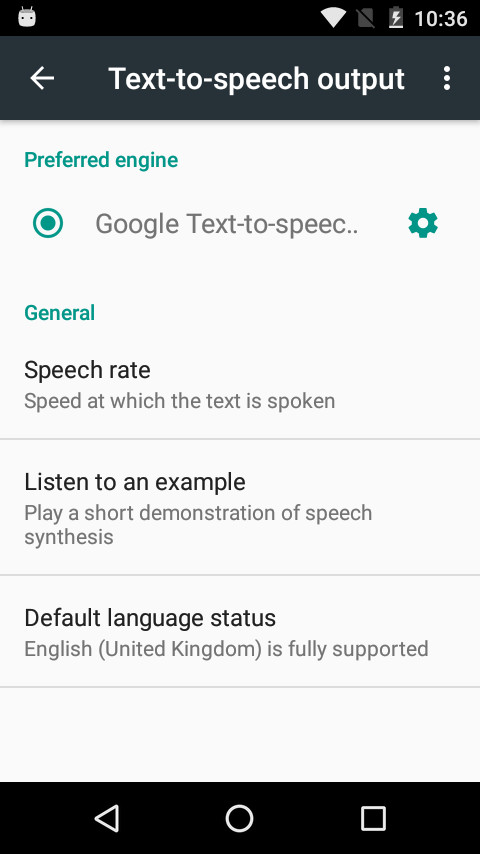
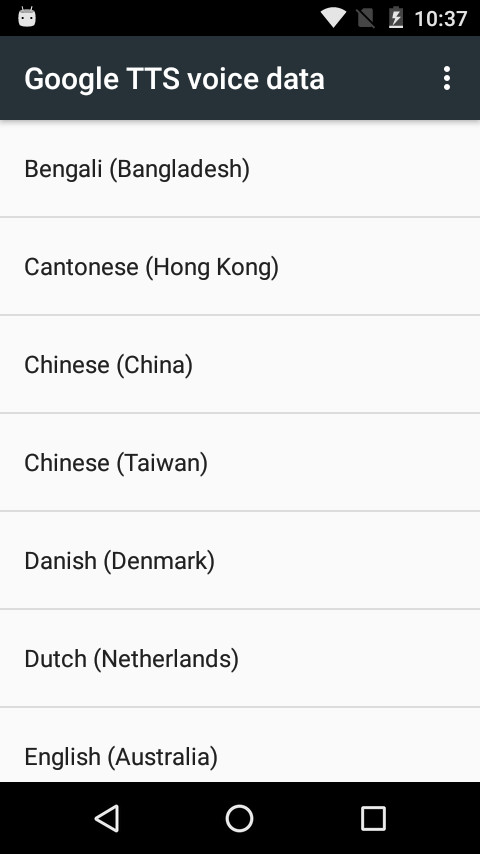
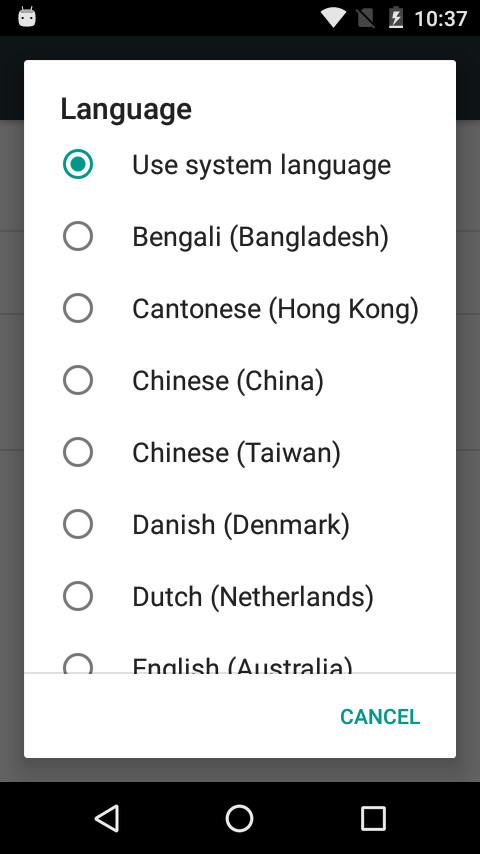
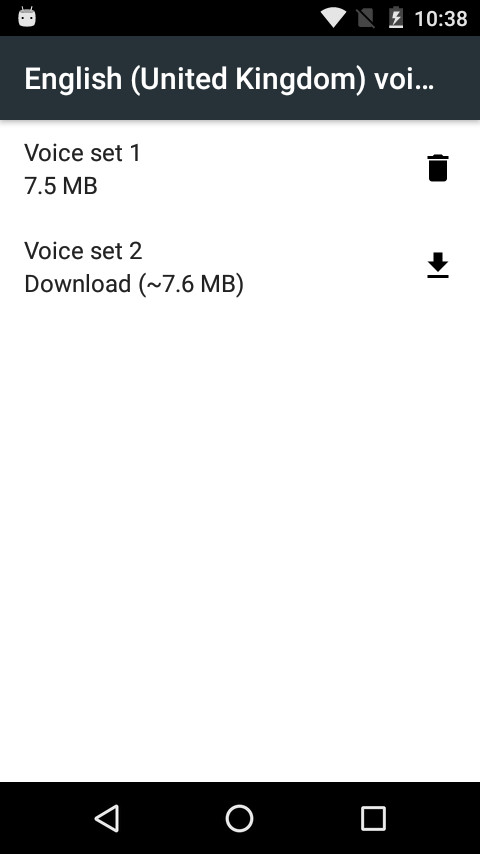
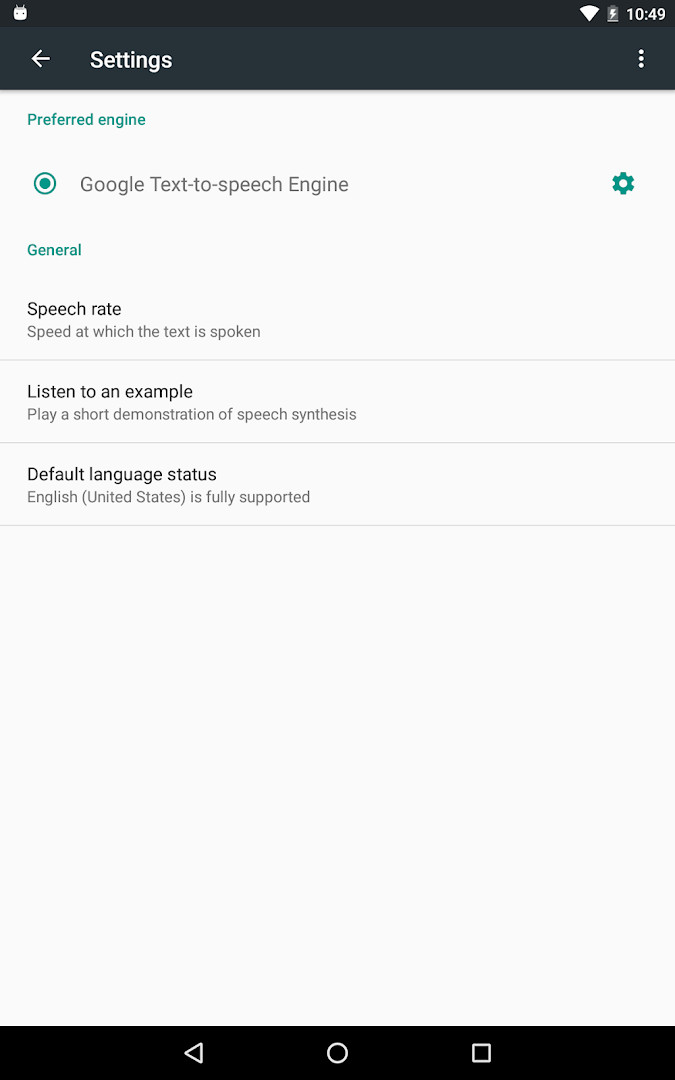
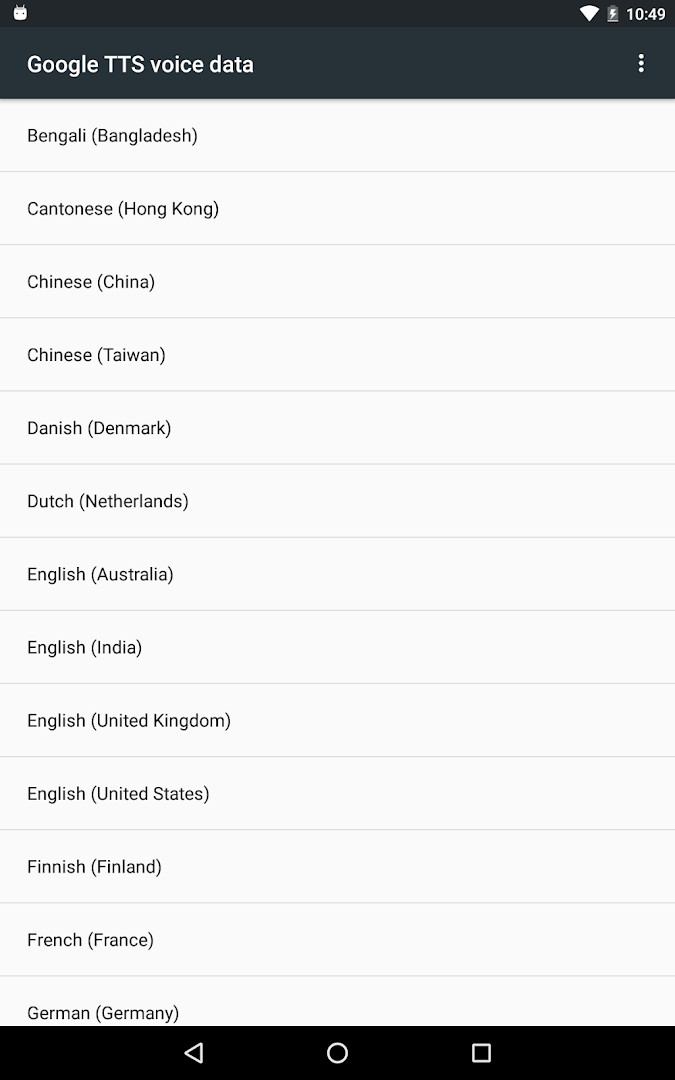
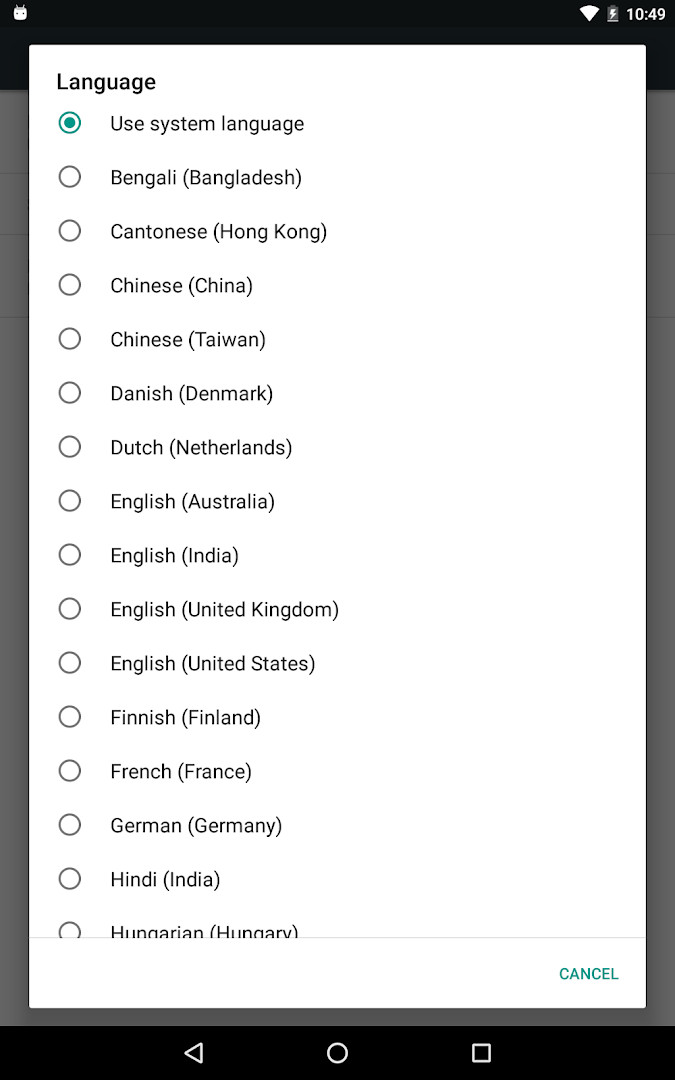
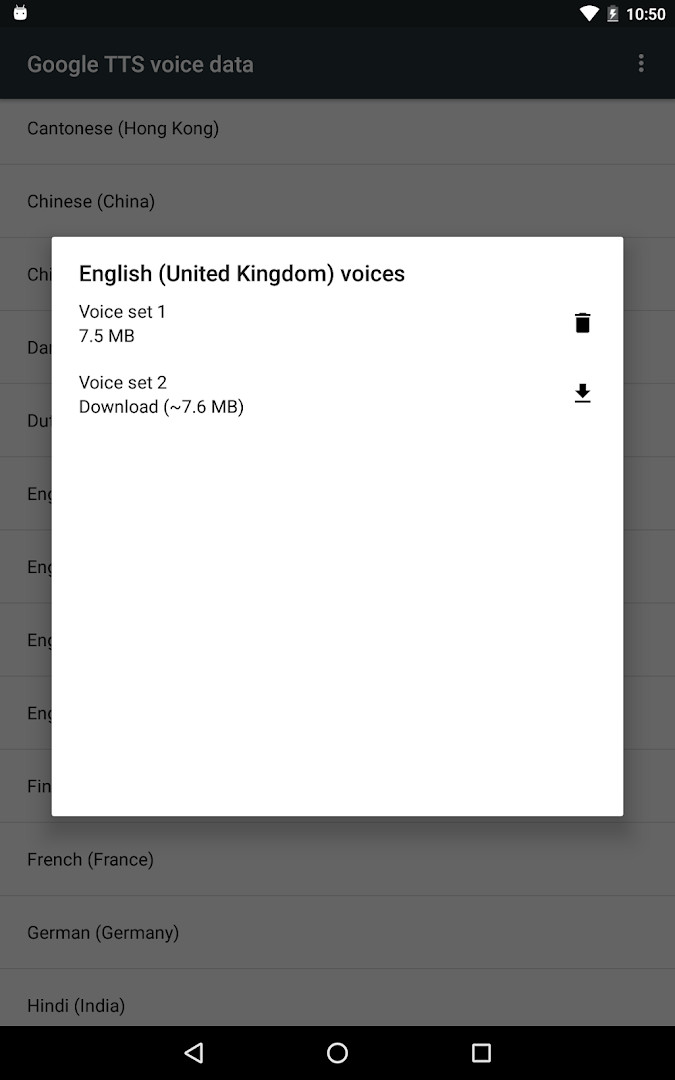
Speech Recognition & Synthesis is a system utility app by Google LLC that provides speech-to-text and text-to-speech services for your Android device. It acts as a background engine that other applications use to convert your spoken words into written text and to read on-screen text aloud. Rather than being a standalone tool you open every day, it works quietly behind the scenes, powering voice features in apps you already use.
At its core, this app delivers two main functions. The speech recognition side lets apps like Google Maps, Recorder, Phone Call Screen, and various dictation or keyboard apps turn your voice into text. For example, you can use it to search for places by speaking, transcribe recordings, get real-time captions of phone calls, or dictate messages. It also supports accessibility apps like Voice Access, which let you operate your device through voice commands, and language learning apps that listen to your pronunciation.
The text-to-speech side enables apps to speak text aloud. Google Translate uses it to pronounce translated words, and TalkBack and other accessibility tools rely on it for spoken feedback across your device. This makes the app especially useful for people who prefer listening over reading, or who need hands-free interaction. The app is free, contains no ads, and requires only microphone access. It is designed for Android 8.0 and newer, and while many devices already include it, you can update to the latest version here to ensure you have the most recent improvements.
Key features
- Provides speech-to-text functionality for Google and third-party apps
- Offers text-to-speech to read on-screen text aloud
- Works with Google Maps for voice-based place searches
- Supports Recorder app for on-device transcription
- Enables real-time transcription in the Phone App Call Screen feature
- Powers accessibility apps like Voice Access for voice-controlled device operation
- Compatible with dictation, keyboard, search-by-voice, and language learning apps
- Integrates with Google Translate for spoken pronunciations and TalkBack for spoken feedback
How to install
- Tap the download button on this page to get the APK file, which is about 15 MB in size.
- When Android asks, allow your browser or file manager to install apps by enabling the 'Install unknown apps' setting for that app.
- Open the downloaded APK file from your notifications or downloads folder.
- Tap Install on the confirmation screen and wait for the installation to finish.
- Open the app from your app drawer. Note that it requires Android 8.0 or higher to run.
Pros
- Free with no ads or in-app purchases
- Works as a system-level engine for many popular apps
- Supports both speech-to-text and text-to-speech in one package
- Lightweight at only 15 MB
- Actively updated by Google LLC
Cons
- Requires microphone permission, which may raise privacy concerns for some users
- Not a standalone app; you need compatible apps to see its benefits
- Some devices already have it preinstalled, so updating may not seem necessary
Latest changes
The app has been renamed to “Speech Recognition and Synthesis from Google.” It now clearly highlights that it provides both text-to-speech and speech-to-text capabilities, allowing apps to convert your voice into text. More details are available in the “About this app” section.
Previous versions
| Version | Size | Requires Android | Updated |
|---|---|---|---|
| 996.0.100.79.22 | 15 MB | 4.1 | Feb 16, 2024 |
This app is for Android users who rely on voice input or spoken output in their daily tasks, including those who use voice search, dictate messages, transcribe recordings, or need accessibility features like TalkBack. It is also suitable for people learning a new language who want to hear correct pronunciations or practice speaking.
After installation, go to Settings > Apps & notifications > Default apps > Assist App to set Speech Recognition and Synthesis from Google as your preferred voice input engine. For text-to-speech, navigate to Settings > Languages & Input > Text-to-Speech output and select it as your default engine. This ensures that your other apps use the latest version of the service.
Permissions
Frequently asked questions
Is Speech Recognition & Synthesis free to download and use?
Yes, the app is completely free. It has no ads and no in-app purchases, so you won't be asked to pay for anything.
What Android version do I need to install it?
The app requires Android 8.0 or higher. The file size is about 15 MB, so it should download quickly on most connections.
Do I need an account to use this app?
No, you do not need to create or sign in to an account. You can download and use the app without any registration.
What permissions does the app request?
The app asks for access to your microphone. This permission is needed so it can listen to your voice for speech-to-text conversion.
How do I update the app to the latest version?
To update, simply download the newest version from this page and install it over your current installation. Your settings and data will be preserved.
Will this app replace my default voice input or text-to-speech engine?
It provides both speech-to-text and text-to-speech services, but you control whether to use it. You can select it as your preferred engine in your device settings if you wish.
Speech Recognition & Synthesis is a reliable, free background service that enhances the voice capabilities of many Android apps. Whether you need accurate speech-to-text or natural-sounding text-to-speech, this tool from Google provides a solid foundation. If your device already has it, updating ensures you get the latest fixes and features.
Similar apps
 YouTubeYouTube is a free video app with a size of 199 MB, requires Android 10 or higher, and includes ads and in-app purchases. It offers a vast…Google LLC · ★ 3.8 · Entertainment · 199 MB
 Google WalletGoogle Wallet is for Android users who want to pay in stores, online, or in apps and keep passes, tickets, and digital IDs in one place. …Google LLC · ★ 4.3 · Finance · 16 MB
 Android Accessibility SuiteAndroid Accessibility Suite is a free collection of tools from Google LLC that includes TalkBack, Accessibility Menu, and Select to Speak…Google LLC · ★ 4.1 · Tools · 45 MB
 Gboard - the Google KeyboardGboard - the Google Keyboard is designed for Android users who want to type faster through Glide Typing, voice typing, handwriting, and e…Google LLC · ★ 4.5 · Tools · 9.4 MB
 GoogleGoogle is a free app with ads and no in-app purchases, sized at 156 MB and requiring Android 6.0 or higher. It offers AI-powered search f…Google LLC · ★ 4.0 · Tools · 156 MB
 ADB CaptainADB Captain combines a terminal for pm, am, dumpsys, settings and input commands with a debugging workspace, an installed app list, a pro…eatenlamp · Tools · 28 MB
More from this developer
 Google ChromeGoogle Chrome is a free browser that syncs bookmarks, tabs, and passwords across devices and includes tools like Google Lens and Translat…Google LLC · ★ 4.1 · Communication · 215 MB
Android Accessibility SuiteAndroid Accessibility Suite is a free collection of tools from Google LLC that includes TalkBack, Accessibility Menu, and Select to Speak…Google LLC · ★ 4.1 · Tools · 45 MB
 Google MessagesGoogle Messages is a free Communication app from Google LLC, with no ads and no in-app purchases. It runs on Android 6.0 and up and the d…Google LLC · ★ 4.6 · Communication · 9 MB
Gboard - the Google KeyboardGboard - the Google Keyboard is designed for Android users who want to type faster through Glide Typing, voice typing, handwriting, and e…Google LLC · ★ 4.5 · Tools · 9.4 MB
 Google CalendarGoogle Calendar is a 33 MB app that requires Android 8.0 or higher, contains no ads or in-app purchases, and has received 4.86 million ra…Google LLC · ★ 4.6 · Productivity · 33 MB
 Google TVGoogle TV occupies about 40 MB and requires Android 6.0 or newer to run. The app is free to download and contains no ads, though in-app p…Google LLC · ★ 3.9 · Entertainment · 40 MB
Updated: Nov 5, 2026
- Size
- 15 MB
- Requires Android
- 8.0
- Updated
- Sep 29, 2026
- Installs
- 10B+
- Rating
- ★ 3.96 (4,352,458)
- Category
- Tools
- Developer
- Google LLC
- Content rating
- Everyone
- Package
- com.google.android.tts
- Free
- ✓