Google Meet video calling app
Google Meet is a free communication app by Google LLC that lets you make secure, high-quality video calls on phones, tablets, and the web.
Google Meet is 118 MB in size and requires Android 8.1 or higher, with no ads and no in-app purchases. It has been installed over 10 billion times and carries a rating of 4.38 based on nearly 12 million ratings.
Get Google MeetScreenshots
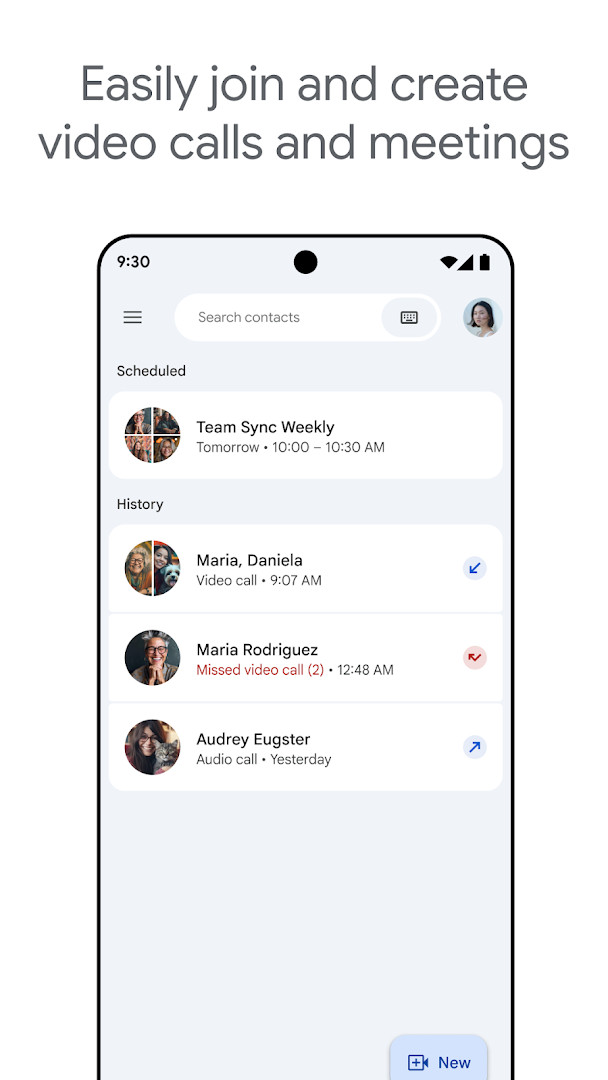
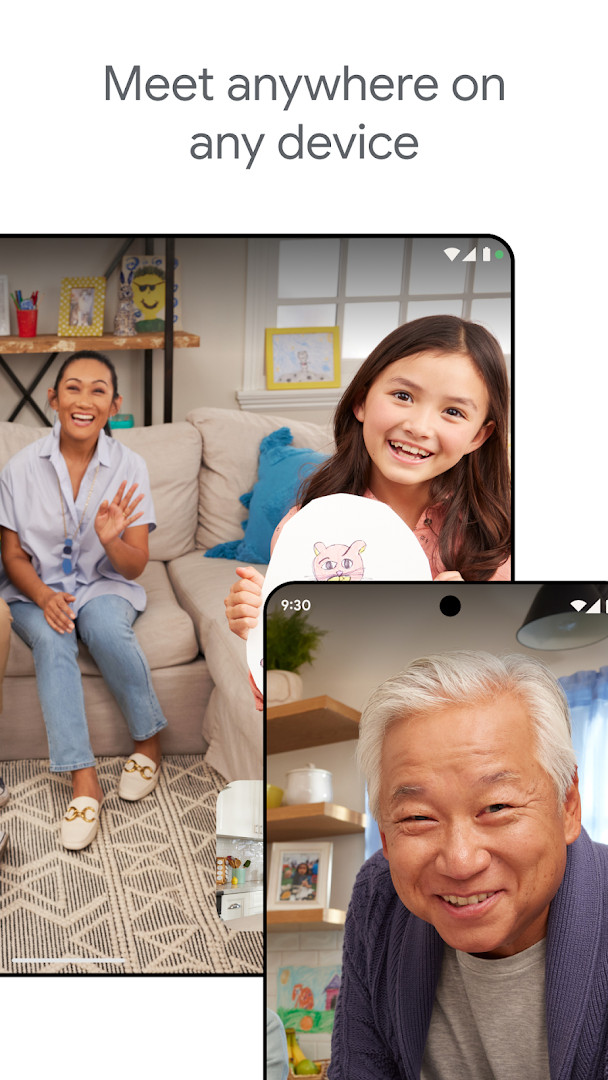
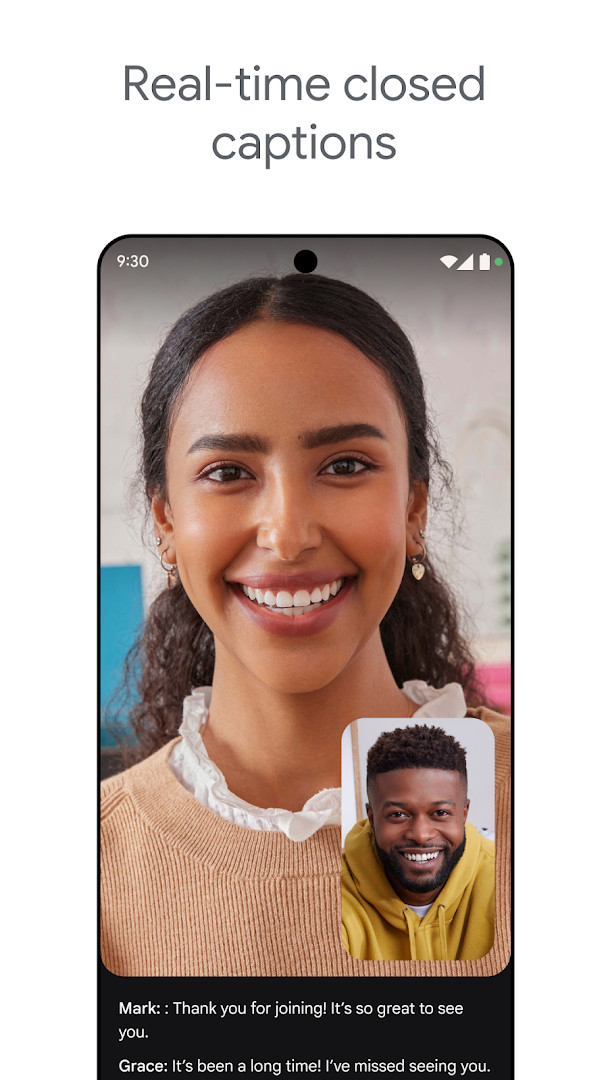
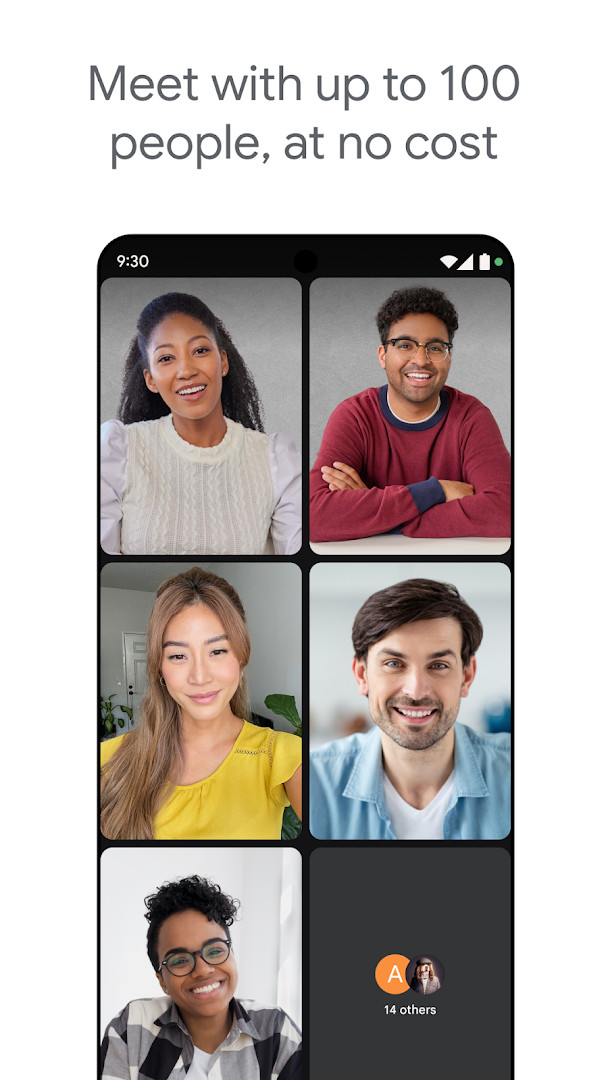
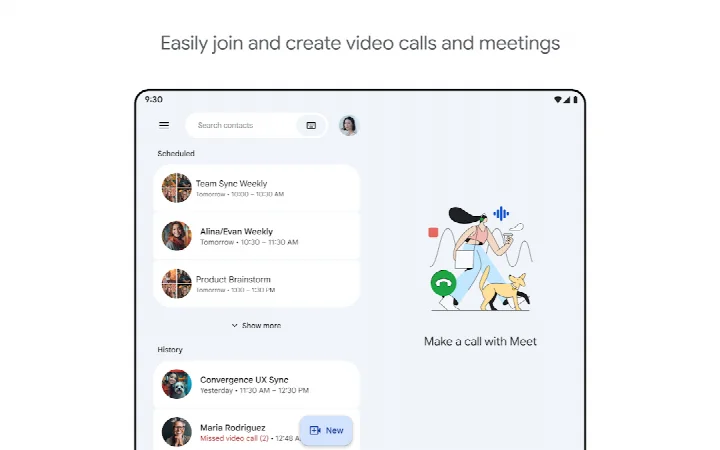
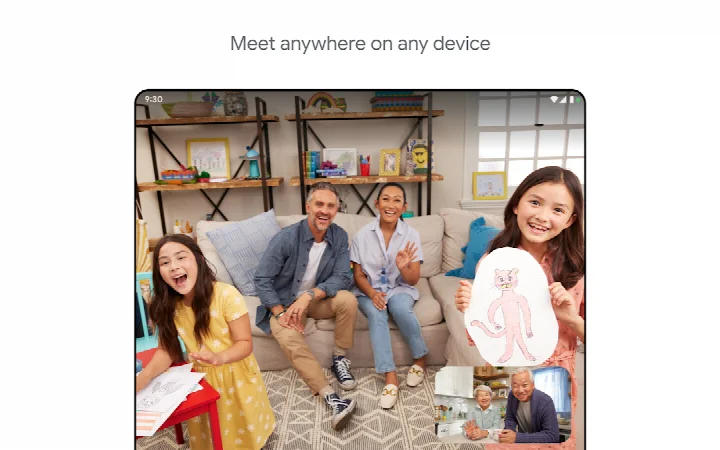
Google Meet is a communication app by Google LLC that provides secure, high-quality video calling for personal and professional use. Designed for Android devices running version 8.1 or higher, the app lets you connect with family, friends, or colleagues through live video, with tools to improve the experience in various lighting and audio conditions. It automatically adjusts lighting and reduces background noise so participants can be seen and heard clearly, even in less-than-ideal environments.
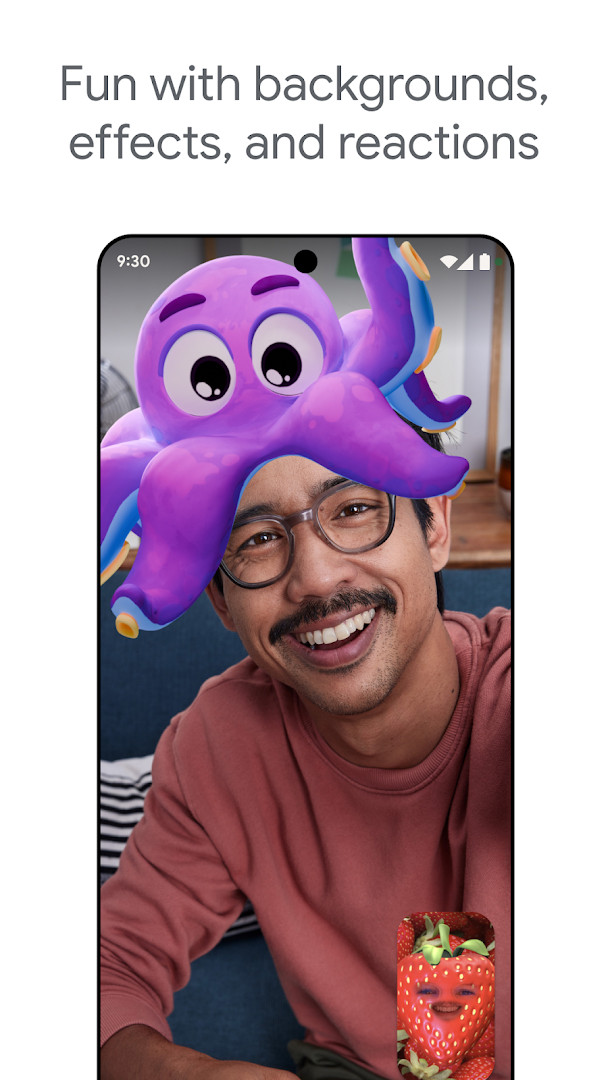
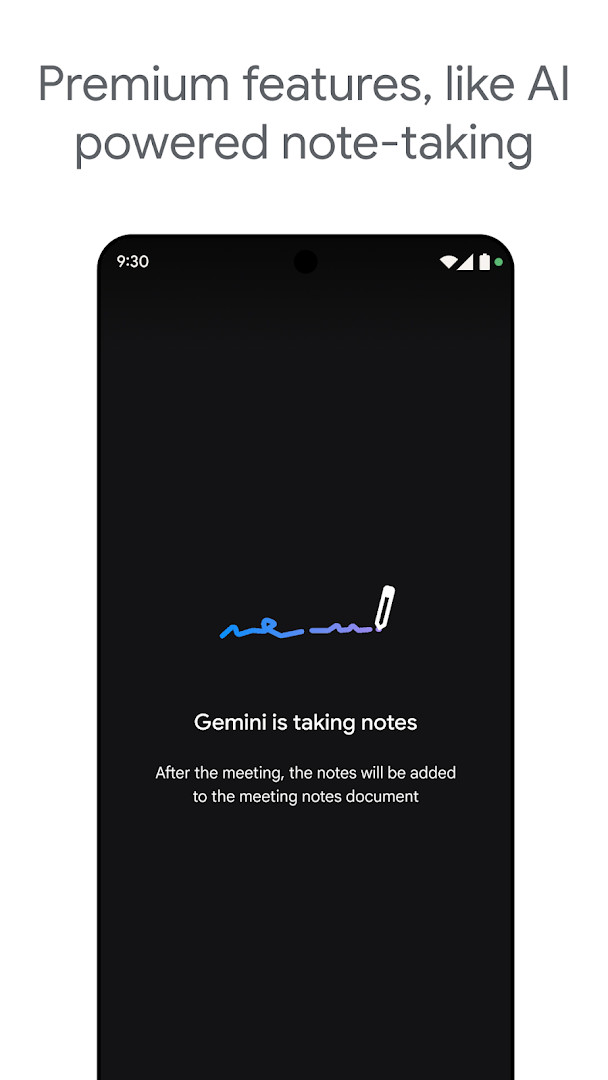
The app goes beyond basic video calls by offering real-time captions to aid understanding, plus a range of expressive options like effects, filters, reactions, and virtual backgrounds to make conversations more engaging. For users who need more advanced support, premium features such as AI-powered note-taking and real-time speech-to-speech translation help keep meetings productive and overcome language barriers. These extras are available as paid upgrades, and some capabilities, like live captions and translation, may not support every language.
With over ten billion installs and a strong user rating, Google Meet is a widely trusted choice for both casual catch-ups and team collaboration. It is suitable for anyone from individuals checking in with relatives to businesses hosting remote meetings, and it works across phones and tablets. The app is free to use, contains no ads, and does not offer in-app purchases, though certain premium functions require a separate subscription. Specific feature availability can vary depending on your device's specifications, so performance may differ from one model to another.
Key features
- Secure, high-quality video calling for Android phones and tablets
- Automatic light adjustment to improve visibility in dim conditions
- Noise cancellation to reduce background sounds during calls
- Real-time captions to help follow conversations (not available in all languages)
- Fun effects, filters, reactions, and backgrounds for self-expression
- Premium features like AI-powered note-taking and real-time speech-to-speech translation (paid)
- Meeting recording and other advanced tools available as premium features
- Works with Google Nest devices and web browsers in addition to mobile
How to install
- Tap the download button on this page to get the APK file, which is about 118 MB in size.
- When your Android device asks for permission, allow your browser or file manager to install apps by enabling the 'Install unknown apps' setting for that app.
- Open the downloaded APK file from your notifications or file manager.
- Tap 'Install' on the confirmation screen and wait for the installation to finish.
- Open Google Meet from your app drawer and sign in with your Google account to start making calls.
- Ensure your device runs Android 8.1 or higher to install and use the app properly.
Pros
- Free to download with no ads and no in-app purchases
- High-quality video with automatic lighting and noise reduction
- Real-time captions improve accessibility for many users
- Expressive tools like filters and backgrounds make calls more fun
- Works across multiple device types, including Nest and web
- Trusted by a huge user base with a strong overall rating
Cons
- Some useful features, like AI note-taking and translation, require a paid premium plan
- Live captions and speech translation are not available in every language
- Requires access to many permissions, including contacts, phone, camera, and microphone
- Feature availability can vary depending on your device's specifications
Latest changes
The latest update of Google Meet, released October 7, 2026, continues to build on its premium tools designed to keep conversations productive and inclusive. Highlights include AI-powered note-taking that helps you capture key points automatically, as well as real-time speech-to-speech translation to help bridge language gaps during calls. These features are part of the premium offering, so availability may depend on your plan and device.
Previous versions
| Version | Size | Requires Android | Updated |
|---|---|---|---|
| 305.0.756012893.duo.android_20250504.15_p1.n | 118 MB | 8.1 | May 16, 2025 |
Google Meet is for anyone who wants a reliable video calling solution, from families keeping in touch and friends catching up to remote teams and businesses holding meetings. It suits beginners and casual users who need a simple, free way to connect, as well as professionals who may benefit from premium collaboration tools.
For the best experience, use the app in a well-lit room and a quiet space, as automatic light adjustment and noise cancellation work most effectively in those conditions. If you rely on captions or translation, check that your preferred language is supported before an important call. Also, be mindful of your device's specifications, since some premium features may not work on older hardware.
Permissions
Frequently asked questions
Is Google Meet free to download and use?
Yes, Google Meet is free to download. The app itself costs nothing, and it does not include ads or in-app purchases. Some optional premium features, such as AI-powered note-taking and speech translation, may require a paid plan.
What Android version do I need to install Google Meet?
Google Meet requires Android 8.1 or higher. The app was released in 2016 and is regularly updated; the latest available version listed is 305.0.756012893.duo.android_20250504.15_p1.n.
How large is the Google Meet APK file?
The Google Meet APK file is approximately 118 MB in size. Make sure your device has enough free storage space before downloading.
Do I need a Google account to use Google Meet?
Yes, you need a Google account to sign in and use Google Meet. The app asks for permissions related to your identity, contacts, phone, and device information to support calling and account features.
What permissions does Google Meet request?
Google Meet requests access to your camera, microphone, storage, photos/media/files, contacts, phone, identity, Wi-Fi connection information, and device ID & call information. These permissions are used for video calls, sharing files, and managing calls.
How do I update Google Meet after installing it?
To update Google Meet, download the newest version from this page and install it over your current installation. The latest version listed here is dated 2025-05-16, and the app was last updated on 2026-10-07.
Google Meet delivers a dependable, feature-rich video calling experience that works well for both personal and professional use. With its free core features, strong performance, and helpful premium options, it is a solid choice for staying connected, especially if you value clear audio and visual quality.
Similar apps
 GmailGmail is for individuals and teams who need secure email, chat, and collaboration in one place. It is free to download, requires Android …Google LLC · ★ 4.1 · Communication · 26 MB
 Google ChromeGoogle Chrome is a free browser that syncs bookmarks, tabs, and passwords across devices and includes tools like Google Lens and Translat…Google LLC · ★ 4.1 · Communication · 215 MB
 Google MessagesGoogle Messages is a free Communication app from Google LLC, with no ads and no in-app purchases. It runs on Android 6.0 and up and the d…Google LLC · ★ 4.6 · Communication · 9 MB
 FacebookFacebook offers a central feed for text posts, photos, and videos, plus integrated messaging for threaded conversations. It is designed f…Meta Platforms, Inc. · ★ 4.6 · Communication · 147 MB
 WhatsAppWhatsApp Messenger is a free communication app used by over 2 billion people in more than 180 countries. It offers end-to-end encrypted m…WhatsApp LLC · ★ 4.6 · Communication
 KryfoKryfo is a 70 MB messaging app from GnosiWorks that runs on Android 7.0 and above and carries no ads. It routes messages over Tor by defa…GnosiWorks · Communication · 70 MB
More from this developer
 Digital WellbeingDigital Wellbeing requires Android 9 or higher and has no ads and no in-app purchases. The app was released on 2018-08-08 and updated on …Google LLC · ★ 3.6 · Tools
GmailGmail is for individuals and teams who need secure email, chat, and collaboration in one place. It is free to download, requires Android …Google LLC · ★ 4.1 · Communication · 26 MB
 Speech Recognition & SynthesisSpeech Recognition & Synthesis is 15 MB in size, requires Android 8.0 or higher, and has no ads or in-app purchases. It has been updated …Google LLC · ★ 4.0 · Tools · 15 MB
Google ChromeGoogle Chrome is a free browser that syncs bookmarks, tabs, and passwords across devices and includes tools like Google Lens and Translat…Google LLC · ★ 4.1 · Communication · 215 MB
 Android Accessibility SuiteAndroid Accessibility Suite is a free collection of tools from Google LLC that includes TalkBack, Accessibility Menu, and Select to Speak…Google LLC · ★ 4.1 · Tools · 45 MB
Google MessagesGoogle Messages is a free Communication app from Google LLC, with no ads and no in-app purchases. It runs on Android 6.0 and up and the d…Google LLC · ★ 4.6 · Communication · 9 MB
Updated: Nov 9, 2026
- Size
- 118 MB
- Requires Android
- 8.1
- Updated
- Oct 7, 2026
- Installs
- 10B+
- Rating
- ★ 4.38 (11,995,606)
- Category
- Communication
- Developer
- Google LLC
- Content rating
- Everyone
- Package
- com.google.android.apps.tachyon
- Free
- ✓