Google Gemini for Android
Google Gemini is a productivity app from Google LLC for chatting, planning, creating, and learning with Google AI.
Google Gemini is for Android users who want an AI assistant for writing, planning, studying, and creative projects. The app is free to use, requires Android 9 or higher, and has a download size of about 1.0 GB. It works without an account for basic chats, and offline features are not available.
Download Gemini · v1.0.971139365Screenshots
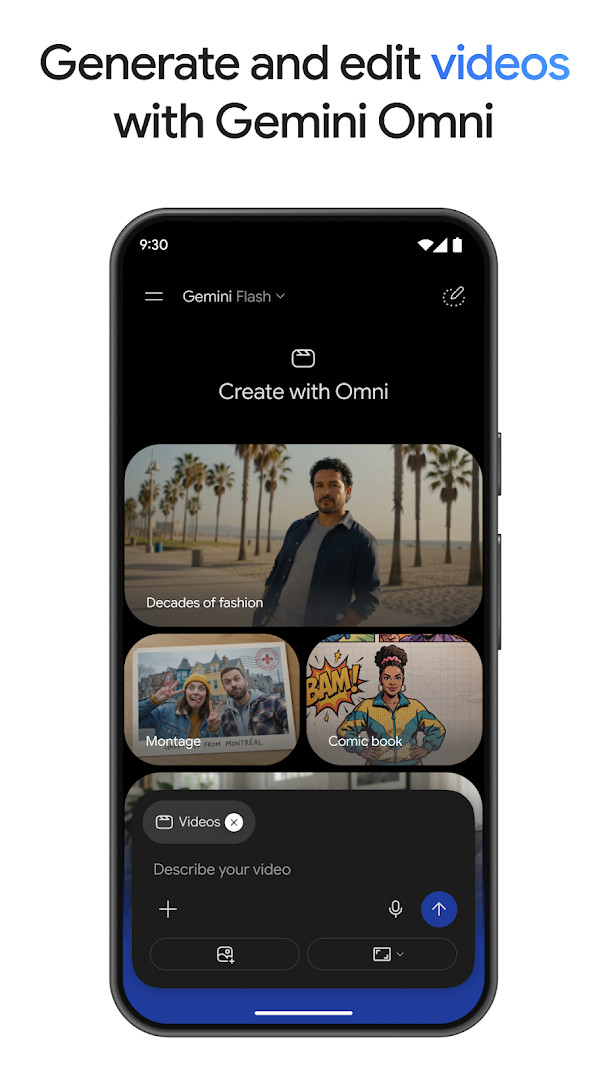
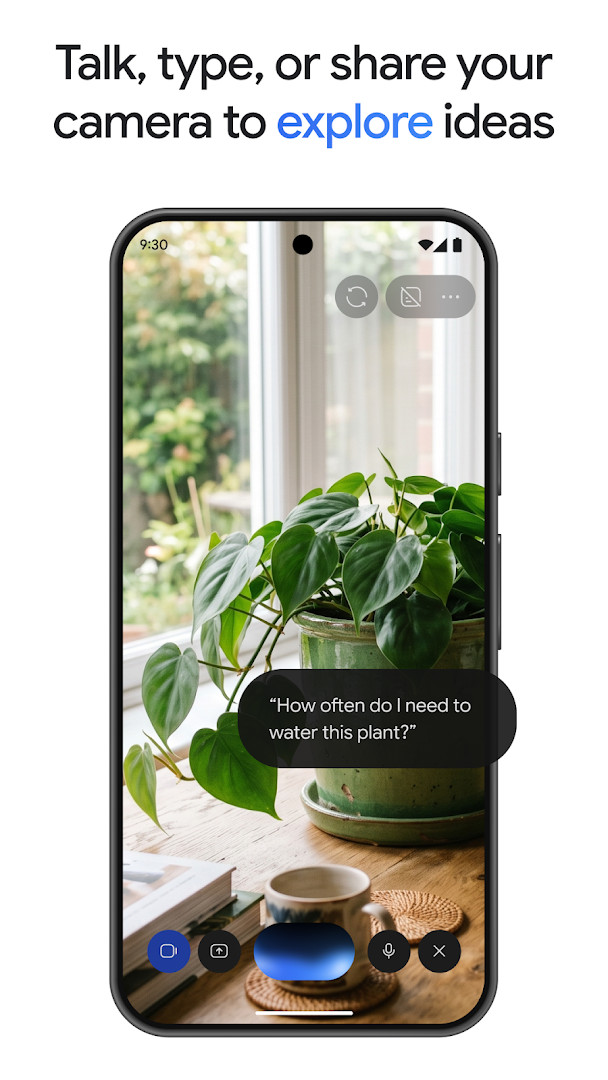
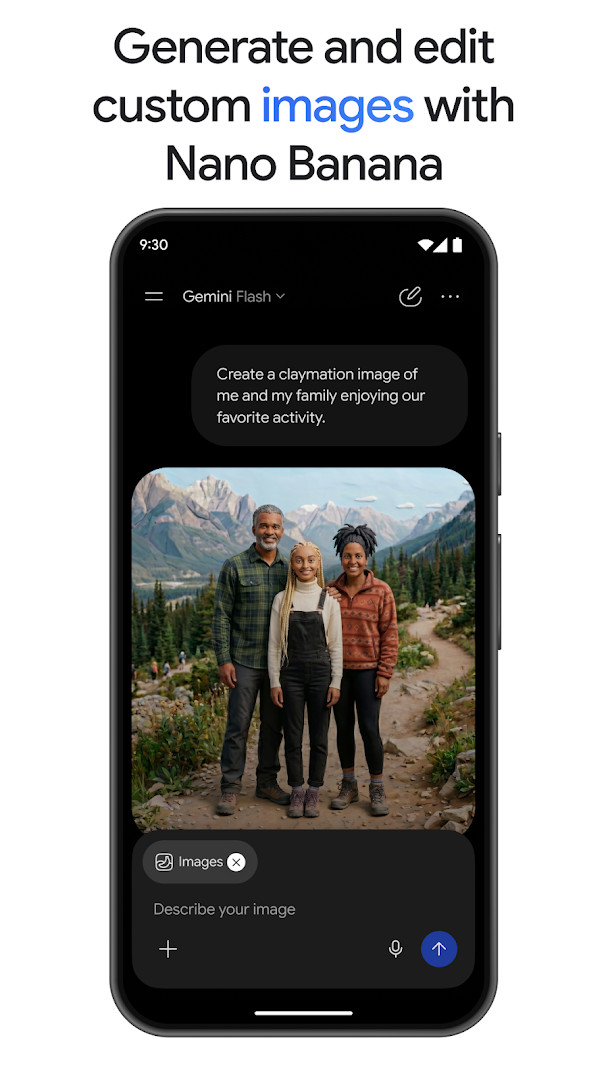
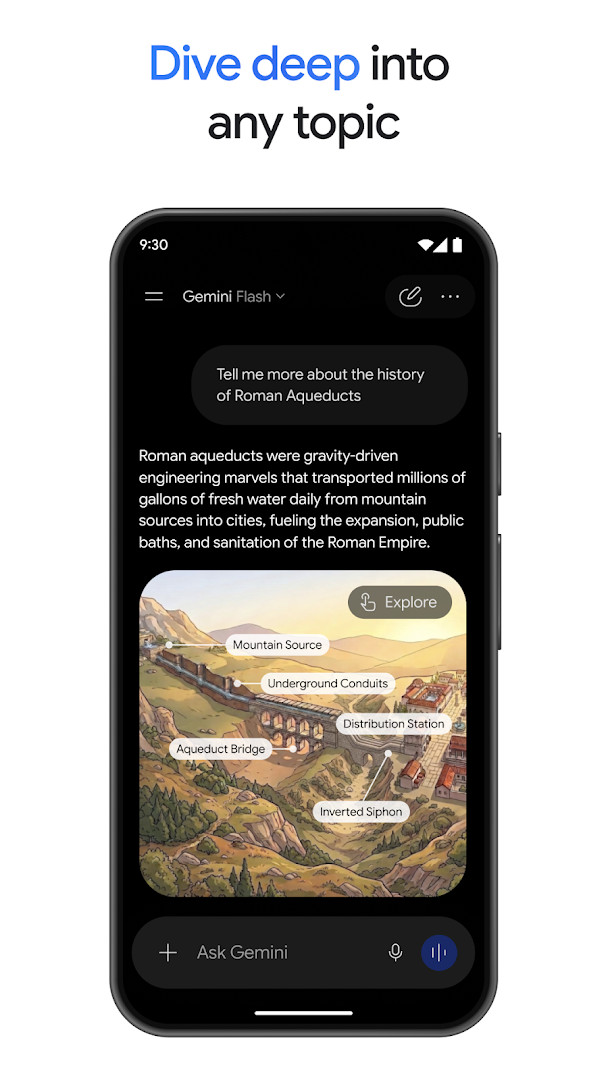
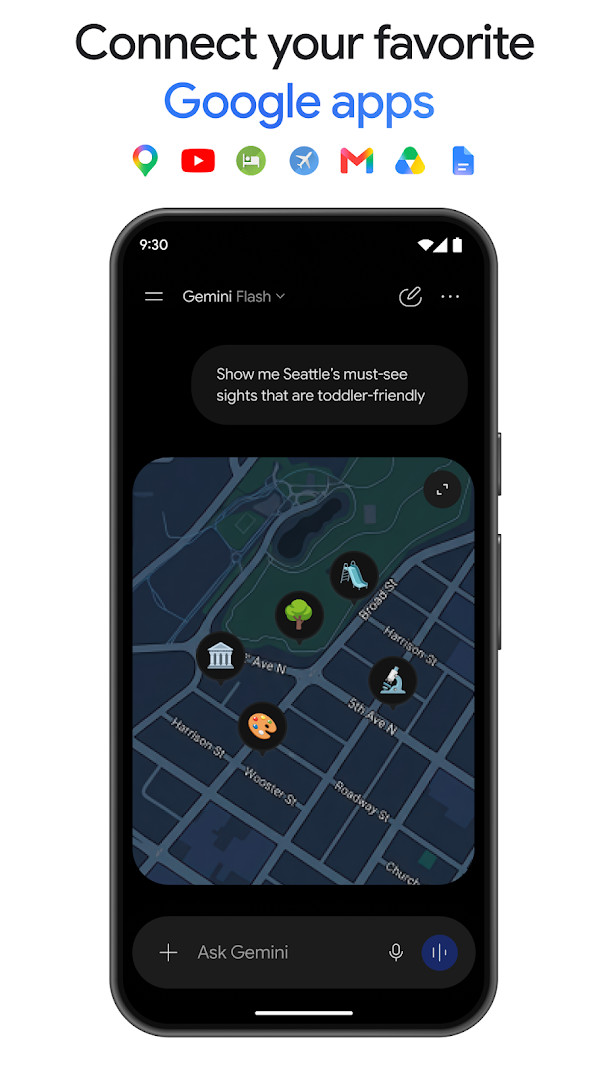
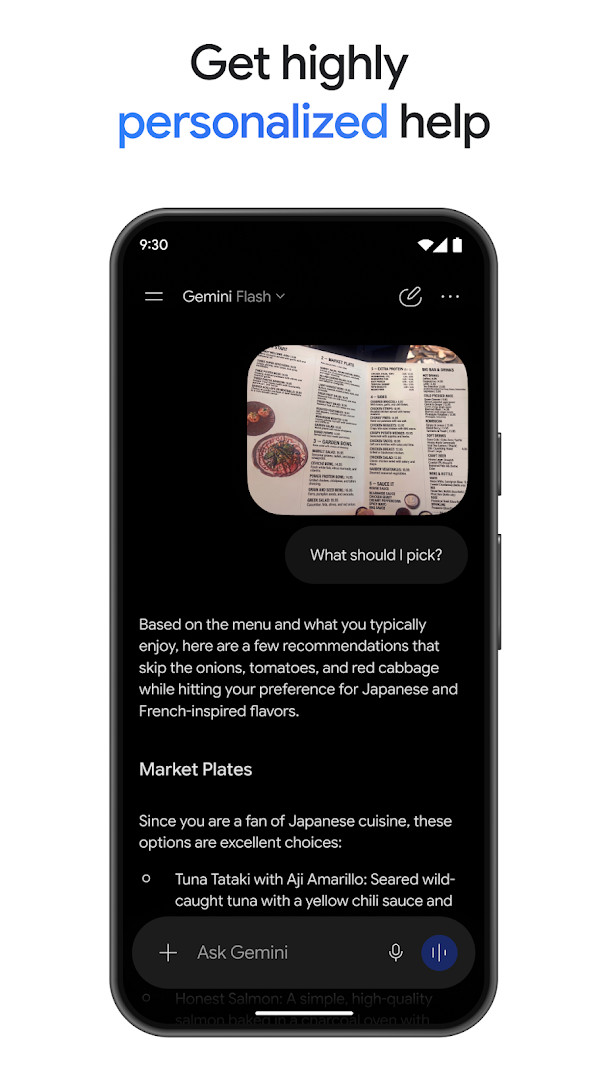
Google Gemini is a productivity app by Google LLC that acts as a personal AI assistant for writing, planning, creating, learning, and everyday tasks. It addresses the challenge of managing complex digital workflows by offering a conversational interface that can generate thoughtful responses, summarize uploaded content, and assist with creative projects. The app solves this by combining advanced AI models with integration into Google services like Gmail, Calendar, and Photos, allowing users to brainstorm, study, or prototype directly from a chat. With features such as Gemini Live for real-time conversation and tools like Nano Banana 2 for image editing, it aims to be a versatile companion for both casual and professional use. The app is free to download and does not include ads or in-app purchases, though optional paid plans are mentioned for advanced capabilities. It was released in 2024 and has been updated regularly, with the latest version available from August 2026.
Key features
- Gemini Live lets you brainstorm in real time and share your screen or camera for visual discussions
- Upload documents, spreadsheets, photos, videos, and more to get answers, summaries, and insights about your content
- Generate and edit photos with Nano Banana 2, including camera and lighting controls, image blending, and diagram creation
- Turn prompts into cinematic videos with Gemini Omni for users on Google AI Plus, Pro, Ultra, and Workspace plans
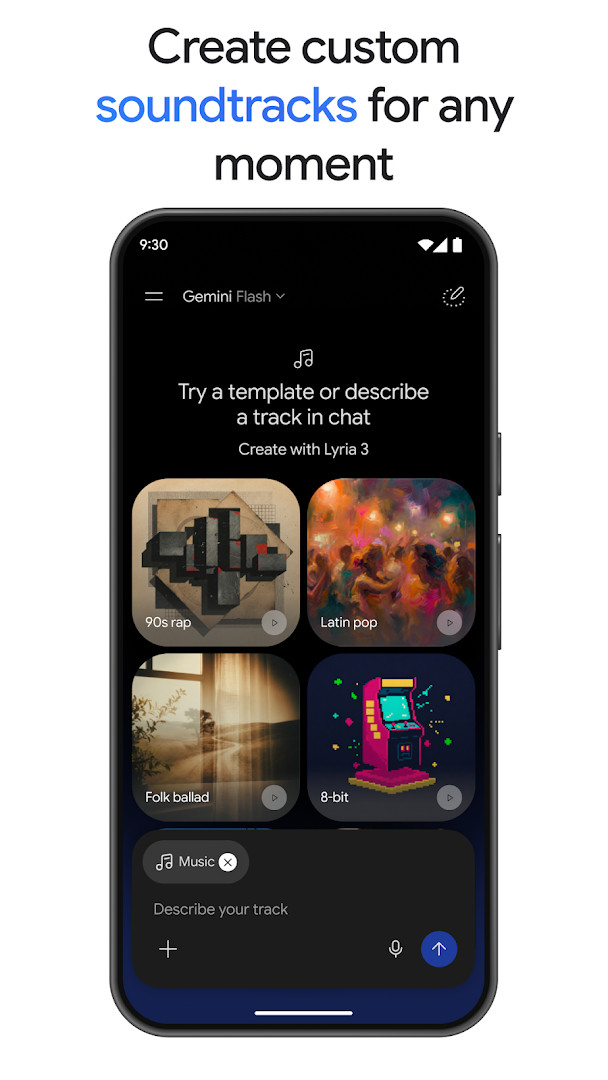
- Create custom soundtracks with Lyria 3 for any moment
- Use NotebookLM for research with responses grounded in your own notebook sources
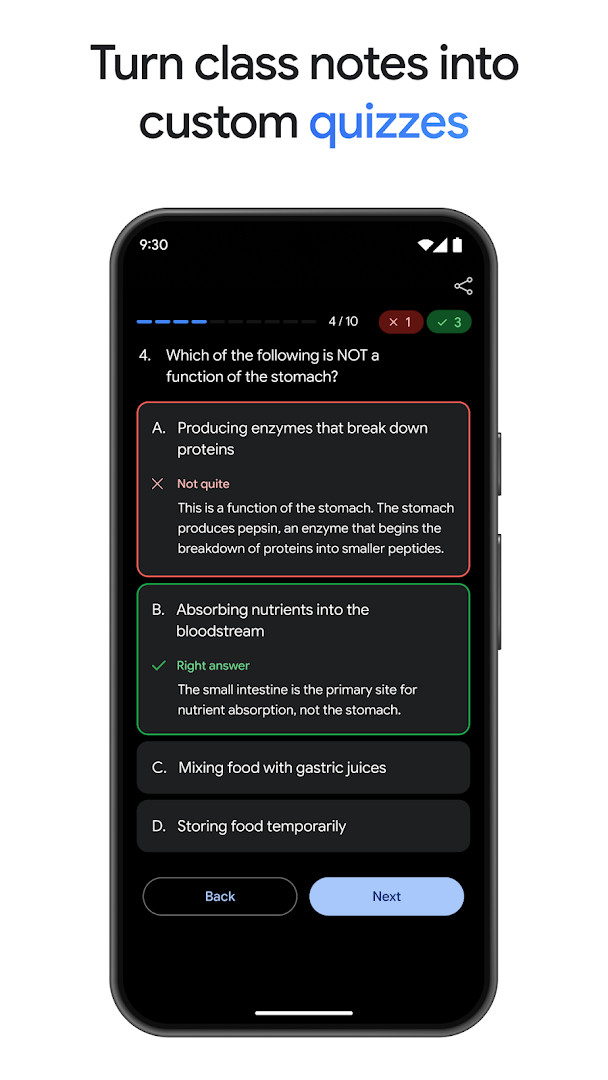
- Generate custom practice quizzes and interactive visuals from uploaded class notes for exam prep
- Convert files into a podcast-style overview to listen to while on the move
How to install
- Tap the download button on this page to get the APK file
- When Android asks, allow your browser or file manager to install apps by enabling the 'Install unknown apps' setting
- Open the downloaded APK file from your notifications or downloads folder
- Tap Install and wait for the process to complete
- Open the app from your app drawer and follow the setup prompts
- The app requires Android 9 or higher, and the file size is not specified
Pros
- No ads, keeping the experience clean and focused
- No in-app purchases, so the core features are free
- Integrates with popular Google apps for personalized help
- Supports multiple content types for upload and analysis
- Regular updates with new AI models and features
Cons
- May replace Google Assistant as the primary assistant if you opt in, with some voice features unavailable
- Content rating is Teen, which may not suit younger users
- Some advanced features like video generation require a paid plan upgrade
Latest changes · 1.0.971139365
This update introduces Gemini 3.5 Flash and Gemini Omni, which open up new ways to be productive and creative. It also adds Gemini Spark, a 24/7 personal agent that proactively manages tasks and helps you navigate your digital life, plus a Daily Brief agent that delivers a personalized morning summary. In Gemini Live, you can now show the app what you are looking at and say "reimagine this" to explore creative new surroundings with Nano Banana.
Previous versions
| Version | Size | Requires Android | Updated |
|---|---|---|---|
| 1.0.971139365 | — | 9 | Aug 31, 2026 |
| 1.0.618909562 | 2.7 MB | 12 | Nov 14, 2025 |
| 1.0.603736800 | 2.6 MB | 6.0 | Mar 12, 2025 |
This app is ideal for beginners who want a single, approachable AI assistant to help with everyday tasks such as writing, planning, studying, and creative projects. It suits students who can upload notes for quizzes and summaries, professionals who need quick insights from documents, and anyone curious about exploring AI capabilities without a steep learning curve. Because it works with Google services and offers a chat-based interface, it is particularly accessible to people already familiar with the Android ecosystem. The free tier covers many core functions, making it a good starting point for those who are new to AI assistants.
Start by connecting your Google apps like Gmail and Calendar to get more personalized responses. Use Gemini Live for real-time brainstorming, and try uploading a document or photo to see how the app summarizes or edits content. If you want to keep Google Assistant, be aware that opting into Gemini will replace it, but you can switch back in settings.
Frequently asked questions
How do I install the Google Gemini APK on my Android device?
To install the APK, download the file from the download button on this page and open it on your Android device. You may need to allow installation from unknown sources in your device settings if it isn't already enabled. After installation, sign in with your Google account to get started.
What is the current version of Google Gemini and when was it updated?
The current version is 1.0.971139365, which was updated on August 31, 2026. Earlier versions include 1.0.618909562 from November 2025 and 1.0.603736800 from March 2025.
Does Google Gemini contain ads or in-app purchases?
No, the app is free to download and does not contain ads or in-app purchases. However, you can upgrade to optional Google AI Plus, Pro, or Ultra plans to access more advanced features, but these are not required for basic use.
Can I use Google Gemini offline?
The app is designed for online use, as it relies on Google's AI services to generate responses. There is no mention of offline functionality in the available information, so you will need an internet connection to use the assistant.
Are there alternatives to Google Gemini in the productivity category?
Yes, there are other AI assistant apps available in the productivity category that offer similar features, such as text generation, planning, and document analysis. You can explore other options in your app catalog to find one that suits your needs.
What Android version do I need to run Google Gemini?
Google Gemini requires Android 9 (API level 9) or higher. If your device runs Android 9 or a newer version, you should be able to install and use the app without issues.
What is the app's content rating and who is it intended for?
The app has a content rating of 'Teen', meaning it is suitable for users aged 13 and older. It includes features like photo editing and video creation, so parental guidance is recommended for younger teens.
Google Gemini is a capable and free AI assistant that brings useful productivity and creative tools to your Android device. It is a solid choice for beginners looking to explore AI help without ads or hidden costs, though advanced features may require a paid plan.
Similar apps
 YouTubeYouTube is a free video app with a size of 199 MB, requires Android 10 or higher, and includes ads and in-app purchases. It offers a vast…Google LLC · ★ 3.8 · Entertainment · 199 MB
 Google WalletGoogle Wallet is for Android users who want to pay in stores, online, or in apps and keep passes, tickets, and digital IDs in one place. …Google LLC · ★ 4.3 · Finance · 16 MB
 Google CalendarGoogle Calendar is a 33 MB app that requires Android 8.0 or higher, contains no ads or in-app purchases, and has received 4.86 million ra…Google LLC · ★ 4.6 · Productivity · 33 MB
 Google DriveGoogle Drive is a 124 MB app that requires Android 8.0 or higher. It includes in-app purchases for additional storage via Google One, sta…Google LLC · ★ 4.3 · Productivity · 124 MB
 Google AssistantGoogle Assistant is a free productivity app from Google LLC that lets you open apps, send texts, set reminders and control compatible sma…Google LLC · ★ 3.8 · Productivity · 2.4 MB
 Microsoft OneDriveMicrosoft OneDrive offers 5 GB of free cloud storage, with optional Microsoft 365 Personal and Family subscriptions providing 1 TB per us…Microsoft Corporation · ★ 4.6 · Productivity · 104 MB
 ChatGPTChatGPT serves users who want an AI assistant for writing, learning, and creative tasks on their Android device. The official app is free…OpenAI · ★ 4.8 · Productivity · v1.2026.279
 Since UsSince Us helps couples of all kinds count their days together without creating an account or connecting to any server. The app is free, a…DerDieDasLian · Productivity · 5 MB
More from this developer
 Digital WellbeingDigital Wellbeing requires Android 9 or higher and has no ads and no in-app purchases. The app was released on 2018-08-08 and updated on …Google LLC · ★ 3.6 · Tools
 Google MeetGoogle Meet is 118 MB in size and requires Android 8.1 or higher, with no ads and no in-app purchases. It has been installed over 10 bill…Google LLC · ★ 4.4 · Communication · 118 MB
 GmailGmail is for individuals and teams who need secure email, chat, and collaboration in one place. It is free to download, requires Android …Google LLC · ★ 4.1 · Communication · 26 MB
 Speech Recognition & SynthesisSpeech Recognition & Synthesis is 15 MB in size, requires Android 8.0 or higher, and has no ads or in-app purchases. It has been updated …Google LLC · ★ 4.0 · Tools · 15 MB
 Google ChromeGoogle Chrome is a free browser that syncs bookmarks, tabs, and passwords across devices and includes tools like Google Lens and Translat…Google LLC · ★ 4.1 · Communication · 215 MB
 Android Accessibility SuiteAndroid Accessibility Suite is a free collection of tools from Google LLC that includes TalkBack, Accessibility Menu, and Select to Speak…Google LLC · ★ 4.1 · Tools · 45 MB
Updated: Nov 11, 2026
- Version
- 1.0.971139365
- Requires Android
- 9
- Updated
- Aug 31, 2026
- Installs
- 1B+
- Rating
- ★ 4.54 (48,752,934)
- Category
- Productivity
- Developer
- Google LLC
- Content rating
- Teen
- Package
- com.google.android.apps.bard
- Free
- ✓