Google Calendar: Event Scheduling & Planning
Google Calendar is a free scheduling app by Google LLC that lets you organize events, tasks, and shared calendars across devices.
Google Calendar is a 33 MB app that requires Android 8.0 or higher, contains no ads or in-app purchases, and has received 4.86 million ratings. It suits individuals and teams who want to manage events, tasks, and schedules across phone, tablet, and Wear OS devices, with integration for Gmail and Google Meet.
Get Google CalendarScreenshots
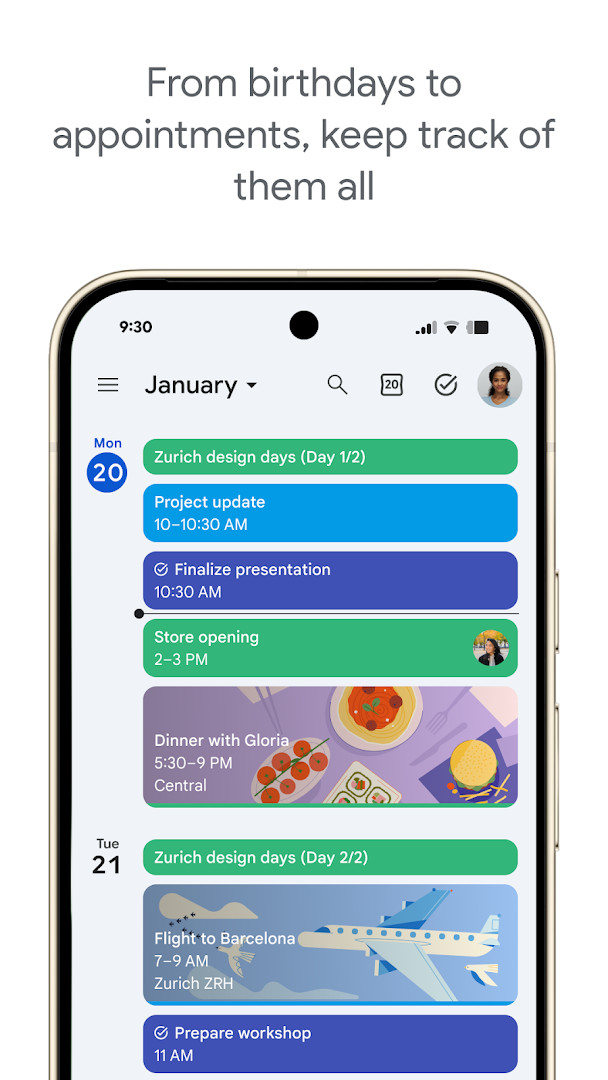
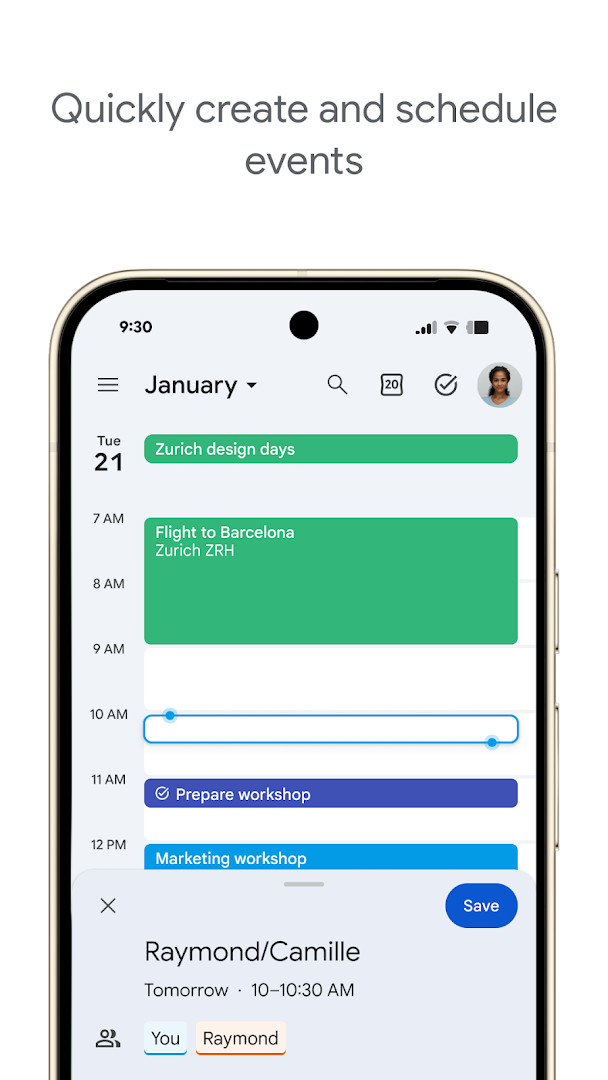
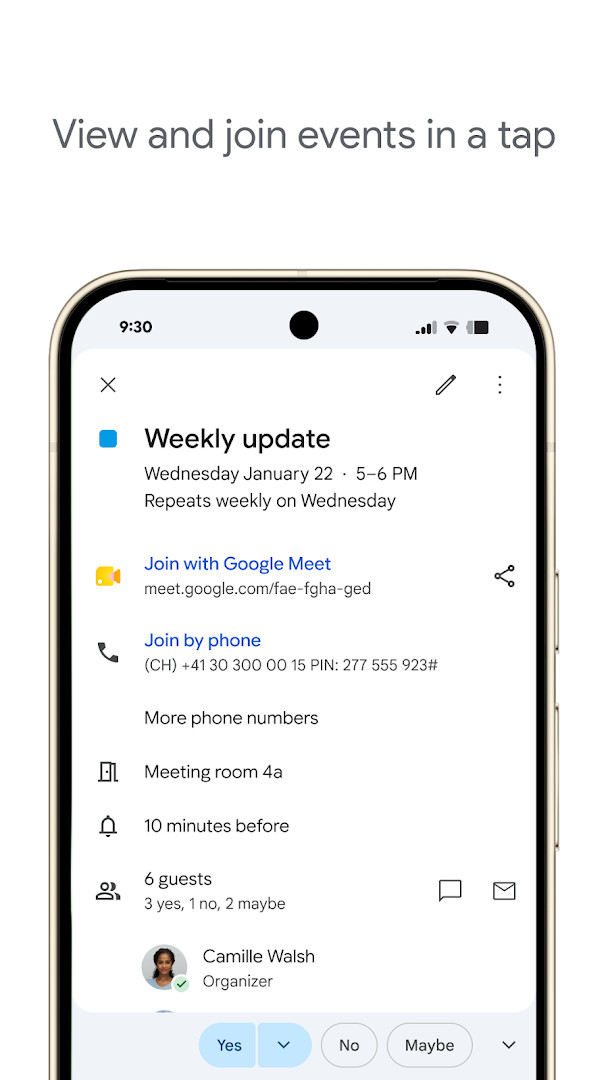
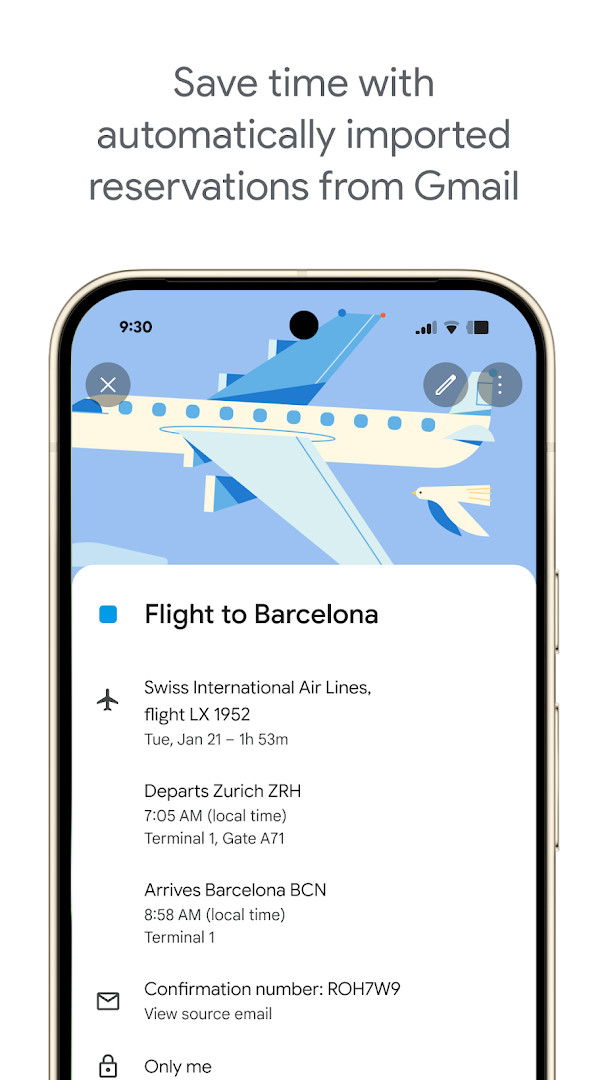
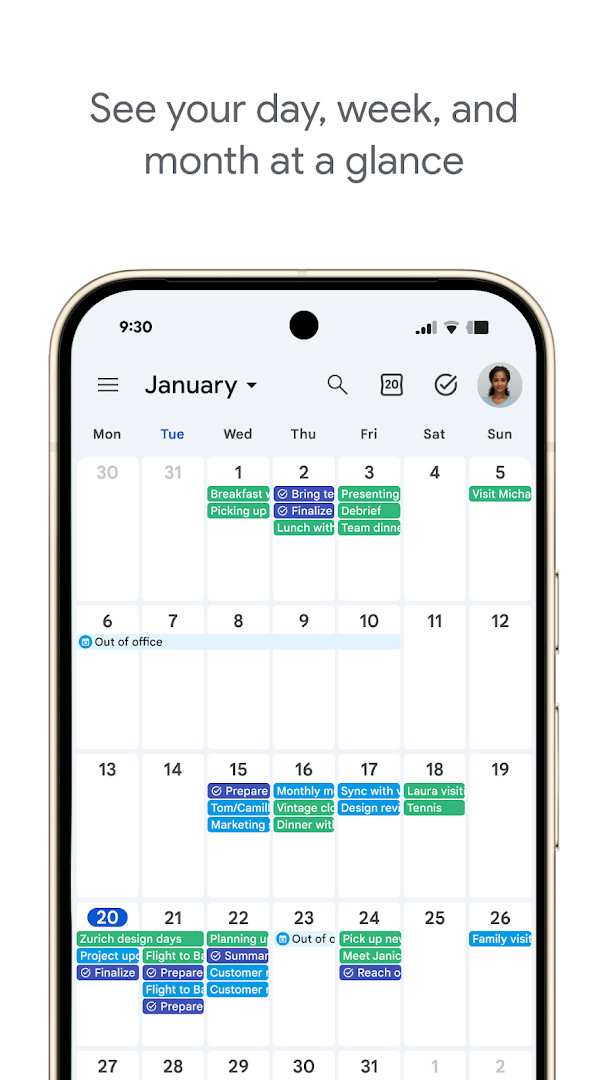
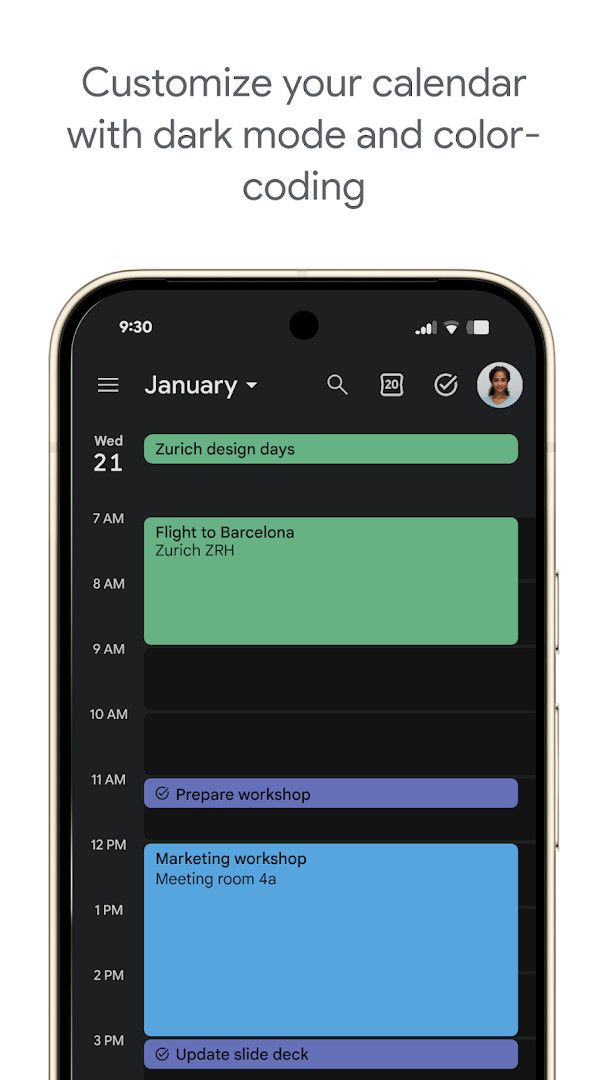
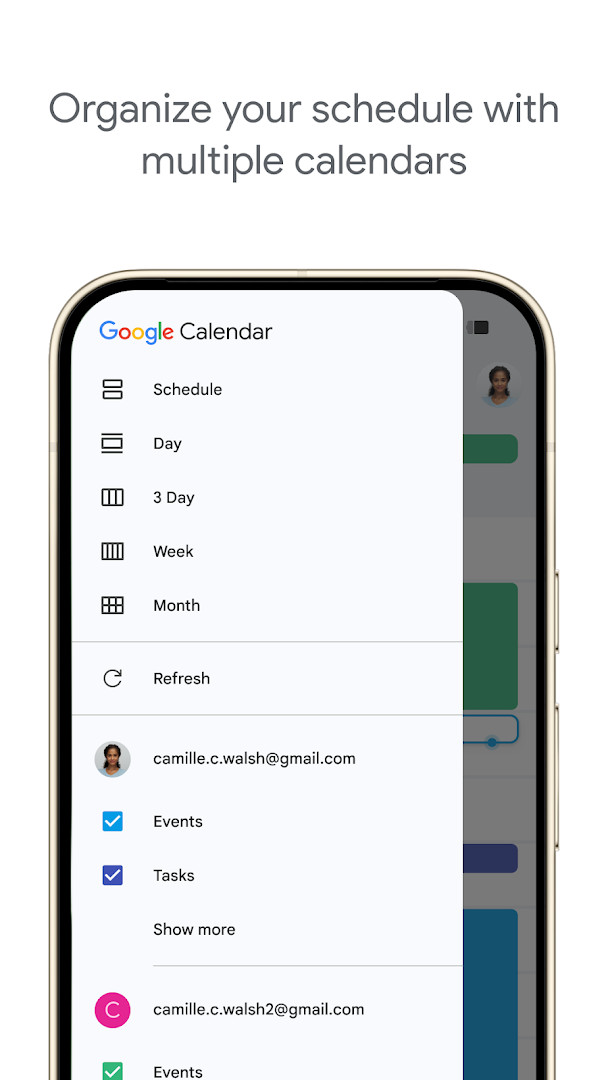
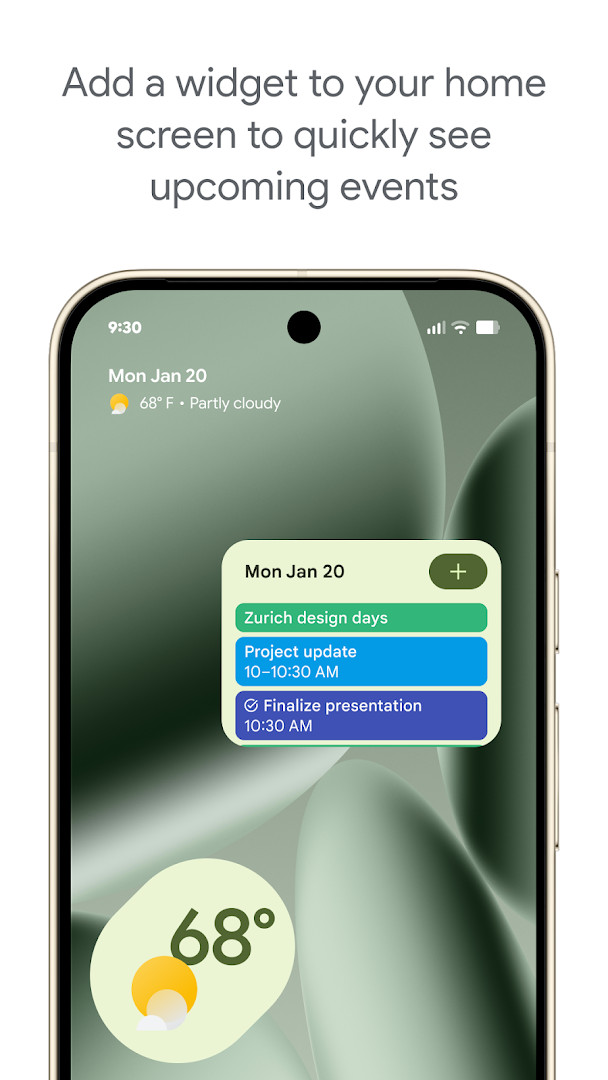
Google Calendar is a productivity app by Google LLC that helps you manage events, tasks, and schedules across devices. It serves as the official mobile client for the Google Calendar service, seamlessly syncing with your Google account to keep your day organized. Beyond basic event creation, the app pulls reservations from Gmail, offers multiple calendar views, and integrates with Google Workspace tools, making it a central hub for both personal and professional time management.
The app's core strength lies in its integration with the broader Google ecosystem. Events like flights, hotel bookings, and restaurant reservations are added automatically from Gmail, reducing manual entry. You can layer multiple calendars—including Exchange—side by side, share calendars with family or colleagues, and attach documents or meeting notes directly to events. For hybrid work, adding a Google Meet link to any event is a single tap, and professional booking pages let clients schedule time with you directly.
The latest update, version 2026.38.0, focuses on bug fixes and performance improvements, ensuring a smoother experience. With an impressive rating of 4.64 from over 4.8 million reviews and more than 10 billion installs, it's a mature app that has evolved significantly since its 2012 release. The app is free, contains no ads, and requires Android 8.0 or higher, with the APK size at 33 MB. Its integration with Wear OS devices also lets you check events and tasks from your wrist, making it a versatile tool for on-the-go planning.
Key features
- Automatic event creation from Gmail for flights, hotels, concerts, and restaurant reservations
- Multiple calendar views (month, week, day) with quick switching
- Create and manage tasks alongside events, with a full-screen task list view
- Shared calendars for family, friends, or colleagues with view/edit permissions
- Add Google Meet video calls to events for hybrid collaboration
- Light or dark mode and color-coding for events
- Side-by-side viewing of Google Calendar and other calendars, including Exchange
- Wear OS support with tiles and complications for quick access
- Attach meeting notes, pre-read materials, and documents to events
- Professional booking pages to schedule clients and customers
How to install
- Tap the download button on this page to get the APK file (33 MB).
- When prompted, allow your browser or file manager to install apps by enabling the 'Install unknown apps' setting.
- Open the downloaded APK file from your notifications or file manager.
- Tap 'Install' and wait for the installation to complete.
- Open the app and sign in with your Google account to start syncing your calendars.
- Ensure your device runs Android 8.0 or higher for compatibility.
Pros
- Seamless integration with Gmail and other Google services
- Robust sharing and collaboration features
- Multiple view options and task management in one app
- Works across Android, Wear OS, and desktop
- No ads or in-app purchases
- Highly reliable with frequent updates
Cons
- Requires a Google account for full functionality
- Privacy-conscious users may be wary of data collection
- Some advanced features like booking pages may require a Workspace subscription
- Limited offline capabilities compared to some alternatives
What's New
The latest update focuses on bug fixes and performance improvements.
Other Versions
| Version | Size | Requires Android | Updated |
|---|---|---|---|
| 2026.38.0-989268529-release | 33 MB | 8.0 | 03.10.2026 |
| 2026.36.0-980779909-release | 33 MB | 8.0 | 20.09.2026 |
| 2023.44.0-577681700-release | 27 MB | 5.0 | 21.06.2025 |
This app is ideal for individuals deeply embedded in the Google ecosystem, professionals who need to coordinate meetings and share calendars with colleagues, and families or groups wanting to keep everyone on the same schedule.
To avoid double-booking, enable the 'Speak to schedule' feature in settings, which lets you use Google Assistant to create events hands-free—handy when you're on the move.
Permissions
Frequently Asked Questions
How do I install Google Calendar on an Android device?
Tap the download button on this page to get the APK, then open the file and confirm installation when prompted. Your device needs Android 8.0 or newer. After it installs, sign in with your Google account to sync your events.
What is the latest version of Google Calendar?
The most recent release listed is 2026.38.0-989268529-release, dated October 3, 2026. The app itself was last updated on October 8, 2026.
Does Google Calendar contain ads or in-app purchases?
No. The app is free to download, shows no advertising, and has no in-app purchases.
Can I use Google Calendar without an internet connection?
The app is designed for staying organized on your phone, tablet, or Wear OS device, and it syncs with your Google account when you sign in on multiple devices. Exact offline behavior is not detailed in the available information.
Are there other productivity apps in the same category?
Yes. The Productivity category includes many calendar and scheduling apps, ranging from simple planners to full task managers. You can compare features, sizes, and ratings on this page to find one that fits your needs.
What permissions does Google Calendar request?
It asks for access related to identity, calendar, contacts, location, phone, photos and media files, storage, and microphone.
How big is the Google Calendar download?
The APK is about 33 MB, so it installs quickly and takes up little space on most devices.
Google Calendar remains a top-tier choice for Android users, offering deep integration with Google services, a clean interface, and robust collaboration tools. While it may not be for those avoiding Google's ecosystem, its feature set and reliability make it a compelling default calendar app for most people.
Similar Apps
More From This Developer
 Gboard - the Google KeyboardGboard - the Google Keyboard is designed for Android users who want to type faster through Glide Typing, voice typing, handwriting, and e…Google LLC · ★ 4.5 · Tools · 9.4 MB
 Google TVGoogle TV occupies about 40 MB and requires Android 6.0 or newer to run. The app is free to download and contains no ads, though in-app p…Google LLC · ★ 3.9 · Entertainment · 40 MB
 GoogleGoogle is a free app with ads and no in-app purchases, sized at 156 MB and requiring Android 6.0 or higher. It offers AI-powered search f…Google LLC · ★ 4.0 · Tools · 156 MB
 Google DriveGoogle Drive is a 124 MB app that requires Android 8.0 or higher. It includes in-app purchases for additional storage via Google One, sta…Google LLC · ★ 4.3 · Productivity · 124 MB
 YouTubeYouTube is a free video app with a size of 199 MB, requires Android 10 or higher, and includes ads and in-app purchases. It offers a vast…Google LLC · ★ 3.8 · Entertainment · 199 MB
 Android AutoAndroid Auto requires Android 9 or higher and occupies 35 MB of storage. It has no ads and no in-app purchases, and it is rated for every…Google LLC · ★ 4.1 · Auto & Vehicles · 35 MB
Updated: 24.10.2026
- Size
- 33 MB
- Requires Android
- 8.0
- Updated
- 08.10.2026
- Installs
- 10B+
- Rating
- ★ 4.64 (4 868 382)
- Category
- Productivity
- Developer
- Google LLC
- Content rating
- Everyone
- Package
- com.google.android.calendar
- Free
- ✓