Microsoft Word: Edit Documents - Mobile Document Editor
Microsoft Word: Edit Documents is a free productivity app by Microsoft Corporation that lets you create, edit, read, and share documents on your mobile device.
Microsoft Word: Edit Documents requires Android 13 or higher and has a size of 187 MB. It is free to download, contains no ads, but offers in-app purchases, and has over 1 billion installs with a 4.79 rating from about 17.8 million ratings. The app serves students, bloggers, journalists, and project managers who need to write CVs, letters, assignments, or notes on the go.
Get AppScreenshots
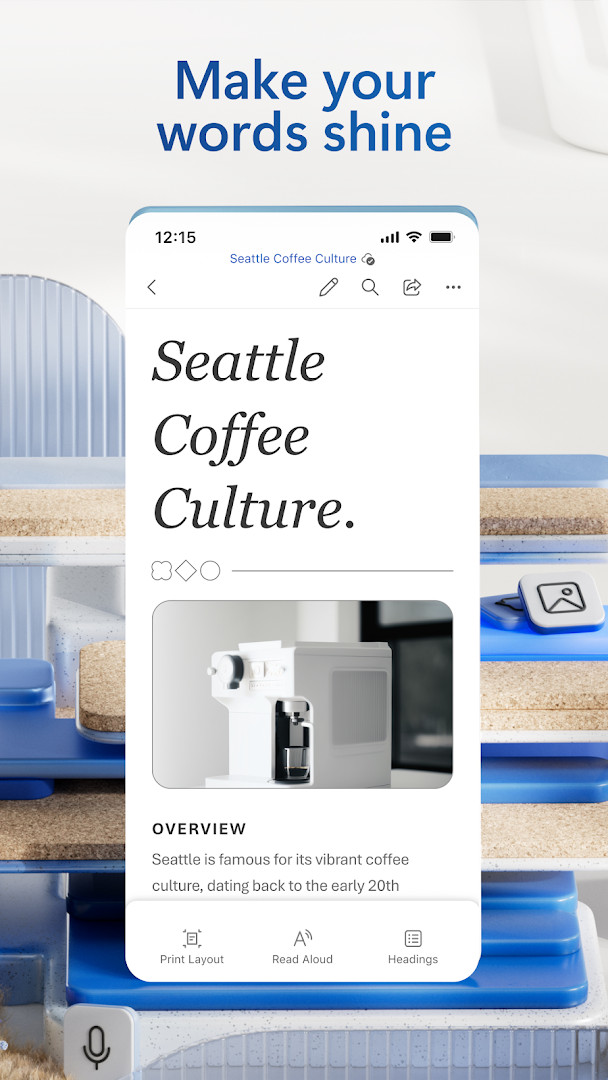
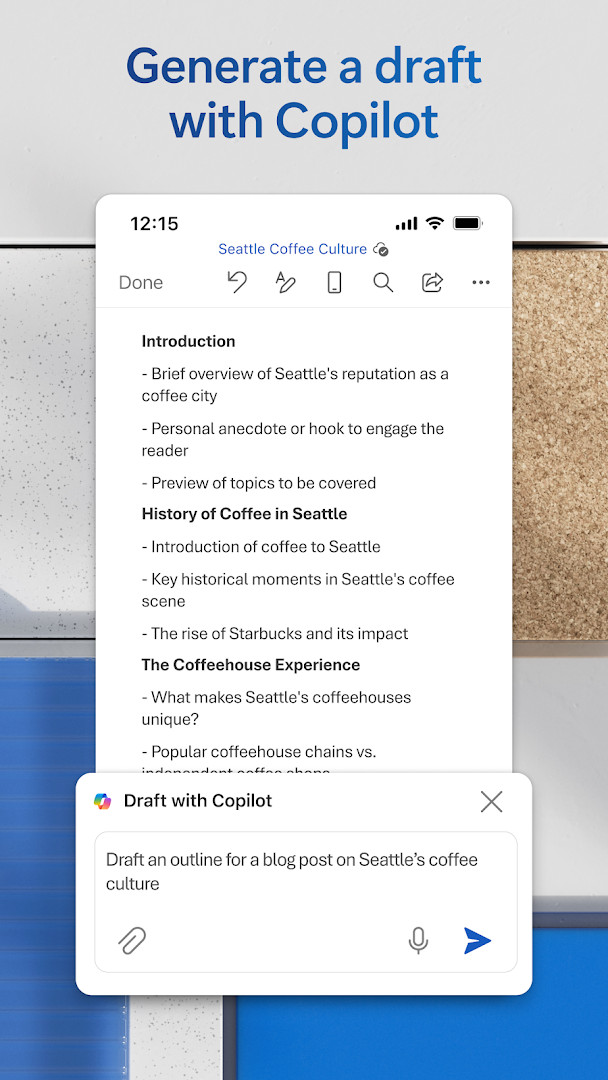
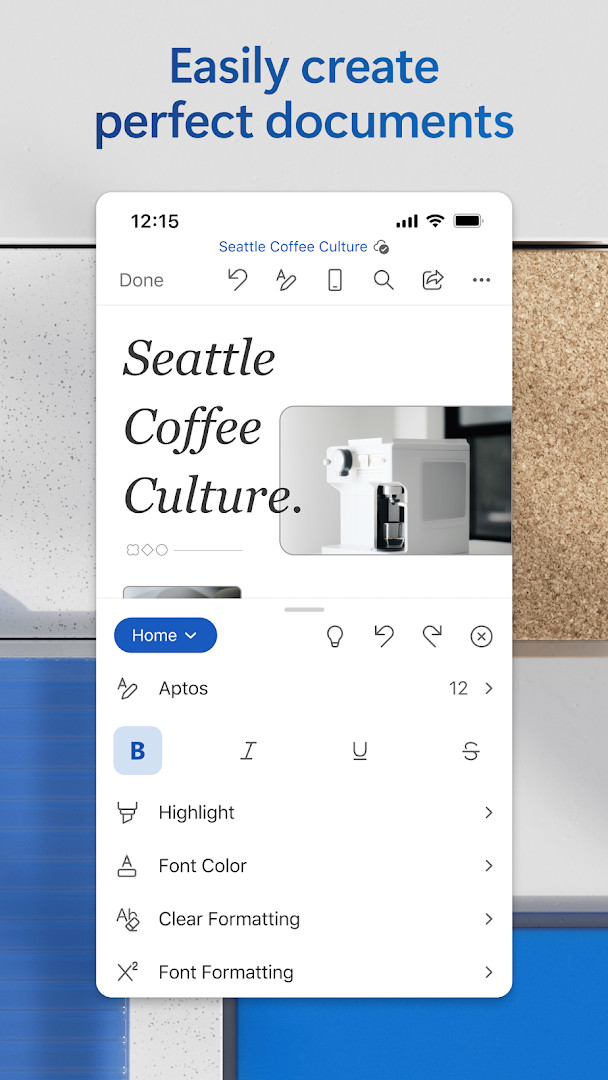
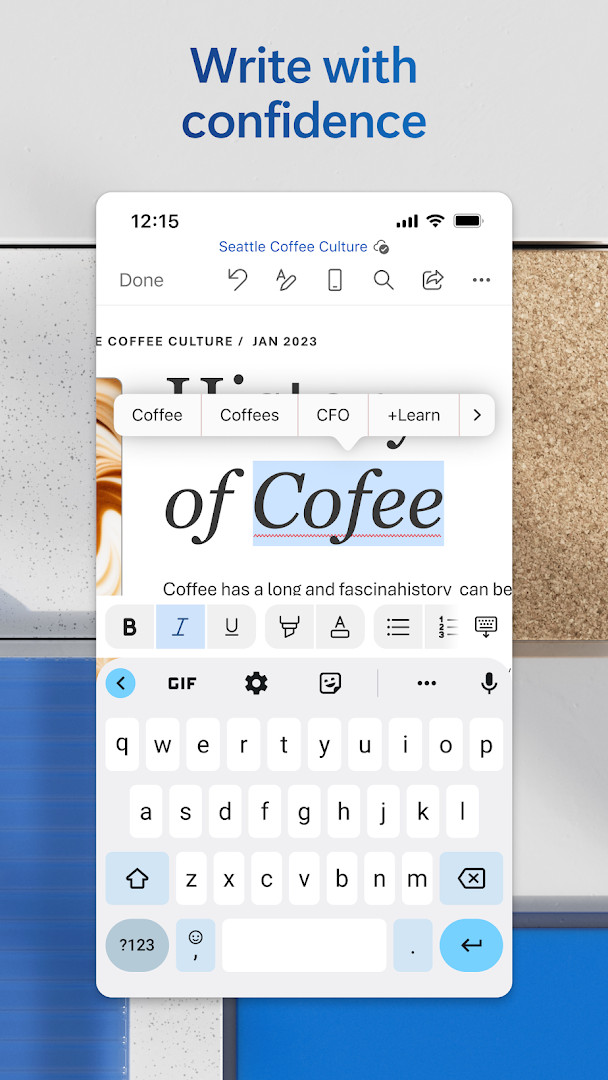
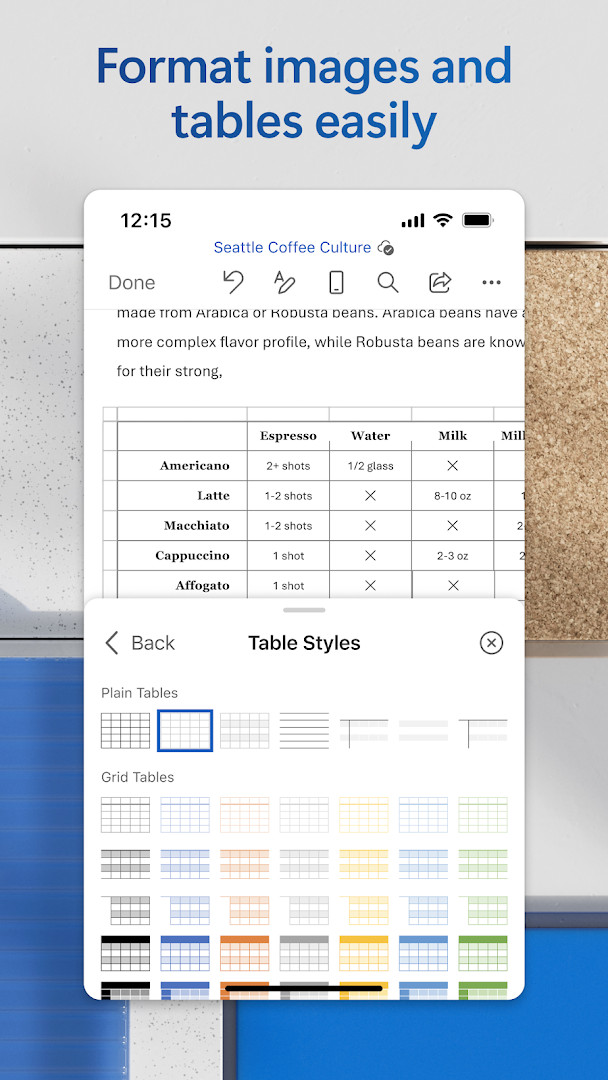
Microsoft Word: Edit Documents is a productivity application by Microsoft Corporation that lets you create, edit, read, and share documents on Android devices with familiar desktop-grade tools. It solves the problem of managing word processing tasks away from a PC by packing rich formatting, grammar assistance, PDF conversion, real-time collaboration, and cloud access into a single mobile app, so users can draft CVs, letters, assignments, or creative work anywhere. The app achieves this through an integrated editor and viewer, template libraries, track changes, version history, and optional AI-powered Copilot features, all designed to mirror the experience of the desktop version while adapting to touch interfaces.
Key features
- Create documents quickly using modern templates for letters, CVs, scripts, proposals, invoices, and more
- Use rich formatting and layout tools to express ideas clearly and keep documents looking good on any device
- Edit long documents with familiar writing tools and open attachments using the built-in reader
- Convert PDFs to Word for easy editing, and switch between Word and PDF formats as needed
- Comment alongside text, work with others in real-time, and track changes to text and layout
- Use version history to view or restore earlier drafts of your documents
- Invite others to edit or view with a few taps, manage permissions, and see who is currently in the document
- Copy content into an email with formatting intact or attach files directly, plus optional AI assistance with Copilot for drafting, summarizing, and polishing content
How to install
- Tap the download button on this page to get the APK file for Microsoft Word: Edit Documents, which is about 187 MB in size.
- When Android prompts you, allow your browser or file manager to install apps by enabling the 'Install unknown apps' setting for that source.
- Open the downloaded APK file from your notifications or file manager to start the installation process.
- Tap Install on the confirmation screen and wait for the installation to complete; this requires Android 13 or higher.
- Open the app from your app drawer or home screen, and sign in or start using it right away.
Pros
- No ads, providing an uninterrupted editing experience
- Free to download and use for basic document tasks
- Comprehensive feature set including PDF conversion and real-time collaboration
- Regular updates with new features and speed improvements, as seen in recent versions
- High user satisfaction reflected in a rating of 4.79 from over 17.8 million ratings
Cons
- In-app purchases are present, and a Microsoft 365 subscription is needed to unlock the full experience, including Copilot AI features
- Requires 1 GB RAM or higher, which may exclude very low-end devices
- Requests access to sensitive permissions such as identity, contacts, camera, microphone, and storage, which some users may find excessive for a document editor
- Subscriptions cannot be cancelled during the active period, which may be a concern for users trying short-term plans
Latest changes
Latest update as of 2026-11-10 (build 16.0.20228.20090). Changes are described as regular releases that add new features and improve speed and reliability. No specific feature list is provided in the update notes. The notes also point out that a Microsoft 365 subscription unlocks the full Office experience across devices, and that special offers can be found in the app.
Previous versions
| Version | Size | Requires Android | Updated |
|---|---|---|---|
| 16.0.20228.20090 | 187 MB | 13 | Aug 12, 2026 |
| 16.0.20131.20080 | 189 MB | 13 | Jul 15, 2026 |
| 16.0.19127.20134 | 181 MB | 10 | Jun 18, 2026 |
| 16.0.18827.20066 | 176 MB | 10 | May 29, 2025 |
| 16.0.16327.20262 | 131 MB | 9 | May 25, 2023 |
| 16.0.14026.20298 | 124 MB | 8.0 | Oct 9, 2021 |
| 16.0.13628.20214 | 122 MB | 6.0 | Feb 14, 2021 |
| 16.0.10730.20043 | 124 MB | 4.4 | Aug 29, 2018 |
This app is aimed at experienced users who need a full-featured word processor on Android without compromising on desktop-level capabilities. It suits students writing assignments, professionals drafting proposals or reports, journalists composing articles, project managers coordinating documents, and anyone who regularly handles CVs, letters, or invoices. Users who already rely on Microsoft 365 on other devices will find seamless integration, while those who only need occasional editing can still use the free tier for basic tasks, though power users will likely want a subscription to access Copilot and all advanced collaboration tools.
For the best experience, consider pairing the app with a Microsoft 365 subscription to unlock Copilot AI drafting and full cross-device sync. If you work with sensitive documents, review the permissions you grant, especially camera and microphone access, and use version history to protect against accidental edits. Also, remember that subscriptions cannot be cancelled mid-period, so plan your billing cycle accordingly.
Permissions
Frequently asked questions
Does Microsoft Word cost anything to download?
No, the app is free to download and use, with a price of 0.00 USD. It does offer optional in-app purchases, and some features such as Copilot require a qualifying Microsoft 365 subscription.
Which Android version do I need to run it?
The app requires Android 13 or later as the minimum operating system. Devices should also have at least 1 GB of RAM.
How large is the download?
The installation file is 187 MB. Make sure you have enough free storage before starting the download.
Do I need an account to use Word?
The app requests the Identity permission, which is typically used for signing in. An account is generally needed to unlock the full experience and to sync or share documents.
What permissions does the app ask for?
It requests access to Identity, Contacts, Photos/Media/Files, Storage, Camera, Microphone, and Wi-Fi connection information. These support features like editing documents, adding media, and collaborating.
How do I update to the newest version?
Download the latest version from this page and install it over your current copy. The most recent release listed is version 16.0.20228.20090, dated 2026-08-12.
Microsoft Word: Edit Documents delivers a robust mobile word processing experience that closely mirrors its desktop counterpart, making it a strong choice for productivity-focused users. While the free version covers essential needs, the most advanced features require a subscription, so weigh that cost against your actual usage patterns.
Similar apps
 Google CalendarGoogle Calendar is a 33 MB app that requires Android 8.0 or higher, contains no ads or in-app purchases, and has received 4.86 million ra…Google LLC · ★ 4.6 · Productivity · 33 MB
 Google DriveGoogle Drive is a 124 MB app that requires Android 8.0 or higher. It includes in-app purchases for additional storage via Google One, sta…Google LLC · ★ 4.3 · Productivity · 125 MB
 Google AssistantGoogle Assistant is a free productivity app from Google LLC that lets you open apps, send texts, set reminders and control compatible sma…Google LLC · ★ 3.8 · Productivity · 2.4 MB
 Microsoft OneDriveMicrosoft OneDrive offers 5 GB of free cloud storage, with optional Microsoft 365 Personal and Family subscriptions providing 1 TB per us…Microsoft Corporation · ★ 4.6 · Productivity · 104 MB
 Google GeminiGoogle Gemini is for Android users who want an AI assistant for writing, planning, studying, and creative projects. The app is free to us…Google LLC · ★ 4.5 · Productivity
 ChatGPTChatGPT serves users who want an AI assistant for writing, learning, and creative tasks on their Android device. The official app is free…OpenAI · ★ 4.8 · Productivity · v1.2026.307
 Since UsSince Us helps couples of all kinds count their days together without creating an account or connecting to any server. The app is free, a…DerDieDasLian · Productivity · 4.4 MB
More from this developer
Updated: Nov 15, 2026
- Size
- 187 MB
- Requires Android
- 13
- Updated
- Nov 10, 2026
- Installs
- 1B+
- Rating
- ★ 4.79 (17,845,923)
- Category
- Productivity
- Developer
- Microsoft Corporation
- Content rating
- Everyone
- Package
- com.microsoft.office.word
- Free
- ✓ · In-app purchases