Microsoft OneDrive: Cloud Storage and File Sync App
Microsoft OneDrive is a cloud storage and file sync app by Microsoft Corporation that keeps photos and files backed up, protected, and in sync everywhere.

Microsoft OneDrive offers 5 GB of free cloud storage, with optional Microsoft 365 Personal and Family subscriptions providing 1 TB per user. It is designed for individuals and families who want automatic photo and video backup, secure file sharing, offline access, and real-time collaboration with Microsoft Office apps.
Download Microsoft OneDriveScreenshots
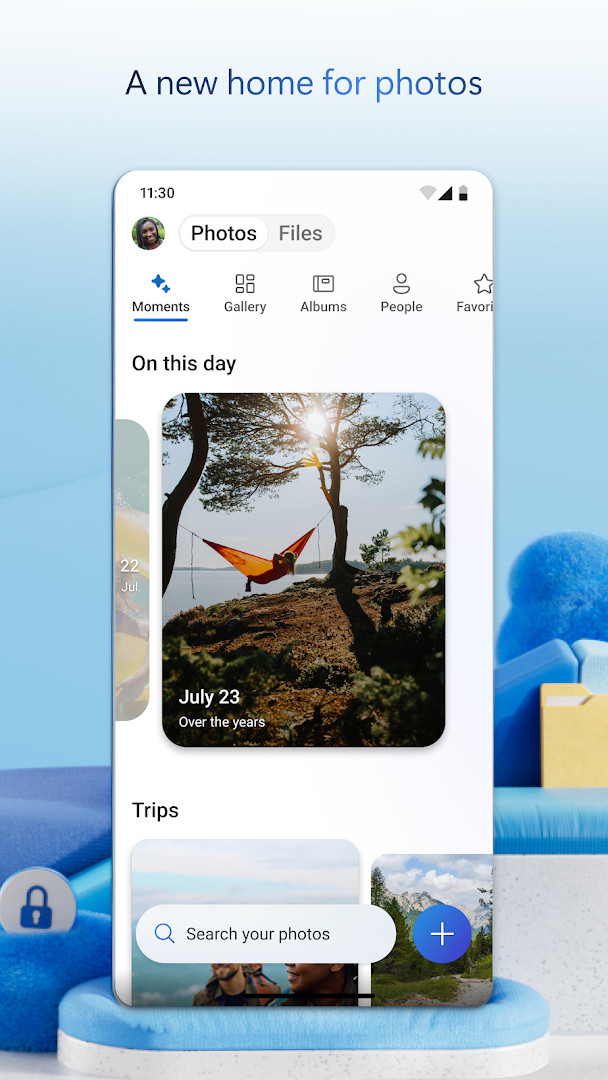
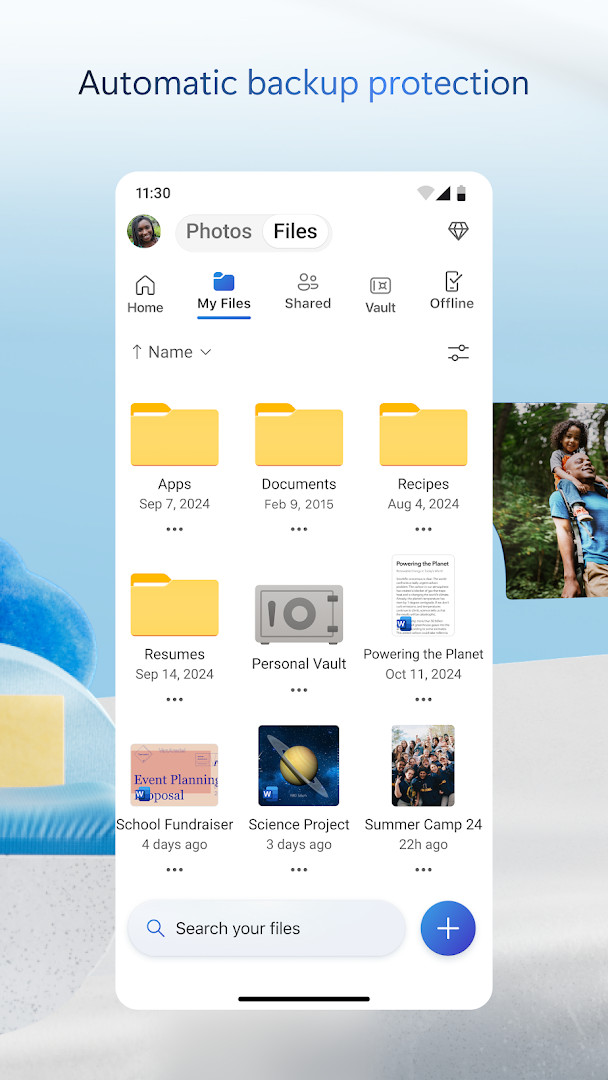
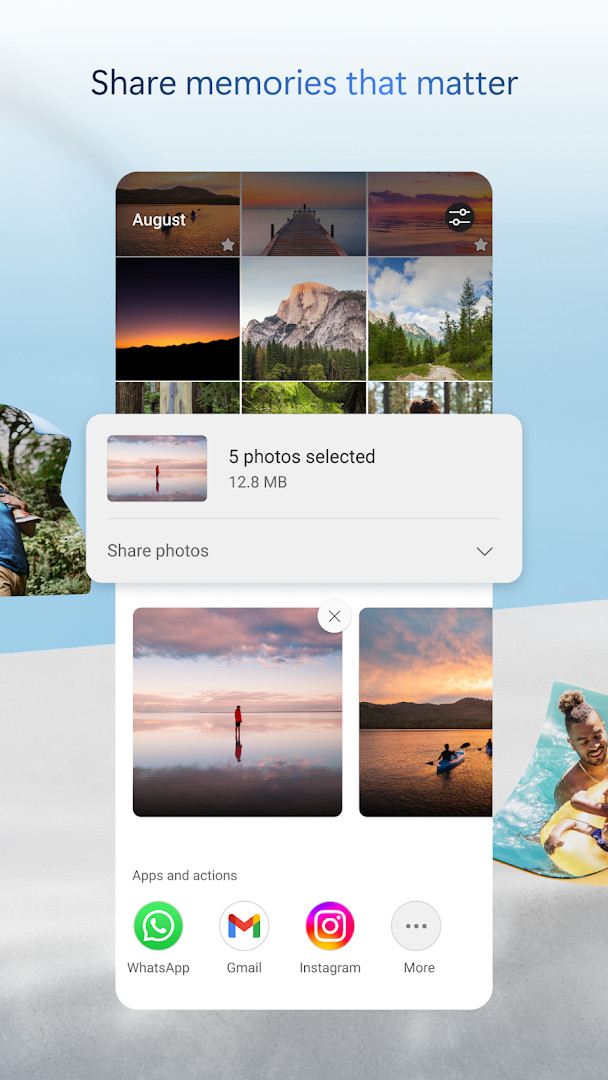
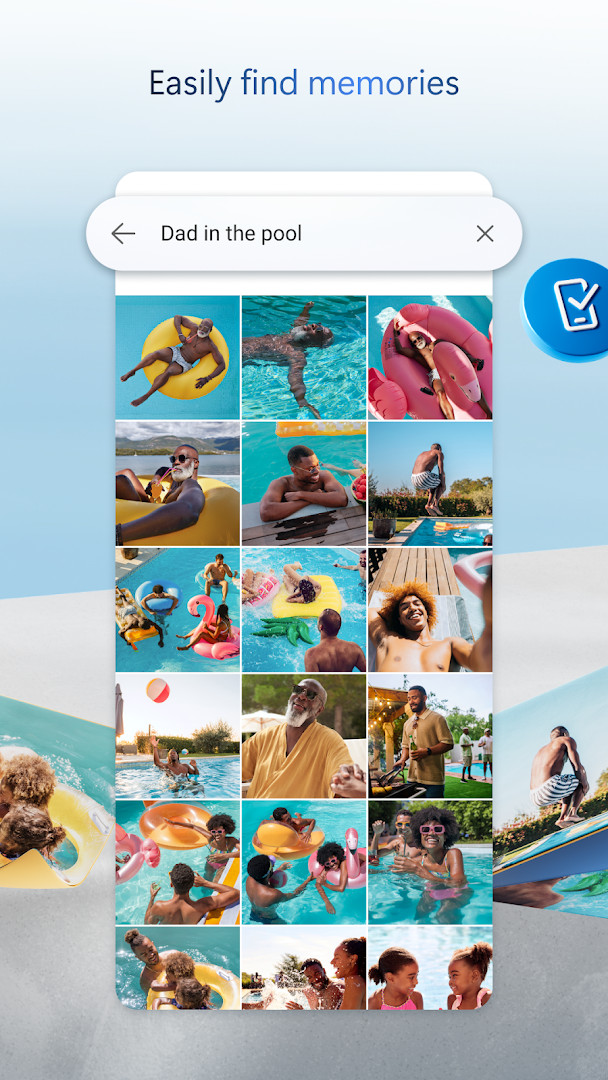
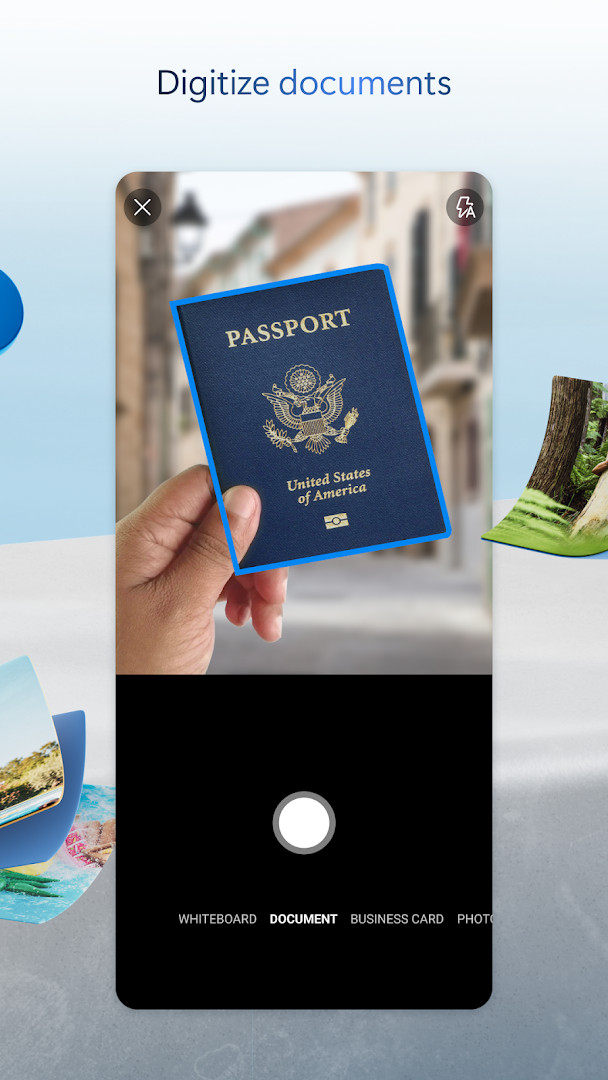
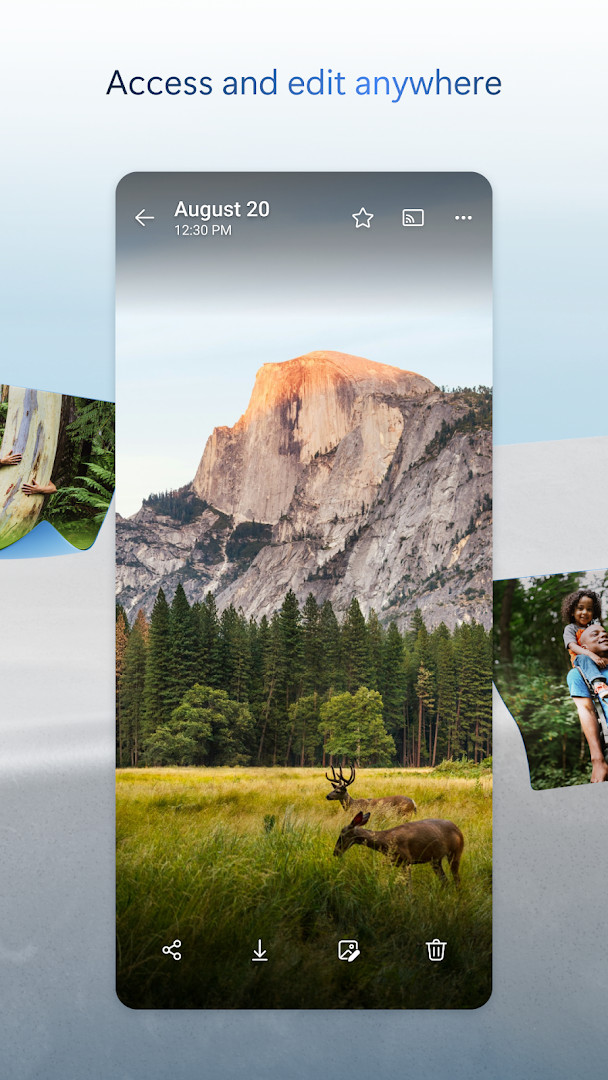
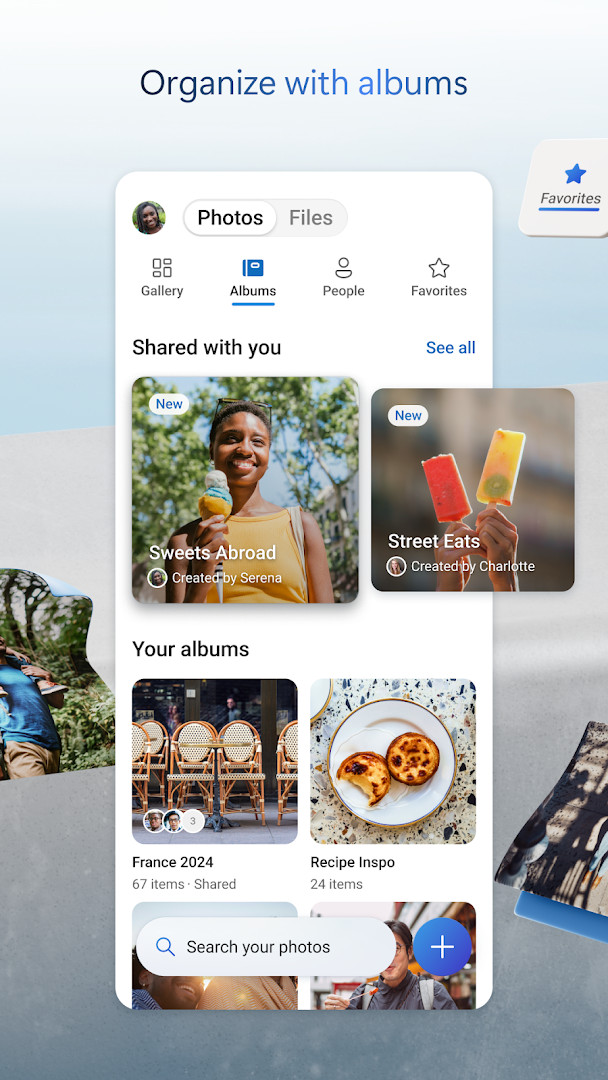
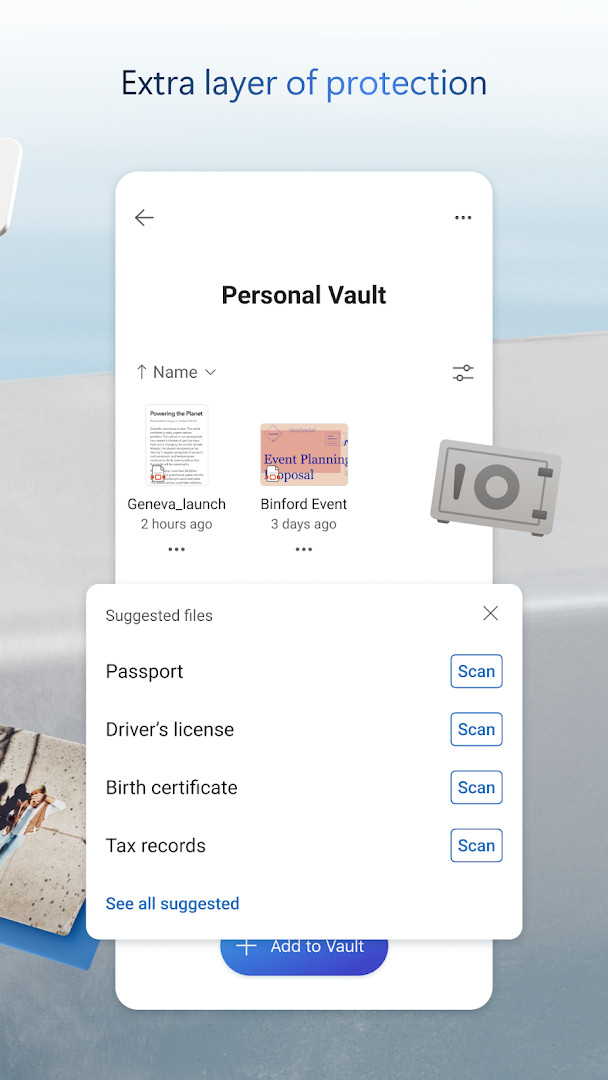
Microsoft OneDrive is a cloud storage and file synchronization app by Microsoft Corporation that backs up photos, videos, and documents and keeps them accessible across devices. The app addresses the problem of scattered and vulnerable personal files by providing automatic camera uploads, encrypted storage, and a central place to share and collaborate on content. It offers 5 GB of free storage, with optional Microsoft 365 subscriptions for expanded capacity and advanced features. With tools like a Personal Vault for sensitive files, version history, and search that understands photo content, OneDrive aims to simplify file management and protection for everyday users.
Key features
- Automatic camera backup for photos and videos
- Secure photo locker with automatic tagging and sharing across devices
- Password-protected and expiring sharing links for files and folders
- Personal Vault with identity-verified protection for sensitive files
- Version history to restore previous versions of files
- Document scanning, signing, and markup directly in the app
- Search photos by content (e.g., beach, snow) and docs by name or content
- Integration with Microsoft Office apps for real-time collaboration on Word, Excel, PowerPoint, and OneNote
How to install
- Tap the download button on this page to get the APK file.
- When Android prompts, allow your browser or file manager to install apps by enabling the 'Install unknown apps' setting.
- Open the downloaded APK file from your notifications or file manager.
- Tap 'Install' and wait for the installation to complete.
- Open the app and sign in with your Microsoft account or create a new one. The app is about 104 MB and requires Android 8.0 or higher.
Pros
- Generous 5 GB free storage tier
- Automatic photo and video backup keeps memories safe
- End-to-end encryption for files at rest and in transit
- Personal Vault adds an extra layer of security for sensitive documents
- Search can find photos by content, not just filenames
- Integrated document scanning and signing features
Cons
- In-app purchases for Microsoft 365 subscription are required for more than 5 GB of storage
- Some advanced features like ransomware detection and premium sharing links require a paid subscription
- App requests access to sensitive permissions such as contacts, microphone, and storage
- Subscriptions renew automatically and cannot be canceled or refunded during the active period
What's New
The latest update introduces a Memories tab that groups photos by theme such as trips, seasons, and people, and lets you scan up to 50 pages in a single session. Photos taken in the same location now show the best shot as the cover, and a fix ensures camera backup uploads from the correct folder. The update also resolves repeated memory notifications and includes general performance and bug fixes.
Other Versions
| Version | Size | Requires Android | Updated |
|---|---|---|---|
| 7.57 | 101 MB | 8.0 | 12.10.2026 |
| 7.65 (Beta 29) | 102 MB | 8.0 | 09.10.2026 |
| 7.64.2 | 107 MB | 8.0 | 06.10.2026 |
| 7.52 | 105 MB | 8.0 | 05.10.2026 |
| 7.60 | 103 MB | 8.0 | 05.10.2026 |
| 7.58.1 | 102 MB | 8.0 | 04.10.2026 |
| 7.59 | 102 MB | 8.0 | 01.10.2026 |
| 7.66 (Beta 30) | 104 MB | 8.0 | 01.10.2026 |
| 7.61 | 104 MB | 8.0 | 01.10.2026 |
| 7.62.1 | 104 MB | 8.0 | 01.10.2026 |
This app is well-suited for individuals and families who want a straightforward way to back up photos and videos from their Android device, as well as for people who need to access and share documents across multiple devices. It is also useful for students and professionals who rely on Microsoft Office and want seamless collaboration on Word, Excel, and PowerPoint files stored in the cloud. Those who prioritize security will appreciate the Personal Vault and encrypted storage, while the generous free tier makes it accessible for casual users who just need a simple backup solution.
Turn on Camera Upload in the app's settings to automatically back up photos and videos, and enable the Personal Vault for sensitive documents. Use the search feature to find photos by content like 'beach' or 'snow', and take advantage of version history to recover older versions of files.
Permissions
Frequently Asked Questions
Is Microsoft OneDrive free to use?
Yes, the app is free to download and use. It includes 5 GB of free cloud storage, with optional paid Microsoft 365 subscriptions available for additional storage and features.
What Android version is required to install Microsoft OneDrive?
Microsoft OneDrive requires Android 8.0 or higher to install and run.
How large is the Microsoft OneDrive APK file?
The APK file size is 104 MB.
Do I need a Microsoft account to use Microsoft OneDrive?
Yes, you need a Microsoft account to sign in and use OneDrive. Work or school sign-in requires a qualifying OneDrive, SharePoint Online, or Microsoft 365 Business subscription.
What permissions does Microsoft OneDrive request?
The app requests permissions related to Identity, Contacts, Photos/Media/Files, Storage, Camera, and Microphone. These are used for features like backing up photos, scanning documents, and accessing your files.
How do I update Microsoft OneDrive?
To update the app, download the new version from this page when an update is available. You can check the version history here for the latest release.
Microsoft OneDrive offers a reliable and feature-rich cloud storage solution for Android users, with strong backup and sharing capabilities. Its free tier and robust security features make it a practical choice for everyday file management, though heavy users may need to consider a Microsoft 365 subscription.
Similar Apps
 Google CalendarGoogle Calendar is a 33 MB app that requires Android 8.0 or higher, contains no ads or in-app purchases, and has received 4.86 million ra…Google LLC · ★ 4.6 · Productivity · 33 MB
 Google DriveGoogle Drive is a 124 MB app that requires Android 8.0 or higher. It includes in-app purchases for additional storage via Google One, sta…Google LLC · ★ 4.3 · Productivity · 124 MB
Updated: 24.10.2026
- Size
- 104 MB
- Requires Android
- 8.0
- Updated
- 09.10.2026
- Installs
- 5B+
- Rating
- ★ 4.62 (7 367 490)
- Category
- Productivity
- Developer
- Microsoft Corporation
- Content rating
- Everyone
- Package
- com.microsoft.skydrive
- Free
- ✓ · In-app purchases