Google Assistant: Voice Productivity App
Google Assistant is a productivity app by Google LLC that handles everyday tasks such as calls, reminders, lists, questions and smart home control by voice.
Google Assistant is a free productivity app from Google LLC that lets you open apps, send texts, set reminders and control compatible smart home devices using voice commands. It is available for Android 6.0 and later and the download is 2.4 MB, with no ads and no in-app purchases.
Download Google Assistant · v0.1.884448652Screenshots
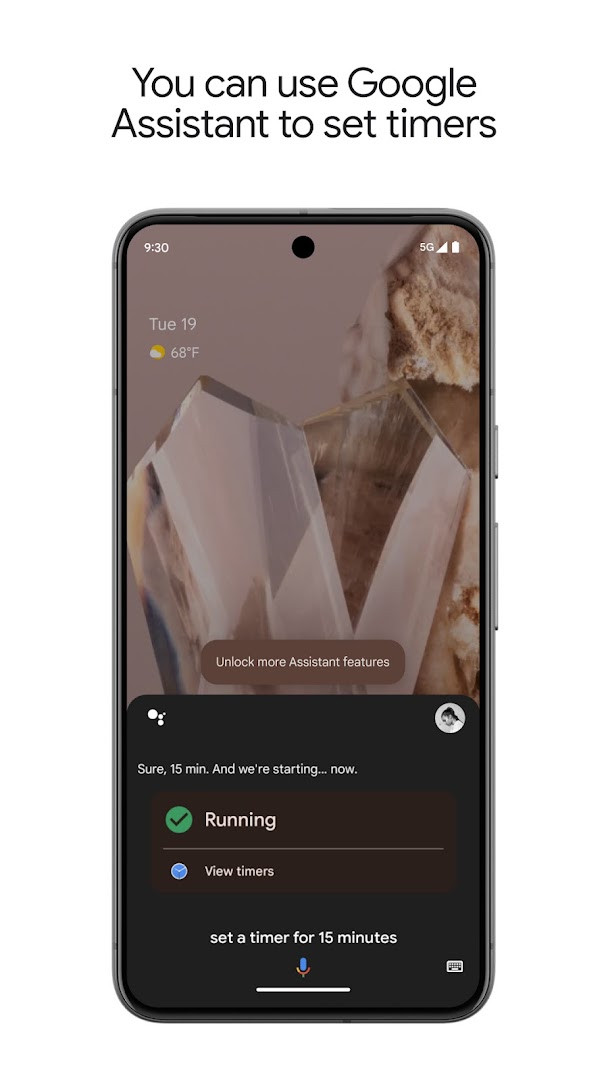
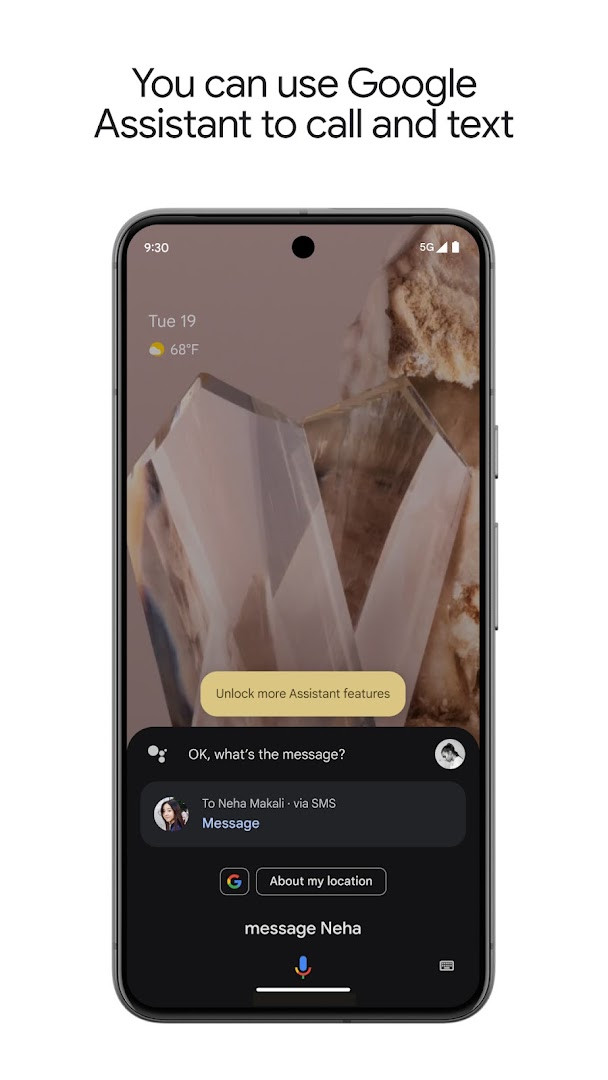
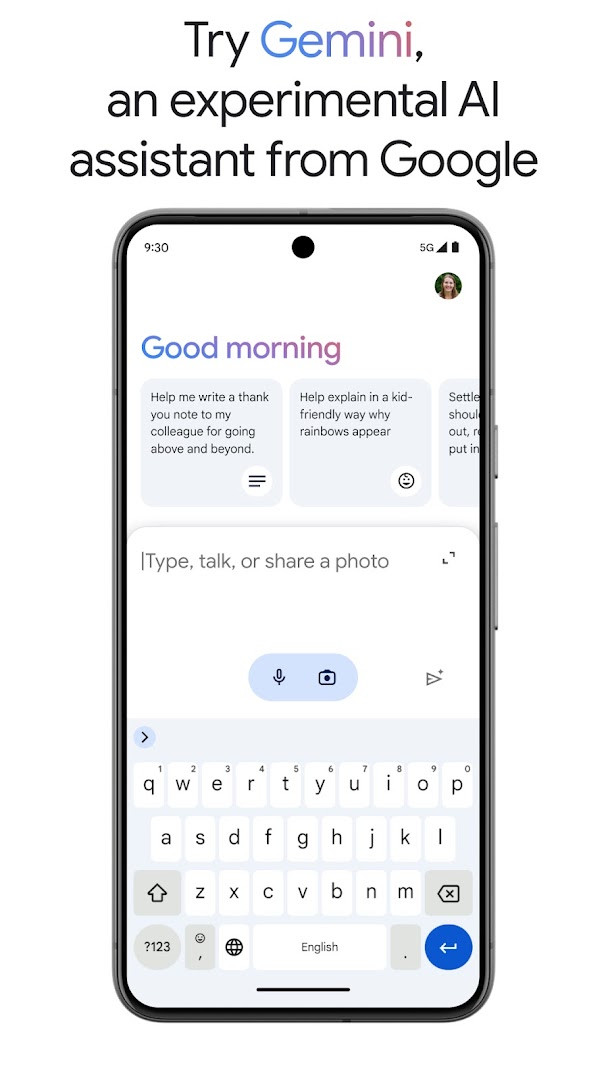
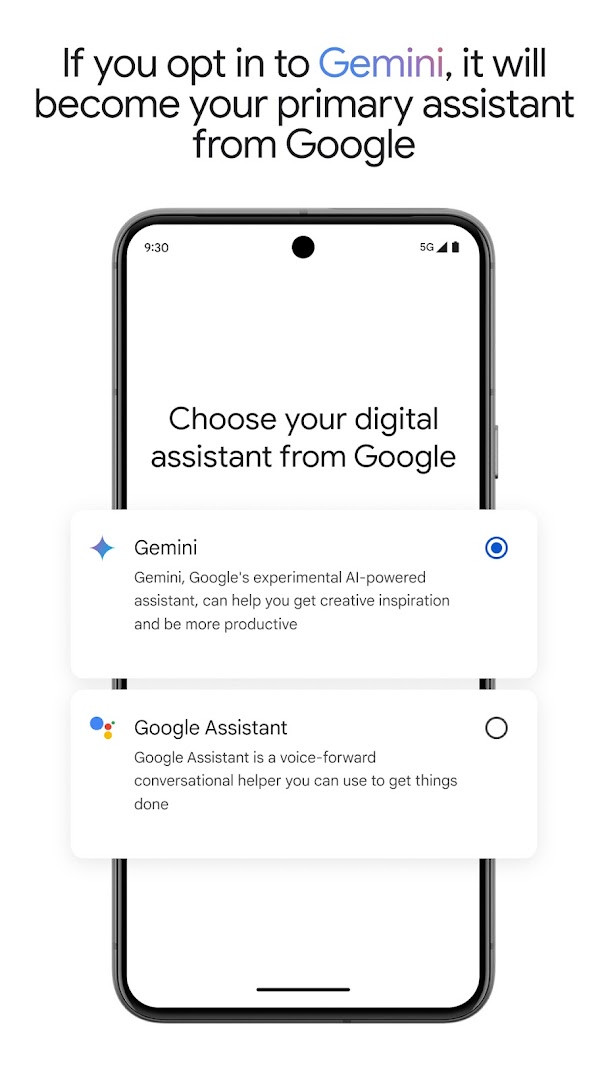
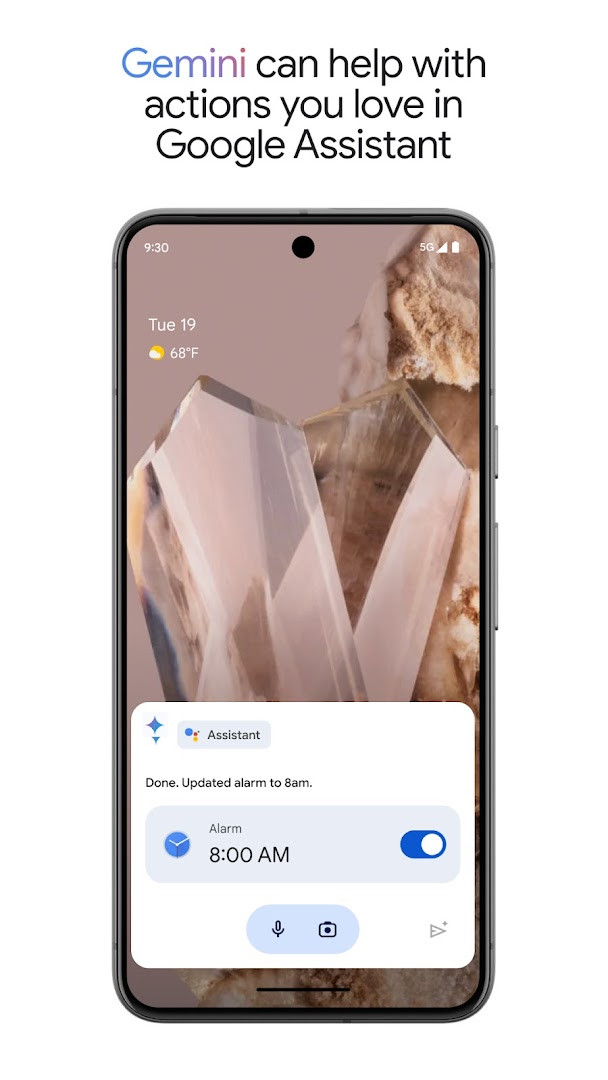
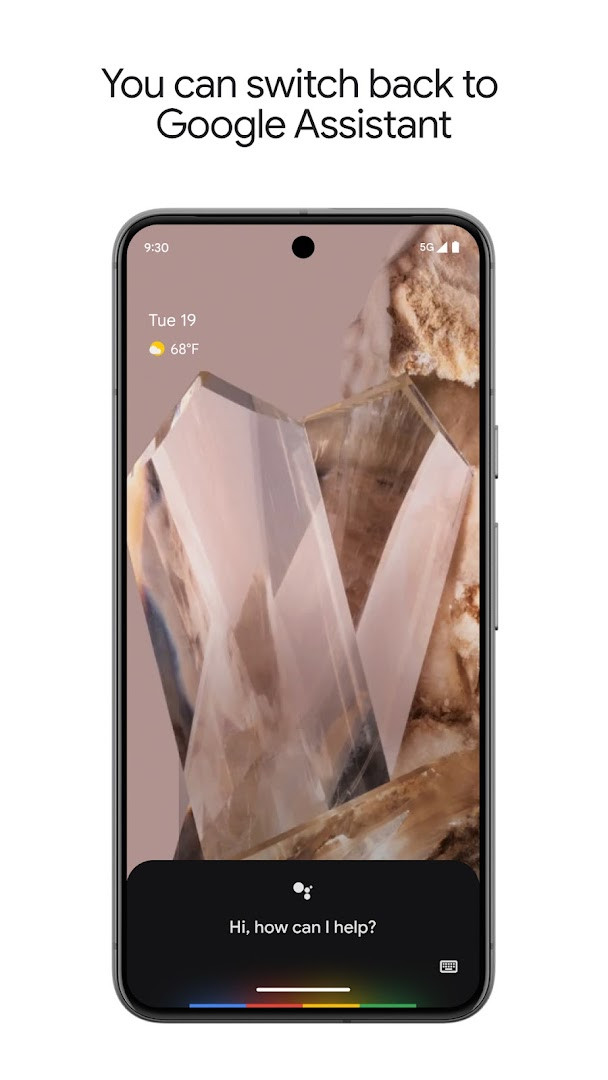
Google Assistant is a productivity app by Google LLC that lets you complete everyday phone, messaging, and smart-home tasks using voice commands. Managing apps, calls, reminders, and connected devices usually means switching between several tools and menus; this app reduces that friction by letting you speak your requests instead. It can open apps, adjust settings such as Do Not Disturb and Bluetooth, send texts, place calls, set alarms and timers, build shopping lists, and control compatible smart-home gadgets even when you are away from home. It also offers proactive suggestions, contextual reminders, automatic routines, and an optional switch to Gemini as your primary assistant from Google. This build is 2.4 MB, requires Android 6.0 or newer, is free, and contains no ads or in-app purchases.
Key features
- Voice commands for opening apps, turning on the flashlight, and adjusting phone settings like Do Not Disturb, Bluetooth, and aeroplane mode
- Hands-free calls, text messages, and email management
- Reminders, alarms, timers, shopping lists, questions, and directions or navigation home
- Smart-home control for lights, thermostats, and appliances from the phone, including when away from home, with compatible devices
- Proactive information and contextual reminders, plus automatic routines started with phrases like 'Good morning' or 'Good night'
- Broadcast announcements to smart-home devices, such as 'Broadcast it's dinner time'
- Optional opt-in to Gemini (formerly Bard) to act as the primary assistant, with the ability to switch back in app settings
How to install
- Tap the download button on this page to get the APK file, which is 2.4 MB.
- When Android asks, allow your browser or file manager to install apps by enabling the 'Install unknown apps' setting.
- Open the downloaded APK file from your notifications or Downloads folder.
- Tap Install and wait for the installation to finish.
- Open Google Assistant and follow the on-screen setup. This build requires Android 6.0 or newer.
Pros
- Free with no ads and no in-app purchases
- Covers a wide range of daily tasks hands-free, from calls to reminders
- Optional Gemini integration acts as a newer primary assistant and can be reverted
- Small download size of 2.4 MB
- Routines and proactive suggestions save time for repeated actions
- Modest permission set covering network state, package size, and Google services
Cons
- Smart-home control requires compatible devices
- Gemini opt-in is rolling out to select devices and countries, and some actions may not work there yet
- Some capabilities depend on a working network connection and supporting apps
Latest changes · 0.1.884448652
This update introduces Gemini, which will be offered to Google Assistant users in select countries over the coming weeks. When you opt in, Gemini becomes your primary assistant from Google and can handle many of the actions you already use in Google Assistant, with more support planned. To get started, you can opt in directly or download the Gemini app.
Previous versions
| Version | Size | Requires Android | Updated |
|---|---|---|---|
| 0.1.601924805 | 1.2 MB | 5.0 | Jun 30, 2026 |
| 0.1.884448652 | 2.4 MB | 6.0 | Mar 23, 2026 |
| 0.1.766117055 | 2.3 MB | 5.0 | Jun 18, 2025 |
Google Assistant suits Android users who prefer using their voice for everyday tasks, such as setting reminders, sending quick replies, getting directions, or managing smart-home gear. It is also useful for people who want a single assistant that can replace several separate controls and who are open to trying Gemini as their primary assistant once it reaches their device.
Try setting up daily routines such as 'Good morning' or 'Good night' to bundle repeated actions. If you opt in to Gemini and miss the classic behavior, you can switch back to Google Assistant in the app settings.
Permissions
Frequently asked questions
Is Google Assistant free to download and use?
Yes, Google Assistant is free. The app costs nothing to download and does not include ads or in-app purchases.
What Android version do I need to install Google Assistant?
Google Assistant requires Android 6.0 or higher. The current version of the app is 0.1.884448652 and the file size is 2.4 MB.
Do I need a Google account to use Google Assistant?
Yes, a Google account is required. Google Assistant uses your account to provide personalized help, manage reminders, and sync your settings across devices.
What permissions does Google Assistant request?
Google Assistant requests access to network state, package size information, and Google services framework. These permissions help the app function properly and communicate with Google services.
How do I update Google Assistant to the latest version?
To update, simply download the newest version from this page and install it over your current installation. Check the version list here to see what updates are available.
Does Google Assistant work on all Android devices?
Google Assistant works on devices running Android 6.0 or later, but some features like smart home control require compatible devices. Availability of certain options may vary by device and region.
Google Assistant is a practical, free voice assistant that handles a lot of routine phone and smart-home tasks on Android 6.0 and newer. It is a solid choice for everyday use, with the optional Gemini upgrade worth testing when it becomes available to you.
Similar apps
 Google WalletGoogle Wallet is for Android users who want to pay in stores, online, or in apps and keep passes, tickets, and digital IDs in one place. …Google LLC · ★ 4.3 · Finance · 16 MB
 Google CalendarGoogle Calendar is a 33 MB app that requires Android 8.0 or higher, contains no ads or in-app purchases, and has received 4.86 million ra…Google LLC · ★ 4.6 · Productivity · 33 MB
 Google DriveGoogle Drive is a 124 MB app that requires Android 8.0 or higher. It includes in-app purchases for additional storage via Google One, sta…Google LLC · ★ 4.3 · Productivity · 124 MB
 Microsoft OneDriveMicrosoft OneDrive offers 5 GB of free cloud storage, with optional Microsoft 365 Personal and Family subscriptions providing 1 TB per us…Microsoft Corporation · ★ 4.6 · Productivity · 104 MB
More from this developer
 Google MessagesGoogle Messages is a free Communication app from Google LLC, with no ads and no in-app purchases. It runs on Android 6.0 and up and the d…Google LLC · ★ 4.6 · Communication · 9 MB
 Gboard - the Google KeyboardGboard - the Google Keyboard is designed for Android users who want to type faster through Glide Typing, voice typing, handwriting, and e…Google LLC · ★ 4.5 · Tools · 9.4 MB
Google CalendarGoogle Calendar is a 33 MB app that requires Android 8.0 or higher, contains no ads or in-app purchases, and has received 4.86 million ra…Google LLC · ★ 4.6 · Productivity · 33 MB
 Google TVGoogle TV occupies about 40 MB and requires Android 6.0 or newer to run. The app is free to download and contains no ads, though in-app p…Google LLC · ★ 3.9 · Entertainment · 40 MB
 GoogleGoogle is a free app with ads and no in-app purchases, sized at 156 MB and requiring Android 6.0 or higher. It offers AI-powered search f…Google LLC · ★ 4.0 · Tools · 156 MB
Google DriveGoogle Drive is a 124 MB app that requires Android 8.0 or higher. It includes in-app purchases for additional storage via Google One, sta…Google LLC · ★ 4.3 · Productivity · 124 MB
Updated: Nov 3, 2026
- Version
- 0.1.884448652
- Size
- 2.4 MB
- Requires Android
- 6.0
- Updated
- Mar 23, 2026
- Installs
- 5B+
- Rating
- ★ 3.76 (1,369,888)
- Category
- Productivity
- Developer
- Google LLC
- Content rating
- Everyone
- Package
- com.google.android.apps.googleassistant
- Free
- ✓