Google Play Games: Entertainment app
Google Play Games is an entertainment app by Google LLC that lets you play games instantly, save progress, and earn achievements.

Google Play Games is free to use and includes ads, with no in-app purchases. Google Play Games offers instant play for many titles without installation, automatic cloud progress saving, and built-in games like Solitaire and PAC-MAN that work offline. The Google Play Games app requires Android 5.0 or higher and has a download size of 14 MB.
Download NowScreenshots
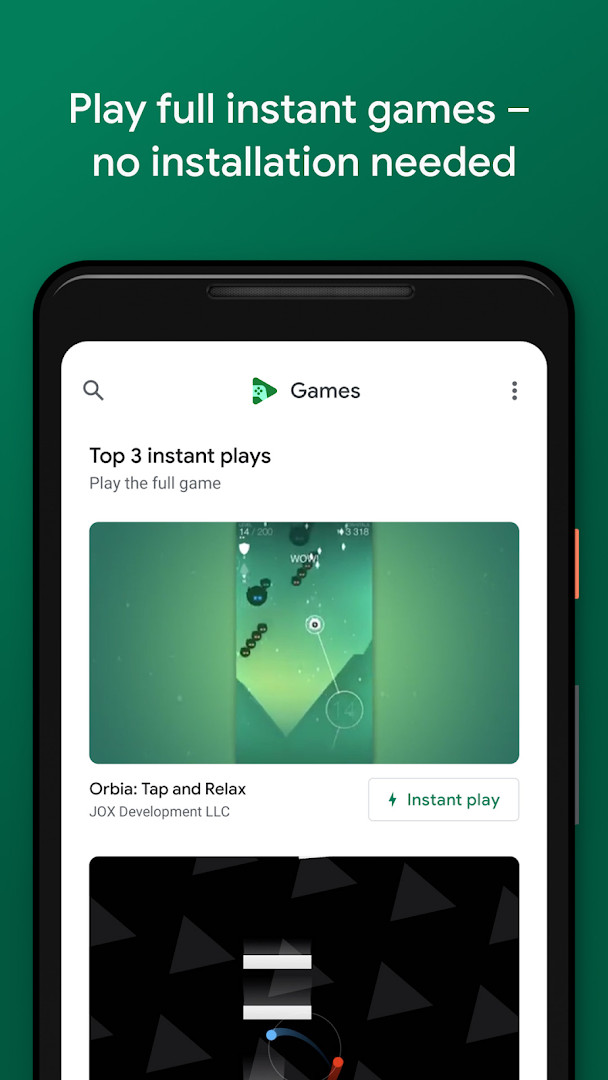
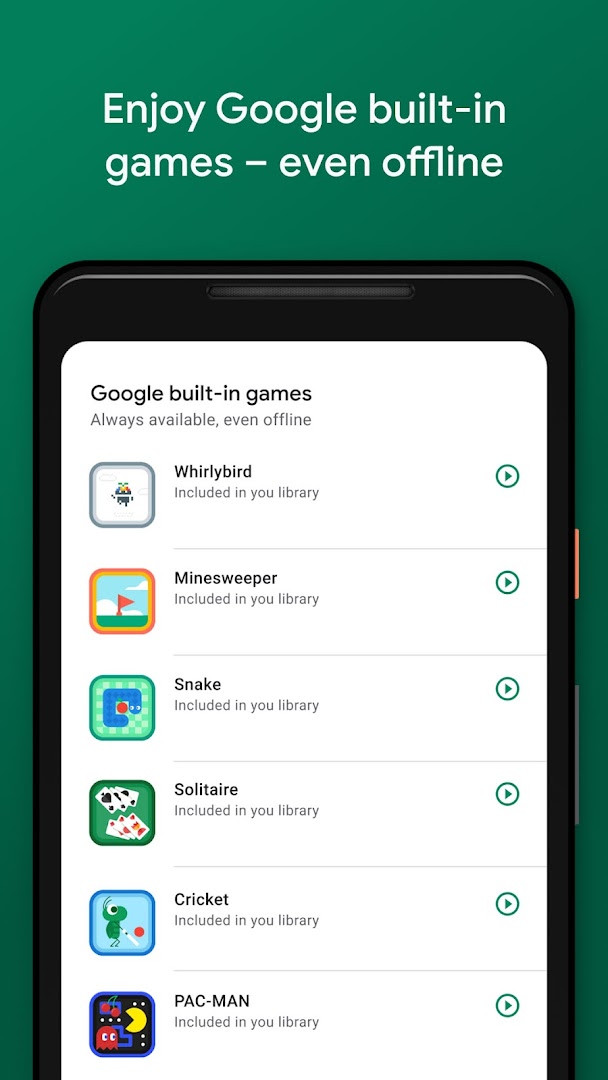
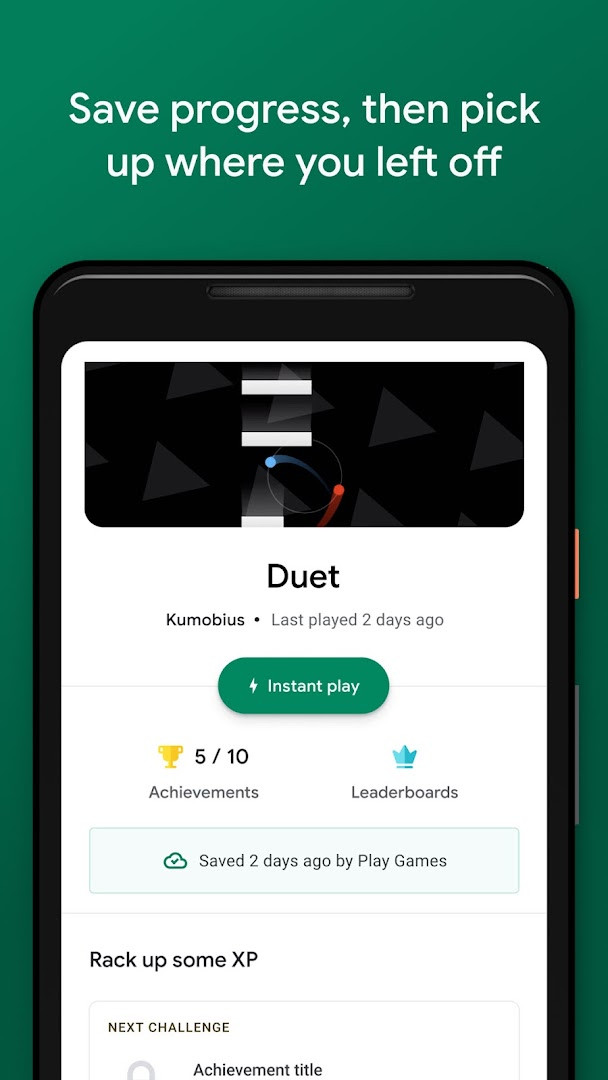
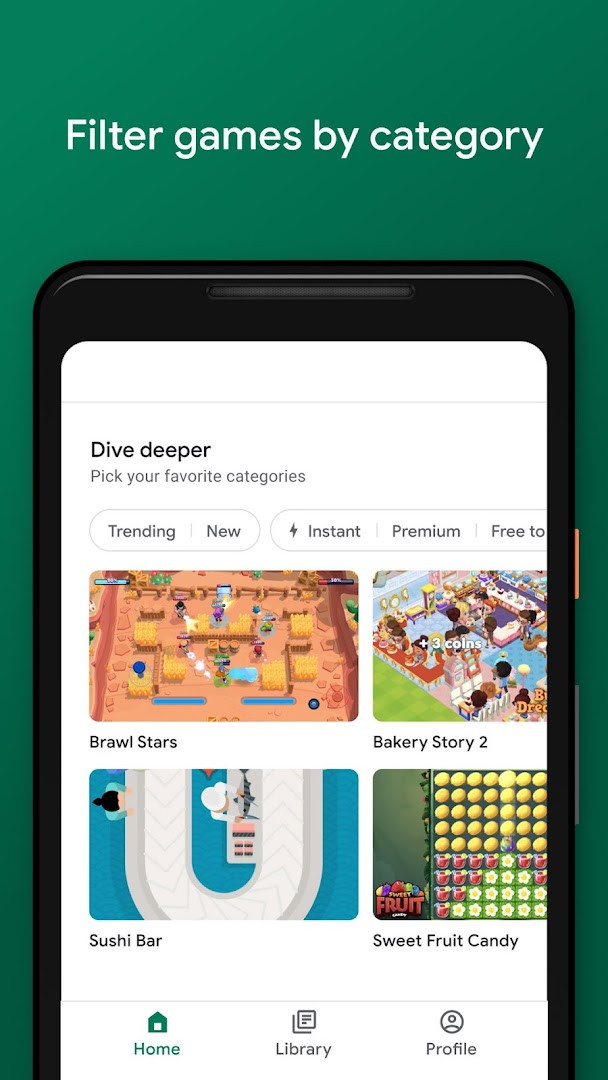
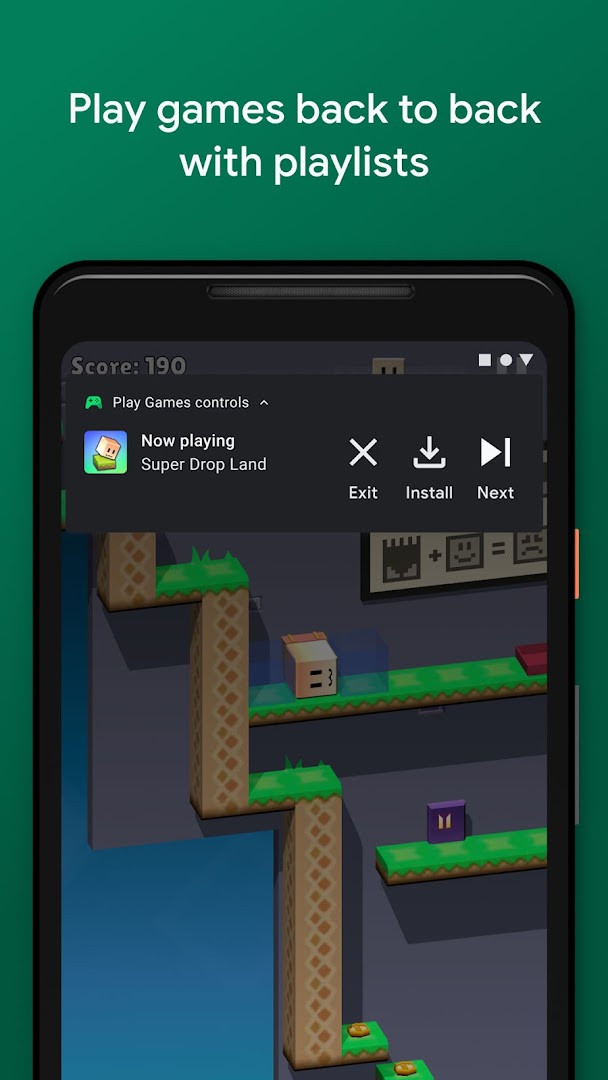
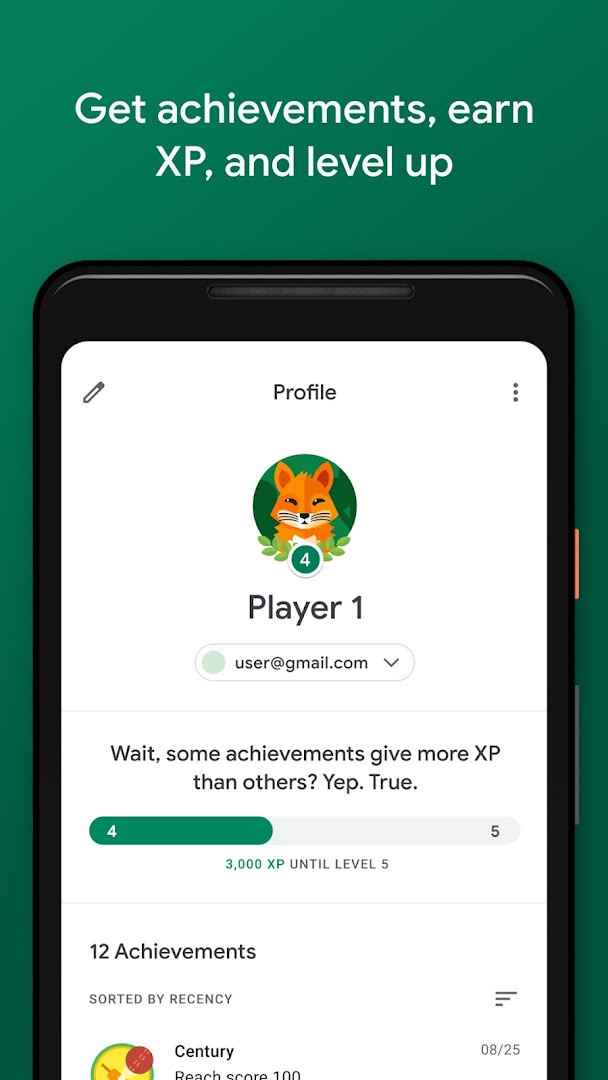
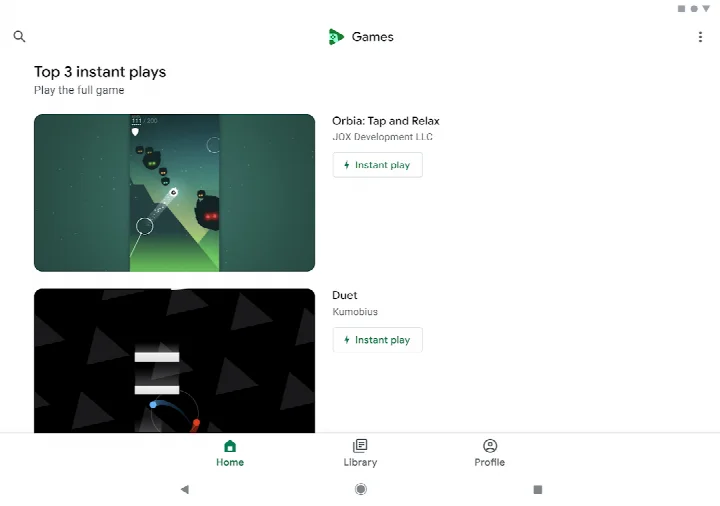
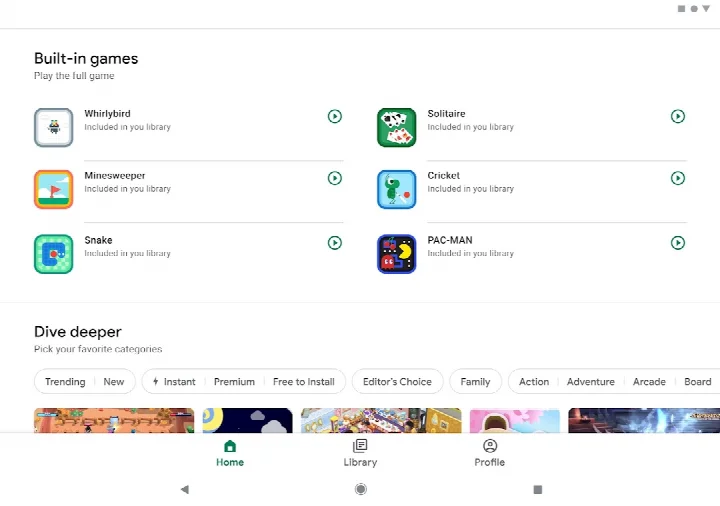
Google Play Games is an entertainment app by Google LLC that lets you discover games, play some of them without installing anything, and keep your progress and achievements in one place. The everyday problem it addresses is fragmentation: your scores, levels and unlocks usually live inside each individual game, and finding something new to play often means scrolling through listings with little guidance. This app gathers those pieces together. Through Instant play, many titles can be started right away without a download, so you can try something before committing storage space. A cloud save system keeps your progress synced, which means you can continue on another device rather than starting over. A gamer profile ties your identity, achievements and experience points into a single account, and built-in games give you something to do when you have no connection at all. A gameplay recording tool rounds out the package for anyone who likes sharing highlights.
Key features
- Instant play support, which lets you launch many full games without installing them first
- Built-in games such as Solitaire, Minesweeper, Snake, PAC-MAN, Cricket and Whirlybird that work even offline
- Automatic cloud saving of progress, indicated in-game by a progress saved message
- A gamer profile with a custom gamer ID, achievements, XP and leveling
- Gameplay recording for capturing and sharing your best moments
- Automatic sign-in to games, with the option to change the account in settings
- A discovery feed that helps you find new titles across genres like action and puzzles
How to install
- Tap the download button on this page to get the APK file.
- If Android asks for permission, allow your browser or file manager to install apps by turning on the Install unknown apps setting for that app.
- Open the downloaded APK file from your notifications or file manager.
- Tap Install and wait for the process to finish; the download is about 14 MB.
- Open the app once installation completes. Your device needs Android 5.0 or newer.
Pros
- Free to download and use
- Instant play removes the wait and storage cost for supported games
- Cloud saves make switching devices much less painful
- Offline built-in games are handy on flights or with poor signal
- Achievements and XP give a light sense of progression
- Large install base and a long track record since 2013
Cons
- Contains advertising
- Requests identity, contacts and microphone permissions
- Rated Teen, so it is not aimed at younger children
- Rating sits at 3.91, suggesting mixed experiences among users
Latest changes
Recent update makes signing in to games automatic: pick an account and go, with the option to change it anytime in settings. More built-in mini games are planned for offline play. Version history shows continuous releases; the latest listed is 5.14.7825 from 2026-08-21, following 1.1.04 and 2024.03 builds.
Previous versions
| Version | Size | Requires Android | Updated |
|---|---|---|---|
| 5.14.7825 (224833494.224833494-000700) | 16 MB | 4.0 | Aug 21, 2026 |
| 1.1.04 (794842-30) | 2 MB | — | Nov 4, 2025 |
| 2024.03.51732 (646593252.646593252-020700) | 14 MB | 5.0 | Sep 22, 2024 |
| 2024.03.50149 (625366451.625366451-000800) | 21 MB | 4.4 | Jun 2, 2024 |
| 2.1.13 (1518121-106) | 4.1 MB | 4.2 | Mar 7, 2015 |
| 2.0.13 (1404932-038) | 3.3 MB | — | Sep 15, 2014 |
This app suits casual and regular players who want one place to browse games, keep their progress synced and earn achievements without managing saves manually. It is especially useful if you switch between devices, since cloud saving follows your account rather than the handset. People who travel or have unreliable connections will appreciate the built-in games that run offline, and anyone who enjoys recording and sharing gameplay will find the capture tool convenient. Because it carries a Teen rating and requests identity, contacts and microphone access, it is best suited to adult users or teenagers comfortable with those permissions.
Check for the Instant play button before downloading a game, since it can save both time and storage. Sign in with the account you actually want linked to your progress, and remember you can change it later in settings. If you are concerned about permissions, review them in Android settings after installation and revoke anything you are not comfortable granting. Keep an eye out for the progress saved message to confirm your cloud save went through before switching devices.
Permissions
Frequently asked questions
Does Google Play Games cost anything?
No, the app is free to download and use. It is ad-supported, and there are no in-app purchases, so you can enjoy it without paying.
Which Android version do I need to run it?
The app requires Android 5.0 or later. Make sure your device meets this minimum before installing.
How large is the download?
The file is about 14 MB. The exact size may vary slightly depending on the version you install.
Do I need an account to use it?
Yes, you sign in with your Google account. Signing in is automatic, and you can switch accounts at any time in the settings.
What permissions does the app request?
It asks for Identity, Contacts, and Microphone permissions. These support features like your gamer profile, friend connections, and gameplay recording.
How do I update to a newer version?
Download the latest version from this page and install it over your current copy. Your saved progress stays in the cloud and carries over.
Google Play Games works well as a hub for discovery, cloud saves and achievements, and the instant-play and offline options add real convenience. It is free, though ads and the permission list are worth weighing before you install.
Similar apps
 YouTubeYouTube is a free video app with a size of 199 MB, requires Android 10 or higher, and includes ads and in-app purchases. It offers a vast…Google LLC · ★ 3.8 · Entertainment · 199 MB
 Google WalletGoogle Wallet is for Android users who want to pay in stores, online, or in apps and keep passes, tickets, and digital IDs in one place. …Google LLC · ★ 4.3 · Finance · 16 MB
 Google TVGoogle TV occupies about 40 MB and requires Android 6.0 or newer to run. The app is free to download and contains no ads, though in-app p…Google LLC · ★ 3.9 · Entertainment · 40 MB
 YouTube MusicYouTube Music provides a vast library of songs, music videos, and live performances, along with curated playlists and personalized mixes.…Google LLC · ★ 4.5 · Entertainment · 68 MB
More from this developer
 Google MessagesGoogle Messages is a free Communication app from Google LLC, with no ads and no in-app purchases. It runs on Android 6.0 and up and the d…Google LLC · ★ 4.6 · Communication · 9 MB
 Gboard - the Google KeyboardGboard - the Google Keyboard is designed for Android users who want to type faster through Glide Typing, voice typing, handwriting, and e…Google LLC · ★ 4.5 · Tools · 9.4 MB
 Google CalendarGoogle Calendar is a 33 MB app that requires Android 8.0 or higher, contains no ads or in-app purchases, and has received 4.86 million ra…Google LLC · ★ 4.6 · Productivity · 33 MB
Google TVGoogle TV occupies about 40 MB and requires Android 6.0 or newer to run. The app is free to download and contains no ads, though in-app p…Google LLC · ★ 3.9 · Entertainment · 40 MB
 GoogleGoogle is a free app with ads and no in-app purchases, sized at 156 MB and requiring Android 6.0 or higher. It offers AI-powered search f…Google LLC · ★ 4.0 · Tools · 156 MB
 Google DriveGoogle Drive is a 124 MB app that requires Android 8.0 or higher. It includes in-app purchases for additional storage via Google One, sta…Google LLC · ★ 4.3 · Productivity · 124 MB
Updated: Oct 24, 2026
- Size
- 14 MB
- Requires Android
- 5.0
- Updated
- May 7, 2026
- Installs
- 5B+
- Rating
- ★ 3.91 (13,146,858)
- Category
- Entertainment
- Developer
- Google LLC
- Content rating
- Teen
- Package
- com.google.android.play.games
- Free
- ✓ · Contains ads