Mi Video-Short Video Download: Play, Download, Manage Videos
Mi Video-Short Video Download is a free video player and downloader by Mi Video that lets you stream, save, and organize short and local videos.

Mi Video-Short Video Download has a file size of 100 MB and requires Android 7.0 or newer. The app shows ads but offers no in-app purchases, and it has a 4.41 rating from about 1.23 million ratings with over 1 billion installs. It suits people who want a single tool for playing local files, downloading clips from social platforms, and managing video folders.
Get App · v2026101200(MiVideo-GP)Screenshots
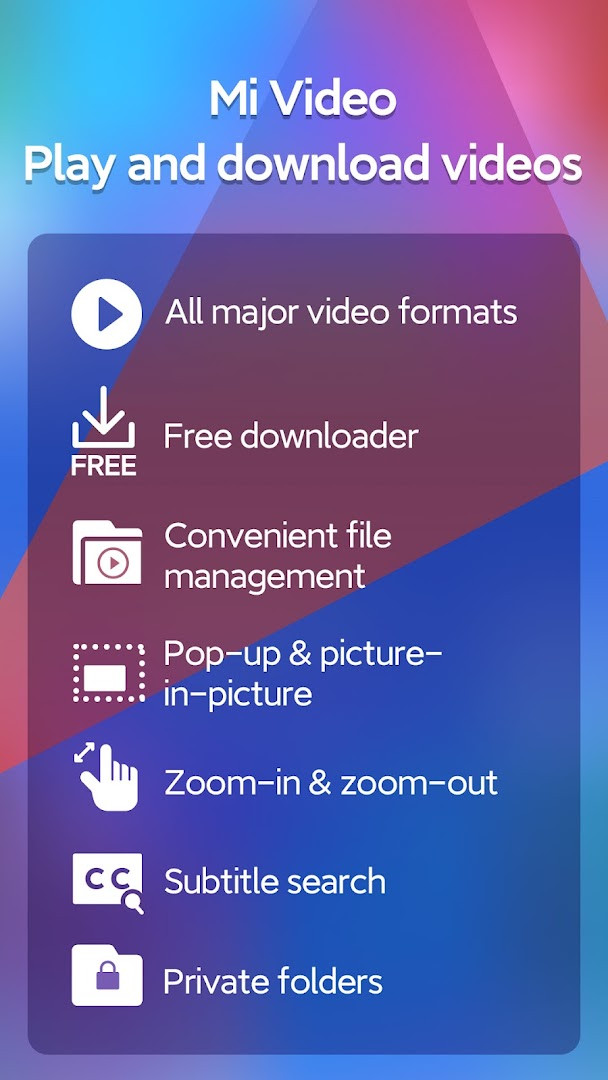
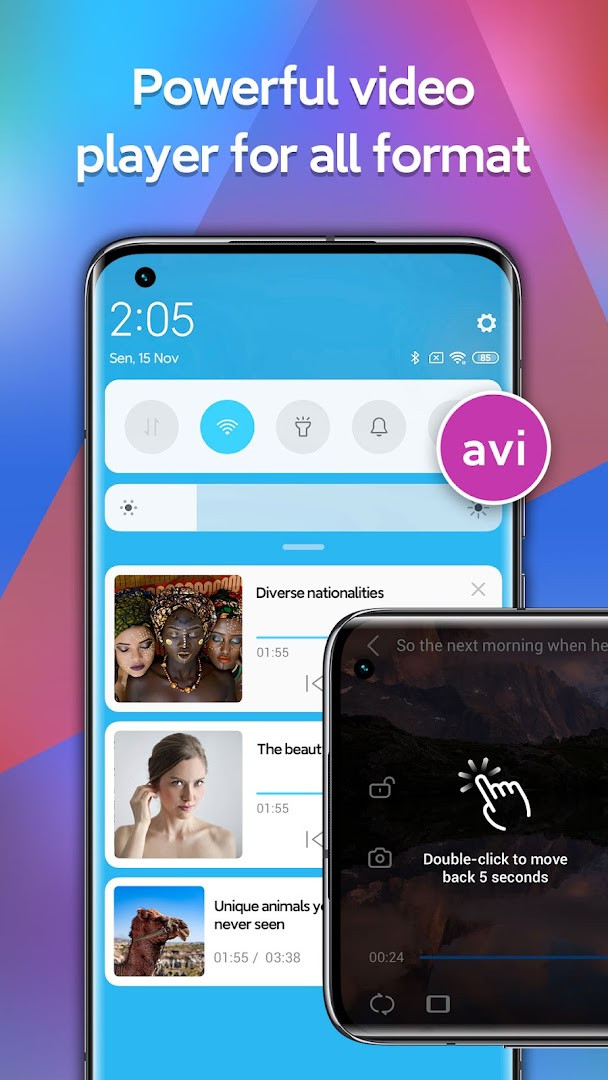
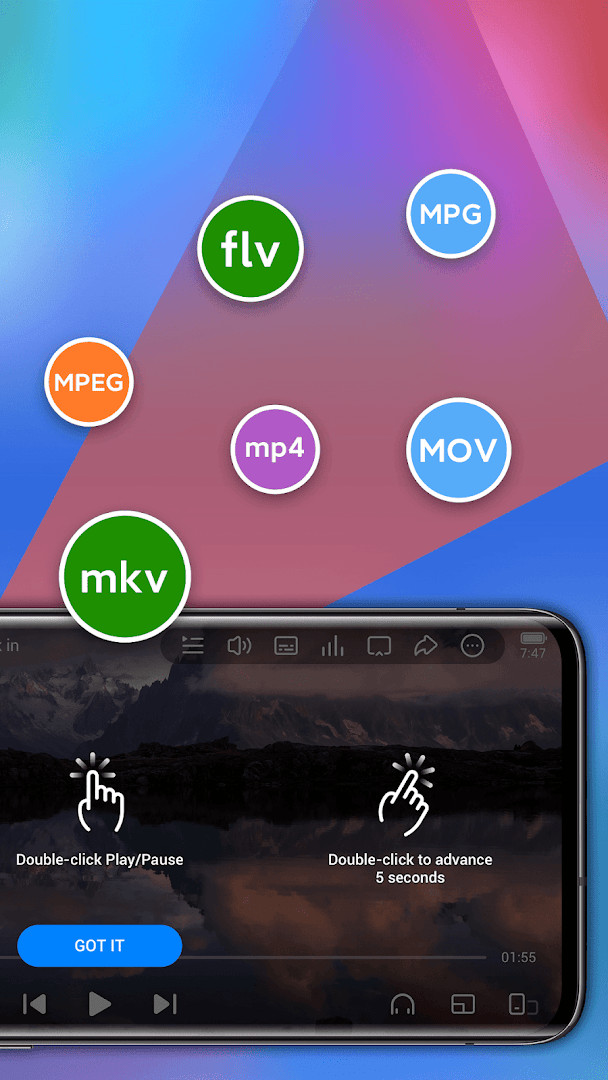
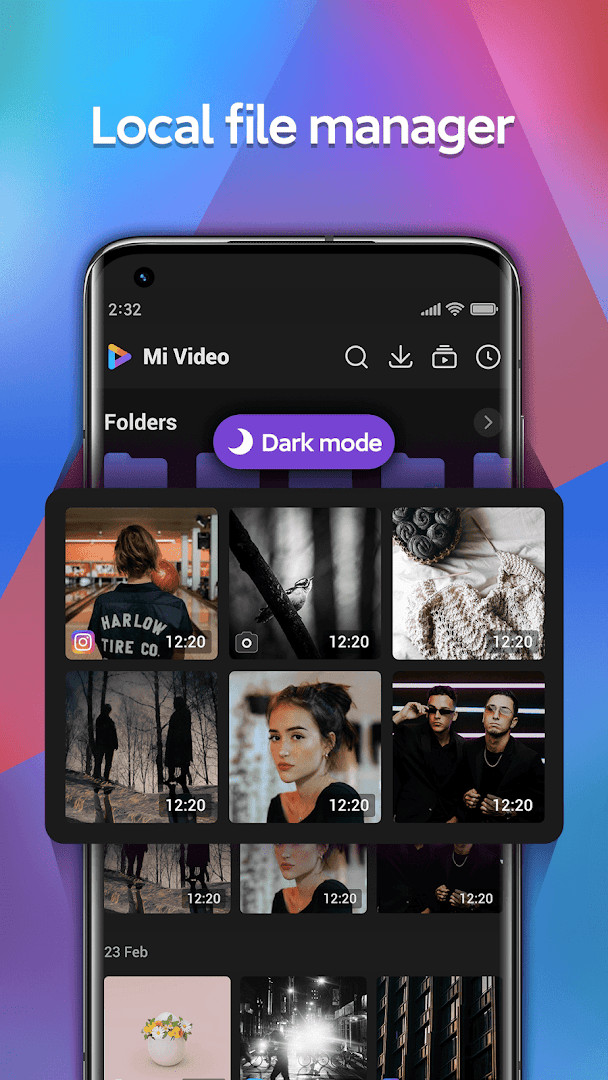
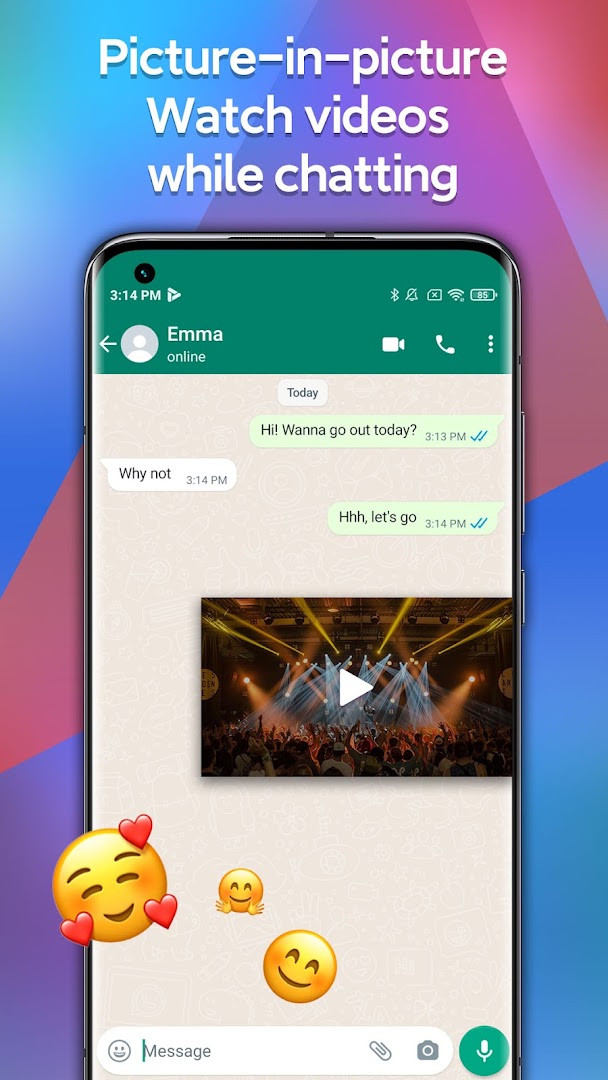
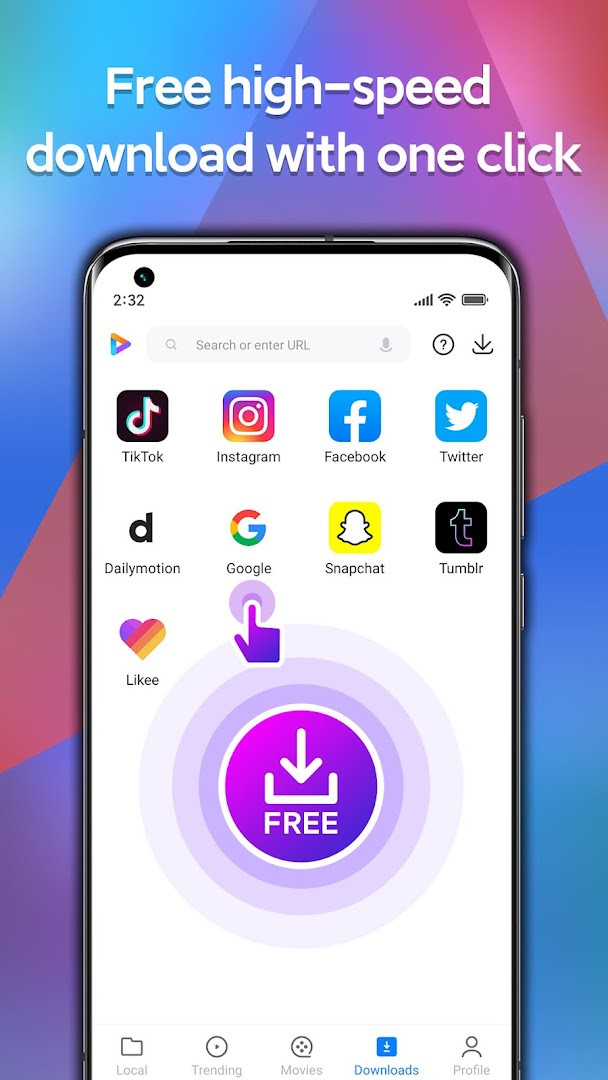
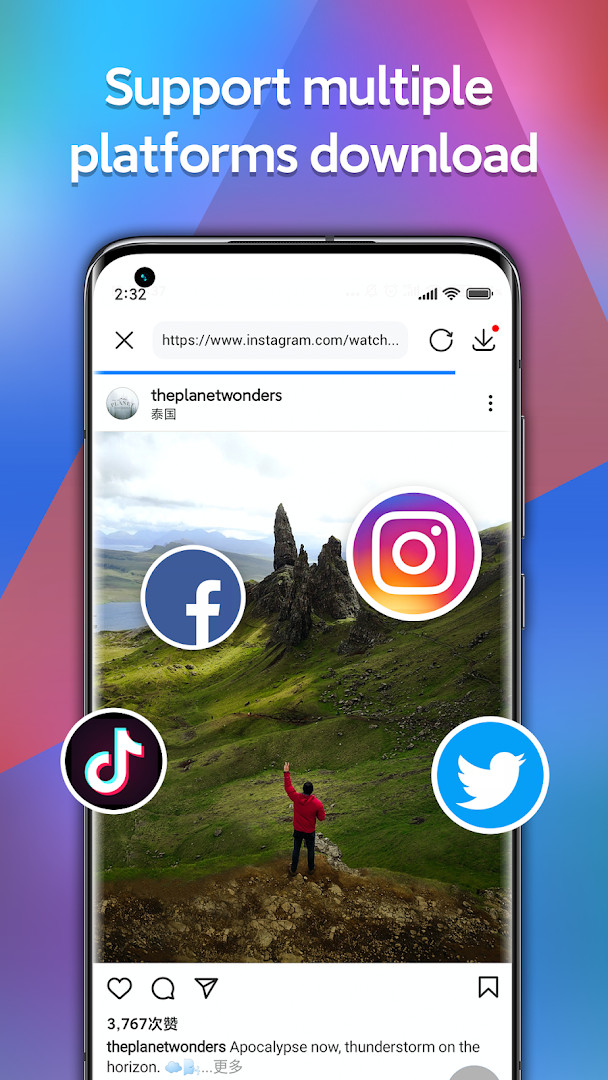
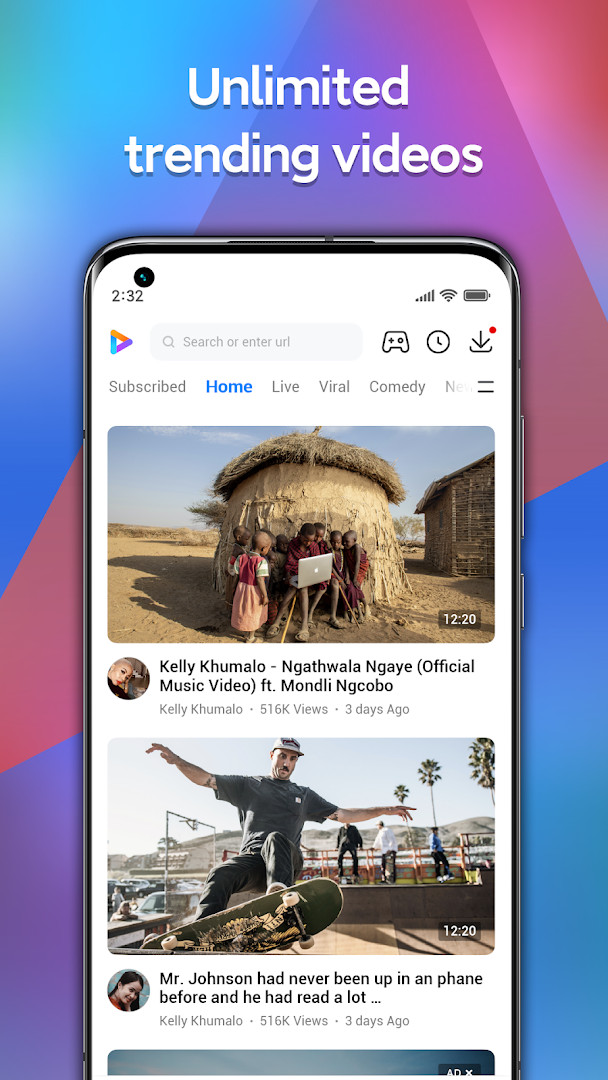
Mi Video-Short Video Download is a video-centric utility by Mi Video that combines local playback, online downloading, streaming, and file management in a single app. It solves the common problem of juggling several tools for different tasks: one app plays local files in formats like MKV and MP4, another handles downloads from social platforms, and yet another organizes the resulting library. Mi Video bundles these into one interface, adding a continuously updated short-video feed, personalized recommendations, background and pop-up playback, subtitle support, and a file manager with password-protected folders. The app is free to use and ad-supported, carries a Teen content rating, and has been updated as recently as November 2026.
Key features
- Local playback for major video formats including MKV, MP4, M4V, MOV, and AVI
- Background playback and pop-up (picture-in-picture) viewing with gesture controls for volume, brightness, and progress
- Multi-language subtitles with online subtitle search even for local videos
- Short-video downloader supporting platforms like Instagram, Likee, Facebook, Tumblr, Snapchat, and TikTok, including concurrent downloads and resolution selection
- Moment feed with personalized intelligent recommendations based on viewing behavior
- File manager with password-protected folders, plus zoom from 25% to 500% and 16:9 or 4:3 aspect ratio choices
- Built-in streaming library and a Facebook Watch feed for trending content
How to install
- Tap the download button on this page to save the APK file, about 100 MB in size.
- Confirm your device runs Android 7.0 or later before proceeding.
- When Android asks, allow your browser or file manager to install apps by enabling the "Install unknown apps" setting.
- Open the downloaded APK file from your notifications or file manager.
- Tap Install and wait for the installation to complete.
- Open the app from your home screen or app drawer.
Pros
- Free to download and use with no in-app purchases
- Broad codec and container support for local playback
- Versatile social video downloader with multiple simultaneous downloads
- Useful extras like password-protected folders and flexible zoom
- Strong community reception with a 4.41 rating from over 1.2 million ratings
Cons
- Ad-supported, with no in-app purchase option to remove ads
- Requests permissions for identity, photos/media/files, storage, and Wi-Fi connection information, which some users may find broad
- Downloading clips from social platforms may require attention to content ownership and platform terms
Latest changes · 2026101200(MiVideo-GP)
This update refines the search experience and improves subtitle handling for locally stored videos. It also brings subtitle and picture-in-picture support for TV and movie content, along with several bug fixes to enhance overall stability.
Previous versions
| Version | Size | Requires Android | Updated |
|---|---|---|---|
| 2026101200(MiVideo-GP) | 100 MB | 7.0 | Nov 9, 2026 |
| 2026061500(MiVideo-GP) | 87 MB | 7.0 | Oct 24, 2026 |
| 2026091100(MiVideo-GP) | 100 MB | 7.0 | Oct 15, 2026 |
| 2026052801(MiVideo-GP) | 86 MB | 7.0 | Oct 15, 2026 |
| 2026071401(MiVideo-GP) | 87 MB | 7.0 | Oct 15, 2026 |
| 2026012101(MiVideo-GP) | 83 MB | 7.0 | Oct 4, 2026 |
| 2026031800(MiVideo-GP) | 83 MB | 7.0 | Oct 3, 2026 |
| 2026042101(MiVideo-GP) | 85 MB | 7.0 | Oct 2, 2026 |
| 2025081302(MiVideo-GP) | 89 MB | 7.0 | Oct 1, 2026 |
| 2026082000(MiVideo-GP) | 86 MB | 7.0 | Sep 26, 2026 |
This app suits viewers who want one tool for playing local files, saving short videos from social platforms for offline viewing, and organizing their video library. It also appeals to anyone who enjoys a continuously refreshed feed of recommended or trending clips and is comfortable with an ad-supported utility that asks for several device permissions.
Use the in-app Help section for step-by-step download guidance; double-tap the screen to pause or resume playback; choose a lower resolution before downloading to save storage; and place private clips in password-protected folders. For large transfers, connect to Wi-Fi first.
Permissions
Frequently asked questions
How do I install the APK on my Android device?
The APK installs like any standard Android app. You download the package and open it; Android will guide you through the process. The app requires Android 7.0 or higher and is about 100 MB in size.
What is the current version of the app?
The current version is 2026101200(MiVideo-GP), released on November 9, 2026. It includes optimized search, improved subtitles for local videos, and picture-in-picture support for TV and movies.
Does the app contain ads or require purchases?
The app is free to use and does not include in-app purchases. However, it does display ads.
Can I use the app offline or save videos for later?
Yes, you can download and save your favorite videos to your device for offline viewing. The app also supports high-speed downloads and lets you choose your preferred resolution.
Are there similar apps in the Entertainment category?
Yes, there are other video player and downloader apps in the Entertainment category. Mi Video stands out by combining a local player, online streaming, a downloader, and a file manager in one tool.
What video formats and features does the player support?
It supports major formats like MKV, MP4, M4V, MOV, and AVI. Features include background playback, gesture controls, zoom from 25% to 500%, subtitle search, and adjustable aspect ratios.
Mi Video is a practical all-in-one solution for playing, downloading, and managing video, offering strong format support and a broad feature set for a free app. Advertisements and wide-ranging permissions are the main trade-offs to weigh before installing.
Similar apps
 Digital WellbeingDigital Wellbeing requires Android 9 or higher and has no ads and no in-app purchases. The app was released on 2018-08-08 and updated on …Google LLC · ★ 3.6 · Tools
 YouTube MusicYouTube Music provides a vast library of songs, music videos, and live performances, along with curated playlists and personalized mixes.…Google LLC · ★ 4.4 · Entertainment · 74 MB
 Google TVGoogle TV occupies about 40 MB and requires Android 6.0 or newer to run. The app is free to download and contains no ads, though in-app p…Google LLC · ★ 3.9 · Entertainment · 40 MB
 YouTubeYouTube is a free video app with a size of 199 MB, requires Android 10 or higher, and includes ads and in-app purchases. It offers a vast…Google LLC · ★ 3.8 · Entertainment · 156 MB
 Google Play GamesGoogle Play Games is free to use and includes ads, with no in-app purchases. Google Play Games offers instant play for many titles withou…Google LLC · ★ 3.9 · Entertainment · 14 MB
 Visha-Video Player All FormatsVisha-Video Player All Formats is for Android users who want a single player for local videos, music, and online streams without ads inte…Visha Group · ★ 4.3 · Entertainment · v8.3.0.33
 Mi MusicMi Music is for Android users who want to stream popular hits or play songs offline in a single free music player. Mi Music requires Andr…Mi Music · ★ 3.9 · Entertainment · 148 MB
 CapCut - Video EditorCapCut requires Android 6.0 or later and shows no ads, though in-app purchases are available. CapCut has drawn more than 13.1 million rat…Bytedance Pte. Ltd. · ★ 3.6 · Entertainment · v20.2.0
Updated: Nov 23, 2026
- Version
- 2026101200(MiVideo-GP)
- Size
- 100 MB
- Requires Android
- 7.0
- Updated
- Nov 9, 2026
- Installs
- 1B+
- Rating
- ★ 4.41 (1,230,297)
- Category
- Entertainment
- Developer
- Mi Video
- Content rating
- Teen
- Package
- com.miui.videoplayer
- Free
- ✓ · Contains ads