CapCut - Video Editor: Trim, Split and Merge Clips
CapCut is a free video editing app by Bytedance Pte. Ltd. that lets you trim, split, merge and animate clips on a multi-track timeline.

CapCut requires Android 6.0 or later and shows no ads, though in-app purchases are available. CapCut has drawn more than 13.1 million ratings and over 1 billion installs since its April 2020 release. CapCut suits beginners who want quick edits and advanced users who need keyframes, chroma key and 4K 60fps export.
Get CapCut · v20.1.0Screenshots
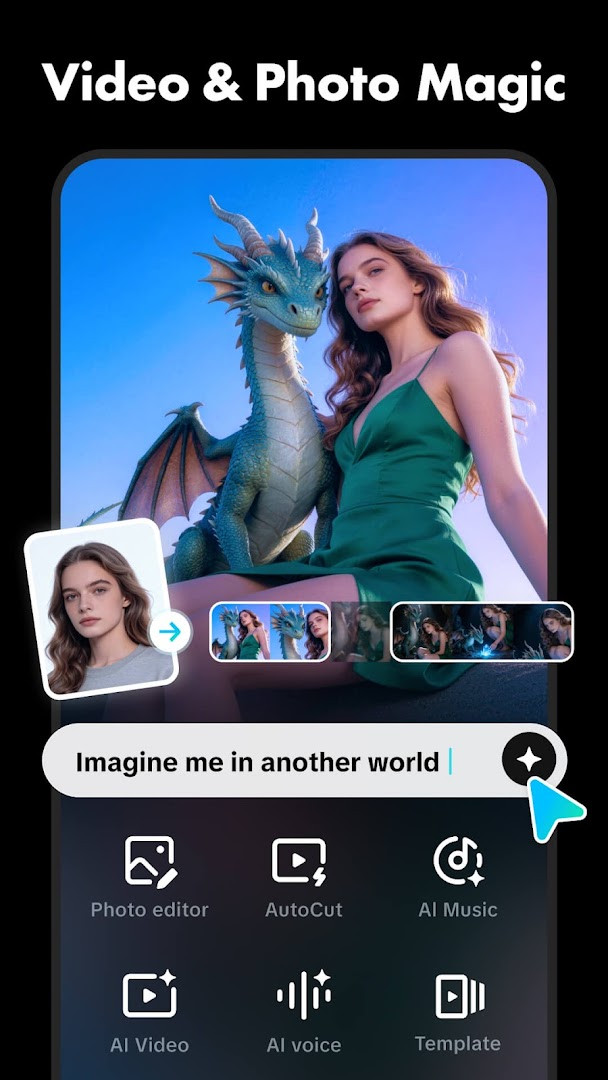
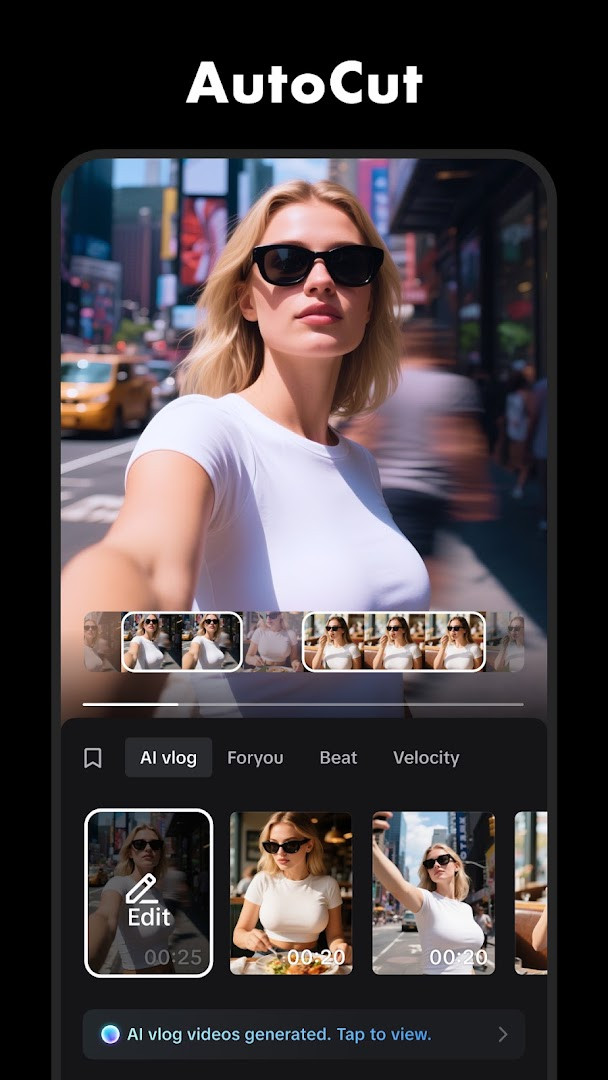
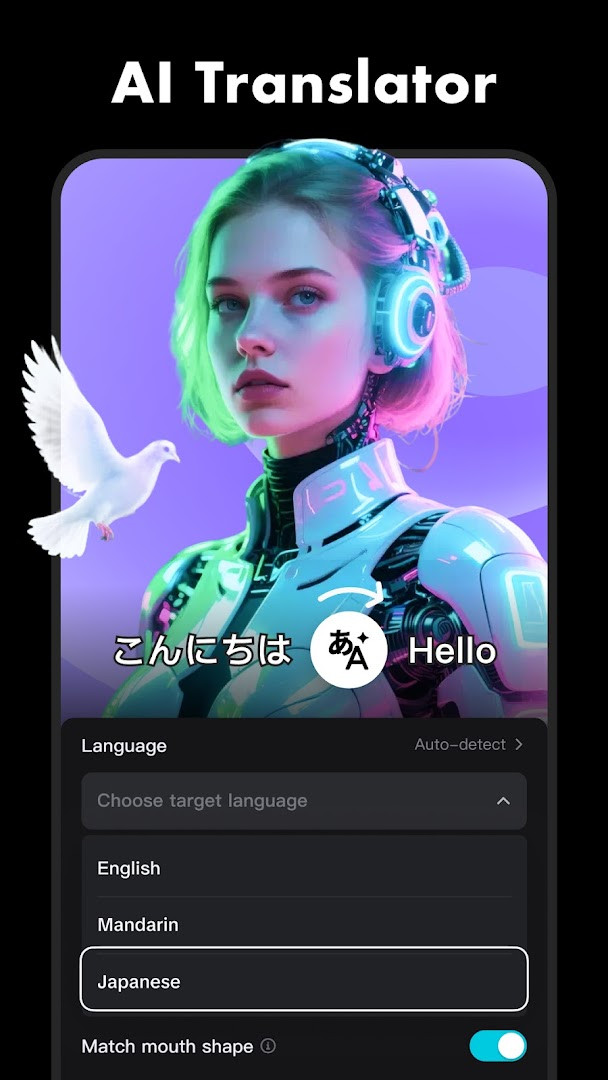
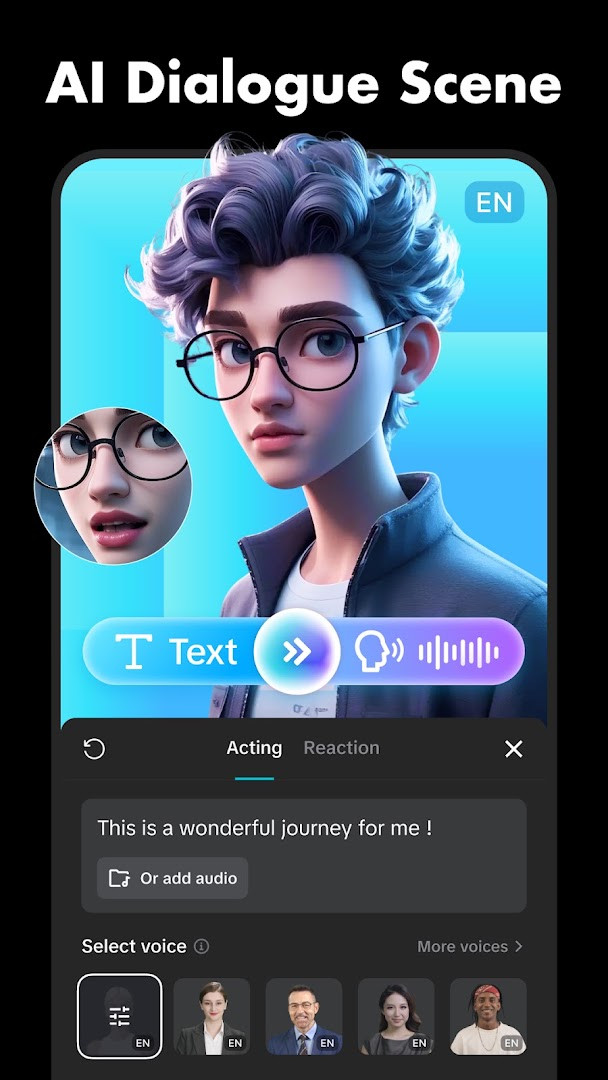
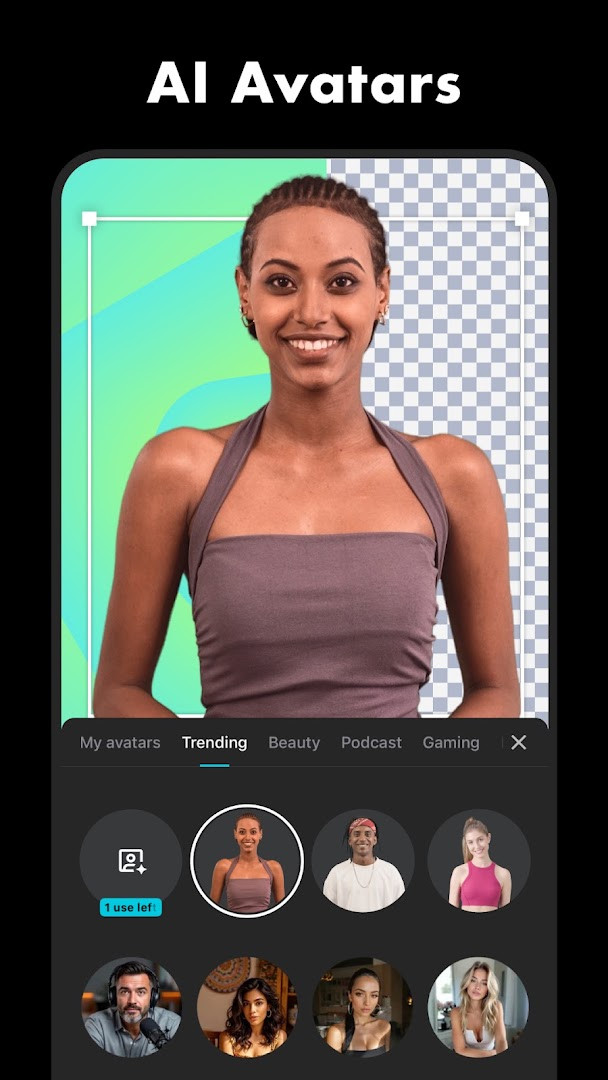
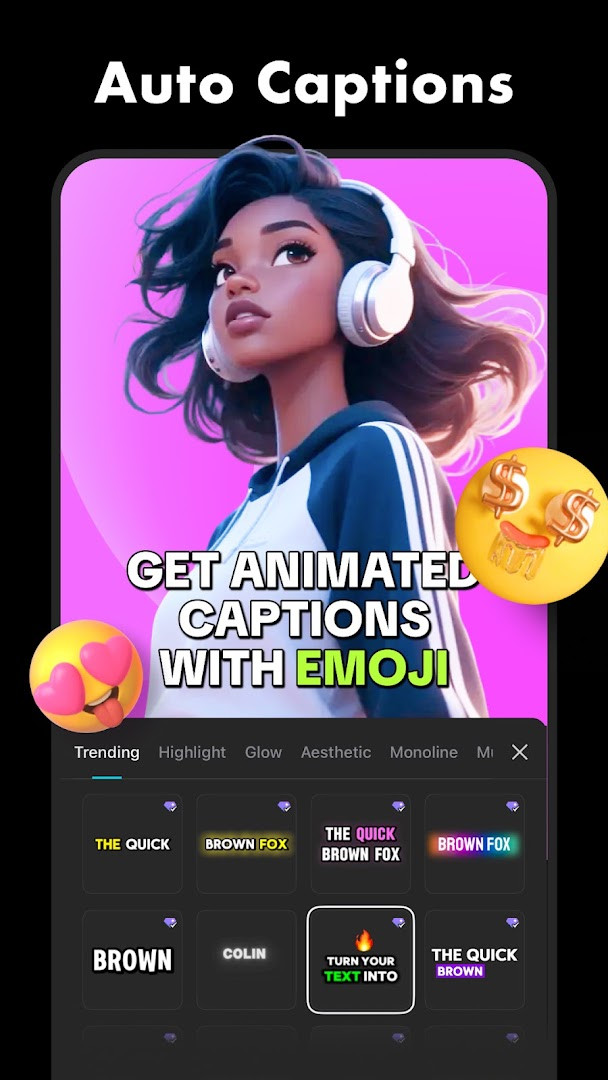
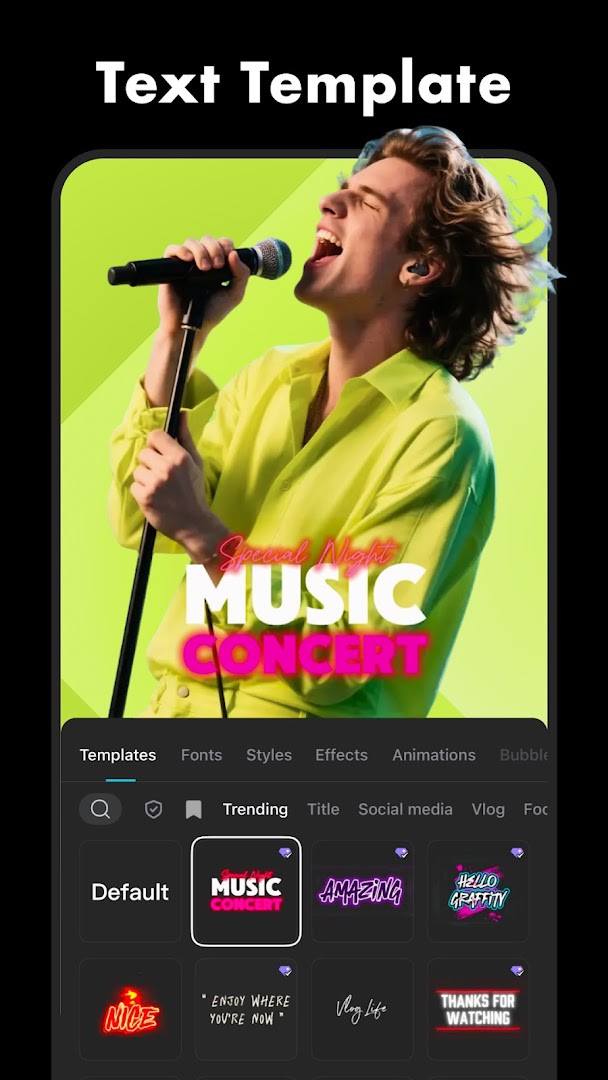
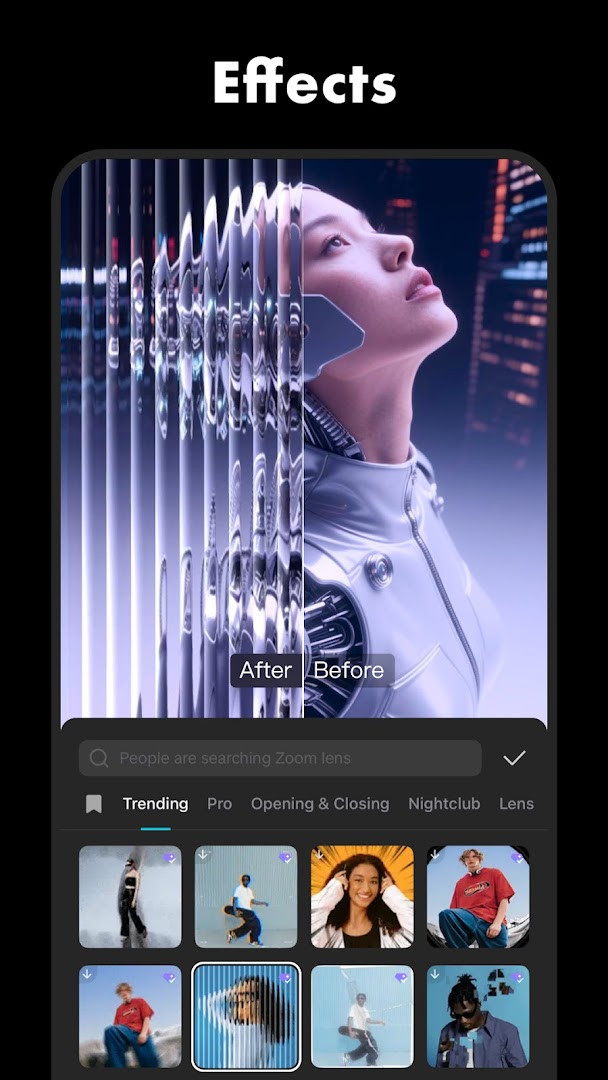
CapCut - Video Editor is a video editing application by Bytedance Pte. Ltd. that provides a comprehensive set of tools for trimming, merging, and enhancing video clips on Android devices. It addresses the need for a versatile editor that works for both quick social media snippets and more elaborate projects, solving this by layering basic timeline controls with advanced features like keyframe animation, chroma key, and motion tracking within a single interface. The app balances accessibility for beginners with depth for experienced users, offering automated captioning and background removal alongside manual adjustments for speed, color, and stabilization.
Key features
- Basic editing tools for trimming, splitting, merging, and adjusting clip speed from 0.1x to 100x with speed curve support
- Keyframe animation that can be applied to all settings, enabling gradual changes to position, opacity, and scale
- Chroma key functionality to remove specific colors from video footage
- Optical flow feature for creating smooth slow-motion effects
- Stabilization tool to keep video footage steady during playback
- Auto captions using speech recognition and text-to-speech in multiple languages and voices
- Background removal that automatically isolates subjects from their surroundings
- Export options supporting 4K 60fps and smart HDR, with weekly updated filters and trending effects
How to install
- Tap the download button on this page to get the APK file for CapCut - Video Editor.
- When Android prompts, allow your browser or file manager to install apps by enabling the 'Install unknown apps' setting for that source.
- Open the downloaded APK file from your notification or file manager.
- Tap Install and wait for the process to complete; the file size is not specified in the available data.
- Open the app from your app drawer; it requires Android 6.0 or higher to run.
Pros
- No ads interrupt the editing workflow
- Wide range of advanced tools including keyframe animation and chroma key
- Auto captions and background removal save time on repetitive tasks
- Supports 4K 60fps export for high-resolution output
- Weekly updated filters and effects keep content fresh
- Multi-track timeline allows for complex arrangements
Cons
- In-app purchases are available, which may lead to costs for premium features
- Requests access to camera, microphone, and storage, raising privacy considerations for some users
- Requires Android 6.0 or newer, excluding older devices
- Content is rated Teen, which may not suit all audiences
Latest changes · 20.1.0
Version 20.1.0 of CapCut, released on November 13, 2026, resolves a number of known issues and delivers a smoother trimming experience. This update aims to make clip adjustments more precise and intuitive, so you can refine your edits with greater ease. The developers also express gratitude for your ongoing support as they continue to enhance the app.
Previous versions
| Version | Size | Requires Android | Updated |
|---|---|---|---|
| 20.1.0 | — | 6.0 | Nov 13, 2026 |
| 19.7.0 | 306 MB | 6.0 | Oct 8, 2026 |
| 19.6.0 | 305 MB | 6.0 | Sep 19, 2026 |
| 19.5.0 | 304 MB | 6.0 | Sep 13, 2026 |
| 999.999.45 | 0.2 MB | 4.4 | Mar 13, 2026 |
This app is suited for experienced users who need a mobile editor with both quick fixes and sophisticated control. It fits content creators preparing videos for social platforms like YouTube or Instagram, as well as hobbyists who want to experiment with keyframing, slow-motion, and color keying without switching to desktop software. The presence of automated tools also makes it viable for those who edit frequently but want to streamline repetitive tasks like captioning or background cleanup, provided they are comfortable with the permissions required and potential in-app purchases for advanced features.
For smoother slow-motion, combine the optical flow feature with the speed curve tool rather than using a simple speed reduction, as this preserves more detail in the footage.
Permissions
Frequently asked questions
Is CapCut free to download and use?
Yes, CapCut is free to download and use. The app does not contain ads, though it offers optional in-app purchases for additional content or features.
What Android version do I need to run CapCut?
CapCut requires Android 6.0 or higher. It has been updated recently, with the latest version released on November 13, 2026.
Do I need to create an account to use CapCut?
CapCut can be used without forcing you to sign up, but certain features or services may prompt you to log in. An account is not strictly required for basic editing functions.
What permissions does CapCut request during installation?
CapCut requests access to your calendar, photos, media, files, storage, camera, microphone, and Wi-Fi connection information. These permissions are used for features like importing media, recording audio, and connecting to the internet.
How do I update CapCut to the latest version?
To update CapCut, simply download the newest version available on this page and install it over your current installation. The latest version is 20.1.0, released on November 13, 2026.
What are the main features of CapCut?
CapCut offers basic editing tools like trimming, splitting, and speed adjustment, along with advanced features such as keyframe animation, chroma key, and stabilization. It also includes intelligent tools like auto captions, text-to-speech, and background removal, plus access to filters, effects, and music.
CapCut - Video Editor offers a robust feature set that covers both basic and advanced editing needs, making it a strong contender for Android users. Its lack of ads and extensive tool list are balanced by privacy-conscious permissions and optional purchases, so weigh those factors against your workflow.
Similar apps
 Google TVGoogle TV occupies about 40 MB and requires Android 6.0 or newer to run. The app is free to download and contains no ads, though in-app p…Google LLC · ★ 3.9 · Entertainment · 40 MB
 YouTubeYouTube is a free video app with a size of 199 MB, requires Android 10 or higher, and includes ads and in-app purchases. It offers a vast…Google LLC · ★ 3.8 · Entertainment · 156 MB
 YouTube MusicYouTube Music provides a vast library of songs, music videos, and live performances, along with curated playlists and personalized mixes.…Google LLC · ★ 4.4 · Entertainment · 74 MB
 Google Play GamesGoogle Play Games is free to use and includes ads, with no in-app purchases. Google Play Games offers instant play for many titles withou…Google LLC · ★ 3.9 · Entertainment · 14 MB
 MX PlayerMX Player is for Android users who want a dependable video player that handles a wide range of files and subtitle formats. The app suppor…Amazon Mobile LLC · ★ 4.2 · Entertainment · v3.4.3
 NetflixNetflix is for anyone who wants to watch series, movies, live events, podcasts, and games while traveling or at home. The app offers pers…Netflix, Inc. · ★ 4.8 · Entertainment · 63 MB
 Spotify: Music and PodcastsSpotify: Music and Podcasts suits listeners who want one place to stream songs, shows and audiobooks without paying upfront. The app is f…Spotify AB · ★ 4.4 · Entertainment · 4.3 MB
 AuraninjaAuraninja suits people who want to combine ambient sounds such as rain, birds, fire, wind, waves, thunder, and cat noises with internet r…Giuig · Entertainment · 28 MB
Updated: Nov 14, 2026
- Version
- 20.1.0
- Requires Android
- 6.0
- Updated
- Nov 13, 2026
- Installs
- 1B+
- Rating
- ★ 3.55 (13,168,358)
- Category
- Entertainment
- Developer
- Bytedance Pte. Ltd.
- Content rating
- Teen
- Package
- com.lemon.lvoverseas
- Free
- ✓ · In-app purchases