WhatsApp Messenger: Messaging and Video Calling App
WhatsApp Messenger is a messaging and video calling app by WhatsApp LLC that lets you send messages, make calls, and share media with end-to-end encryption.

WhatsApp Messenger is a free communication app used by over 2 billion people in more than 180 countries. It offers end-to-end encrypted messaging, high-quality voice and video calls with up to 32 participants, and works on slow connections. The app requires Android 6.0 or higher and has a download size of 142 MB, with no ads and optional in-app purchases.
Download WhatsAppScreenshots
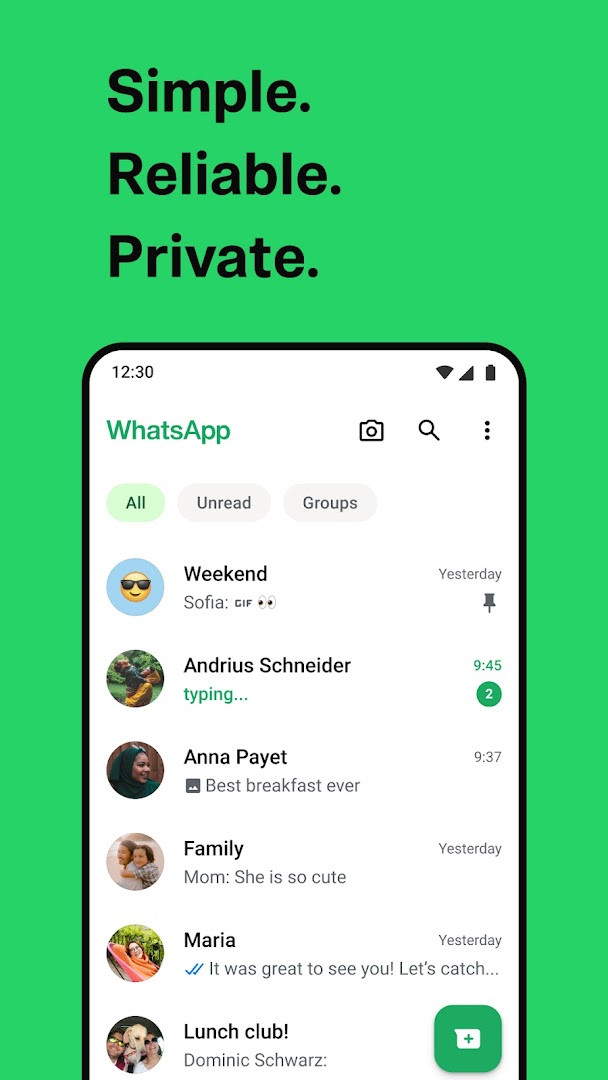
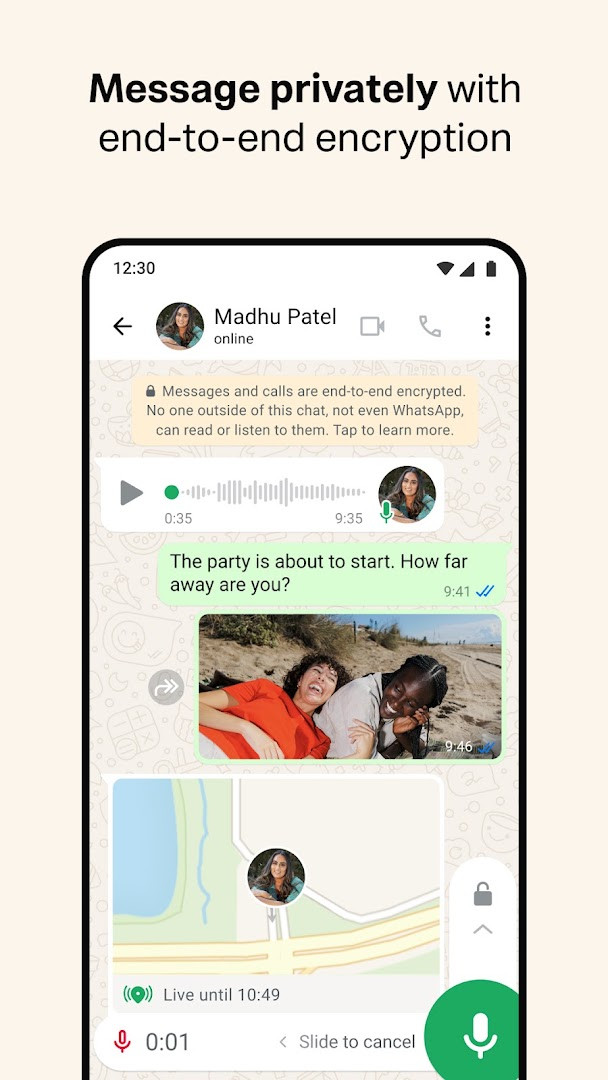
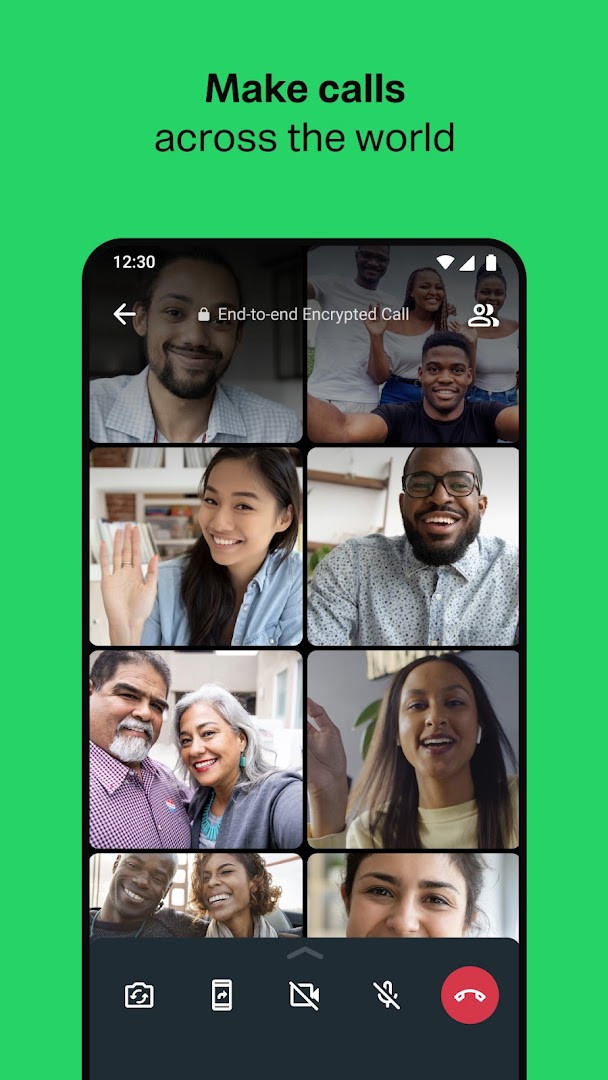
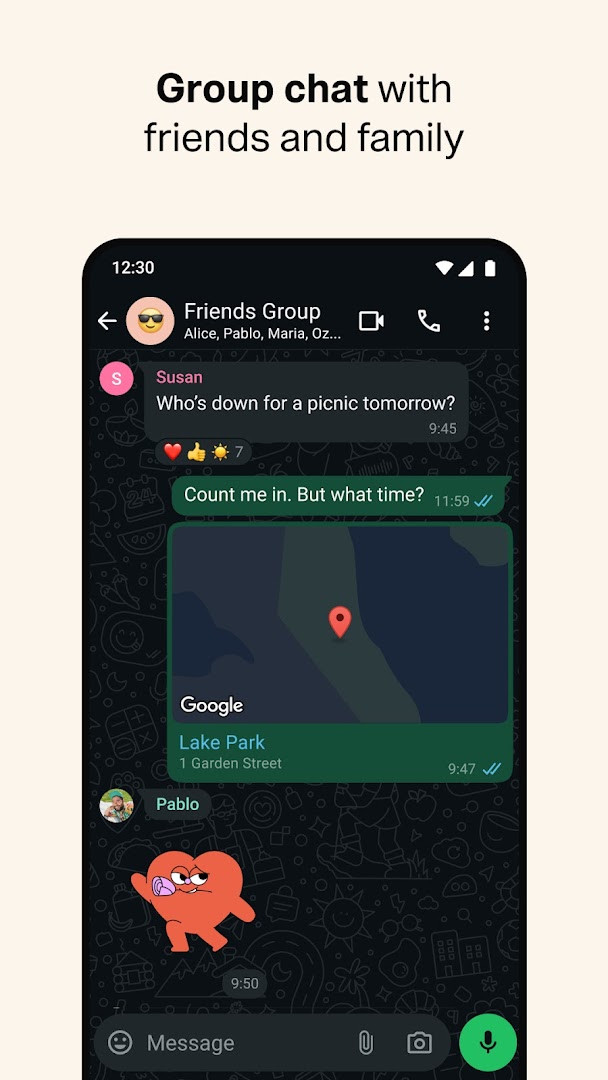
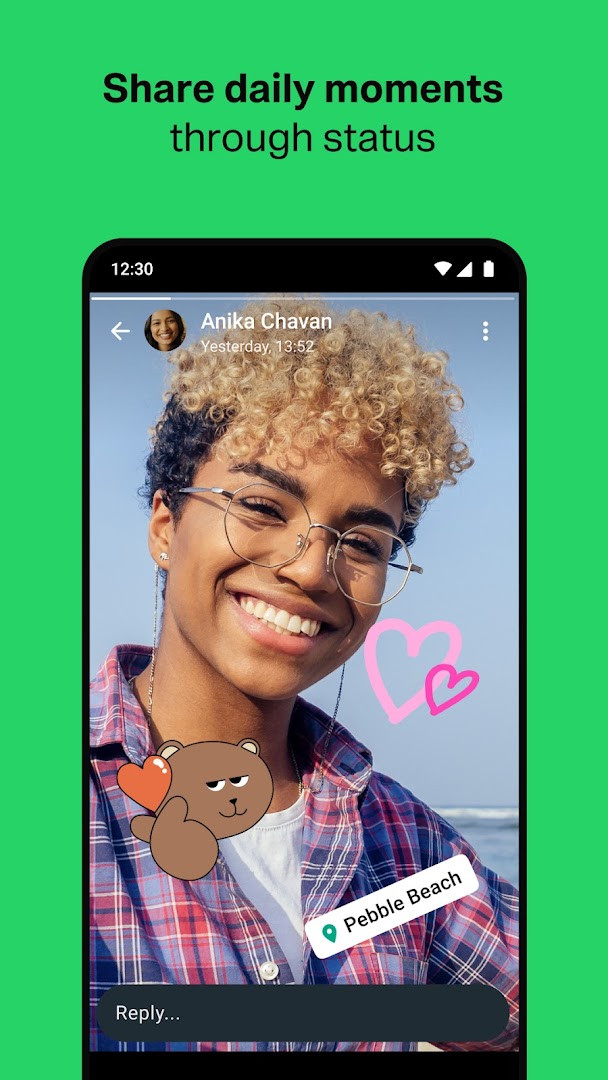
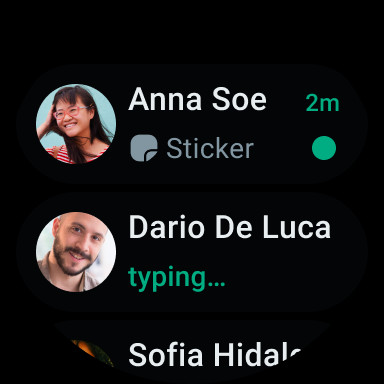
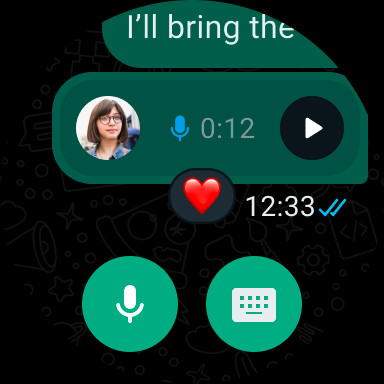
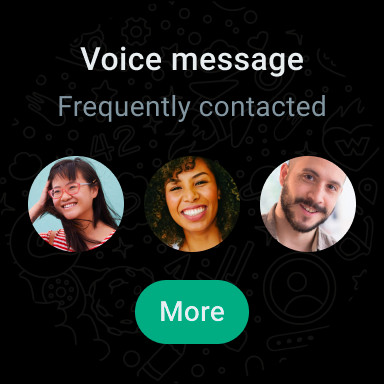
WhatsApp Messenger is a free communication app by WhatsApp LLC that provides end-to-end encrypted messaging and voice and video calling. It addresses the everyday problem of staying in touch with friends, family and colleagues without paying subscription fees, and it does so by tying each account to a phone number instead of a username or password, so there is nothing extra to remember before you start a conversation. Messages, calls and shared media travel over your phone's internet connection, which means the app still functions on slow networks and does not depend on a mobile carrier's SMS allowance. Group conversations, location sharing, voice notes and disappearing Status updates extend the same encrypted model beyond one-to-one chats. The app is listed as free, carries no advertising, and offers optional in-app purchases; it asks for a broad set of Android permissions, so it is worth reviewing what you grant.
Key features
- End-to-end encryption for personal messages and calls, so parties outside a chat cannot read or listen to its contents
- Voice and video calls with up to 32 participants, placed over the phone's internet connection and usable on slow connections
- End-to-end encrypted group chats that support sharing messages, photos, videos and documents
- Location sharing limited to the individual or group chat you choose, with the ability to stop sharing at any time
- Status updates made of text, photos, video or GIFs that disappear after 24 hours and can be limited to selected contacts
- Voice messages for quick replies when typing is inconvenient
- Wear OS support for replying to messages and taking calls from a watch, including tiles and complications for quicker access
- Cross-device continuity, with conversations available on mobile and desktop, and group call features such as transferring a call between devices
How to install
- Tap the download button on this page to get the installation file for WhatsApp Messenger.
- When Android prompts you, allow your browser or file manager to install apps by enabling the "Install unknown apps" permission for that app.
- Open the downloaded APK file, which is about 142 MB in size.
- Tap Install and wait for the process to finish; your device must run Android 6.0 or newer.
- Open the app and complete the phone number verification to begin messaging.
Pros
- End-to-end encryption is applied to chats and calls by default
- No advertising appears in the app
- Voice and video calls support up to 32 people at no cost
- Available on mobile, desktop and Wear OS, keeping conversations in one place
- Simple sign-up based on a phone number rather than a username or password
Cons
- Requests a wide range of permissions, including contacts, location, SMS, camera, microphone, storage and device identifiers
- In-app purchases are offered, so additional spending is possible beyond the free download
- Some functionality depends on SMS verification and may involve data charges from your carrier
What's New
The latest update introduces the option to share recent group history when adding new members, making it easier to get them up to speed. Group calls also gain several improvements, including the ability to transfer calls between mobile and desktop, a waiting room for call links, and a pinned participant view. These features will be available to users gradually over the next few weeks.
Other Versions
| Version | Size | Requires Android | Updated |
|---|---|---|---|
| 2.26.39.71 | 142 MB | 6.0 | 03.10.2026 |
| 2.26.39.1 | 94 MB | 6.0 | 26.09.2026 |
This app suits people who want a single place for everyday conversations, group coordination and calls without paying a subscription. It is a reasonable fit for families, friend groups, study teams and small work circles that need shared photos, documents, voice notes and location, and for anyone who values default end-to-end encryption while accepting the permission requests that come with a feature-rich messenger.
Before granting access, open Android's app settings and review each permission, revoking any you do not need, such as location, microphone or contacts. Set Status visibility to selected contacts rather than everyone, and remember that location sharing can be stopped at any moment from within the chat.
Permissions
Frequently Asked Questions
Is WhatsApp Messenger free to download and use?
Yes, the app is free and listed at 0.00 USD. There are no subscription fees, though optional in-app purchases exist and your mobile provider may charge for data.
What Android version do I need to run WhatsApp Messenger?
The app requires Android 6.0 or later. On older versions of Android it will not install or run.
How big is the download?
The installation file is about 142 MB. Make sure you have enough free storage before you begin.
Do I need to create a username or password?
No username or login is needed. You sign up with your phone number, and you can then see which of your contacts already use WhatsApp and start chatting.
What permissions does the app request?
It asks for access such as device and app history, identity, contacts, location, SMS, phone, photos/media/files, storage, camera, microphone, Wi-Fi connection information, and device ID and call information. These are used for features like messaging, calls, sharing media, and verifying your number.
How do I update WhatsApp Messenger?
Download the newer version from this page and install it over your current copy; your chats and settings are kept. The latest listed version is 2.26.39.71, dated 2026-10-03.
WhatsApp Messenger combines encrypted messaging, group chats and multi-person calling in one free app that runs on Android 6.0 and above. Its permission list is broad and in-app purchases exist, so install it with those trade-offs in mind and adjust the settings to match your comfort level.
Updated: 24.10.2026
- Size
- 142 MB
- Requires Android
- 6.0
- Updated
- 19.10.2026
- Installs
- 10B+
- Rating
- ★ 4.62 (246 067 311)
- Category
- Communication
- Developer
- WhatsApp LLC
- Content rating
- Everyone
- Package
- com.whatsapp
- Free
- ✓ · In-app purchases