Google Messages: Messaging App
Google Messages is a Communication app by Google LLC that lets users send texts and rich media over RCS.

Google Messages is a free Communication app from Google LLC, with no ads and no in-app purchases. It runs on Android 6.0 and up and the download is about 9 MB, while the listing shows 10 billion installs and 50.4 million ratings at 4.58.
Download Google MessagesScreenshots
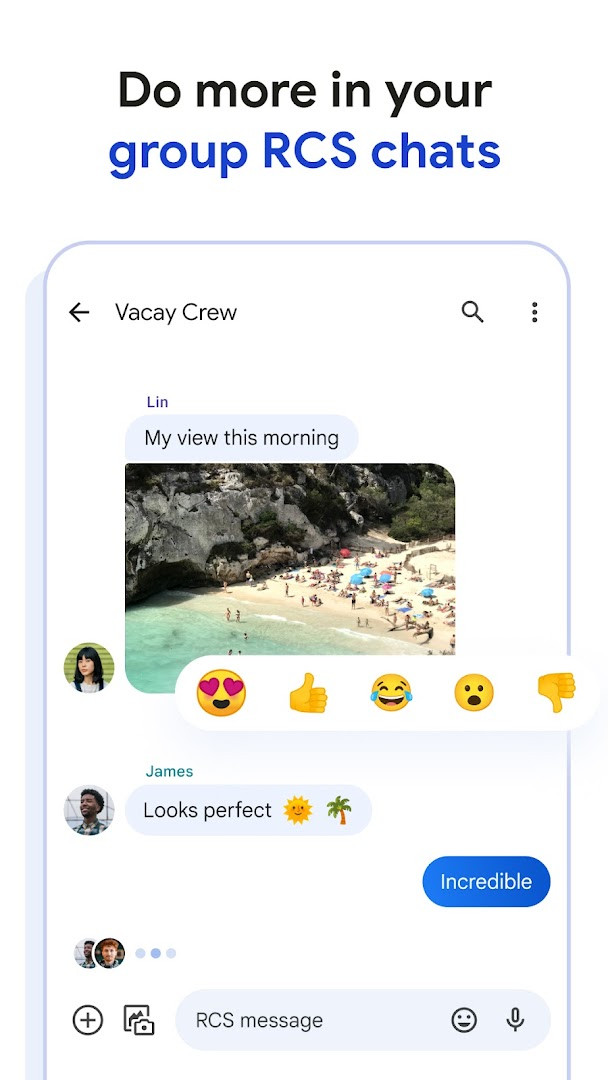
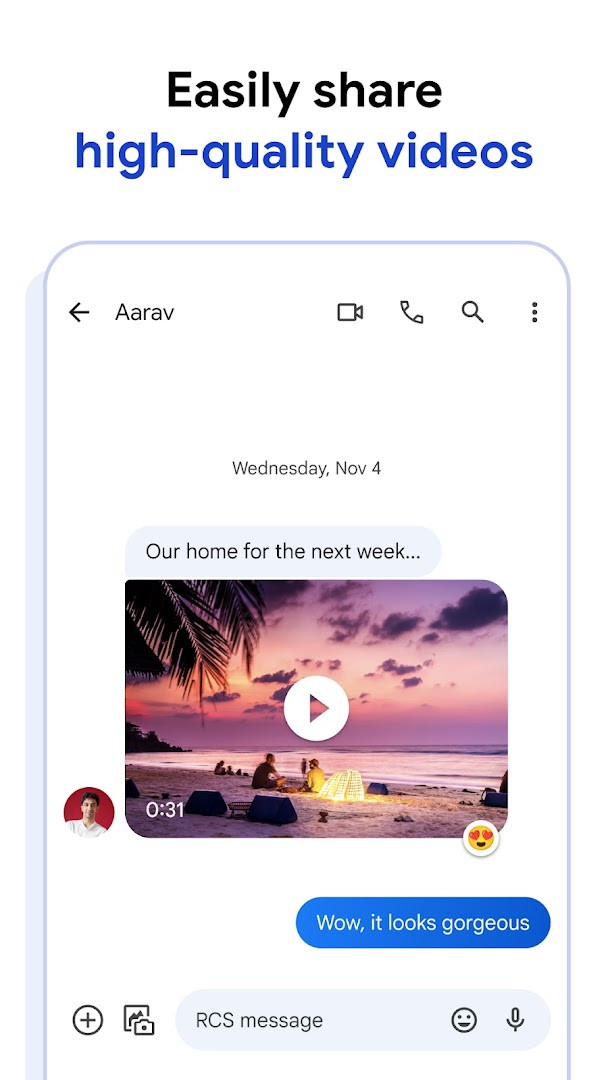
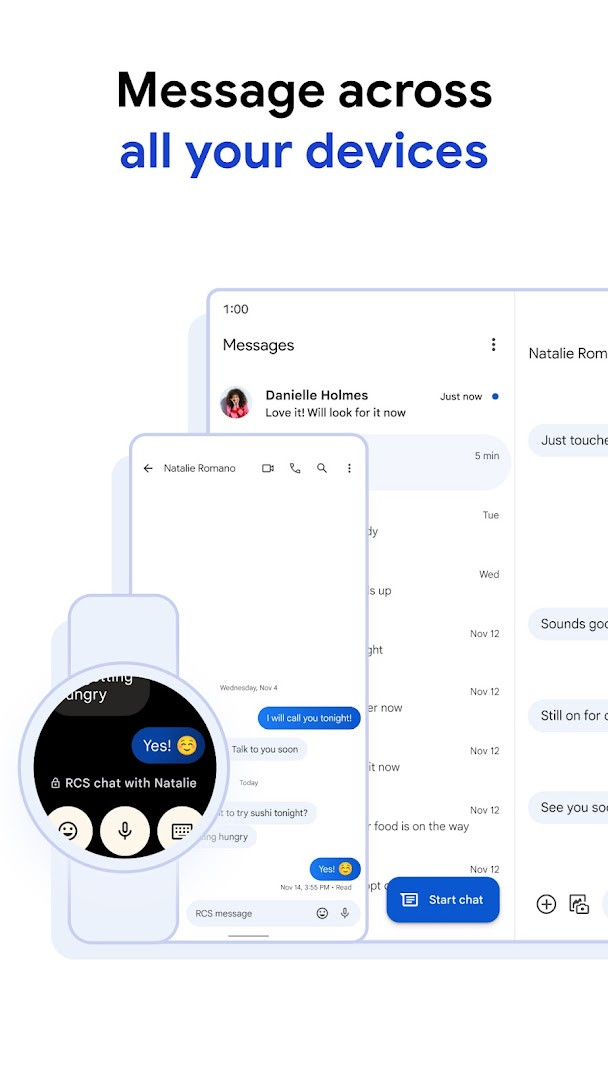
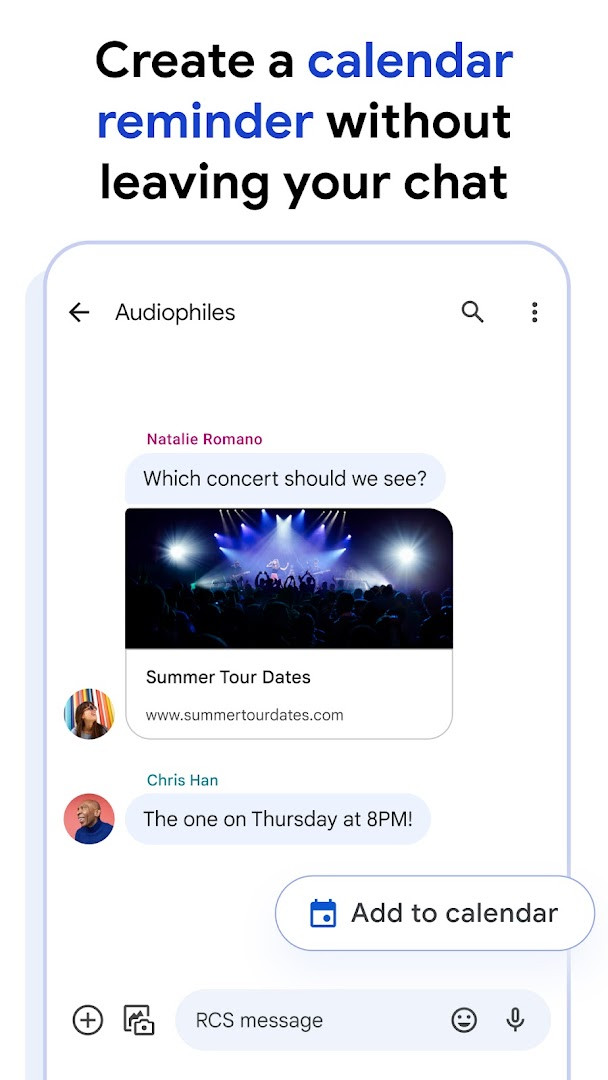
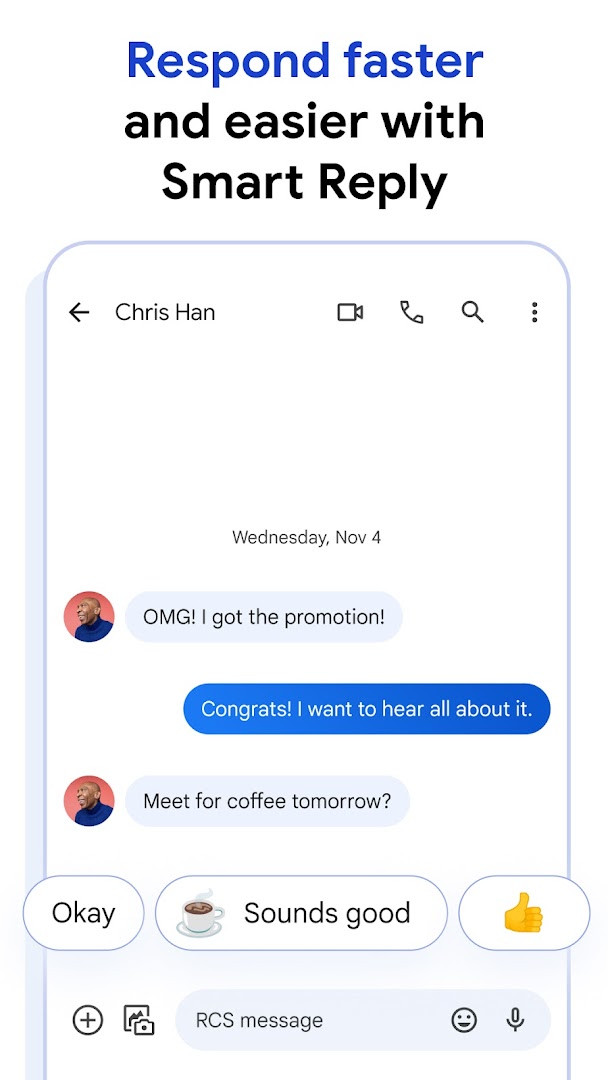
Google Messages is a communication app by Google LLC that provides a modern texting experience centered around Rich Communication Services (RCS). It replaces traditional SMS and MMS with an enhanced protocol that supports high-resolution media sharing, typing indicators, read receipts, and improved group chats. The app is designed for Android devices running version 6.0 or later and takes up about 9 MB of storage.
The primary purpose of Google Messages is to offer a more interactive and reliable messaging platform. With RCS, users can send and receive photos and videos in their original quality, see when others are typing, and participate in dynamic group conversations that can now include contacts using iPhones. This makes the app a strong option for anyone who wants a feature-rich alternative to basic text messaging.
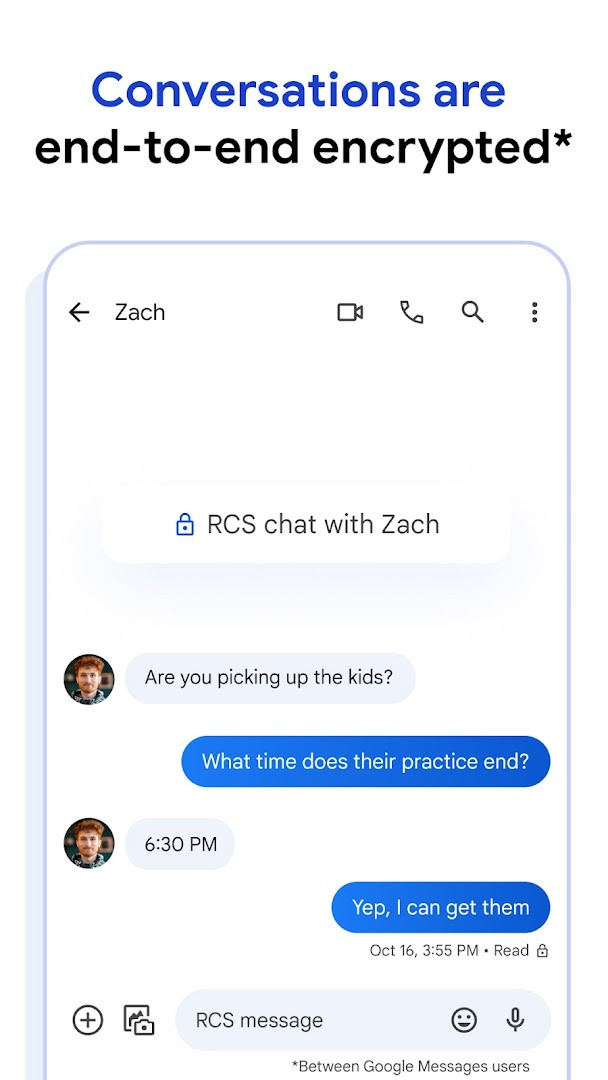
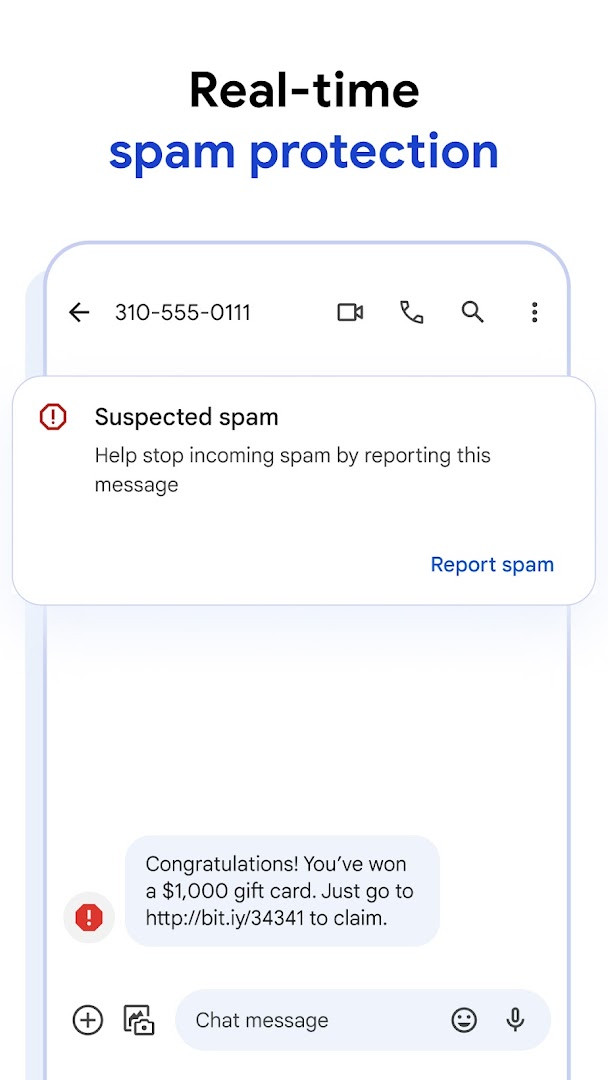
Beyond its core messaging functions, Google Messages integrates several layers of privacy and convenience. Personal conversations between Google Messages users are protected with end-to-end encryption, ensuring that only the intended recipient can read the content. The app also includes spam protection and AI-powered features like Magic Compose, which suggests message replies. For users who manage multiple devices, the app allows seamless continuity between a phone, tablet, computer, and Wear OS devices.
Targeted at a broad audience, Google Messages serves individuals who value secure and expressive communication. It is particularly useful for those who frequently share media, participate in group chats, or want a messaging app that works across different devices. The app is free to use, contains no ads, and offers no in-app purchases, making it accessible to all Android users.
Key features
- Rich Communication Services (RCS) support for high-quality media sharing, typing indicators, and enhanced group chats.
- End-to-end encryption for personal chats between Google Messages users.
- Advanced spam protection to filter unwanted messages.
- Magic Compose AI suggestions to help craft replies.
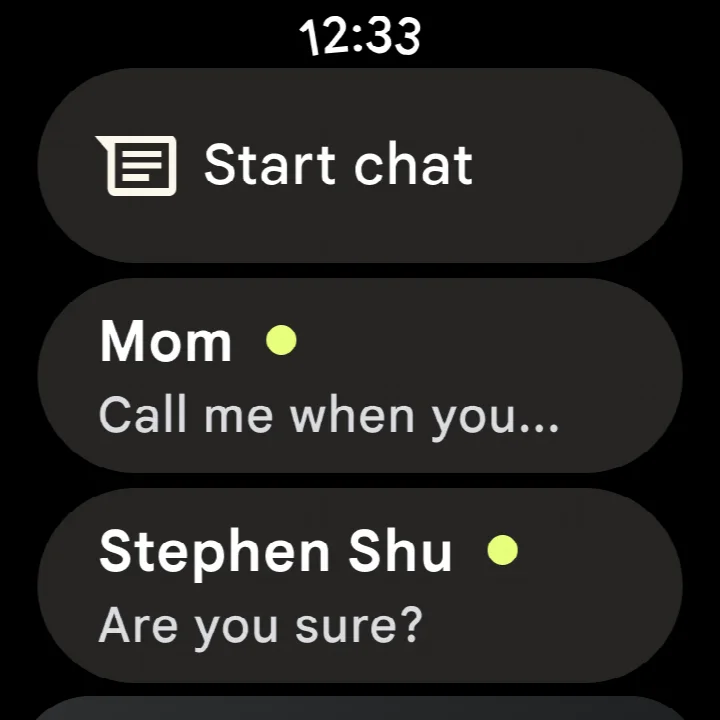
- Seamless device synchronization across phone, tablet, computer, and Wear OS.
- Customizable chat bubble colors and selfie GIFs for personal expression.
How to install
- Tap the download button on this page to begin downloading the APK file (9 MB).
- When prompted, allow your browser or file manager to install apps by enabling the 'Install unknown apps' setting.
- Open the downloaded APK file from your notification bar or file manager.
- Tap 'Install' when the installation screen appears.
- Wait for the installation to complete; the app will appear in your app drawer.
- Open Google Messages and follow the on-screen setup to start messaging.
Pros
- Free to download and use, with no ads or in-app purchases.
- End-to-end encryption for private conversations between Google Messages users.
- RCS support enhances media sharing and group chat capabilities.
- AI-powered features like Magic Compose streamline messaging.
- Cross-device synchronization allows continuity across multiple devices.
- Rated 4.58 based on over 50 million ratings, indicating high user satisfaction.
Cons
- RCS availability varies by region and carrier, and a data plan may be required for full functionality.
- Requires Android 6.0 or later, which may exclude users with older devices.
- The app requests access to sensitive permissions such as SMS, location, camera, and microphone, which may raise privacy concerns.
What's New
The release notes for this version of Google Messages state that it delivers bug fixes and stability improvements. That is the full extent of the published details, so there are no new features or other changes listed. Google Messages is a messaging app from Google LLC that uses Rich Communication Services, and it is available at no cost with no ads or in-app purchases. Its content rating is Everyone, and the app requires Android 6.0 or higher.
Other Versions
| Version | Size | Requires Android | Updated |
|---|---|---|---|
| 1.9.041 (4109217-38.phone) | 18 MB | 4.1 | 25.09.2019 |
| 4.3.094 (griffin_RC05_alldpi.armeabi-v7a.wear) | 9 MB | 6.0 | 30.04.2019 |
| 1.9.518 (3202766-48.phone) | 18 MB | 7.1 | 11.10.2016 |
| 1.1.057 (1704610-04) | 8.1 MB | 5.1 | 10.03.2015 |
Google Messages is for Android users who want a secure, feature-rich messaging app that goes beyond basic SMS. It appeals to those who frequently share media, participate in group chats, value end-to-end encryption, and want seamless messaging across their phone, tablet, computer, and Wear OS devices.
To get the most out of Google Messages, ensure your device and carrier support RCS. You can enable RCS features in the app's settings under 'Chat features.' Also, consider setting up the web version to continue conversations from your computer.
Permissions
Frequently Asked Questions
Is Google Messages free to download and use?
Yes, Google Messages is completely free. There are no in-app purchases and it does not contain ads.
What Android version do I need to install Google Messages?
Google Messages requires Android 6.0 or higher. The app file is about 9 MB in size.
Do I need a Google account to use Google Messages?
While a Google account is not strictly required for basic texting, some features like RCS and syncing across devices work best when you are signed in. The app requests permissions related to identity and contacts.
What permissions does Google Messages request?
The app asks for access to your identity, contacts, location, SMS, phone, photos/media/files, storage, camera, microphone, and device ID & call information. These permissions are used to support messaging features, such as sending photos, making calls, and providing spam protection.
How do I update Google Messages to the latest version?
To update, simply download the newest version of the app from this page and install it over your current installation. Your messages and settings will be preserved.
Does Google Messages work on devices other than phones?
Yes, the app is also available on Wear OS and lets you continue conversations on your tablet or computer. However, availability of certain features may vary by region and device.
Google Messages offers a robust and secure messaging experience with its RCS-based features and strong privacy protections. It is a solid choice for Android users seeking a modern, versatile, and free messaging solution, provided their device meets the minimum operating system requirement.
Similar Apps
 FacebookFacebook offers a central feed for text posts, photos, and videos, plus integrated messaging for threaded conversations. It is designed f…Meta Platforms, Inc. · ★ 4.6 · Communication · 147 MB
 WhatsAppWhatsApp Messenger is a free communication app used by over 2 billion people in more than 180 countries. It offers end-to-end encrypted m…WhatsApp LLC · ★ 4.6 · Communication · v2.26.41.77
More From This Developer
 Gboard - the Google KeyboardGboard - the Google Keyboard is designed for Android users who want to type faster through Glide Typing, voice typing, handwriting, and e…Google LLC · ★ 4.5 · Tools · 9.4 MB
 Google CalendarGoogle Calendar is a 33 MB app that requires Android 8.0 or higher, contains no ads or in-app purchases, and has received 4.86 million ra…Google LLC · ★ 4.6 · Productivity · 33 MB
 Google TVGoogle TV occupies about 40 MB and requires Android 6.0 or newer to run. The app is free to download and contains no ads, though in-app p…Google LLC · ★ 3.9 · Entertainment · 40 MB
 GoogleGoogle is a free app with ads and no in-app purchases, sized at 156 MB and requiring Android 6.0 or higher. It offers AI-powered search f…Google LLC · ★ 4.0 · Tools · 156 MB
 Google DriveGoogle Drive is a 124 MB app that requires Android 8.0 or higher. It includes in-app purchases for additional storage via Google One, sta…Google LLC · ★ 4.3 · Productivity · 124 MB
 YouTubeYouTube is a free video app with a size of 199 MB, requires Android 10 or higher, and includes ads and in-app purchases. It offers a vast…Google LLC · ★ 3.8 · Entertainment · 199 MB
Updated: 24.10.2026
- Size
- 9 MB
- Requires Android
- 6.0
- Updated
- 08.10.2026
- Installs
- 10B+
- Rating
- ★ 4.58 (50 447 936)
- Category
- Communication
- Developer
- Google LLC
- Content rating
- Everyone
- Package
- com.google.android.apps.messaging
- Free
- ✓