Messenger: Communication App
Messenger is a communication app by Meta Platforms, Inc. that lets you chat, call, and connect with anyone, anywhere.

Messenger is a free messaging service that supports text chats, voice and video calls, high-definition photo sharing, and file transfers up to 100MB. It includes features like editable messages, disappearing messages, end-to-end encrypted chats, and an integrated Meta AI assistant.
Download Messenger · v586.0.0.55.92Screenshots
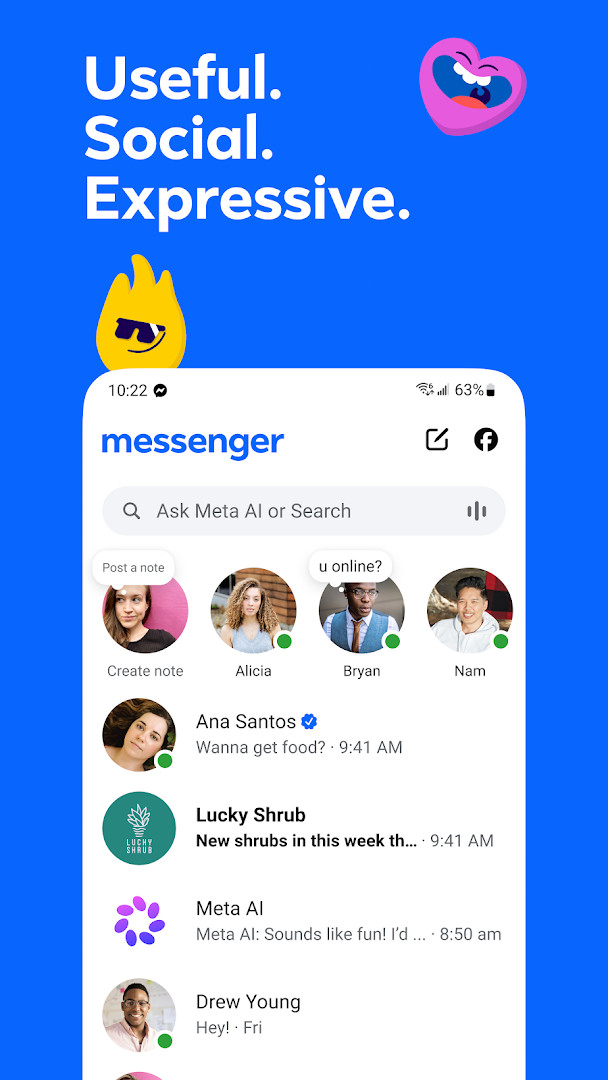
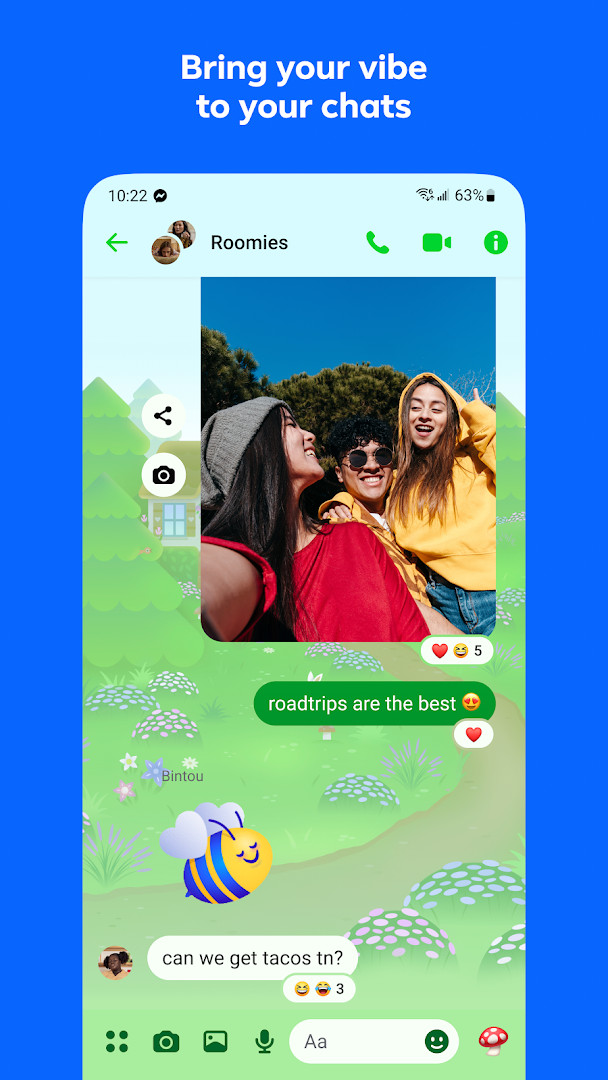
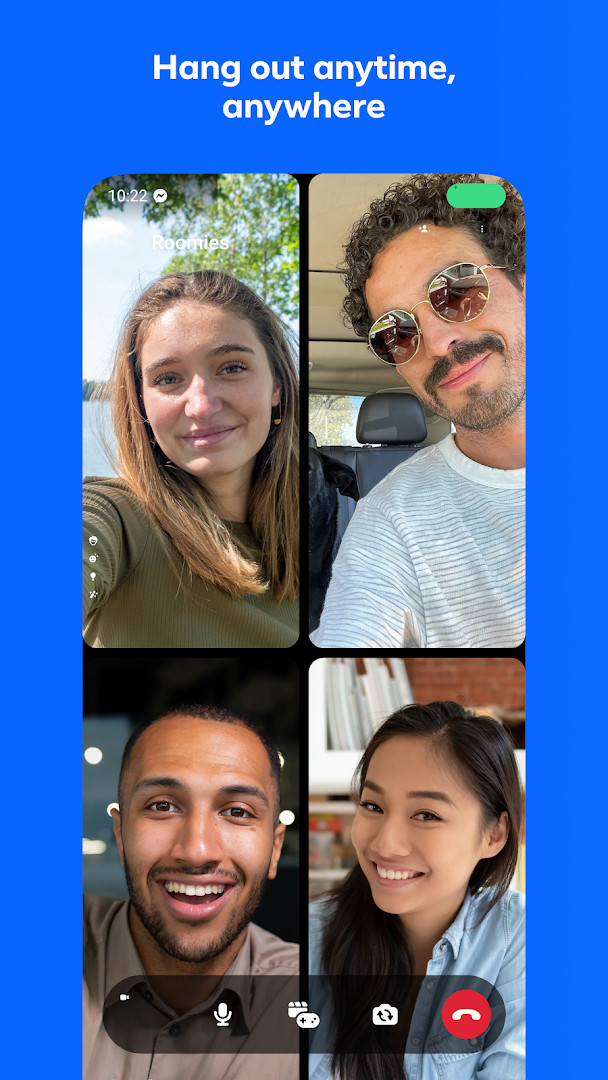
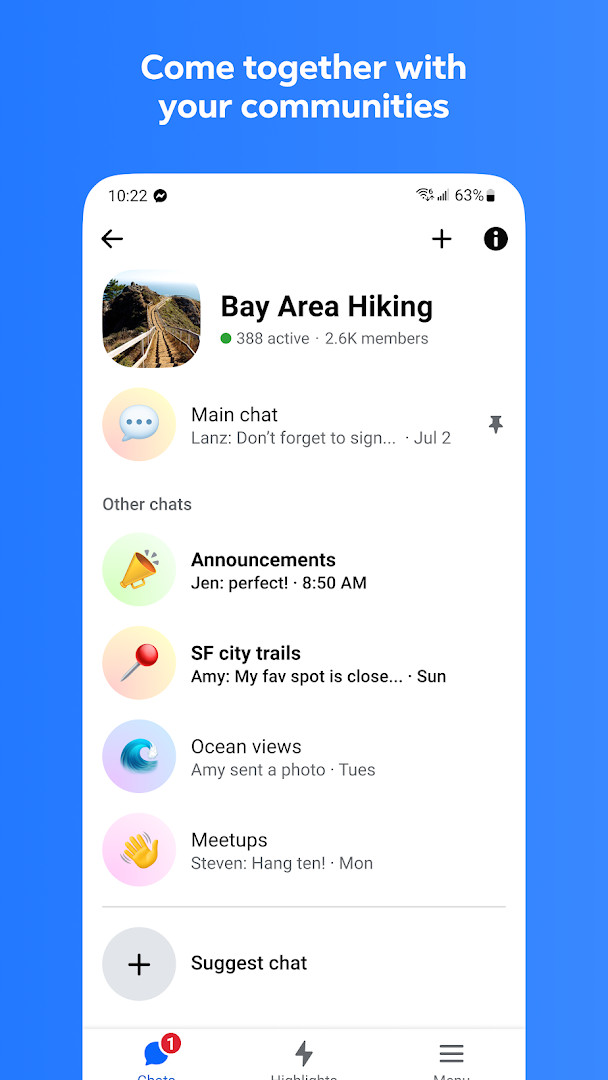
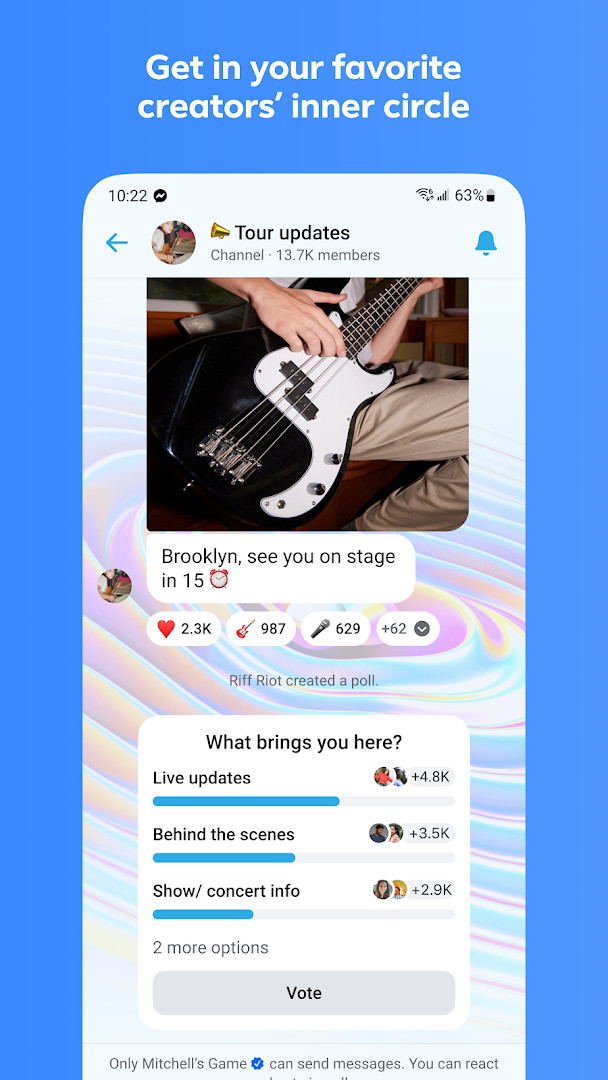
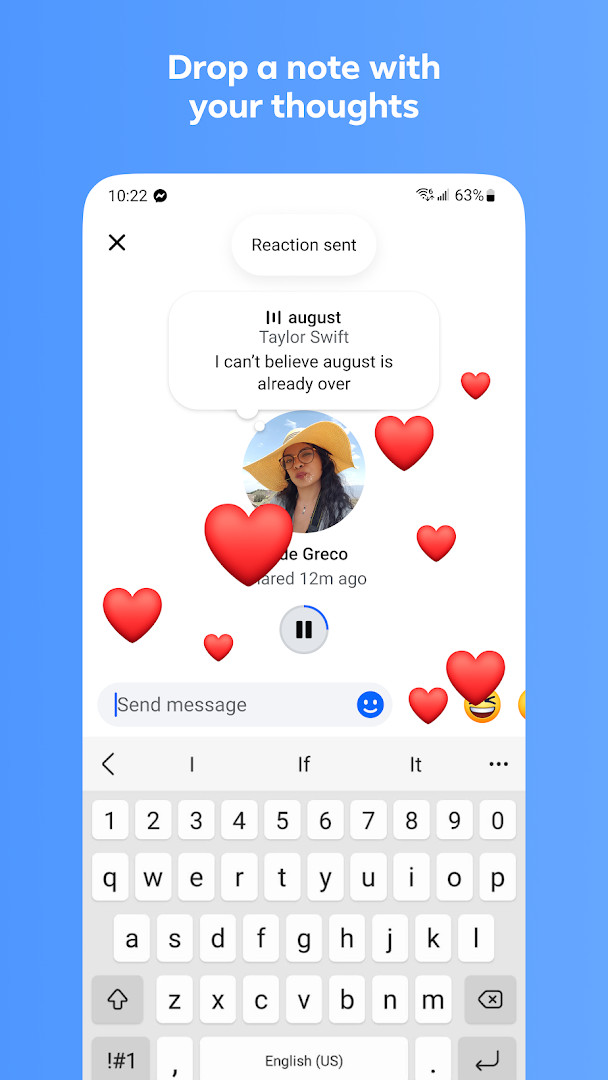
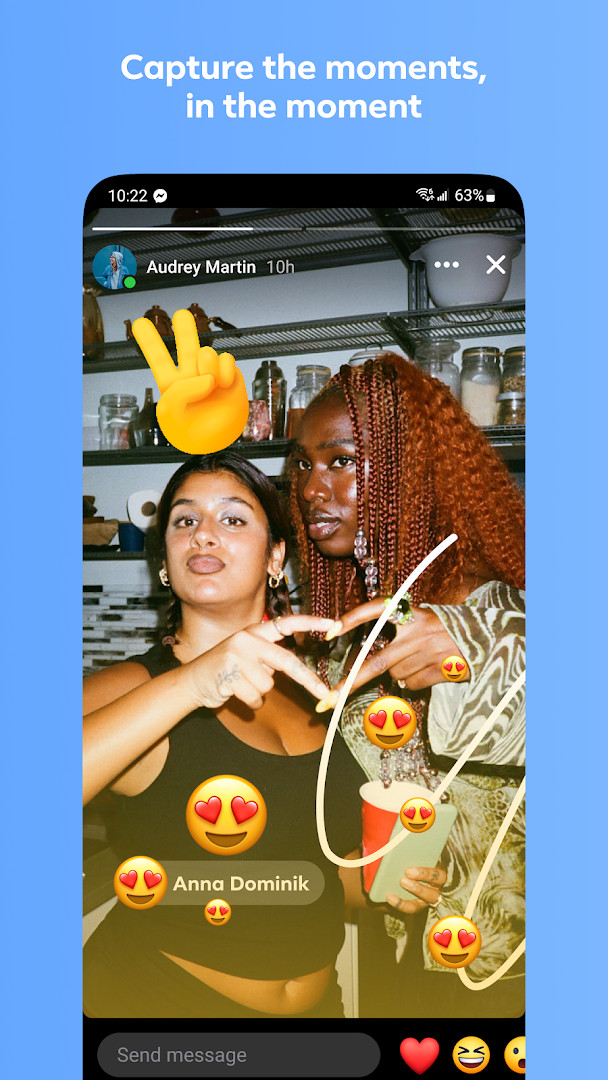
Messenger is a communication app by Meta Platforms, Inc. that lets you chat, call, and share with friends and family, whether or not they are on Facebook. It combines instant messaging, voice and video calls, and a range of expressive tools like stickers, GIFs, and reactions, all within a single interface. The app is designed to keep you connected to the people who matter most, while also offering ways to meet new people through communities, broadcast channels, and QR code connections. For everyday use, it handles everything from quick text exchanges to sharing large documents, making it a practical choice for both personal and group conversations.
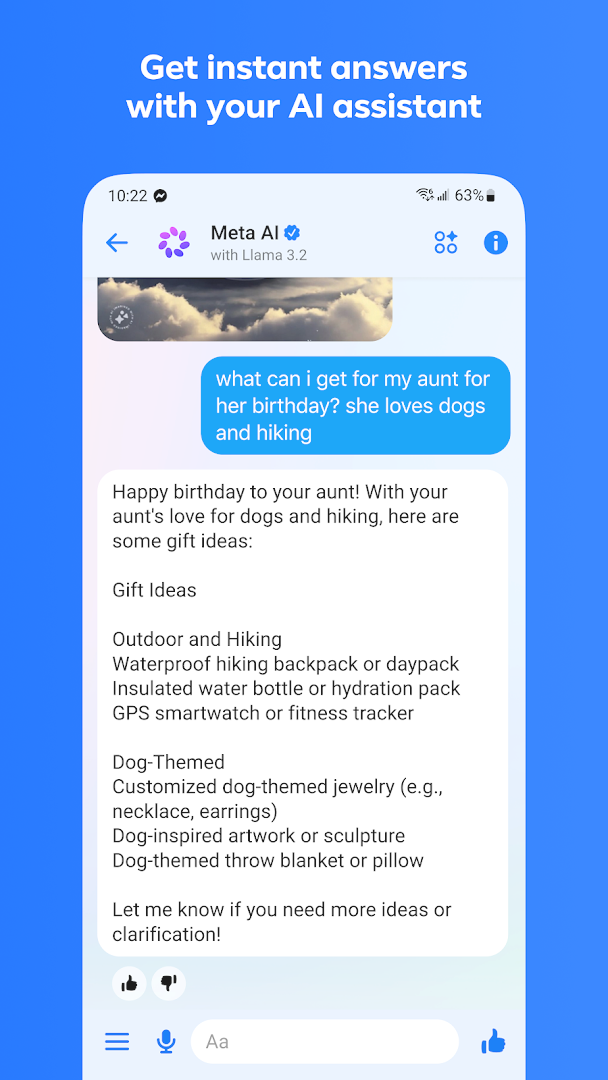
The app goes beyond basic messaging by integrating Meta AI, which can answer questions, offer advice, and even help with creative tasks like editing images. You can send photos in high definition, create shared albums for group memories, and control message visibility with editing, unsending, and disappearing message options. For those who want more privacy, end-to-end encrypted chats can be set to vanish after a chosen time. It also supports large file transfers up to 100MB directly in chat, which is handy for work or school documents.
Messenger is suitable for a wide audience, from individuals keeping in touch with relatives to students coordinating group projects and creators engaging with their fans. With over five billion installs and a high user rating, it is one of the most widely used messaging platforms. The app is free to download, though it includes optional in-app purchases for additional features. It requires Android 9 or higher and occupies about 158 MB of storage, making it accessible to most modern devices. Whether you are catching up with an old friend or organizing a community event, Messenger provides the tools to stay connected efficiently.
Key features
- Chat and call anyone, anywhere, with no phone number needed if they are on Facebook or Messenger
- Meta AI assistant for answers, advice, homework help, and creative tasks like image editing and animation
- Send and receive photos in high definition for clearer, crisper images
- Create shared albums for photos and videos in group chats
- Connect with new people by scanning or sharing QR codes
- Share large files up to 100MB, including Word, PDF, and Excel documents, directly in chat
- Edit messages up to 15 minutes after sending and unsend them
- Disappearing messages with end-to-end encryption, choose how long chats last after being read
- Join communities from your school, neighborhood, or interest groups
- Subscribe to creators' broadcast channels for casual content
How to install
- Tap the download button on this page to get the APK file, which is about 158 MB in size.
- When your browser or file manager asks for permission, allow it to install apps by enabling the 'Install unknown apps' setting for that app.
- Open the downloaded APK file from your notifications or file manager.
- Tap Install and wait for the installation to complete.
- Open Messenger from your app drawer or home screen.
- Ensure your device runs Android 9 or higher to meet the minimum system requirement.
Pros
- Free to use with no ads
- High-definition photo sharing
- Large file transfers up to 100MB
- Message editing and unsending for up to 15 minutes
- End-to-end encrypted disappearing messages
- Integrated Meta AI assistant for help and creativity
Cons
- Requires access to many permissions, including identity, location, camera, microphone, and storage
- In-app purchases available for additional features
- Meta AI availability is limited to select languages and countries
Previous versions
| Version | Size | Requires Android | Updated |
|---|---|---|---|
| 586.0.0.55.92 | 158 MB | 9 | Nov 10, 2026 |
| 573.0.0.44.88 | 83 MB | 9 | Nov 3, 2026 |
| 582.0.0.61.92 | 155 MB | 9 | Oct 12, 2026 |
| 583.0.0.29.95 | 150 MB | 9 | Oct 12, 2026 |
| 581.0.0.49.91 | 142 MB | 9 | Oct 11, 2026 |
| 583.0.0.13.95 | 158 MB | 9 | Oct 10, 2026 |
| 582.0.0.22.92 | 155 MB | 9 | Oct 6, 2026 |
| 580.0.0.49.91 | 139 MB | 9 | Oct 3, 2026 |
| 581.0.0.31.91 | 152 MB | 9 | Oct 2, 2026 |
| 581.0.0.0.0 | 149 MB | 9 | Oct 2, 2026 |
Messenger is for anyone who wants a versatile messaging app for personal and group communication, including families, friends, students, professionals, and creators who need features like file sharing, communities, and expressive tools.
Use disappearing messages for sensitive conversations, and take advantage of the QR code feature to quickly add new contacts you meet in person. For large documents, remember you can send files up to 100MB directly in chat, which is useful for work or school. Explore chat themes and stickers to personalize your conversations.
Permissions
Frequently asked questions
How do I install the Messenger APK on my Android device?
To install the APK, download it from the download button on this page, then open the file on your device. If prompted, allow installation from unknown sources in your system settings. The app requires Android 9 or higher and takes up about 158 MB of storage.
What is the current version of Messenger?
The current version is 586.0.0.55.92, released on November 10, 2026. It is the latest update in a series that includes versions 573.0.0.44.88 and 582.0.0.61.92 from earlier in the month.
Is Messenger free to use, and does it contain ads?
Messenger is free to download and use, with no ads included. However, it does offer in-app purchases, which may be used for optional features or content within the app.
Can I use Messenger offline or without an internet connection?
The app description does not specify offline functionality. Messenger is designed for real-time messaging and calling, so an active internet connection is generally required to send messages, make calls, and access most features.
What alternatives exist in the communication category?
There are several other messaging apps available that offer similar core features like text chat, voice and video calls, and group conversations. Some focus on privacy, while others emphasize multimedia sharing or integration with social networks. You can explore other options in the communication category to find one that fits your needs.
Does Messenger require a phone number to sign up?
No, you can connect with friends and family on Facebook and Messenger without needing a phone number. This allows you to chat using your existing Facebook identity.
Can I edit or unsend messages after sending them?
Yes, Messenger lets you edit a message for up to 15 minutes after you send it. You can also unsend messages, and there is an option for disappearing messages in end-to-end encrypted chats.
Messenger is a robust and practical messaging app that covers everyday communication needs, from simple chats to file sharing and creative AI assistance. Its broad feature set and massive user base make it a reliable choice for staying connected, despite the extensive permissions it requests. If you value versatility and convenience, Messenger is worth installing.
Similar apps
 FacebookFacebook offers a central feed for text posts, photos, and videos, plus integrated messaging for threaded conversations. It is designed f…Meta Platforms, Inc. · ★ 4.6 · Communication · 146 MB
 Google MeetGoogle Meet is 118 MB in size and requires Android 8.1 or higher, with no ads and no in-app purchases. It has been installed over 10 bill…Google LLC · ★ 4.4 · Communication · 118 MB
 GmailGmail is for individuals and teams who need secure email, chat, and collaboration in one place. It is free to download, requires Android …Google LLC · ★ 4.1 · Communication · 26 MB
 Google ChromeGoogle Chrome is a free browser that syncs bookmarks, tabs, and passwords across devices and includes tools like Google Lens and Translat…Google LLC · ★ 4.1 · Communication · 218 MB
 Google MessagesGoogle Messages is a free Communication app from Google LLC, with no ads and no in-app purchases. It runs on Android 6.0 and up and the d…Google LLC · ★ 4.6 · Communication · 9 MB
 WhatsAppWhatsApp Messenger is a free communication app used by over 2 billion people in more than 180 countries. It offers end-to-end encrypted m…WhatsApp LLC · ★ 4.6 · Communication
 InstagramInstagram is a free social app with in-app purchases and ads, rated Teen, that combines feed posts, 24-hour Stories, group chats, and sho…Instagram · ★ 4.0 · Communication · 128 MB
 Bitscoper CyberKitBitscoper CyberKit is a 26 MB Android app requiring version 7.0 or higher, released on November 4, 2026. It includes scanners for Bluetoo…Abdullah As-Sadeed · Communication · 26 MB
More from this developer
Updated: Nov 16, 2026
- Version
- 586.0.0.55.92
- Size
- 158 MB
- Requires Android
- 9
- Updated
- Nov 10, 2026
- Installs
- 5B+
- Rating
- ★ 4.71 (115,068,503)
- Category
- Communication
- Developer
- Meta Platforms, Inc.
- Content rating
- Everyone
- Package
- com.facebook.orca
- Free
- ✓ · In-app purchases