Phone by Google for Android
Phone by Google is a calling app from Google LLC for reliable calls, spam protection, and caller ID.

Phone by Google is for Android users who want a dependable calling experience with fewer unwanted interruptions. The app blocks spam callers, shows caller ID for businesses, and offers features like Call Screen, Hold for Me, visual voicemail, and call recording on supported devices. It is free, contains no ads, requires Android 11 or higher, and takes up about 38 MB.
Download Phone by GoogleScreenshots
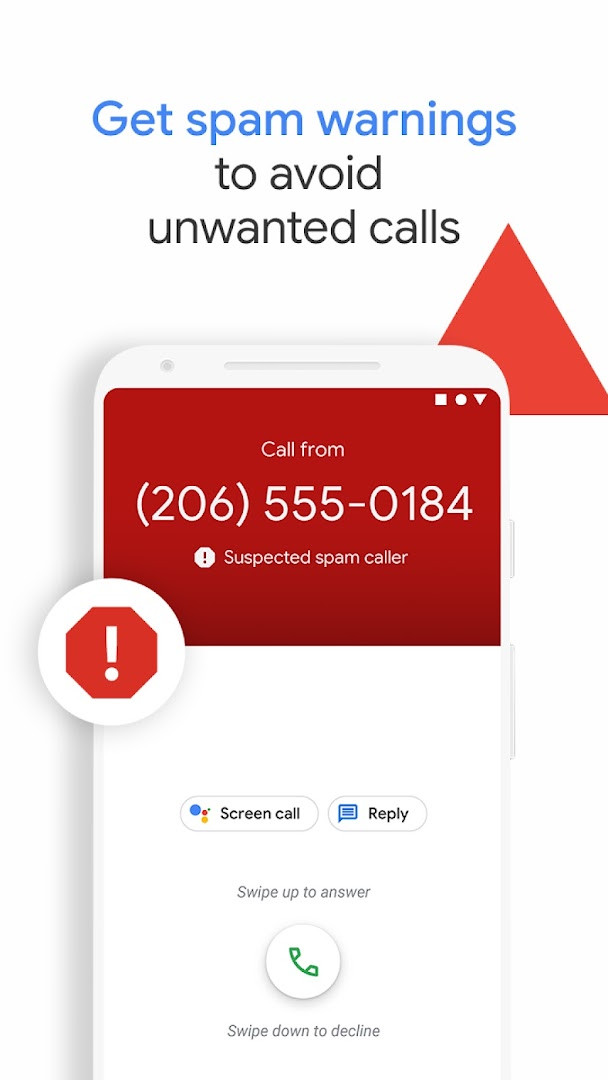
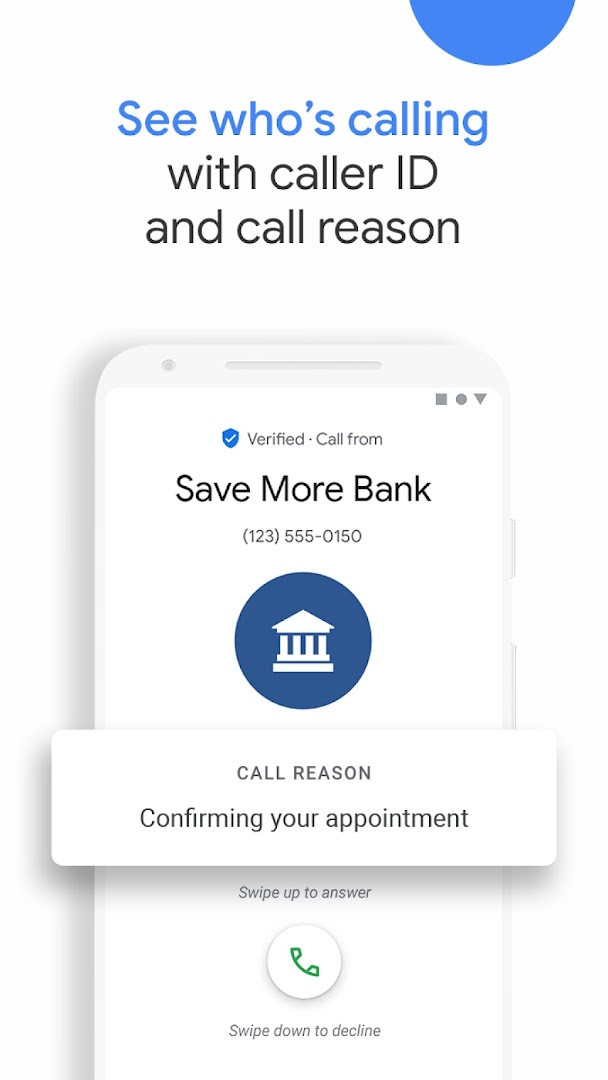
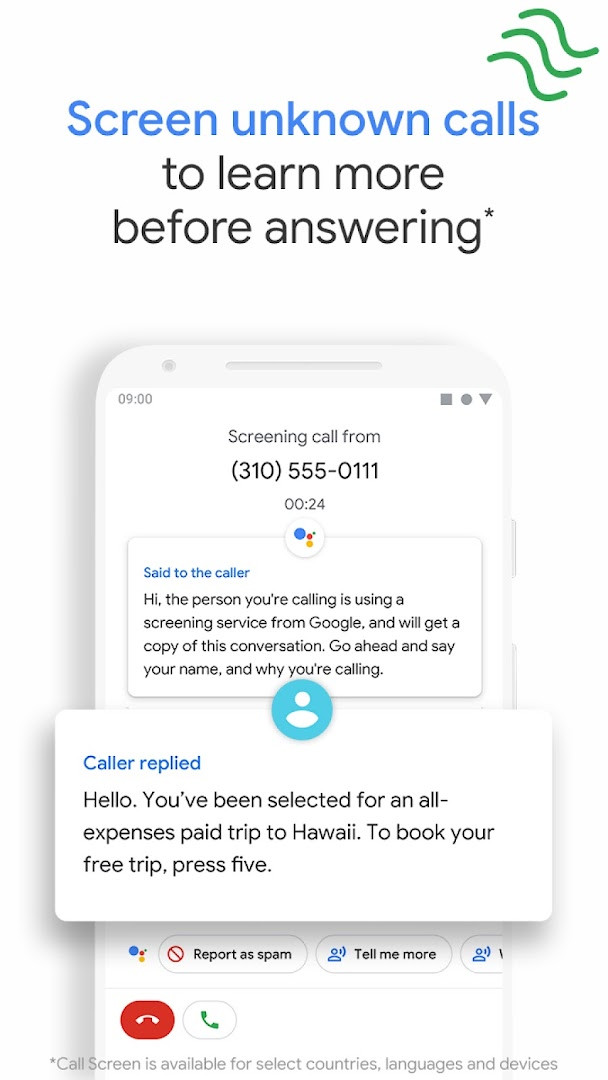
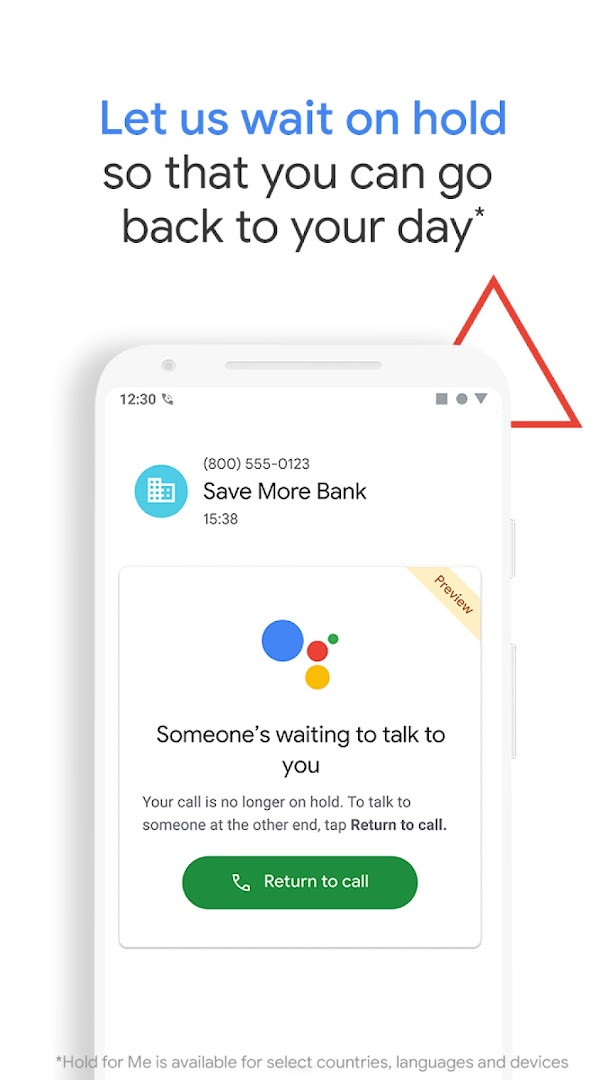
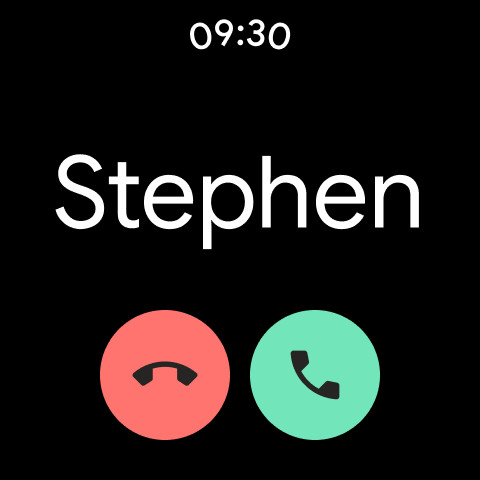
Phone by Google is a phone-calling application by Google LLC that serves as the official dialer and call-management tool for Android devices. It brings together essential calling functions such as spam protection, caller ID, visual voicemail, and call screening into a single, straightforward interface. The app is designed to make everyday phone use more reliable and less intrusive, helping users identify unknown numbers and avoid unwanted interruptions before they even answer. Since its initial release in December 2015, it has become one of the most widely used communication tools on Android, with over five billion installs and a user rating of about 4.43 out of 5 based on more than 52 million ratings, reflecting its broad appeal and consistent performance. The app is free to use, contains no ads, and offers no in-app purchases, which makes it an accessible option for anyone looking for a dependable dialer without extra costs or clutter. It is compatible with most Android devices running Android 11 and above, and the current downloadable version is 242.0.998227485, updated on October 14, 2026, with the latest overall update arriving on November 5, 2026. The app also extends to Wear OS, allowing users to manage calls from their smartwatch for added convenience. The most recent changes focus on enhancing Call Screen for Pixel devices in the US, where the Google Assistant can now automatically screen unknown callers and filter out detected robocalls before the phone even rings. If the call is not a robocall, the phone rings shortly afterward, providing helpful context about who is calling and why, which gives users more control over their incoming calls. Beyond this update, the app continues to offer a suite of features that aim to reduce the stress of dealing with spam and unknown numbers, making it a practical choice for both casual users and those who rely heavily on their phone for communication.
Key features
- Spam protection with warnings about suspicious callers and the ability to block numbers permanently
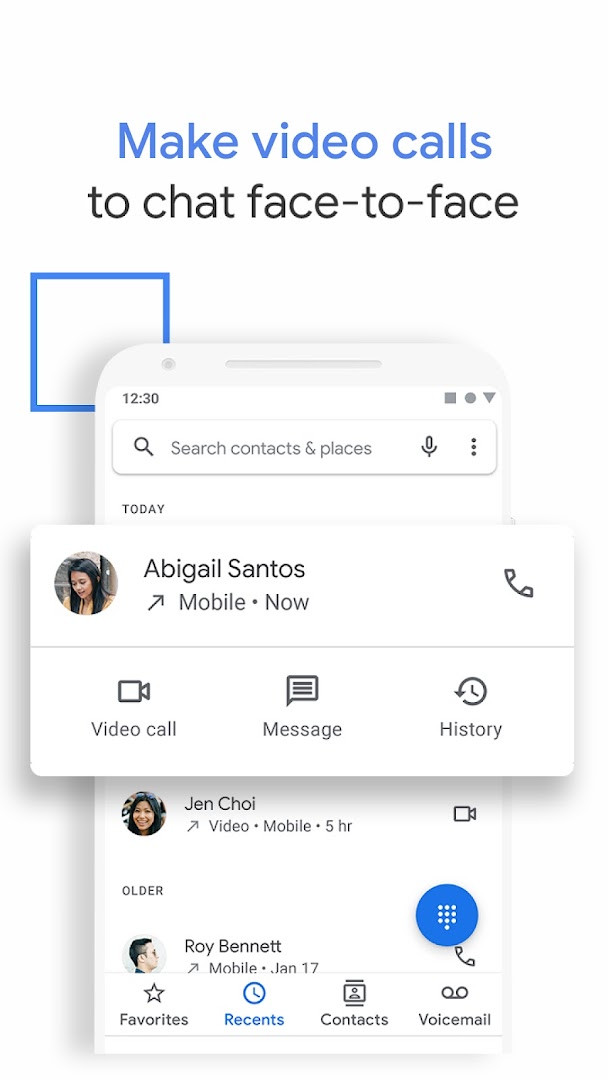
- Caller ID that identifies businesses and other callers so you can answer with confidence
- Hold for Me feature that lets Google Assistant wait on hold and notify you when someone is ready to talk
- Call Screen that answers unknown callers, filters detected spammers, and provides context about unrecognized numbers
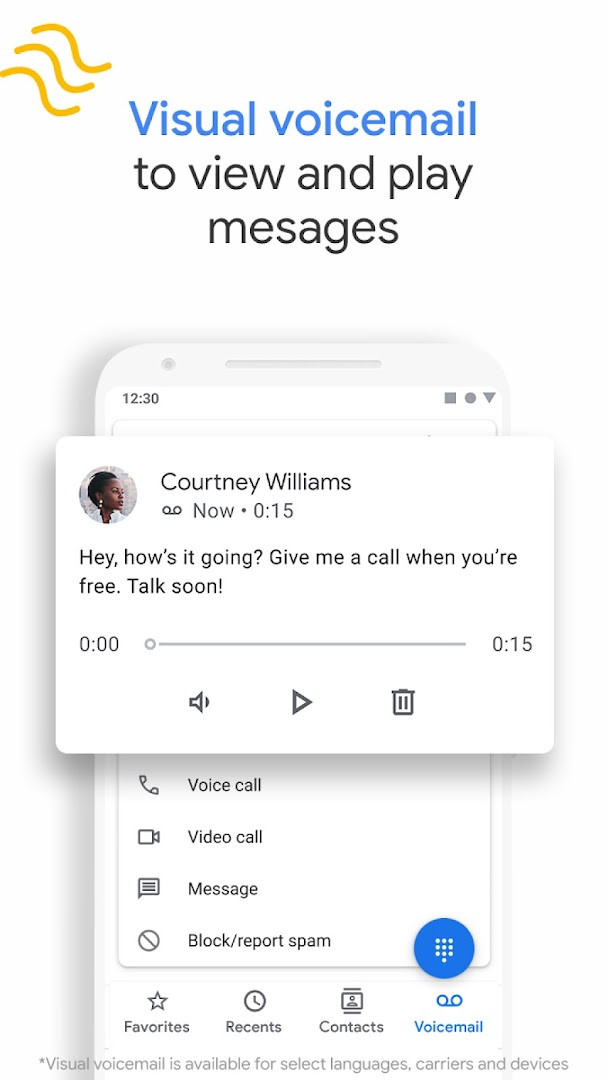
- Visual voicemail with the ability to view, play, read transcriptions, delete, or save messages directly in the app
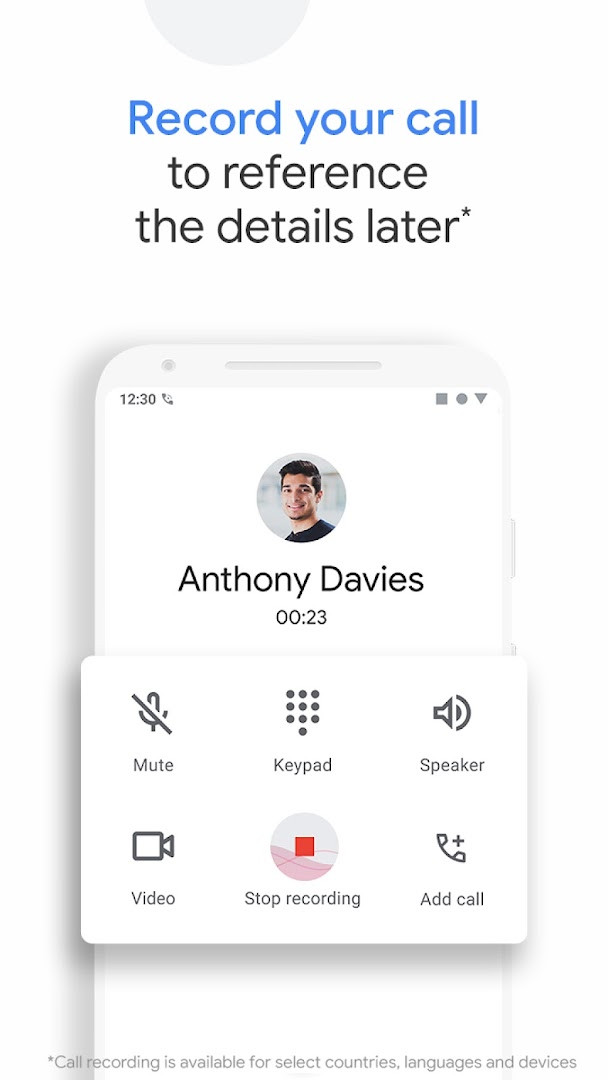
- Call recording that captures important information, with a disclosure announced to all parties when recording starts
- Intuitive and lightweight design with dark mode support to reduce eye strain and save battery
- Emergency support that shows your current location during emergency calls and allows sharing assistance information without speaking
How to install
- Tap the download button on this page to get the APK file, which is about 38 MB in size.
- When Android asks, allow your browser or file manager to install apps by enabling the 'Install unknown apps' setting for that source.
- Open the downloaded APK file from your notifications or file manager.
- Tap Install and wait for the installation to complete, which should only take a few moments.
- Open the app from your app drawer or home screen and follow any initial setup prompts.
- Ensure your device runs Android 11 or higher, as this is the minimum required version for the app to function properly.
Pros
- Free to use with no ads and no in-app purchases
- Strong spam filtering and caller identification capabilities
- Visual voicemail with transcription saves time
- Call recording feature with proper disclosure
- Dark mode support for comfortable nighttime use
- Regular updates with improvements to call screening
Cons
- Some features like Call Screen and voicemail transcription are limited to certain regions and languages, primarily the US and English
- Call recording and other advanced features are only available on devices that have Phone pre-installed
- Call Screen may not detect all spam calls or robocalls
- Requires Android 11 or above, which excludes some older devices
- Hold for Me is only available on Pixel 2+ devices in the US with toll-free numbers
Latest changes
The latest update focuses on Call Screen for Pixel devices in the US. The Google Assistant now automatically screens unknown callers and filters out detected robocalls before the phone rings. For non-robocalls, the phone rings shortly after, providing helpful context about the caller and the reason for the call.
Previous versions
| Version | Size | Requires Android | Updated |
|---|---|---|---|
| 242.0.998227485-downloadable | 37 MB | 11 | Oct 14, 2026 |
| 242.0.998227485 | 74 MB | 11 | Oct 14, 2026 |
| 242.0.998227485-publicbeta-downloadable | 38 MB | 11 | Oct 14, 2026 |
| 241.0.991235506-pixel | 89 MB | 11 | Oct 8, 2026 |
| 241.0.991235506-downloadable | 38 MB | 11 | Oct 8, 2026 |
| 241.0.991235506 | 74 MB | 11 | Oct 8, 2026 |
| 240.0.992039467 | 74 MB | 11 | Oct 8, 2026 |
| 240.0.992039467-pixel | 88 MB | 11 | Oct 8, 2026 |
| 241.0.991235506-publicbeta-downloadable | 38 MB | 11 | Oct 4, 2026 |
| 240.0.986973448-pixel | 88 MB | 11 | Sep 30, 2026 |
This app is ideal for everyday Android users who want a clean and reliable dialer without bloatware, people who frequently receive spam or telemarketing calls and want better protection, and those who value features like visual voicemail and call screening to manage their communication more efficiently.
To get the most out of Call Screen, make sure your device language is set to English and you are in a supported region, as automatic screening is currently available only in the US with English language settings.
Permissions
Frequently asked questions
Is Phone by Google free to use?
Yes, Phone by Google is free, with a listed price of $0.00, and it contains no ads and no in-app purchases.
What Android version do I need?
Phone by Google requires Android 11 or later.
How big is the download file?
The app file is about 38 MB in size.
Do I need an account to install or use it?
No, you don't need an account to download or use the app; it's free and has no in-app purchases or ads.
What permissions does the app request?
It asks for access to Identity, Contacts, Location, SMS, Phone, Photos/Media/Files, Storage, Camera, Microphone, Wi-Fi connection information, and Device ID & call information.
How do I update the app?
To update, download the newest version from this page and install it over your current version.
Phone by Google is a solid, feature-rich dialer that excels at spam protection and caller identification, making it a worthwhile replacement for many default phone apps. While some advanced features are restricted by device or region, the core calling experience is smooth, free, and ad-free. For most Android users, especially those tired of unwanted calls, it offers a clear upgrade in functionality and peace of mind.
Similar apps
 Google WalletGoogle Wallet is for Android users who want to pay in stores, online, or in apps and keep passes, tickets, and digital IDs in one place. …Google LLC · ★ 4.3 · Finance · 16 MB
 Digital WellbeingDigital Wellbeing requires Android 9 or higher and has no ads and no in-app purchases. The app was released on 2018-08-08 and updated on …Google LLC · ★ 3.6 · Tools
 Speech Recognition & SynthesisSpeech Recognition & Synthesis is 15 MB in size, requires Android 8.0 or higher, and has no ads or in-app purchases. It has been updated …Google LLC · ★ 4.0 · Tools · 15 MB
 Android Accessibility SuiteAndroid Accessibility Suite is a free collection of tools from Google LLC that includes TalkBack, Accessibility Menu, and Select to Speak…Google LLC · ★ 4.1 · Tools · 45 MB
 Gboard - the Google KeyboardGboard - the Google Keyboard is designed for Android users who want to type faster through Glide Typing, voice typing, handwriting, and e…Google LLC · ★ 4.5 · Tools · 9.4 MB
 GoogleGoogle is a free app with ads and no in-app purchases, sized at 156 MB and requiring Android 6.0 or higher. It offers AI-powered search f…Google LLC · ★ 4.0 · Tools · 156 MB
 ADB CaptainADB Captain combines a terminal for pm, am, dumpsys, settings and input commands with a debugging workspace, an installed app list, a pro…eatenlamp · Tools · 28 MB
More from this developer
Digital WellbeingDigital Wellbeing requires Android 9 or higher and has no ads and no in-app purchases. The app was released on 2018-08-08 and updated on …Google LLC · ★ 3.6 · Tools
 Google MeetGoogle Meet is 118 MB in size and requires Android 8.1 or higher, with no ads and no in-app purchases. It has been installed over 10 bill…Google LLC · ★ 4.4 · Communication · 118 MB
 GmailGmail is for individuals and teams who need secure email, chat, and collaboration in one place. It is free to download, requires Android …Google LLC · ★ 4.1 · Communication · 26 MB
Speech Recognition & SynthesisSpeech Recognition & Synthesis is 15 MB in size, requires Android 8.0 or higher, and has no ads or in-app purchases. It has been updated …Google LLC · ★ 4.0 · Tools · 15 MB
 Google ChromeGoogle Chrome is a free browser that syncs bookmarks, tabs, and passwords across devices and includes tools like Google Lens and Translat…Google LLC · ★ 4.1 · Communication · 215 MB
Android Accessibility SuiteAndroid Accessibility Suite is a free collection of tools from Google LLC that includes TalkBack, Accessibility Menu, and Select to Speak…Google LLC · ★ 4.1 · Tools · 45 MB
Updated: Nov 10, 2026
- Size
- 38 MB
- Requires Android
- 11
- Updated
- Nov 5, 2026
- Installs
- 5B+
- Rating
- ★ 4.43 (52,705,249)
- Category
- Tools
- Developer
- Google LLC
- Content rating
- Everyone
- Package
- com.google.android.dialer
- Free
- ✓