Microsoft Excel: Spreadsheets for Android
Microsoft Excel: Spreadsheets is a productivity app from Microsoft Corporation for creating charts, budgets, and financial analysis on Android.
Microsoft Excel: Spreadsheets is for anyone who needs to organize data, track expenses, or build budgets and project plans on a phone or tablet. The app is free to download, requires Android 13 or newer, takes up about 190 MB, and lets you create or edit documents after signing in with a free Microsoft account on smaller screens.
Download ExcelScreenshots
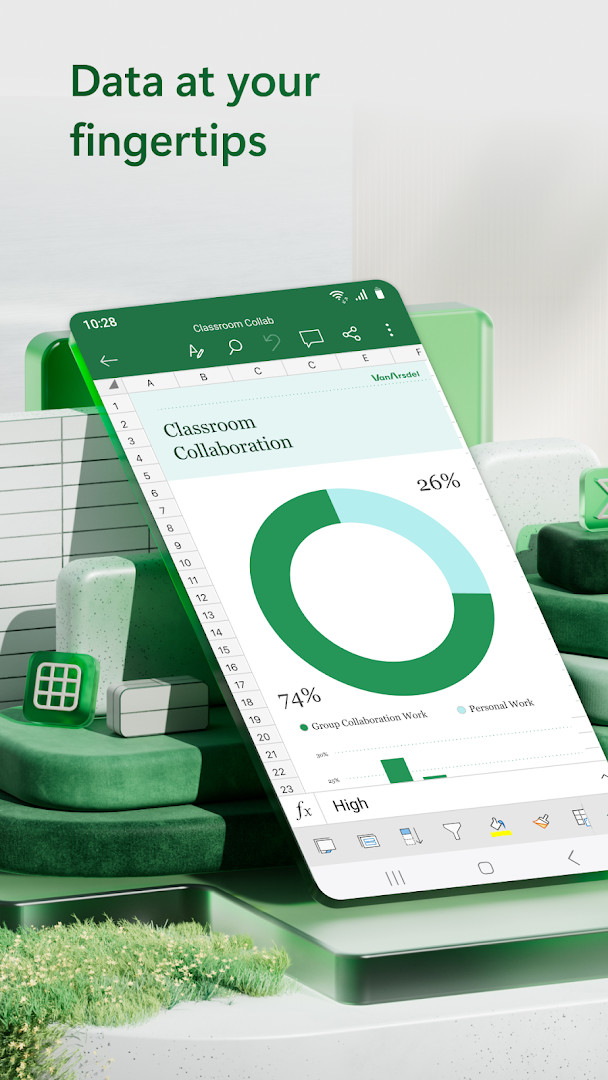
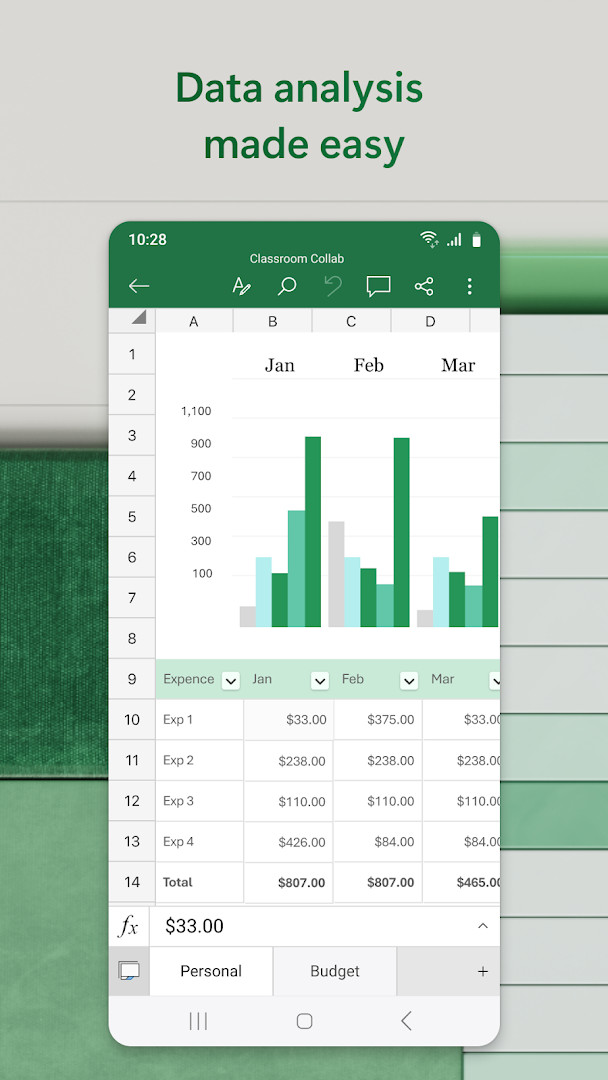
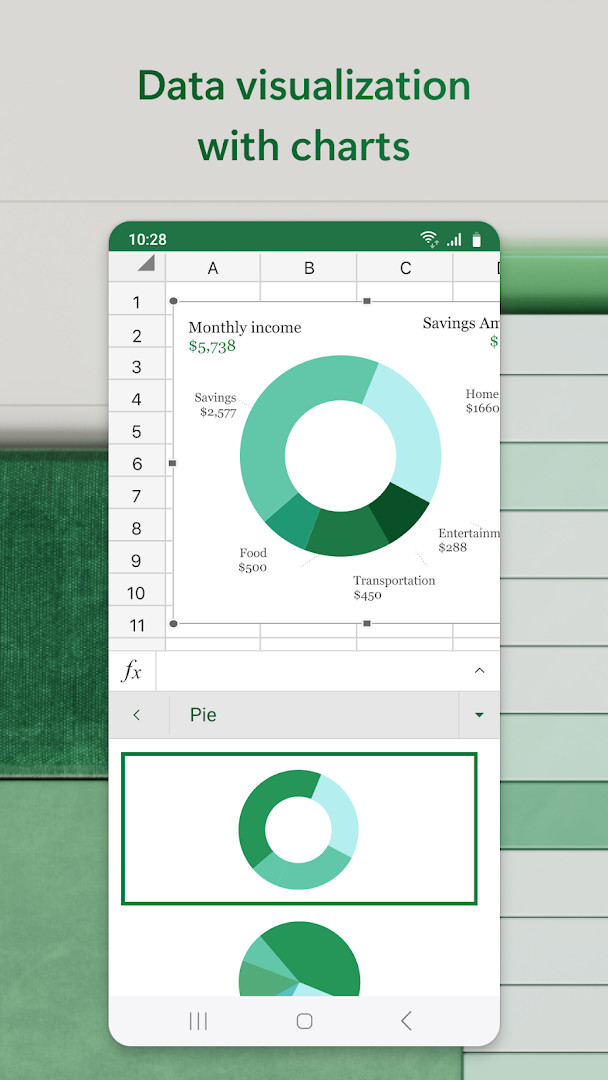
Microsoft Excel: Spreadsheets is a spreadsheet application by Microsoft Corporation that provides tools for creating, editing, and analyzing data in a mobile worksheet environment. The app first appeared in January 2015 and has since accumulated more than one billion installs, supported by roughly 9.9 million user ratings at an average of 4.78 out of 5. It is free to use, shows no third-party advertising, and funds its extended capabilities through optional in-app purchases tied to Microsoft 365 subscriptions.
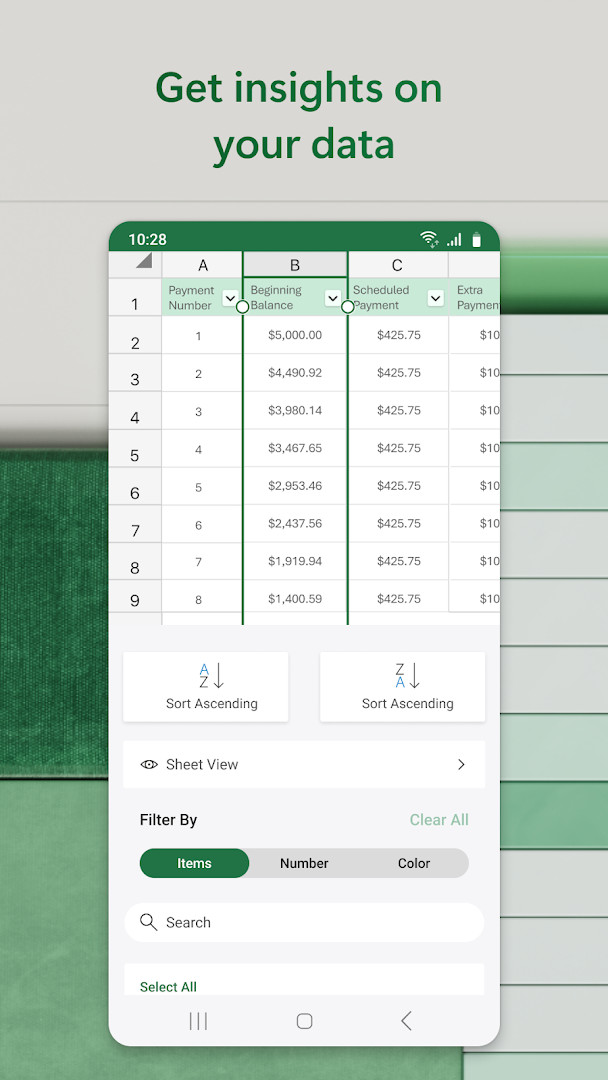
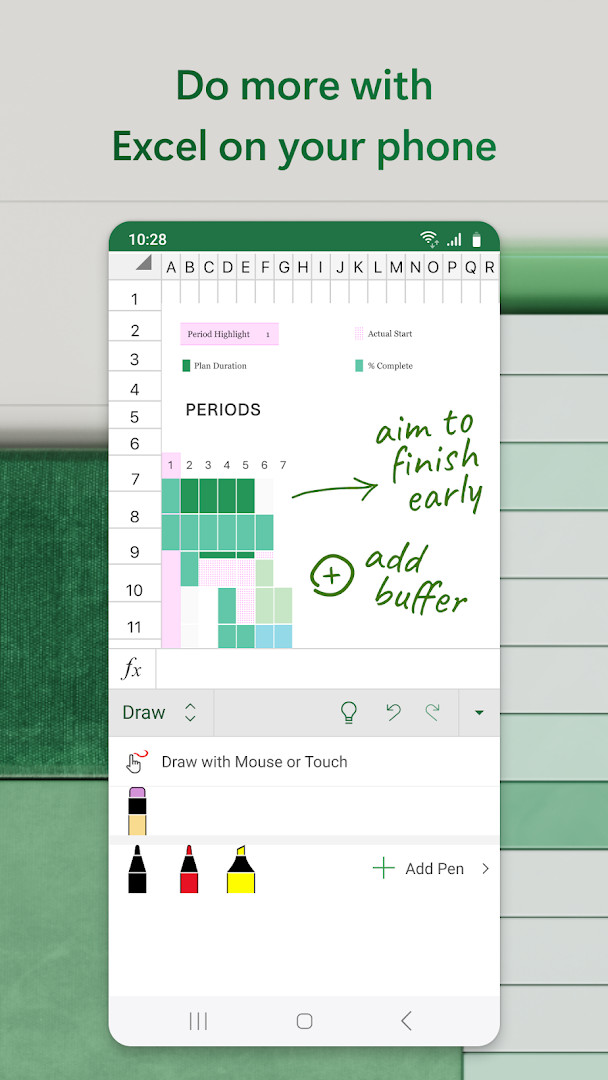
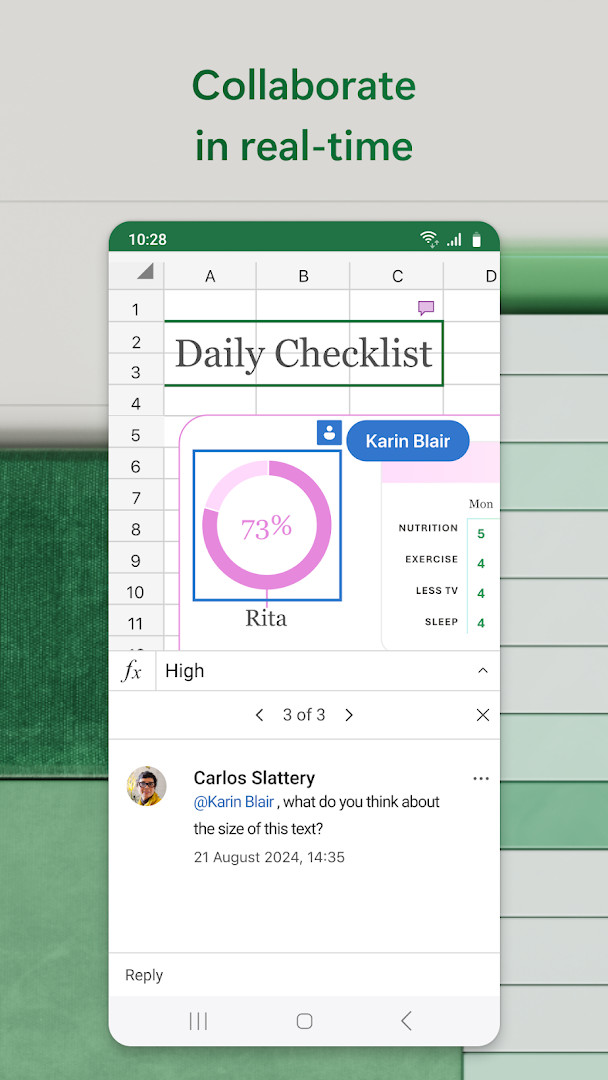
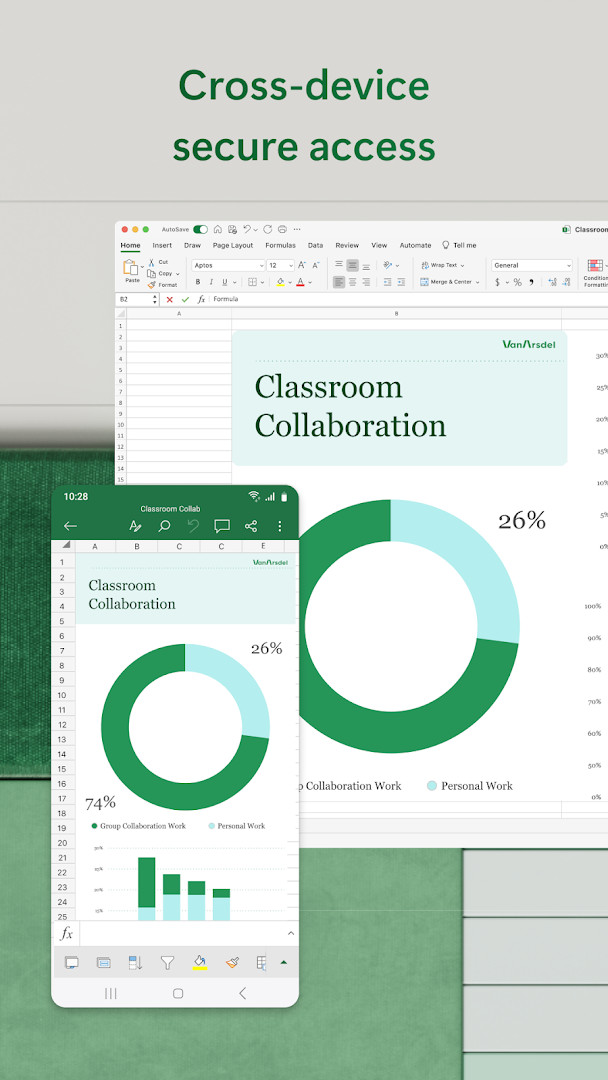
Beyond basic cell entry, the application covers a broad spectrum of productivity tasks. Users can start from modern templates for budgets, project plans, accounting, and financial analysis, then refine the results with an accounting calculator, familiar formulas, and data analysis tools. Spreadsheet visualization is a core strength: pivot charts, annotated charts, and sort-and-filter controls make raw figures easier to digest, while the draw tab supports handwriting and equation input on touch-enabled devices. Collaboration is handled through quick file sharing, inline commenting, and the ability to embed or link a worksheet within an email body.
Development activity remains steady, with the most recent release listed as version 16.0.20618.20008 dated November 11, 2026. That update continues a pattern of regular releases that emphasize speed and reliability improvements alongside new functionality. The headline addition in the current generation of the app is Copilot assistance, which summarizes data, highlights trends, generates charts and tables from simple prompts, and offers budgeting recommendations based on the contents of a workbook. The app requires Android 13 or newer, 1 GB of RAM or more, and a free Microsoft account for creating or editing files on devices with screens smaller than 10.1 inches.
Key features
- Template library covering budgets, expense tracking, project plans, accounting, and tax estimation
- Formula engine and accounting calculator for calculations and financial analysis
- Chart maker with annotate, edit, and insert tools for visualization
- Pivot charts and spreadsheet visualization formats for digestible data summaries
- Sort and filter columns for targeted data analysis and review
- Draw tab for highlighting, annotations, and equations on touch-enabled devices
- File sharing and collaboration through comments, shared edits, and email links
- Copilot AI that summarizes data, generates charts or tables from prompts, and recommends forecasts
How to install
- Tap the download button on this page to obtain the APK, which is approximately 190 MB.
- When Android asks, allow your browser or file manager to install apps by enabling the 'Install unknown apps' setting for that application.
- Open the downloaded APK file from your notifications or file manager.
- Tap Install and wait for the installation to complete; this app requires Android 13 or later.
- Open the app from your home screen or app drawer and sign in with a Microsoft account if you plan to create or edit files.
Pros
- Free to download with no advertising
- Strong user rating of 4.78 from roughly 9.9 million reviews
- Copilot assistance for summarizing data and generating charts without manual setup
- Modern templates covering budgets, accounting, project plans, and taxes
- Regular releases that include feature additions and reliability improvements
Cons
- Some advanced capabilities require a qualifying Microsoft 365 subscription
- A Microsoft account is needed to create or edit documents on devices with screens smaller than 10.1 inches
- Requires Android 13 or newer and at least 1 GB of RAM, which excludes older hardware
Latest changes
This update continues Microsoft's regular release cycle, focusing on new features alongside improvements to speed and reliability. The developer also notes that a Microsoft 365 subscription unlocks the full Office experience across all your devices, with special offers available within the app.
Previous versions
| Version | Size | Requires Android | Updated |
|---|---|---|---|
| 16.0.20618.20008 | 190 MB | 13 | Nov 11, 2026 |
| 16.0.19127.20134 | 286 MB | 10 | Oct 15, 2026 |
| 16.0.20228.20090 | 180 MB | 13 | Aug 12, 2026 |
| 16.0.19822.20104 | 175 MB | 13 | Apr 13, 2026 |
| 16.0.18827.20066 | 162 MB | 10 | May 29, 2025 |
| 16.0.16501.20160 | 125 MB | 9 | Jun 25, 2023 |
| 16.0.14026.20298 | 118 MB | 8.0 | Nov 28, 2021 |
| 16.0.13530.20130 | 117 MB | 6.0 | Feb 15, 2021 |
| 16.0.10730.20043 | 119 MB | 4.4 | Aug 27, 2018 |
Budget-conscious individuals who want to track expenses and plan spending, students and professionals who need a dependable spreadsheet editor on the go, and business users who require charting, data analysis, and shared workbook collaboration.
Start from the template gallery for recurring tasks such as monthly budgeting or tax estimates, then apply the sort, filter, and pivot chart tools to cut the data down to the specific figures you need, which keeps large workbooks easier to navigate.
Permissions
Frequently asked questions
What does the Copilot AI assistance in Microsoft Excel do?
Copilot can summarize data and highlight trends quickly, generate charts and tables from raw data using simple prompts, and provide intelligent recommendations for budgeting and forecasting. It is part of the AI tools designed to help you work with data more efficiently.
Is a Microsoft account required to create or edit documents, and on which devices?
To create or edit documents, you need to sign in with a free Microsoft account on devices with a screen size smaller than 10.1 inches. On larger screens, you may not need to sign in for basic editing, but the requirement applies specifically to smaller devices.
What are the minimum hardware and system requirements to run the app?
The app requires at least 1 GB of RAM and Android 13 (min_os) or higher. The app size is 190 MB, and it was released on January 6, 2015, with the latest update on November 16, 2026.
Can I use Excel for personal budgeting and expense tracking?
Yes, the app includes budget templates and planning tools to plan spending across categories and time frames, a Budget Tracker to track expenses and save money, and accounting tools to use Excel as a tax calculator for estimates and personal finances. There is also an expense tracker with a personal budget template.
Does the app support collaboration and sharing of spreadsheets?
Yes, you can share files and Excel sheets with a few taps to invite others to edit, view, or add comments. You can also edit and copy your worksheet in the body of an email or attach a link to your workbook. Collaboration features are built into the app.
Microsoft Excel: Spreadsheets delivers a mature, well-regarded mobile spreadsheet experience backed by a billion-user base and regular updates. It is not a completely free version of the desktop product, since some premium features sit behind a Microsoft 365 subscription, but for everyday calculations, budgeting, charting, and collaboration it remains one of the most dependable options available.
Similar apps
 Microsoft OutlookMicrosoft Outlook helps people who juggle multiple email accounts stay organized with a unified inbox, side-by-side calendars, and contac…Microsoft Corporation · ★ 4.3 · Productivity · v5.2644.1
 Microsoft Word: Edit DocumentsMicrosoft Word: Edit Documents requires Android 13 or higher and has a size of 187 MB. It is free to download, contains no ads, but offer…Microsoft Corporation · ★ 4.8 · Productivity · 187 MB
 Google CalendarGoogle Calendar is a 33 MB app that requires Android 8.0 or higher, contains no ads or in-app purchases, and has received 4.86 million ra…Google LLC · ★ 4.6 · Productivity · 33 MB
 Google DriveGoogle Drive is a 124 MB app that requires Android 8.0 or higher. It includes in-app purchases for additional storage via Google One, sta…Google LLC · ★ 4.3 · Productivity · 125 MB
 Google AssistantGoogle Assistant is a free productivity app from Google LLC that lets you open apps, send texts, set reminders and control compatible sma…Google LLC · ★ 3.8 · Productivity · 2.4 MB
 Microsoft OneDriveMicrosoft OneDrive offers 5 GB of free cloud storage, with optional Microsoft 365 Personal and Family subscriptions providing 1 TB per us…Microsoft Corporation · ★ 4.6 · Productivity · 104 MB
 Microsoft CopilotMicrosoft Copilot is free to install and requires Android 10 or newer. Microsoft Copilot contains ads and offers in-app purchases. Micros…Microsoft Corporation · ★ 4.4 · Productivity
 Google GeminiGoogle Gemini is for Android users who want an AI assistant for writing, planning, studying, and creative projects. The app is free to us…Google LLC · ★ 4.5 · Productivity
More from this developer
Microsoft OneDriveMicrosoft OneDrive offers 5 GB of free cloud storage, with optional Microsoft 365 Personal and Family subscriptions providing 1 TB per us…Microsoft Corporation · ★ 4.6 · Productivity · 104 MB
Microsoft CopilotMicrosoft Copilot is free to install and requires Android 10 or newer. Microsoft Copilot contains ads and offers in-app purchases. Micros…Microsoft Corporation · ★ 4.4 · Productivity
Microsoft OutlookMicrosoft Outlook helps people who juggle multiple email accounts stay organized with a unified inbox, side-by-side calendars, and contac…Microsoft Corporation · ★ 4.3 · Productivity · v5.2644.1
Microsoft Word: Edit DocumentsMicrosoft Word: Edit Documents requires Android 13 or higher and has a size of 187 MB. It is free to download, contains no ads, but offer…Microsoft Corporation · ★ 4.8 · Productivity · 187 MB
Updated: Nov 20, 2026
- Size
- 190 MB
- Requires Android
- 13
- Updated
- Nov 16, 2026
- Installs
- 1B+
- Rating
- ★ 4.78 (9,878,623)
- Category
- Productivity
- Developer
- Microsoft Corporation
- Content rating
- Everyone
- Package
- com.microsoft.office.excel
- Free
- ✓ · In-app purchases