Video Editor & Maker - InShot: Video and Photo Editing App
Video Editor & Maker - InShot is a photography app by InShot Video Editor that edits videos and photos with music, effects and AI tools.

Video Editor & Maker - InShot combines video editing, a photo editor and a collage maker in one app, with AI captions, speech, background removal and slow motion among its tools. It is free to download and carries ads plus in-app purchases, and it has a 4.84 rating from 24.7 million ratings with more than 500 million installs.
Download InShot · v2.231.1551Screenshots
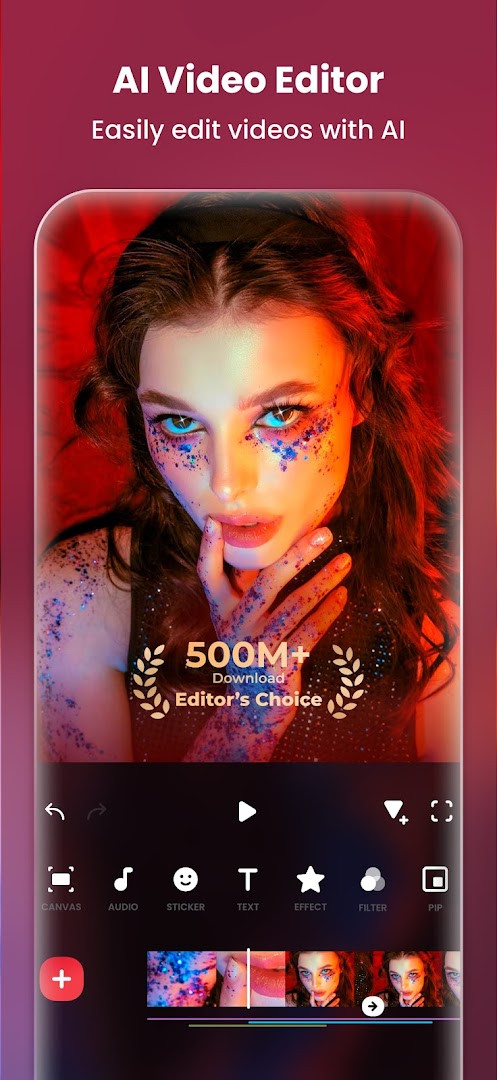
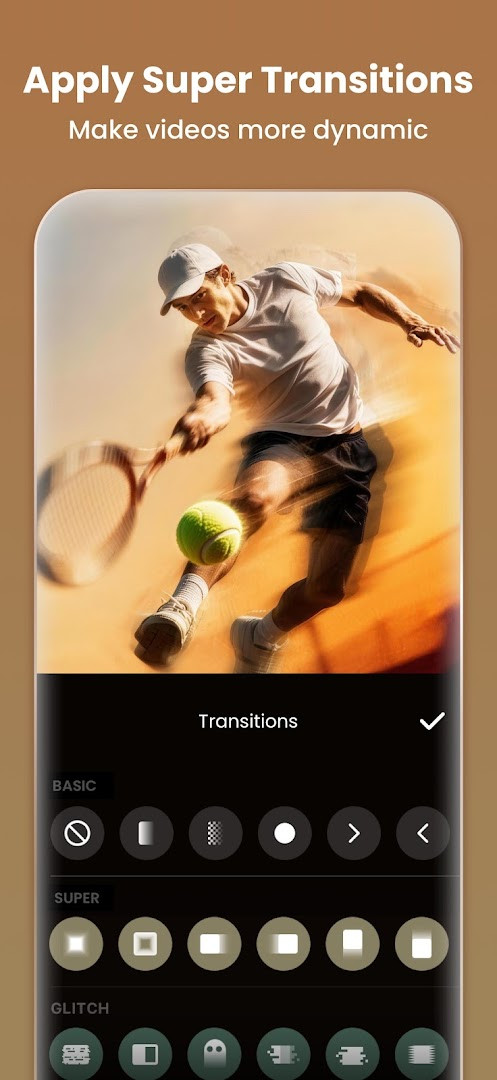
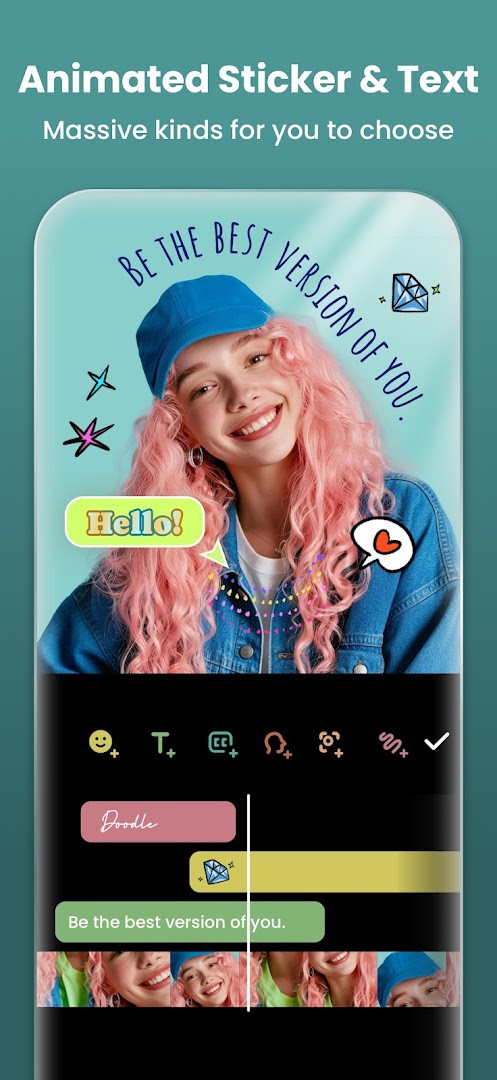
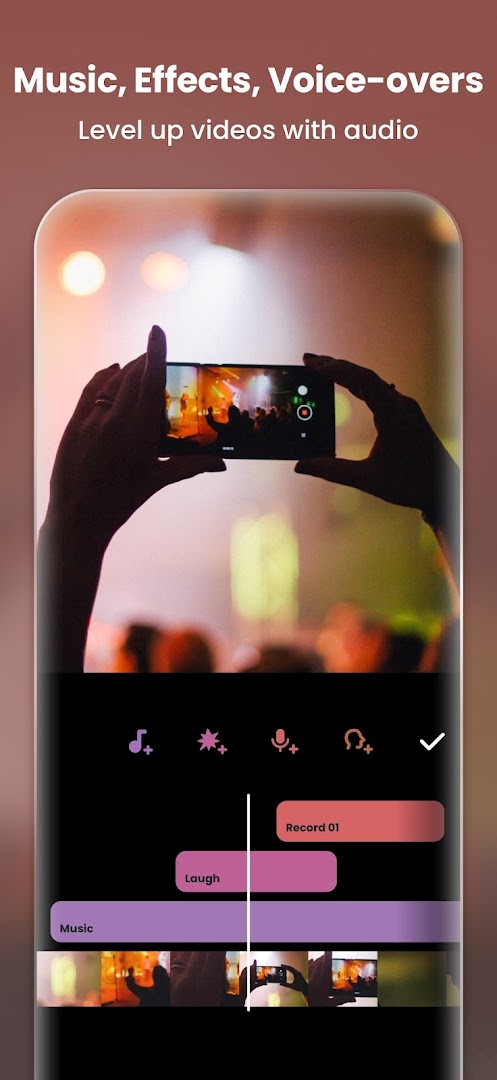
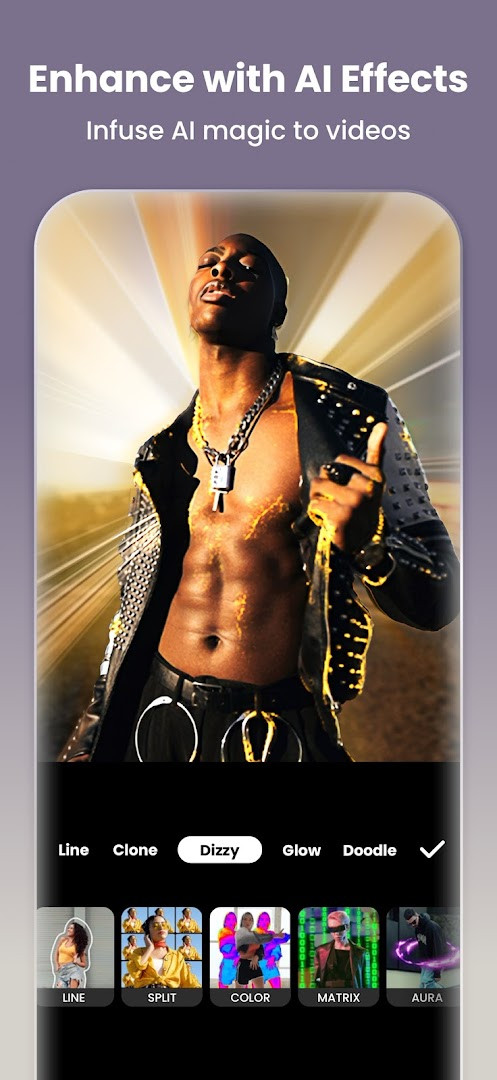
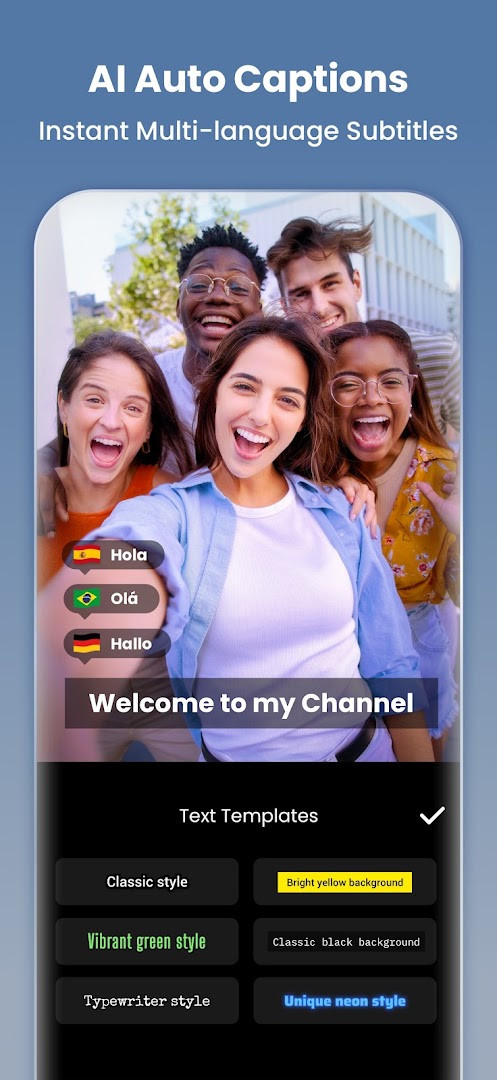
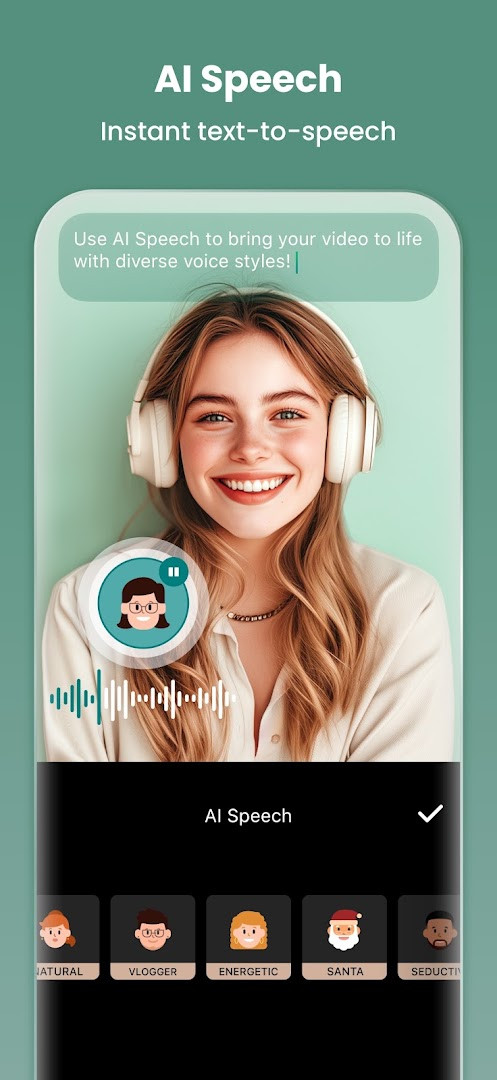
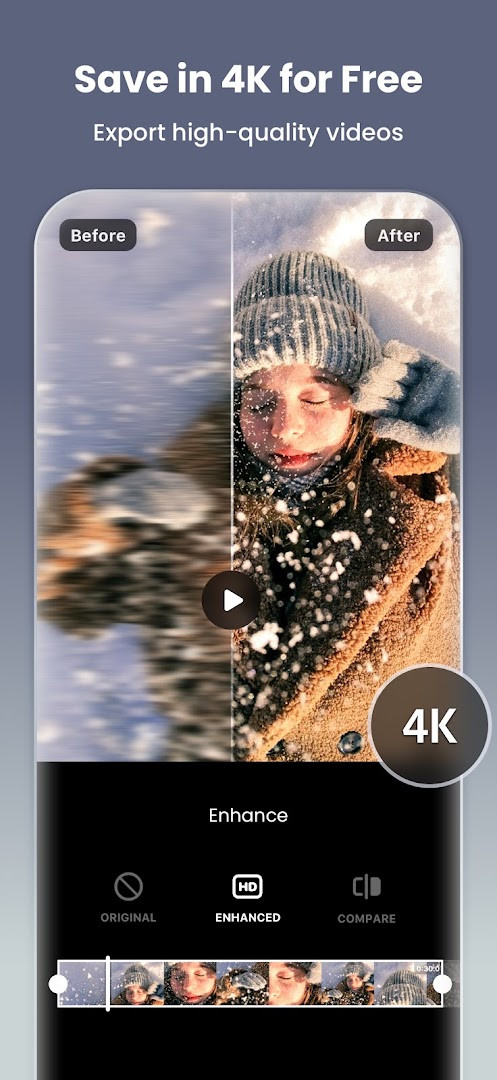
Video Editor & Maker - InShot is a comprehensive video and photo editing application by InShot Video Editor that combines timeline-based video cutting, music mixing, filters, and collage tools into a single mobile workflow. The app has been around since early 2014 and has grown into one of the most widely used editing tools for social media creators, with over half a billion installs and a current user rating of 4.84 based on nearly 25 million reviews. It targets everyday users who want to produce polished clips for platforms like YouTube, Instagram, TikTok, and WhatsApp without needing a desktop computer or professional editing skills. The core experience revolves around a straightforward timeline where you can trim, merge, reverse, and speed-adjust clips, then layer on music, voiceovers, text, stickers, and transitions. Beyond video, the same app handles photo editing and collage creation, making it a versatile companion for quick social posts. The latest version, 2.231.1551, released in September 2026, introduces audio stickers that add sound effects to animated elements, a group edit mode for adjusting multiple audio tracks simultaneously, and a hair glow effect that adds a natural shine to subjects in your footage. The update also includes general bug fixes and performance improvements, keeping the experience stable for long editing sessions. For users who want more advanced control, InShot offers keyframe animations, chroma key compositing, picture-in-picture layers, and blend modes, alongside AI-assisted tools like auto captions, speech synthesis, background removal, and smart object tracking. Export options go up to 4K at 60 frames per second, which is generous for a free app, and you can adjust the aspect ratio to fit specific social platforms. The app is free to download and use, though it contains ads and offers in-app purchases for premium features, and it requires Android 8.0 or later to run.
Key features
- AI auto captions convert speech to text for fast subtitle creation
- Text-to-speech with multiple accents and natural-sounding voices
- One-tap background removal for videos and photos
- Smart tracking keeps stickers and text locked onto moving objects
- Smooth slow-motion effects with seamless frame interpolation
- AI body effects apply instant visual presets to people in your clips
- Trim, merge, reverse, and compress video clips without quality loss
- Add music, sound effects, voiceovers, and voice-changing effects
- Adjust aspect ratio for YouTube, Instagram, TikTok, and other platforms
- Keyframe animations, chroma key, picture-in-picture, and blend modes
How to install
- Tap the download button on this page to get the APK file; the file size is not specified, so ensure you have enough free storage on your device.
- When Android prompts you, allow your browser or file manager to install apps from unknown sources by enabling the 'Install unknown apps' setting for that app.
- Open the downloaded APK file from your notifications or file manager.
- Tap Install and wait for the installation to finish; the app requires Android 8.0 or higher.
- After installation, tap Open to launch the app and start editing your first video.
Pros
- All-in-one video and photo editing in a single app
- Powerful AI tools that simplify complex tasks like captions and background removal
- Supports high-resolution 4K 60fps export
- Wide range of effects, transitions, and stickers
- Free to use with optional in-app purchases
Cons
- Contains ads that can interrupt the editing flow
- Some advanced features are locked behind in-app purchases
- Requires Android 8.0 or later, which excludes very old devices
Latest changes · 2.231.1551
The latest update of Video Editor & Maker - InShot introduces Audio Stickers, letting you bring stickers to life with sound effects. You can also edit multiple tracks at once with the new Group Edit for Tracks feature, and add a natural shine to hair using Hair Glow. This release also includes bug fixes and other improvements.
Previous versions
| Version | Size | Requires Android | Updated |
|---|---|---|---|
| 2.231.1551 | — | 8.0 | Sep 21, 2026 |
| 1.680.2300.yingYongBao | 50 MB | 5.0 | May 1, 2025 |
| 1.950.1411 | 70 MB | 6.0 | Jul 25, 2023 |
| 1.649.1282.HW | 44 MB | 4.3 | May 31, 2020 |
| 1.441.164 | 21 MB | 4.0 | Jun 19, 2017 |
| 1.416.142 | 20 MB | — | Mar 21, 2017 |
| 1.162 | 6.6 MB | — | Jul 11, 2014 |
InShot is ideal for social media content creators who post regularly to TikTok, Instagram, or YouTube Shorts, as well as casual users who want to edit family videos and photos quickly. It also suits vloggers and small business owners who need a reliable mobile editor for promotional clips without learning complex desktop software.
If you are working with multiple audio tracks, try the new group edit feature to adjust volume, timing, and effects across all tracks at once instead of editing each one individually — it will save you a lot of time on longer projects.
Permissions
Frequently asked questions
How do I install the InShot APK on my Android device?
To install the APK, download the file from the download button on this page, then open it. Your device may ask you to allow installation from unknown sources; enable that in settings if prompted. The app requires Android 8.0 or higher.
What is new in version 2.231.1551?
Version 2.231.1551, released on September 21, 2026, adds Audio Stickers so your stickers can have sound, a Group Edit feature for adjusting multiple tracks at once, a Hair Glow effect for a natural shine, plus bug fixes and other improvements.
Does InShot contain ads and in-app purchases?
Yes, the app is free to download and includes ads. It also offers in-app purchases, so you can pay for premium features or remove ads if you choose.
Can I use InShot offline without an internet connection?
InShot does not explicitly state offline functionality. While core editing tools like trimming, filters, and effects may work without a connection, features that rely on AI (such as auto captions or AI speech) and downloading additional content likely require internet access.
Are there alternatives to InShot in the photography category?
Yes, the photography category includes other video and photo editing apps with similar capabilities. When choosing an alternative, compare features like AI tools, export resolution, and whether the app supports your Android version, as requirements vary by app.
What permissions does InShot request and why?
InShot asks for access to Photos, Media, and Files so you can select and save videos and images; Microphone access for recording voice-overs; and Wi-Fi connection information, which is commonly used for network-related functions. These permissions support the editing and sharing workflow.
Is InShot suitable for beginners?
Yes, InShot is designed as an easy-to-use editor with features like trim, merge, filters, and music, making it approachable for beginners. It also includes advanced tools such as keyframes, chromakey, and AI effects for more experienced users.
InShot remains a strong choice for mobile editing because it balances ease of use with a surprisingly deep feature set, including AI tools and 4K export. The ads and premium paywall are acceptable trade-offs for the free tier, and the frequent updates keep it relevant. If you want a dependable all-in-one editor for everyday social content, InShot is worth installing.
Similar apps
 Samsung GallerySamsung Gallery has a size of 51 MB and requires Android 11 or higher. The app does not charge for its core features, and it does not inc…Samsung Electronics Co., Ltd. · ★ 3.8 · Photography · 51 MB
 GalleryGallery is a free photography app from Google LLC that groups pictures by categories such as People, Selfies, Nature, Animals, Documents,…Google LLC · ★ 4.2 · Photography
 Picsart AI Photo Editor, VideoPicsart AI Photo Editor, Video is free to download and also offers optional in-app purchases, and it carries ads. The app requires Androi…PicsArt, Inc. · ★ 4.0 · Photography · v30.9.5
Updated: Nov 3, 2026
- Version
- 2.231.1551
- Requires Android
- 8.0
- Updated
- Sep 21, 2026
- Installs
- 500M+
- Rating
- ★ 4.84 (24,707,806)
- Category
- Photography
- Developer
- InShot Video Editor
- Content rating
- Everyone
- Package
- com.camerasideas.instashot
- Free
- ✓ · Contains ads · In-app purchases