Photo Editor - Polish: Edit, Retouch, Collage
Photo Editor - Polish is a free photo editing app by InShot Inc. that lets you apply filters, retouch faces, remove objects, and create collages.
Photo Editor - Polish has a 4.80 rating from 4.7 million ratings and over 100 million installs, with the latest version 1.823.268 released on 2026-11-17. The app requires Android 9 or higher and includes ads and in-app purchases. It suits casual users and social media creators who want filters, beauty tools, AI enhancement, and collage features.
Get Photo Editor · v1.823.268Screenshots
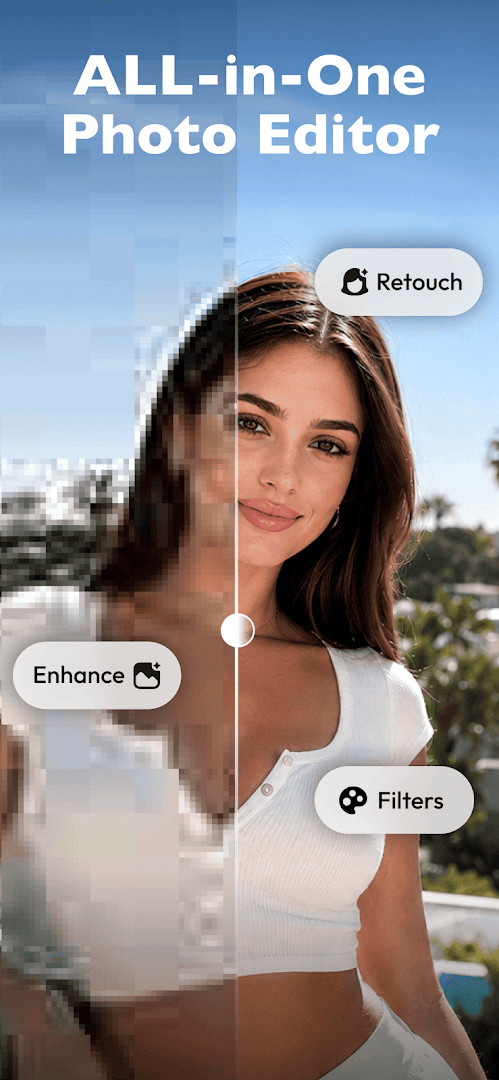
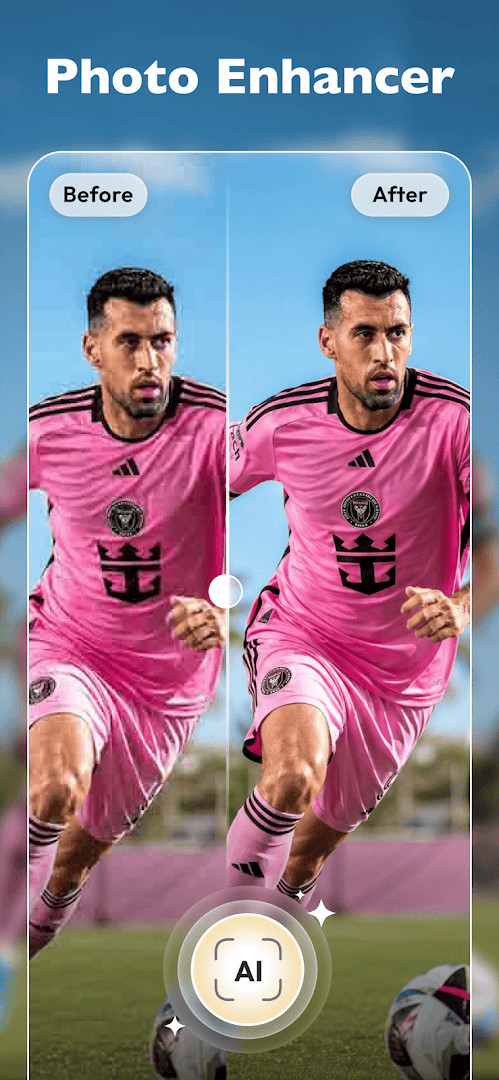
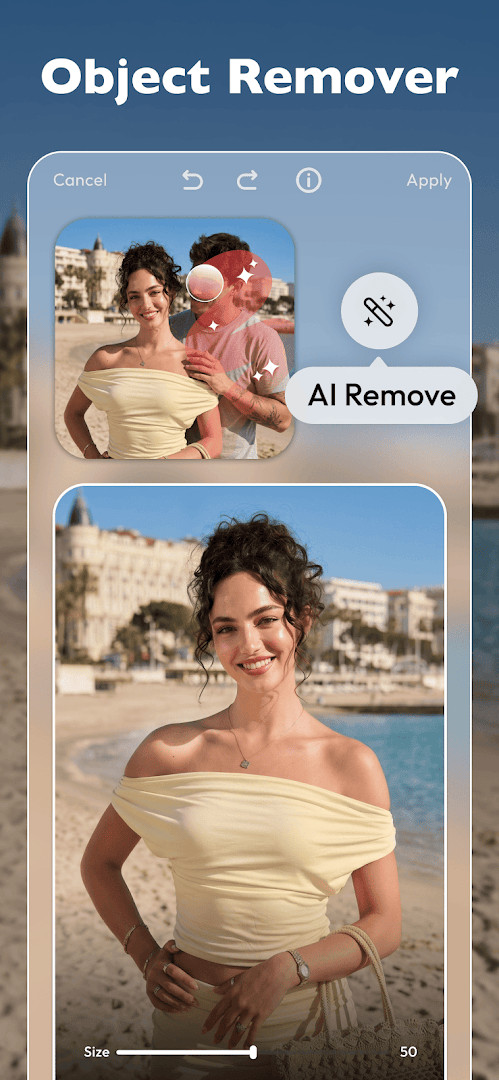
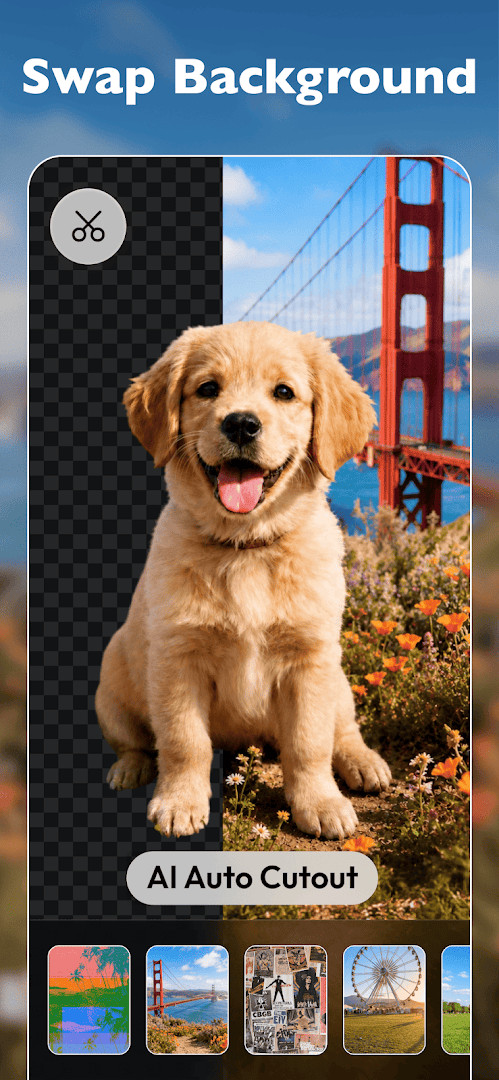
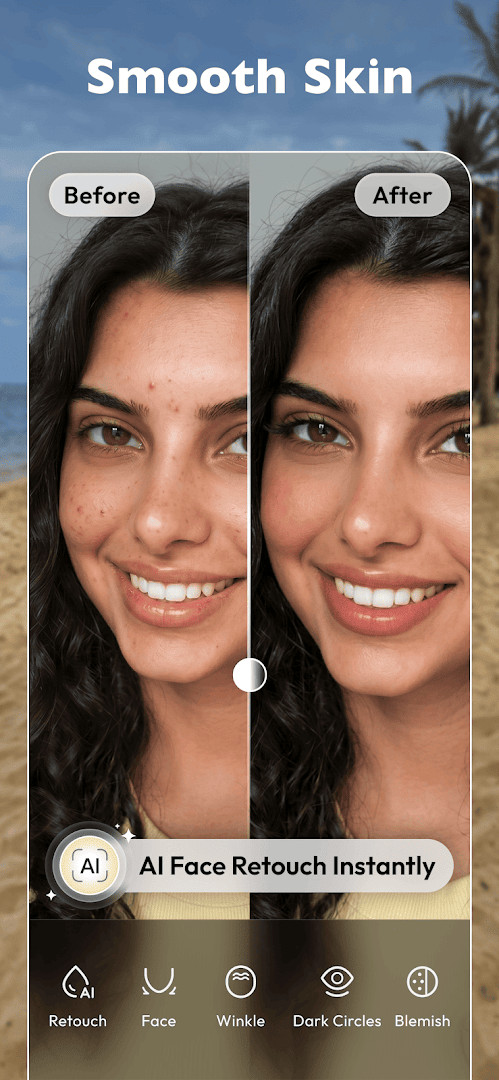
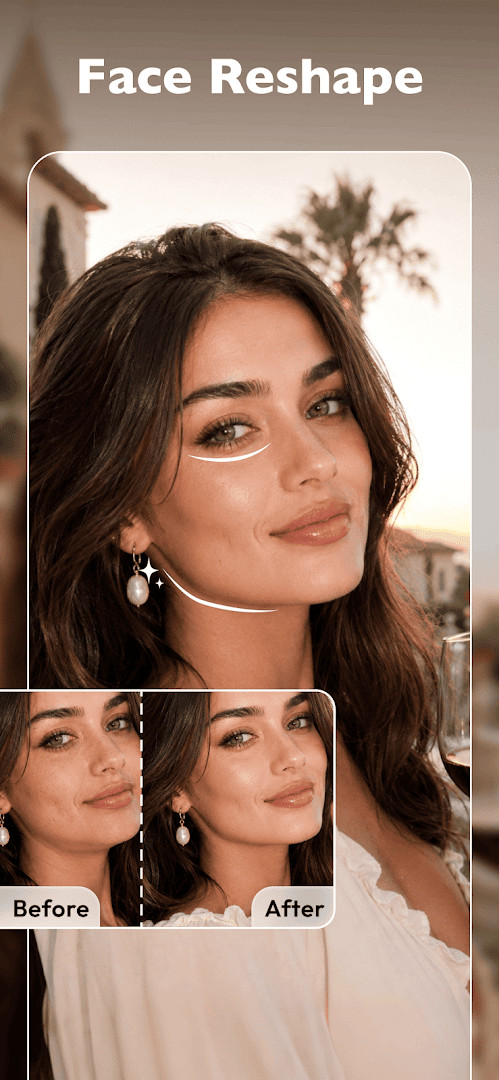
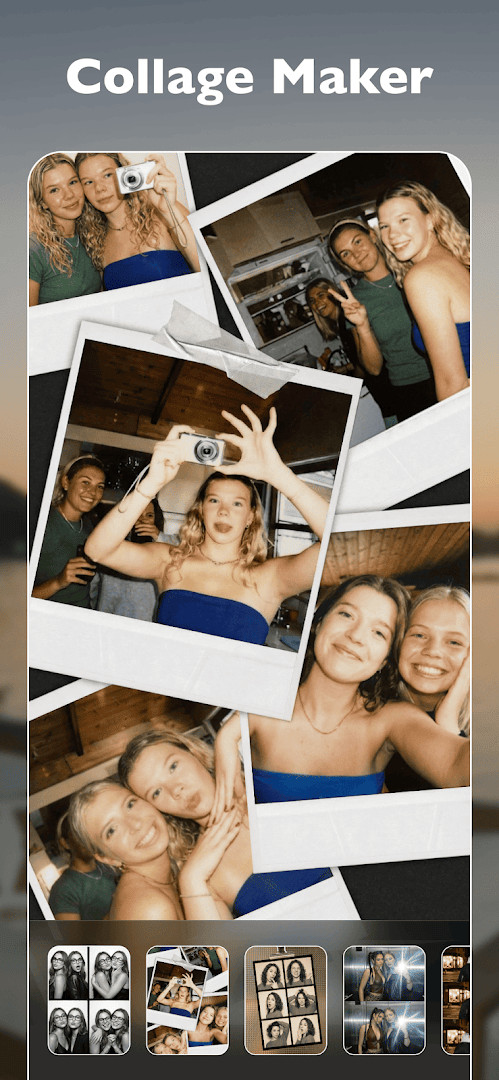
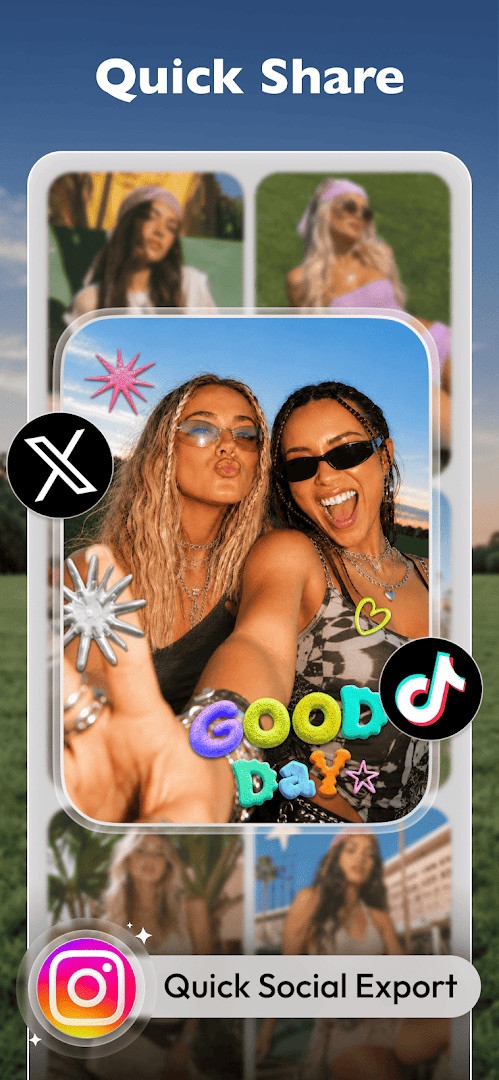
Photo Editor - Polish is a photography utility app by InShot Inc. that provides a broad set of editing tools for enhancing, retouching, and composing images on Android devices. It addresses the need for a single, accessible solution for common photo tasks, such as applying stylistic filters, correcting exposure and color, removing unwanted elements, and creating multi-image collages. The app combines manual adjustment controls with automated AI-driven functions to streamline workflows, allowing users to improve image quality, generate portraits or headshots, and extend photos to different aspect ratios without requiring a desktop editor or professional expertise.
Key features
- Over 100 filters and effects, including CCD, Y2K, Vintage, VHS, Film, and Flash styles, applied with a single tap.
- Collage maker that combines up to 20 photos with customizable layouts, backgrounds, frames, and templates.
- Professional adjustments for brightness, contrast, highlights, shadows, saturation, and HSL, plus crop, resize, and rotation tools.
- Background and object remover to erase photobombers, unwanted objects, or distracting backgrounds.
- Face retouch and beauty editor for smoothing skin, brightening eyes, and removing blemishes while keeping portraits natural.
- Body editor with body reshape and skin tone enhancer for adjusting proportions and evening out skin tones.
- AI-powered photo enhancer to restore blurry, pixelated, or low-quality images and sharpen details.
- AI portrait and headshot maker, AI expand photo, and AI avatar/cartoon styles for creating professional or creative visuals.
- High-resolution export without watermarks, with direct sharing to Instagram, Facebook, Pinterest, TikTok, and WhatsApp.
How to install
- Tap the download button on this page to get the APK file for Photo Editor - Polish.
- When Android prompts, allow your browser or file manager to install apps by enabling the 'Install unknown apps' setting.
- Open the downloaded APK file from your notification or file manager.
- Tap Install and wait for the installation to complete.
- Open the app from your app drawer or the Install confirmation screen.
- The app requires Android 9 or higher; the file size is not specified.
Pros
- Comprehensive all-in-one toolset covering filters, collage, retouch, and object removal.
- AI features for enhancement, headshots, expansion, and avatars add advanced capabilities.
- High-resolution exports with no watermarks on saved images.
- Wide range of aesthetic filter styles to suit different moods and trends.
- Regular updates, with the latest version released in November 2026.
Cons
- Contains ads, which may interrupt the editing experience.
- Offers in-app purchases, so some features or content may require payment.
- Requires access to photos, media, files, storage, and Wi-Fi connection information, which may raise privacy concerns for some users.
Latest changes · 1.823.268
Photo Editor - Polish version 1.823.268 introduces a new Halloween Collection, letting you craft spooky photos quickly with fresh filters, stickers, and AI effects. The update also brings better screen support for smoother editing on large-screen devices.
Previous versions
| Version | Size | Requires Android | Updated |
|---|---|---|---|
| 1.823.268 | — | 9 | Nov 17, 2026 |
| 1.811.267 | — | 9 | Nov 10, 2026 |
| 1.802.266 | — | 9 | Oct 9, 2026 |
| 1.142.21 | 12 MB | 4.0 | Jul 21, 2026 |
| 1.46.150 | 24 MB | 6.0 | Jun 15, 2023 |
| 1.261.62 | 13 MB | 4.3 | Apr 16, 2020 |
Photo Editor - Polish is suited for casual smartphone photographers, social media content creators, and anyone who wants a quick way to polish everyday pictures. It appeals to users who need versatile tools for making collages, applying trendy filters, retouching selfies, or removing unwanted objects without learning complex software. The inclusion of AI-driven features like headshot generation and photo expansion also makes it relevant for individuals preparing profile pictures, resumes, or social media posts. Given its broad feature set and simple interface, it can serve both beginners seeking one-tap enhancements and more engaged users who want manual control over adjustments, though the presence of ads and paid content may influence those looking for a completely free or ad-free experience.
For best results, start with the AI enhancer on low-quality images before making manual adjustments. When creating collages, experiment with the various templates to find layouts that fit your content. To avoid losing work, export your final images in high resolution, and be mindful that some advanced features may require in-app purchases.
Permissions
Frequently asked questions
How do I install the APK for Photo Editor - Polish on my Android device?
To install the APK, download the file from this page and open it on your Android device. You may need to allow installation from unknown sources in your device settings, then follow the on-screen prompts to complete the setup.
What is the current version of Photo Editor - Polish?
The current version is 1.823.268, which was released on November 17, 2026. It includes a new Halloween collection and better screen support for large displays.
Does Photo Editor - Polish contain ads or in-app purchases?
Yes, the app includes ads and offers in-app purchases. It is free to download and use, with optional paid features available inside the app.
Can I use Photo Editor - Polish offline?
The app requires access to photos, media, and files, and it uses Wi-Fi connection information, which suggests an internet connection may be needed for some features. The data provided does not confirm full offline functionality.
Are there other photo editing apps in the same category as Photo Editor - Polish?
Yes, there are other apps in the Photography category that offer similar editing tools. You can explore alternatives that provide filters, collages, and retouch features, though specific names are not mentioned here.
What Android version is required to run Photo Editor - Polish?
The app requires Android 9 or higher. This ensures compatibility with the latest editing tools and features.
How many people have installed Photo Editor - Polish?
The app has over 100 million installs and holds a rating of 4.80 based on more than 4.7 million ratings, reflecting its widespread use among photo editors.
Photo Editor - Polish delivers a broad, practical range of editing tools in a single package, from basic filters to AI-driven enhancements. It is a solid choice for users who want a versatile editor, provided they are comfortable with ads and optional in-app purchases.
Similar apps
 Samsung GallerySamsung Gallery has a size of 51 MB and requires Android 11 or higher. The app does not charge for its core features, and it does not inc…Samsung Electronics Co., Ltd. · ★ 3.8 · Photography · 58 MB
 GalleryGallery is a free photography app from Google LLC that groups pictures by categories such as People, Selfies, Nature, Animals, Documents,…Google LLC · ★ 4.2 · Photography
 Picsart AI Photo Editor, VideoPicsart AI Photo Editor, Video is free to download and also offers optional in-app purchases, and it carries ads. The app requires Androi…PicsArt, Inc. · ★ 3.9 · Photography · v31.2.6
 AI GalleryAI Gallery has a 166 MB download size and requires Android version 12 or higher. It includes no ads, and the data indicates no in-app pur…Transsion Holdings · ★ 3.5 · Photography · 166 MB
 BeautyPlus-Selfie Photo EditorBeautyPlus-Selfie Photo Editor serves people who want to retouch selfies, edit photos, and enhance videos with AI tools. The app is free …PIXOCIAL TECHNOLOGY (SINGAPORE) PTE. LTD. · ★ 4.5 · Photography · v7.50.0
 FaceApp: Perfect Face EditorFaceApp: Perfect Face Editor has 36 MB size and requires Android 5.0 or higher. It offers over 60 photorealistic filters, includes in-app…FaceApp Technology Ltd · ★ 4.3 · Photography · 36 MB
 Video Editor & Maker - InShotVideo Editor & Maker - InShot combines video editing, a photo editor and a collage maker in one app, with AI captions, speech, background…InShot Video Editor · ★ 4.8 · Photography · v2.250.1556
 Photoroom: AI Photo & VideoPhotoroom: AI Photo & Video is for e-commerce sellers and marketers who need professional product visuals without a studio. It removes an…Photoroom AI Photo Editor · ★ 4.6 · Photography · v2026.47.02
Updated: Nov 20, 2026
- Version
- 1.823.268
- Requires Android
- 9
- Updated
- Nov 17, 2026
- Installs
- 100M+
- Rating
- ★ 4.8 (4,718,625)
- Category
- Photography
- Developer
- InShot Inc.
- Content rating
- Everyone
- Package
- photo.editor.photoeditor.photoeditorpro
- Free
- ✓ · Contains ads · In-app purchases