Photoroom: AI Photo & Video for Android
Photoroom: AI Photo & Video is a photography app from Photoroom AI Photo Editor for creating product listings and video ads.

Photoroom: AI Photo & Video is for e-commerce sellers and marketers who need professional product visuals without a studio. It removes and replaces backgrounds, batch edits hundreds of photos, and turns images into video ads with AI actors. The app is free to download, requires Android 10 or newer, and has no ads, though some features need an in-app purchase.
Get Photoroom · v2026.47.02Screenshots
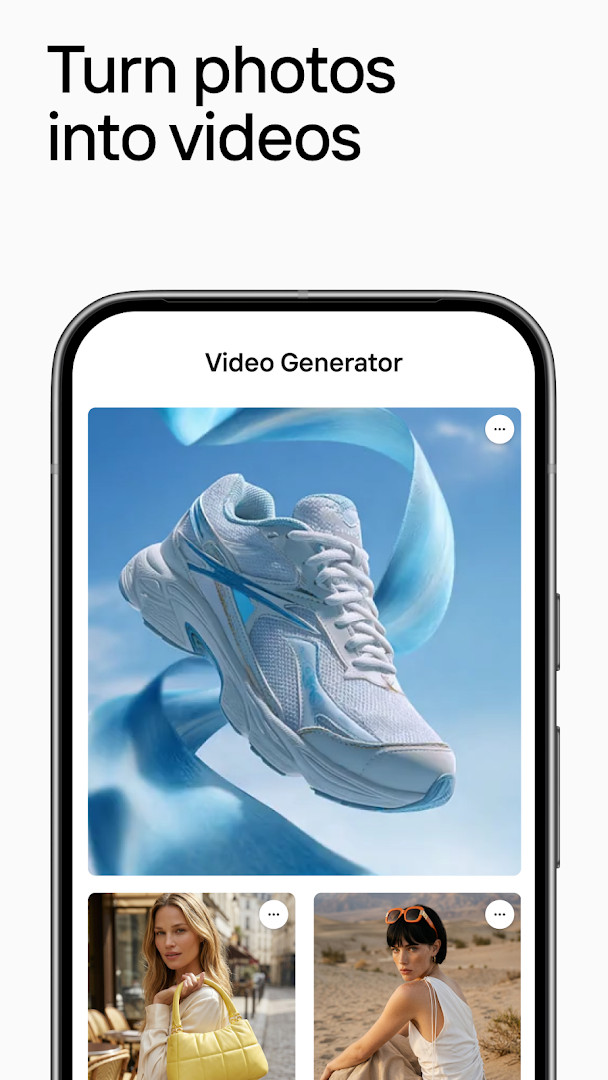
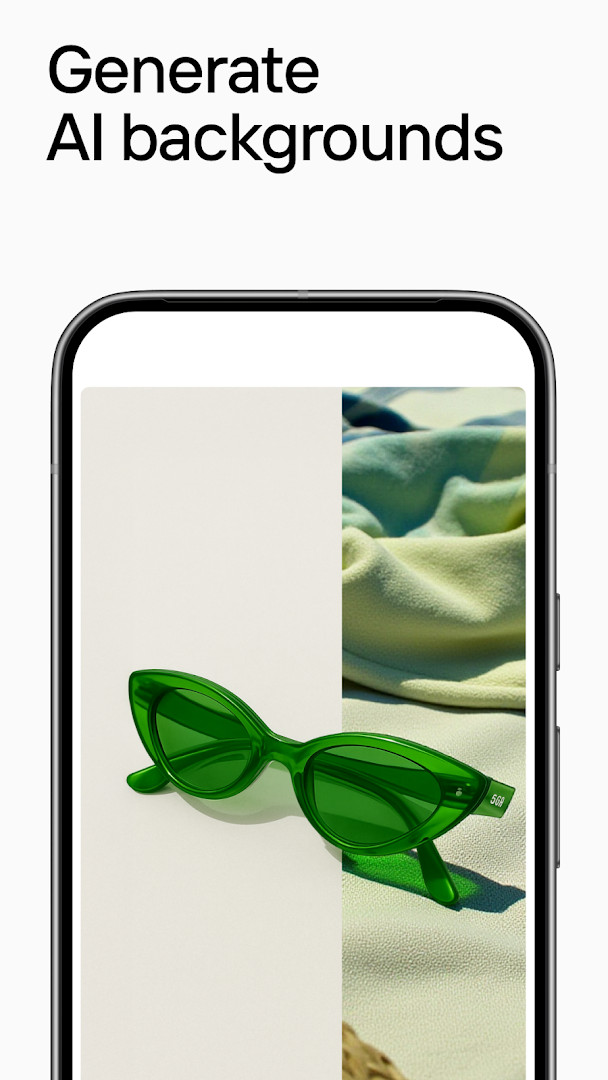
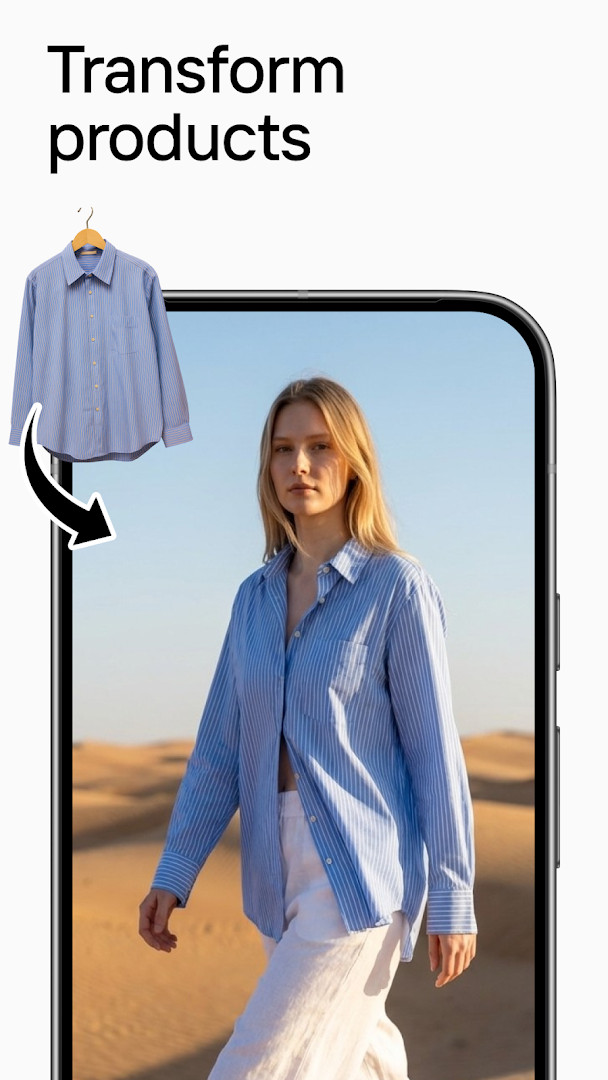
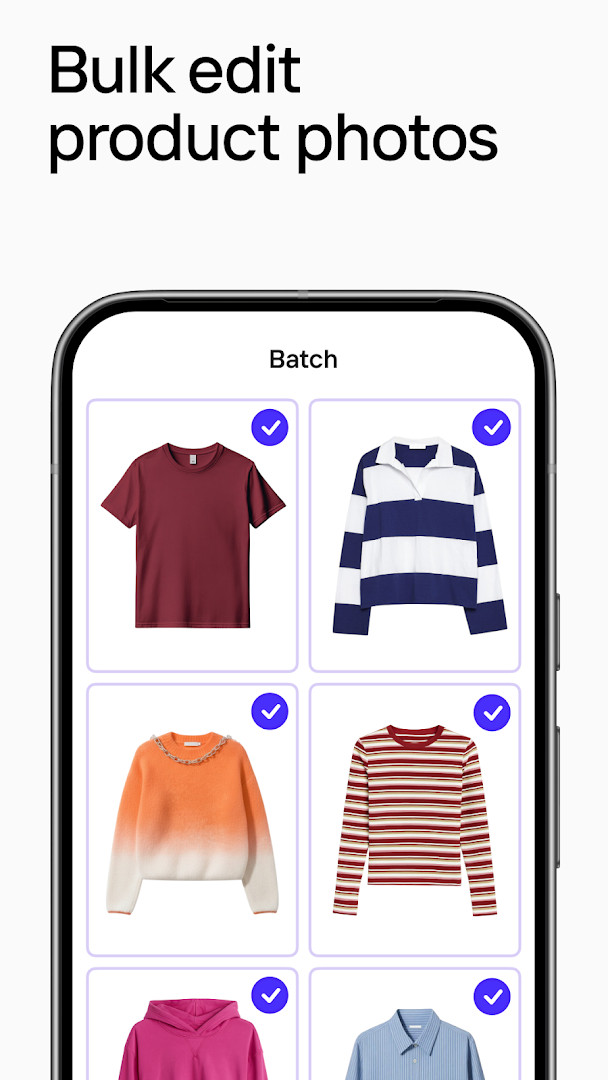
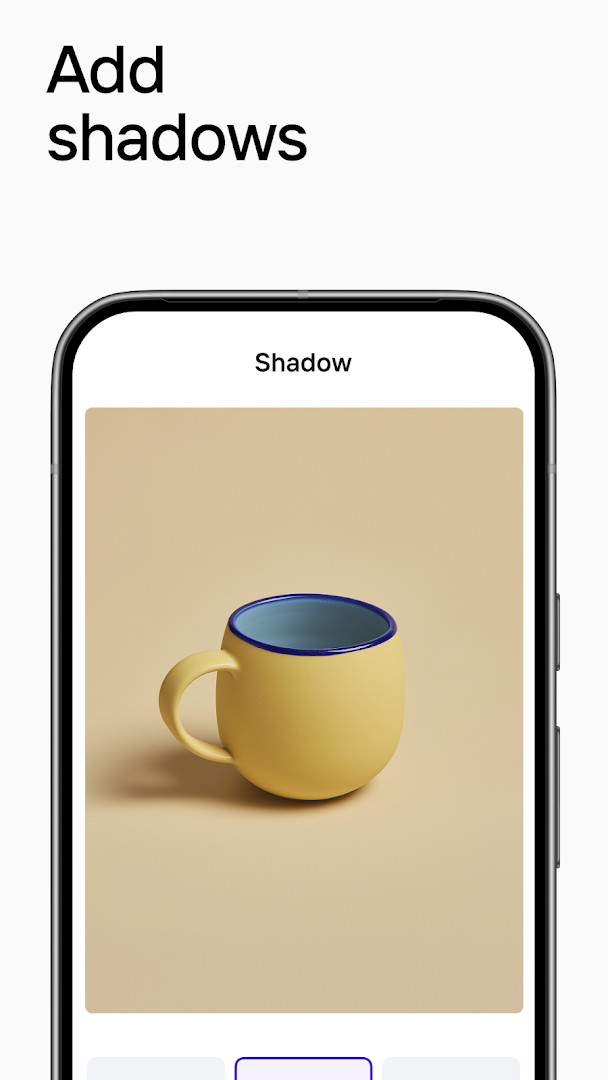
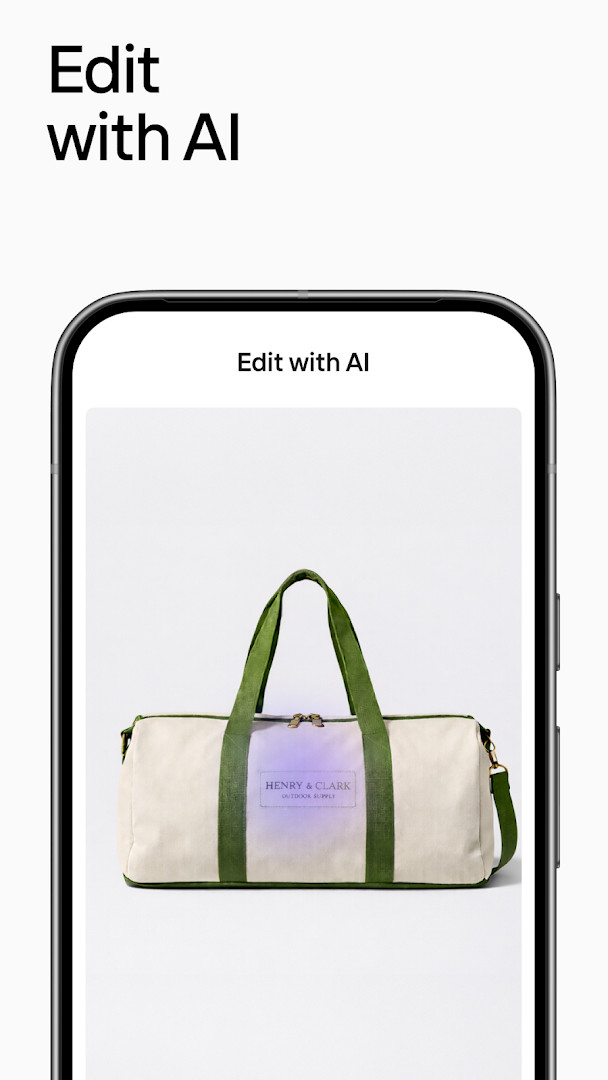
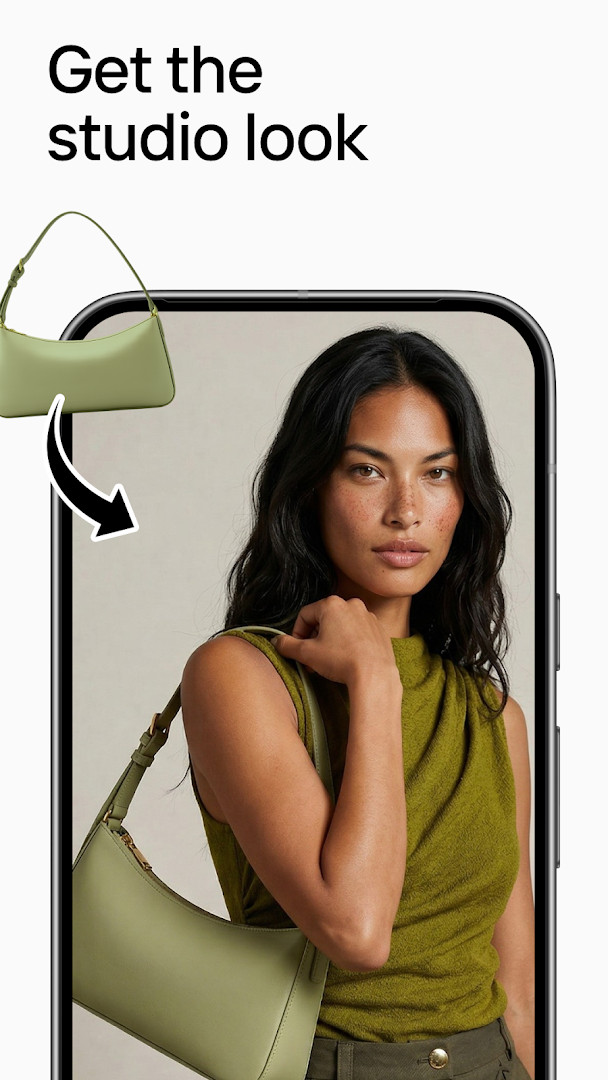
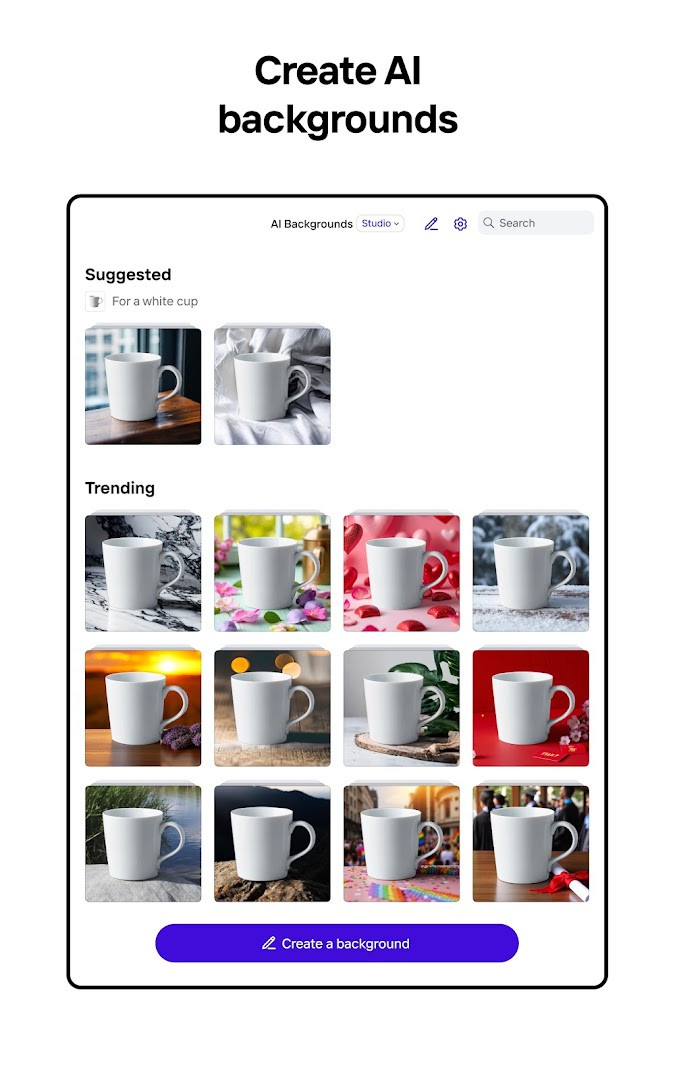
Photoroom: AI Photo & Video is a photography app by Photoroom AI Photo Editor that turns ordinary product photos into polished listings, video ads, and studio-style visuals. Built primarily for e-commerce sellers, the app combines background removal, batch editing, and AI-generated models into one mobile workflow. Since its release in December 2020, it has grown into a widely used tool, with over 300 million users and roughly 100 million installs, which points to strong adoption among small businesses and independent sellers. The app is free to download and contains no ads, though it offers optional in-app purchases for advanced features like AI Fashion Models, batch editing, and the Video Ad Maker. The latest version, 2026.47.02, was updated on November 17, 2026, and continues the app's focus on making professional-grade product imagery accessible from a phone. For beginners, the appeal is straightforward: you can remove a cluttered background in seconds, add realistic shadows, and even generate a short video ad from a single photo. The interface guides you through tasks like erasing backgrounds, recoloring products, and ironing out wrinkles in clothing shots, so you do not need prior design experience. The app also supports connecting a Shopify store, which lets you import your catalog, apply consistent edits, and publish listings directly. That said, the full feature set is gated behind a subscription, and free users will encounter limits on processing speed and access to premium tools. Still, the core background remover and basic editing functions are usable without paying, making it a reasonable starting point for anyone new to product photography. The app requests access to photos, storage, camera, microphone, and Wi-Fi information, which is typical for an editor that handles media and video creation.
Key features
- AI background remover: remove, replace, or generate backgrounds in seconds
- AI Fashion Models: display clothing on realistic AI-generated models
- Ghost Mannequin and Flat Lay: create apparel photos without a studio
- Batch editing: apply consistent changes across hundreds of photos at once
- Video Ad Maker: turn product photos into video ads with AI actors and voice-overs
- Product videos: convert images into engaging clips for listings and marketing
- Recolor: create new product colors without a new photoshoot
- Ironing: smooth wrinkles from clothing images instantly
- Studio shot: generate clean, listing-ready visuals
- AI Shadows: add realistic depth and natural lighting
How to install
- Tap the download button on this page to get the APK file. The file size is not specified, so be prepared for a download that may vary.
- When Android asks, allow your browser or file manager to install apps by enabling the 'Install unknown apps' setting for that app.
- Locate the downloaded APK file in your device's Downloads folder or notification bar.
- Open the APK file, and Android will show a confirmation screen with details about the app.
- Tap Install and wait for the process to finish; this usually takes less than a minute.
- Open the app from your app drawer. The minimum Android version required is 10, so devices running Android 10 or newer will work.
Pros
- Excellent background removal that works well even on complex edges like hair or fur
- Batch editing saves hours when updating an entire product catalog
- Video Ad Maker is a unique feature for creating short ads without video editing skills
- AI Fashion Models help small sellers show clothing without hiring a model or renting a studio
- No ads in the free version, which keeps the editing experience clean
- Regular updates, with version 2026.47.02 released in November 2026, indicate active development
Cons
- Many advanced tools require a paid subscription, which may be costly for casual users
- Free tier has processing limits and slower speeds on batch tasks
- Requires access to camera, microphone, and storage, which some users may find excessive
- The app is designed for product photography, so it is less suited for general photo editing or artistic work
- AI-generated images may occasionally alter fine details, despite the app's accuracy claims
Previous versions
| Version | Size | Requires Android | Updated |
|---|---|---|---|
| 2026.47.02 | — | 10 | Nov 17, 2026 |
| 2026.46.02 | — | 10 | Nov 10, 2026 |
| 2026.41.02 | — | 10 | Oct 13, 2026 |
Photoroom is ideal for online sellers who list products on marketplaces like Shopify, Amazon, or Etsy and need quick, consistent visuals. It also suits social media marketers who want to turn product shots into short video ads without learning complex editing tools. Finally, small business owners who manage their own catalogs will benefit from batch editing and the ability to create professional-looking images from a phone.
For the best results, start with a well-lit, plain photo of your product. The AI background remover works more accurately when the subject is clearly separated from the background, so avoid cluttered scenes or heavy shadows. After removing the background, use the AI Shadows feature to add depth, which makes the final image look more natural rather than flat.
Permissions
Frequently asked questions
Is Photoroom free to download and use?
Yes, the app is free to download and use, with optional in-app purchases available. It contains no ads.
Which Android version do I need?
The app requires Android 10 or higher. The current version is 2026.47.02, updated on November 17, 2026.
How large is the APK file?
The file size is not specified on this page. The download button will provide the correct package for your device.
Do I need to create an account to use it?
You can start using the app without an account, though some features like Shopify integration and upgrades may require signing in. An upgraded account unlocks advanced tools.
What permissions does Photoroom request?
It asks for access to photos, media, files, storage, camera, microphone, and Wi-Fi connection information. These are used for editing, capturing images, and processing.
How do I update the app?
To update, download the newest version from this page when it becomes available. The latest version listed here is 2026.47.02, released on November 17, 2026.
Photoroom is a powerful and practical tool for anyone selling products online, offering a rare combination of background removal, batch editing, and video ad creation in a single app. The free version provides enough functionality to improve your photos, but serious sellers will likely need the subscription to unlock the full potential. With a high rating of 4.65 from over 4 million reviews, it has proven reliable for its intended audience. If you are a beginner looking to elevate your product listings without learning professional design software, this app is a solid choice.
Similar apps
 ChatGPTChatGPT serves users who want an AI assistant for writing, learning, and creative tasks on their Android device. The official app is free…OpenAI · ★ 4.8 · Productivity · v1.2026.314
 SketchbookSketchbook is for anyone who loves to draw, from casual sketchers to professional illustrators, providing a distraction-free canvas to ca…Sketchbook · ★ 4.1 · Art & Design · 69 MB
 Samsung GallerySamsung Gallery has a size of 51 MB and requires Android 11 or higher. The app does not charge for its core features, and it does not inc…Samsung Electronics Co., Ltd. · ★ 3.8 · Photography · 58 MB
 GalleryGallery is a free photography app from Google LLC that groups pictures by categories such as People, Selfies, Nature, Animals, Documents,…Google LLC · ★ 4.2 · Photography
 Picsart AI Photo Editor, VideoPicsart AI Photo Editor, Video is free to download and also offers optional in-app purchases, and it carries ads. The app requires Androi…PicsArt, Inc. · ★ 3.9 · Photography · v31.2.6
 AI GalleryAI Gallery has a 166 MB download size and requires Android version 12 or higher. It includes no ads, and the data indicates no in-app pur…Transsion Holdings · ★ 3.5 · Photography · 166 MB
 BeautyPlus-Selfie Photo EditorBeautyPlus-Selfie Photo Editor serves people who want to retouch selfies, edit photos, and enhance videos with AI tools. The app is free …PIXOCIAL TECHNOLOGY (SINGAPORE) PTE. LTD. · ★ 4.5 · Photography · v7.50.0
 FaceApp: Perfect Face EditorFaceApp: Perfect Face Editor has 36 MB size and requires Android 5.0 or higher. It offers over 60 photorealistic filters, includes in-app…FaceApp Technology Ltd · ★ 4.3 · Photography · 36 MB
Updated: Nov 23, 2026
- Version
- 2026.47.02
- Requires Android
- 10
- Updated
- Nov 17, 2026
- Installs
- 100M+
- Rating
- ★ 4.65 (4,040,903)
- Category
- Photography
- Developer
- Photoroom AI Photo Editor
- Content rating
- Everyone
- Package
- com.photoroom.app
- Free
- ✓ · In-app purchases