Photoshop Express Photo Editor: photo editing app
Photoshop Express Photo Editor is a photo editor by Adobe that lets you edit selfies, apply filters, and use AI tools for face retouch.
Photoshop Express Photo Editor combines AI photo editing, face retouch, background replacement, and a collage maker in one free app. It is aimed at users of any skill level, from quick one-tap fixes to detailed airbrush tools and text overlays. The app requires Android 4.4 or higher and is free with in-app purchases; it carries a 4.55 rating from around 2.6 million ratings.
Get Photoshop Express · v18.5.45Screenshots
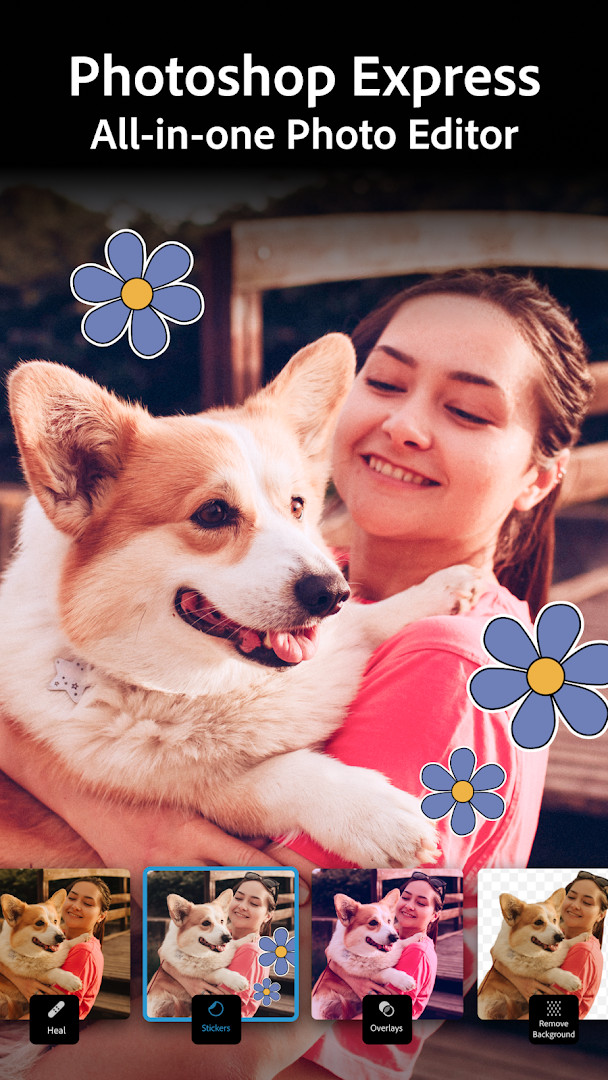
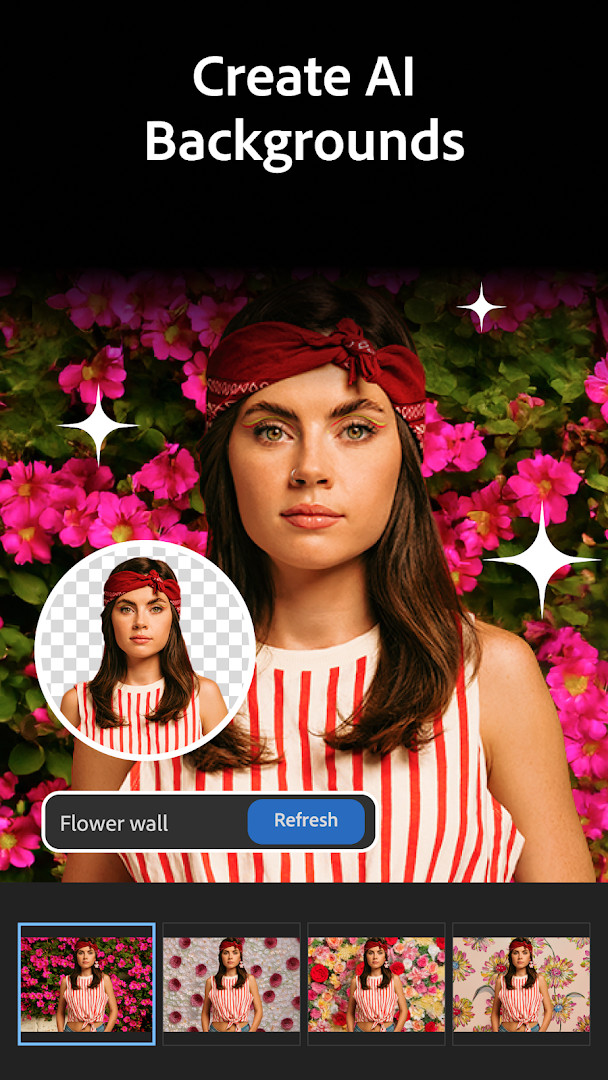
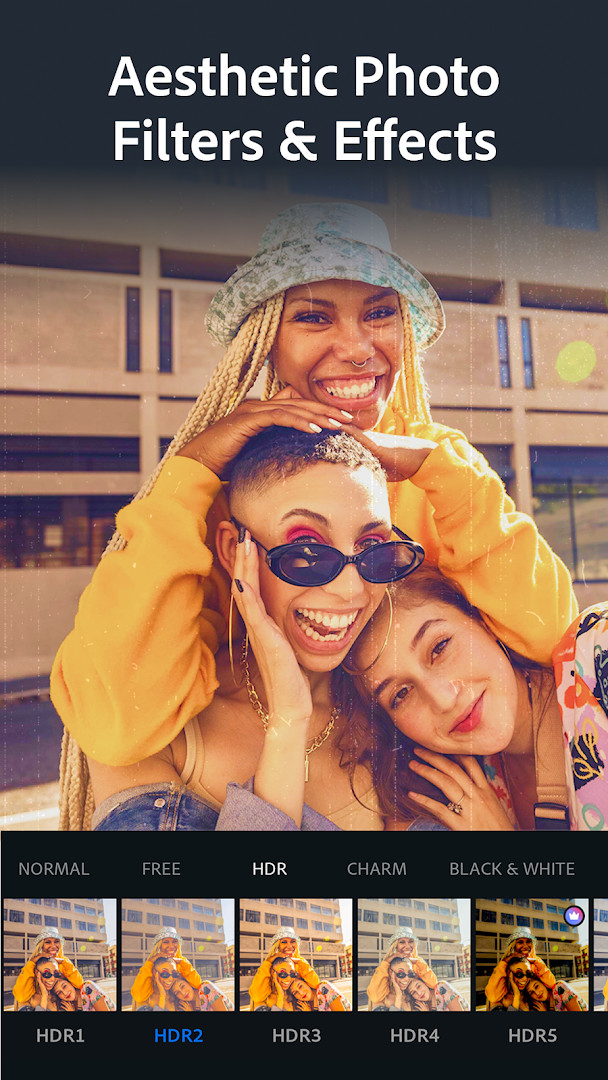
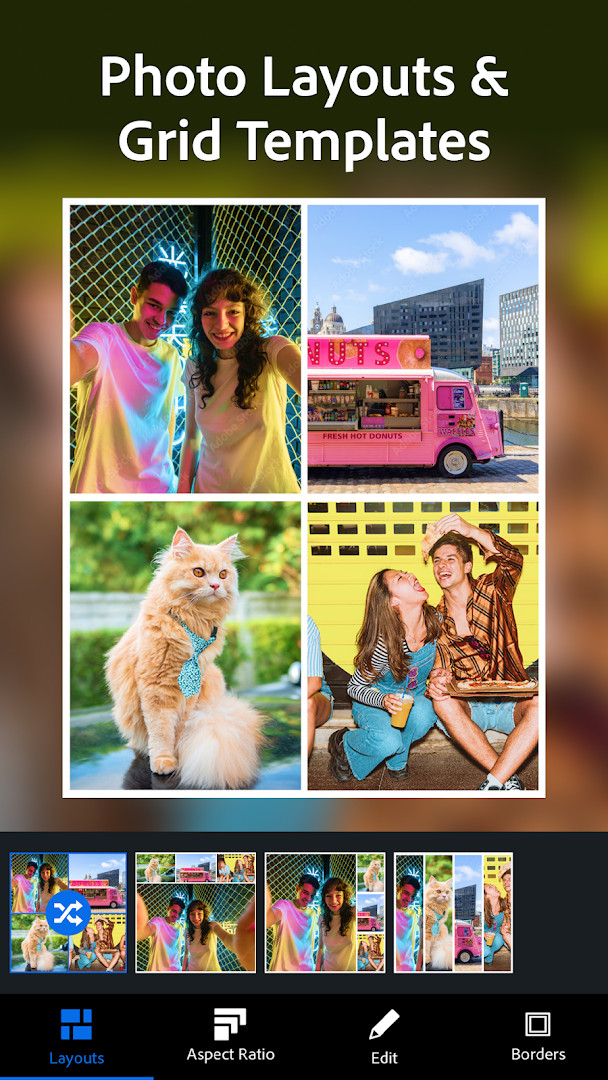
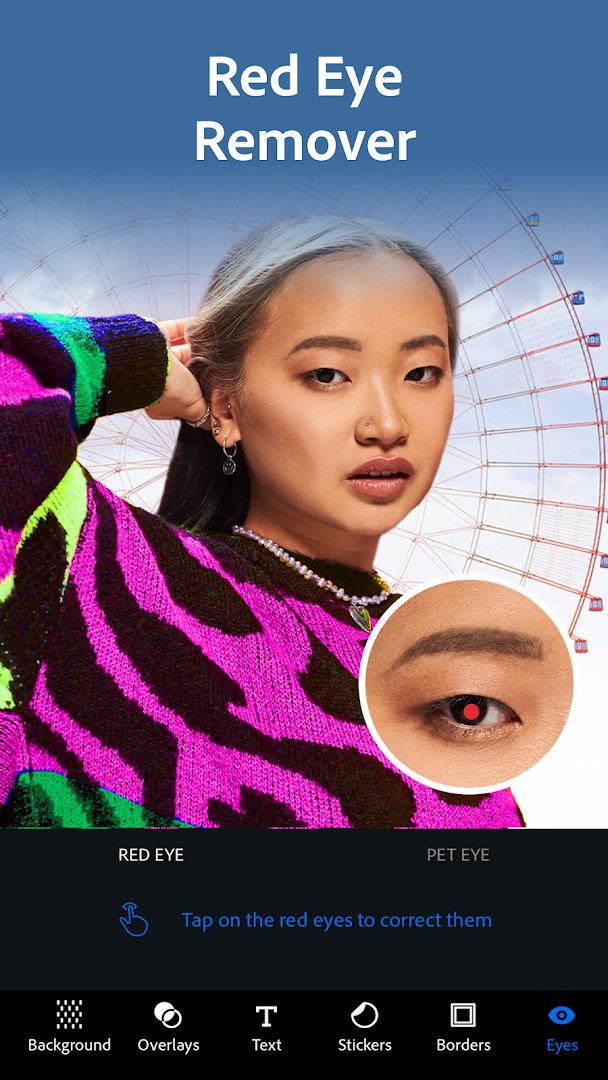
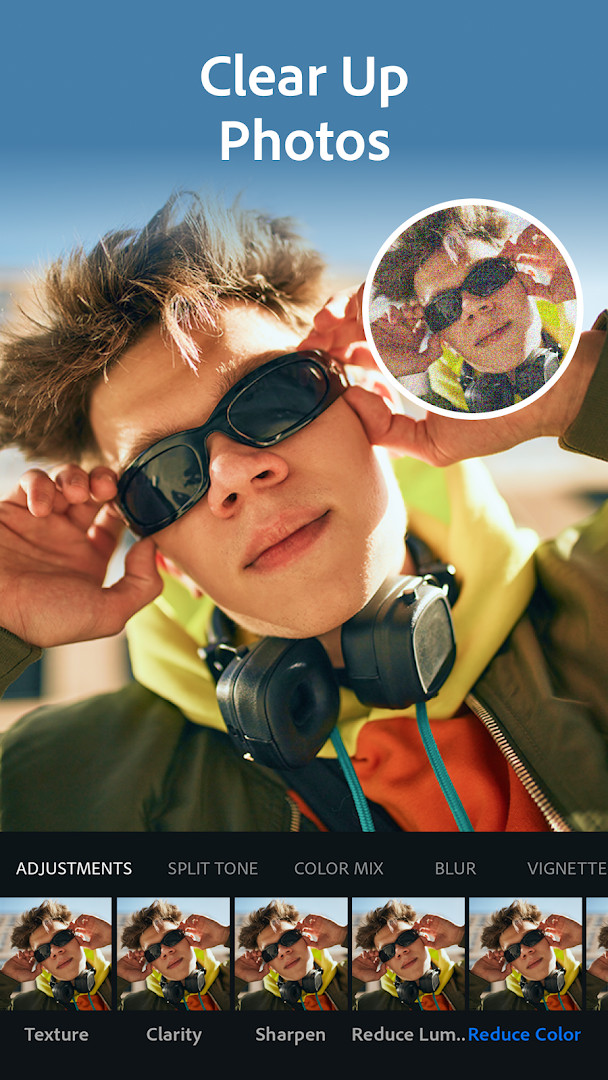
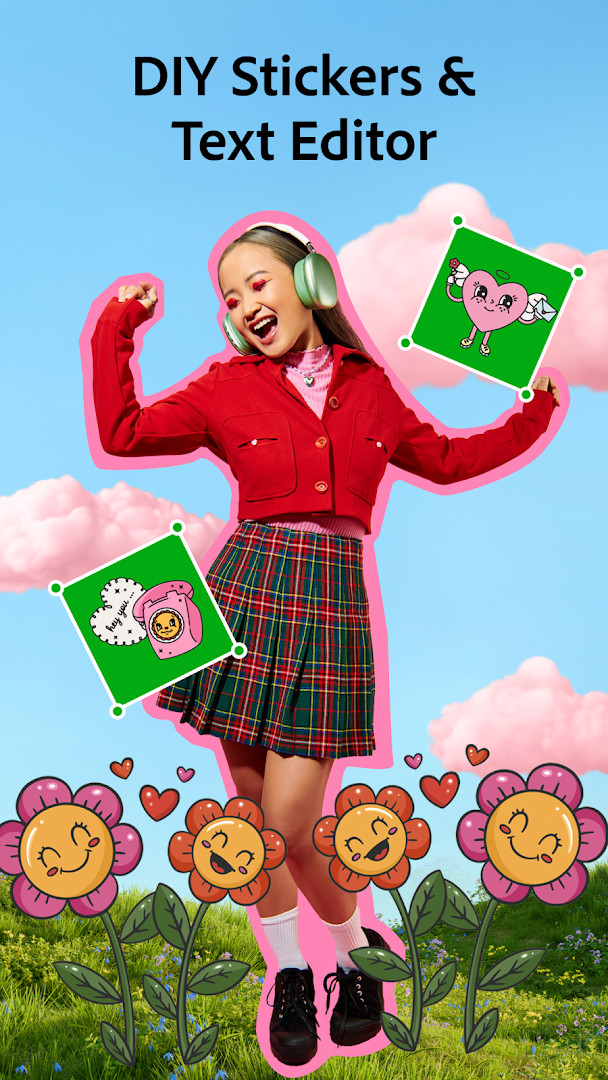
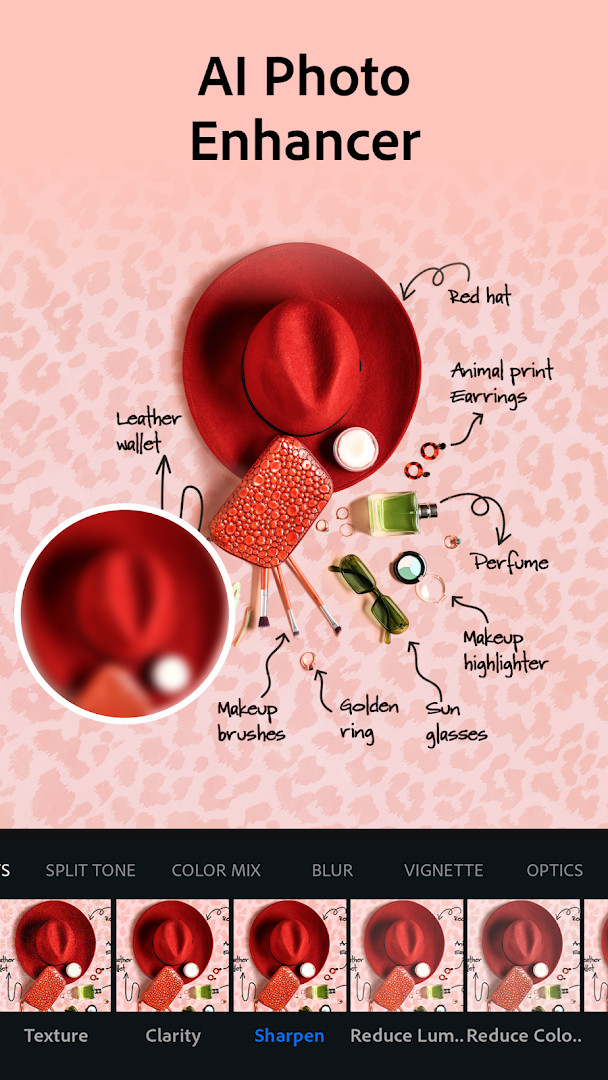
Photoshop Express Photo Editor is a photography app by Adobe that provides a wide range of tools for editing, retouching, and enhancing photos directly on an Android device. It addresses the need for a versatile yet approachable image editor by combining one-tap fixes, AI-assisted features, and creative options such as collages and text overlays. The app solves the problem of needing multiple specialized tools by packaging face retouching, background replacement, object removal, and social-media-ready templates into a single interface. It is designed to be accessible to users with varying skill levels, offering both quick automatic adjustments and more manual controls for those who want finer detail. The app also supports importing images from several formats, including RAW and TIFF, and provides straightforward sharing options to popular social platforms.
Key features
- AI-powered face retouch tools include blemish remover, spot healing, and airbrush effects for selfie enhancement
- Background replacement and object removal using AI, plus blur effects and dehazing to clean up images
- Collage maker with pre-made photo grids for combining pictures quickly for social media
- Add text to photos, create memes, and design custom stamps or watermarks using dozens of fonts and layouts
- Generate custom stickers or try on outfits and accessories using text prompts, with optional reference images
- Vintage camera filters and film effects for a cinematic or nostalgic look
- Supports multiple input formats including RAW, TIFF, and PNG for flexible photo import
- Share edited images directly to channels like Instagram, TikTok, Pinterest, Snapchat, Facebook, Line, and X
How to install
- Tap the download button on this page to get the APK file for Photoshop Express Photo Editor.
- When Android prompts you, allow your browser or file manager to install apps by enabling the 'Install unknown apps' setting for that app.
- Open the downloaded APK file from your notifications or file manager.
- Tap Install and wait for the installation to complete.
- Open the app from your app drawer or home screen after installation is finished.
Pros
- Comprehensive editing toolkit covering retouching, collage, and text in one app
- AI features simplify complex tasks like background replacement and object removal
- Supports professional formats like RAW and TIFF for flexible import
- No ads displayed within the app
- Large user base indicates broad acceptance and reliability
Cons
- In-app purchases are available, meaning some advanced features require payment
- Requests access to a wide range of permissions including contacts, location, and device ID, which may raise privacy concerns for some users
- The app's extensive feature set might feel overwhelming to complete beginners
Latest changes · 18.5.45
Version 18.5.45, released 2026-11-20, introduces new aesthetic Looks for editing videos and lets you replace a photo's background by uploading an image. Retouching is more convenient thanks to an upgraded heal feature that quickly removes blemishes, while new eye makeup, lipstick, and hair color tools give you fresh ways to experiment with your portraits. You can also add your own doodles to images, and overall app performance has been refined for a smoother experience.
Previous versions
| Version | Size | Requires Android | Updated |
|---|---|---|---|
| 18.5.45 | — | — | Nov 20, 2026 |
| 18.4.40 | — | — | Oct 21, 2026 |
| 7.1.751 | 74 MB | 4.4 | Jun 17, 2026 |
| 3.7.395 | 34 MB | 4.1 | Oct 6, 2017 |
| 2.4.509 | 41 MB | 4.0.3 | Feb 13, 2015 |
| 1.3.3 | 1.3 MB | — | Mar 8, 2013 |
This app is well suited for beginners who want a single, easy-to-navigate tool for everyday photo editing without needing to learn complex software. It appeals to people who frequently share images on social media and want quick ways to enhance selfies, create collages, or add text and stickers. The inclusion of AI-assisted tools also makes it a good starting point for those curious about automated editing, while the manual controls offer room to grow.
Start with the one-tap auto-fix feature to see immediate improvements, then explore the AI background replacement and blemish remover tools, as they handle common tasks with minimal effort. If you plan to share on social media, use the built-in collage and text features to create posts directly rather than switching between apps.
Permissions
Frequently asked questions
How do I install the APK on an Android device?
Download the APK file and open it from your file manager. If your device blocks installation, enable "Install unknown apps" in your security settings before proceeding.
What is new in version 18.5.45?
Version 18.5.45 adds new aesthetic Looks for video editing, lets you replace a photo background by uploading an image, and includes an upgraded heal feature for quicker blemish removal. It also introduces eye makeup, lipstick, hair color tools, and doodle drawing, plus performance improvements.
Does the app contain ads or require purchases?
The app is free to download and does not show ads. However, it offers in-app purchases for a Premium upgrade that unlocks extra exclusive features and more precise editing controls.
Can I use the photo editor offline?
Basic editing tools like cropping, filters, text, and collage creation generally work without a connection. However, features that rely on AI, such as background replacement or object removal, may need an internet connection.
Are there other apps in the Photography category with similar capabilities?
Yes, several Android photo editors offer similar features, including filters, retouching, collage makers, and AI-based tools. You can explore other options in the Photography category to find one that fits your workflow.
What permissions does the app request?
The app requests access to identity, contacts, location, phone, photos and media, storage, camera, Wi-Fi connection information, and device ID. These permissions support features like importing photos, using the camera, and sharing images.
Photoshop Express Photo Editor offers a solid balance of power and simplicity for Android users, making it a practical choice for those new to photo editing. Its combination of AI assistance and creative tools covers most everyday needs without a steep learning curve.
Similar apps
 Adobe Express: AI Photo, VideoAdobe Express: AI Photo, Video has over 100 million installs and a 4.62 rating from about 865,000 ratings. It requires Android 10 or high…Adobe · ★ 4.6 · Art & Design · v32.1.2
 Samsung GallerySamsung Gallery has a size of 51 MB and requires Android 11 or higher. The app does not charge for its core features, and it does not inc…Samsung Electronics Co., Ltd. · ★ 3.8 · Photography · 58 MB
 GalleryGallery is a free photography app from Google LLC that groups pictures by categories such as People, Selfies, Nature, Animals, Documents,…Google LLC · ★ 4.2 · Photography
 Picsart AI Photo Editor, VideoPicsart AI Photo Editor, Video is free to download and also offers optional in-app purchases, and it carries ads. The app requires Androi…PicsArt, Inc. · ★ 3.9 · Photography · v31.2.6
 AI GalleryAI Gallery has a 166 MB download size and requires Android version 12 or higher. It includes no ads, and the data indicates no in-app pur…Transsion Holdings · ★ 3.5 · Photography · 166 MB
 BeautyPlus-Selfie Photo EditorBeautyPlus-Selfie Photo Editor serves people who want to retouch selfies, edit photos, and enhance videos with AI tools. The app is free …PIXOCIAL TECHNOLOGY (SINGAPORE) PTE. LTD. · ★ 4.5 · Photography · v7.50.0
 FaceApp: Perfect Face EditorFaceApp: Perfect Face Editor has 36 MB size and requires Android 5.0 or higher. It offers over 60 photorealistic filters, includes in-app…FaceApp Technology Ltd · ★ 4.3 · Photography · 36 MB
 Video Editor & Maker - InShotVideo Editor & Maker - InShot combines video editing, a photo editor and a collage maker in one app, with AI captions, speech, background…InShot Video Editor · ★ 4.8 · Photography · v2.250.1556
More from this developer
Updated: Nov 29, 2026
- Version
- 18.5.45
- Requires Android
- 4.4
- Updated
- Nov 20, 2026
- Installs
- 100M+
- Rating
- ★ 4.55 (2,599,355)
- Category
- Photography
- Developer
- Adobe
- Content rating
- Everyone
- Package
- com.adobe.psmobile
- Free
- ✓ · In-app purchases