Adobe Express: AI Photo, Video - Edit Photos & Videos
Adobe Express: AI Photo, Video is a free app by Adobe that lets you edit photos and videos with AI tools.
Adobe Express: AI Photo, Video has over 100 million installs and a 4.62 rating from about 865,000 ratings. It requires Android 10 or higher and offers in-app purchases, with no ads. The app is suitable for both beginners and experienced creators for personal and business projects.
Get Adobe Express · v31.0.1Screenshots
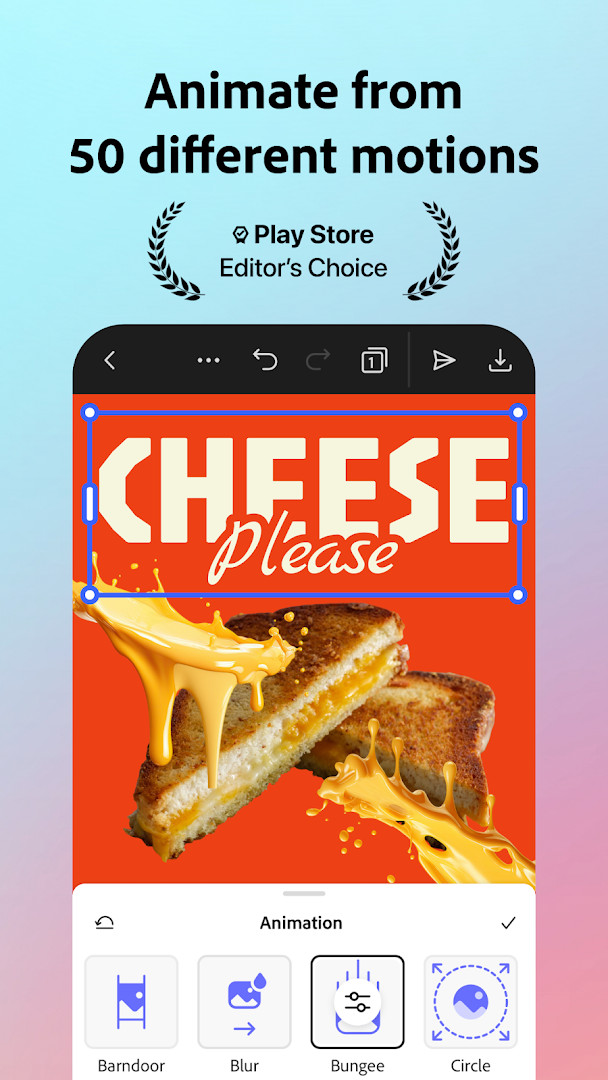
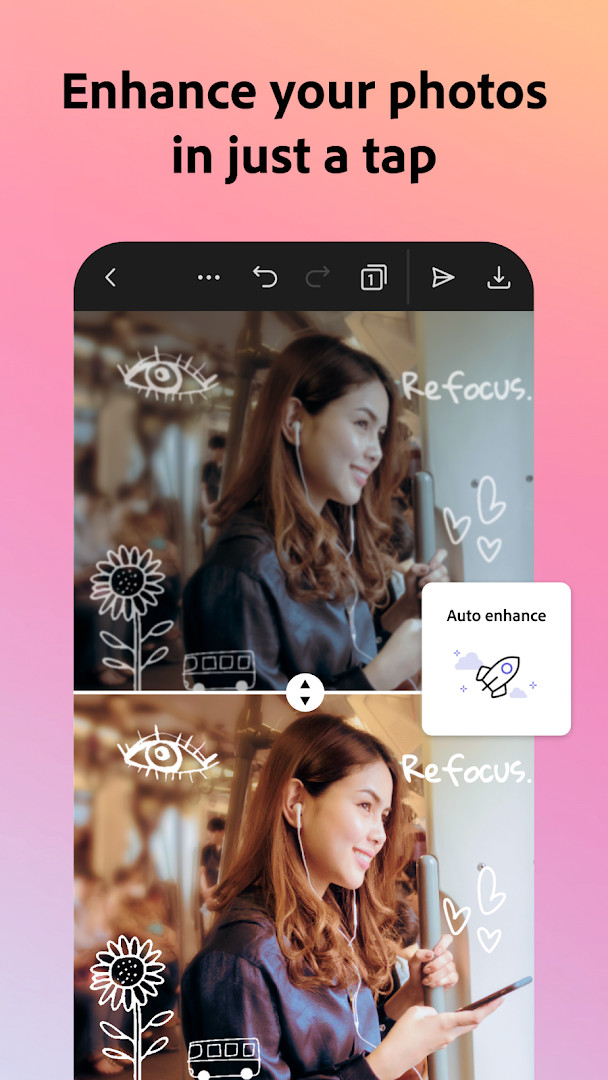
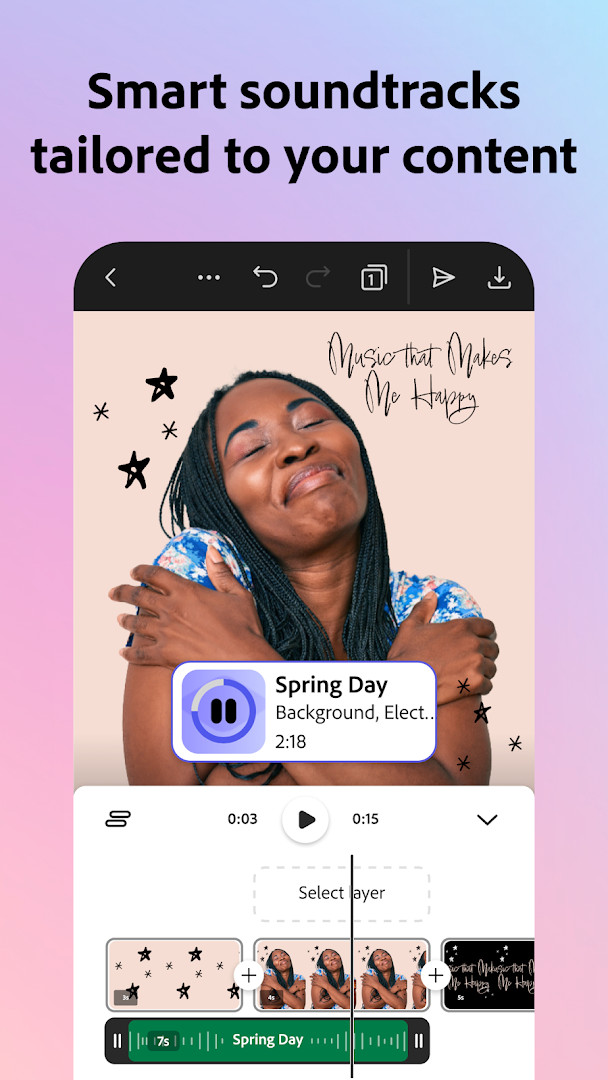
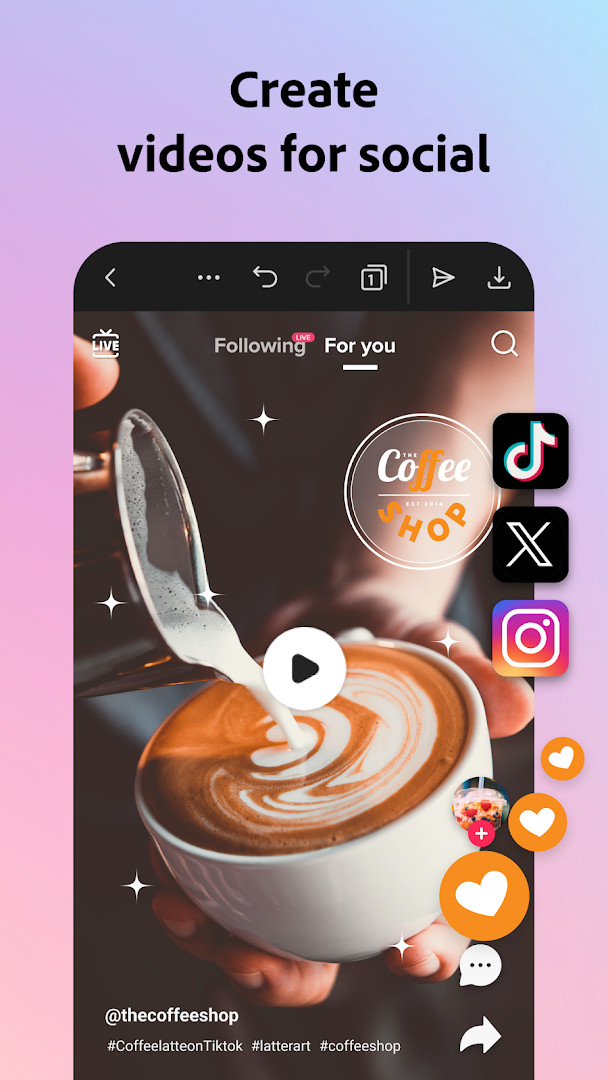
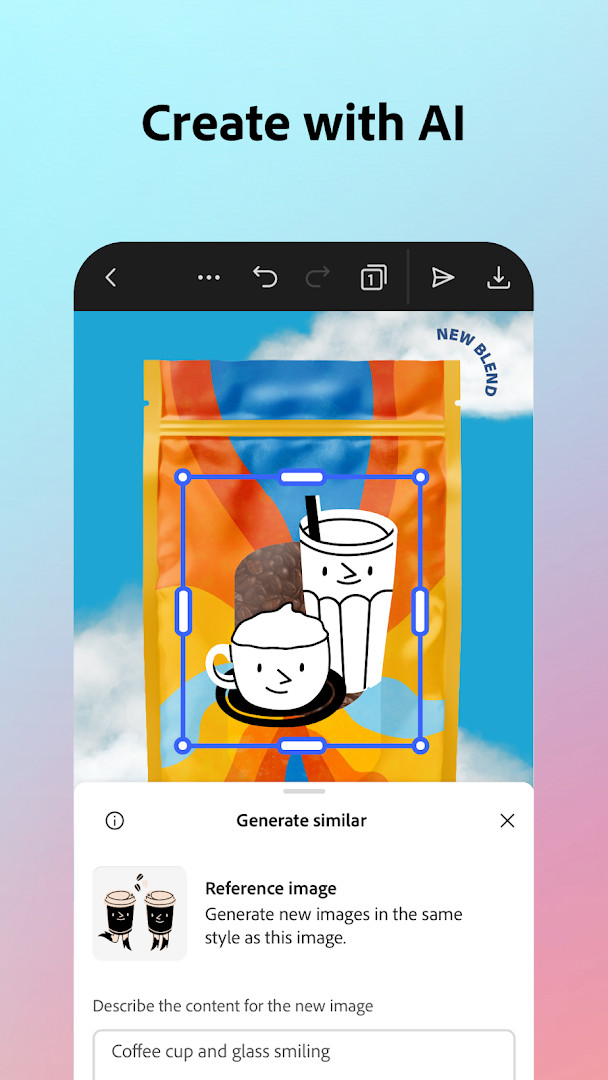
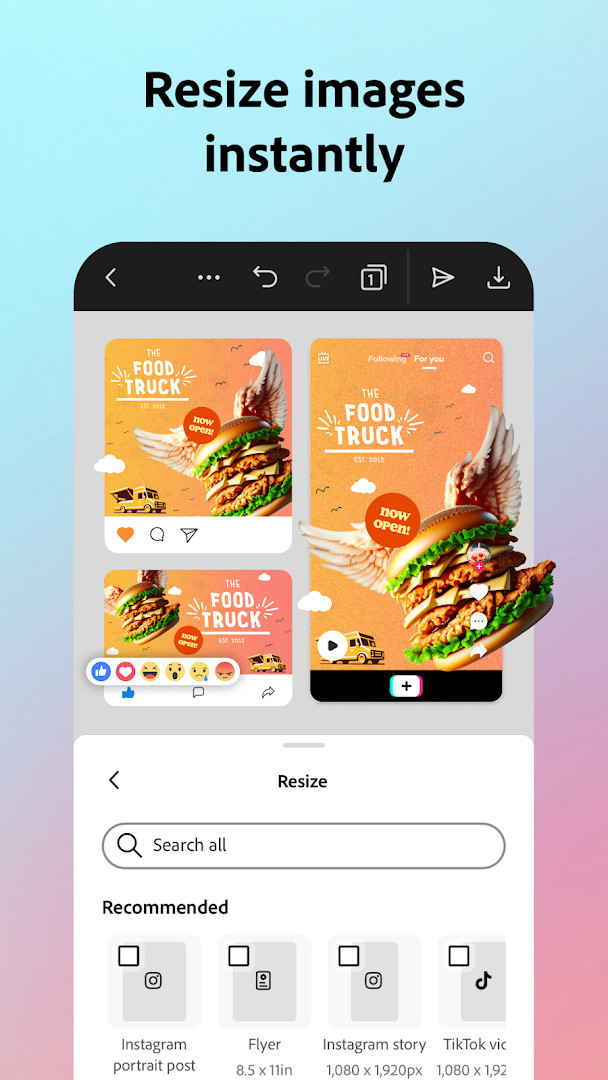
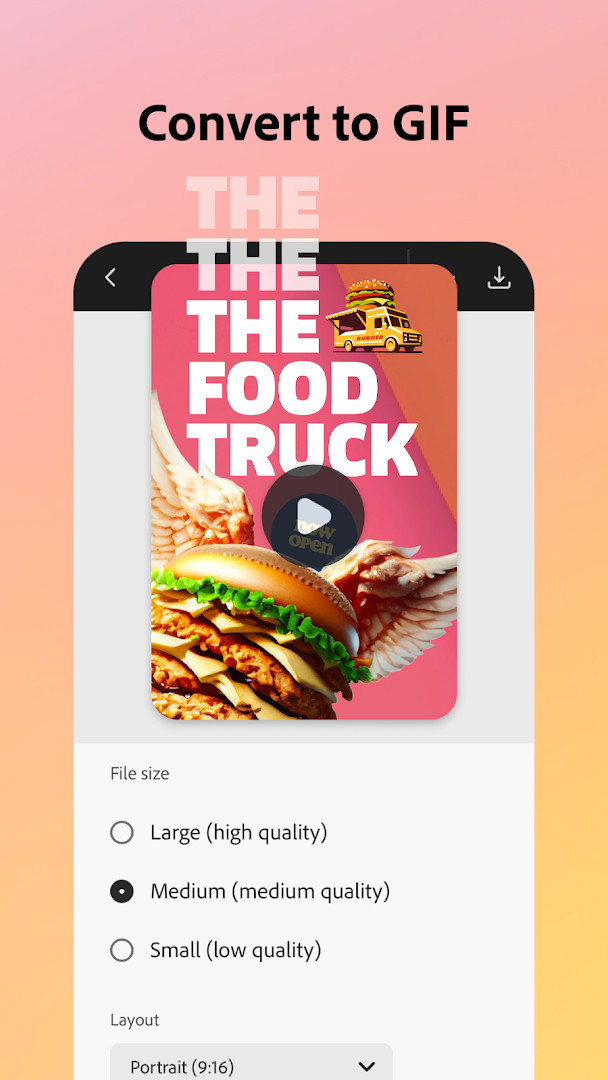
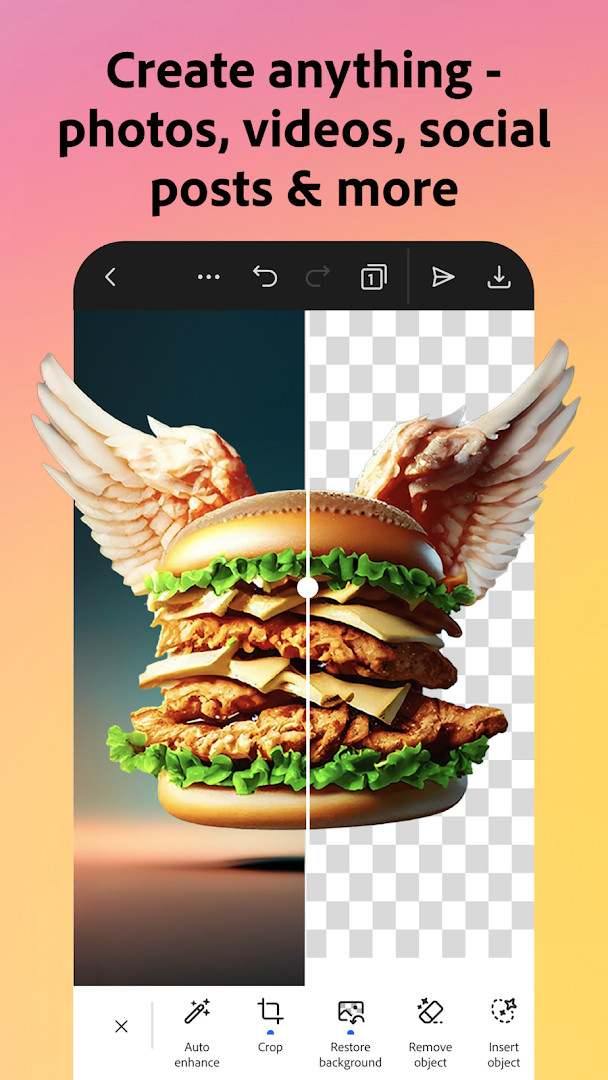
Adobe Express: AI Photo, Video is a multimedia editing app by Adobe that combines photo editing, video creation, and design tools in one place. It solves the problem of needing multiple apps for different creative tasks by offering a unified workflow for making social media posts, marketing materials, and personal projects. The app uses AI to simplify complex tasks like removing backgrounds, generating images, and auto-captioning videos, making it approachable for beginners while still offering depth for more experienced users. With a large library of templates and quick action tools, it helps users produce polished content quickly without requiring prior design skills.
Key features
- AI photo editing: add or remove objects, apply Photoshop-powered filters, and generate photo art with an AI photo generator.
- Video editing: trim and combine clips, add text, music, transitions, and sound effects, and automatically add captions.
- Background removal: remove backgrounds from photos or videos in seconds using Quick Actions.
- Brand kits: store fonts, colors, and logos to apply consistent branding across designs with a tap.
- PDF editing: update content, swap images, refine layouts, and convert files to or from PDF.
- QR code generator: create customizable, branded QR codes with various styles and colors.
- Quick Actions: resize designs, crop photos, convert images to GIFs, animate characters with your voice, and import PDFs.
- Premium membership unlocks over 200 million royalty-free Adobe Stock assets and 250 generative credits.
How to install
- Tap the download button on this page to get the APK file. The file size is not specified, so ensure your device has enough free space.
- When Android asks, allow your browser or file manager to install apps by enabling the 'Install unknown apps' setting for that app.
- Open the downloaded APK file from your notifications or file manager.
- Tap Install and wait for the installation to complete. This app requires Android 10 (or higher).
- Once installed, open the app from your app drawer or home screen.
Pros
- Free to download and use (with optional in-app purchases).
- No ads interrupt the editing experience.
- Combines photo, video, and design tools in one app.
- AI features like background removal and photo generation are beginner-friendly.
- Brand kits help maintain consistency for business users.
- Regular updates improve performance and add features.
Cons
- In-app purchases are available for a Premium membership, which unlocks additional features.
- Some features may not be supported on all devices.
- Requests access to phone, storage, camera, microphone, and device information, which may raise privacy concerns for some users.
Latest changes · 31.0.1
Version 31.0.1, released on October 12, 2026, brings continued improvements to Adobe Express. This update focuses on making the app faster and more reliable for everyday creative work. If you enjoy using it, your ratings and feedback help guide future improvements.
Previous versions
| Version | Size | Requires Android | Updated |
|---|---|---|---|
| 31.0.1 | — | 10 | Oct 12, 2026 |
Adobe Express is designed for beginners who want an easy way to create professional-looking content without a steep learning curve. It's also useful for small business owners and marketers who need to produce on-brand social media posts, flyers, and videos quickly. Students and casual users can take advantage of the free editing tools for personal projects, while those who need advanced features like background removal in videos or access to stock assets may consider the Premium subscription.
Start with the Quick Actions for fast edits like background removal or resizing. Explore the template library to save time on design. If you plan to use the app regularly, consider the Premium membership to unlock 250 generative credits and access to Adobe Stock assets.
Permissions
Frequently asked questions
How do I install Adobe Express on my Android device?
Use the download button on this page to get the app, then open the downloaded file and confirm installation. Your device needs Android 10 or newer, and you may need to allow installs from this source in your settings.
What is the current version of Adobe Express?
The latest release is version 31.0.1, dated October 12, 2026. It requires Android 10 or higher.
Does Adobe Express show ads or require payment?
The app itself is free and contains no ads. Optional in-app purchases are available, including a Premium membership that unlocks extras such as stock assets, generative credits and advanced tools.
Can I use Adobe Express without an internet connection?
The app requests Wi-Fi connection information and many of its AI-powered tools rely on online processing, so a connection is generally needed for those features. Basic edits may work offline, but the full toolset works best when connected.
What can I do with Adobe Express?
It covers photo and video editing, background removal, template-based designs, captions, PDF editing, GIF conversion and QR code creation. Brand kits help keep fonts, colors and logos consistent across projects.
Are there other apps in the same category I could try?
Yes. The Art and Design category includes many other photo and video editing apps with similar template, retouching and design tools. Comparing features and pricing before choosing is a good idea.
How do users rate Adobe Express?
It holds a rating of 4.62 based on 865,419 ratings, with more than 100,000,000 installs since its release on June 18, 2018.
Adobe Express offers a surprisingly capable set of creation tools for a free app, making it a solid choice for beginners and small teams. While the in-app purchases and permissions may give some pause, the core functionality is robust and regularly updated.
Similar apps
 Canva: AI Photo & Video EditorCanva serves individuals, students, teachers, entrepreneurs, and social media managers who need to produce visual content without advance…Canva · ★ 4.8 · Art & Design · v2.385.0
 PENUP – Drawing-sharing SNSPENUP – Drawing-sharing SNS is a free social network focused on drawing, where users share their creations and interact with a global com…Samsung Electronics Co., Ltd. · ★ 4.5 · Art & Design · 97 MB
 SketchbookSketchbook is for anyone who loves to draw, from casual sketchers to professional illustrators, providing a distraction-free canvas to ca…Sketchbook · ★ 4.1 · Art & Design · 69 MB
 ibis Paint Xibis Paint X offers an intuitive, high-performance painting experience with over 130,000 brushes, 30,000+ materials, and 3,000+ fonts, ri…ibis inc. · ★ 4.5 · Art & Design · v14.1.6
 Artrace: AR Easy Draw & SketchArtrace: AR Easy Draw & Sketch is for beginners and experienced artists who want to learn drawing or trace anything using their phone cam…Braly JSC · ★ 4.7 · Art & Design · v1.9.73
 Phonto - Text on PhotosPhonto - Text on Photos requires Android 10 or higher and includes ads plus in-app purchases, with an optional ad-free upgrade. The app o…youthhr · ★ 4.7 · Art & Design · v1.7.140
 FlipaClip: Draw 2D AnimationFlipaClip is for artists, students, and hobbyists who want to turn simple drawings into animated clips without learning complex software.…Visual Blasters LLC · ★ 4.3 · Art & Design · v5.1.0
Updated: Oct 24, 2026
- Version
- 31.0.1
- Requires Android
- 10
- Updated
- Oct 12, 2026
- Installs
- 100M+
- Rating
- ★ 4.62 (865,419)
- Category
- Art & Design
- Developer
- Adobe
- Content rating
- Everyone
- Package
- com.adobe.spark.post
- Free
- ✓ · In-app purchases