SmartThings for Android
SmartThings is a smart home controller from Samsung Electronics Co., Ltd. for managing Samsung TVs, appliances, and compatible devices.
SmartThings is for Android users who want to control smart TVs, appliances, speakers, and gadgets from brands like Ring, Nest, and Philips Hue from one place. It supports routines based on time, weather, and device status, shared access for other users, and automated device notifications. SmartThings is free, has no ads, requires Android 12 or newer, and has a size of 227 MB.
Download SmartThingsScreenshots
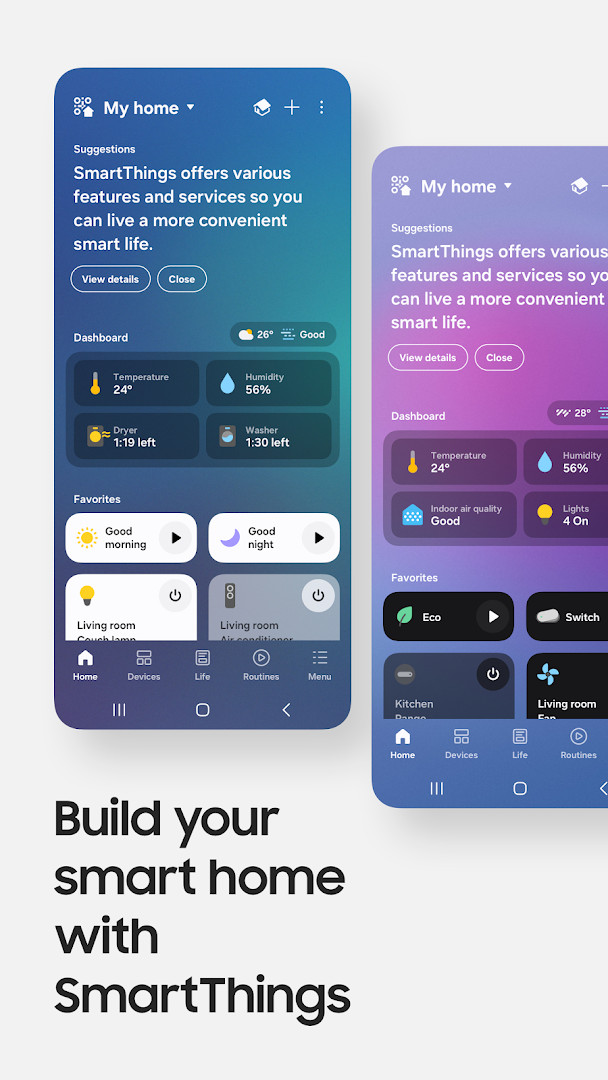
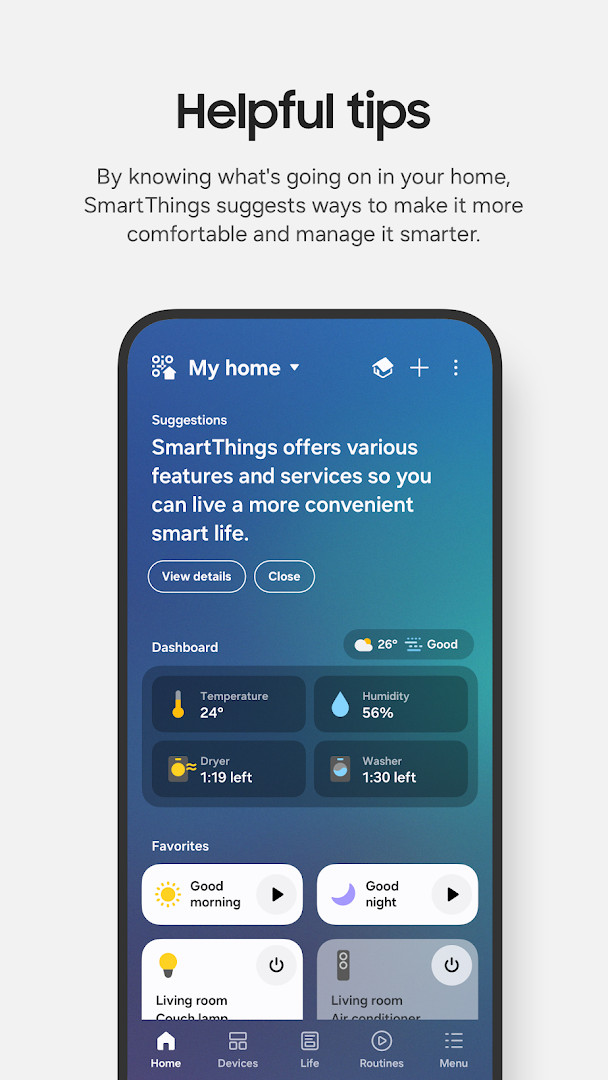
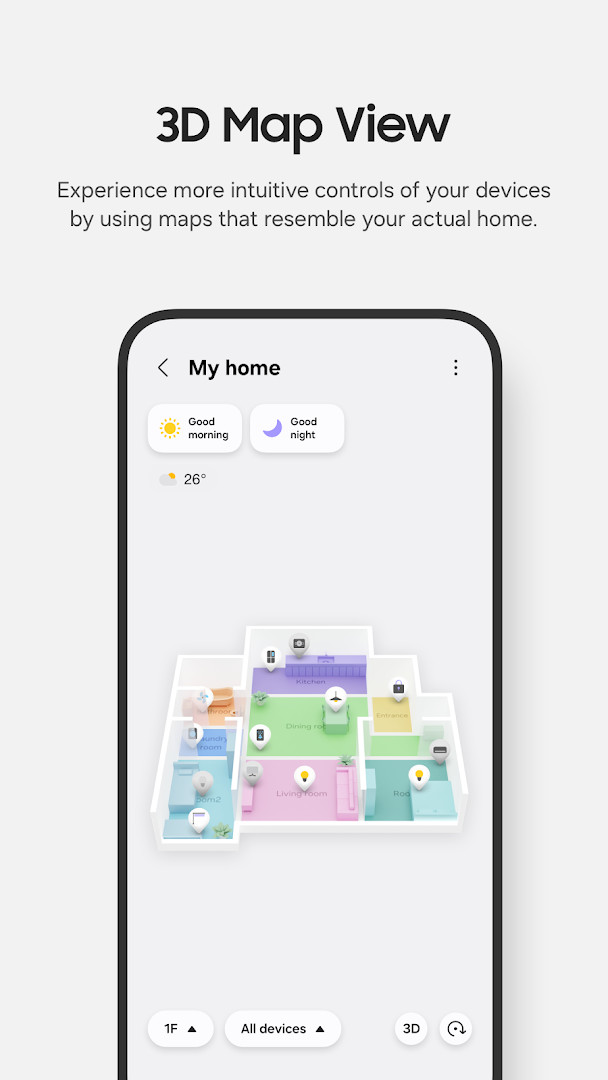
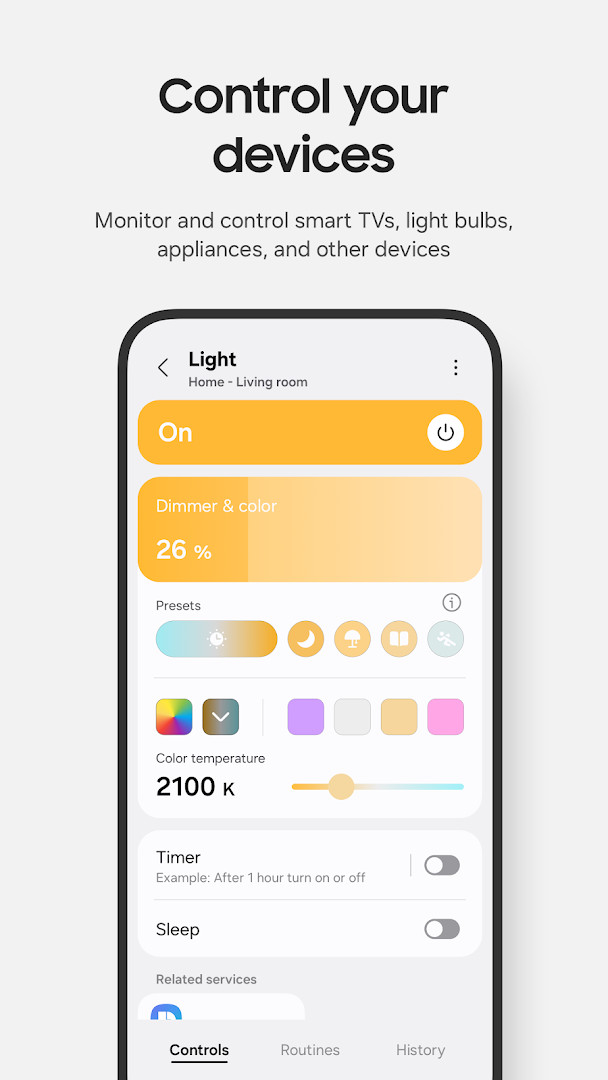
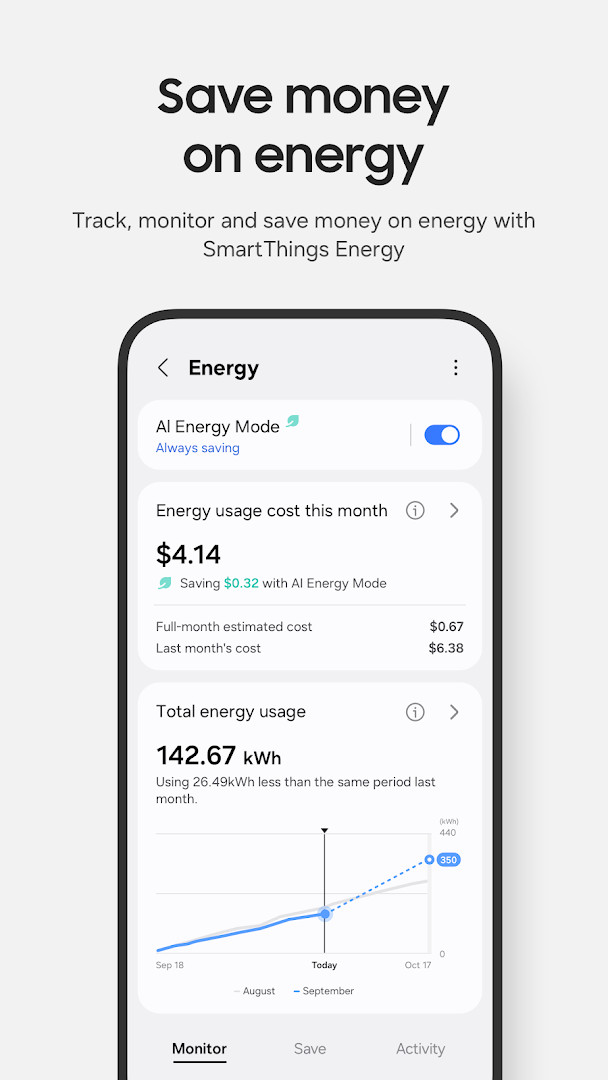
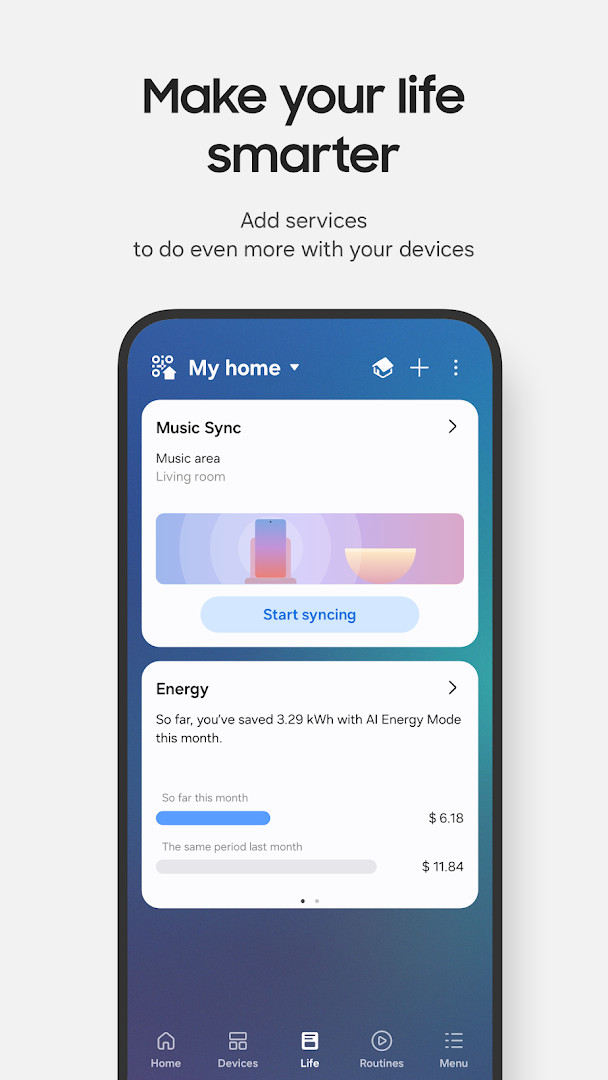
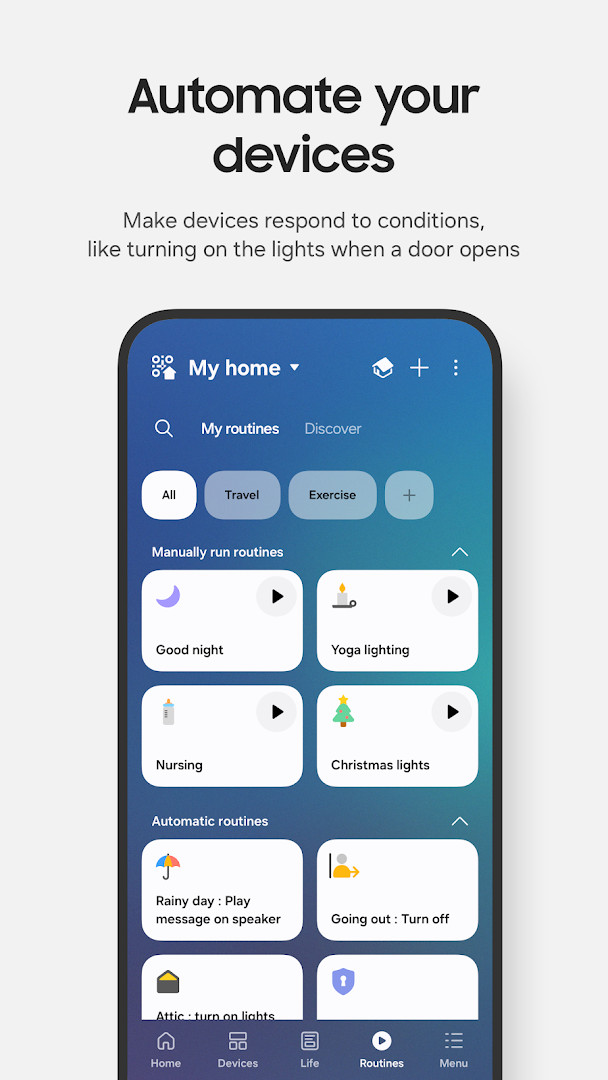
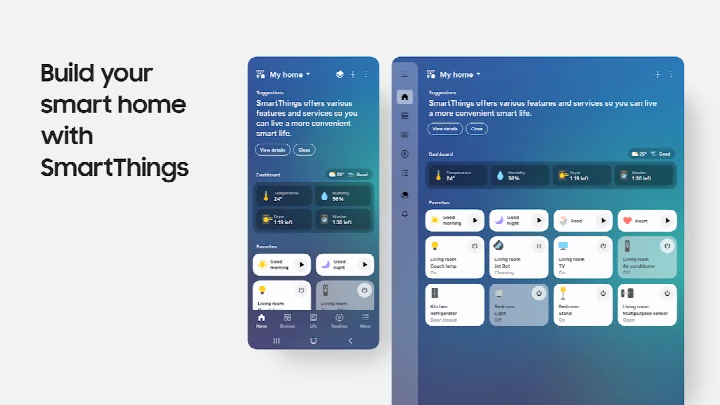
SmartThings is a lifestyle app by Samsung Electronics Co., Ltd. that lets you control compatible smart home devices from your Android phone. It acts as a central hub for managing Samsung smart TVs, appliances, speakers, and a wide range of devices from other brands like Ring, Nest, and Philips Hue. With an install base of over one billion, it aims to simplify the smart home experience by bringing all your gadgets under one interface.
You can monitor and control devices from anywhere, set up routines based on time, weather, or device status, and share access with family members. The app also provides automated notifications about device status and supports voice control through Alexa, Bixby, and Google Assistant. While optimized for Samsung smartphones, it works with other Android devices, though some features may be limited. The app requires Android 12 or later and at least 3GB of RAM.
SmartThings is designed for anyone with a mix of smart home devices who wants to manage them in one place. It's particularly useful for Samsung users, but also supports a broad ecosystem of third-party products. Whether you're automating your home, monitoring security cameras, or just controlling your TV, this app aims to streamline those tasks. The app is free, contains no ads, and has no in-app purchases, making it accessible to a wide audience.
Key features
- Control and check in on your home from wherever you are
- Build routines triggered by time, weather, and device status
- Allow shared control by giving access to other users
- Receive automated status updates about your devices
- Compatible with hundreds of smart home brands
- Voice assistant support including Alexa, Bixby, and Google Assistant
- Redesigned Home tab for quick access to frequently used features
- Faster hub-connected device control when on the same Wi-Fi
- Offline device diagnostics from a dedicated screen
- Routine Insights showing your top 3 most-used routines and recent activity
How to install
- Tap the download button on this page to get the APK file (227 MB).
- When Android prompts, allow your browser or file manager to install apps by enabling the "Install unknown apps" setting.
- Open the downloaded APK file from your notifications or file manager.
- Tap Install and wait for the installation to complete.
- Open SmartThings from your app drawer and sign in with your Samsung account.
- Make sure your device runs Android 12 or higher before installing.
Pros
- Free with no ads or in-app purchases
- Broad compatibility with many smart home brands
- Remote access and control from anywhere
- Automated routines based on time, weather, and device status
- Voice assistant integration with Alexa, Bixby, and Google Assistant
- Regular updates with new features (latest version 1.8.51.30)
Cons
- Optimized for Samsung smartphones; some features may be limited on other devices
- Requires Android 12 or later and at least 3GB RAM
- Many optional permissions requested, which may raise privacy concerns
- Some features may not be available in all countries
What's New
This update brings a redesigned Home tab so you can reach your most-used features and key information right from the start screen. Devices connected to your hub now respond more quickly when your phone and hub are on the same Wi-Fi network. You'll also find a dedicated screen to check and recover offline devices, plus Routine Insights that highlight your top three most-used routines and recent activity.
Other Versions
| Version | Size | Requires Android | Updated |
|---|---|---|---|
| 1.8.51.30 | 227 MB | 12 | 04.10.2026 |
| 1.8.47.24 | 231 MB | 12 | 29.09.2026 |
| 1.8.45.24 | 235 MB | 12 | 06.09.2026 |
| 1.8.37.23 | 234 MB | 11 | 16.06.2026 |
| 1.8.41.23 | 233 MB | 12 | 22.02.2026 |
| 1.8.00.22 | 107 MB | 8.0 | 05.11.2025 |
| 1.8.21.28 | 119 MB | 10 | 31.10.2024 |
| 1.8.14.26 | 115 MB | 9 | 08.04.2024 |
| 1.7.60.23 | 78 MB | 7.0 | 27.01.2021 |
| 1.6.00-45 | 30 MB | 6.0 | 04.05.2017 |
SmartThings is for anyone with a smart home ecosystem, especially Samsung users, who want to consolidate control of their TVs, appliances, and compatible devices from a single app. It's also suitable for those who enjoy automating routines and using voice assistants.
Review the optional permissions before granting them. For example, location permission is used for location-based routines, but you can skip it if you don't need that feature. Also, ensure your phone and hub are on the same Wi-Fi for faster control of hub-connected devices.
Permissions
Frequently Asked Questions
How do I install the SmartThings APK on my Android device?
To install the APK, download it from the download button on this page, then open the file. You may need to allow installation from unknown sources if your device blocks it. Ensure your device runs Android 12 or higher and has at least 3GB of memory.
What is the current version of SmartThings?
The latest version is 1.8.51.30, released on October 4, 2026. The app was last updated on October 2, 2026, and is about 227 MB in size.
Does SmartThings include ads or in-app purchases?
No. SmartThings is free to download and use, with no ads and no in-app purchases. The price is listed as $0.00.
Can I use SmartThings offline?
SmartThings is designed for remote control and monitoring, so it typically requires an internet connection. However, a recent update added offline device diagnostics, which lets you check and recover offline devices from a dedicated screen.
Are there alternatives to SmartThings for controlling smart home devices?
Yes, there are other apps in the Lifestyle category that let you control smart home devices. These alternatives may offer different brand compatibility or features, but SmartThings stands out for its support of hundreds of brands and integration with Samsung devices.
What Android version is required for SmartThings?
SmartThings requires Android 12 (minimum OS version) and at least 3GB of memory. Some features may be limited on devices from other manufacturers, as the app is optimized for Samsung smartphones.
SmartThings offers a comprehensive solution for managing a wide range of smart home devices, with strong Samsung integration and support for third-party brands. While it requires Android 12 and a hefty 227 MB download, its free, ad-free nature and powerful automation features make it a solid choice for smart home enthusiasts.
Similar Apps
 PinterestPinterest is a free lifestyle app from developer Pinterest that centers on discovering and collecting ideas. It is rated Teen and has dra…Pinterest · ★ 4.3 · Lifestyle
 Tinder Dating App: Chat & DateTinder Dating App: Chat & Date has been installed over 500 million times and holds a user rating of 3.92 based on more than 9.2 million r…Tinder LLC · ★ 3.9 · Lifestyle · v17.38.2
More From This Developer

Updated: 24.10.2026
- Size
- 227 MB
- Requires Android
- 12
- Updated
- 02.10.2026
- Installs
- 1B+
- Rating
- ★ 4.57 (5 540 654)
- Category
- Lifestyle
- Developer
- Samsung Electronics Co., Ltd.
- Content rating
- Everyone
- Package
- com.samsung.android.oneconnect
- Free
- ✓