Samsung Global Goals: Support UN Causes
Samsung Global Goals is a free education app by Samsung Electronics Co., Ltd. that lets you earn ad money and donate it to UN Global Goals.
Samsung Global Goals is a 103 MB education app from Samsung Electronics Co., Ltd. that requires Android 12 or later, shows ads, and has no in-app purchases. It has a 3.73 rating from 258,676 ratings and 500 million installs. It suits people who want to learn about the 17 Sustainable Development Goals and direct donations to them.
Get the appScreenshots
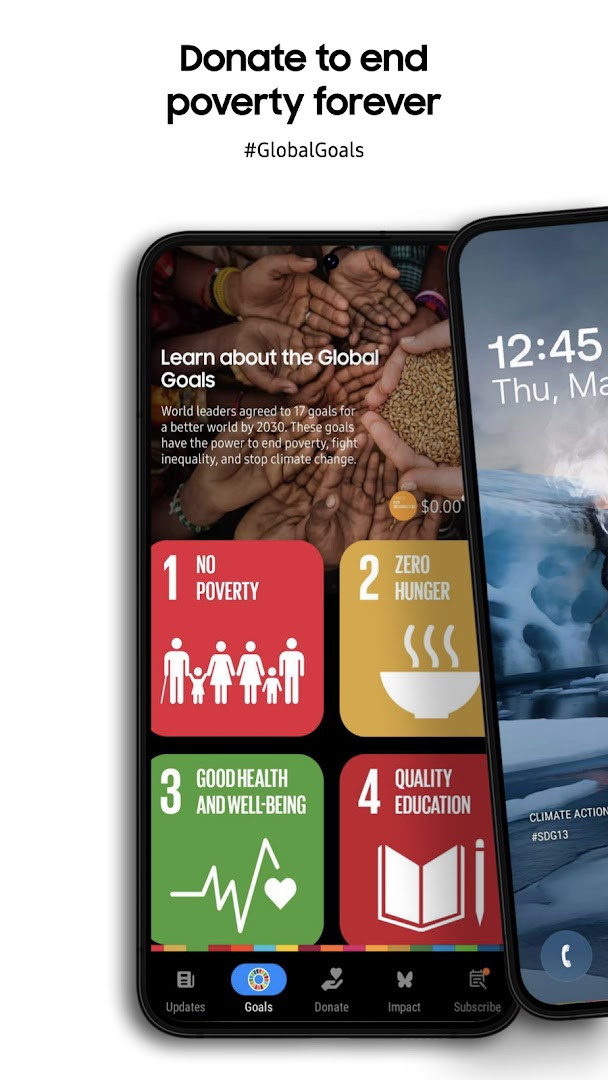
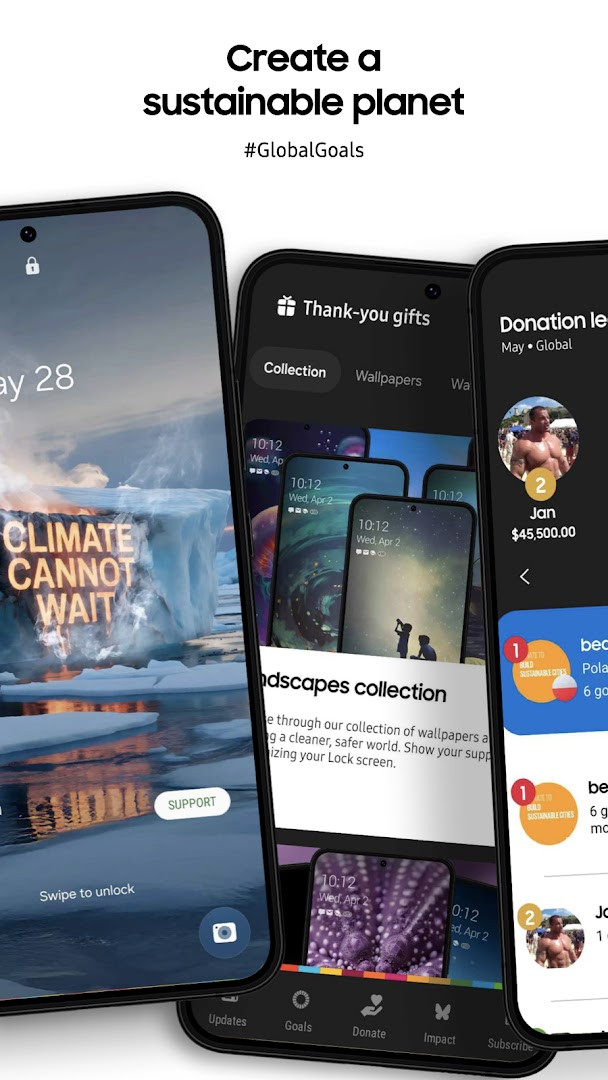
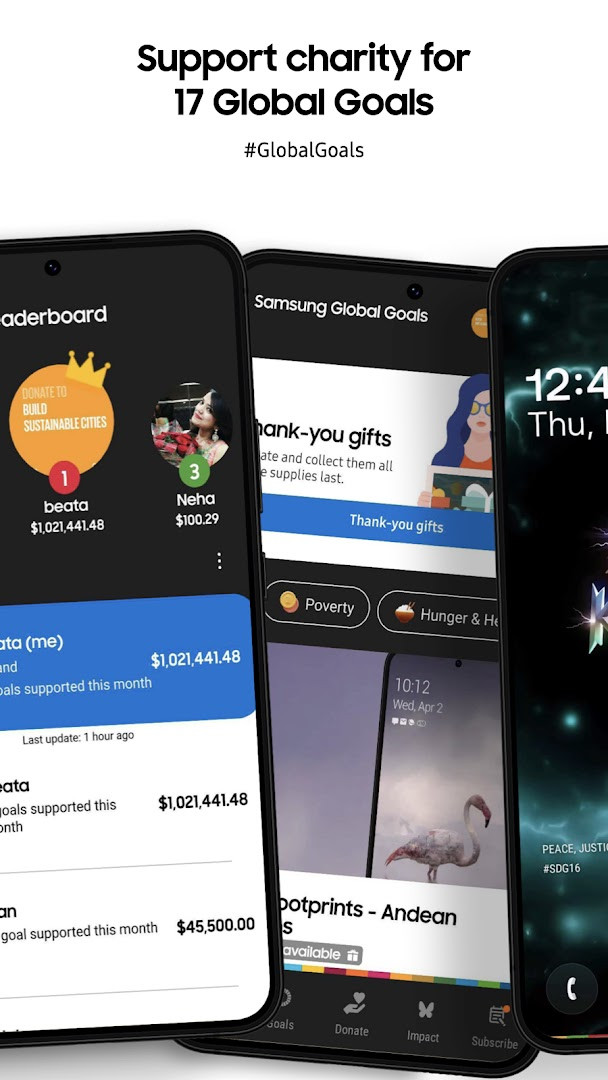
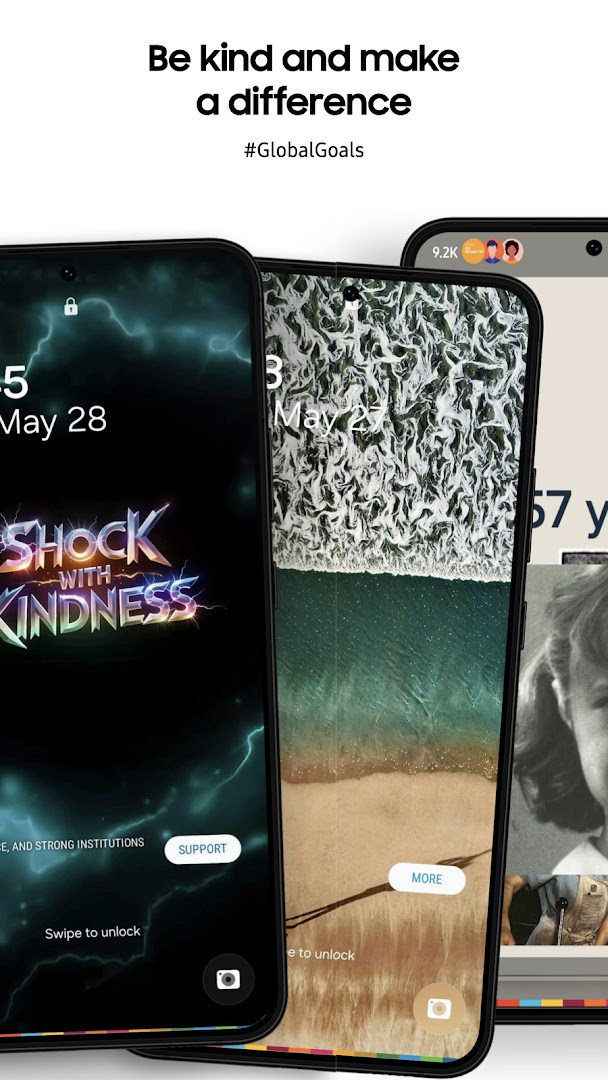
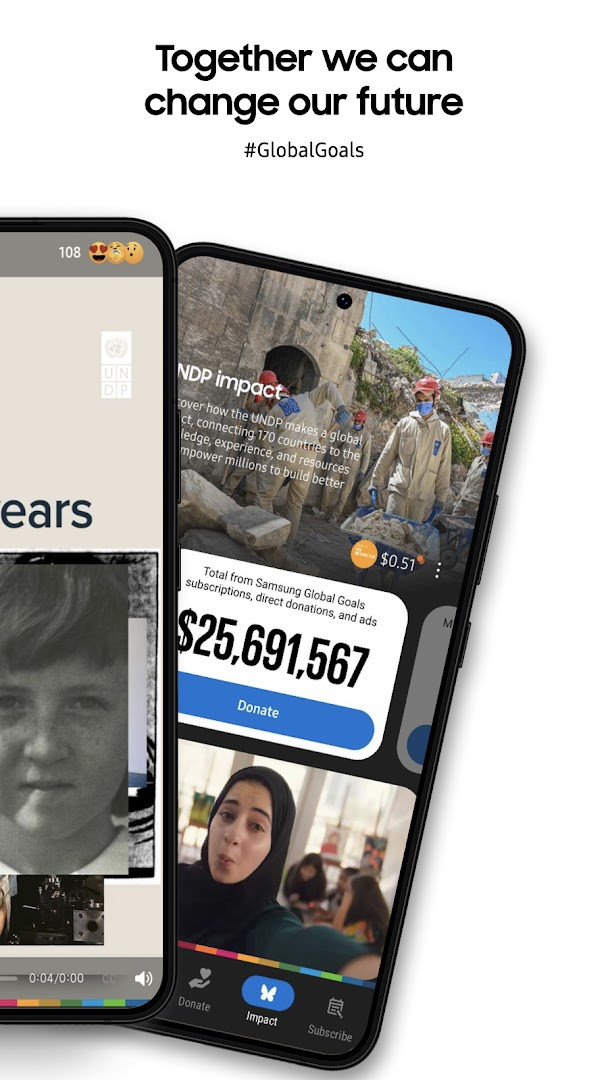
Samsung Global Goals is an education app from Samsung Electronics Co., Ltd. that lets you learn about the United Nations Sustainable Development Goals and turn the ads you view into funding for those causes. The idea behind it is simple: raising awareness about global problems usually asks for money or time, and many people have little of either to spare. This app takes a different route by putting the advertising space on your phone and smartwatch to work. As you use your device as usual, wallpapers and ads appear, and the earnings generated by that advertising are collected so they can be donated to the Global Goals. The donations themselves are made by Samsung to the United Nations Development Program. Everything runs through a single optional permission for notifications, which is used for reminders and updates rather than for tracking, so the app is unusually light on the access it requests.
Key features
- Interactive content, wallpapers and articles covering all 17 Sustainable Development Goals
- Campaigns, challenges and initiatives tied to global issues that you can take part in
- Progress tracking that shows your personal contributions and the community's collective impact
- Educational resources, stories and expert advice to deepen your understanding of the Goals
- A companion experience for Wear OS, including watch faces, a watch app and complications
- A home screen widget, plus support for larger Galaxy screens and accessibility improvements
- Filtering of articles and videos by the specific Goals you care about
- Earnings accumulated from the ads shown in the app and donated to the Goal of your choice
How to install
- Tap the download button on this page to get the APK file.
- If Android asks, allow your browser or file manager to install apps by enabling the Install unknown apps setting for that app.
- Open the downloaded APK file from your notifications or file manager.
- Tap Install and wait for the process to finish; the file is about 103 MB.
- Open the app once it is installed. Android 12 or newer is required.
Pros
- Only one permission is listed, Wi-Fi connection information, which is a very narrow request
- Notifications are optional, and the basic functions work without granting them
- No in-app purchases, so nothing in the app pushes you toward spending
- Ads serve a purpose here, since the revenue they generate funds the donations
- Free to use and rated for Everyone
- Works alongside a Wear OS companion for watch faces and complications
Cons
- The app is ad-supported, so you will see advertising while using it
- The rating sits at 3.73 from a large number of ratings, which suggests mixed user experiences
- The install is fairly large at around 103 MB
- It requires Android 12 or newer, so older devices are left out
- The permission list is short, but ads and the underlying advertising components can still raise privacy questions for some users
What's New
The latest update makes it easier to focus on the causes you care about: you can now filter articles and videos by specific Global Goals to surface more relevant stories and inspiration. It also brings improvements to the Home screen widget, accessibility, and the experience on larger Galaxy screens. Alongside these changes, the release includes stability and performance enhancements.
Other Versions
| Version | Size | Requires Android | Updated |
|---|---|---|---|
| 3.7.00.7 | 103 MB | 12 | 26.09.2026 |
| 3.6.01.2 | 111 MB | 10 | 22.09.2026 |
| 3.4.01.3 | 91 MB | 9 | 08.04.2026 |
| 3.6.00.7 | 111 MB | 10 | 06.02.2026 |
This app suits people who care about sustainability and want to contribute without spending money directly. If you already use a Galaxy phone or watch and would like your everyday screen time to support a cause, the model of watching ads that convert into donations is easy to fit into a routine. It also works well for students, teachers and anyone who wants a structured, readable introduction to the 17 Sustainable Development Goals, since the educational material is the core of the experience. Users who dislike advertising or who prefer an app with no ads at all may find the trade-off less appealing, even though the ads are the mechanism that funds the donations.
Review the permission request when you first launch the app and decide whether you want notifications; you can decline them and still reach the main content. Check the Goals you care about so the articles and videos you see are relevant, and look at the progress screen now and then to see how your accumulated earnings are adding up before you choose where to direct a donation.
Permissions
Frequently Asked Questions
What does the Samsung Global Goals app do?
It lets you learn about the UN's 17 Sustainable Development Goals, participate in campaigns, track your contributions, and help generate donations through ad viewing.
How do I install the APK on my Android device?
The app requires Android 12 or newer and about 103 MB of storage, and it asks for access to Wi-Fi connection information. You can install it by downloading the APK and opening it from your device.
What is the current version of the app?
The most recent version is 3.7.00.7, released on September 26, 2026.
Does the app contain ads or in-app purchases?
The app is free and shows ads, but it has no in-app purchases. Money earned from the ads is donated by Samsung to the United Nations Development Program.
Can I use the app without granting optional permissions?
Yes. Notifications are optional and are only used for reminders, so you can still use the app's basic functions without allowing that permission.
Does the app work offline?
The provided information does not describe an offline mode. Since the app earns donations by showing ads, an internet connection is generally expected.
Are there alternatives in the education category?
Yes. Other education apps cover similar themes such as sustainable development and global awareness, though their specific features and approaches may differ.
Samsung Global Goals is a straightforward way to learn about the Sustainable Development Goals while letting advertising on your device generate donations at no cost to you. Its minimal permission list and optional notifications make it a reasonable choice for privacy-conscious users who do not mind seeing ads.
Similar Apps
 SmartThingsSmartThings is for Android users who want to control smart TVs, appliances, speakers, and gadgets from brands like Ring, Nest, and Philip…Samsung Electronics Co., Ltd. · ★ 4.6 · Lifestyle · 227 MB
 Google Play Books & AudiobooksGoogle Play Books & Audiobooks carries ebooks, audiobooks, comics and manga, and it works without a subscription so readers pay only for …Google LLC · ★ 4.7 · Education · 22 MB
 Duolingo: Learn LanguagesDuolingo: Learn Languages is a free education app that combines language learning with courses in math, music, and chess, and includes AI…Duolingo · ★ 4.7 · Education · 36 MB
More From This Developer
Updated: 24.10.2026
- Size
- 103 MB
- Requires Android
- 12
- Updated
- 15.09.2026
- Installs
- 500M+
- Rating
- ★ 3.73 (258 852)
- Category
- Education
- Developer
- Samsung Electronics Co., Ltd.
- Content rating
- Everyone
- Package
- com.samsung.sree
- Free
- ✓ · Contains ads