PENUP – Drawing-sharing SNS: art and design app
PENUP – Drawing-sharing SNS is an art and design app by Samsung Electronics Co., Ltd. that lets users share drawings and communicate through images.
PENUP – Drawing-sharing SNS is a free social network focused on drawing, where users share their creations and interact with a global community. It suits hobbyists and beginners who want to color, follow live drawing tutorials, or use photo aids to improve their skills. The app requires Android 9 or higher and has a download size of 97 MB.
Download PENUPScreenshots
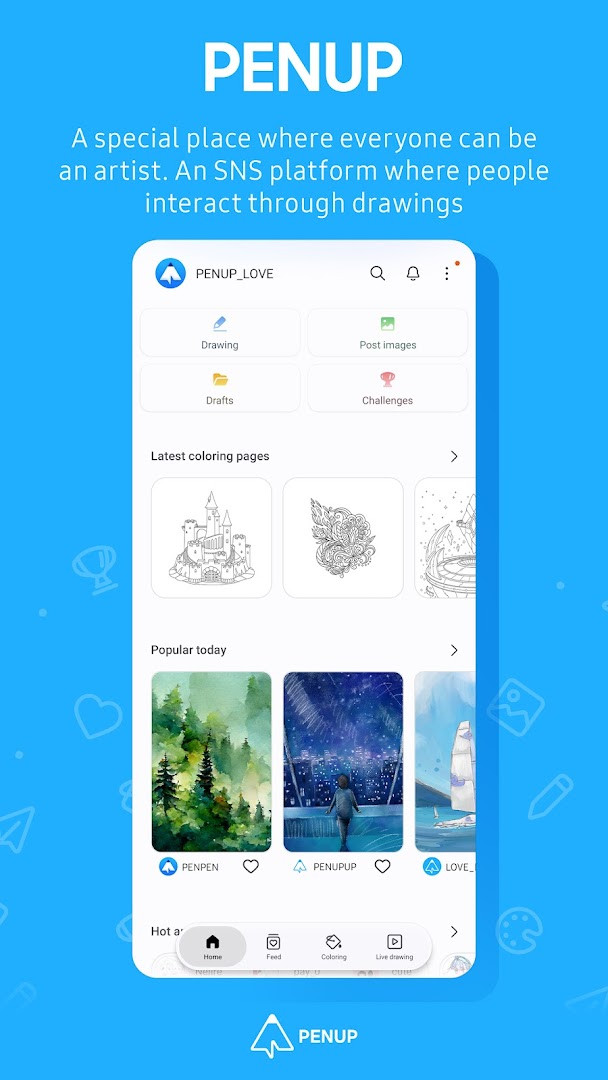
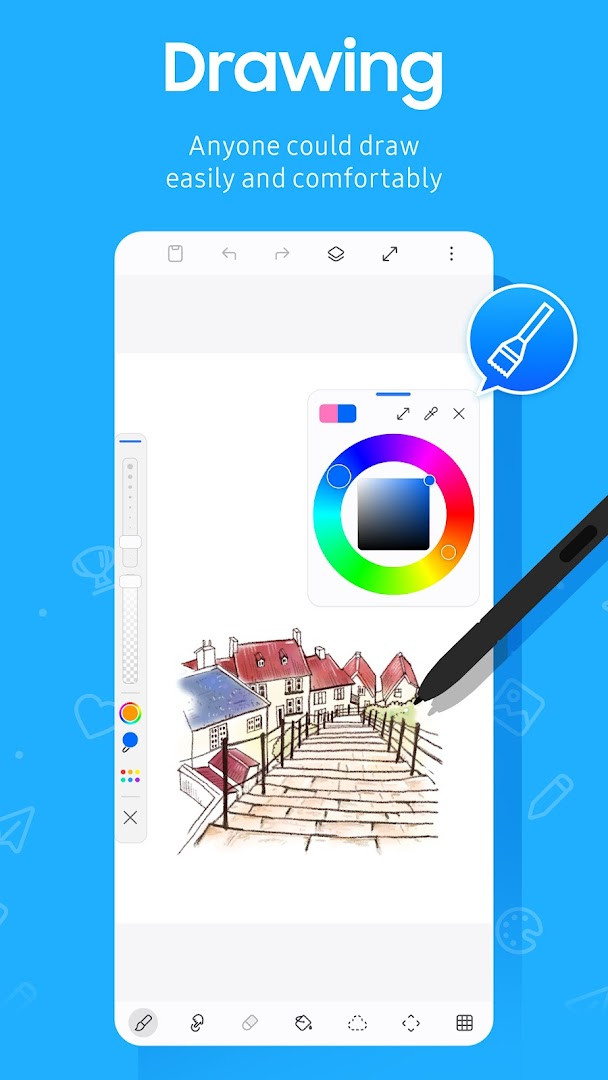
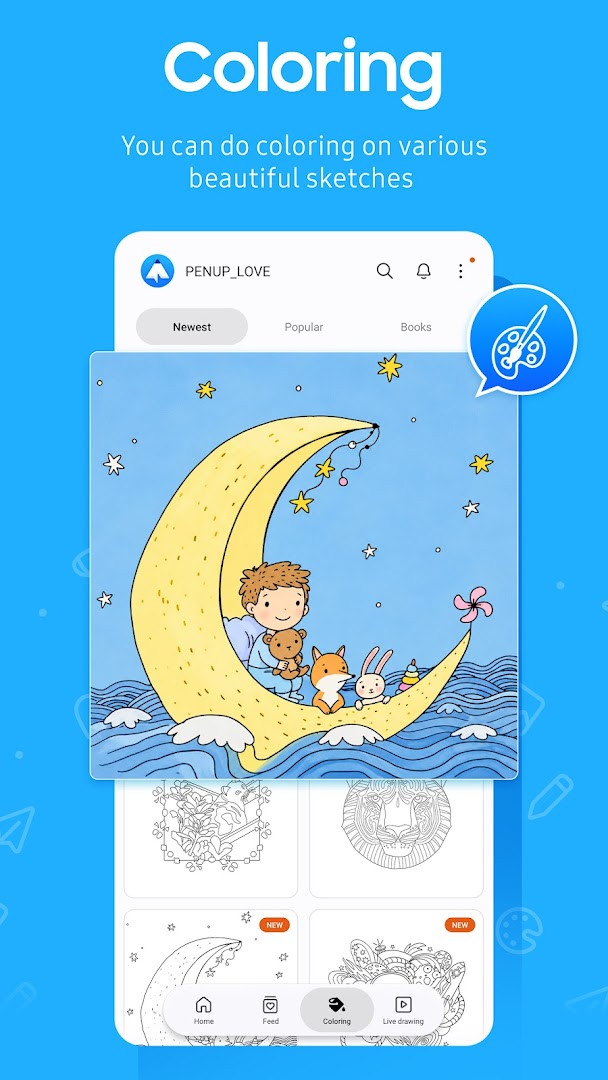
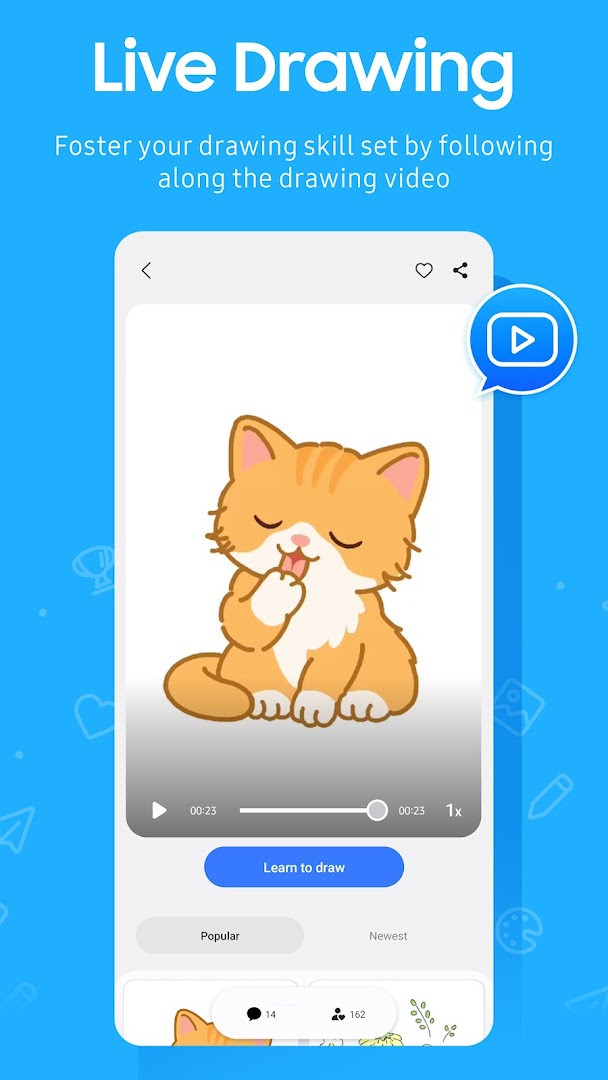
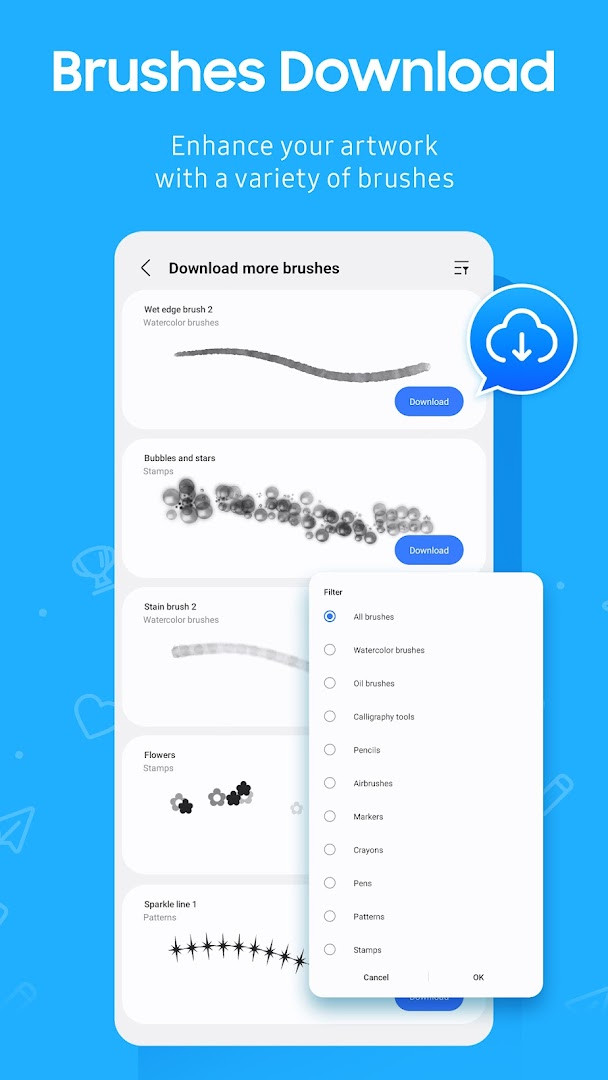
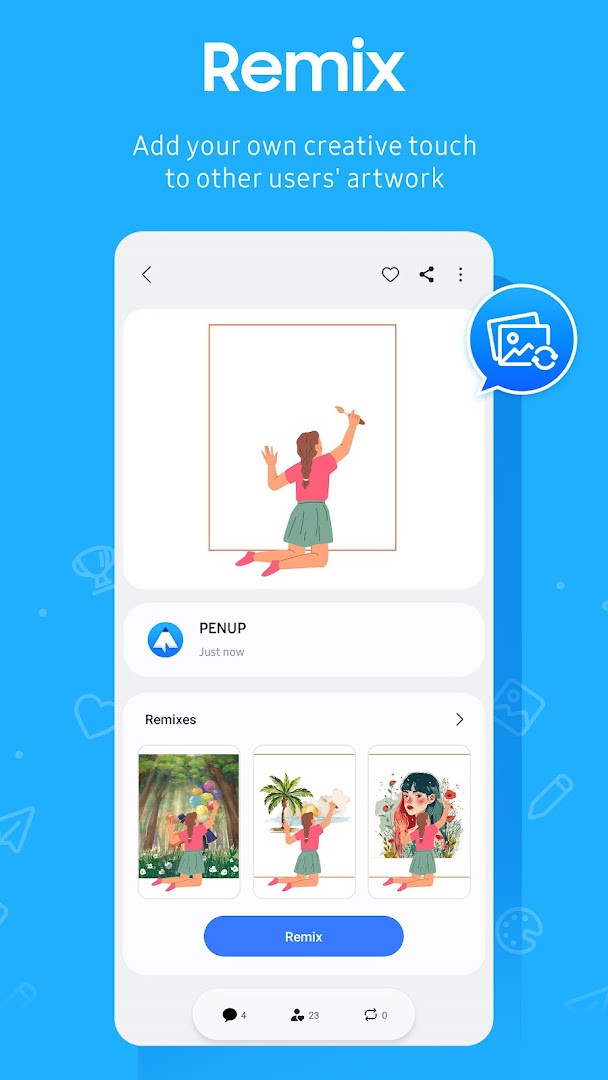
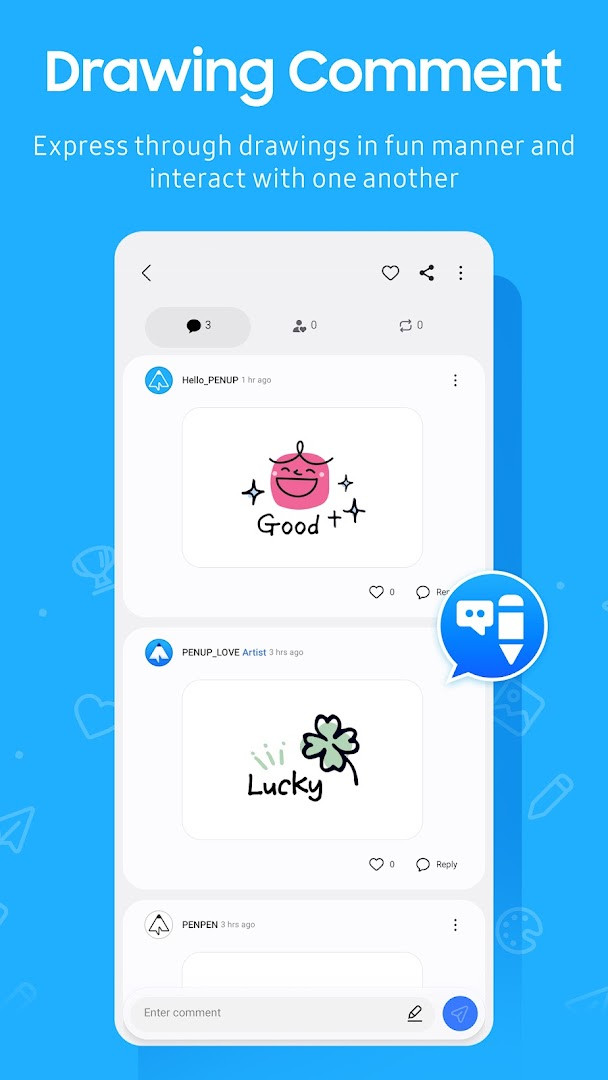
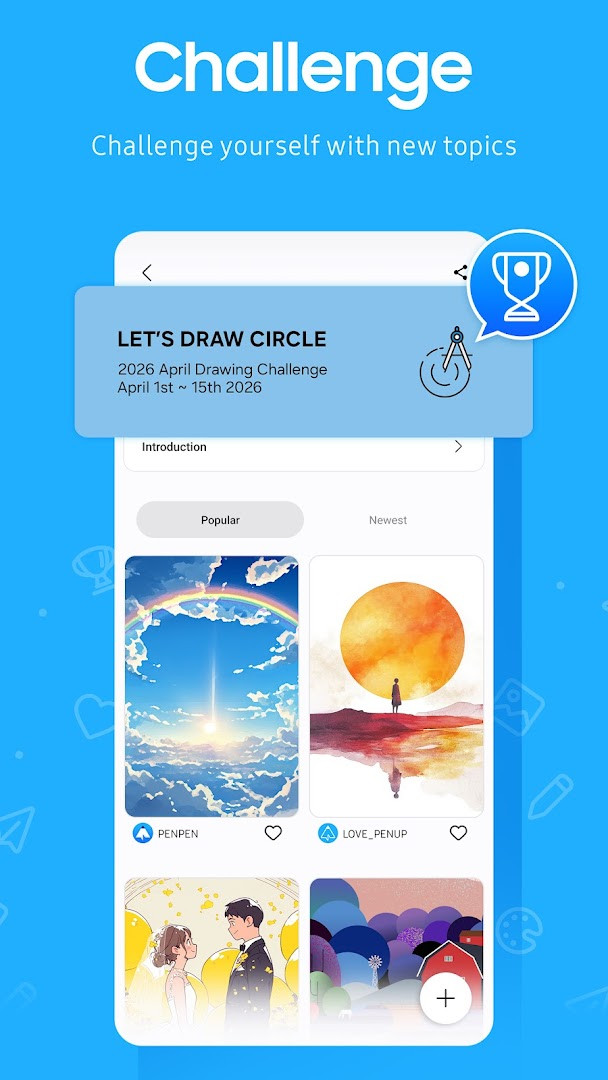
PENUP – Drawing-sharing SNS is a social networking app by Samsung Electronics Co., Ltd. that lets people share drawings and communicate through visual art. It solves the problem of connecting with others through creativity by offering a platform where users can post their own artwork, browse trending pieces from a global community, and interact through comments. Instead of relying solely on text or photos, the app makes drawing the central form of expression, providing tools and guided activities that lower the barrier for beginners while still offering depth for more experienced hobbyists. With features like coloring pages, templates, live follow-along videos, and photo-assisted drawing, it turns casual doodling into a social experience, helping users improve their skills and find an audience for their work in a supportive, art-focused environment.
Key features
- Variety of drawing tools, including a newly added brush, to create and customize artwork
- Coloring book pages with numerous illustrations to color in for relaxation or practice
- Ready-made templates that help users start drawing quickly without a blank canvas
- Live Drawing mode with video follow-along lessons to improve technique step by step
- Photo Drawing feature that uses a photo as a guide for creating your own version
- Drawing challenges to test and showcase skills within the community
- Trending Works feed to discover and appreciate popular drawings from other users
- Commenting system to give feedback and communicate with artists on their creations
How to install
- Tap the download button on this page to get the APK file, which is about 97 MB in size.
- When Android asks, allow your browser or file manager to install apps by enabling the 'Install unknown apps' setting for that source.
- Open the downloaded APK file from your notifications or file manager.
- Tap Install and wait for the process to finish; the app requires Android 9 or higher.
- Once installed, open PENUP from your app drawer and sign in to start drawing and sharing.
Pros
- Completely free with no ads or in-app purchases, so all features are accessible without extra costs
- Large active community with over 100 million installs, providing plenty of artwork to explore
- Guided drawing modes like Live Drawing and Photo Drawing help beginners learn
- Regular updates and new brushes keep the creative tools fresh
- Optional permissions for storage and notifications respect user control on newer Android versions
Cons
- Requests access to identity, contacts, and storage, which may feel invasive for a drawing app
- Storage permission is needed for uploading and downloading drawings, though only required on Android 9 or lower
- Requires Android 9 or newer, excluding users on older devices
- Content is rated Teen, so it may include some mature artwork not suited for younger children
Latest changes
The latest update adds a new brush to the drawing toolset. This expands the options available when creating artwork within the app. No other changes were mentioned in the update notes for this release.
Previous versions
| Version | Size | Requires Android | Updated |
|---|---|---|---|
| 3.9.24.3 | 97 MB | 9 | Oct 1, 2026 |
| 3.8.00.18 | 27 MB | 6.0 | Sep 29, 2026 |
| 3.9.23.13 | 97 MB | 9 | Sep 18, 2026 |
| 3.9.22.32 | 97 MB | 9 | Aug 14, 2026 |
| 3.9.21.33 | 124 MB | 9 | Jun 20, 2026 |
| 3.9.12.77 | 40 MB | 8.0 | Nov 13, 2025 |
| 3.2.01.1 | 21 MB | 5.0 | Jun 1, 2019 |
This app is for anyone who enjoys drawing as a hobby or wants to start learning in a social setting. It suits casual users looking for a relaxing coloring activity, aspiring artists who want to follow along with video tutorials, and creators who want feedback on their work from a global audience. The community aspect makes it appealing to people who prefer visual communication over text, and the lack of cost or ads means it is accessible to students, hobbyists, and anyone curious about digital art without a financial commitment.
Start with the coloring pages or templates if you are new to drawing, and try the Live Drawing mode to learn techniques. Enable notifications only if you want to stay updated on comments and followers, as they are optional and can be turned off in settings.
Permissions
Frequently asked questions
What drawing tools and learning features does PENUP include?
PENUP includes a variety of pen-based tools, coloring book pages, templates, and a newly added brush. It also offers Live Drawing for follow-along videos and Photo Drawing that uses a photo as a guide, plus drawing challenges to test your skills.
How can I interact with other users' drawings on PENUP?
You can view popular creations in the Trending Works section, leave comments on other users' drawings, and share your own artwork to receive feedback and communicate with friends around the world.
What permissions does PENUP require and why?
PENUP asks for optional permissions: Storage is used to upload or download drawings on Android 9 or lower, and Notifications alerts you about drawing activity, followers, and followed users on Android 13 or above. Other permissions listed include Identity, Contacts, and Photos/Media/Files.
What are the app size, minimum OS, and latest version details?
PENUP is about 97 MB, requires Android 9 or higher, and its latest version is 3.9.24.3 from October 1, 2026. The app was originally released in September 2013 and last updated on September 18, 2026.
Is PENUP free and does it contain ads or in-app purchases?
Yes, PENUP is free to download and use, with no ads and no in-app purchases. Its content rating is Teen, and it has over 100 million installs based on available data.
PENUP offers a friendly, free space for sharing drawings and connecting with other artists, with enough guided tools to help beginners improve. Its combination of social features and creative exercises makes it a practical choice for everyday artistic expression.
Similar apps
 SmartThingsSmartThings is for Android users who want to control smart TVs, appliances, speakers, and gadgets from brands like Ring, Nest, and Philip…Samsung Electronics Co., Ltd. · ★ 4.6 · Lifestyle · 227 MB
 Canva: AI Photo & Video EditorCanva serves individuals, students, teachers, entrepreneurs, and social media managers who need to produce visual content without advance…Canva · ★ 4.8 · Art & Design · v2.385.0
 SketchbookSketchbook is for anyone who loves to draw, from casual sketchers to professional illustrators, providing a distraction-free canvas to ca…Sketchbook · ★ 4.1 · Art & Design · 69 MB
 Adobe Express: AI Photo, VideoAdobe Express: AI Photo, Video has over 100 million installs and a 4.62 rating from about 865,000 ratings. It requires Android 10 or high…Adobe · ★ 4.6 · Art & Design · v31.0.1
 ibis Paint Xibis Paint X offers an intuitive, high-performance painting experience with over 130,000 brushes, 30,000+ materials, and 3,000+ fonts, ri…ibis inc. · ★ 4.5 · Art & Design · v14.1.6
 Artrace: AR Easy Draw & SketchArtrace: AR Easy Draw & Sketch is for beginners and experienced artists who want to learn drawing or trace anything using their phone cam…Braly JSC · ★ 4.7 · Art & Design · v1.9.73
 Phonto - Text on PhotosPhonto - Text on Photos requires Android 10 or higher and includes ads plus in-app purchases, with an optional ad-free upgrade. The app o…youthhr · ★ 4.7 · Art & Design · v1.7.140
 FlipaClip: Draw 2D AnimationFlipaClip is for artists, students, and hobbyists who want to turn simple drawings into animated clips without learning complex software.…Visual Blasters LLC · ★ 4.3 · Art & Design · v5.1.0
More from this developer
 Samsung GallerySamsung Gallery has a size of 51 MB and requires Android 11 or higher. The app does not charge for its core features, and it does not inc…Samsung Electronics Co., Ltd. · ★ 3.8 · Photography · 51 MB
SmartThingsSmartThings is for Android users who want to control smart TVs, appliances, speakers, and gadgets from brands like Ring, Nest, and Philip…Samsung Electronics Co., Ltd. · ★ 4.6 · Lifestyle · 227 MB
 Samsung Global GoalsSamsung Global Goals is a 103 MB education app from Samsung Electronics Co., Ltd. that requires Android 12 or later, shows ads, and has n…Samsung Electronics Co., Ltd. · ★ 3.7 · Education · 103 MB
Updated: Nov 4, 2026
- Size
- 97 MB
- Requires Android
- 9
- Updated
- Sep 18, 2026
- Installs
- 100M+
- Rating
- ★ 4.53 (224,001)
- Category
- Art & Design
- Developer
- Samsung Electronics Co., Ltd.
- Content rating
- Teen
- Package
- com.sec.penup
- Free
- ✓