Amazon Alexa: Control Smart Home Devices
Amazon Alexa is a free lifestyle app by Amazon Mobile LLC that lets you set up and manage Alexa-enabled devices from your Android phone.

Amazon Alexa has over 100 million installs and a 4.05 rating from more than 5.7 million ratings, with no ads and no in-app purchases. The app requires Android 10 or higher and is suitable for teens. It helps you control smart lights, locks, and thermostats, create routines, play music, manage lists, and use intercom-like Drop In features.
Get Amazon Alexa · v2.2.718227.0Screenshots
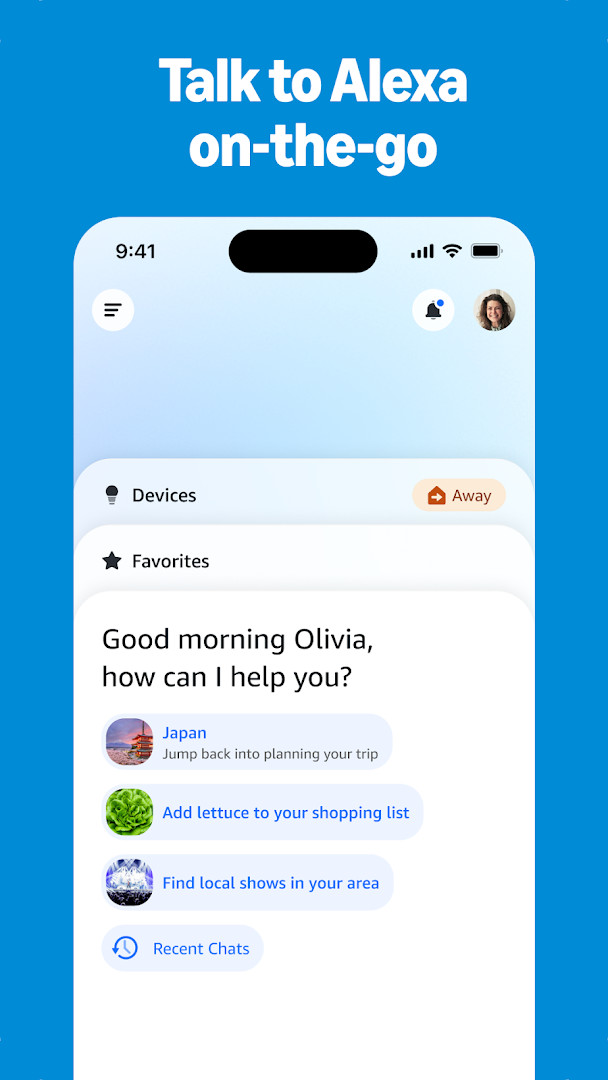
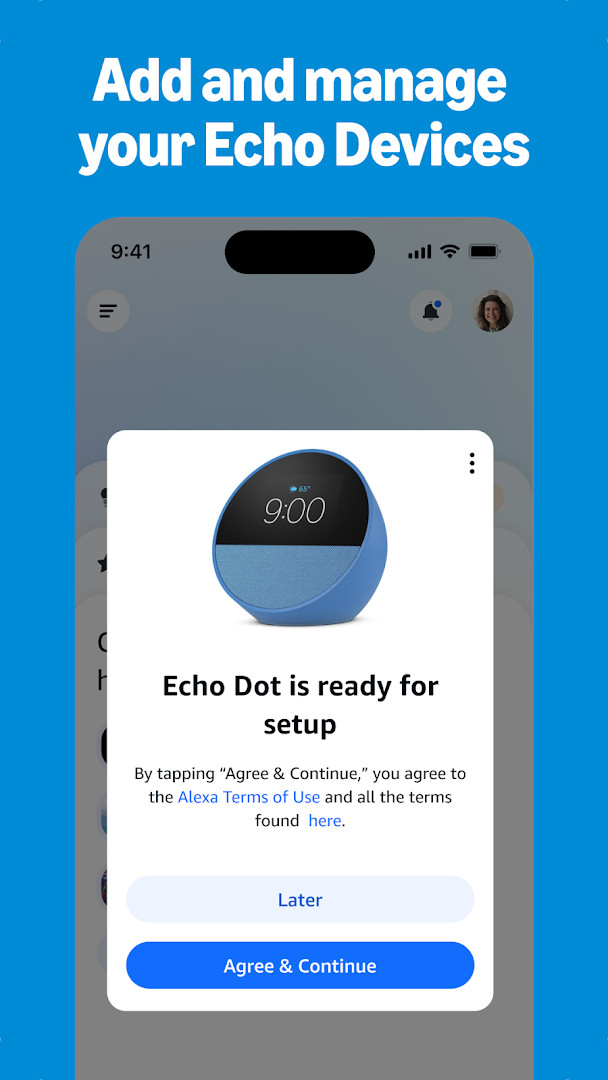
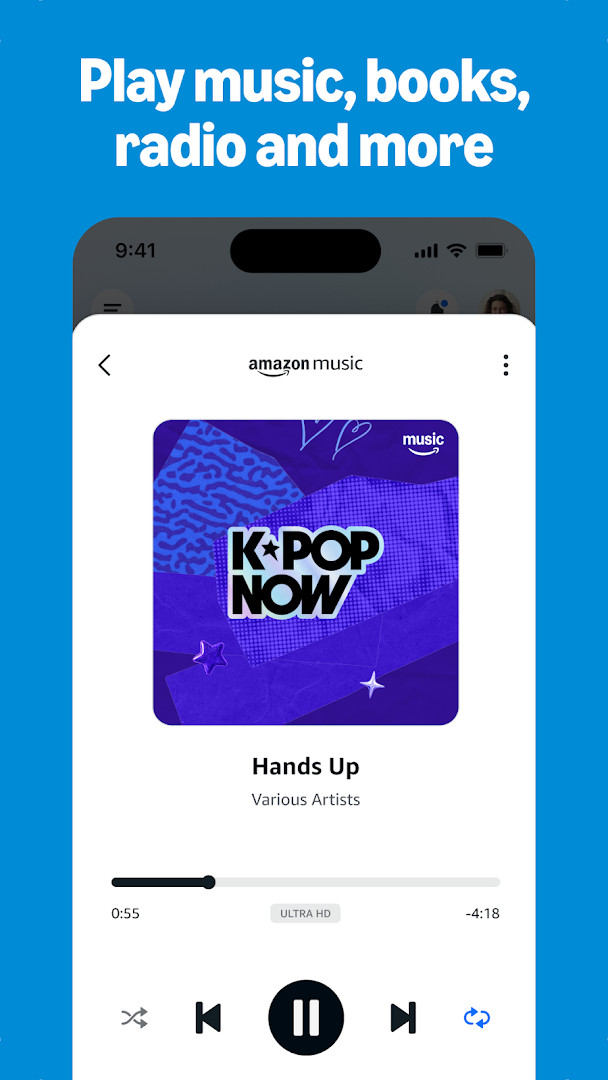

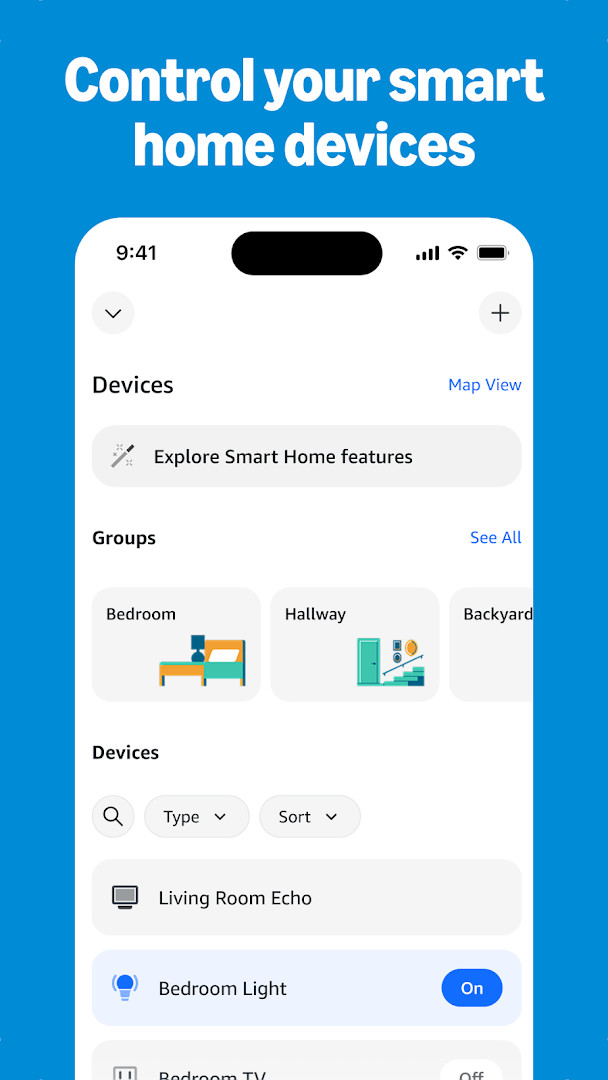

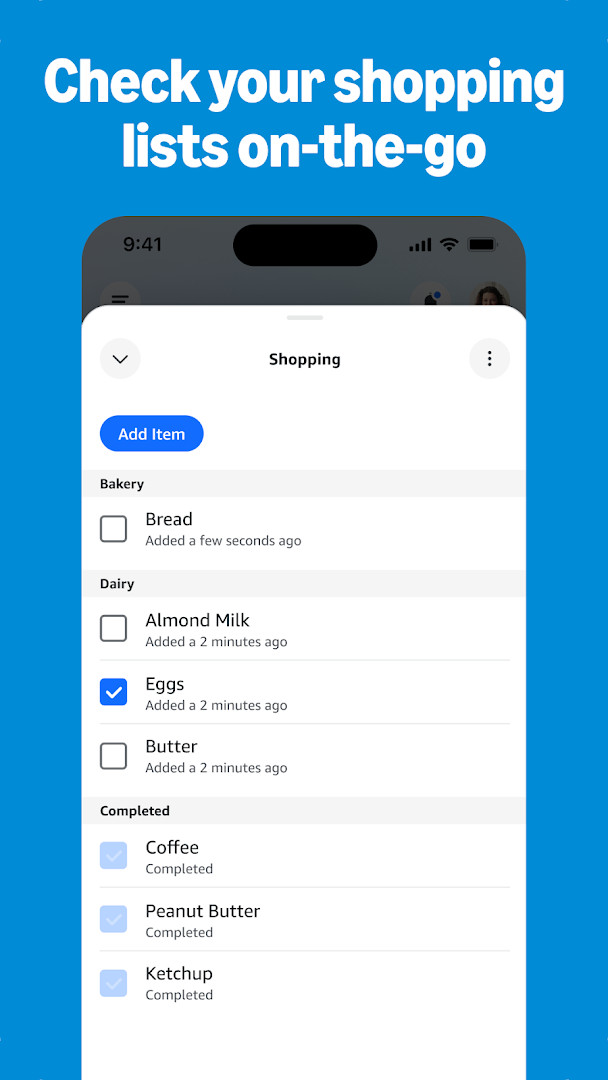
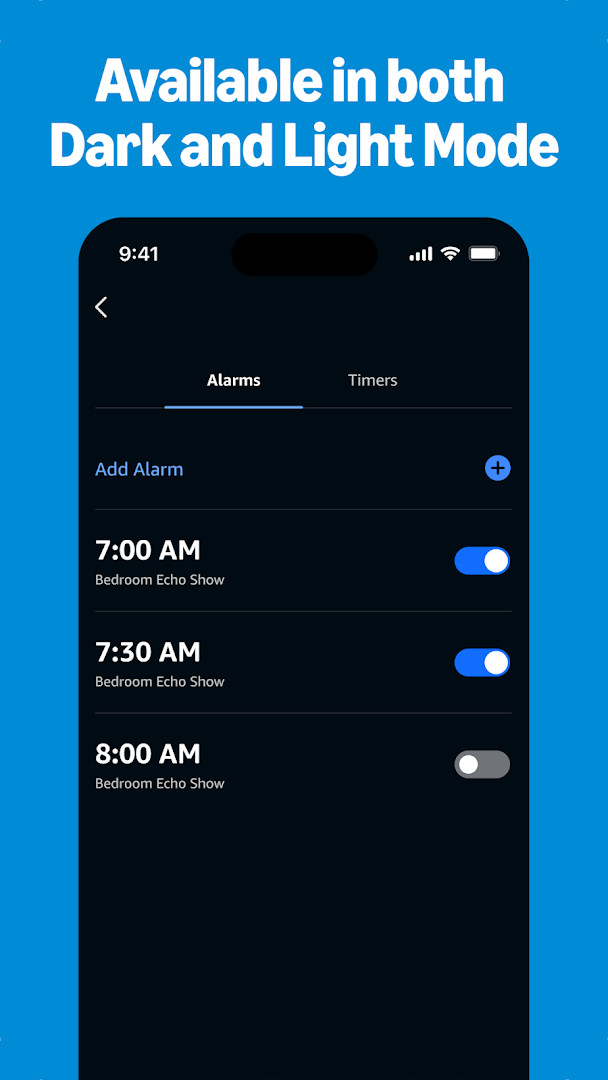
Amazon Alexa is a lifestyle app by Amazon Mobile LLC that lets you set up, operate, and communicate with Alexa-enabled devices from an Android phone. It covers device configuration, smart home control, music playback, lists, timers, and connection features such as calling and Drop In. The app is aimed at people who own Echo speakers or compatible smart home hardware, as well as those who want to manage those devices while away from home.
The app learns from your usage over time, adapting to your voice, vocabulary, and personal preferences. It also offers personalized feature recommendations for Echo devices, helps you discover and enable recommended Alexa skills, and lets you continue where you left off with shopping lists or recently played music and books from the home feed. Music services such as Amazon Music, Pandora, Spotify, TuneIn, and iHeartRadio can be linked, and speaker groups enable multi-room playback.
On the privacy side, the app requests access to a broad range of sensitive areas, including identity, contacts, location, SMS, phone, camera, microphone, photos and media files, and Wi-Fi connection information. Some of these permissions support voice, calling, and device-discovery functions, but they also mean the app can collect considerable personal data. The latest version is 2.2.718227.0, requires Android 10 or newer, and the app is free with no ads and no in-app purchases.
Key features
- Set up Alexa-enabled devices and check the status of compatible smart lights, locks, and thermostats at home or on the go
- Create routines to automate your smart home devices
- Connect music services such as Amazon Music, Pandora, Spotify, TuneIn, and iHeartRadio, then choose songs or playlists to play on Alexa-enabled devices
- Create speaker groups to play music across compatible Echo devices for multi-room listening
- View and edit shopping and to-do lists, get weather and news updates, and manage timers and alarms
- Use Drop In to connect instantly with compatible Echo devices like a two-way intercom
- Call or message supported Alexa-enabled devices at no additional cost
- Discover and enable recommended Alexa skills and receive personalized feature suggestions for Echo devices
How to install
- Tap the download button on this page; the file size is not specified (n/a).
- When Android asks, allow your browser or file manager to install apps by enabling the Install unknown apps setting.
- Open the downloaded APK file from your notifications or downloads folder.
- Tap Install and wait for the installation to complete.
- Open the Amazon Alexa app and sign in with your account.
- Confirm your device runs Android 10 or later before installing.
Pros
- Free to download with no ads and no in-app purchases
- Comprehensive smart home management, including setup, status checks, and routines
- Multi-room music support through speaker groups and several major streaming services
- Communication features like Drop In, calling, and messaging at no additional cost
- Personalizes responses by adapting to your voice, vocabulary, and preferences
Cons
- Requests many sensitive permissions, including contacts, location, SMS, phone, camera, microphone, photos, and files
- Requires Android 10 or newer, excluding older devices
- Full value depends on owning Echo or other compatible Alexa-enabled hardware
Latest changes · 2.2.718227.0
The updated design makes it simpler to reach your most-used features and devices. The Home page now provides quick access to smart home controls, Echo management, and other Alexa functions, while the Devices page offers customizable views for managing your setup.
Previous versions
| Version | Size | Requires Android | Updated |
|---|---|---|---|
| 2.2.718227.0 | — | 10 | Oct 8, 2026 |
| 2.2.527420.0 | 173 MB | 8.0 | May 30, 2025 |
| 2.2.418281.0 | 87 MB | 5.1 | Jul 16, 2022 |
| 2.2.462157.0 | 97 MB | 6.0 | Jun 3, 2022 |
| 2.2.245855.0 | 89 MB | 5.0 | Dec 31, 2018 |
This app suits owners of Echo speakers and other Alexa-enabled smart home devices who want to control their setup, play music, manage daily lists, and stay connected while away from home.
Review each permission request carefully during setup and grant access only where you feel comfortable. You can later adjust or revoke permissions in Android's app settings; if you do not use calling or voice features, limiting microphone or phone access may still allow basic device control.
Permissions
Frequently asked questions
What can the redesigned Home and Devices pages do in the current version?
The latest update, version 2.2.718227.0, introduces a new design where the Home page gives quick access to smart home controls, Echo management, and numerous Alexa features. The Devices page now offers customizable views so you can manage your devices the way you prefer.
Which music services can I connect through the app and can I play music across multiple rooms?
You can connect to Amazon Music, Pandora, Spotify, TuneIn, and iHeartRadio. After choosing a song or playlist, you can listen on your Alexa-enabled devices and create speaker groups to play music across compatible Echo devices for multi-room audio.
Does the app support calling and intercom features?
Yes, the app includes Drop In, which lets you connect instantly with compatible Echo devices like a two-way intercom. You can also call or message supported Alexa-enabled devices at no additional cost.
Can I control smart home devices and automate them from the app?
Yes, you can set up Alexa-enabled devices and control or check the status of compatible smart lights, locks, and thermostats at home or on the go. The app also lets you create routines to automate your smart home devices.
What personalization and organization features does the app offer?
Alexa adapts to your voice, vocabulary, and preferences over time. You can view and edit shopping and to-do lists, get weather and news updates, manage timers and alarms, and pick up where you left off with lists, shopping, or recently played music and books from the home feed.
Amazon Alexa is a feature-rich companion app that brings Echo devices and smart home controls together in one place. Its convenience is balanced by an extensive permission list, so consider how much data access you are willing to accept before installing.
Similar apps
 Amazon ShoppingAmazon Shopping is for Android users who want to browse and buy from Amazon's catalog without using a desktop browser. The app is free to…Amazon Mobile LLC · ★ 4.4 · Shopping · v32.18.0.100
 SmartThingsSmartThings is for Android users who want to control smart TVs, appliances, speakers, and gadgets from brands like Ring, Nest, and Philip…Samsung Electronics Co., Ltd. · ★ 4.6 · Lifestyle · 227 MB
 PinterestPinterest is a free lifestyle app from developer Pinterest that centers on discovering and collecting ideas. It is rated Teen and has dra…Pinterest · ★ 4.2 · Lifestyle
 Tinder Dating App: Chat & DateTinder Dating App: Chat & Date has been installed over 500 million times and holds a user rating of 3.92 based on more than 9.2 million r…Tinder LLC · ★ 3.9 · Lifestyle · v17.38.2
More from this developer
Updated: Nov 3, 2026
- Version
- 2.2.718227.0
- Requires Android
- 10
- Updated
- Oct 8, 2026
- Installs
- 100M+
- Rating
- ★ 4.05 (5,754,989)
- Category
- Lifestyle
- Developer
- Amazon Mobile LLC
- Content rating
- Teen
- Package
- com.amazon.dee.app
- Free
- ✓