Amazon Shopping for Android
Amazon Shopping is a shopping app from Amazon Mobile LLC for browsing, searching, and buying products on Android.

Amazon Shopping is for Android users who want to browse and buy from Amazon's catalog without using a desktop browser. The app is free to download and requires Android 12 or newer; it has built up over 1 billion installs and holds a 4.39 rating from roughly 4.72 million ratings.
Download Amazon Shopping · v32.18.0.100Screenshots
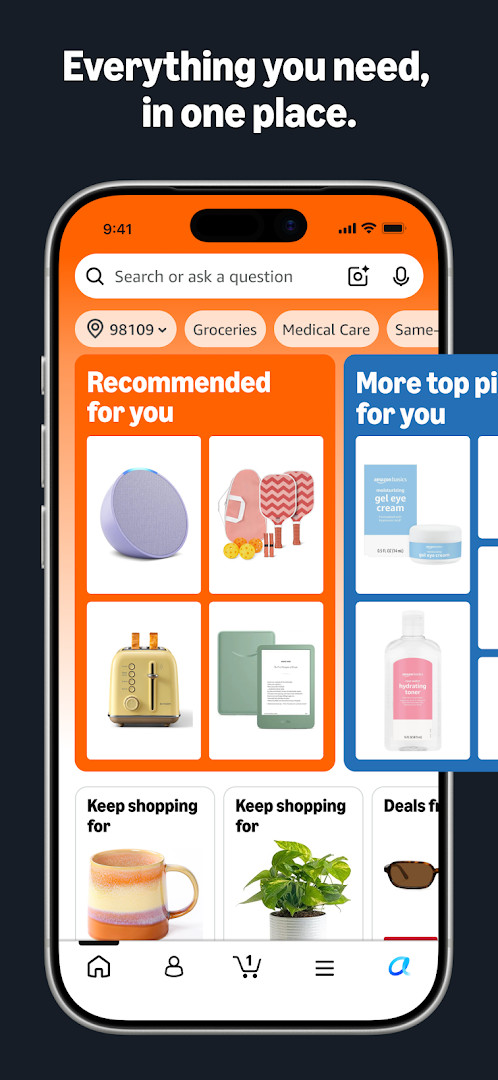
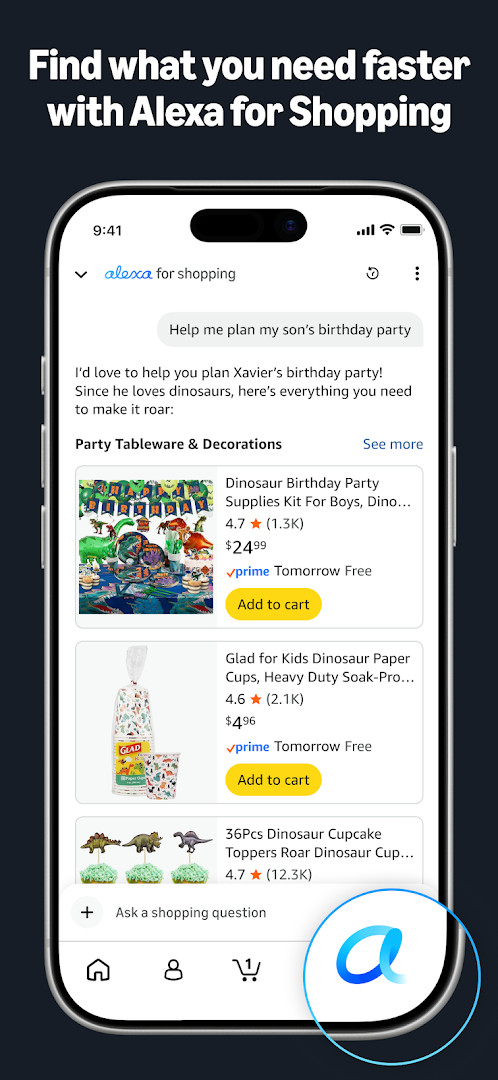
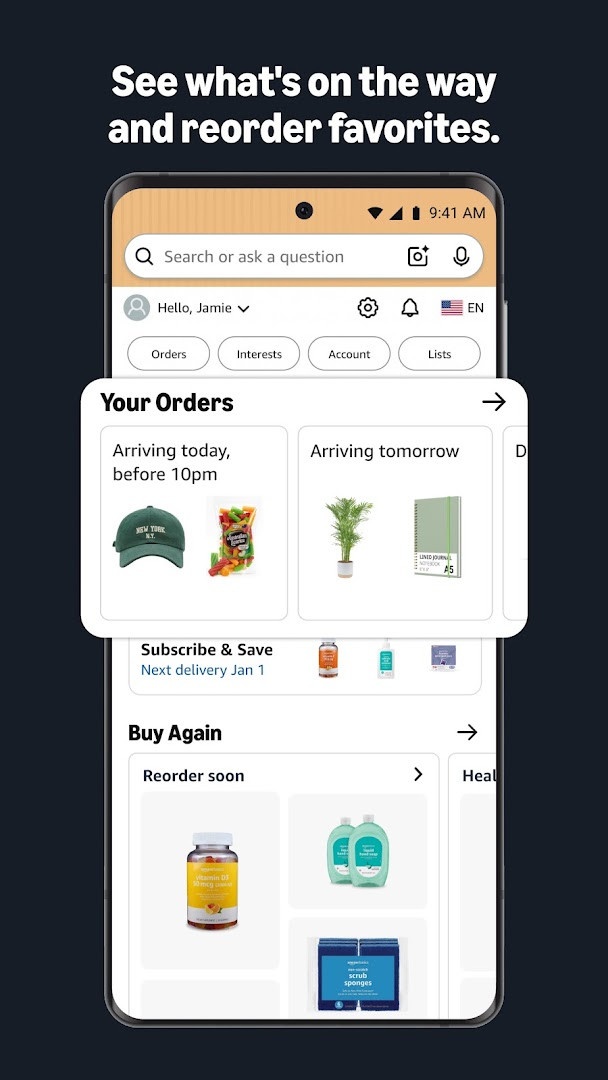
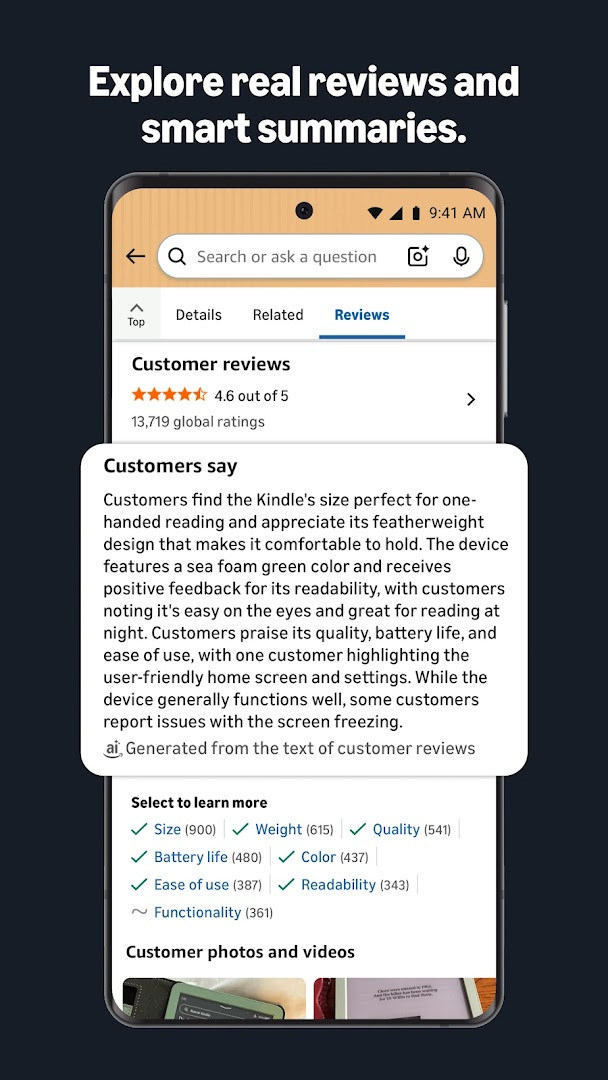
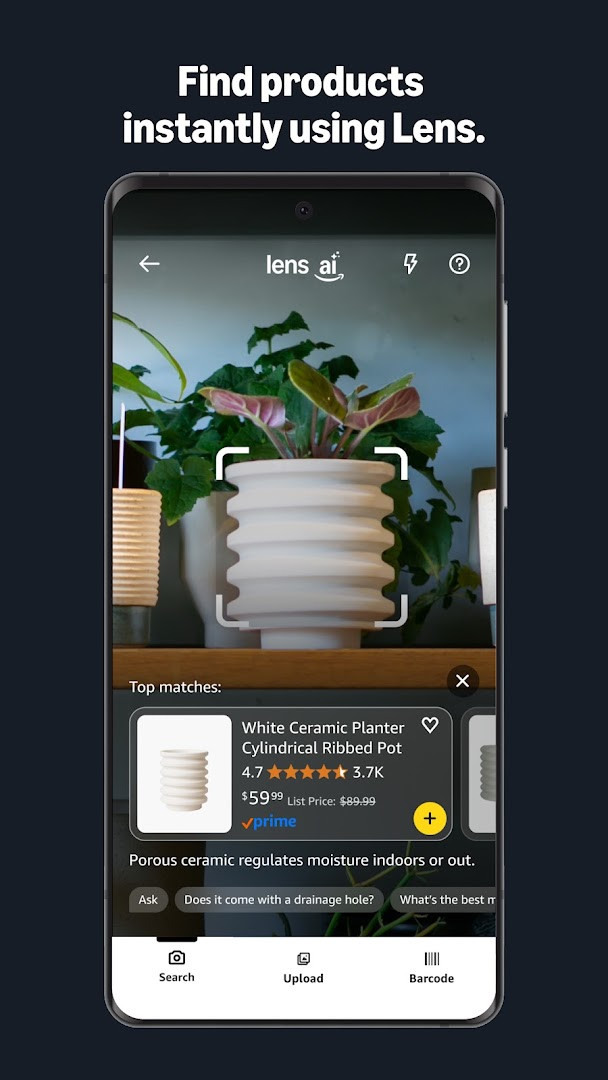
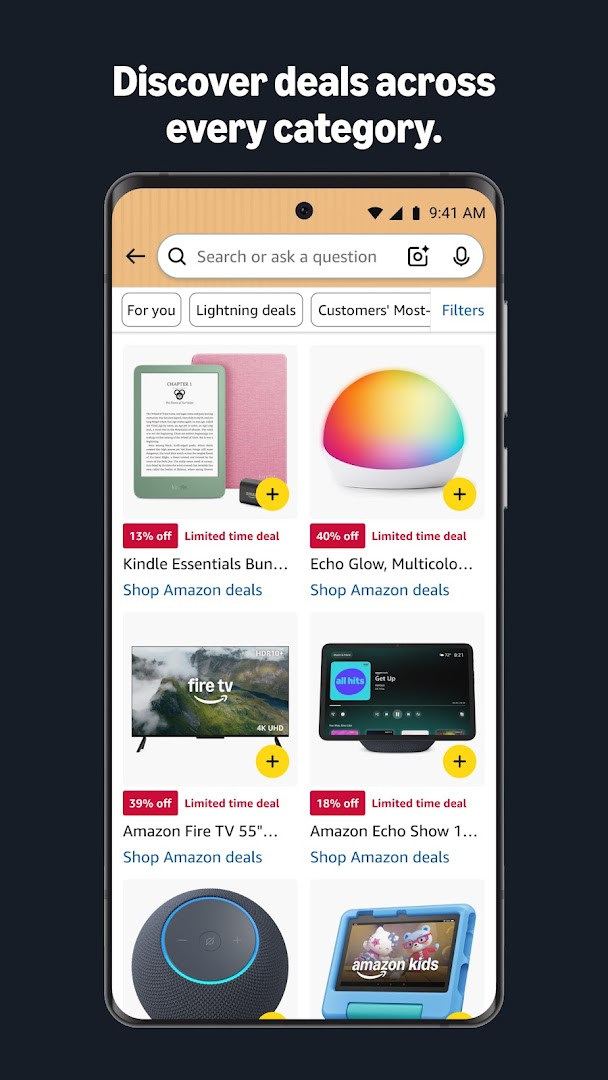
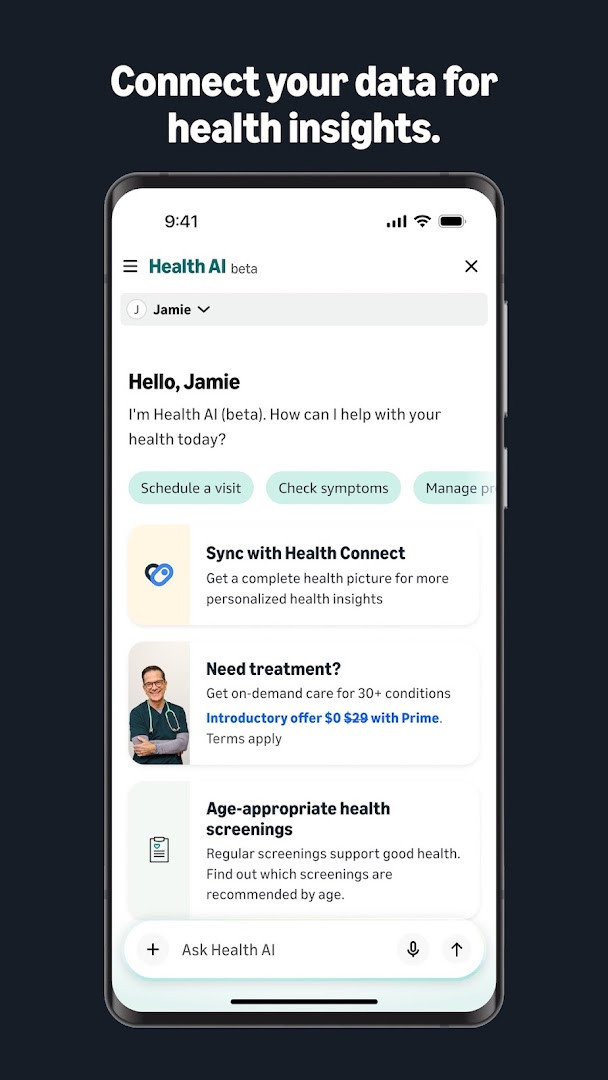
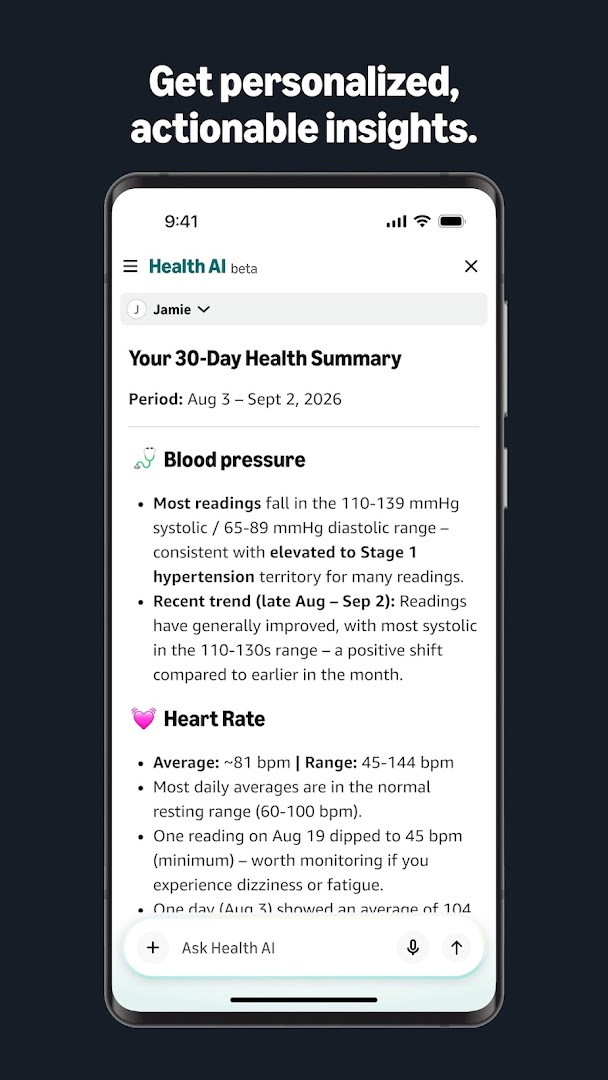
Amazon Shopping is a shopping app by Amazon Mobile LLC that lets you browse, search, and buy millions of products directly from your Android device. It is designed to make the Amazon experience faster and more convenient than using a desktop browser, with app-only tools for tracking, discovery, and support. The app targets everyday shoppers who want a streamlined way to handle purchases, from finding items to receiving them at the door.
Beyond the core storefront, the app adds practical utilities: real-time delivery tracking and notifications, a full 360-degree product view, and a "View in your room" feature that uses your phone's camera and VR to preview items in your space. You can save products to lists with a heart icon and get alerts when prices drop. A built-in scanner identifies products by photographing an item or its barcode, and you can use voice search via the microphone. Live chat support is available 24/7, and sessions remain open for 24 hours so you don't have to restart a conversation.
For experienced users comparing alternatives, this app stands out for its deep integration with Amazon's ecosystem, including account management, order history, and customer service. It also requests a broad set of permissions—camera, microphone, location, contacts, storage, phone, and Wi-Fi information—which are used for features like scanning, voice search, local offers, gift card sending, and device setup. The app is free, contains ads, and offers in-app purchases. It is rated Teen and has been updated as of September 2026, with the current version being 32.18.0.100, requiring Android 12 or higher.
Key features
- Real-time delivery tracking and notifications so you know where your package is and when it arrives
- Full 360-degree product view to see items from every angle
- "View in your room" uses your phone's camera and VR to preview how an item fits in your space
- Save items to Your Lists with a heart icon and receive alerts when prices drop
- Stay securely signed in, with facial or fingerprint identification to sign back in
- 24/7 live chat support, with chat sessions that stay open for 24 hours
- Scan an item or its barcode with the camera to find products when you don't know the brand
- New shortcuts: tap and hold the app icon to access Orders, Daily Deals, Shopping Cart, and Search
How to install
- Tap the download button on this page to get the APK file. The file size is not specified, and the app requires Android 12 or higher.
- When Android prompts you, allow your browser or file manager to install apps by enabling the "Install unknown apps" setting for that app.
- Open the downloaded APK file from your notifications or file manager.
- Tap Install on the installation screen and wait for the process to complete.
- Open the Amazon Shopping app from your app drawer and sign in with your Amazon account to start shopping.
Pros
- Comprehensive shopping features including scanning, voice search, and AR room preview
- Real-time delivery tracking and proactive price-drop alerts
- 24/7 live chat support with persistent sessions
- Secure sign-in options with biometric authentication
- App-only benefits not available on desktop, such as shortcuts and camera-based tools
Cons
- Requests a wide range of permissions (camera, microphone, location, contacts, storage, phone, Wi-Fi) that may feel invasive
- Contains ads and offers in-app purchases, which can be distracting
- Requires Android 12 or higher, excluding older devices
- Some features like Dash Button setup require Wi-Fi permission, which may be unnecessary for most users
Latest changes · 32.18.0.100
Version 32.18.0.100 introduces convenient shortcuts: press and hold the Amazon app icon to jump straight to Orders, Daily Deals, Shopping Cart, or Search. This update also includes bug fixes and overall improvements aimed at delivering a smoother shopping experience.
Previous versions
| Version | Size | Requires Android | Updated |
|---|---|---|---|
| 32.18.0.100 | — | 12 | Sep 16, 2026 |
This app is for experienced Android shoppers who frequently use Amazon and want a more efficient, feature-rich alternative to the mobile website, especially those who value order tracking, visual product previews, and integrated customer support.
To minimize permission concerns, review the app's settings and disable permissions you don't need, such as location or contacts, if you don't use those features. Use the new tap-and-hold shortcuts for quick access to Orders, Deals, Cart, and Search, and enable biometric sign-in to avoid typing your password repeatedly.
Permissions
Frequently asked questions
How do I install the Amazon Shopping APK on my Android device?
To install the APK on Android, first allow installation from unknown sources in your device settings if you are sideloading. Then open the downloaded APK file and follow the on-screen prompts. The app requires Android 12 or higher. After installation, sign in with your Amazon account to start shopping.
What is included in version 32.18.0.100 of the Amazon Shopping app?
Version 32.18.0.100, released on September 16, 2026, adds shortcuts so you can tap and hold the app icon to quickly access Orders, Daily Deals, Shopping Cart, and Search. It also includes bug fixes and performance improvements for a smoother shopping experience.
Does the Amazon Shopping app contain ads or in-app purchases?
Yes, the app includes ads and offers in-app purchases. The app itself is free to download, but you may encounter advertisements and have the option to buy items or services within the app.
Can I use the Amazon Shopping app offline or does it need data?
The app primarily requires an internet connection for browsing, searching, and purchasing products. Some features, like storing your preferences locally, may load faster, but full shopping functionality depends on an active data or Wi-Fi connection.
What alternatives exist in the Shopping category if I want similar apps?
There are several other shopping apps in the same category that let you browse, compare prices, and make purchases on your Android device. You can explore other retail apps that offer product search, reviews, and order tracking, though features and coverage will vary.
What permissions does the Amazon Shopping app request and why?
The app requests permissions like camera for scanning barcodes and using 'View in your room', location for local offers and address selection, contacts for sending gift cards, and microphone for voice search. Storage helps load features faster, and phone permission pre-fills customer service numbers.
Amazon Shopping is a robust, feature-dense app that goes beyond basic browsing, offering tools for discovery, tracking, and support that are genuinely useful for frequent Amazon users. While the extensive permissions and ads may give some pause, the app's functionality and integration make it a strong choice for those who shop regularly on Android.
Similar apps
 Amazon AlexaAmazon Alexa has over 100 million installs and a 4.05 rating from more than 5.7 million ratings, with no ads and no in-app purchases. The…Amazon Mobile LLC · ★ 4.0 · Lifestyle · v2.2.718227.0
 SHEIN-Shopping OnlineSHEIN-Shopping Online covers categories such as fashion apparel, home, beauty, accessories, shoes, pet supplies, electronics and office i…Roadget Business PTE. LTD. · ★ 4.8 · Shopping · v15.5.4
 Temu: Shop Like a BillionaireTemu: Shop Like a Billionaire is a free shopping app for Android 6.0 and up that covers fashion, home decor, handmade crafts, beauty, clo…Temu · ★ 4.4 · Shopping · v4.88.0
 Flipkart Online Shopping AppFlipkart Online Shopping App is built for shoppers who want to browse and buy everyday products, fashion, gadgets and groceries in one pl…Flipkart · ★ 4.5 · Shopping · v9.16
More from this developer
Updated: Nov 3, 2026
- Version
- 32.18.0.100
- Requires Android
- 12
- Updated
- Sep 16, 2026
- Installs
- 1B+
- Rating
- ★ 4.39 (4,724,345)
- Category
- Shopping
- Developer
- Amazon Mobile LLC
- Content rating
- Teen
- Package
- com.amazon.mShop.android.shopping
- Free
- ✓ · Contains ads · In-app purchases