Android Auto: Drive with Maps, Media, and Messages
Android Auto is a free driving companion by Google LLC that lets you control maps, media, and messaging with the Google Assistant while driving.
Android Auto requires Android 9 or higher and occupies 35 MB of storage. It has no ads and no in-app purchases, and it is rated for everyone. This app is designed for drivers who want to use navigation, communication, and entertainment apps with minimal distraction while on the road.
Get Android AutoScreenshots
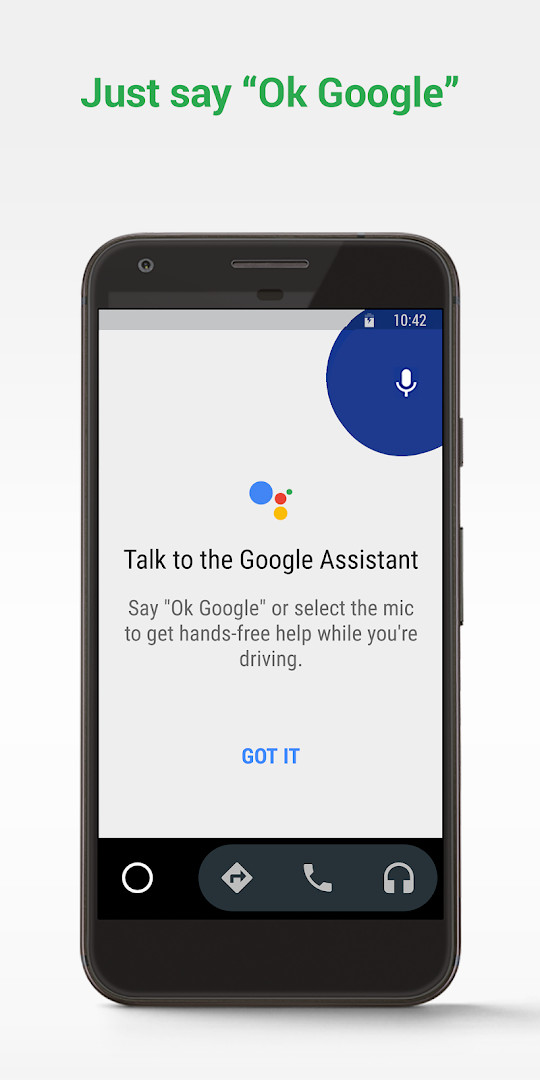
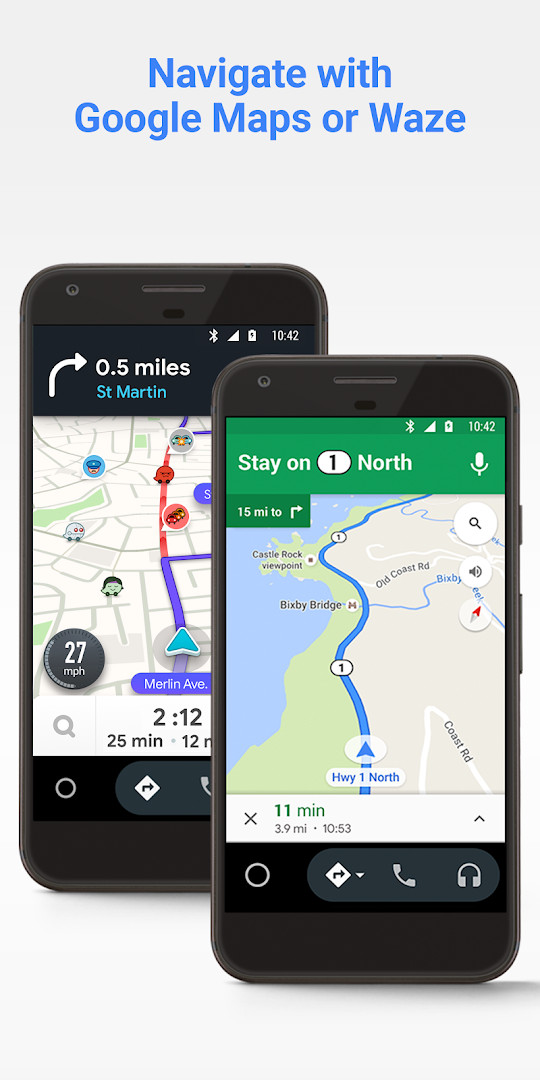
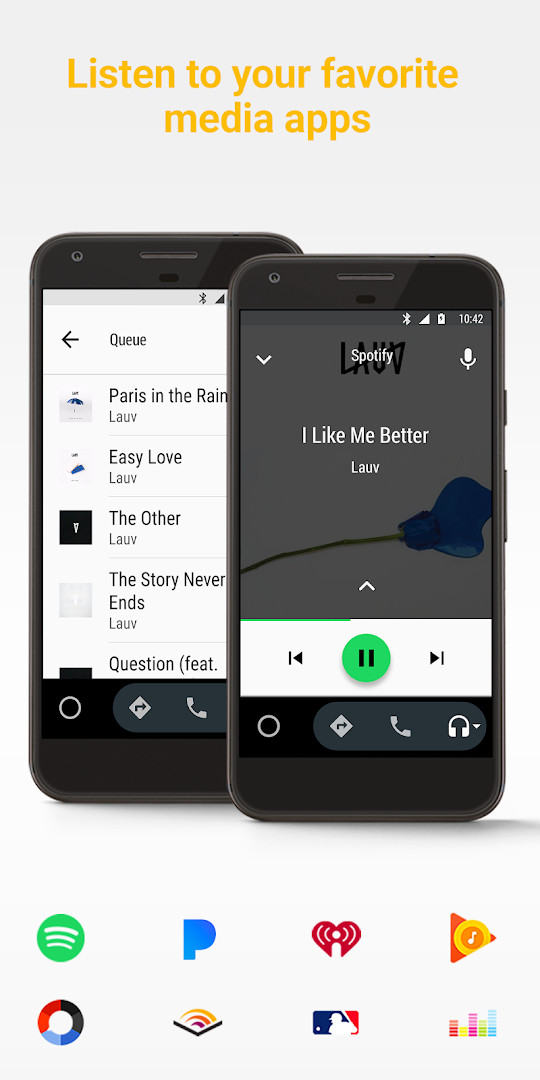
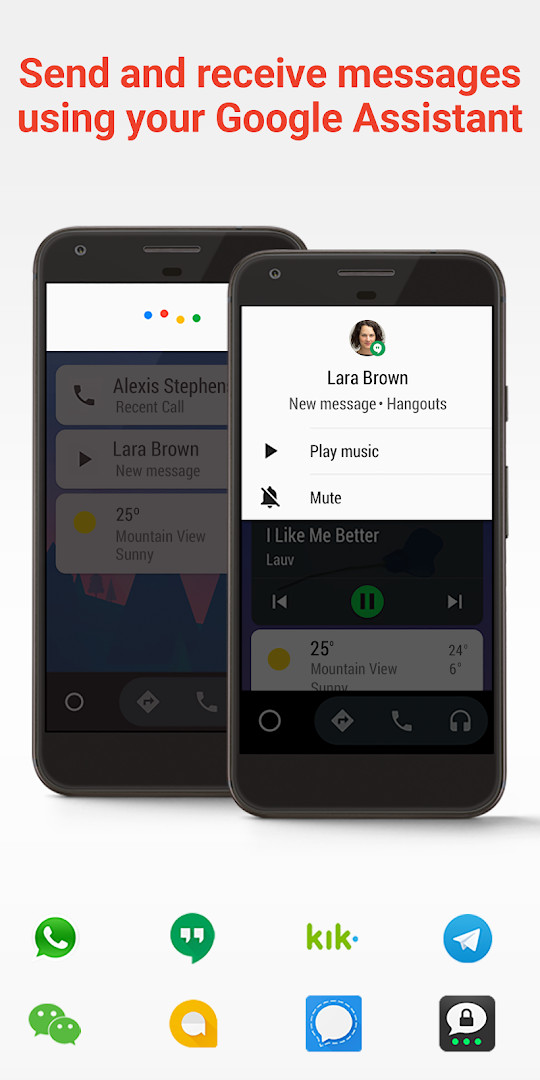
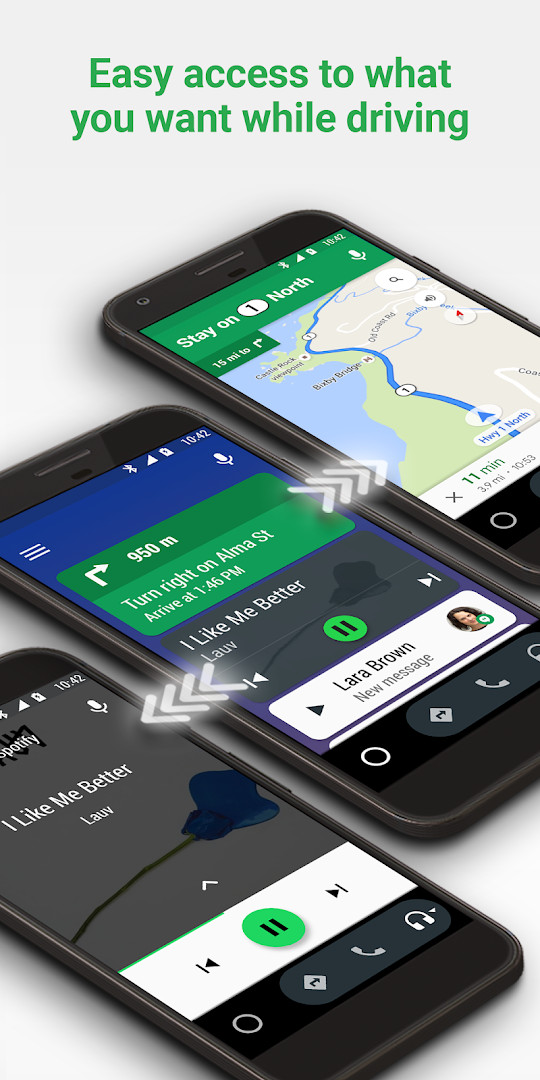
Android Auto is a smart driving companion app by Google LLC that projects a simplified, voice-first interface onto your car's display so you can navigate, communicate, and enjoy media while keeping your eyes on the road. It essentially extends your phone's core functions—maps, messaging, calls, and music—into a distraction-minimized environment designed for driving. For experienced users, Android Auto is not a new concept, but its tight integration with Google's ecosystem and the sheer breadth of supported apps make it a benchmark in the in-car connectivity space.
The app's primary function is to act as a bridge between your Android phone and your vehicle's infotainment system. Once connected—typically via a high-quality USB cable—the car's screen mirrors a simplified interface with large buttons and prominent voice controls. You can initiate navigation through Google Maps or Waze, which provide real-time GPS navigation and traffic alerts. The Google Assistant handles voice commands for making calls, sending messages through various platforms like WhatsApp and Telegram, checking your calendar, setting reminders, and even reading news updates. This hands-free approach aims to reduce the urge to fiddle with your phone while driving.
The latest version, 7.4.120744-release.daily, focuses on bug fixes and other improvements, continuing the app's evolution since its initial release in March 2015. The current iteration requires Android 9 (API 28) or higher, a notable jump from the earlier Android 6.0 minimum, reflecting the need for more robust hardware and security. The app is free, contains no ads or in-app purchases, and requires an active data connection for most features. With over 10 billion installs and a rating of 4.14 from millions of users, it's a widely adopted solution, though the exact number of compatible car models continues to grow.
Key features
- Voice-activated navigation with Google Maps or Waze, including real-time traffic alerts and hazard updates
- Google Assistant integration for hands-free calls, messaging, calendar checks, and reminders
- Customizable do not disturb mode that automatically sends a custom reply while driving
- Support for a wide range of messaging apps including SMS, WhatsApp, Telegram, Skype, and WeChat
- Media playback from popular services like Spotify, Pandora, Amazon Music, and TIDAL
- Simplified interface with large buttons designed for easy glanceability while driving
- Ability to manage infotainment system settings and access contacts directly from the car display
- Regular updates with bug fixes and performance improvements
How to install
- Tap the download button on this page to get the APK file (35 MB in size).
- When prompted, allow your browser or file manager to install apps from unknown sources by enabling the 'Install unknown apps' setting in your phone's security settings.
- Open the downloaded APK file from your notifications or file manager.
- Tap 'Install' on the installation screen and wait for the process to complete.
- Once installed, open the app from your app drawer or home screen.
- Connect your phone to your car's compatible display using a high-quality USB cable and launch Android Auto to start using it.
Pros
- Deep integration with Google Assistant for seamless voice control
- Supports a vast array of messaging and media apps
- Simplified, large-button interface reduces driver distraction
- Free to use with no ads or in-app purchases
- Regular updates ensure bug fixes and feature improvements
Cons
- Requires Android 9 or higher, which may exclude older devices
- Active data connection needed for most features
- Compatibility with car models is not universal
- Relies heavily on voice commands, which may not be perfect in all environments
What's New
The latest update to Android Auto, released on October 16, 2026, focuses on bug fixes and other improvements to enhance the overall driving experience. Users can expect a smoother, more reliable connection between their phone and car display. The update also encourages community feedback, inviting users to share their thoughts and suggestions to help shape future versions of the app.
Other Versions
| Version | Size | Requires Android | Updated |
|---|---|---|---|
| 7.4.120744-release.daily | 35 MB | 6.0 | 03.06.2026 |
| 6.0.615344-release | 32 MB | 5.0 | 16.11.2025 |
This app is ideal for daily commuters who want hands-free navigation and communication, long-distance travelers who rely on real-time traffic updates and media streaming, and tech-savvy users who prefer a voice-driven interface to minimize distractions while driving.
For the best experience, ensure your phone's Bluetooth is enabled even when using a USB connection, as some vehicles use it for audio output and call handling.
Permissions
Frequently Asked Questions
How do I install the Android Auto APK on my Android phone?
Download the APK file using the download button on this page, then open it on your device. You may need to allow installation from unknown sources in your settings before the package will install. The app requires Android 9 or higher, and the file is about 35 MB.
What is the current version of Android Auto?
The most recent version listed is 7.4.120744-release.daily, dated June 3, 2026. An older build, 6.0.615344-release, dates from November 16, 2025.
Does Android Auto show ads or require in-app purchases?
No. The app is free to use and contains no advertising. There are also no in-app purchases.
Can I use Android Auto without an internet connection?
An active data connection is required for the app to work, according to the developer. Offline use is not described as supported, so features such as navigation and streaming depend on being online.
Are there other apps in the same auto and vehicles category I could try instead?
Yes, the auto and vehicles category includes other navigation, media and driving-assistant apps. You can browse that category to compare features and requirements before deciding which one fits your needs.
Which Android version do I need to run Android Auto?
The app requires Android 9 or higher. It was first released on March 19, 2015, and the latest update arrived on October 16, 2026.
How is Android Auto rated by users?
It holds an average rating of 4.14 based on more than 6.28 million ratings, with over 10 billion installs recorded.
Android Auto remains a top-tier choice for integrating your Android phone with your car, offering robust voice control and broad app support. While it requires a recent Android version and a compatible vehicle, the convenience and safety benefits it provides make it a worthwhile tool for most drivers. Just be prepared to rely on your voice and a stable data connection.
Similar Apps
 YouTubeYouTube is a free video app with a size of 199 MB, requires Android 10 or higher, and includes ads and in-app purchases. It offers a vast…Google LLC · ★ 3.8 · Entertainment · 199 MB
 Google WalletGoogle Wallet is for Android users who want to pay in stores, online, or in apps and keep passes, tickets, and digital IDs in one place. …Google LLC · ★ 4.3 · Finance · 16 MB
More From This Developer
 Google TVGoogle TV occupies about 40 MB and requires Android 6.0 or newer to run. The app is free to download and contains no ads, though in-app p…Google LLC · ★ 3.9 · Entertainment · 40 MB
YouTubeYouTube is a free video app with a size of 199 MB, requires Android 10 or higher, and includes ads and in-app purchases. It offers a vast…Google LLC · ★ 3.8 · Entertainment · 199 MB
Google WalletGoogle Wallet is for Android users who want to pay in stores, online, or in apps and keep passes, tickets, and digital IDs in one place. …Google LLC · ★ 4.3 · Finance · 16 MB
Google TVGoogle TV occupies about 40 MB and requires Android 6.0 or newer to run. The app is free to download and contains no ads, though in-app p…Google LLC · ★ 3.9 · Entertainment · 40 MB
YouTubeYouTube is a free video app with a size of 199 MB, requires Android 10 or higher, and includes ads and in-app purchases. It offers a vast…Google LLC · ★ 3.8 · Entertainment · 199 MB
Google WalletGoogle Wallet is for Android users who want to pay in stores, online, or in apps and keep passes, tickets, and digital IDs in one place. …Google LLC · ★ 4.3 · Finance · 16 MB
 Google Play Books & AudiobooksGoogle Play Books & Audiobooks carries ebooks, audiobooks, comics and manga, and it works without a subscription so readers pay only for …Google LLC · ★ 4.7 · Education · 22 MB
Updated: 26.10.2026
- Size
- 35 MB
- Requires Android
- 9
- Updated
- 22.10.2026
- Installs
- 10B+
- Rating
- ★ 4.14 (6 298 096)
- Category
- Auto & Vehicles
- Developer
- Google LLC
- Content rating
- Everyone
- Package
- com.google.android.projection.gearhead
- Free
- ✓