FlipaClip: Draw 2D Animation for Android
FlipaClip is a 2D animation and cartoon drawing app from Visual Blasters LLC for creating animated videos and flipbook stories.

FlipaClip is for artists, students, and hobbyists who want to turn simple drawings into animated clips without learning complex software. The app is free to download, requires Android 7.0 or higher, and is about 50 MB in size. It works without an account, and its core animation tools function offline, letting you sketch and edit frame by frame at any time.
Download FlipaClip · v5.1.0Screenshots
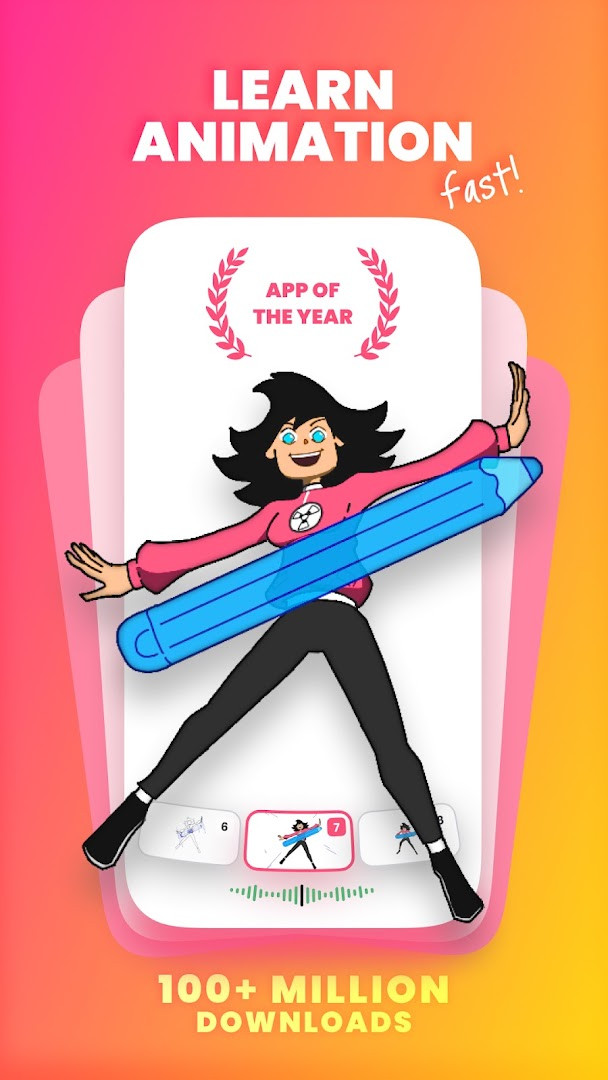
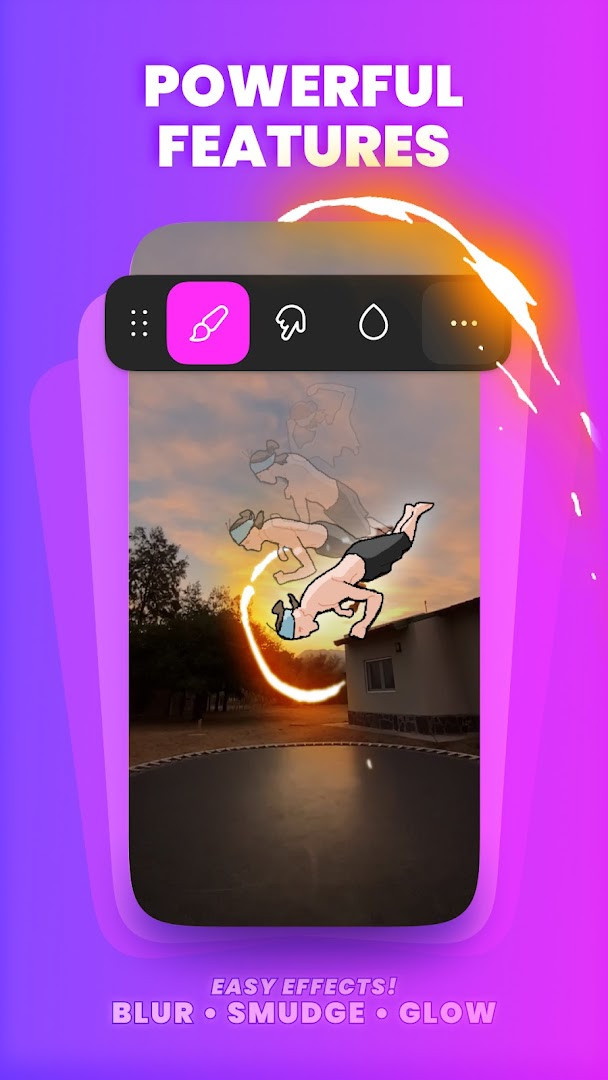
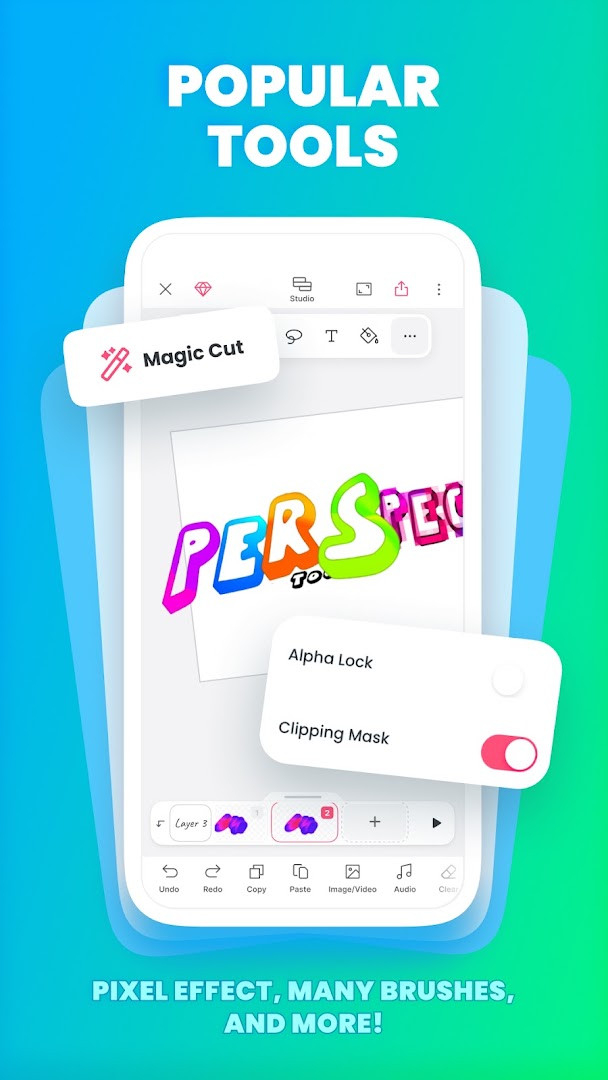
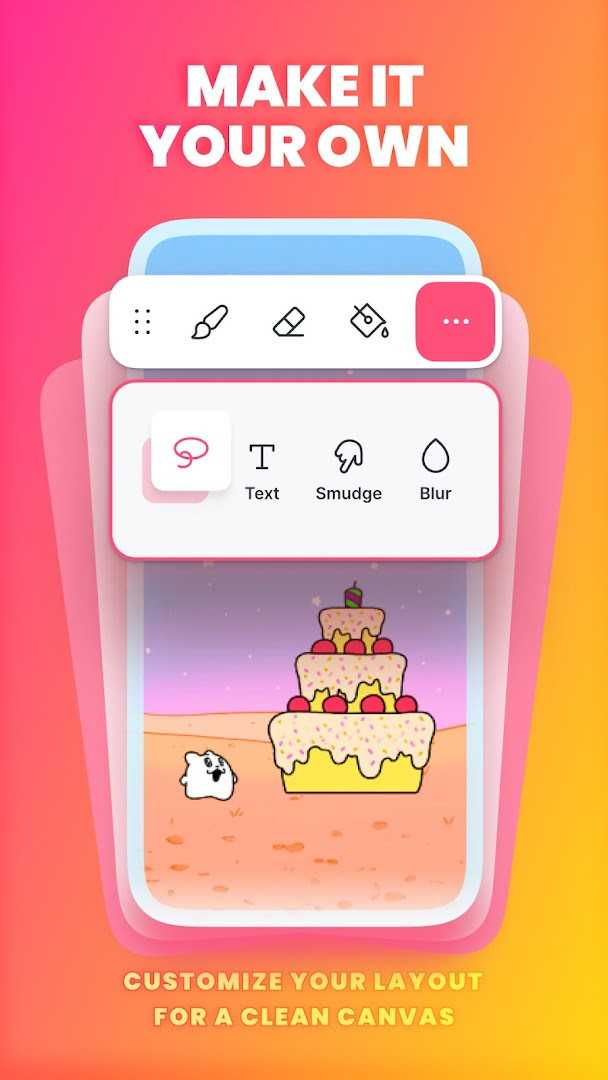
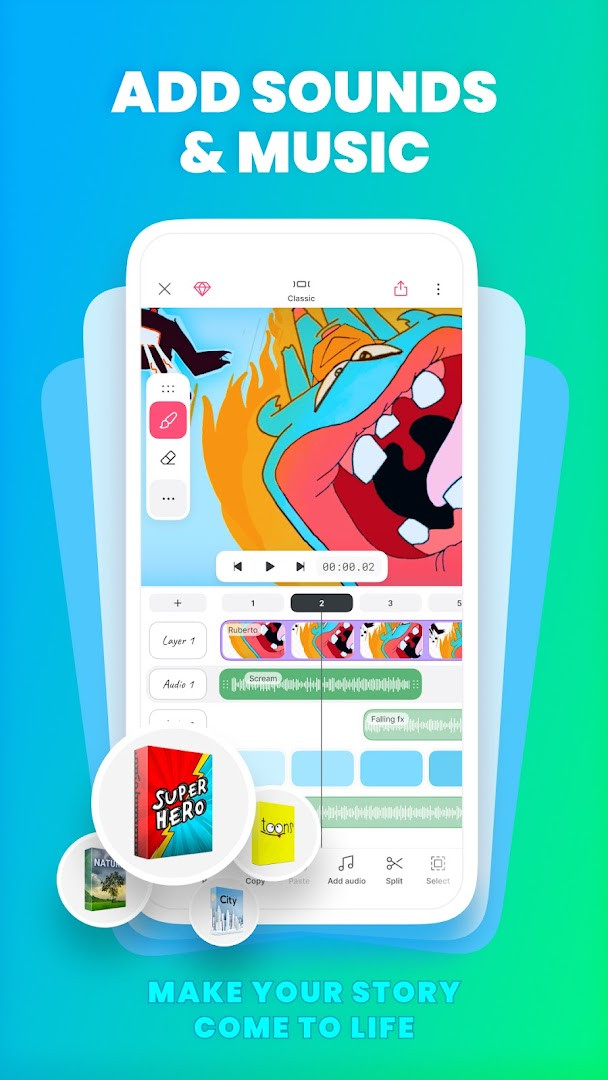
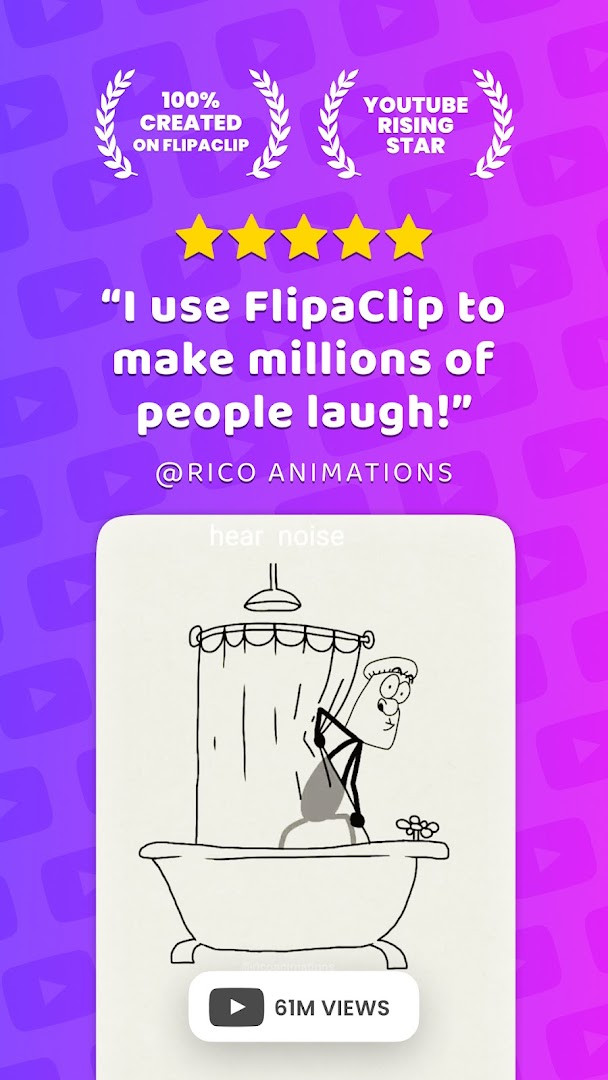
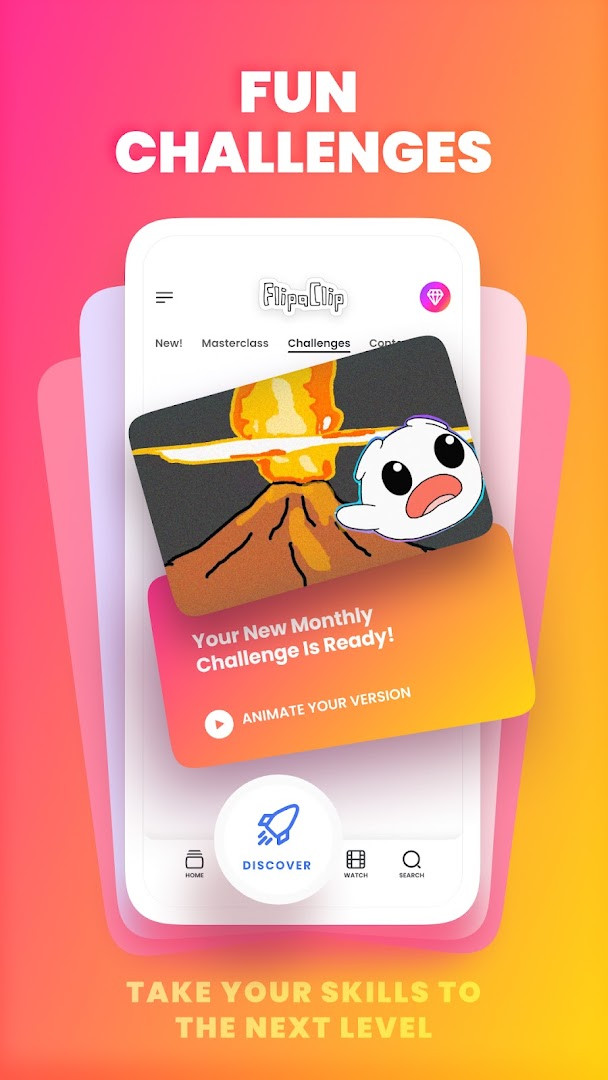
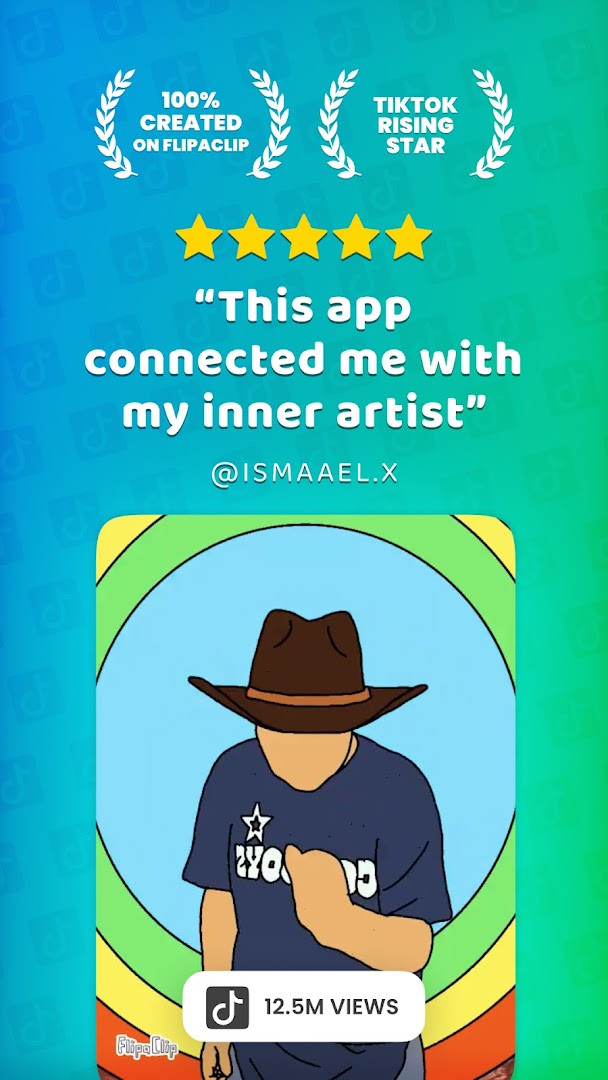
FlipaClip: Draw 2D Animation is a 2D animation and cartoon drawing app by Visual Blasters LLC that lets you create frame-by-frame animations, flipbooks, and short movies on your Android device. It solves the problem of making animation feel complicated by combining the simplicity of a flipbook with professional-grade editing tools, allowing you to draw, animate, add sound, and export videos or GIFs. The app addresses both beginners who want to learn animation and professionals who need storyboarding tools, doing so through an intuitive timeline, onion skinning, layers, and AI-powered features like Magic Cut and Voice Maker, all within a single workspace that keeps your project, frames, and audio together.
Key features
- Frame-by-frame animation timeline with total control and onion skin tool for smooth transitions
- Up to 10 layers (3 free) for complex drawings, plus glow effect and blending modes
- Import photos or videos to create rotoscope animations, and draw outside the canvas for references
- Export animations as MP4, GIF, or PNG with transparency, and share directly to social platforms
- AI Voice Maker for natural narration and Magic Cut to instantly slice images and objects from frames
- Add up to 6 free audio tracks, import custom sound effects or songs, and sync them to the timeline
- Pressure-sensitive stylus support for Samsung S Pen and SonarPen, plus brushes, fill, lasso, eraser, ruler, text, and shape tools
- Two editor layouts (Classic and Studio) with undo for everything, including deleting frames or layers
How to install
- Tap the download button on this page to get the APK file (file size not specified).
- When Android asks, allow your browser or file manager to install apps by enabling the 'Install unknown apps' setting.
- Open the downloaded APK file from your notifications or file manager.
- Tap Install and wait for the process to complete (minimum Android version required is 7.0).
- Open the app from your app drawer and start creating animations.
Pros
- Free to download with no upfront cost, though ads and in-app purchases exist
- Powerful animation tools including onion skin, layers, and rotoscoping
- AI features (Voice Maker and Magic Cut) enhance creative workflow
- Export options for MP4, GIF, and PNG with transparency
- Active community with challenges and shared creations
- Supports stylus input for precise drawing
Cons
- Requests broad permissions including Identity, Contacts, Photos/Media/Files, Storage, Microphone, and Wi-Fi connection information
- Contains ads which may interrupt the creative flow
- In-app purchases are present, potentially limiting some features
- Only 3 free layers out of 10, which may push users toward paid options
Latest changes · 5.1.0
FlipaClip 5.0.2 brings a streamlined project view that lets you see and edit your drawings, frames, and audio all in one place. You can now choose between two editor layouts—Classic for focused work or Studio for the full timeline—and draw outside the canvas to keep reference images nearby. The update also reduces copy-pasting with new frame stretching and looping options, adds the ability to undo almost any action including deletions, and makes projects lighter so they take up less space.
Previous versions
| Version | Size | Requires Android | Updated |
|---|---|---|---|
| 5.1.0 | — | 7.0 | Nov 9, 2026 |
| 5.0.2 | — | 7.0 | Oct 10, 2026 |
FlipaClip is designed for a wide range of creators, from absolute beginners curious about animation to professional artists building storyboards. It suits hobbyists who want to make simple flipbooks or stick figure animations, as well as YouTubers, TikTok creators, and influencers who need to produce short animated clips with sound and music. Students learning to animate, cartoon enthusiasts, and anime fans will also find the tools approachable, while the AI features and advanced timeline appeal to more experienced users. The app's community aspect, with weekly challenges and shared projects, makes it a good fit for those who enjoy collaborative or social creative environments.
Before installing, review the app's requested permissions and consider denying those that seem unnecessary, such as Contacts or Identity, if your Android version allows per-permission control. Use the onion skin tool early to plan motion, and take advantage of the 3 free layers to keep projects light. For audio, import your own sound effects to avoid relying on in-app purchases, and export as GIF for quick sharing on social media.
Permissions
Frequently asked questions
How many layers can I use in FlipaClip, and do I have to pay for all of them?
FlipaClip supports up to 10 layers for complex drawings. The first 3 layers are free, while additional layers require an in-app purchase.
What export formats does FlipaClip support for my finished animations?
You can export your animations as MP4 video, GIF, or PNG with transparency, giving you flexibility for sharing or further editing.
Does FlipaClip work with a stylus like the Samsung S Pen?
Yes, FlipaClip supports pressure-sensitive stylus input, including the Samsung S Pen and SonarPen, for more precise and natural drawing.
What new features were added in version 5.0.2?
Version 5.0.2 introduces a unified project view, two editor layouts (Classic and Studio), the ability to draw outside the canvas, frame stretching and looping, and expanded undo that covers frame and layer deletion.
Can I add audio to my animations in FlipaClip?
Yes, you can add up to 6 free audio tracks, import custom sound effects or songs, and use the AI Voice Maker to add narration, all synced to your animation timeline.
FlipaClip offers a robust yet accessible 2D animation experience that balances beginner-friendly drawing tools with professional features like layers, rotoscoping, and AI assistance. While it demands broad permissions and includes ads and purchases, its free core and export flexibility make it a practical choice for anyone exploring animation.
Similar apps
 SketchbookSketchbook is for anyone who loves to draw, from casual sketchers to professional illustrators, providing a distraction-free canvas to ca…Sketchbook · ★ 4.1 · Art & Design · 69 MB
 ibis Paint Xibis Paint X offers an intuitive, high-performance painting experience with over 130,000 brushes, 30,000+ materials, and 3,000+ fonts, ri…ibis inc. · ★ 4.5 · Art & Design · v14.1.6
 Canva: AI Photo & Video EditorCanva serves individuals, students, teachers, entrepreneurs, and social media managers who need to produce visual content without advance…Canva · ★ 4.8 · Art & Design · v2.385.0
 PENUP – Drawing-sharing SNSPENUP – Drawing-sharing SNS is a free social network focused on drawing, where users share their creations and interact with a global com…Samsung Electronics Co., Ltd. · ★ 4.5 · Art & Design · 97 MB
 Adobe Express: AI Photo, VideoAdobe Express: AI Photo, Video has over 100 million installs and a 4.62 rating from about 865,000 ratings. It requires Android 10 or high…Adobe · ★ 4.6 · Art & Design · v31.0.1
 Artrace: AR Easy Draw & SketchArtrace: AR Easy Draw & Sketch is for beginners and experienced artists who want to learn drawing or trace anything using their phone cam…Braly JSC · ★ 4.7 · Art & Design · v1.9.73
 Phonto - Text on PhotosPhonto - Text on Photos requires Android 10 or higher and includes ads plus in-app purchases, with an optional ad-free upgrade. The app o…youthhr · ★ 4.7 · Art & Design · v1.7.140
Updated: Nov 12, 2026
- Version
- 5.1.0
- Requires Android
- 7.0
- Updated
- Nov 9, 2026
- Installs
- 50M+
- Rating
- ★ 4.32 (800,777)
- Category
- Art & Design
- Developer
- Visual Blasters LLC
- Content rating
- Everyone
- Package
- com.vblast.flipaclip
- Free
- ✓ · Contains ads · In-app purchases