Phonto - Text on Photos: Add Text to Images
Phonto - Text on Photos is a free app by youthhr that lets you add text to photos.
Phonto - Text on Photos requires Android 10 or higher and includes ads plus in-app purchases, with an optional ad-free upgrade. The app offers more than 200 fonts, supports installing additional font files, and provides adjustable text size, color, rotation, stroke, background, spacing, and blend mode.
Get Phonto · v1.7.140Screenshots
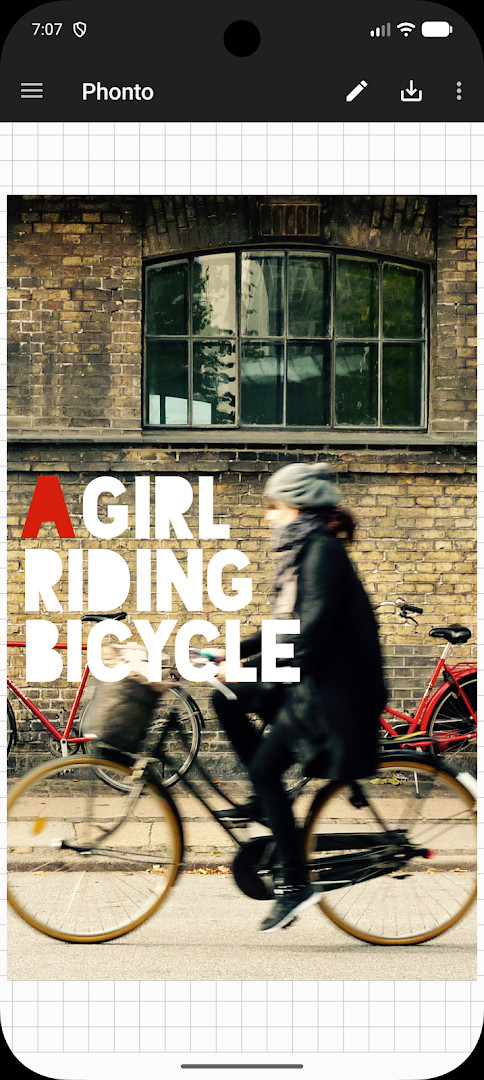
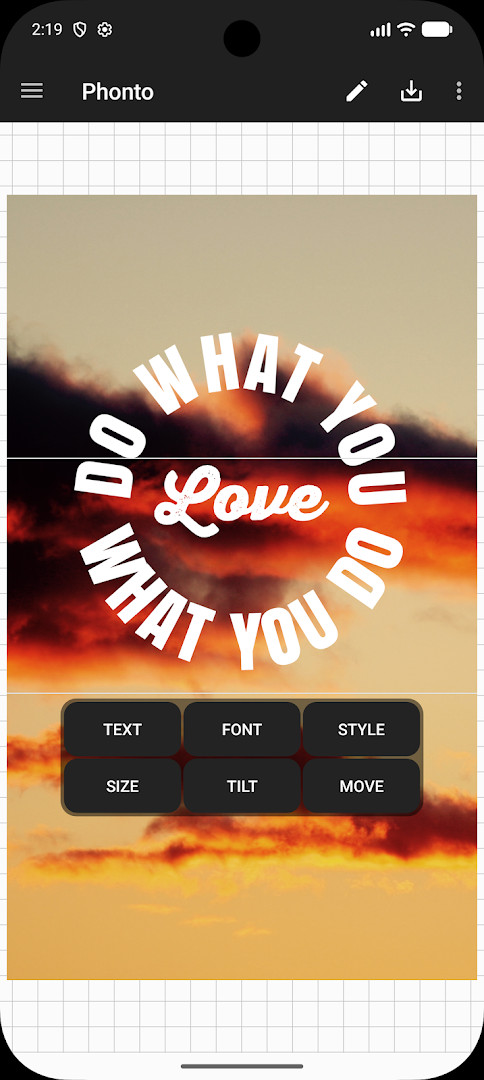
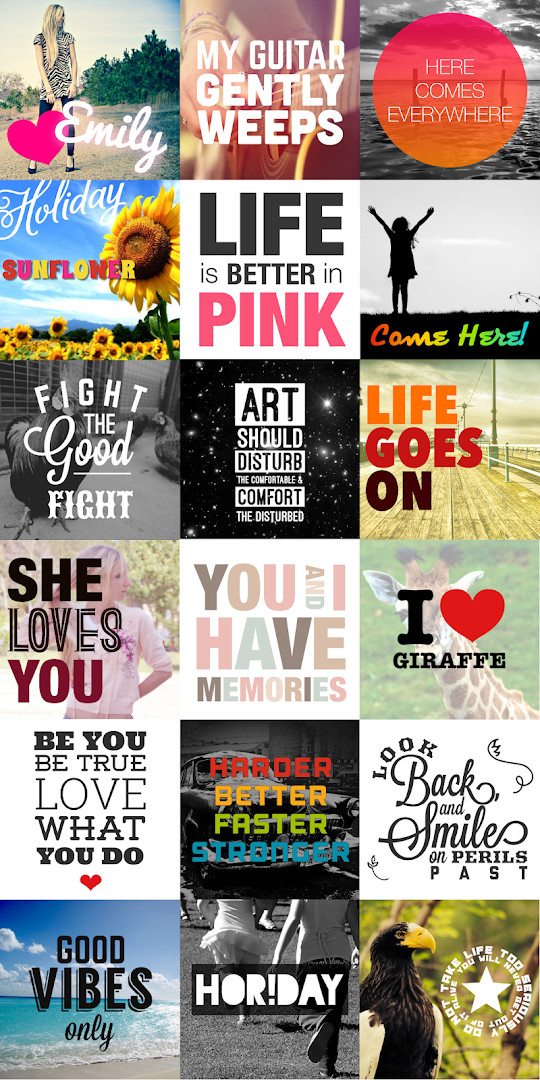
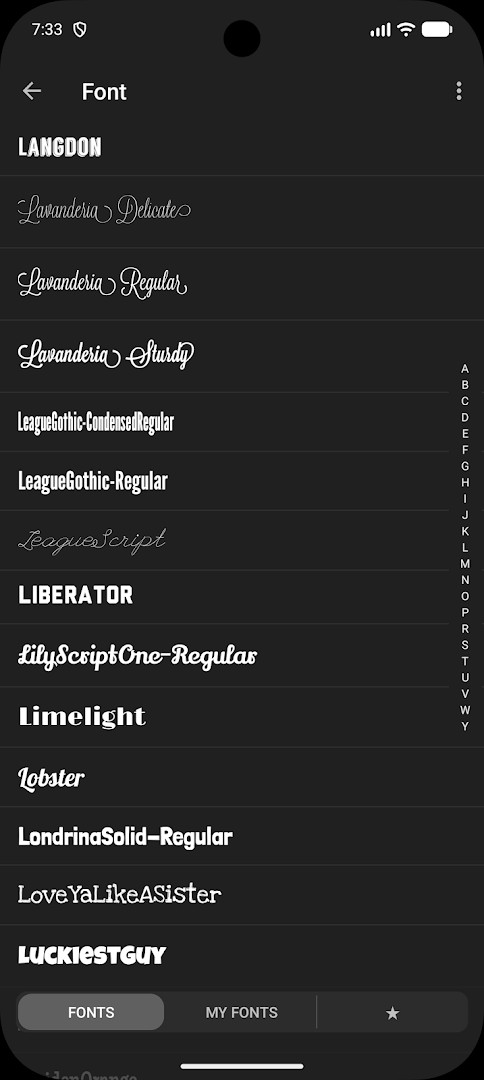
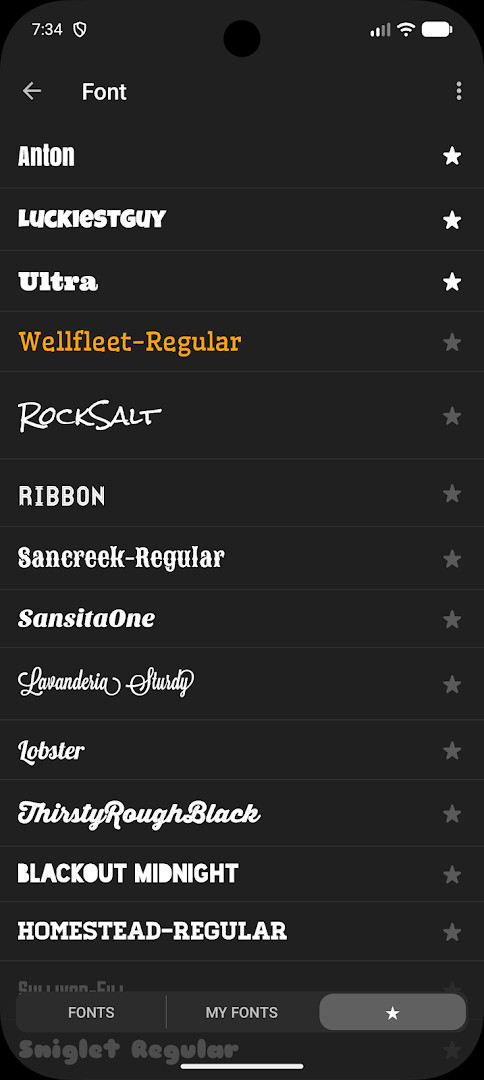
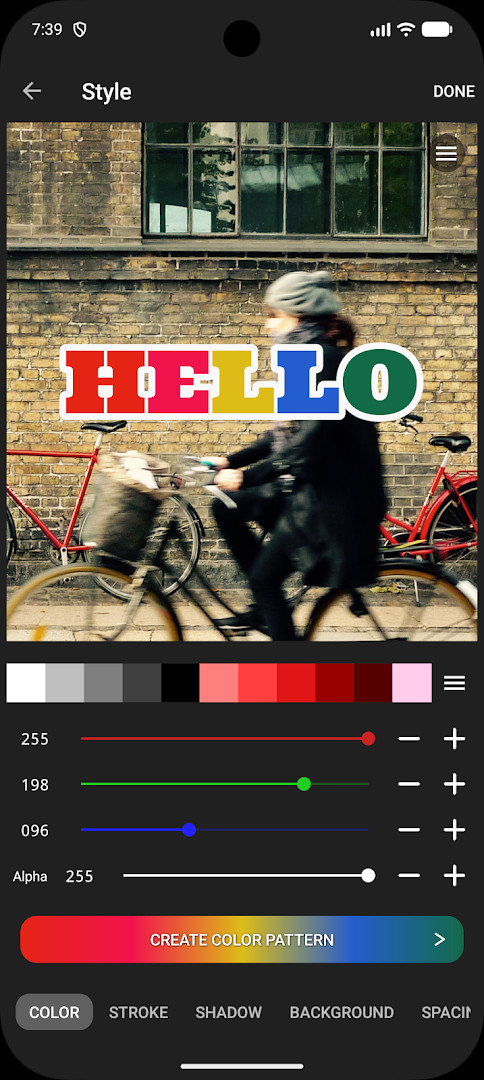
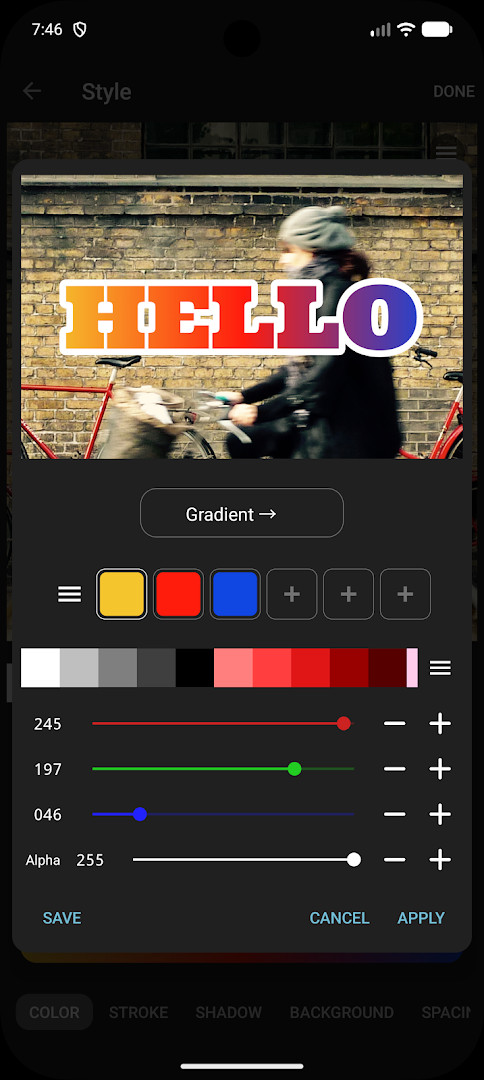
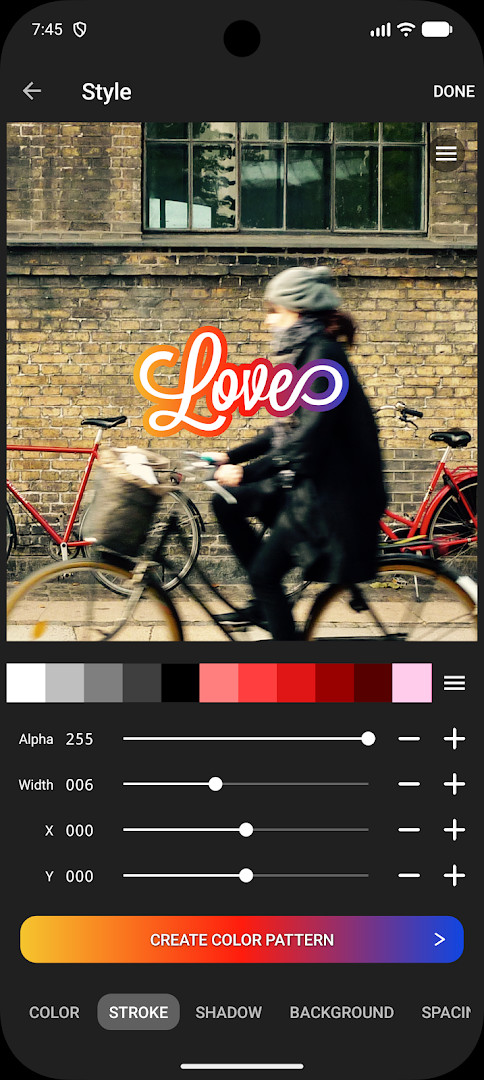
Phonto - Text on Photos is an Art & Design app by youthhr that lets you add text to your photos. It is a straightforward image annotation tool built around a large built-in font library, with support for importing additional fonts. The app has been available since 2012 and remains actively updated, with the current version 1.7.140 released in October 2026. It targets Android 10 and newer, and while the exact file size is not listed, the app is lightweight enough for most modern devices. With over 50 million installs and a rating of 4.73 from more than 568,000 users, it is a well-established choice for anyone who wants to put words on pictures quickly.
For an experienced user, the appeal lies in the combination of simplicity and depth. You can change text size, color, shadow, rotation, stroke color and width, background color, letter spacing, line spacing, and blend mode. More than 200 fonts come preloaded, and you can install your own TTF, OTF, or ZIP font files to expand the collection. The app includes ads and offers an in-app purchase to remove them, which is a common trade-off for free tools. This makes it suitable for casual users who need a quick caption, as well as for more demanding users who want precise typographic control without learning a full desktop editor.
Key features
- More than 200 fonts are available
- You can install other fonts
- Text size is changeable
- Text color is changeable
- Text shadow is changeable
- Text is rotatable
- Text stroke color and width are changeable
- Text background color is changeable
- Letter spacing is changeable
- Line spacing is changeable
How to install
- Tap the download button on this page to get the APK file for Phonto version 1.7.140. The exact file size is not listed, but the app requires Android 10 or newer.
- When Android asks for permission, allow your browser or file manager to install apps by enabling the 'Install unknown apps' setting for that app.
- Open the downloaded APK file from your notifications or Downloads folder.
- Tap Install and confirm the installation when prompted.
- Open the app from your app drawer or home screen and start adding text to photos.
Pros
- Large built-in font library with more than 200 fonts
- Supports importing your own TTF, OTF, and ZIP font files
- Wide range of text customization options including rotation, stroke, spacing, and blend mode
- Free to use with an optional in-app purchase to remove ads
- Long track record with frequent updates and a high user rating
Cons
- Contains ads, which can be intrusive during editing
- In-app purchase required to remove all advertisements
- Font installation requires manually checking licenses before use
- No advanced layer-based editing for complex compositions
Previous versions
| Version | Size | Requires Android | Updated |
|---|---|---|---|
| 1.7.140 | — | 10 | Oct 13, 2026 |
Phonto is for Android users who want a quick, flexible way to add captions or decorative text to photos, whether for social media posts, personal projects, or simple graphic design. It suits both casual users who need a one-tap solution and more experienced users who want to install custom fonts and fine-tune typography with options like stroke, spacing, and blend modes.
To install custom fonts, download a TTF, OTF, or ZIP file from a reputable source, then open it in Phonto. Always check the font license before use. If ads bother you, go to Settings in the app and purchase the Ad-Free option to remove them permanently.
Frequently asked questions
Is Phonto - Text on Photos free to download and use?
Yes, the app is free to download and use. It includes optional in-app purchases, such as an Ad-Free option that removes all advertisements, which you can buy from the app's Settings.
Which Android version is required to run Phonto?
Phonto requires Android version 10 or higher. If your device runs Android 10 or a newer version, you should be able to install and use the app.
How large is the Phonto APK file?
The file size is not specified on this page. You can download the latest version directly from this page without needing to know the exact size beforehand.
Do I need an account to use Phonto?
No account is required to use Phonto. You can download and start adding text to your photos right away without signing in or creating a profile.
What permissions does Phonto ask for?
The permissions are not listed in the data provided. Typically, an app like this may request access to your photos or storage to load and save images, but no specific permission details are available here.
How do I update Phonto to a newer version?
To update, simply download the newest version from this page and install it over your current installation. The latest version available here is 1.7.140, updated on 2026-10-13.
Phonto - Text on Photos delivers a reliable and feature-rich way to add text to images without complexity. With hundreds of built-in fonts, custom font support, and a deep set of typography controls, it remains a strong choice for both quick captions and more deliberate text overlays. The presence of ads is a minor drawback, but the optional ad-free purchase and the app's proven track record make it a worthwhile tool for Android users.
Similar apps
 Canva: AI Photo & Video EditorCanva serves individuals, students, teachers, entrepreneurs, and social media managers who need to produce visual content without advance…Canva · ★ 4.8 · Art & Design · v2.385.0
 PENUP – Drawing-sharing SNSPENUP – Drawing-sharing SNS is a free social network focused on drawing, where users share their creations and interact with a global com…Samsung Electronics Co., Ltd. · ★ 4.5 · Art & Design · 97 MB
 SketchbookSketchbook is for anyone who loves to draw, from casual sketchers to professional illustrators, providing a distraction-free canvas to ca…Sketchbook · ★ 4.1 · Art & Design · 69 MB
 Adobe Express: AI Photo, VideoAdobe Express: AI Photo, Video has over 100 million installs and a 4.62 rating from about 865,000 ratings. It requires Android 10 or high…Adobe · ★ 4.6 · Art & Design · v31.0.1
 ibis Paint Xibis Paint X offers an intuitive, high-performance painting experience with over 130,000 brushes, 30,000+ materials, and 3,000+ fonts, ri…ibis inc. · ★ 4.5 · Art & Design · v14.1.6
 Artrace: AR Easy Draw & SketchArtrace: AR Easy Draw & Sketch is for beginners and experienced artists who want to learn drawing or trace anything using their phone cam…Braly JSC · ★ 4.7 · Art & Design · v1.9.73
 FlipaClip: Draw 2D AnimationFlipaClip is for artists, students, and hobbyists who want to turn simple drawings into animated clips without learning complex software.…Visual Blasters LLC · ★ 4.3 · Art & Design · v5.1.0
Updated: Nov 8, 2026
- Version
- 1.7.140
- Requires Android
- 10
- Updated
- Oct 13, 2026
- Installs
- 50M+
- Rating
- ★ 4.73 (568,679)
- Category
- Art & Design
- Developer
- youthhr
- Content rating
- Everyone
- Package
- com.youthhr.phonto
- Free
- ✓ · Contains ads · In-app purchases