POCO Launcher 2.0 - Customize, Home Screen Personalization
POCO Launcher 2.0 - Customize, is a free personalization app by Xiaomi Inc. that lets you customize wallpapers, themes, and animations.
POCO Launcher 2.0 - Customize, is a 27 MB launcher that requires Android 8.0 or later and includes ads, with no in-app purchases. It offers app hiding, automatic grouping, icon resizing, and dark mode. The app suits users who want a fast, minimalist home screen with extensive personalization options.
Get POCO Launcher · v2.7.4.39Screenshots
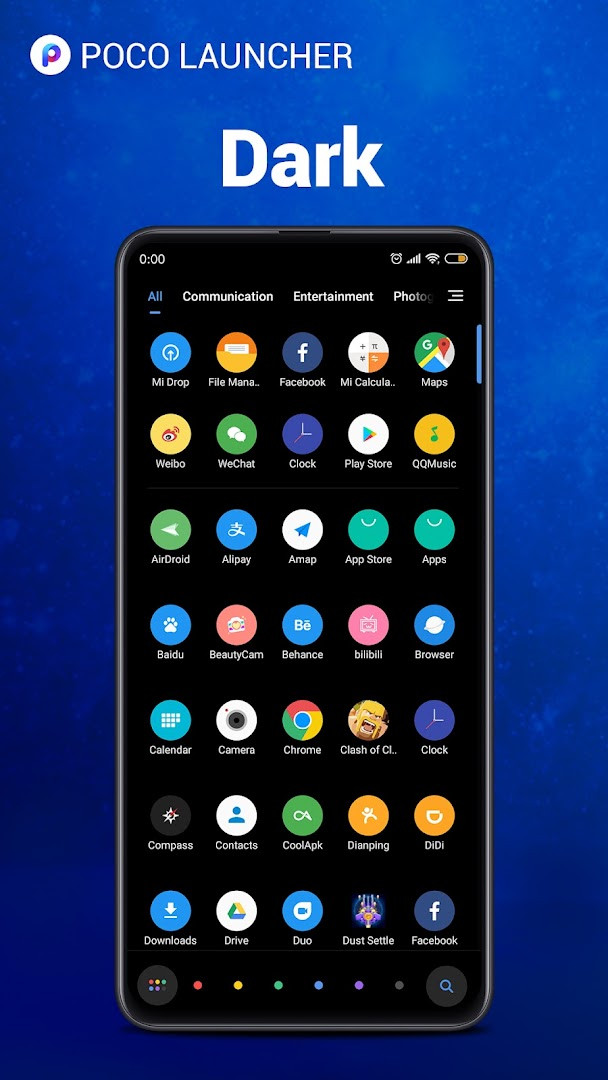
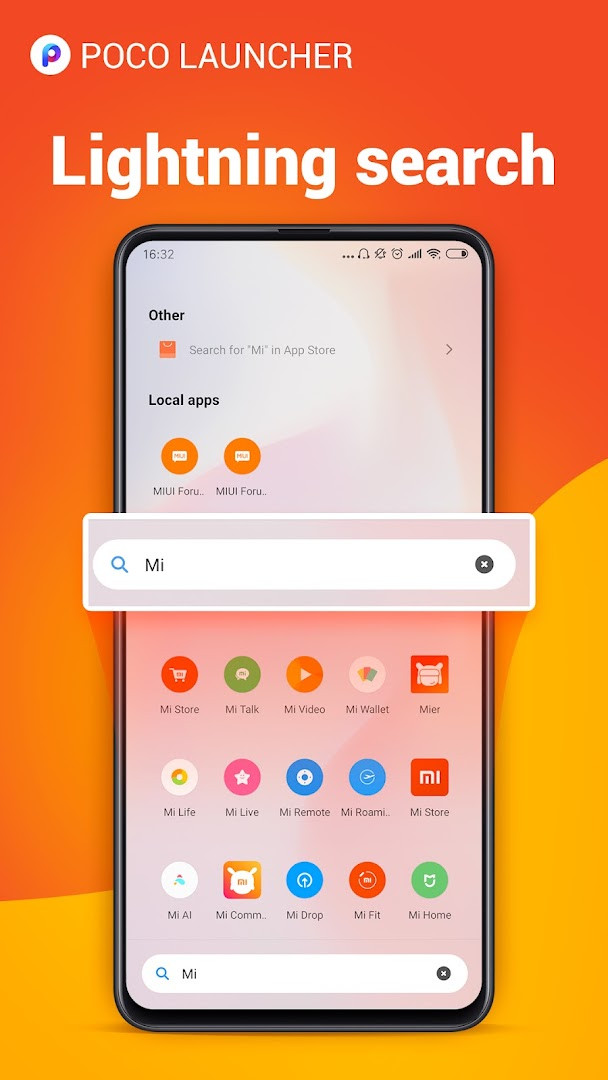
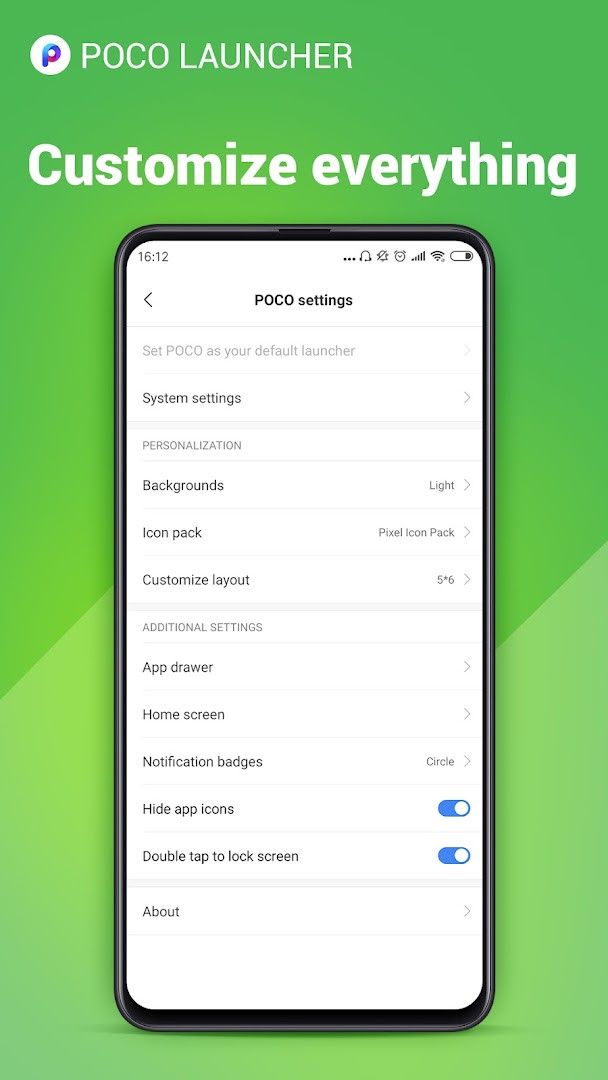
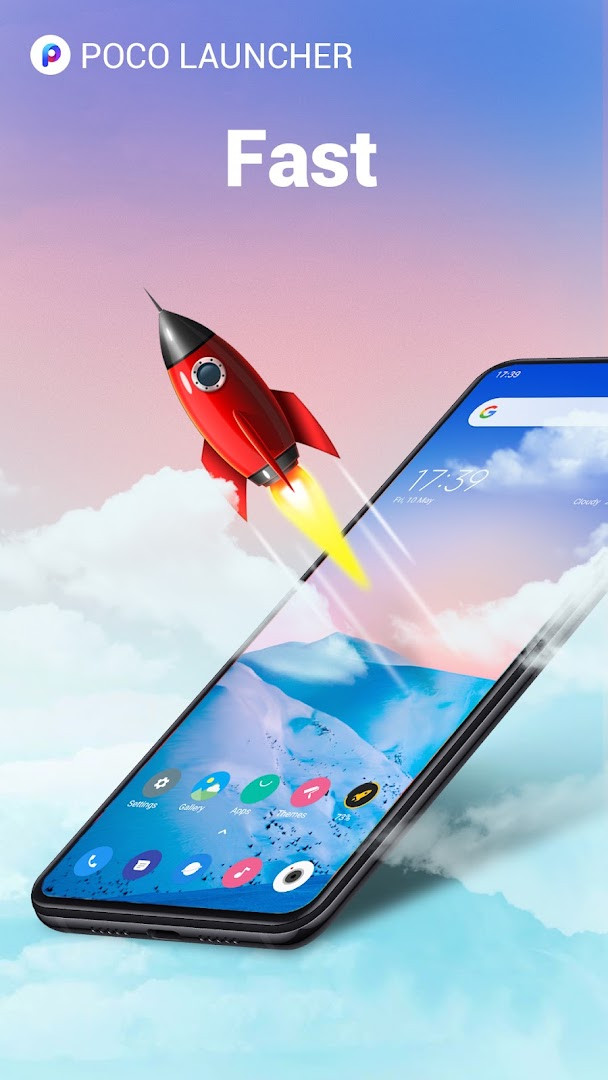
POCO Launcher 2.0 - Customize is a home screen replacement app by Xiaomi Inc. that lets you personalize your Android device's interface and organize your apps more efficiently. If you feel your phone's default launcher is cluttered or slow, this app offers a cleaner alternative by moving all apps into a single app drawer, which keeps your home screen tidy. It solves the problem of a disorganized or sluggish interface by providing a lightweight design, fast animations, and tools to group, search, and hide apps. The launcher also includes customization options for wallpapers, themes, icon sizes, and notification badge styles, giving you control over how your device looks and feels without requiring technical expertise. It is designed to be simple enough for beginners while offering enough depth for those who like to tweak their setup. The app is free to use and includes ads, but it does not offer in-app purchases. With over 100 million installs and a rating of 4.47 based on more than 711,000 reviews, it has a large user base. The current version is 2.7.4.39, released in March 2023, and it requires Android 8.0 or later. The file size is 27 MB, making it a relatively small download. The launcher was originally released in October 2018 and has been updated since then to add features like dark mode and double-tap-to-lock. Overall, it aims to provide a fast, customizable home screen experience for a wide range of Android phones.
Key features
- Minimalist design that moves all apps into an app drawer to keep the home screen clean and uncluttered.
- Personalization options to resize the home screen layout and app icons, and apply custom wallpapers, themes, and animations.
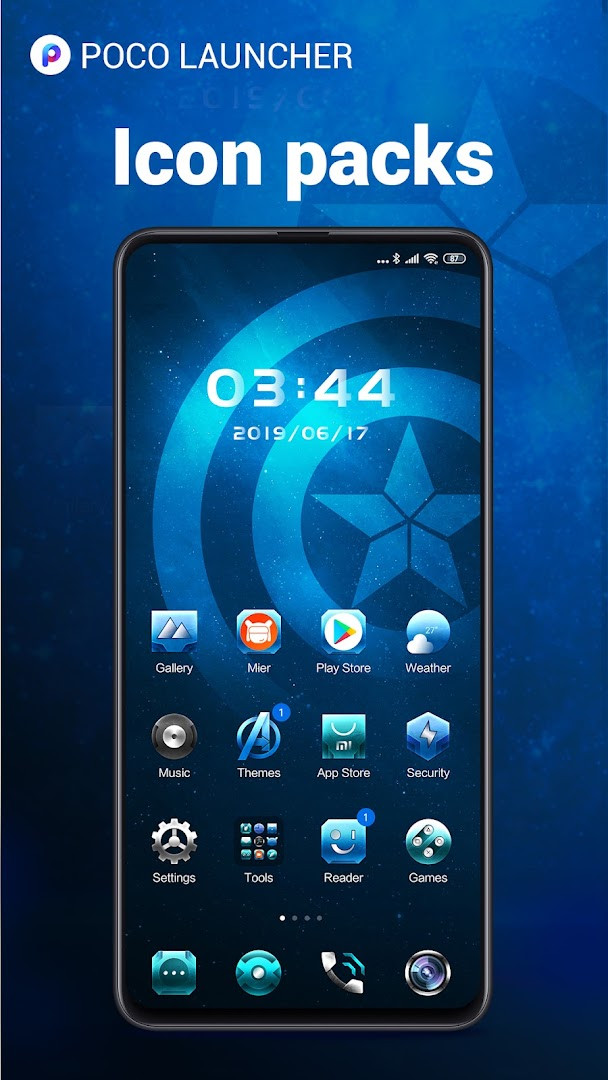
- Support for third-party icon packs so you can change the look of your app icons.
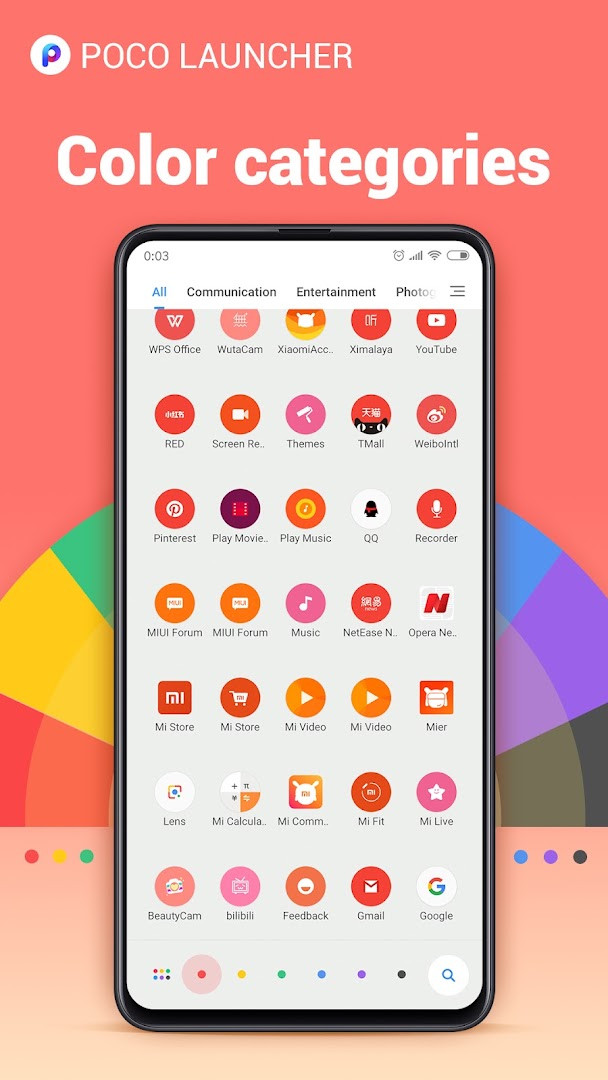
- Convenient search with app suggestions and icon color categories to help you find apps faster.
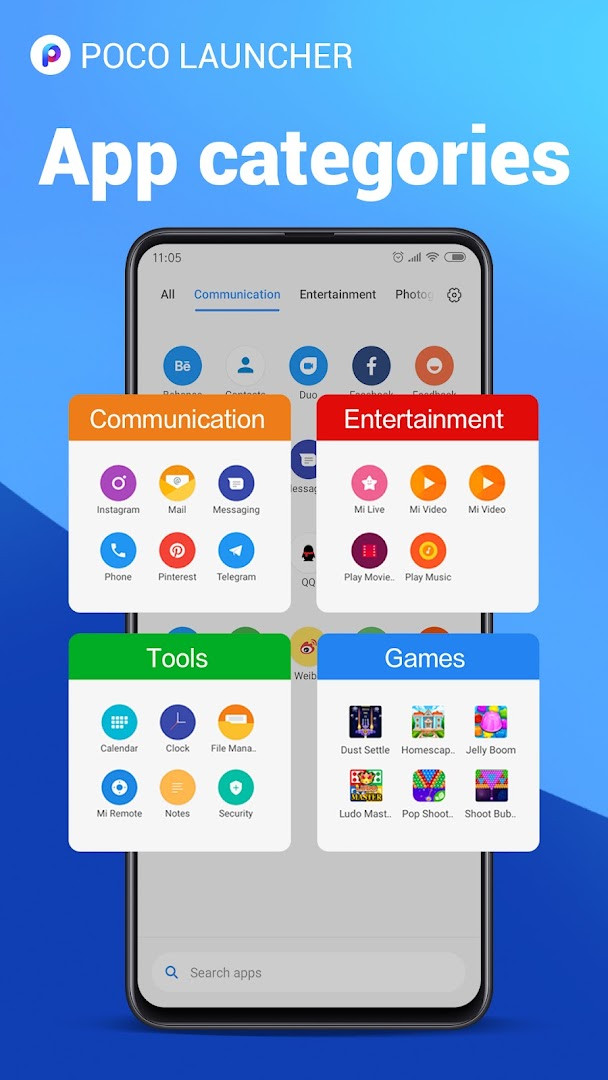
- Automatic grouping of apps by category, or you can create custom groups for quick access.
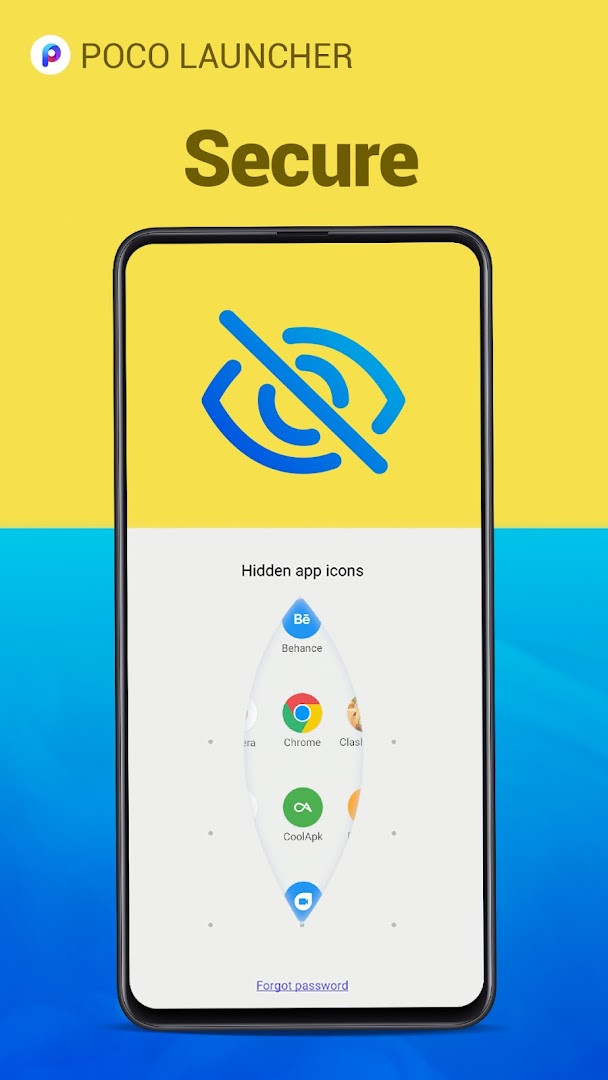
- Privacy feature to hide app icons, keeping certain apps private on your device.
- Dark mode support for a more comfortable viewing experience in low-light conditions.
- Double-tap on the screen to lock the device, adding a quick way to secure your phone.
- Notification badge styles (Dots or Count) can be changed if your device runs Android 8.0 or later.
- Ability to lock home screen icons to prevent accidental changes or rearrangements.
How to install
- Tap the download button on this page to start getting the APK file, which is 27 MB in size.
- When your browser or file manager asks for permission, allow it to install apps by enabling the 'Install unknown apps' setting in your device's security options.
- Open the downloaded APK file from your notification bar or file manager.
- Tap the Install button when prompted, and wait for the installation to finish.
- Open the app from your app drawer or home screen, and follow the setup prompts to apply the launcher.
- Make sure your device runs Android 8.0 or higher to install and use this app successfully.
Pros
- Fast and lightweight performance, optimized for smooth animations and quick response.
- Highly customizable with wallpapers, themes, icon sizes, and third-party icon packs.
- Clean minimalist design that reduces home screen clutter by using an app drawer.
- Useful privacy feature to hide apps from view.
- Free to download and use with no in-app purchases required.
- Large user base and generally positive ratings indicate reliability.
Cons
- Contains ads, which may interrupt the user experience.
- Requires a broad set of permissions, including access to identity, location, contacts, and phone data, which some users may find excessive.
- No in-app purchases means you cannot pay to remove ads or unlock premium features.
- May not be fully compatible with all phone models, though support has been extended.
Latest changes · 2.7.4.39
Version 2.7.4.39 focuses on stability and smoothness. It fixes several bugs and optimizes performance to improve overall fluency. No new features are introduced in this update; the changes are limited to refinements and reliability improvements.
Previous versions
| Version | Size | Requires Android | Updated |
|---|---|---|---|
| RELEASE-5.39.35.11203-05301911 | 22 MB | 13 | Jun 12, 2025 |
| RELEASE-5.39.35.10841-03212122 | 22 MB | 13 | Apr 30, 2025 |
| RELEASE-5.39.35.10556-02142213 | 21 MB | 13 | Mar 13, 2025 |
| RELEASE-4.39.14.7578-01311601 | 38 MB | 11 | Feb 22, 2024 |
| 2.7.4.43 | 27 MB | 8.0 | Aug 27, 2023 |
| 2.7.4.39 | 27 MB | 8.0 | Mar 13, 2023 |
| RELEASE-4.39.5.5856-01041951 | 24 MB | 7.0 | Jan 30, 2023 |
| 2.7.4.10 | 22 MB | 5.0 | Sep 2, 2020 |
This app is ideal for Android users who feel their default home screen is cluttered or slow and want a simpler, more customizable alternative. It is well-suited for beginners because the setup is straightforward and the interface is intuitive, allowing you to easily move apps into a drawer, search for them by color or suggestion, and group them automatically. If you like to personalize your phone's look with wallpapers, themes, or icon packs, you will appreciate the flexibility. It is also useful for people who value privacy and want to hide certain apps from the main screen. The dark mode and double-tap-to-lock features add convenience for everyday use. However, if you are uncomfortable with the app requesting access to your identity, location, contacts, and other personal data, you may want to review its permissions before installing. Overall, it targets anyone looking for a fast, clean, and adjustable home screen experience on Android 8.0 or later.
To get the most out of this launcher, start by exploring the app drawer to see how your apps are grouped automatically, then create custom groups for frequently used apps. You can also try applying a third-party icon pack to change the look of your icons, and use the search feature with color categories to find apps quickly. If you want to keep your home screen clean, hide less-used apps from view. For a more comfortable nighttime experience, enable dark mode. Consider locking your home screen icons after you have arranged them to avoid accidental changes. Remember that the app includes ads, so be prepared for occasional promotions.
Permissions
Frequently asked questions
What Android version do I need to run POCO Launcher 2.0?
The launcher requires Android 8.0 or later, and it is fully compatible with Android Q (Android 10) according to the developer.
Does the launcher hide apps to keep them private?
Yes, you can keep apps private by hiding their icons, which is one of the listed privacy features.
Can I change how notification badges appear on Android 8.0 and above?
Yes, if your device runs Android 8.0 or later, you can switch the style of notification badges between Dots and Count.
Is dark mode available in this version?
Yes, dark mode is included as part of the app's features.
Can I lock the home screen icons to prevent accidental moves?
Yes, the launcher lets you lock home screen icons, and you can also double tap the screen to lock the device.
POCO Launcher 2.0 - Customize is a reliable and fast home screen replacement that offers a good balance of simplicity and personalization for Android users. It is a solid choice for beginners who want a cleaner interface and more control over their device's appearance, despite the presence of ads and broad permissions.
Similar apps
 Weather - By XiaomiWeather - By Xiaomi requires Android 7.0 or newer and has a size of 18 MB. Weather - By Xiaomi contains no ads and no in-app purchases. W…Xiaomi Inc. · ★ 4.1 · Weather · 18 MB
 Microsoft SwiftKey AI KeyboardMicrosoft SwiftKey AI Keyboard supports over 700 languages and can handle up to five languages at once. The app includes ads but offers n…SwiftKey · ★ 4.3 · Personalization · v9.13.20.4
 HiOS Launcher - FastHiOS Launcher - Fast is 66 MB in size and requires Android 9 or higher. The launcher includes ads but does not offer in-app purchases. It…Transsion Holdings · ★ 4.0 · Personalization · 70 MB
 Zedge™ Wallpapers & RingtonesZedge™ Wallpapers & Ringtones is a personalization app by Zedge that helps users customize their devices with a large collection of wallp…Zedge · ★ 4.7 · Personalization · 24 MB
 Parallel Space - app cloningParallel Space - app cloning is aimed at people who need separate personal and work accounts, extra game profiles, or a private spot for …LBE Tech · ★ 4.1 · Personalization · 58 MB
 Fonts KeyboardFonts Keyboard offers dozens of font styles, symbols, and kaomojis for use across messaging apps and social media platforms. It is free t…Fonts Keyboard · ★ 3.9 · Personalization · v5.0.93.52319
 Themepack - App Icons, WidgetsThemepack - App Icons, Widgets offers over 10,000 functional widgets, icons, and wallpapers, plus DIY tools for customizing icon styles, …YoloTech · ★ 4.6 · Personalization · v1.0.0.4389
 Facemoji AI Emoji KeyboardFacemoji AI Emoji Keyboard suits users who want to personalize messaging with emoji art, custom stickers, and themed keyboards. It offers…Nexileap · ★ 4.7 · Personalization · v3.7.0
More from this developer
Updated: Nov 18, 2026
- Version
- 2.7.4.39
- Size
- 27 MB
- Requires Android
- 8.0
- Updated
- Mar 13, 2023
- Installs
- 100M+
- Rating
- ★ 4.47 (711,545)
- Category
- Personalization
- Developer
- Xiaomi Inc.
- Content rating
- Everyone
- Package
- com.mi.android.globallauncher
- Free
- ✓ · Contains ads