Parallel Space - app cloning for Android
Parallel Space - app cloning is a personalization app from LBE Tech for running multiple accounts of the same app on one device.
Parallel Space - app cloning is aimed at people who need separate personal and work accounts, extra game profiles, or a private spot for sensitive apps on a single phone. The app is free to download and supports Android 7.0 and newer at a size of 58 MB, with an optional Pro plan that lifts the free limit of two simultaneous accounts.
Download Parallel Space · v4.0.9620Screenshots
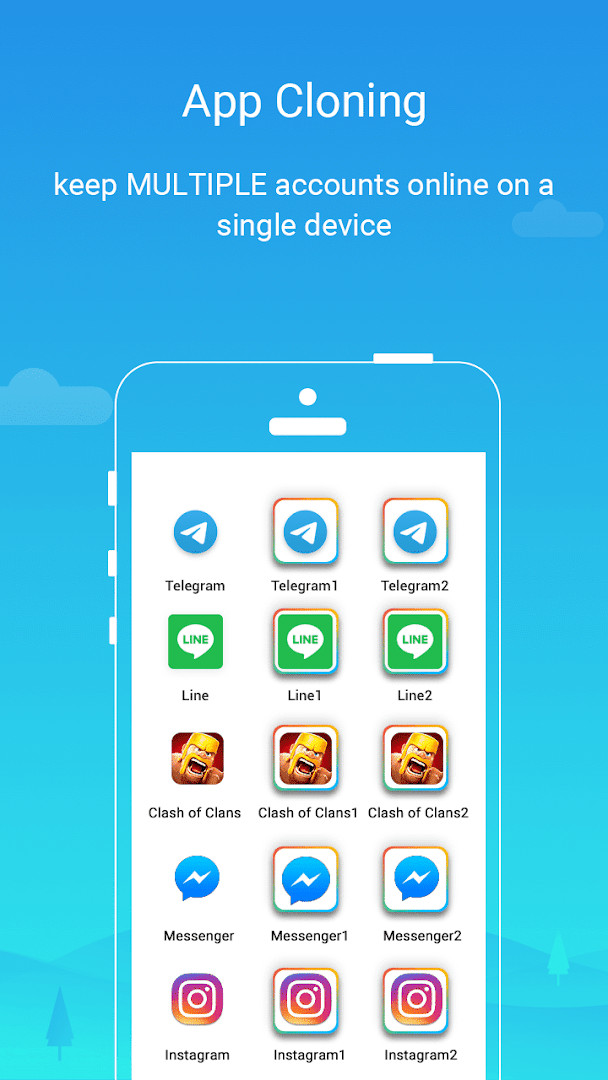
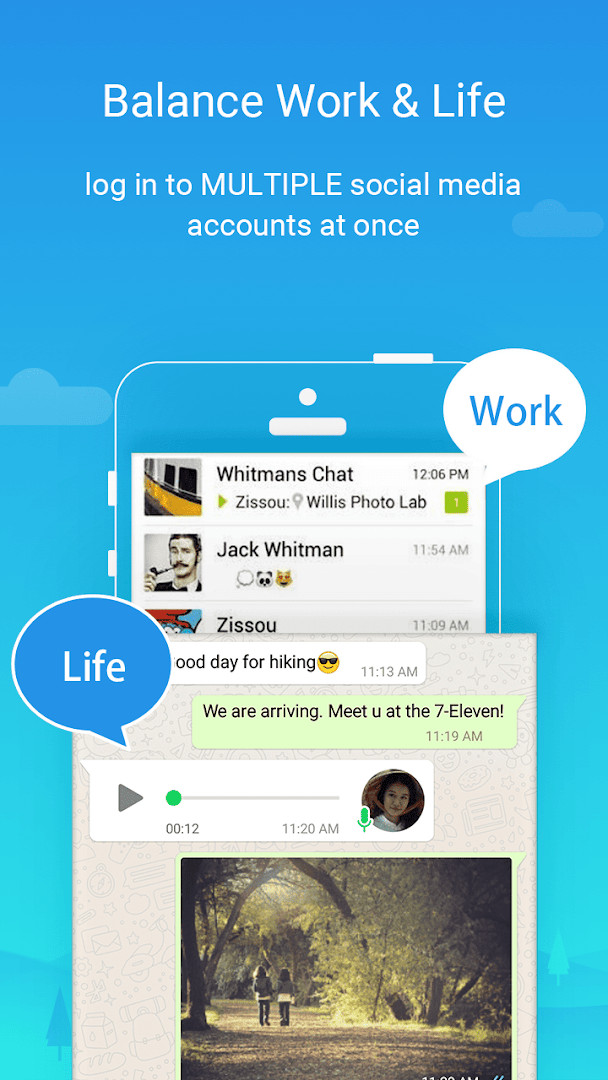
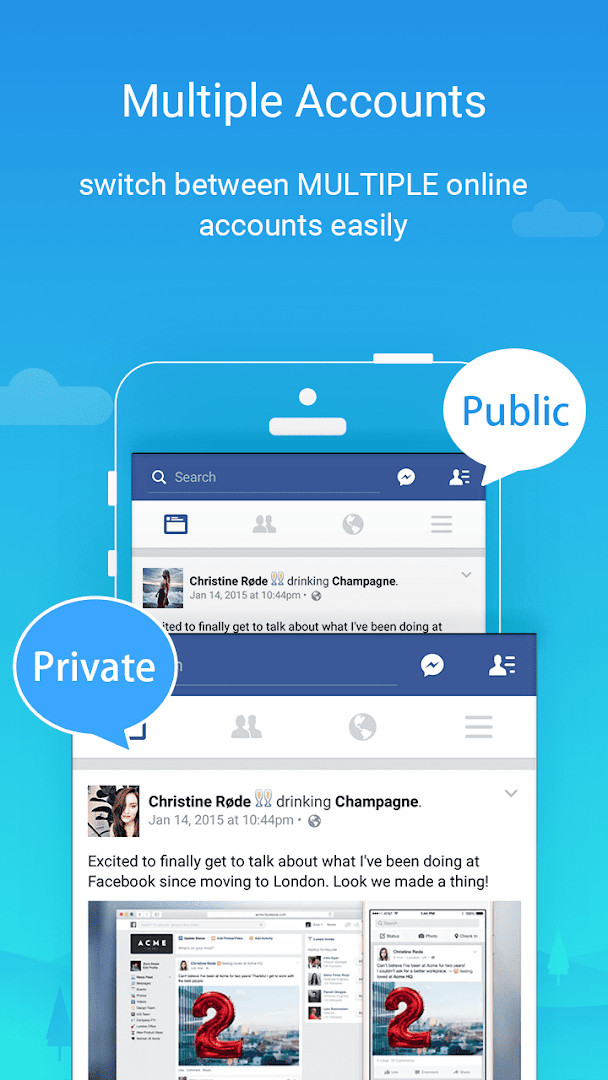
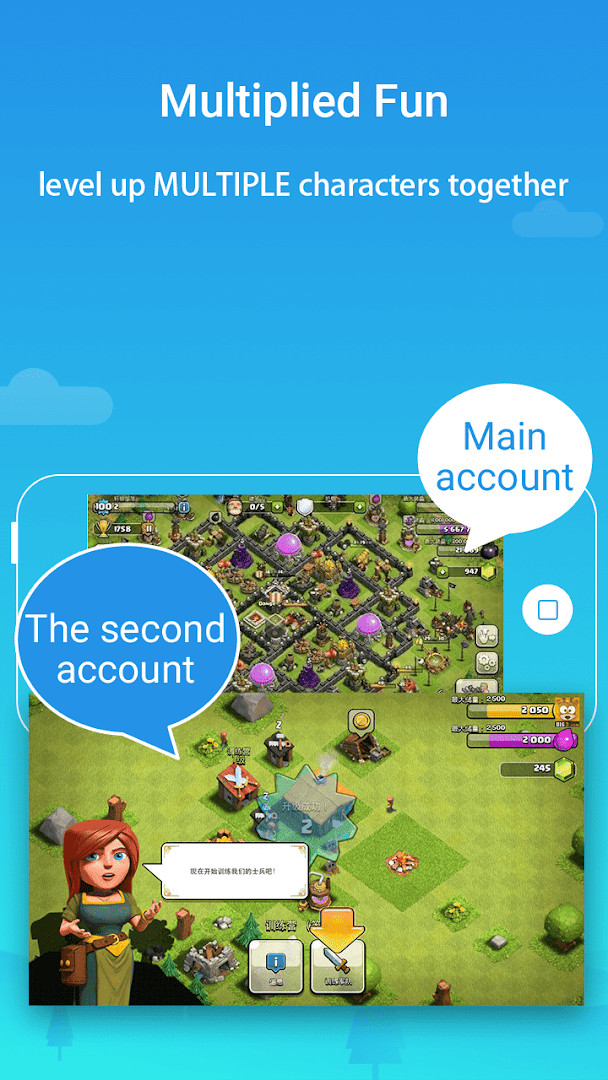
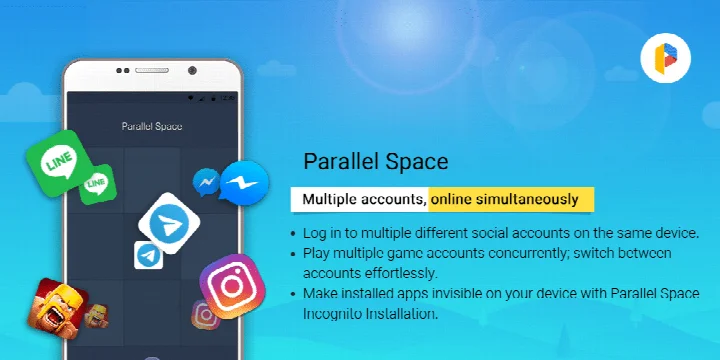
Parallel Space - app cloning is a personalization utility by LBE Tech that lets you run multiple accounts of the same app simultaneously on a single Android device. It addresses the common need to keep personal and work profiles separate, or to manage several game or social media identities, without requiring a second phone. The app creates an isolated virtual environment using its multiDroid engine, so each cloned app operates as an independent instance with its own data and login state. It also offers an Incognito Installation feature that can hide cloned apps from the device's main app drawer, adding a layer of privacy. By handling the technical complexity of virtualization, Parallel Space lets you switch between accounts with a single tap while keeping each account's data organized and separate. The tool is free to use with ads and in-app purchases, and it supports a wide range of Android apps, though some with specific security flags are not compatible.
Key features
- Run two accounts simultaneously on the free plan, with the option to upgrade to Pro for unlimited concurrent accounts
- Incognito Installation hides selected apps so they are not visible on your device, protecting your privacy
- Secure lock feature adds an extra layer of protection to sensitive apps within your private space
- Switch between multiple running accounts seamlessly with a single tap
- Keep personal and work accounts separated, with each account's data stored independently
- Built on multiDroid, described as the first application virtualization engine for Android
- Supports 24 languages and is compatible with most Android apps
- Includes a Task Manager and Storage options to monitor resource usage of cloned apps
How to install
- Tap the download button on this page to obtain the APK file, which is about 58 MB in size.
- When Android prompts you, allow your browser or file manager to install apps by enabling the 'Install unknown apps' setting for that app.
- Open the downloaded APK file from your notifications or file manager.
- Tap Install and wait for the process to complete; the app requires Android 7.0 or higher.
- Once installed, open Parallel Space and follow the on-screen setup to start cloning your apps.
Pros
- Enables multiple accounts for social media, games, and work apps
- Incognito Installation helps keep cloned apps hidden from view
- Secure lock adds privacy for sensitive apps
- Seamless switching between accounts with a single tap
- Free to use with optional Pro upgrade for more concurrent accounts
- Compatible with most Android apps and supports 24 languages
Cons
- Includes ads, which may interrupt the user experience
- Offers in-app purchases, with the free tier limited to only two simultaneous accounts
- Requests a broad set of permissions, including location, camera, microphone, contacts, and storage
- Some apps that declare the REQUIRE_SECURE_ENV flag are not supported for cloning
- May consume significant device resources, though most usage is attributed to the cloned apps themselves
Latest changes · 4.0.9620
Version 4.0.9620 adds full compatibility with Android 15 and improves overall performance. It also fixes several known bugs and now supports multiple accounts running at the same time, not just two. Support for cloning apps that require the REQUIRE_SECURE_ENV flag has been discontinued.
Previous versions
| Version | Size | Requires Android | Updated |
|---|---|---|---|
| 4.0.9544 | 46 MB | 7.0 | Nov 2, 2026 |
| 4.0.9548 | 46 MB | 7.0 | Nov 2, 2026 |
| 4.0.9620 | 58 MB | 7.0 | Oct 21, 2026 |
| 4.0.9614 | 58 MB | 7.0 | Sep 23, 2026 |
| 4.0.9618 | 58 MB | 7.0 | Sep 23, 2026 |
| 4.0.9553 | 46 MB | 7.0 | Mar 18, 2026 |
| 4.0.9274 | 16 MB | 4.4 | Jan 13, 2026 |
| 4.0.9403 | 18 MB | 9 | Dec 1, 2025 |
| 4.0.9001 | 11 MB | 4.0.3 | Dec 1, 2025 |
| 4.0.9500 | 34 MB | 5.0 | Nov 6, 2025 |
Parallel Space is suited for individuals who need to maintain multiple identities or accounts on one phone, such as employees wanting to separate work and personal messaging, gamers leveling up several characters at once, or social media users managing different profiles. It also appeals to privacy-conscious users who want to hide certain apps from the main launcher using the Incognito feature. However, given the broad permissions required and the presence of ads and in-app purchases, it is best for those who are comfortable with these trade-offs and who use apps that are compatible with the virtualization engine.
To ensure notifications from social apps inside Parallel Space arrive reliably, add Parallel Space to the whitelist or exception list of any battery booster or task manager app. Also, for social networking apps, each account must be linked to a unique active mobile number during verification, so keep those numbers ready. You can monitor how much storage and memory your cloned apps consume via the Storage and Task Manager options in settings.
Permissions
Frequently asked questions
How many accounts can I run at once with the free plan, and what does upgrading to Pro change?
With the free plan, you can run two accounts simultaneously. Upgrading to the Pro plan unlocks the ability to run multiple accounts at the same time, and the latest version supports concurrent online for more than two accounts.
What does the Incognito Installation feature do?
Incognito Installation makes apps added to Parallel Space invisible on your device, which helps protect your privacy by keeping sensitive apps hidden from view.
Why might some apps not work inside Parallel Space?
Some apps are not supported due to policy or technical limitations, particularly those that declare the REQUIRE_SECURE_ENV flag. The latest update discontinued support for cloning apps with that flag.
What should I do if notifications from social apps inside Parallel Space are delayed or missing?
For optimal notification functionality with certain social networking apps, consider adding Parallel Space to the whitelist or exception list of any booster or task management apps you use.
Why does Parallel Space ask for a mobile number when setting up social accounts?
Some social networking apps require each account to be associated with a unique mobile number. Ensure the number you provide is active so it can receive the verification code during setup.
Parallel Space offers a practical way to run multiple accounts and hide apps, but its value depends on your willingness to accept ads, in-app purchases, and a wide permission set. Consider your privacy needs and device resources before relying on it for sensitive activities.
Similar apps
 Microsoft SwiftKey AI KeyboardMicrosoft SwiftKey AI Keyboard supports over 700 languages and can handle up to five languages at once. The app includes ads but offers n…SwiftKey · ★ 4.3 · Personalization · v9.13.20.4
 HiOS Launcher - FastHiOS Launcher - Fast is 66 MB in size and requires Android 9 or higher. The launcher includes ads but does not offer in-app purchases. It…Transsion Holdings · ★ 4.0 · Personalization · 70 MB
 Zedge™ Wallpapers & RingtonesZedge™ Wallpapers & Ringtones is a personalization app by Zedge that helps users customize their devices with a large collection of wallp…Zedge · ★ 4.7 · Personalization · 24 MB
 POCO Launcher 2.0 - Customize,POCO Launcher 2.0 - Customize, is a 27 MB launcher that requires Android 8.0 or later and includes ads, with no in-app purchases. It offe…Xiaomi Inc. · ★ 4.5 · Personalization · 27 MB
 Fonts KeyboardFonts Keyboard offers dozens of font styles, symbols, and kaomojis for use across messaging apps and social media platforms. It is free t…Fonts Keyboard · ★ 3.9 · Personalization · v5.0.93.52319
 Themepack - App Icons, WidgetsThemepack - App Icons, Widgets offers over 10,000 functional widgets, icons, and wallpapers, plus DIY tools for customizing icon styles, …YoloTech · ★ 4.6 · Personalization · v1.0.0.4389
 Facemoji AI Emoji KeyboardFacemoji AI Emoji Keyboard suits users who want to personalize messaging with emoji art, custom stickers, and themed keyboards. It offers…Nexileap · ★ 4.7 · Personalization · v3.7.0
 Launcher OS™Launcher OSTM is for Android users who want a cleaner, more personal home screen experience. It offers a lock screen with camera, call, a…Apps Genz · ★ 4.4 · Personalization · v7.0.1
Updated: Nov 15, 2026
- Version
- 4.0.9620
- Size
- 58 MB
- Requires Android
- 7.0
- Updated
- Oct 21, 2026
- Installs
- 100M+
- Rating
- ★ 4.07 (5,114,588)
- Category
- Personalization
- Developer
- LBE Tech
- Content rating
- Everyone
- Package
- com.lbe.parallel.intl
- Free
- ✓ · Contains ads · In-app purchases