Weather - By Xiaomi: Forecasts and Air Quality
Weather - By Xiaomi is a free weather app by Xiaomi Inc. that lets you track temperature, rain, and Air Quality Index for multiple cities.

Weather - By Xiaomi requires Android 7.0 or newer and has a size of 18 MB. Weather - By Xiaomi contains no ads and no in-app purchases. Weather - By Xiaomi suits users who want hourly updates, a five-day forecast, and Air Quality Index alerts for up to 10 cities.
Get App · vG-13.0.2.1Screenshots
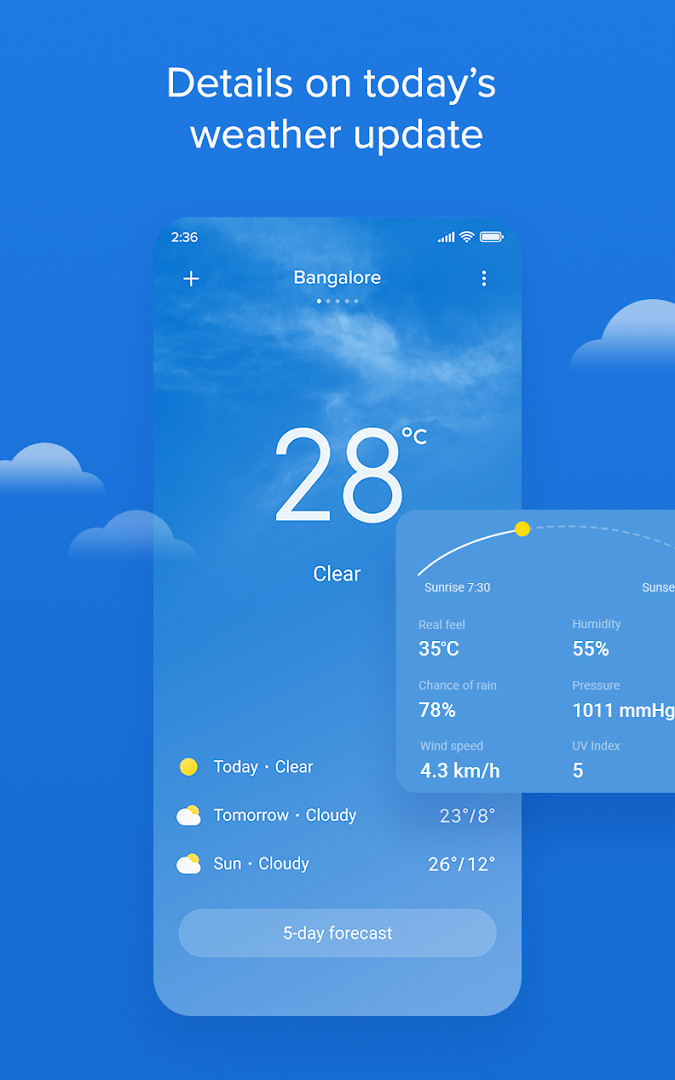
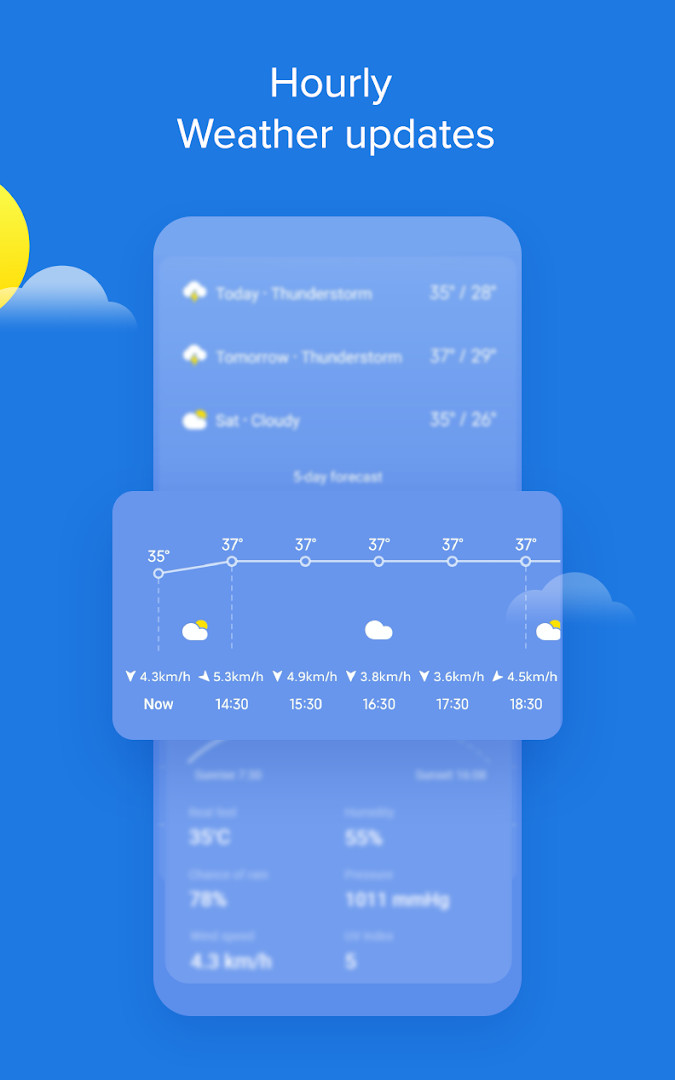
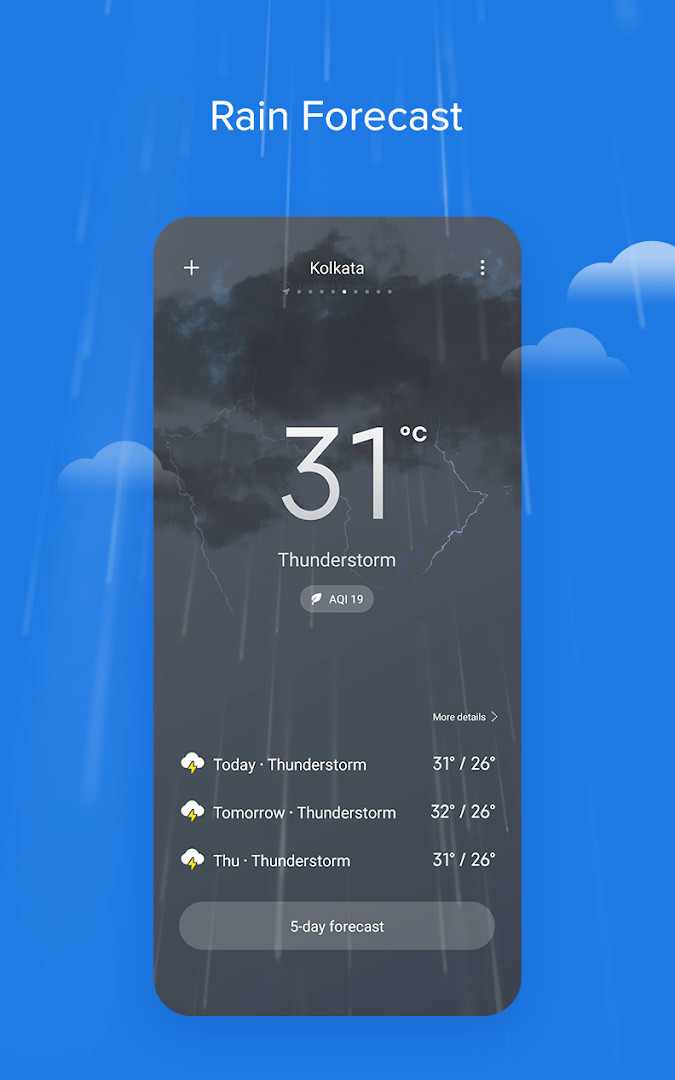
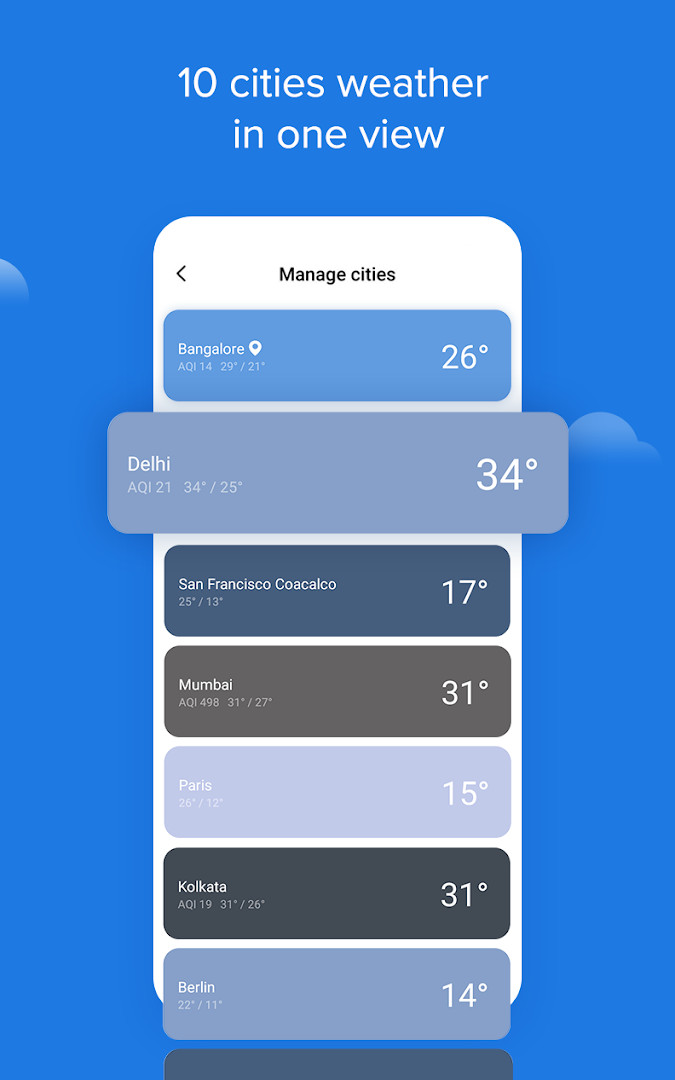
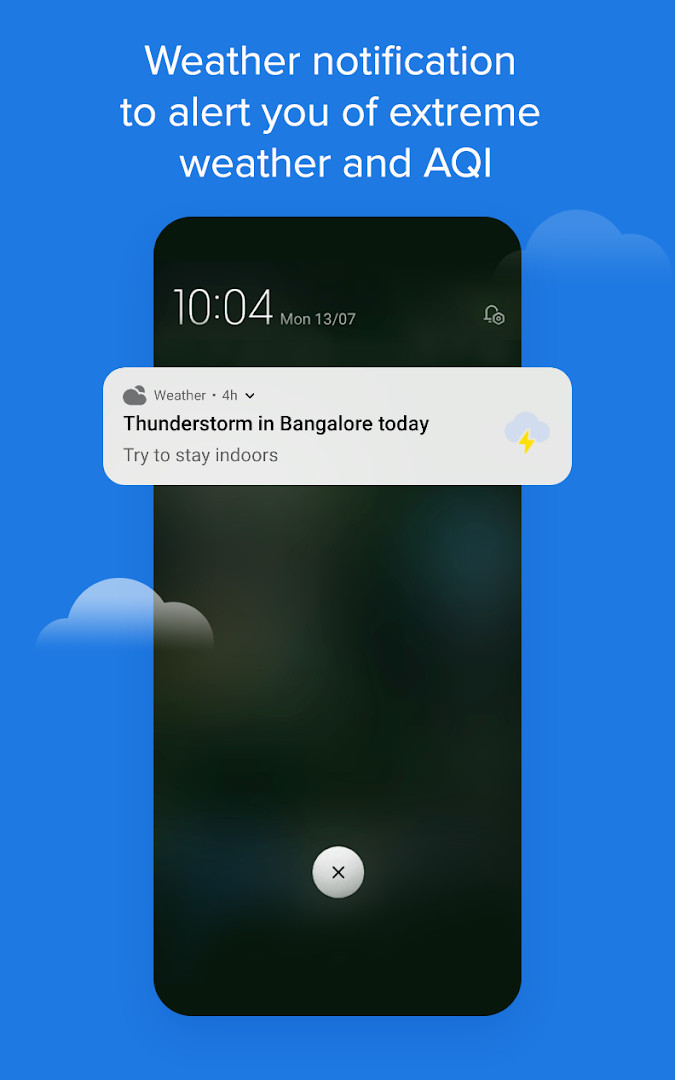
Weather - By Xiaomi is a weather app by Xiaomi Inc. that provides current conditions, forecasts, and air quality data for locations worldwide. It is designed to keep you informed about the weather in your area and in cities you care about, with a clear and dynamic interface that reflects the conditions outside. The app offers real-time temperature, rain forecasts, wind speed and direction, and a 5-day outlook, alongside hourly updates and useful widgets for your home screen. Version G-13.0.2.1 focuses on bug fixes, ensuring a more stable experience for users. The app also includes a dynamic UI that changes based on the weather, helping you visualize conditions at a glance. With support for adding up to 10 cities, you can easily compare weather across multiple locations, making it a handy tool for travelers, families, and anyone who wants to stay prepared.
Key features
- Current temperature, rain forecast, and Air Quality Index (AQI) in a single view
- Minimum and maximum temperatures for the day
- Alerts for AQI and important weather activities
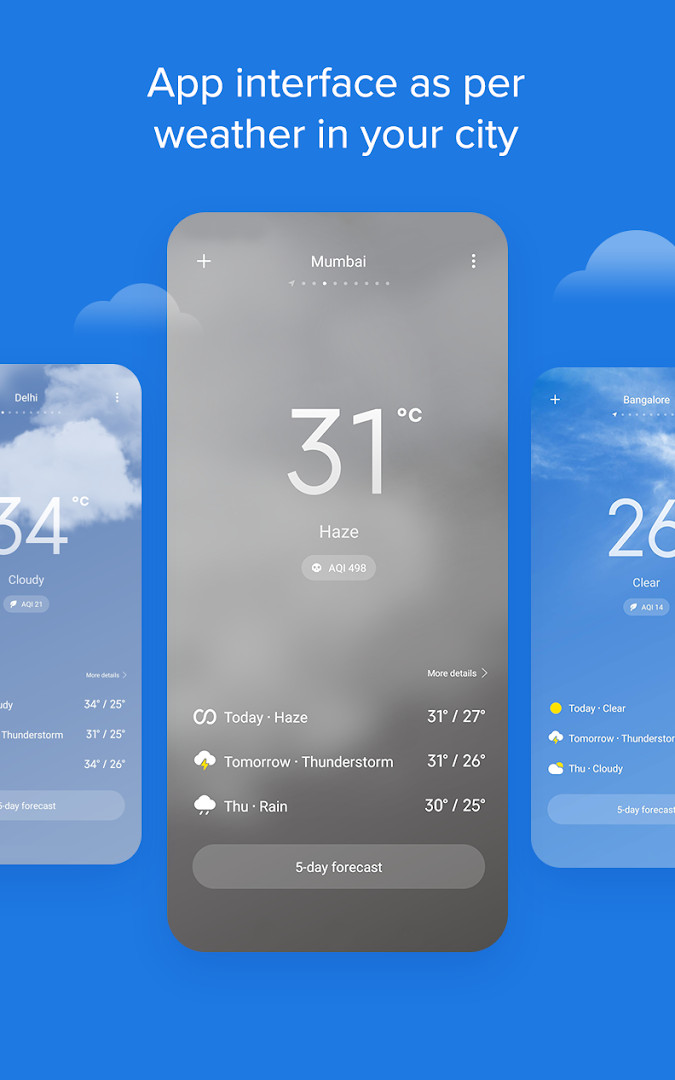
- Dynamic user interface that changes according to weather conditions
- Add up to 10 cities and view all cities on one screen for comparison
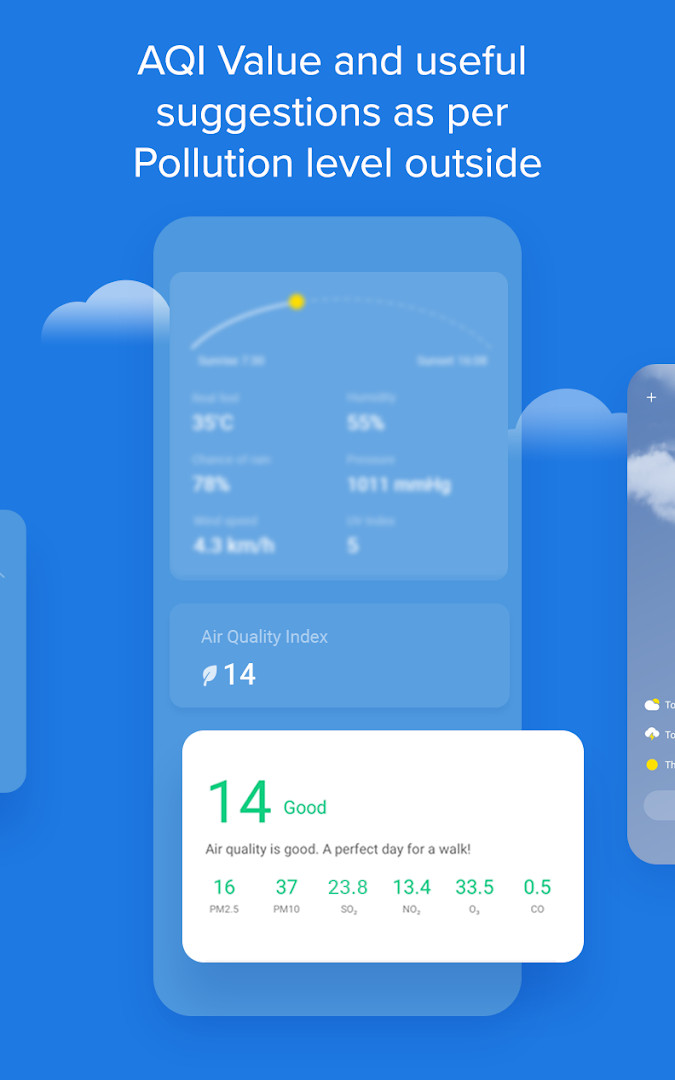
- Air Quality Index (AQI) value with individual pollutant levels and suggestions
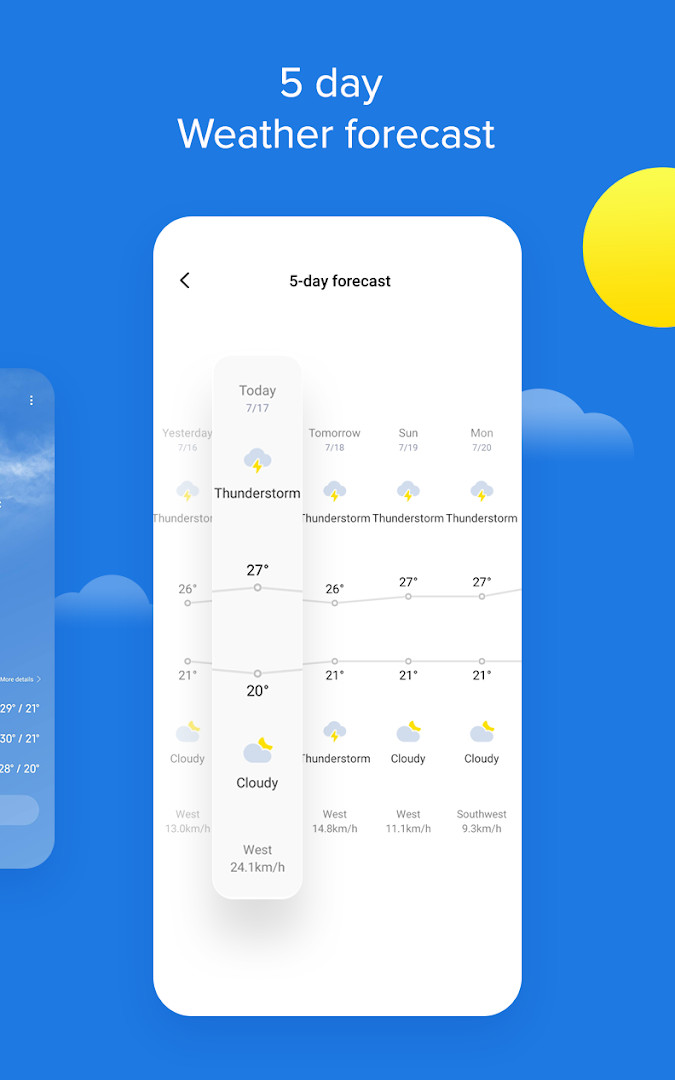
- 5-day weather forecast with min/max temperatures, wind speed, and rain forecast
- Hourly weather updates with temperature and wind speed
- Home screen widgets for quick access to important information
- Sunrise and sunset timings, fog forecast, UV index, atmospheric pressure, and 'real feel' temperature
How to install
- Tap the download button on this page to get the APK file (18 MB).
- If your browser or file manager asks for permission, allow it to install apps by enabling the 'Install unknown apps' setting.
- Locate the downloaded APK file in your device's notification bar or Downloads folder.
- Open the APK file; if prompted, tap 'Settings' to allow installation from that source.
- Tap 'Install' and wait for the installation to complete.
- Once installed, tap 'Open' to launch the app. Note that Android 7.0 or higher is required.
Pros
- Comprehensive data including AQI, UV index, and atmospheric pressure
- Dynamic UI that visually reflects current weather
- Supports up to 10 cities for easy comparison
- Includes widgets for home screen convenience
- Hourly and 5-day forecasts for planning
- No ads or in-app purchases
Cons
- Requires location and storage permissions, which may concern some users
- Version G-13.0.2.1 is an older build; newer versions may have more features
- The dynamic UI might not appeal to users who prefer a static interface
What's New · G-13.0.2.1
Version G-13.0.2.1 of the Weather app includes bug fixes. No other changes are listed for this update.
Other Versions
| Version | Size | Requires Android | Updated |
|---|---|---|---|
| G-17.0.3.24-HD | 27 MB | 7.0 | 15.03.2026 |
| G-16.0.4.7-HD | 24 MB | 7.0 | 14.06.2025 |
| 16.0.6.0-HD | 41 MB | 7.0 | 07.05.2025 |
| G-13.0.2.1 | 18 MB | 7.0 | 06.02.2023 |
| G-12.3.5.9 | 19 MB | 6.0 | 29.01.2021 |
| 10.2.0.2 | 15 MB | 5.0 | 18.09.2019 |
| 10.2.26.0 | 17 MB | 4.4 | 20.06.2019 |
This app suits daily commuters who need quick weather and air quality updates, frequent travelers who want to monitor conditions in multiple cities, and health-conscious individuals who pay attention to AQI and pollution levels.
For accurate local data, allow the app to access your location while in use, and check the AQI alerts to plan outdoor activities on days with poor air quality.
Permissions
Frequently Asked Questions
How many cities can I save and compare in the Xiaomi weather app?
You can add up to 10 cities and view all of them on a single screen, making it easy to compare current conditions across different locations.
What does the dynamic UI do in this app?
The app's interface changes according to the weather outside, so you can quickly visualize the conditions in your area without digging into detailed data.
What air quality details are available in Weather - By Xiaomi?
It shows the AQI value for your area, individual pollutant levels, AQI alerts, and suggestions that help explain Air Quality Index terms and reduce pollution's impact on daily life.
What information is included in the 5-day weather forecast?
The 5-day forecast covers minimum and maximum temperatures, wind speed and direction, and rain forecast, so you can prepare for the week ahead.
What kind of hourly and extra weather data does the app provide?
Hourly updates include temperature and wind speed. Additional data covers sunrise and sunset timings, rain and fog forecasts, real feel temperature, UV Index, and atmospheric pressure.
Weather - By Xiaomi is a solid, feature-rich weather app that covers the essentials and more, from hourly forecasts to air quality insights. While the version described here is a bit dated, its no-cost, ad-free nature and multi-city support make it a practical choice for everyday weather tracking.
Updated: 24.10.2026
- Version
- G-13.0.2.1
- Size
- 18 MB
- Requires Android
- 7.0
- Updated
- 06.02.2023
- Installs
- 1B+
- Rating
- ★ 4.13 (1 291 286)
- Category
- Weather
- Developer
- Xiaomi Inc.
- Content rating
- Everyone
- Package
- com.miui.weather2
- Free
- ✓