HiOS Launcher - Fast Launcher with Smart Features
HiOS Launcher - Fast is a free launcher by Transsion Holdings that lets you personalize your home screen with news feeds, smart scenes, and discovery tools.
HiOS Launcher - Fast is 66 MB in size and requires Android 9 or higher. The launcher includes ads but does not offer in-app purchases. It suits users who want a fast, lightweight home screen experience with integrated news, games, and wallpaper discovery.
Get Launcher · v13.9.052.2Screenshots
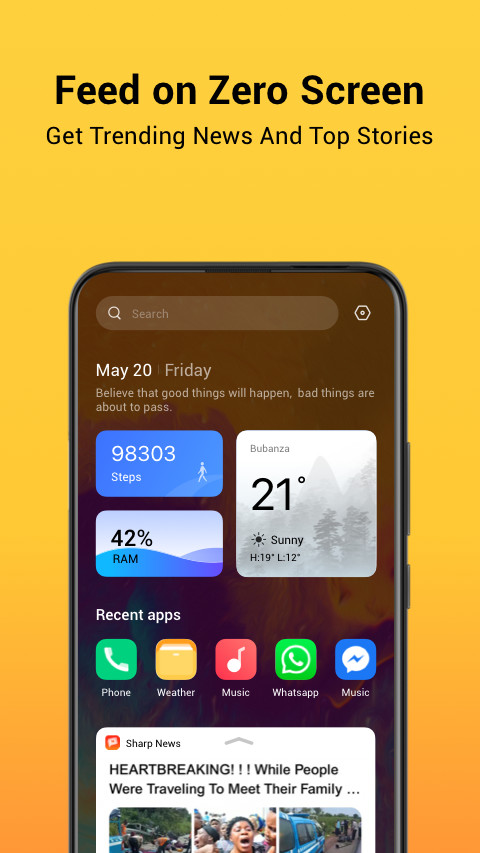
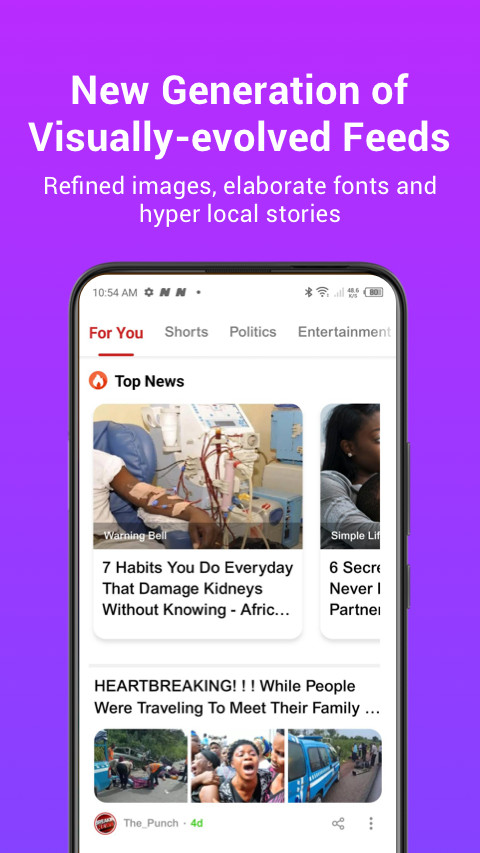
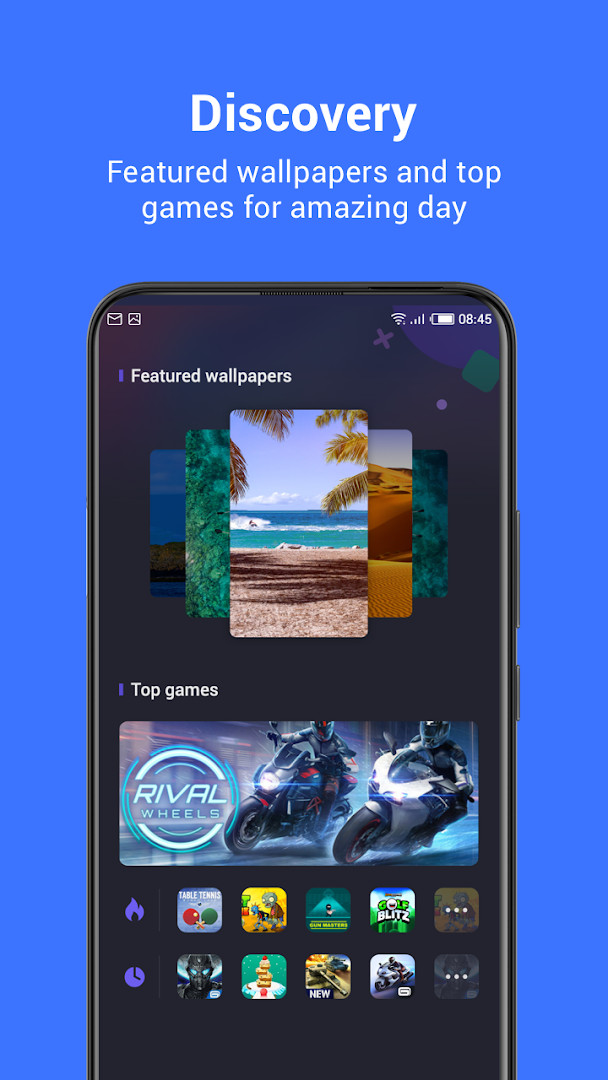
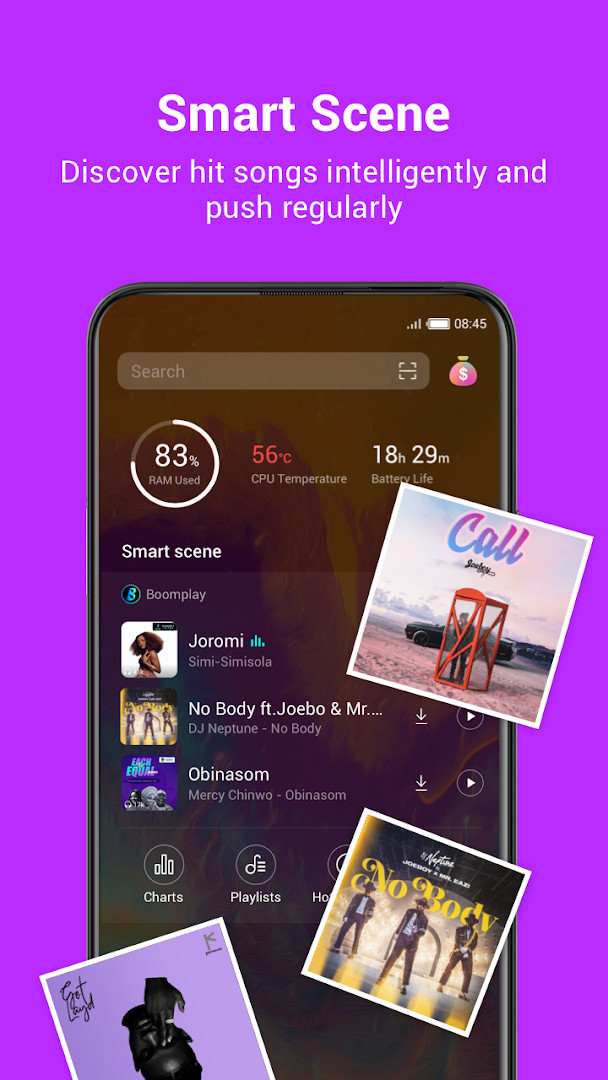
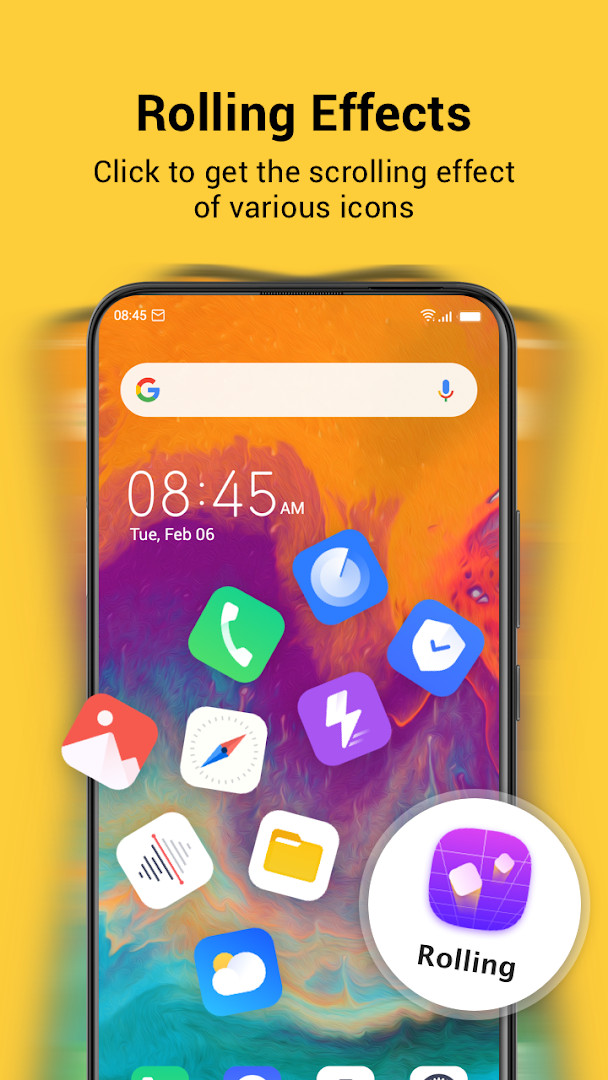
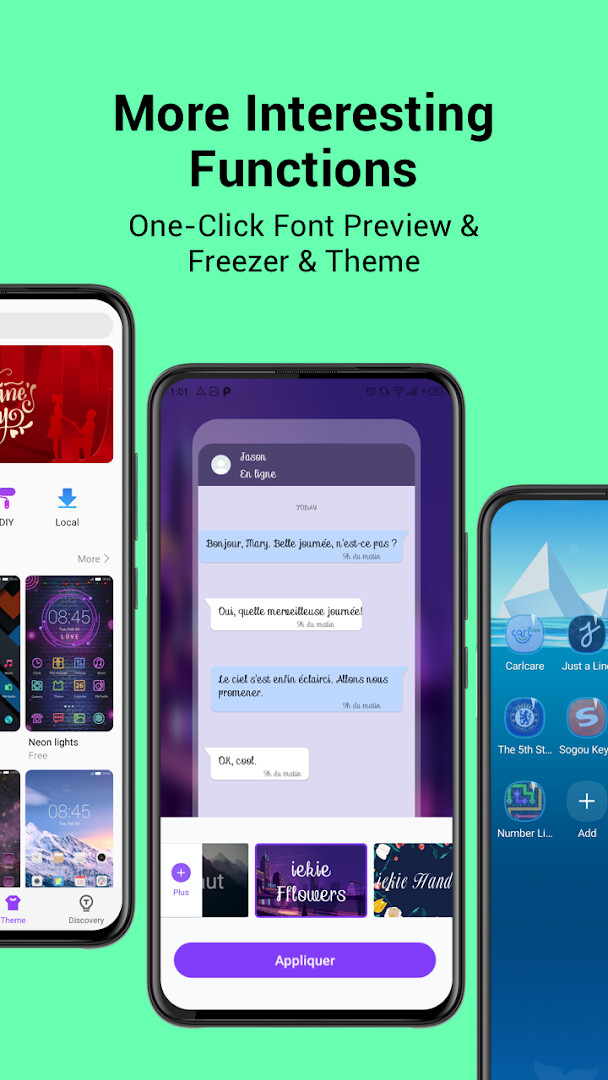
HiOS Launcher - Fast is a personalization app by Transsion Holdings that provides a fast and lightweight home screen replacement for Android devices. It addresses the problem of sluggish and cluttered default interfaces by offering a streamlined launcher experience with a focus on speed and efficiency. The app solves this by delivering a portable launcher that minimizes resource usage while integrating content discovery features, such as a zero-screen feed for trending news and games, smart scene for music recommendations, and a discovery section for wallpapers and games, all accessible directly from the home screen.
Key features
- Zero Screen feed showing trending news and games
- Smart Scene that discovers hit songs and pushes them regularly
- Discovery section with featured wallpapers and top games
- One-click font preview and font freezer
- Theme customization options
- Optimized user experience in the latest version
How to install
- Tap the download button on this page to get the APK file (66 MB).
- When Android prompts, allow your browser or file manager to install apps by enabling the 'Install unknown apps' setting.
- Open the downloaded APK file from your notifications or file manager.
- Tap Install and wait for the installation to complete.
- Open the app from your app drawer or home screen. Requires Android 9 or higher.
Pros
- Lightweight and fast performance
- Integrated news and game feed on the zero screen
- Automatic music discovery with regular pushes
- Built-in wallpaper and game discovery
- Theme and font customization options
Cons
- Contains ads
- Requests access to calendar, contacts, location, phone, photos/media/files, storage, and Wi-Fi information, which may raise privacy concerns for some users
Latest changes · 13.9.052.2
This update focuses on refining the overall user experience, making the launcher more intuitive and pleasant to use. It builds on the app's existing strengths of speed and lightness, continuing to offer features like the Zero Screen feed, Smart Scene music discovery, and a Discovery section for wallpapers and games.
Previous versions
| Version | Size | Requires Android | Updated |
|---|---|---|---|
| 13.9.050.2 | 66 MB | 9 | Oct 16, 2026 |
| 13.9.052.2 | 70 MB | 9 | Oct 16, 2026 |
| 8.5.024.2 | 34 MB | 7.0 | Oct 2, 2026 |
| 13.9.047.2 | 65 MB | 9 | Jul 30, 2026 |
| 13.0.47.1 | 50 MB | 7.0 | Apr 30, 2026 |
| 7.0.054.2 | 39 MB | 6.0 | Nov 10, 2025 |
| 7.6.078.1 | 45 MB | 5.0 | Dec 26, 2022 |
| 3.0.060.2 | 24 MB | 4.4 | May 16, 2019 |
This launcher is suitable for users who want a faster and lighter home screen experience on their Android device, especially those who enjoy having content like news, games, and music recommendations readily available without opening separate apps. It appeals to people who like to personalize their device with themes and fonts and are comfortable with a launcher that integrates discovery features. However, given the broad permissions requested and the presence of ads, it may be less ideal for privacy-conscious users or those who prefer a minimal, ad-free interface.
To manage privacy, review and restrict the app's permissions in your device settings after installation, and consider disabling or limiting the zero screen feed if you prefer a less cluttered home screen.
Permissions
Frequently asked questions
What is the current version of HiOS Launcher - Fast and when was it released?
The latest release is version 13.9.050.2, dated October 16, 2026. That replaces the earlier 8.5.024.2 build from October 2, 2026, along with several other versions published since November 2025.
How large is the download and what Android version does it need?
The app takes up about 66 MB, and it requires Android 9 or newer to run.
Does HiOS Launcher - Fast cost anything or include paid extras?
It is free to use at a price of 0.00 USD and does not offer in-app purchases. Advertising is present in the app.
What features are included on the launcher's screens?
A Zero Screen feed brings trending news and games, a Smart Scene section surfaces popular songs and pushes them regularly, and a Discovery area highlights featured wallpapers and top games. Additional tools include one-click font preview, a freezer, and themes.
How long has the app been around and how widely is it used?
HiOS Launcher - Fast was first released on December 21, 2016, and has since reached 500,000,000 installs. It holds a rating of 4.04 based on 783,296 ratings, and its content rating is Teen.
What permissions does the app request?
The permission list covers Calendar, Contacts, Location, Phone, Photos/Media/Files, Storage, and Wi-Fi connection information.
HiOS Launcher - Fast offers a quick and feature-rich launcher experience, but its extensive permissions and ads may give some users pause. Evaluate your comfort with these trade-offs before making it your default home screen.
Similar apps
 Magazine Lockscreen XOSMagazine Lockscreen XOS serves Infinix phone owners who want fresh HD pictures and related articles each time they lock their screen. The…Transsion Holdings · ★ 3.8 · News & Magazines · v15.1.2.26115
 Microsoft SwiftKey AI KeyboardMicrosoft SwiftKey AI Keyboard supports over 700 languages and can handle up to five languages at once. The app includes ads but offers n…SwiftKey · ★ 4.3 · Personalization · v9.13.17.6
 Zedge™ Wallpapers & RingtonesZedge™ Wallpapers & Ringtones is a personalization app by Zedge that helps users customize their devices with a large collection of wallp…Zedge · ★ 4.7 · Personalization · v9.42.1
 Facemoji AI Emoji KeyboardFacemoji AI Emoji Keyboard suits users who want to personalize messaging with emoji art, custom stickers, and themed keyboards. It offers…Nexileap · ★ 4.7 · Personalization · v3.6.8.3
 Launcher OS™Launcher OSTM is for Android users who want a cleaner, more personal home screen experience. It offers a lock screen with camera, call, a…Apps Genz · ★ 4.4 · Personalization · v6.3.15
More from this developer
Updated: Nov 2, 2026
- Version
- 13.9.052.2
- Size
- 70 MB
- Requires Android
- 9
- Updated
- Oct 16, 2026
- Installs
- 500M+
- Rating
- ★ 4.04 (784,527)
- Category
- Personalization
- Developer
- Transsion Holdings
- Content rating
- Teen
- Package
- com.transsion.hilauncher
- Free
- ✓ · Contains ads