Facemoji AI Emoji Keyboard for Android
Facemoji AI Emoji Keyboard is a free personalization app from Nexileap for customizing chats with emojis, fonts, themes, and AI-generated stickers.
Facemoji AI Emoji Keyboard suits users who want to personalize messaging with emoji art, custom stickers, and themed keyboards. It offers over 6000 emojis, 1500+ themes, and 100+ fonts, plus an AI generator for look-alike stickers, all free with ads and in-app purchases.
Get Facemoji Keyboard · v3.6.8.3Screenshots
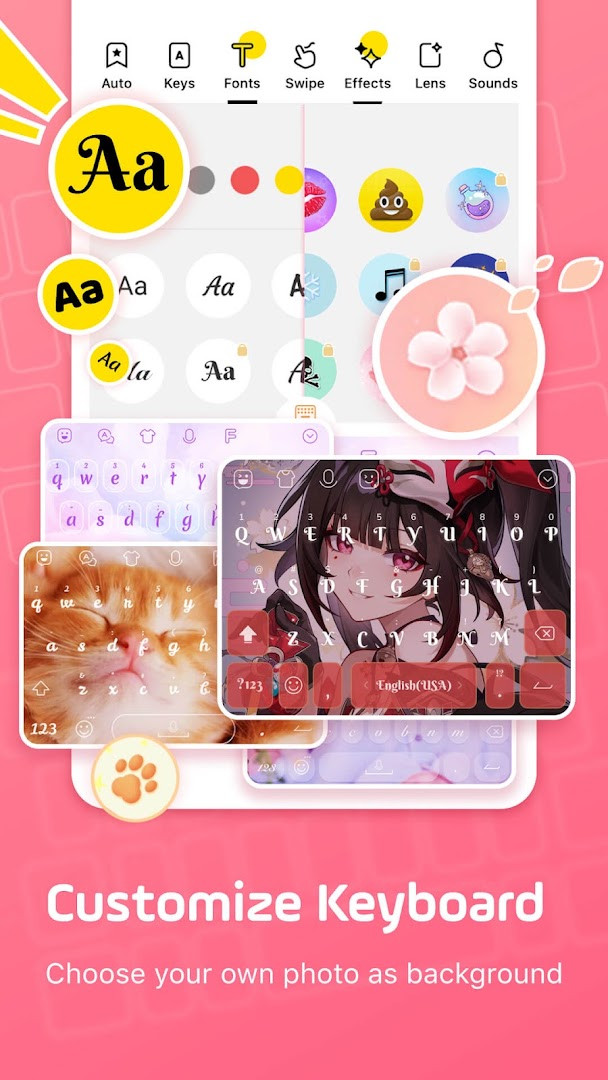
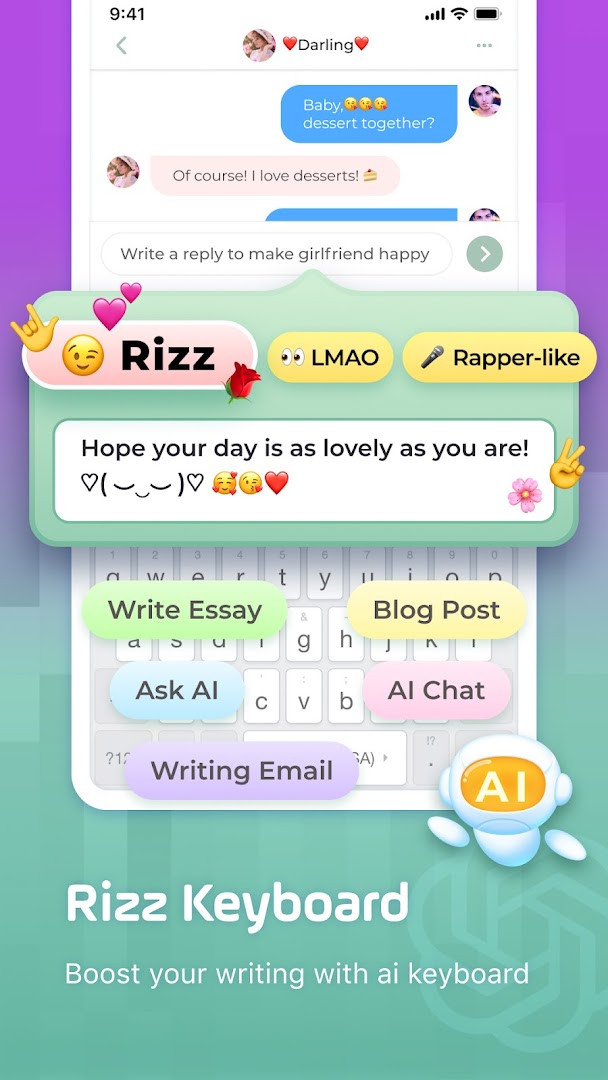
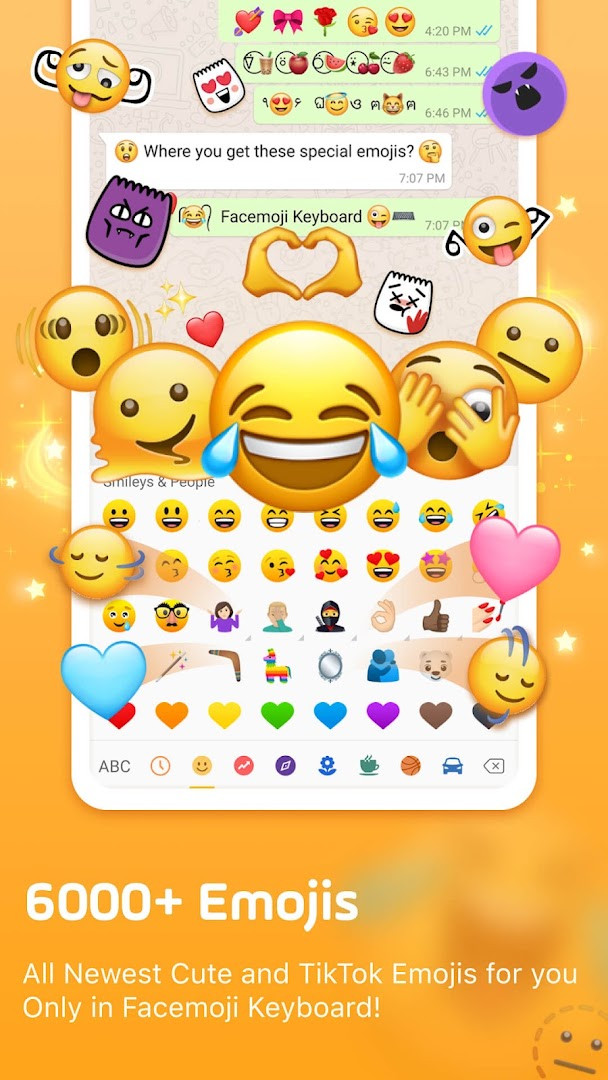
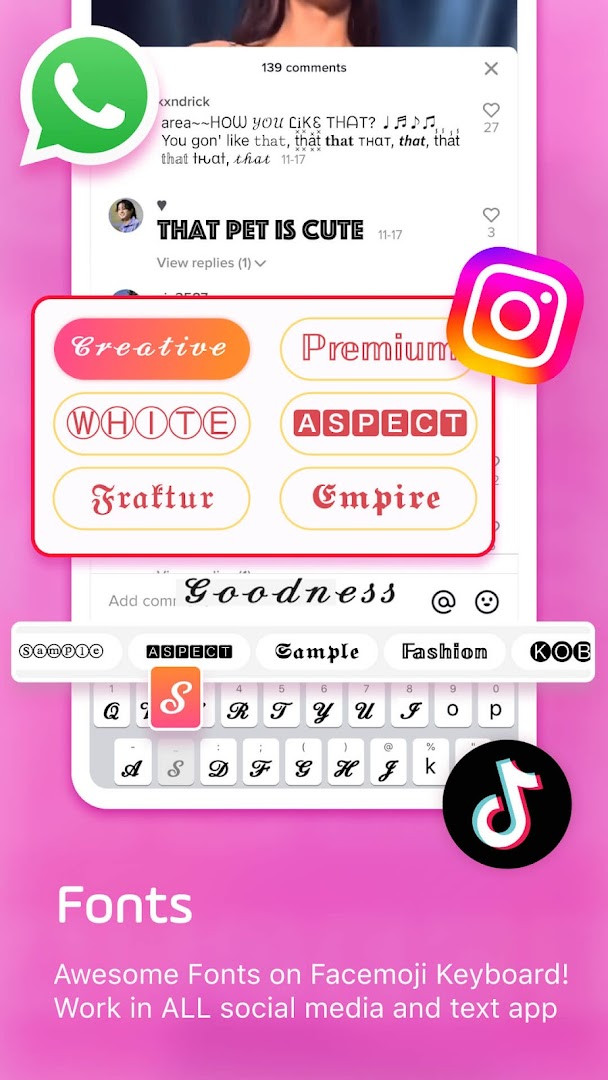
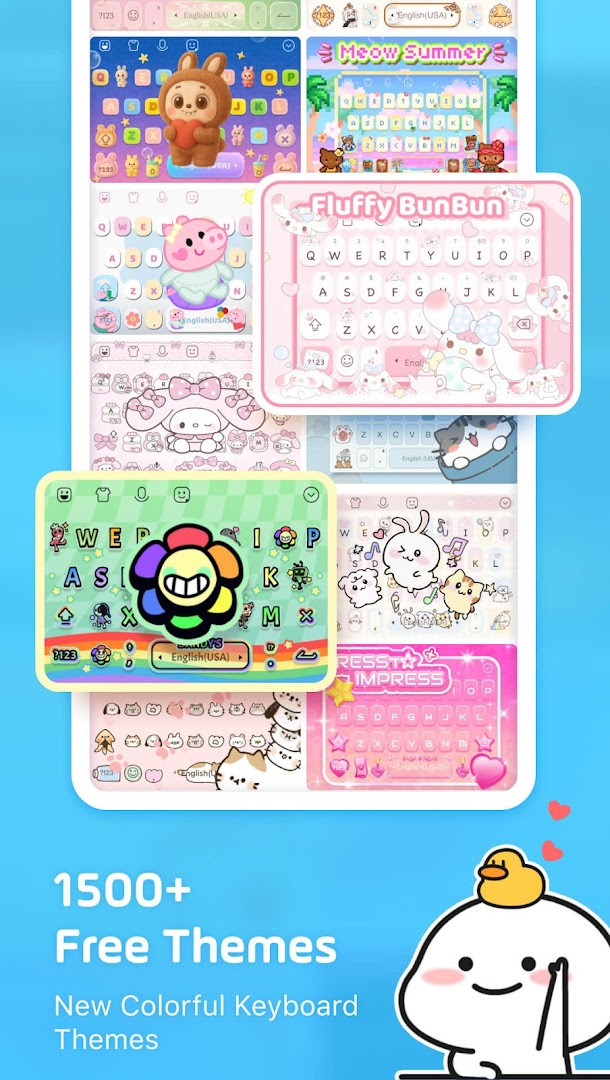
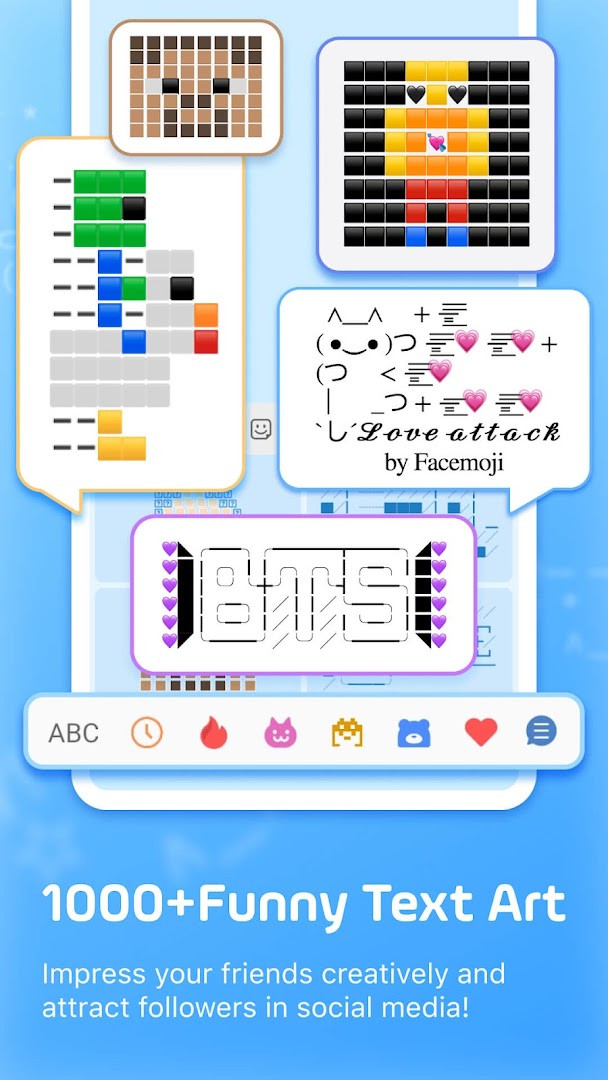
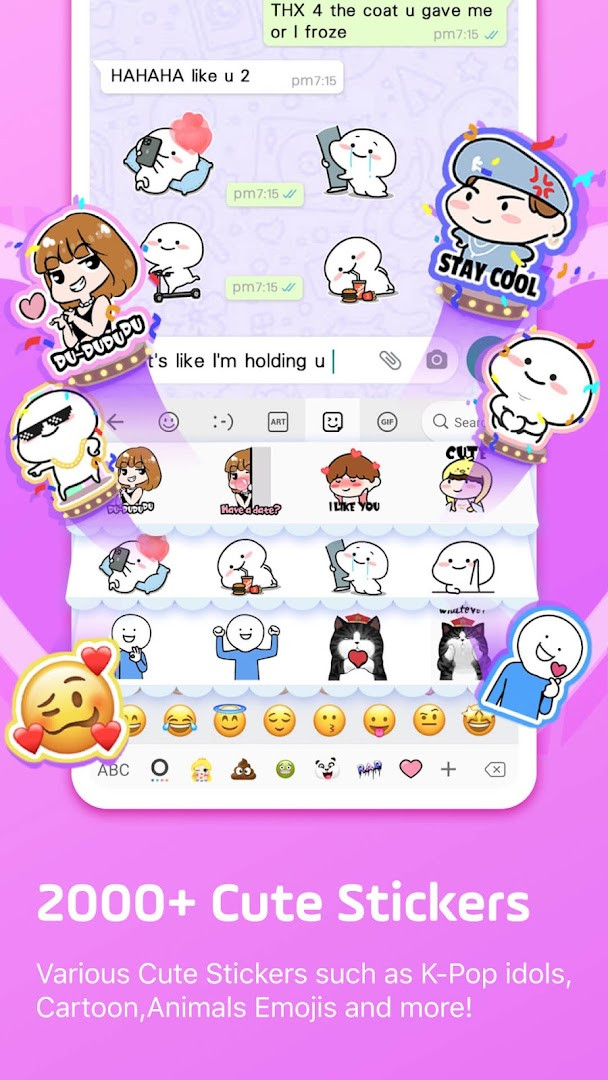
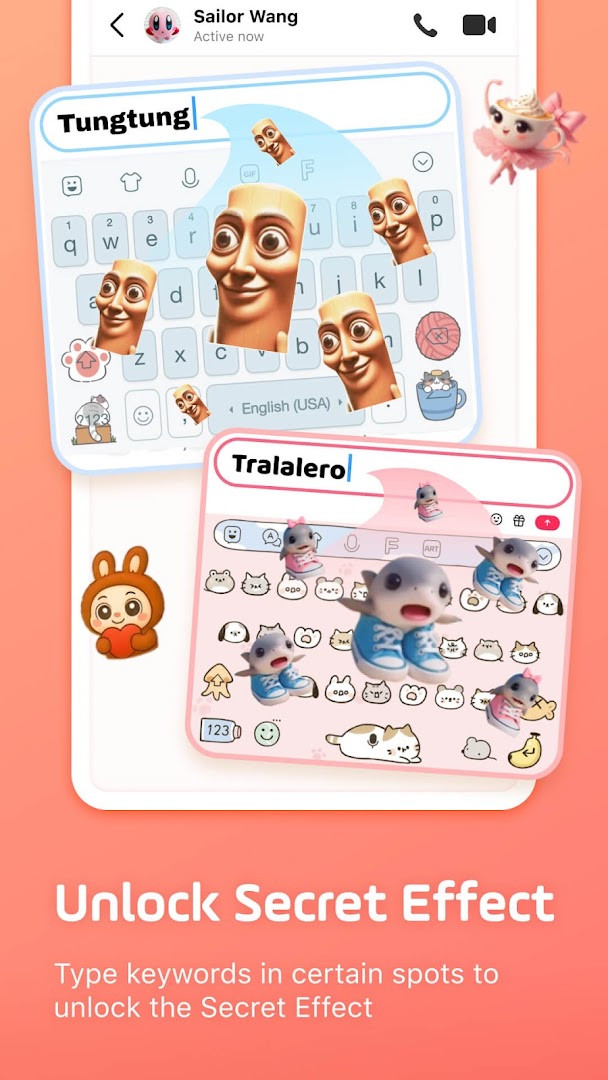
Facemoji AI Emoji Keyboard is a Personalization app by Nexileap that turns your Android keyboard into a highly customizable typing tool with thousands of emojis, stickers, fonts, themes, and AI-assisted features. Designed for everyday messaging, it aims to make chats more expressive and playful while still offering practical typing tools like swipe input, autocorrect, and clipboard management. The app suits people who enjoy personalizing their phone, frequently use emojis and stickers in social apps, or want a keyboard that can adapt to their style and language needs.
The keyboard includes over 6000 emojis, 100+ fonts, and 1500+ themes, covering everything from anime and neon styles to K-Pop and cute animals. It also provides a built-in emoji maker that lets you design custom emoji and stickers, including look-alike stickers based on your face. Additional tools include a Genmoji-style generator, Kaomoji and text art, GIFs, and a game keyboard for titles like Among Us, Roblox, and Minecraft. These features are meant to help you express yourself quickly and creatively across WhatsApp, TikTok, Instagram, and other apps.
For daily use, Facemoji offers smart emoji suggestions, sticker predictions, and a paste keyboard for sending repeated messages quickly. It supports over 100 languages and includes a built-in translator, making it useful for bilingual users. The app also has a clipboard keyboard that saves copied notes for one-tap sending. While it is free to use, it includes ads and in-app purchases, and it requests permissions for storage, microphone, photos/media, and Wi-Fi information, so you should review those before installing. Overall, it is a feature-rich keyboard for anyone who wants more fun and flexibility in their typing experience.
Key features
- AI-powered custom keyboard with Genmoji-style emoji maker and look-alike stickers
- Over 6000 emojis, including trending 2025 emojis and hidden TikTok emojis
- 100+ cool fonts and over 1000 unicode symbols and nickname templates
- 1500+ free keyboard themes with DIY customization for buttons, colors, and tap effects
- Sticker predictions for WhatsApp and Messenger, plus 2000+ cute stickers
- Swipe typing with smart autocorrect and emoji suggestions
- Clipboard keyboard and auto paste for one-click sending of repeated messages
- Game keyboard for Among Us, Roblox, and Minecraft with quick messages
- Supports 100+ languages and includes a built-in translator
- K-Pop content with exclusive emojis and stickers for BTS and Blackpink
How to install
- Tap the download button on this page to get the APK file for version 3.6.8.3. The file size is not specified, and the app requires Android 6.0 or higher.
- When Android prompts you, allow your browser or file manager to install apps by enabling the “Install unknown apps” setting for that app.
- Open the downloaded APK file from your notifications or file manager.
- Tap Install and wait for the installation to complete.
- Open Facemoji AI Emoji Keyboard from your app drawer, then follow the on-screen setup to enable and select it as your default keyboard.
Pros
- Huge collection of emojis, stickers, themes, and fonts for personalization
- AI features like emoji maker and look-alike stickers add creative options
- Supports over 100 languages with a built-in translator
- Useful productivity tools like clipboard, auto paste, and game keyboard
- Free to download and use, with optional in-app purchases
Cons
- Contains ads, which may interrupt the experience
- Requires access to storage, microphone, and photos/media, which may raise privacy concerns
- Large number of features may feel overwhelming for casual users
Latest changes · 3.6.8.3
Version 3.6.8.3 of Facemoji AI Emoji Keyboard introduces the Facemoji AI experience, letting you create Magic Avatars and Face Emojis. The new AI assistant can generate engaging replies to whatever you ask or type, adding a playful, creative layer to your conversations.
Previous versions
| Version | Size | Requires Android | Updated |
|---|---|---|---|
| 3.6.8.3 | — | 6.0 | Sep 23, 2026 |
| 1.5 | 15 MB | 4.0.3 | Jun 21, 2026 |
Facemoji AI Emoji Keyboard is for people who love personalizing their phone and making chats more expressive, including teens and young adults who use emojis, stickers, and themes heavily on social apps. It is also suited for bilingual users who need a translator, and for gamers who want quick messages in titles like Among Us or Roblox.
To get the most out of Facemoji, spend a few minutes customizing your keyboard theme and buttons in the settings. Use the clipboard keyboard for frequently sent messages, and try the swipe typing for faster input. If you are concerned about permissions, you can deny microphone access unless you plan to use voice features, though some functions may not work without it.
Permissions
Frequently asked questions
How do I install the Facemoji AI Emoji Keyboard APK on my Android device?
Download the APK from the button on this page, then open the file and allow installation from unknown sources if prompted. After it finishes, open the app and enable it as your keyboard in the system settings.
What is the current version of Facemoji AI Emoji Keyboard?
The latest version is 3.6.8.3, released on September 23, 2026. An earlier version, 1.5, was released on June 21, 2026.
Does Facemoji AI Emoji Keyboard contain ads or in-app purchases?
Yes, the keyboard is free to download but includes ads and offers optional in-app purchases. The base app has no upfront cost.
Can I use Facemoji AI Emoji Keyboard offline?
The app works as a standard keyboard offline, but AI features like the Genmoji-style emoji maker and Magic Avatar require an internet connection. Core typing, emojis, and themes generally function without it.
What alternatives exist in the personalization category if I want a similar emoji keyboard?
There are other Android keyboards that focus on emojis, stickers, themes, and customization. These typically offer similar features like fancy fonts, GIFs, and themed layouts, though the specific emoji sets and AI tools may differ.
What Android version do I need to run Facemoji AI Emoji Keyboard?
The app requires Android 6.0 or higher, so it works on most modern devices. It has been installed over 100 million times and has a rating of 4.68 based on more than 1.5 million ratings.
Facemoji AI Emoji Keyboard offers a rich set of tools for making your typing more fun and personal, from thousands of emojis and themes to AI-driven sticker creation. It is a solid choice for anyone who wants a versatile keyboard that balances creativity with practical features like autocorrect and multilingual support. Just be mindful of the ads and permissions before you make it your default keyboard.
Similar apps
 Microsoft SwiftKey AI KeyboardMicrosoft SwiftKey AI Keyboard supports over 700 languages and can handle up to five languages at once. The app includes ads but offers n…SwiftKey · ★ 4.3 · Personalization · v9.13.17.6
 HiOS Launcher - FastHiOS Launcher - Fast is 66 MB in size and requires Android 9 or higher. The launcher includes ads but does not offer in-app purchases. It…Transsion Holdings · ★ 4.0 · Personalization · 70 MB
 Zedge™ Wallpapers & RingtonesZedge™ Wallpapers & Ringtones is a personalization app by Zedge that helps users customize their devices with a large collection of wallp…Zedge · ★ 4.7 · Personalization · v9.42.1
 Launcher OS™Launcher OSTM is for Android users who want a cleaner, more personal home screen experience. It offers a lock screen with camera, call, a…Apps Genz · ★ 4.4 · Personalization · v6.3.15
Updated: Nov 5, 2026
- Version
- 3.6.8.3
- Requires Android
- 6.0
- Updated
- Sep 23, 2026
- Installs
- 100M+
- Rating
- ★ 4.68 (1,512,891)
- Category
- Personalization
- Developer
- Nexileap
- Content rating
- Teen
- Package
- com.simejikeyboard
- Free
- ✓ · Contains ads · In-app purchases