Launcher OSTM for Android
Launcher OSTM is a personalization app from Apps Genz for making your phone simple and pretty.
Launcher OSTM is for Android users who want a cleaner, more personal home screen experience. It offers a lock screen with camera, call, and notification access, plus a universal file search and AI chat with voice-to-text. The app is free to download, requires Android 8.0 or higher, and its current version is 6.3.15.
Download Launcher OSTM · v6.3.15Screenshots
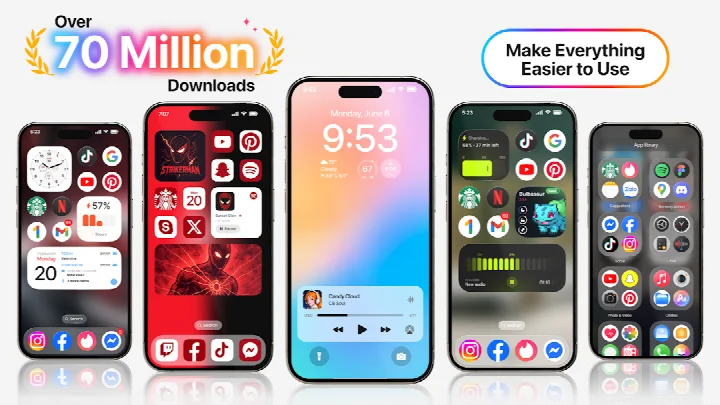
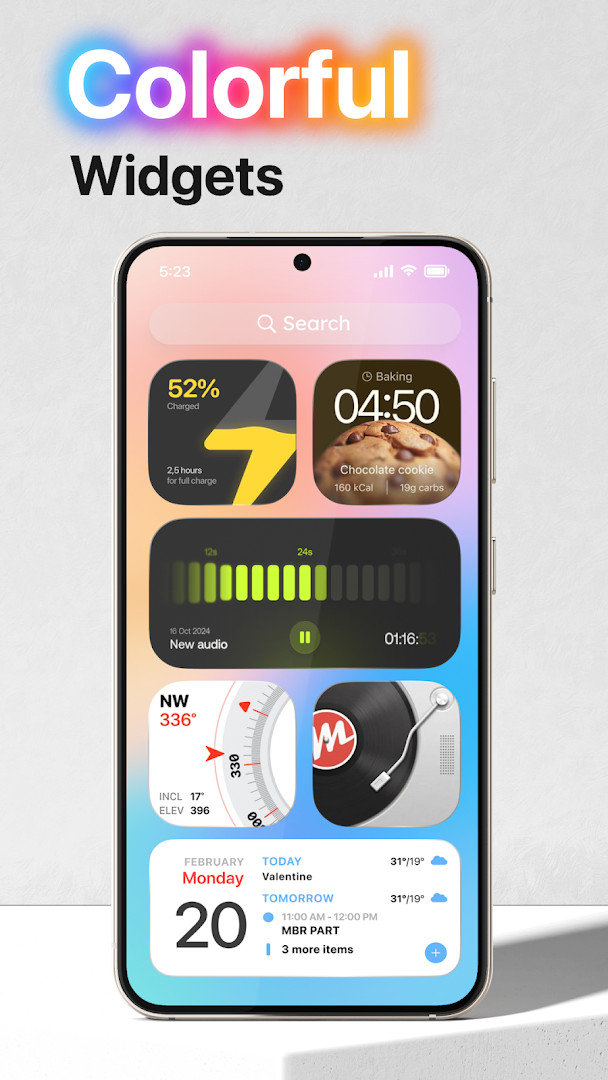
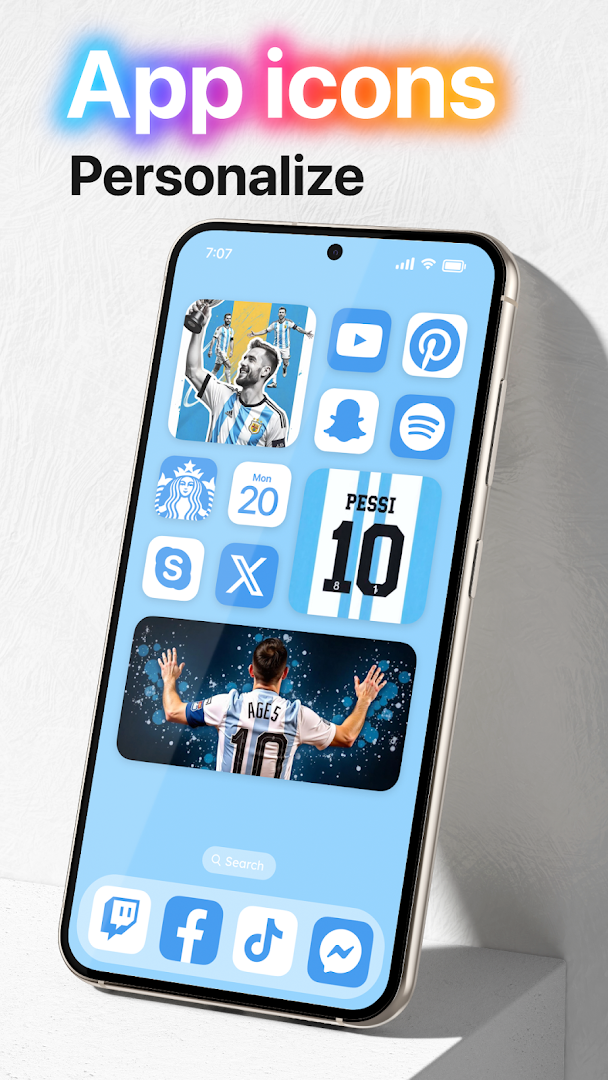
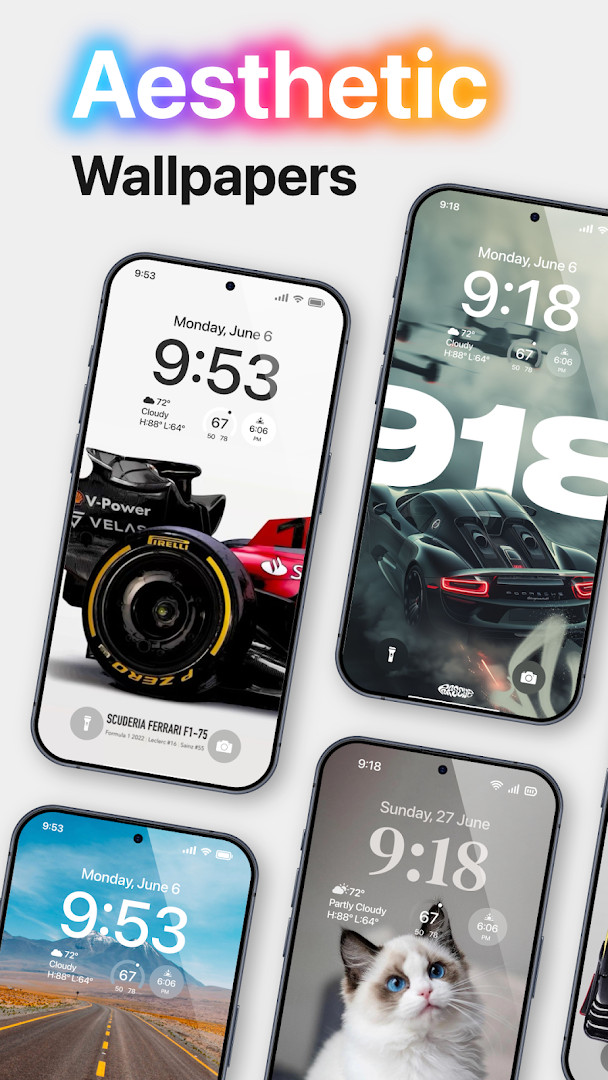
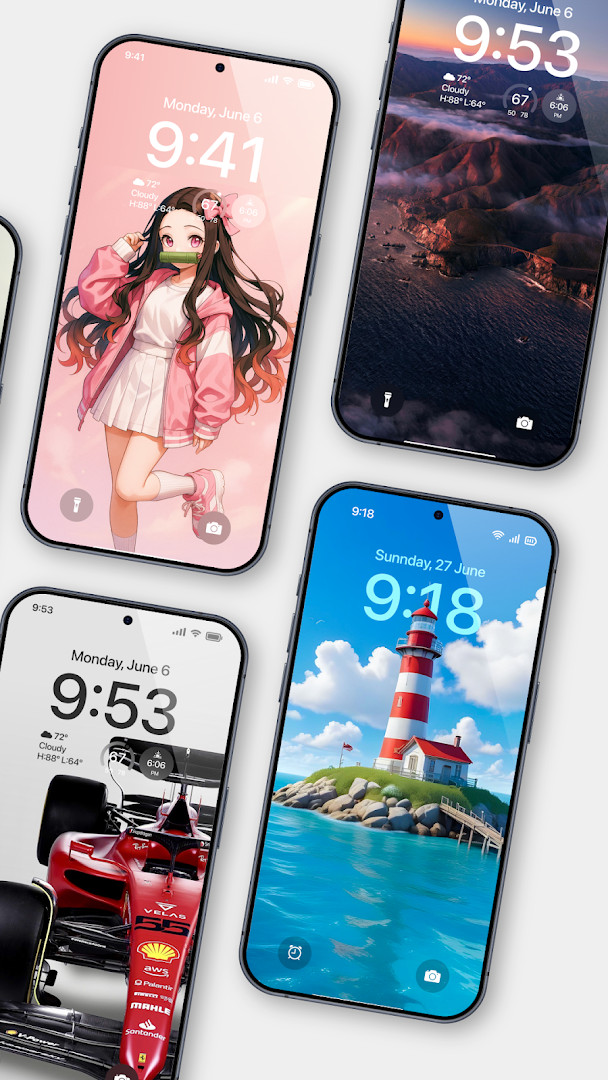
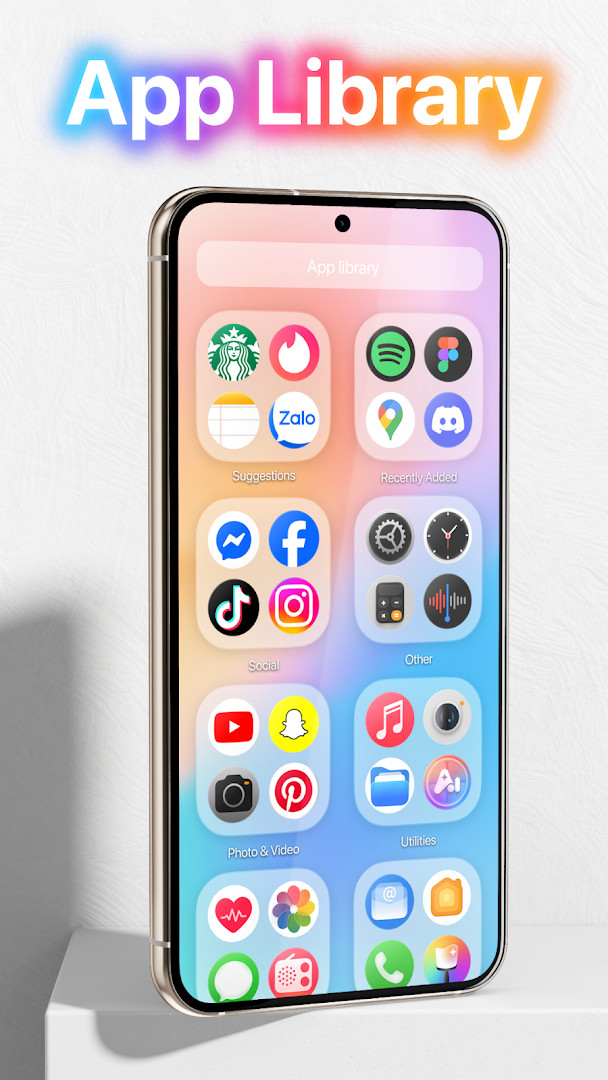
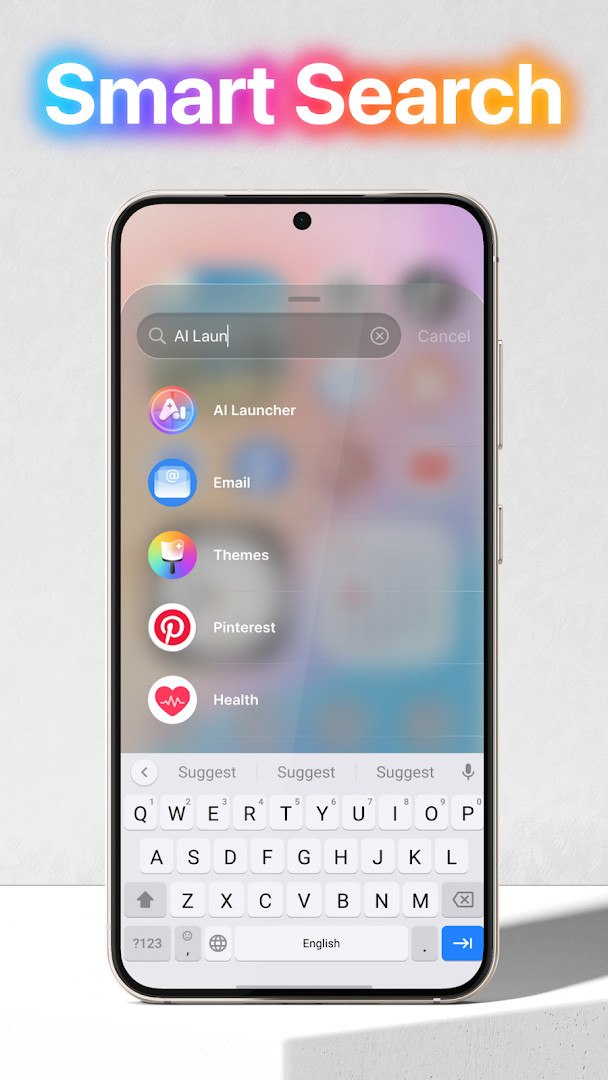
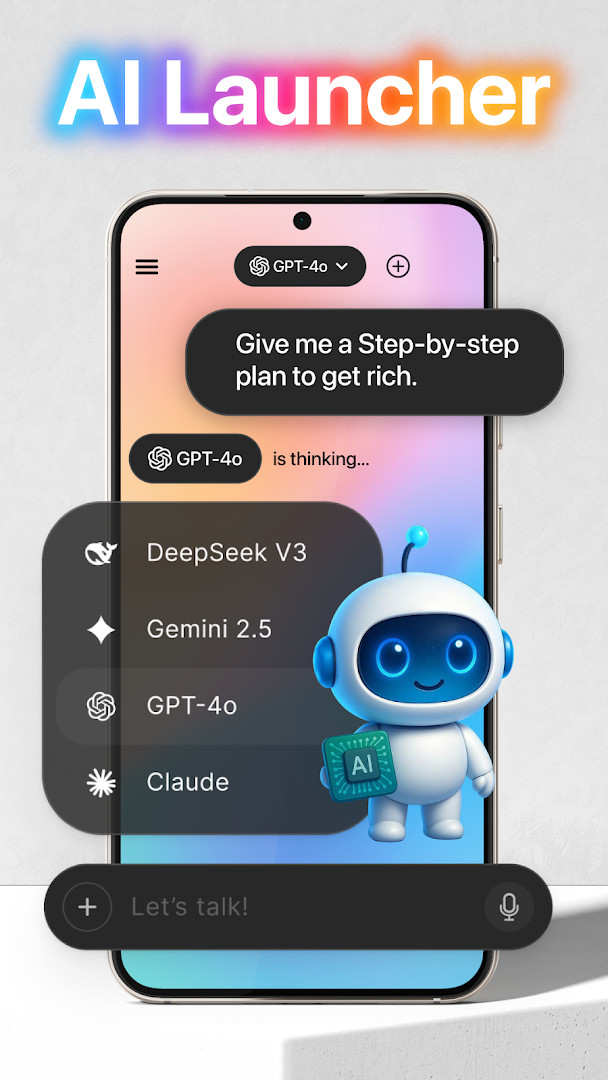
Launcher OSTM is a personalization app by Apps Genz that replaces the default home screen with a custom launcher aimed at making a phone simpler and prettier. It addresses the desire for a more streamlined, visually clean interface by offering a lock screen and quick-access tools that work even when the screen is locked. The app solves the problem of juggling multiple shortcuts and screens by centralizing camera, calls, notifications, and a universal file search into one overlay. It achieves this through a set of special permissions, including camera access for lock-screen shortcuts, phone-state reading for incoming call display, notification access for lock-screen alerts, storage read/write for wallpapers, draw-over-screen for the lock screen overlay, manage-external-storage for file search, and microphone access for voice-to-text in an AI chat. The app has been updated as of September 2026, with version 6.3.15, and requires Android 8.0 or higher. It is free to download, contains ads, and offers in-app purchases. The app has a rating of 4.39 based on over 1.8 million ratings and has been installed over 100 million times since its release in May 2020.
Key features
- Lock-screen camera shortcut that opens the camera when the screen is locked
- Lock-screen phone call display using phone state permission
- Lock-screen notification display with notification access permission
- Wallpaper support from device storage and server-saved images
- Draw-over-screen lock screen overlay that appears above all applications
- Built-in universal file search feature that uses manage external storage permission
- Voice-to-text conversion in AI chat using microphone access
How to install
- Tap the download button on this page to get the APK file.
- When Android prompts, allow your browser or file manager to install apps by enabling the 'Install unknown apps' setting.
- Open the downloaded APK file from your notifications or file manager.
- Tap Install and wait for the installation to complete.
- Open the app from your app drawer.
- Note that the file size is not specified, and the minimum Android version required is 8.0.
Pros
- Free to download and use
- High user rating of 4.39 from over 1.8 million ratings
- Over 100 million installs indicates wide adoption
- Offers a lock-screen overlay for quick access to camera, calls, and notifications
- Includes a universal file search feature
- Supports voice-to-text in an AI chat
Cons
- Contains ads, which may interrupt the experience
- Offers in-app purchases, so some features may require payment
- Requests many sensitive permissions, including camera, microphone, location, and phone state
- Requires manage external storage permission, which can be a privacy concern
- Access to device ID and call information may raise privacy considerations
Latest changes · 6.3.15
Launcher OSTM version 6.3.15 is now available, bringing a fresh update to help keep your phone simple and visually appealing. This release focuses on refining the overall experience to make your device more personal and intelligent. The update includes stability improvements and performance enhancements to ensure smoother everyday use. For the best experience, the app still requires certain permissions for features like the lock screen camera, call display, notifications, and AI voice-to-text.
Previous versions
| Version | Size | Requires Android | Updated |
|---|---|---|---|
| 6.3.15 | — | 8.0 | Sep 3, 2026 |
Launcher OSTM is best suited for users who want to customize their Android phone's home screen and lock screen with a focus on simplicity and visual appeal. It appeals to people who frequently use quick actions like opening the camera or checking notifications without unlocking the device, and who appreciate having a built-in file search tool. The app is also aimed at those who are comfortable granting broad permissions in exchange for a more integrated launcher experience, including access to storage, camera, microphone, and phone state. It may be less suitable for privacy-conscious users who prefer minimal permissions, given the extensive access the app requests.
Before installing, review the list of permissions and consider whether you are comfortable granting access to your camera, microphone, location, and phone state. Since the app includes ads and in-app purchases, you may want to explore the free features first and decide if any paid upgrades are worth it. Also, be aware that the manage external storage permission enables a file search feature, so you can use it to quickly locate files, but it also means the app can read your storage.
Permissions
Frequently asked questions
How do I install the Launcher OSTM APK on my Android device?
To install the APK, download it on your device and open the file. Your phone may ask you to allow installation from unknown sources; you can enable this in your system settings. After installation, open the app and grant the permissions it requests to use its features.
What is the current version of Launcher OSTM?
The latest version is 6.3.15, released on September 3, 2026. It requires Android 8.0 or higher.
Does Launcher OSTM contain ads or in-app purchases?
Yes, the app is free to download and includes ads as well as in-app purchases. You can use the app without paying, but some optional features or content may be available through purchases.
Can I use Launcher OSTM offline?
Launcher OSTM is designed to work as a home screen replacement, so its core functions operate on your device without an internet connection. However, certain features, such as the AI chat that uses your microphone, may require a network connection.
Are there other apps in the Personalization category similar to Launcher OSTM?
Yes, the Personalization category includes other launcher apps that offer different styles, layouts, and customization options. You can explore alternatives to find one that best matches your preferences for look and functionality.
What permissions does Launcher OSTM need and why?
The app requests permissions for features like showing the lock screen, accessing notifications, using the camera when the screen is locked, displaying phone calls, reading storage for wallpapers, and using the microphone for voice-to-text in AI chat. These permissions help the launcher work as intended.
How many installs does Launcher OSTM have?
Launcher OSTM has over 100 million installs, with a rating of 4.39 based on more than 1.8 million ratings.
Launcher OSTM offers a feature-rich launcher experience with a lock-screen overlay and file search, backed by a large user base and positive ratings. However, its extensive permission requests and presence of ads and in-app purchases mean you should weigh convenience against privacy before installing.
Similar apps
 Microsoft SwiftKey AI KeyboardMicrosoft SwiftKey AI Keyboard supports over 700 languages and can handle up to five languages at once. The app includes ads but offers n…SwiftKey · ★ 4.3 · Personalization · v9.13.17.6
 HiOS Launcher - FastHiOS Launcher - Fast is 66 MB in size and requires Android 9 or higher. The launcher includes ads but does not offer in-app purchases. It…Transsion Holdings · ★ 4.0 · Personalization · 70 MB
 Zedge™ Wallpapers & RingtonesZedge™ Wallpapers & Ringtones is a personalization app by Zedge that helps users customize their devices with a large collection of wallp…Zedge · ★ 4.7 · Personalization · v9.42.1
 Facemoji AI Emoji KeyboardFacemoji AI Emoji Keyboard suits users who want to personalize messaging with emoji art, custom stickers, and themed keyboards. It offers…Nexileap · ★ 4.7 · Personalization · v3.6.8.3
Updated: Nov 3, 2026
- Version
- 6.3.15
- Requires Android
- 8.0
- Updated
- Sep 3, 2026
- Installs
- 100M+
- Rating
- ★ 4.39 (1,820,374)
- Category
- Personalization
- Developer
- Apps Genz
- Content rating
- Everyone
- Package
- com.babydola.launcherios
- Free
- ✓ · Contains ads · In-app purchases