Photo Lock App - Hide Pictures: privacy vault
Photo Lock App - Hide Pictures is a Personalization app by Battery Stats Saver that hides photos, videos, and apps behind a PIN, pattern, or fingerprint.
Photo Lock App - Hide Pictures is a free-to-use privacy tool with ads and optional in-app purchases, aimed at anyone who wants to keep personal media away from friends, family, or strangers borrowing their phone. It offers fingerprint unlock, cloud backup, a guest locker for dummy files, and an intruder selfie that captures anyone entering a wrong password.
Download Photo Lock · v2.1.14Screenshots
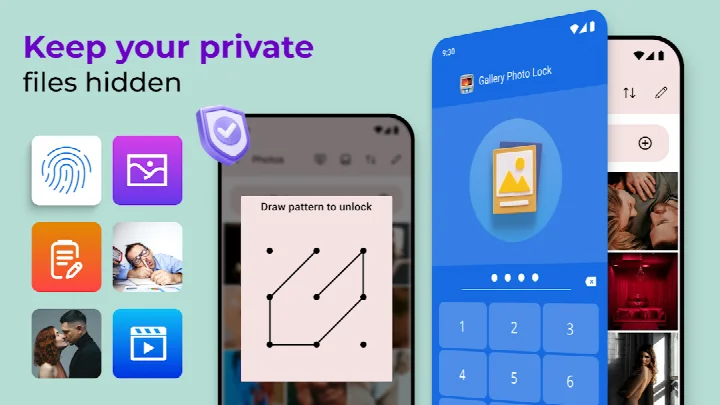
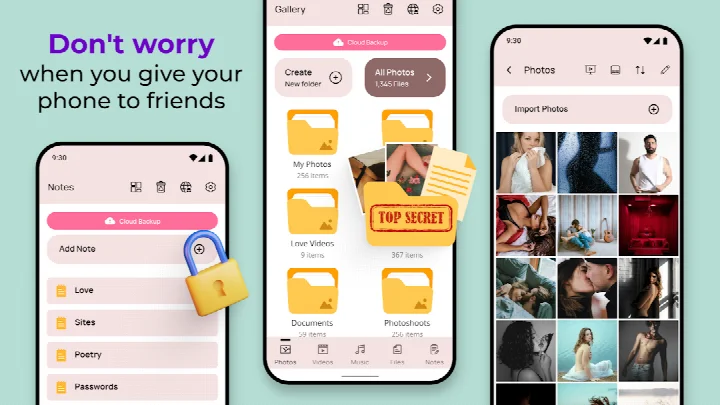
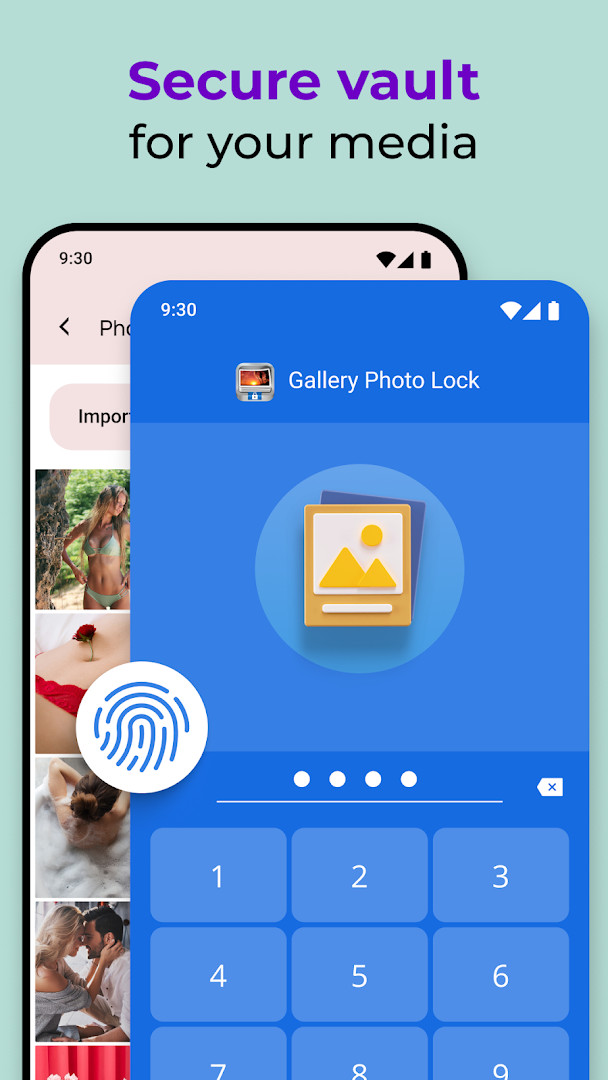
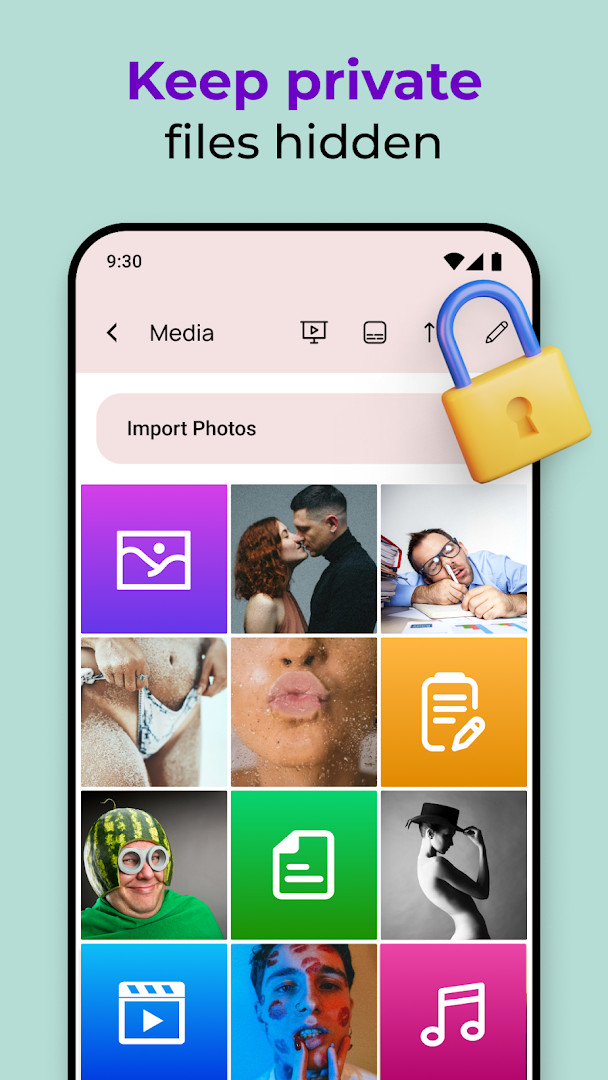
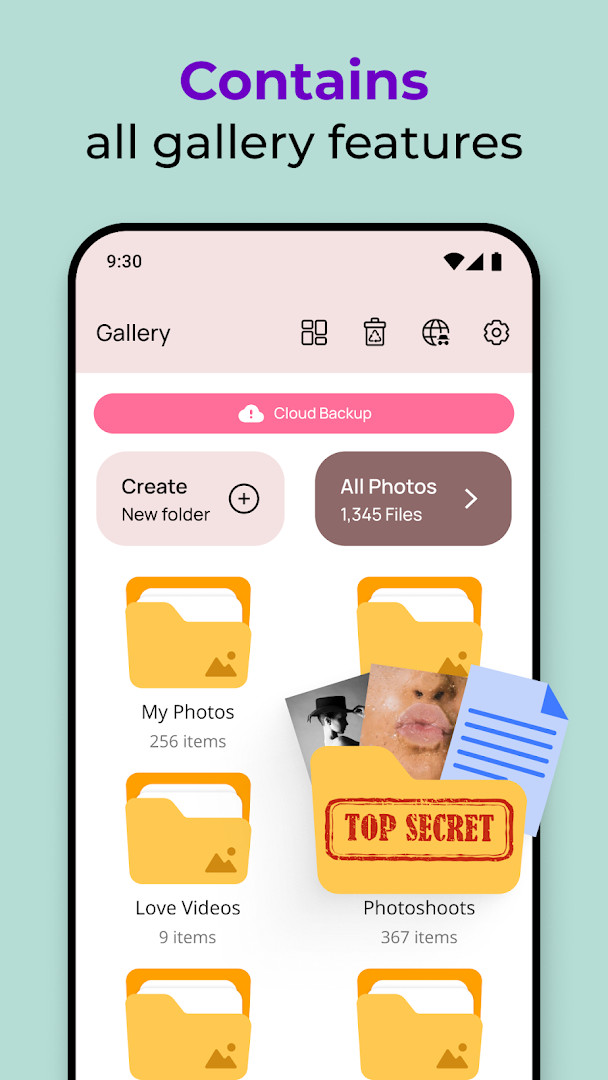
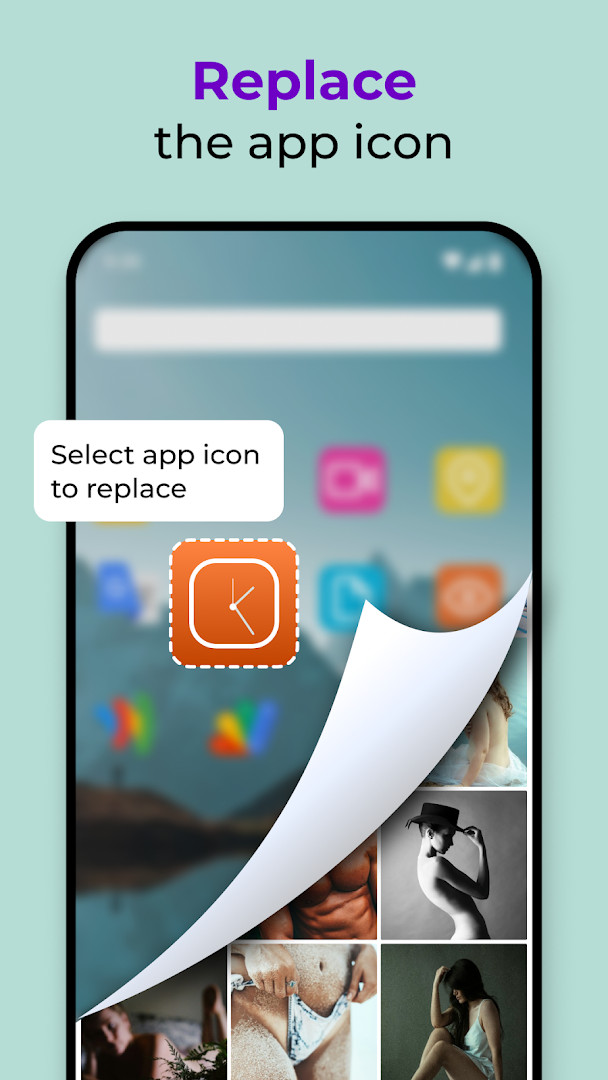
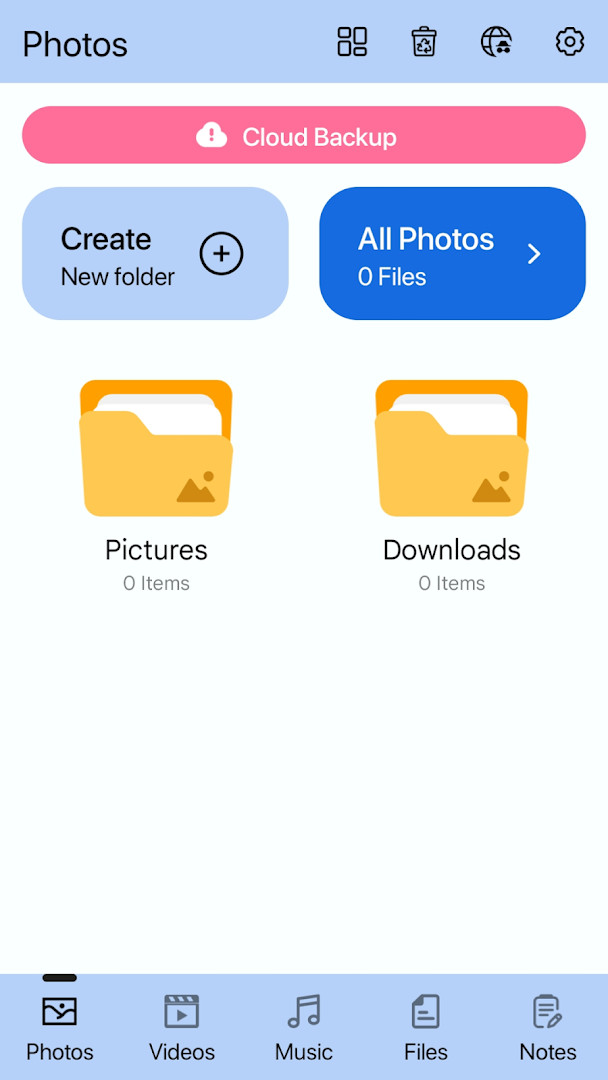
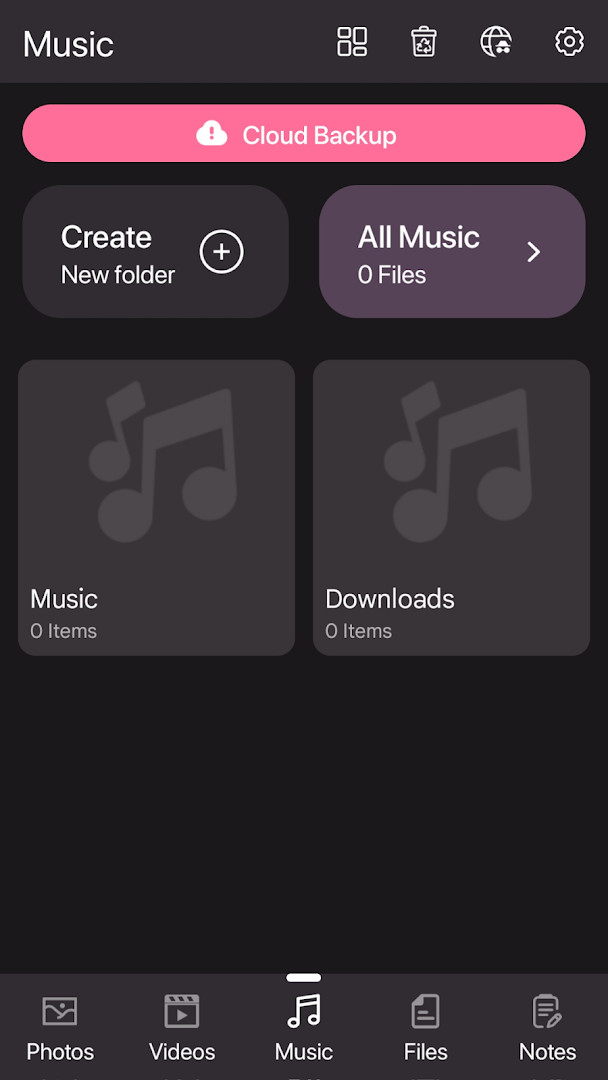
Photo Lock App - Hide Pictures is a personalization utility by Battery Stats Saver that hides photos, videos, and other files behind a PIN, pattern, or fingerprint. Originally released in early 2016 and updated through mid-2026, the app has grown into a multi-purpose privacy tool: it not only conceals media from your gallery but also offers a disguised calculator-style vault, an in-app browser, and an app locker for third-party applications. The current version is 2.1.14, requires Android 8.0 or newer, and is free with ads and optional in-app purchases.
The app is aimed at users who regularly hand their phone to friends, family, or colleagues and want a quick way to keep personal images, videos, notes, or specific apps out of sight. Rather than relying on a single lock screen, it layers several protections: a hidden vault for media, a separate guest locker with its own password, an intruder selfie feature, and a face-down lock that closes the vault when the device is placed on a table. The icon can also be replaced with a neutral one (news, weather, radio) to make the app less obvious.
For an experienced user comparing alternatives, the key differentiators are the breadth of hiding options and the recovery workflow. Media can be imported via a share-to-hide action from the gallery or SD card, and an export option brings files back when needed. The built-in viewer and player handle playback without leaving the vault, and cloud backup adds a safety net for the hidden library. The app does request several permissions—storage, camera, Wi-Fi connection info—so you should weigh the convenience against the access it requires.
With over 100 million installs and a rating near 4.6 based on more than 1.3 million reviews, this is a widely used solution. It is not the most minimal vault app on the market, but it compensates with a long feature list and frequent updates. If you prefer a straightforward locker with no extra frills, the calculator disguise and browser may feel unnecessary; if you want a do-it-all privacy suite, those extras are exactly what sets it apart.
Key features
- Hide unlimited photos and videos in a private vault
- Fingerprint unlock for compatible devices
- Share-to-hide from gallery or SD card
- Built-in image viewer and video player
- Cloud backup for hidden images, videos, files, and notes
- Guest locker with a separate password for dummy content
- Replaceable app icon (news, weather, radio) to disguise the app
- Face-down lock that closes the vault when the device is face down
- Intruder image capture when someone enters a wrong password
- Theme customization for the vault lock screen
How to install
- Tap the download button on this page to get the APK file. The file size is listed as n/a, and the app requires Android 8.0 or higher.
- When Android prompts you, allow your browser or file manager to install apps. This is the 'Install unknown apps' setting, usually found in your device's security or app permissions menu.
- Open the downloaded APK file from your notification bar or Downloads folder.
- Tap Install and wait for the installation to finish. You may see a warning about unknown sources; confirm that you trust the file.
- Open the app from your app drawer or home screen. The first launch will ask you to set a PIN or pattern, and you can then start hiding media.
- If you want to hide the app icon later, use the replace-icon feature inside the app's settings.
Pros
- Comprehensive feature set: hiding, app lock, browser, and cloud backup in one tool
- Intruder selfie and face-down lock add proactive security
- Guest locker provides a plausible decoy for prying eyes
- Regular updates with a long history of support since 2016
- Free to use with optional in-app purchases
Cons
- Contains ads, which may interrupt the experience
- Requests several permissions, including storage, camera, and Wi-Fi info
- Advanced features like cloud backup may require in-app purchases
- Disguised icon and calculator mode can be confusing for new users
Latest changes · 2.1.14
Version 2.1.14 brings overall improvements and addresses the crash issue that some users experienced. This update is intended to make the app more stable and reliable while you hide and manage your pictures and videos.
Previous versions
| Version | Size | Requires Android | Updated |
|---|---|---|---|
| 55.0 | 3.4 MB | 4.0 | Jun 17, 2026 |
| 2.1.14 | — | 8.0 | May 6, 2026 |
| 26.0 | 2.9 MB | — | May 30, 2017 |
This app suits users who regularly share their phone with others and want a multi-layered way to hide photos, videos, notes, and even lock other apps—especially those who appreciate features like a fake vault, intruder detection, and a disguised icon. It is also a fit for privacy-conscious users who prefer a single tool that combines a media vault with an app locker and a safe browser.
Set a strong PIN or pattern first, and consider enabling fingerprint unlock for quicker access. Use the share-to-hide action to import media directly from your gallery, and remember to use the export icon to bring files back to your main gallery when you need them. If you worry about someone forcing you to open the vault, set up the guest locker with a different password and store dummy content there.
Permissions
Frequently asked questions
Which versions of Photo Lock App - Hide Pictures are listed, and which Android version is required at minimum?
The app is listed at version 2.1.14, with a separate build numbered 55.0 and an older release 26.0. It requires Android 8.0 as the minimum operating system version.
Does the app support fingerprint authentication and cloud backup?
Yes. The DATA states it supports fingerprint unlock for the private vault and provides cloud backup for hidden images, videos, files, and notes.
How can media be hidden without opening the app, and what happens if someone tries to break in?
You can use the Share to Hide feature to send pictures from your gallery or SD card straight into the hidden vault. If someone enters wrong credentials, the intruder image feature automatically captures a photo of the person attempting access.
What privacy-related extras does the app include besides hiding photos and videos?
According to the DATA, it includes a calculator lock disguise, a safe browser that can save downloads into the vault, a Guest Locker with a separate password for dummy content, a replaceable app icon, face down lock behavior, themes, and built-in image and video viewers.
Is the app free, and does it include ads or purchases?
The app is free with a price of 0.00 USD, and it does include ads and in-app purchases. It has been rated 4.62 out of 5 based on over 1.37 million ratings, with more than 100 million installs.
Photo Lock App - Hide Pictures is a mature, feature-rich privacy tool that goes well beyond a simple gallery vault. With over a decade of updates, a huge user base, and a strong rating, it remains a reliable choice for anyone who wants to keep personal media and apps away from prying eyes—just be prepared for ads and a handful of permissions.
Similar apps
 Microsoft SwiftKey AI KeyboardMicrosoft SwiftKey AI Keyboard supports over 700 languages and can handle up to five languages at once. The app includes ads but offers n…SwiftKey · ★ 4.3 · Personalization · v9.13.20.4
 HiOS Launcher - FastHiOS Launcher - Fast is 66 MB in size and requires Android 9 or higher. The launcher includes ads but does not offer in-app purchases. It…Transsion Holdings · ★ 4.1 · Personalization · 70 MB
 Zedge™ Wallpapers & RingtonesZedge™ Wallpapers & Ringtones is a personalization app by Zedge that helps users customize their devices with a large collection of wallp…Zedge · ★ 4.7 · Personalization · 24 MB
 Wallpaper 4K HD – WallcraftWallpaper 4K HD - Wallcraft is for Android users who want many wallpaper styles in one place, including 3D, live parallax, abstract and a…Nebuchadnezzar DOO · ★ 4.6 · Personalization · 44 MB
 POCO Launcher 2.0 - Customize,POCO Launcher 2.0 - Customize, is a 27 MB launcher that requires Android 8.0 or later and includes ads, with no in-app purchases. It offe…Xiaomi Inc. · ★ 4.5 · Personalization · 27 MB
 Parallel Space - app cloningParallel Space - app cloning is aimed at people who need separate personal and work accounts, extra game profiles, or a private spot for …LBE Tech · ★ 4.1 · Personalization · v4.0.9631
 Fonts KeyboardFonts Keyboard offers dozens of font styles, symbols, and kaomojis for use across messaging apps and social media platforms. It is free t…Fonts Keyboard · ★ 3.9 · Personalization · v5.0.93.52319
 Themepack - App Icons, WidgetsThemepack - App Icons, Widgets offers over 10,000 functional widgets, icons, and wallpapers, plus DIY tools for customizing icon styles, …YoloTech · ★ 4.6 · Personalization · v1.0.0.4399
Updated: Nov 28, 2026
- Version
- 2.1.14
- Requires Android
- 8.0
- Updated
- May 6, 2026
- Installs
- 100M+
- Rating
- ★ 4.62 (1,375,987)
- Category
- Personalization
- Developer
- Battery Stats Saver
- Content rating
- Everyone
- Package
- vault.gallery.lock
- Free
- ✓ · Contains ads · In-app purchases