Netflix for Android
Netflix is an entertainment app from Netflix, Inc. for streaming TV episodes and movies on your phone or tablet.
Netflix is for anyone who wants to watch series, movies, live events, podcasts, and games while traveling or at home. The app offers personalized recommendations based on your ratings and includes a My Netflix tab for tracking favorites and My List.
Download NetflixScreenshots
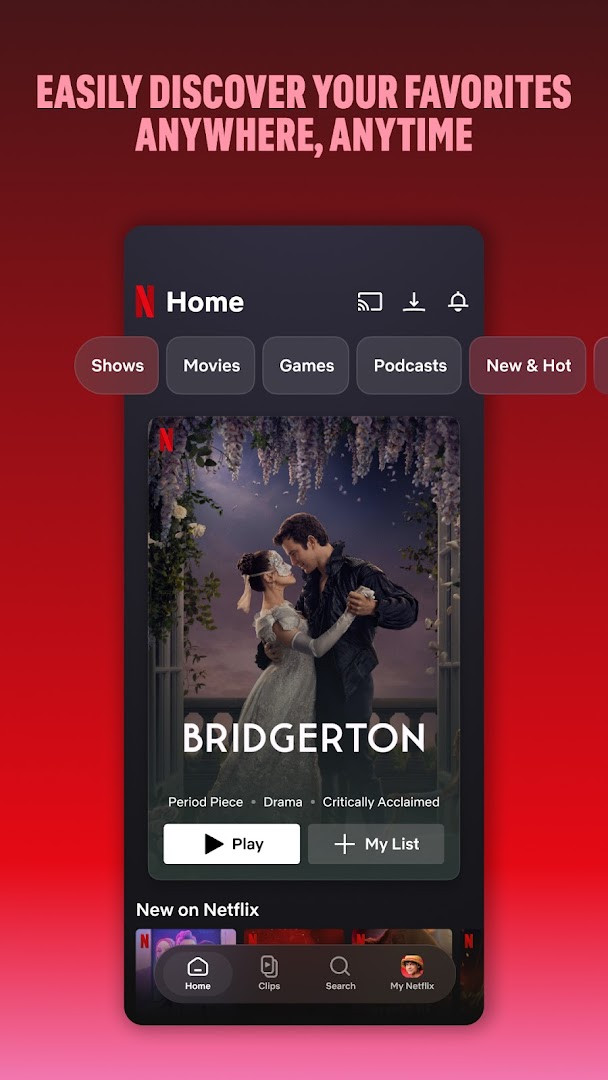
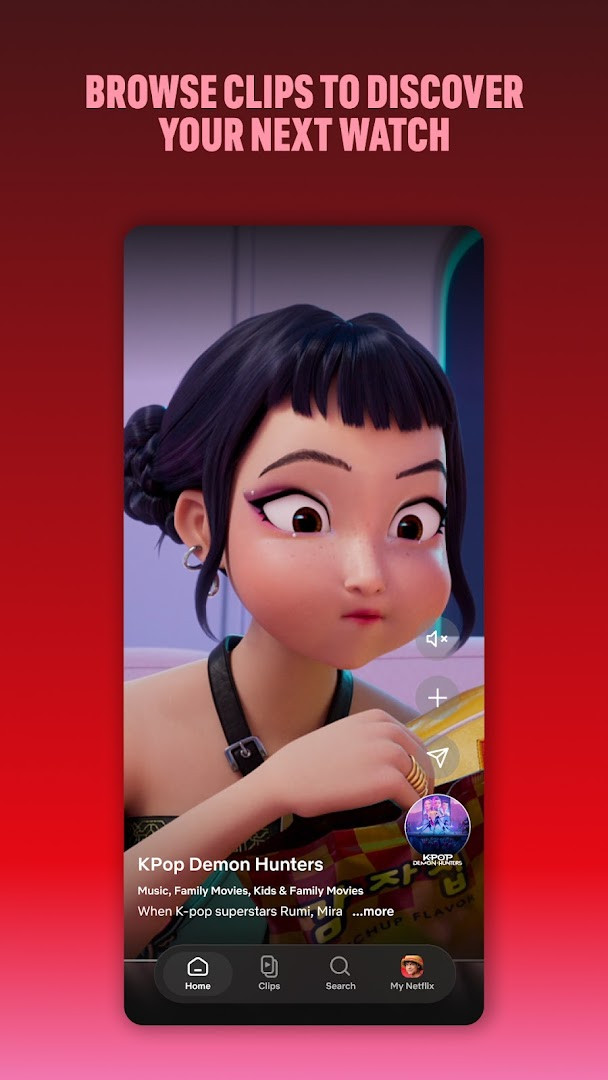
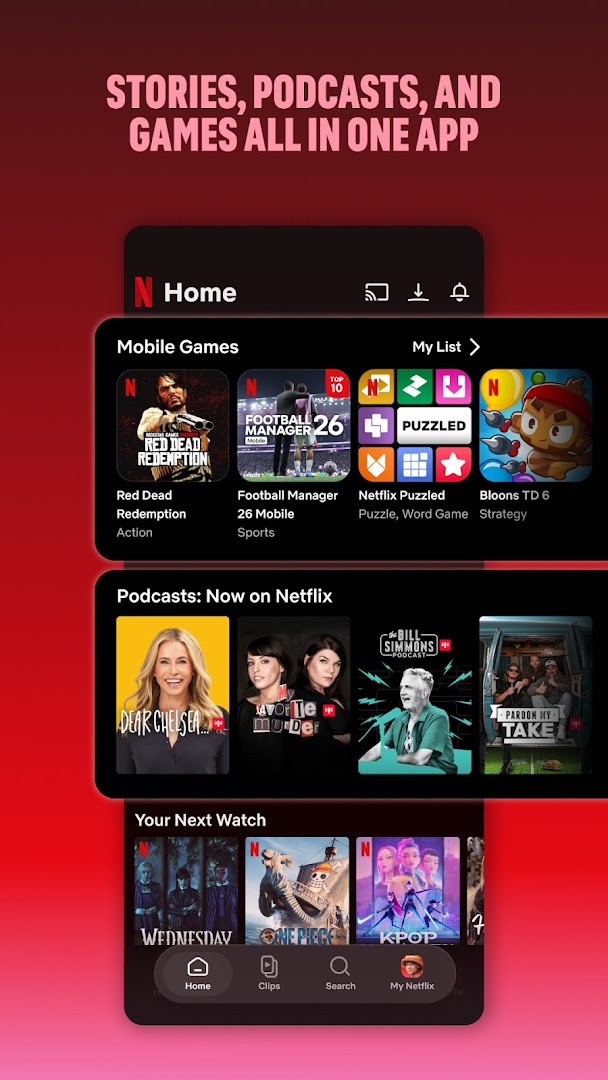
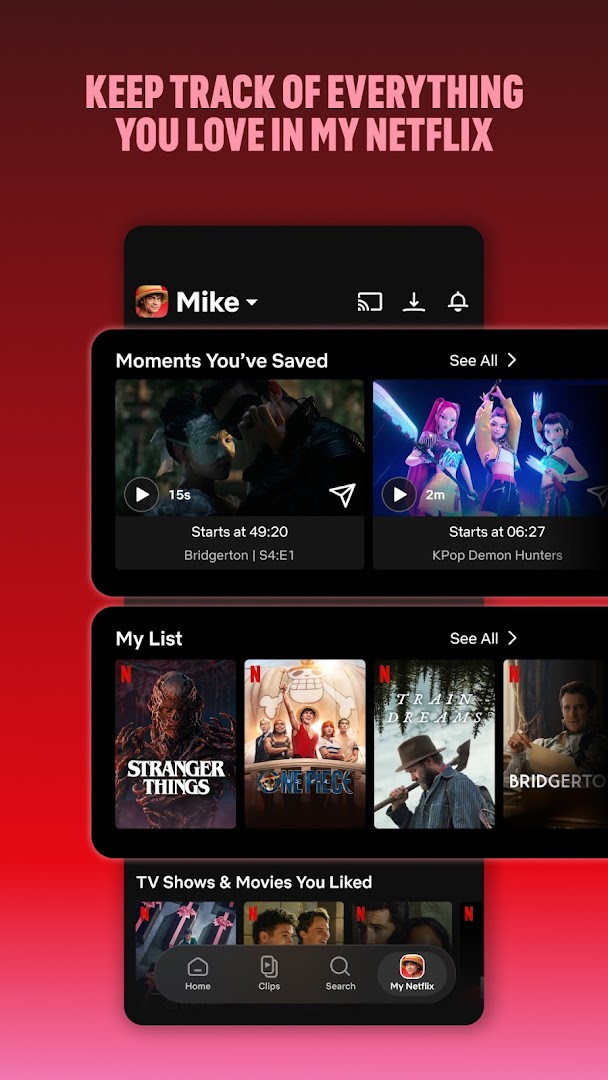
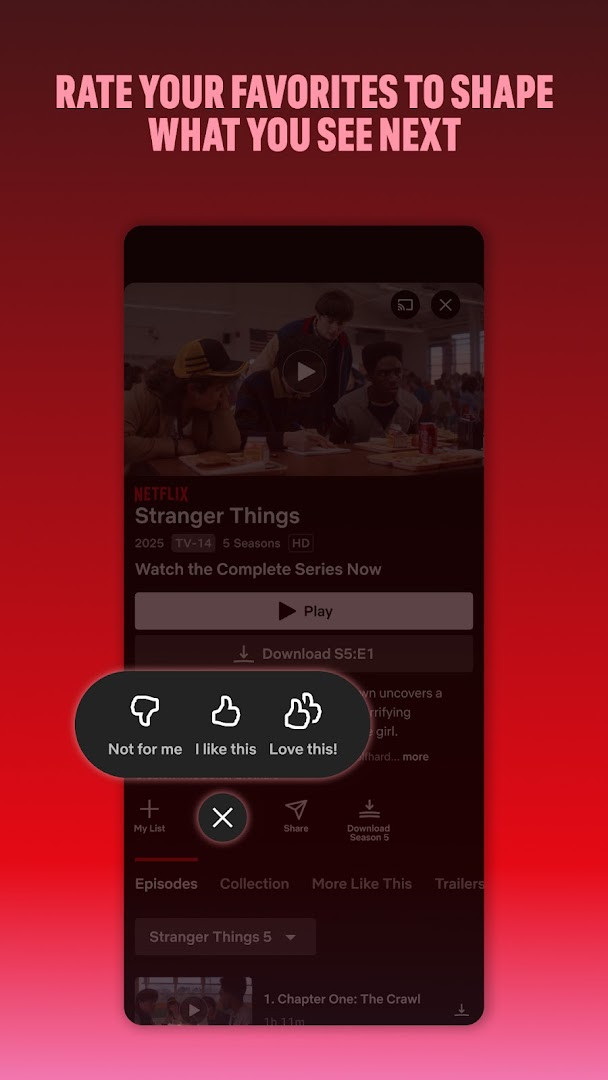
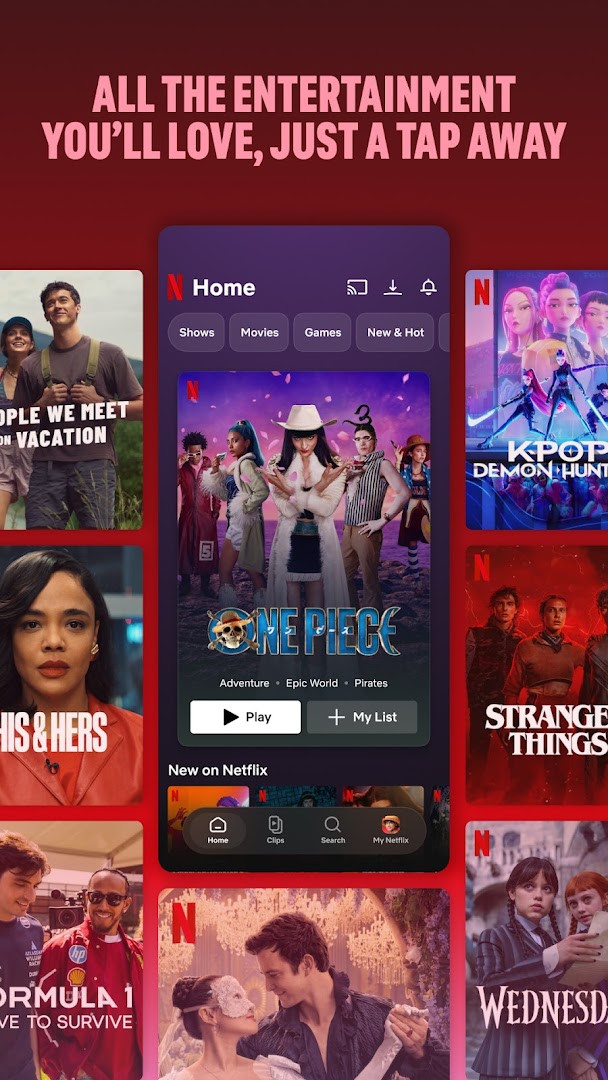
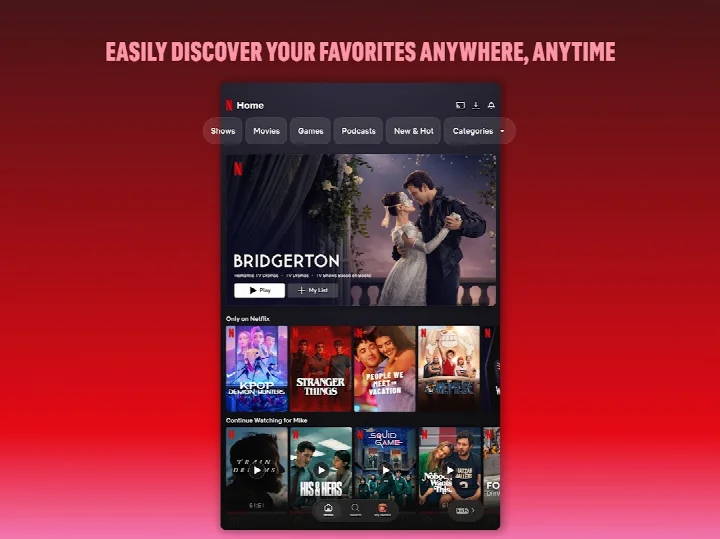
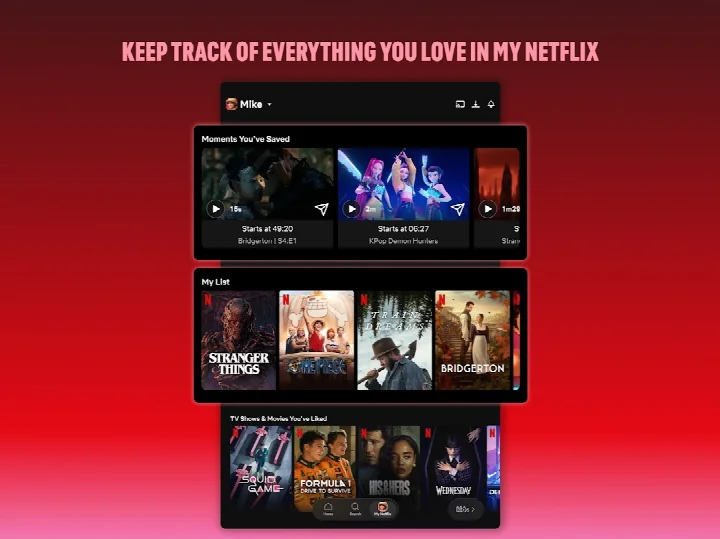
Netflix is an entertainment application by Netflix, Inc. that provides a subscription service for streaming television episodes, movies, and other content on Android devices. The app serves as a central hub for discovering and watching a wide range of programming, including award-winning series, films, live events, podcasts, and games, all within a single mobile interface. It is designed for users who want to keep up with popular and critically acclaimed titles while on the go, whether during a commute, while traveling, or during a break.
The app emphasizes smooth navigation through bottom shortcuts, allowing users to quickly browse different sections or return to their favorite content. It also introduces a clips feed for discovering upcoming releases, and a dedicated 'My Netflix' tab where users can track favorite moments and manage their personal list. Personalized recommendations are generated based on user ratings, and notifications keep viewers informed about new releases, episodes, and live events. The service operates on a month-to-month subscription that starts at sign-up, with no long-term contracts or cancellation fees, and cancellation can be done online at any time. The app is free to download, with the subscription fee covering access to the content library. It holds a content rating of Teen and includes permissions for accessing photos, media, files, storage, camera, microphone, and Wi-Fi connection information, which are used for various features within the app. The current version listed is 2.2.5, updated in February 2026, with the app requiring Android 5.0 or higher and occupying 63 MB of storage. It has been available since May 2011 and has seen over a billion installs, reflecting its widespread use as a primary streaming platform for Android users.
Key features
- Smooth navigation with bottom shortcuts for quick browsing and returning to favorites
- Upcoming clips feed for discovering new content
- Access to series, movies, live events, games, and podcasts in one place
- 'My Netflix' tab to track favorite moments and manage 'My List'
- Personalized recommendations based on your ratings
- Instant notifications for new releases, episodes, and live events
- Month-to-month subscription with no long-term contracts or cancellation fees
How to install
- Tap the download button on this page to get the APK file, which is 63 MB in size.
- When your browser or file manager asks for permission, allow it to install apps by enabling the 'Install unknown apps' setting for that app.
- Open the downloaded APK file from your notifications or file manager.
- Tap 'Install' on the screen that appears and wait for the installation to complete.
- Open the Netflix app from your app drawer or home screen after installation.
- Ensure your device runs Android 5.0 or higher, as this is the minimum operating system version required.
Pros
- Extremely popular with over one billion installs
- High user rating of 4.67 from over 16 million ratings
- No ads and no in-app purchases required
- Includes games and podcasts in addition to video content
- Flexible subscription that can be canceled anytime online
Cons
- Requires a paid subscription after sign-up
- Permissions include access to camera and microphone, which may concern privacy-minded users
- Large app size of 63 MB might be significant for devices with limited storage
Latest changes
The latest Netflix update, released on October 8, 2026, is designed to give you the best experience for enjoying recent hits and timeless classics on your phone and tablet. This version focuses on smoother navigation with bottom shortcuts, a new upcoming clips feed for discovering what's next, and a centralized 'My Netflix' tab to track your favorites. All your series, movies, live events, games, and podcasts remain in one place, with personalized recommendations and instant notifications for new releases.
Previous versions
| Version | Size | Requires Android | Updated |
|---|---|---|---|
| 2.2.5 | 2.7 MB | 8.0 | Feb 25, 2026 |
| 7.120.6 build 63 35594 | 63 MB | 5.0 | Sep 15, 2025 |
| 4.16.7 build 15235 | 25 MB | 4.4 | Apr 13, 2023 |
| 3.14.4 build 5440 | 25 MB | 4.0 | Dec 29, 2020 |
This app is for Android users who enjoy watching TV shows and movies and want a comprehensive entertainment hub that also includes live events, podcasts, and games, especially those who prefer to stream on the go and value personalized recommendations and notifications.
To get the most out of the app, use the 'My Netflix' tab to build a list of favorites and take advantage of the clips feed to spot upcoming titles. Make sure your device meets the Android 5.0 requirement and has enough free storage for the 63 MB app. Since the service is subscription-based, consider starting with a monthly plan to test it, and you can cancel anytime online without fees.
Permissions
Frequently asked questions
Is the Netflix app free to download?
Yes, the app itself is free to download and install. However, watching content requires an active Netflix subscription, which is a month-to-month membership that starts at sign-up.
What Android version do I need to run the app?
The app requires Android 5.0 or higher. The current file size is about 63 MB.
Do I need an account to use Netflix?
Yes, you need a Netflix account to sign in and stream shows, movies, and other content. You can create an account and manage your subscription directly through the service.
What permissions does the app request during installation?
The app may request access to photos and media files, storage, camera, microphone, and Wi-Fi connection information. These permissions support features like downloading content and streaming.
How do I update the Netflix app to the latest version?
To update, simply download the newest version available on this page and install it over your current installation. Check the page periodically for updated releases.
Does the app include ads or in-app purchases?
No, the app has no ads and no in-app purchases. All content access is covered by your Netflix subscription, which you can cancel anytime online.
Netflix offers a robust mobile experience for streaming a vast library of entertainment content, backed by a strong user base and high ratings. It is a practical choice for anyone seeking a reliable, all-in-one streaming app on Android, provided they are comfortable with a subscription model.
Similar apps
 Google TVGoogle TV occupies about 40 MB and requires Android 6.0 or newer to run. The app is free to download and contains no ads, though in-app p…Google LLC · ★ 3.9 · Entertainment · 40 MB
 YouTubeYouTube is a free video app with a size of 199 MB, requires Android 10 or higher, and includes ads and in-app purchases. It offers a vast…Google LLC · ★ 3.8 · Entertainment · 199 MB
 YouTube MusicYouTube Music provides a vast library of songs, music videos, and live performances, along with curated playlists and personalized mixes.…Google LLC · ★ 4.5 · Entertainment · 68 MB
 Google Play GamesGoogle Play Games is free to use and includes ads, with no in-app purchases. Google Play Games offers instant play for many titles withou…Google LLC · ★ 3.9 · Entertainment · 14 MB
 MX PlayerMX Player is for Android users who want a dependable video player that handles a wide range of files and subtitle formats. The app suppor…Amazon Mobile LLC · ★ 4.2 · Entertainment · v3.4.3
 Spotify: Music and PodcastsSpotify: Music and Podcasts suits listeners who want one place to stream songs, shows and audiobooks without paying upfront. The app is f…Spotify AB · ★ 4.4 · Entertainment · 145 MB
Updated: Nov 7, 2026
- Size
- 63 MB
- Requires Android
- 5.0
- Updated
- Oct 8, 2026
- Installs
- 1B+
- Rating
- ★ 4.67 (16,508,163)
- Category
- Entertainment
- Developer
- Netflix, Inc.
- Content rating
- Teen
- Package
- com.netflix.mediaclient
- Free
- ✓