Life360: Family Safety & GPS - Location Sharing & Safety
Life360 is a free lifestyle app by Life360 that lets you share real-time locations with family and friends.

Life360: Family Safety & GPS has over 100 million installs and a 4.77 rating from roughly 2.49 million ratings, as of its October 23, 2026 update. The app requires Android 10 or higher and includes ads and in-app purchases for premium memberships like Silver, Gold, and Platinum.
Get Life360 · v26.41.0Screenshots
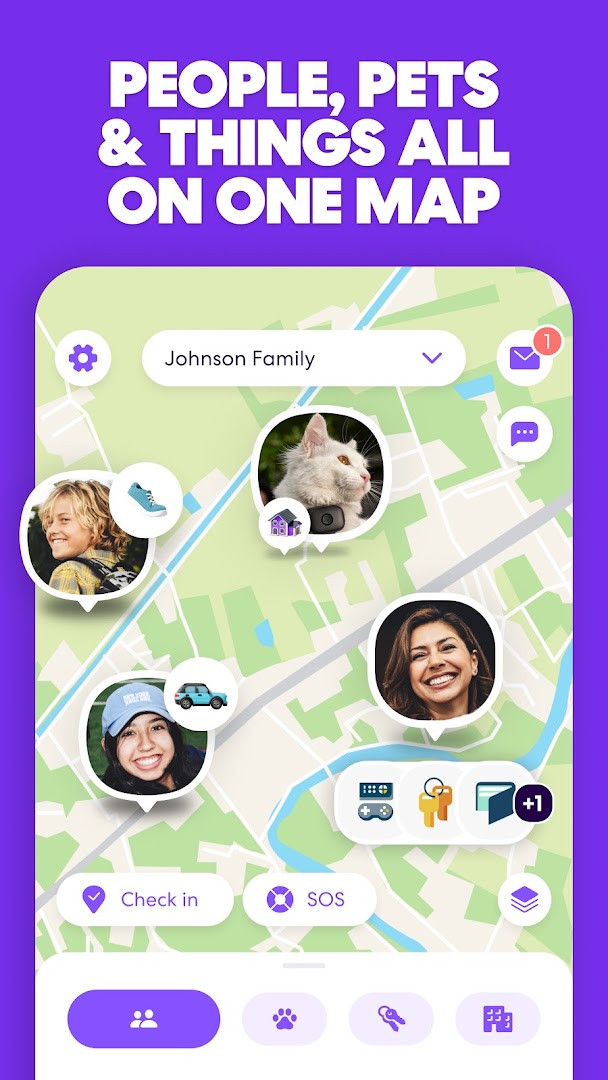
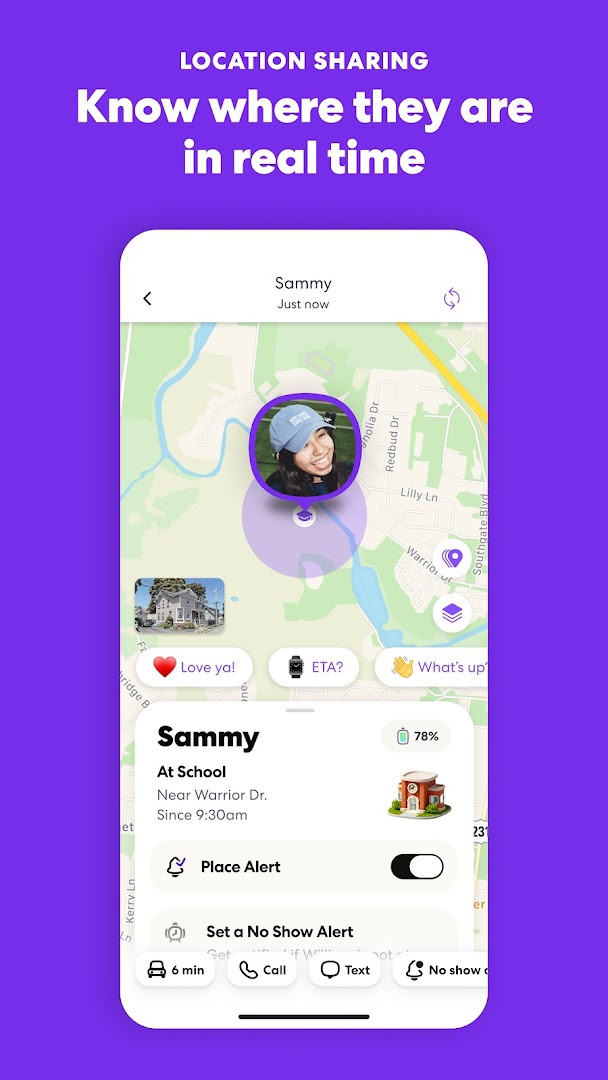
Life360: Family Safety & GPS is a location-sharing and family safety application by Life360 that keeps members connected through real-time GPS tracking, place alerts, and emergency tools. Originally released in 2010, it has grown into a widely used platform, with over 100 million installs and a 4.77 rating based on nearly 2.5 million reviews. The app is free to download with optional in-app purchases and contains ads, so the core experience is accessible to anyone, while premium tiers unlock more advanced safety and convenience features.
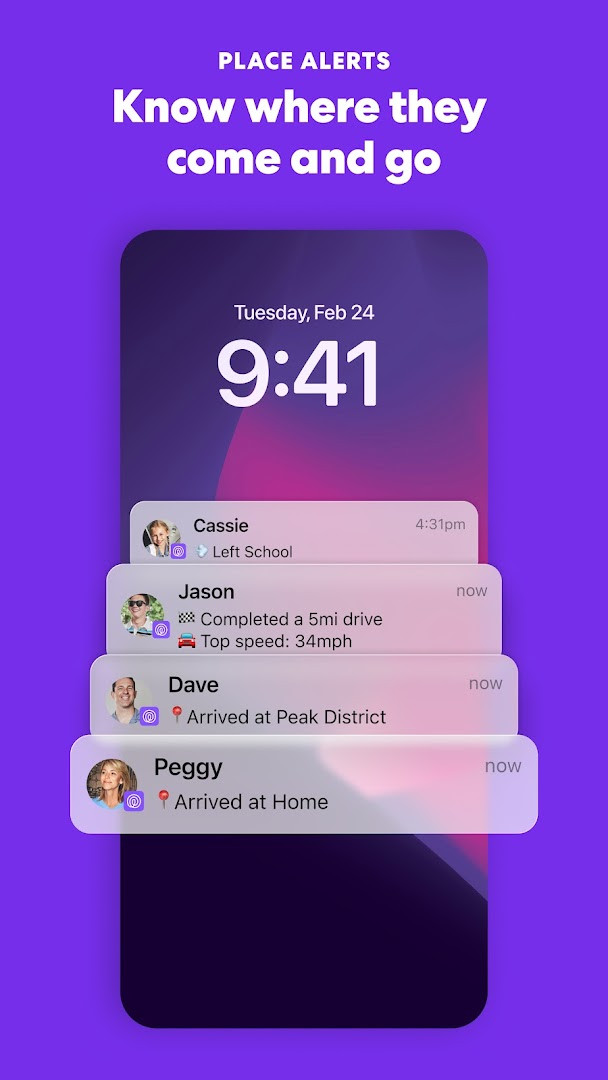
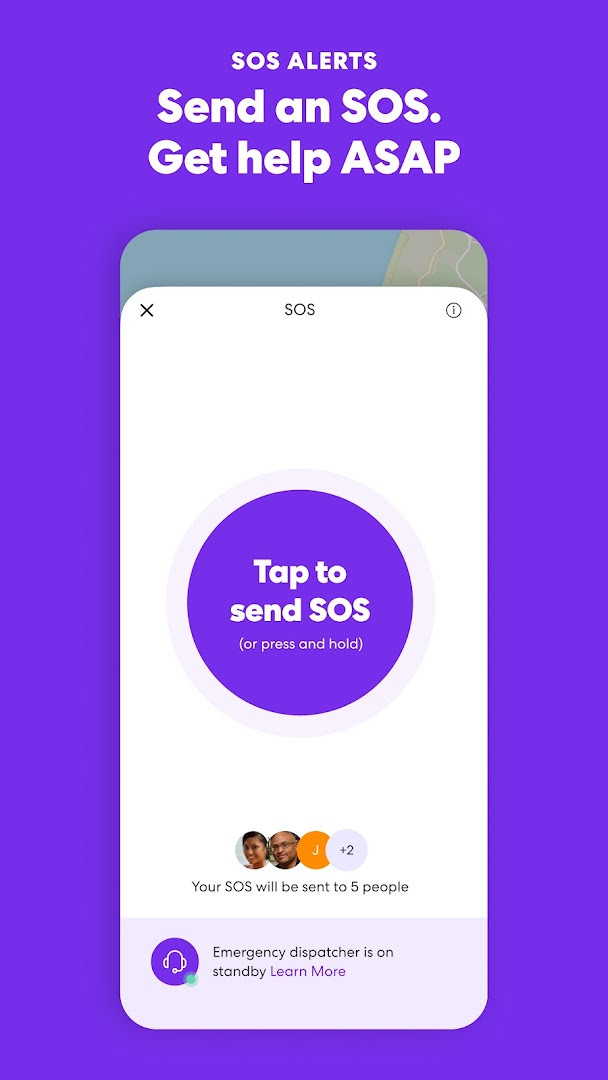
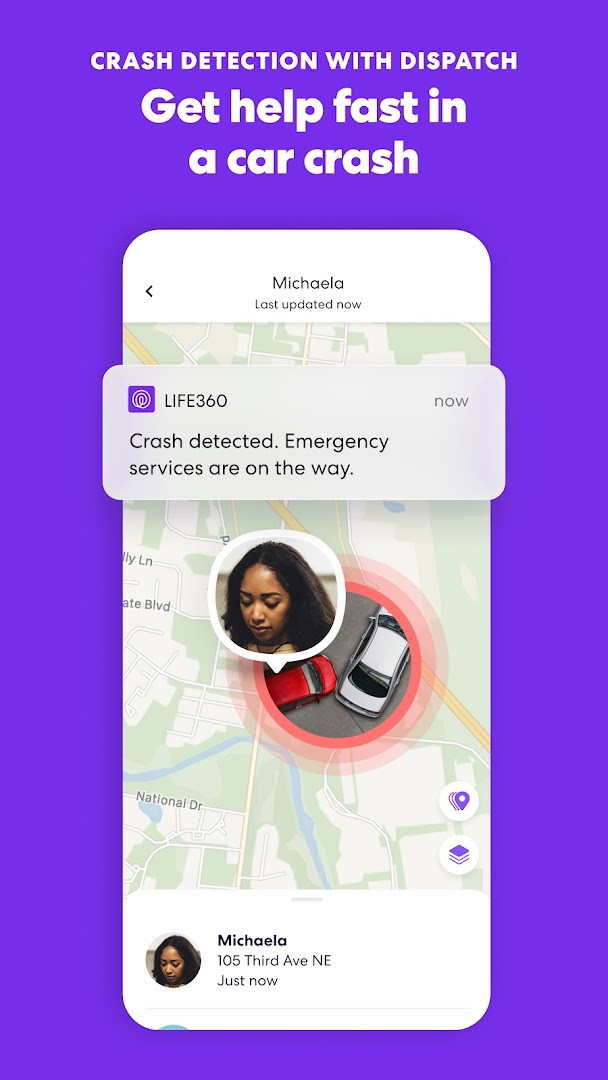
The core idea is straightforward: everyone in your Circle joins voluntarily, and each person can see the others on a shared map. You can set alerts for when someone arrives at or leaves home, school, or work, and check location history to review where the day went. The app also includes practical tools like crash detection, SOS alerts, and even the ability to locate a misplaced phone. For those who want more, optional permissions allow features like voice memos, photo sharing, and physical activity detection to improve driving reports and accident recognition.
Version 26.41.0, released on October 23, 2026, focuses on bug fixes and performance refinements rather than introducing new headline features. This update aims to deliver a smoother and more efficient experience, which matters for an app that runs in the background and relies on timely location updates. For experienced users comparing alternatives, Life360 stands out for its mature feature set and large community, though the tiered subscription model means some of the most useful safety tools require a paid plan.
Key features
- Real-time GPS location sharing for family and friends on a shared map
- Place Alerts when someone arrives at or leaves home, school, or work
- Location History with 2 days on Silver, 30 days on Gold, and more on higher tiers
- Crash Detection that can automatically alert emergency services
- SOS Help Alerts that send your precise location to Circle members and responders
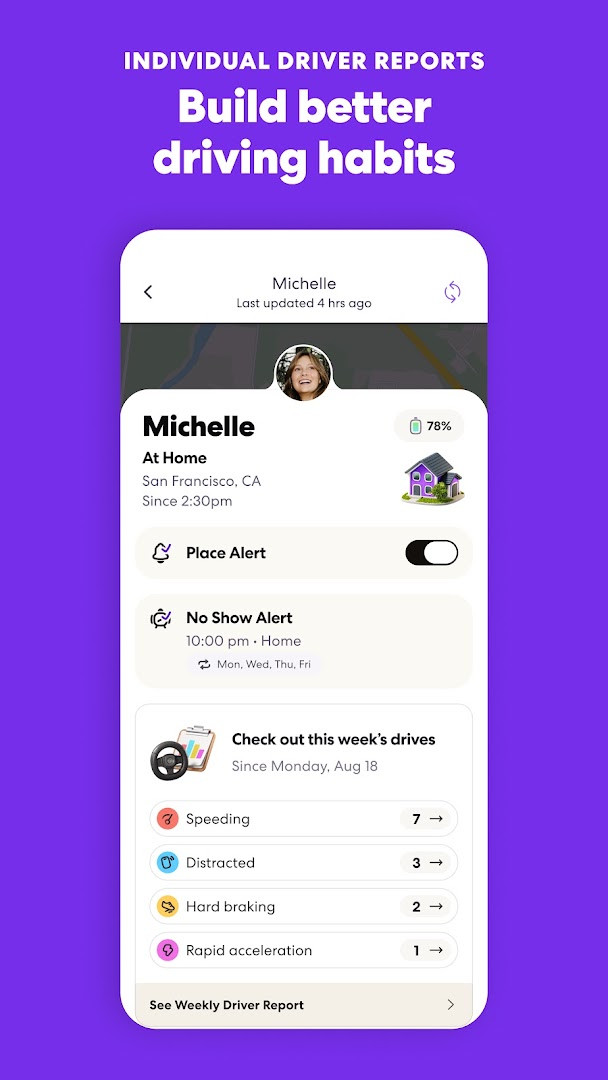
- Individual Driver Reports on Gold and above, including speed and braking data
- Flight Landing Notifications so you know when a loved one's plane touches down
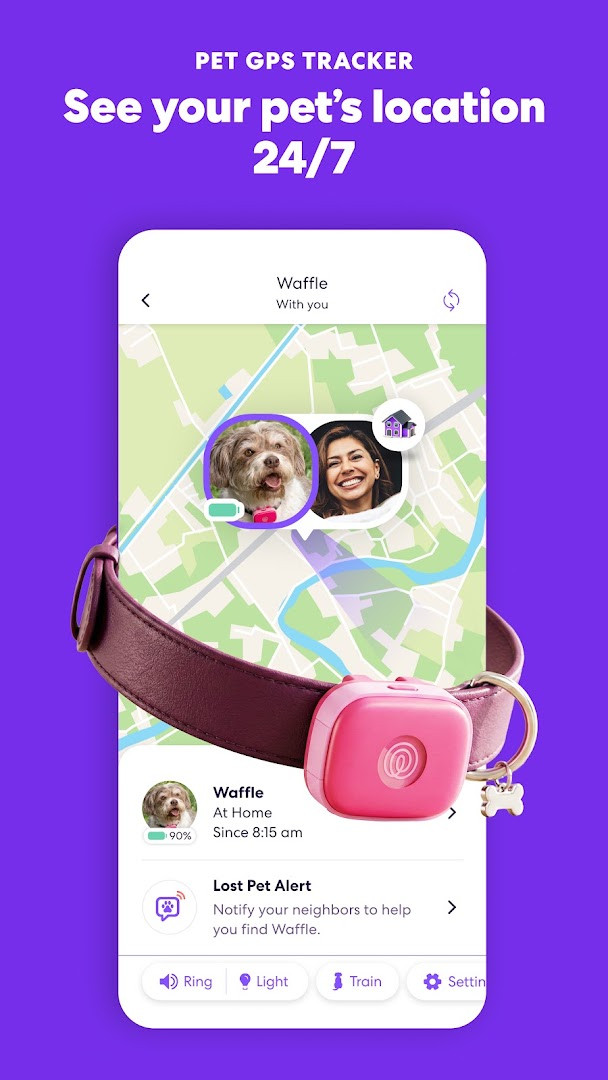
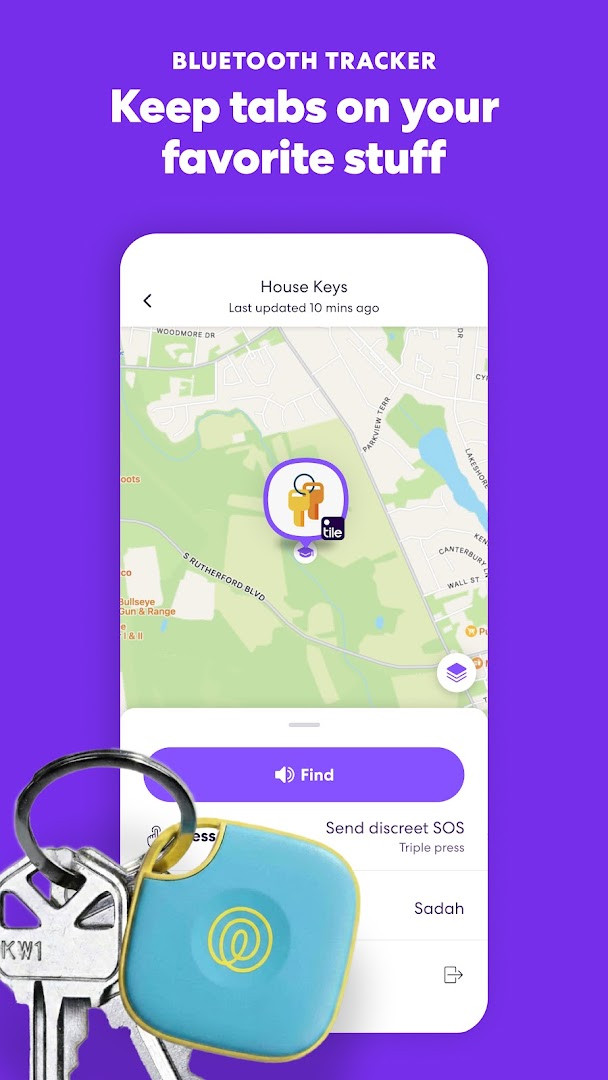
- Tile tracker integration for finding keys, wallets, luggage, bikes, and pets
- 24/7 Roadside Assistance with towing, jumpstarts, tire changes, and lockout help on paid plans
- Identity Theft Protection and Data Breach Alerts on Gold and Platinum memberships
How to install
- Tap the download button on this page to get the APK file for version 26.41.0. The file size is not specified, so ensure you have enough free storage space.
- When Android prompts you, allow your browser or file manager to install apps by enabling the 'Install unknown apps' setting for that app.
- Open the downloaded APK file from your notifications or Downloads folder.
- Tap 'Install' when the system asks for confirmation. The app requires Android 10 (API level 29) or higher.
- After installation completes, tap 'Open' to launch Life360 and begin setting up your Circle.
- Grant the necessary permissions (location, contacts, etc.) when prompted, or skip optional ones if you prefer to keep them private.
Pros
- Comprehensive safety suite in one app, from crash detection to roadside assistance
- Widely adopted with a large community, making it easy to invite friends and family
- Tile tracker integration extends protection to physical items and pets
- Customizable place alerts and location history help track routines
- Regular updates with performance fixes keep the app stable
- Free tier provides a solid baseline for basic location sharing
Cons
- Many advanced features are locked behind Silver, Gold, or Platinum subscriptions
- Contains ads and in-app purchases, which can be intrusive for some users
- Requires broad permissions like location, contacts, and phone, which may raise privacy concerns
- Background location usage can impact battery life despite optimizations
- Premium tiers can become costly for larger families wanting full access
Latest changes · 26.41.0
This update focuses on refining the app's overall performance and reliability. Several bugs have been fixed to provide a smoother, more efficient experience for users.
Previous versions
| Version | Size | Requires Android | Updated |
|---|---|---|---|
| 26.41.0 | — | 10 | Oct 23, 2026 |
| 26.40.0 | — | 10 | Oct 16, 2026 |
| 26.39.0 | — | 10 | Oct 12, 2026 |
| 26.31.6 | 74 MB | 10 | Oct 6, 2026 |
Life360 is ideal for parents who want to keep tabs on their kids' whereabouts, adult children caring for aging parents who want peace of mind, and households that want a shared safety net with crash detection and emergency alerts. It also suits people who frequently travel and need to coordinate arrivals or track luggage with Tile devices.
For the most accurate indoor locations, keep Wi-Fi enabled even when you're not connected — Life360 uses it to improve positioning significantly. Also, if a location ever appears stale, open the app to force a refresh rather than waiting for the next update cycle.
Permissions
Frequently asked questions
How do I install the Life360 APK on my Android device?
To install the APK on Android, download the installation file from the download button on this page, then open it from your notifications or file manager. If prompted, allow installation from unknown sources in your device settings. After installation, open the app and grant the permissions you are comfortable with.
What is new in version 26.41.0?
Version 26.41.0, released on 2026-10-23, focuses on squashing bugs and fine-tuning performance for a smoother and more efficient experience. It is the latest update listed, following 26.40.0 from 2026-10-16.
Is Life360 free, and does it contain ads or in-app purchases?
Life360 is free to download, with a listed price of 0.00 USD. It does contain ads and offers in-app purchases, which correspond to optional membership tiers like Silver, Gold, and Platinum that add features such as extended location history and roadside assistance.
Can I use Life360 offline or with limited data?
Life360 relies on location sharing, so it needs a data or Wi-Fi connection for real-time updates. Keeping Wi-Fi on improves location accuracy, especially indoors. If a location looks stale, opening the app refreshes it. The app is designed to update location when it matters rather than running GPS constantly to reduce battery use.
What alternatives exist in the family safety and location sharing category?
There are other apps in the same category that offer location sharing, place alerts, and safety features for families. When considering alternatives, compare factors like subscription costs, location history length, crash detection availability, and how each handles privacy and opt-in sharing for all circle members.
What Android version do I need to run Life360?
Life360 requires a minimum operating system of Android 10. The app is compatible with devices running that version or newer, and it requests permissions such as location, contacts, phone, camera, and storage to provide its full set of features.
Does Life360 track me without my knowledge?
No. Every member of a Circle joins on purpose and can see everyone else in that Circle. There is no hidden tracking, and each person chooses who they share with and can stop sharing at any time. You may also withhold optional permissions, though some features may not be available then.
Life360 remains a strong choice for families seeking a unified safety and location platform, offering a rare combination of GPS tracking, crash detection, and emergency services. The free version covers the essentials, but power users will likely want a paid tier to unlock the full value. Weigh the subscription cost against the convenience and peace of mind it provides, and be mindful of the permissions you grant. For most households, it's a dependable tool that simplifies staying connected.
Similar apps
 SmartThingsSmartThings is for Android users who want to control smart TVs, appliances, speakers, and gadgets from brands like Ring, Nest, and Philip…Samsung Electronics Co., Ltd. · ★ 4.6 · Lifestyle · 227 MB
 PinterestPinterest is a free lifestyle app from developer Pinterest that centers on discovering and collecting ideas. It is rated Teen and has dra…Pinterest · ★ 4.2 · Lifestyle
 Tinder Dating App: Chat & DateTinder Dating App: Chat & Date has been installed over 500 million times and holds a user rating of 3.92 based on more than 9.2 million r…Tinder LLC · ★ 3.9 · Lifestyle · v17.38.2
 Amazon AlexaAmazon Alexa has over 100 million installs and a 4.05 rating from more than 5.7 million ratings, with no ads and no in-app purchases. The…Amazon Mobile LLC · ★ 4.0 · Lifestyle · v2.2.718227.0
Updated: Nov 5, 2026
- Version
- 26.41.0
- Requires Android
- 10
- Updated
- Oct 23, 2026
- Installs
- 100M+
- Rating
- ★ 4.77 (2,493,918)
- Category
- Lifestyle
- Developer
- Life360
- Content rating
- Everyone
- Package
- com.life360.android.safetymapd
- Free
- ✓ · Contains ads · In-app purchases