Weather for Android
Weather is a weather app from MacroPinch for checking current conditions and forecasts directly from your status bar.

Weather is for Android users who want quick, at-a-glance weather updates without opening a full app. It is free, requires Android 5.1 or newer, and weighs about 11 MB, making it a lightweight option. The app shows hourly and weekly forecasts, supports multiple locations, and works on Android TV and Wear OS, with animated conditions and optional widgets.
Get WeatherScreenshots
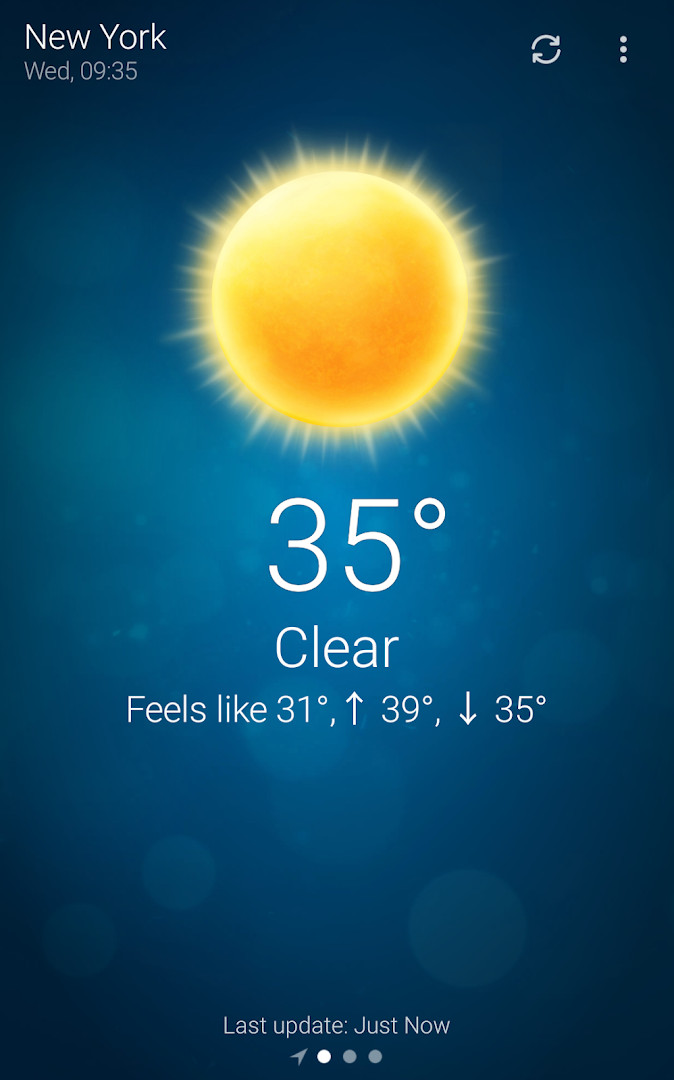
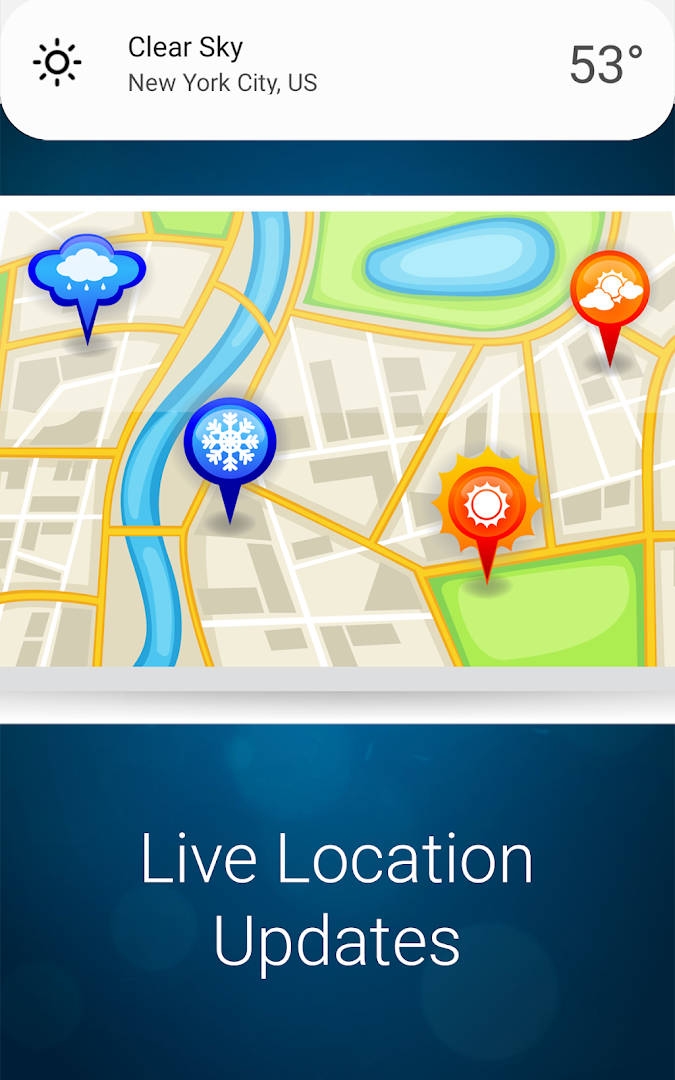
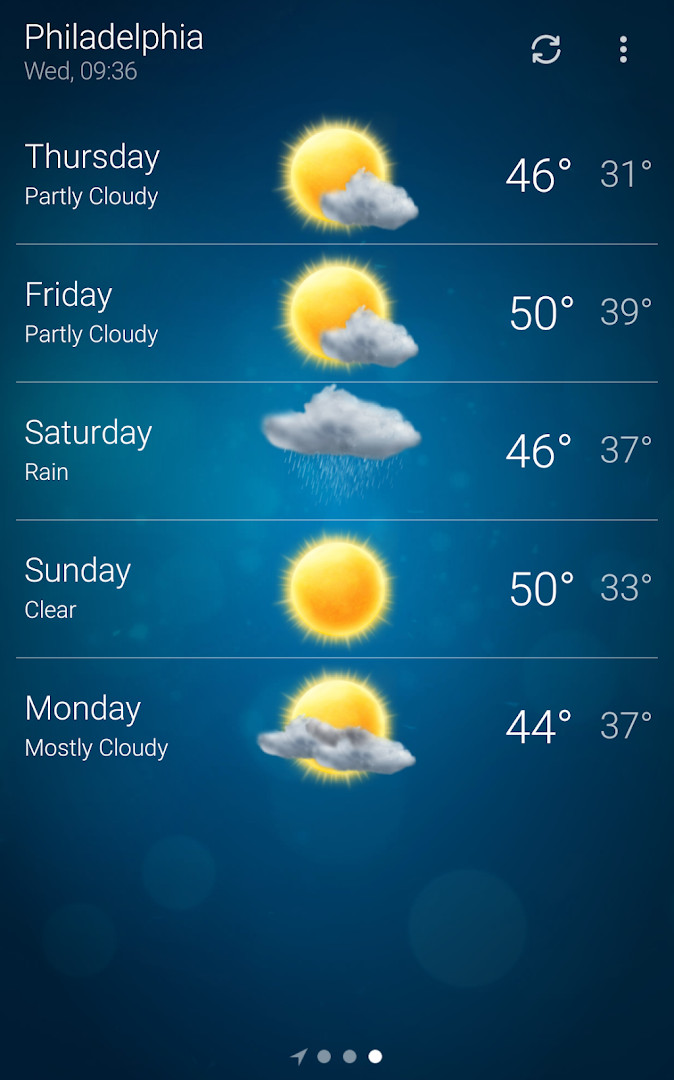
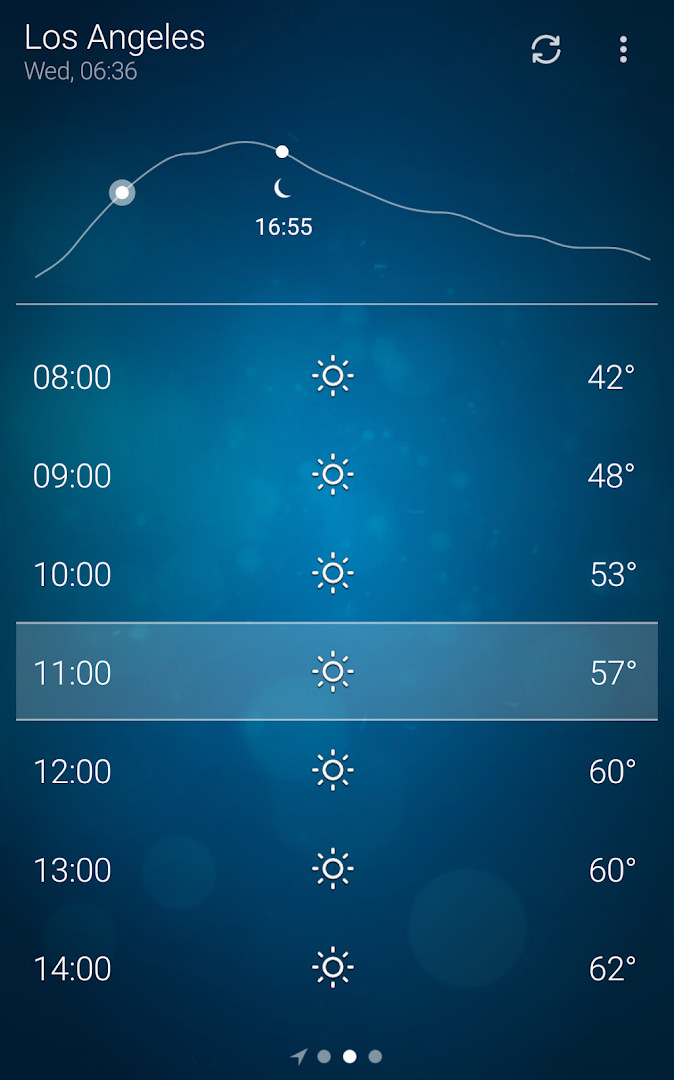
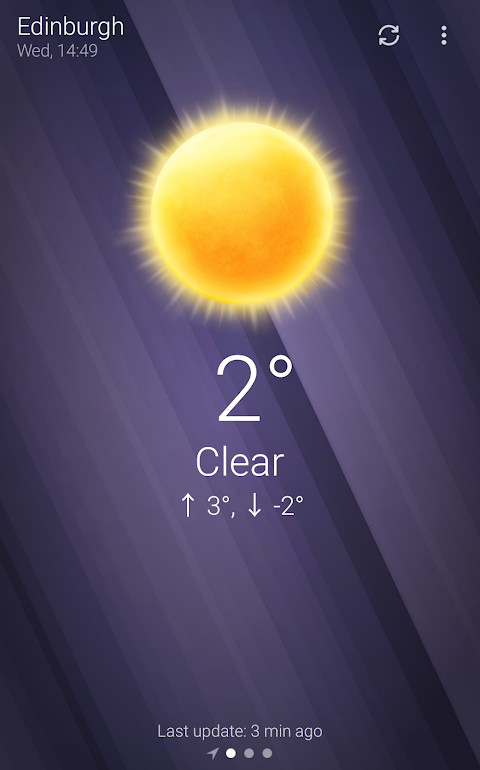
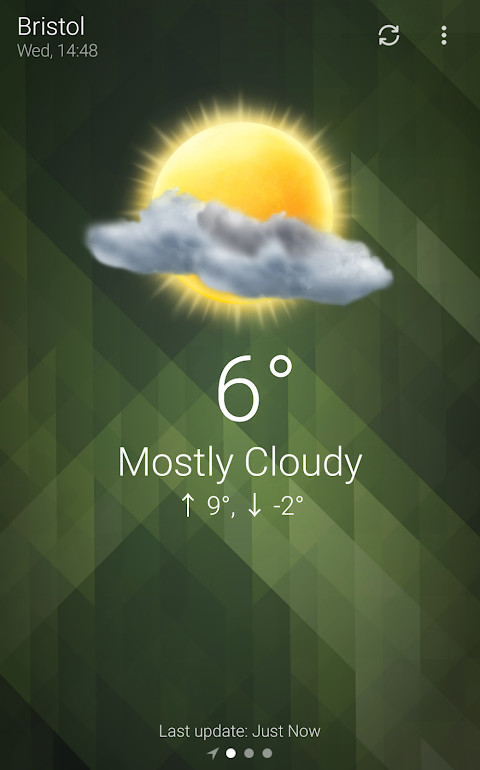
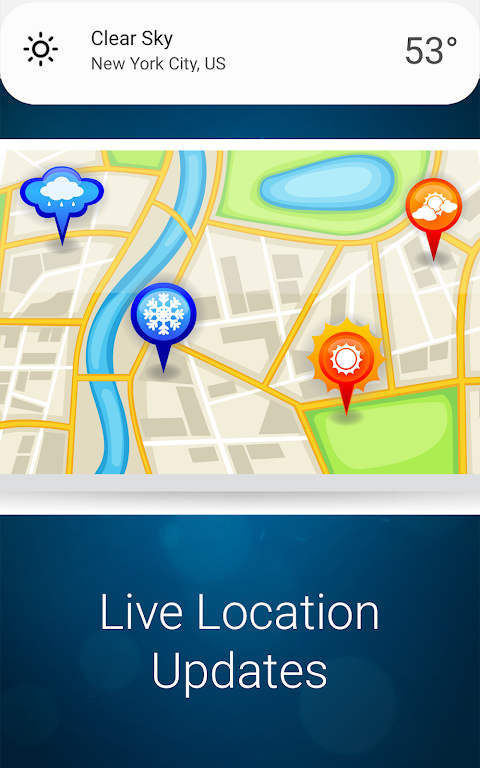
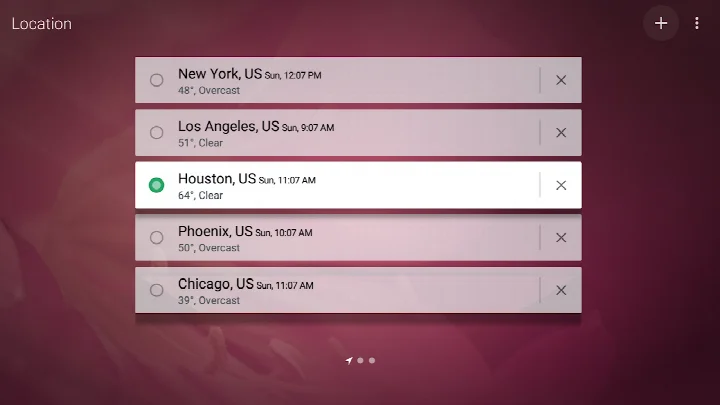
Weather is a lightweight weather utility by MacroPinch that delivers current conditions directly to your Android status bar. It solves the problem of needing to open a full app or widget just to check the sky, instead showing animated, location-aware weather at a glance with one tap. The app combines geo-positioning with manual location entry, animated visualizations, and multi-location tracking, making it a practical choice for users who want quick, always-visible forecasts without heavy resource usage.
Key features
- Geo-positioning automatically retrieves weather for your current location
- Manual location entry for places you want to track without GPS
- Measures ambient temperature and UV index on supported devices
- Full support for Android TV and Wear OS smartwatches
- Add and monitor weather conditions in multiple locations simultaneously
- Hourly and weekly forecasts with intuitive navigation
- Home screen widgets for different saved locations
- Animated weather states that visually reflect current conditions
How to install
- Tap the download button on this page to get the APK file (11 MB).
- When Android prompts, allow your browser or file manager to install apps by enabling the 'Install unknown apps' setting for that source.
- Open the downloaded APK file from your notifications or file manager.
- Tap Install and confirm when the system asks for permission.
- Open the Weather app from your app drawer after installation completes.
- The app requires Android 5.1 or higher; ensure your device meets this minimum version.
Pros
- Extremely lightweight, minimizing storage and memory impact
- Weather condition visible directly in the status bar for instant checks
- Animated visuals make forecasts more engaging and intuitive
- Supports multiple locations, widgets, Android TV, and Wear OS
- Hourly and weekly forecasts cover both short-term and extended planning
- Simple one-click access to current conditions
Cons
- Contains ads, which may interrupt the experience
- Offers in-app purchases, so some features or extras cost money
- Requires location permission, which some users may find intrusive
- Ambient temperature and UV measurement depend on device hardware support
Latest changes
This update re-adds the large degree text in notifications on devices running newer OS versions and adds support for Android 16. It also includes several small fixes and tweaks to improve overall performance and stability.
Previous versions
| Version | Size | Requires Android | Updated |
|---|---|---|---|
| 6.0.9 | 11 MB | 5.1 | Aug 4, 2025 |
| 5.2.3 | 8.7 MB | 4.4 | Jul 21, 2023 |
| 4.2.2 | 3.8 MB | — | Oct 10, 2016 |
This app suits experienced Android users who want a no-fuss weather check without launching a heavy app. It's ideal for those who appreciate glanceable status bar updates, animated conditions, and multi-location tracking, especially if they own a smartwatch or Android TV. Users comfortable with ads and optional purchases will find the lightweight design appealing, while those prioritizing privacy over location access might hesitate.
Enable notifications to see temperature updates without opening the app, and tap the temperature display to switch between Celsius and Fahrenheit. For accurate ambient readings, ensure your device has the necessary sensors and grant location permission for geo-positioning to work properly.
Permissions
Frequently asked questions
How do I see the weather condition without opening the app?
The app shows the current weather condition right in your status bar, so you can check it at a glance. A single click gives you the condition for your current location.
Does the app work on Android TV and Wear OS?
Yes, the app has full support for Android TV and also works on Wear OS smartwatches, letting you track weather across different devices.
Can I track weather for more than one place?
Yes, you can add and track weather conditions for multiple locations. Besides using geo-positioning for your current spot, you can manually add locations and set up widgets for each of them.
What can I do with the widgets and forecasts?
The app offers widgets for different locations, plus hourly and weekly forecasts. This lets you see upcoming conditions for several places without opening the app.
Can the app measure temperature and UV index?
On supported devices, the app can measure ambient temperature and the UV index directly. Keep in mind this depends on your device's hardware capabilities.
Weather delivers a practical, low-footprint way to stay updated on current conditions with status bar convenience and animated flair. It's a solid pick for users who value speed and simplicity, though ads and optional purchases are trade-offs to consider.
Similar apps
 WeatherServiceWeatherService is a free weather app from ColorOS with no ads and no in-app purchases. It runs on Android 9 and above, covers more than 7…ColorOS · ★ 3.5 · Weather · v16.29.0
 WeatherWeather offers hour-by-hour and 15-day forecasts, precipitation, air quality, and clothing advice, plus severe weather warnings. The app …ColorOS · ★ 3.8 · Weather · v16.46.2
 Weather - By XiaomiWeather - By Xiaomi requires Android 7.0 or newer and has a size of 18 MB. Weather - By Xiaomi contains no ads and no in-app purchases. W…Xiaomi Inc. · ★ 4.1 · Weather · 18 MB
 WeatherWeather offers more than 15 weather data points, multi-layer radar maps, air quality and pollen tracking, plus 10+ customizable widgets a…OneLouder Apps · ★ 4.6 · Weather · v0.7.6.4
 1Weather Forecasts & Radar1Weather Forecasts & Radar has over 100 million installs and a 4.29 rating from more than 1.1 million ratings, with version 12.9.3 requir…OneLouder Apps · ★ 4.3 · Weather · v12.12.2
 AccuWeather: Weather RadarAccuWeather: Weather Radar offers hyperlocal forecasts, severe weather alerts, and animated radar, including features like MinuteCast and…AccuWeather · ★ 3.6 · Weather · 15 MB
 The Weather Channel - RadarThe Weather Channel - Radar requires Android 9 or higher, is free to use, and includes ads and in-app purchases; its file size is not lis…The Weather Channel · ★ 4.6 · Weather · v16.30.0
 weather24: Forecast & Radarweather24 is for anyone who wants reliable, up-to-date weather details before heading out, whether for a weekend trip, a backyard barbecu…wetter.com Group GmbH · ★ 4.7 · Weather · v2.78.2
Updated: Nov 24, 2026
- Size
- 11 MB
- Requires Android
- 5.1
- Updated
- Aug 4, 2025
- Installs
- 50M+
- Rating
- ★ 4.41 (1,323,854)
- Category
- Weather
- Developer
- MacroPinch
- Content rating
- Everyone
- Package
- com.macropinch.swan
- Free
- ✓ · Contains ads · In-app purchases