The Weather Channel - Radar: Live Radar and Alerts
The Weather Channel - Radar is a free weather app by The Weather Channel that lets you track storms with live radar and severe weather alerts.
The Weather Channel - Radar requires Android 9 or higher, is free to use, and includes ads and in-app purchases; its file size is not listed. The Weather Channel - Radar has over 100 million installs and a 4.59 rating from about 3.6 million ratings. The Weather Channel - Radar suits people who want live radar, storm tracking, and severe weather notifications.
Get App · v16.26.0Screenshots
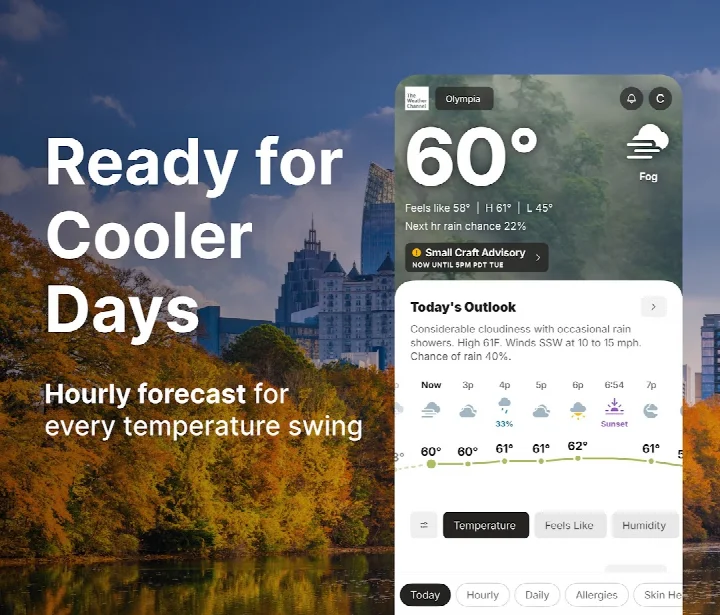
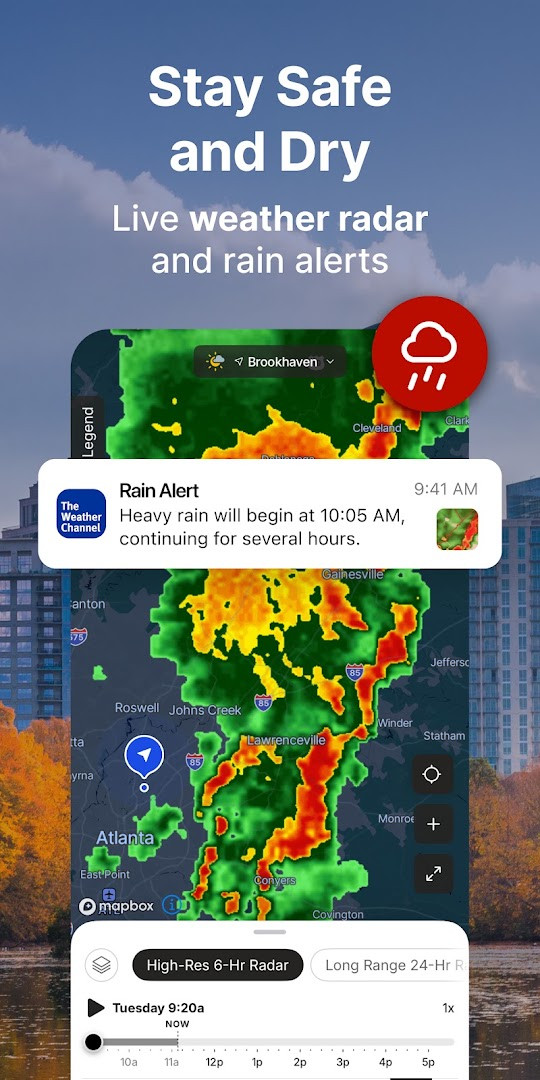
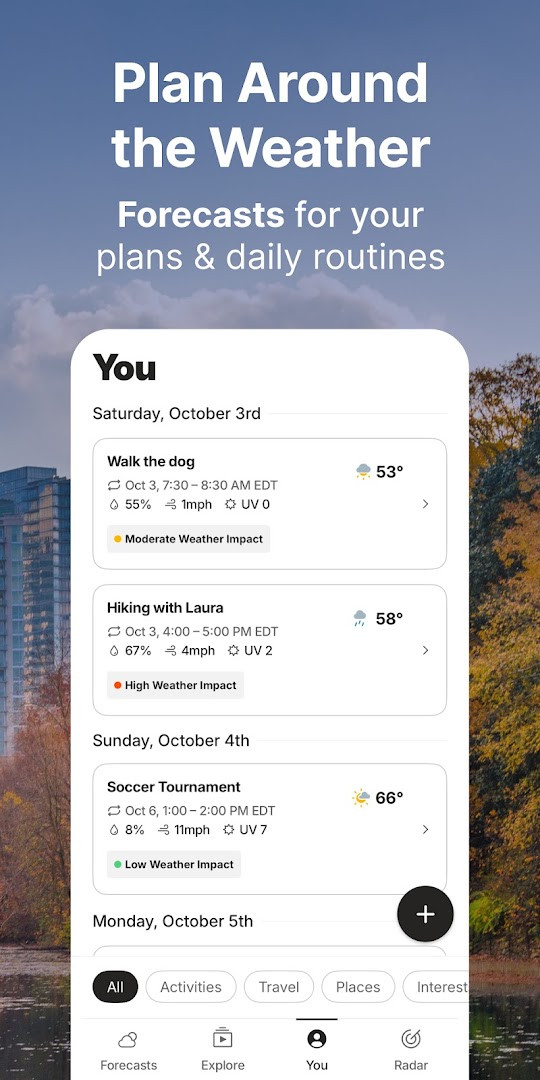
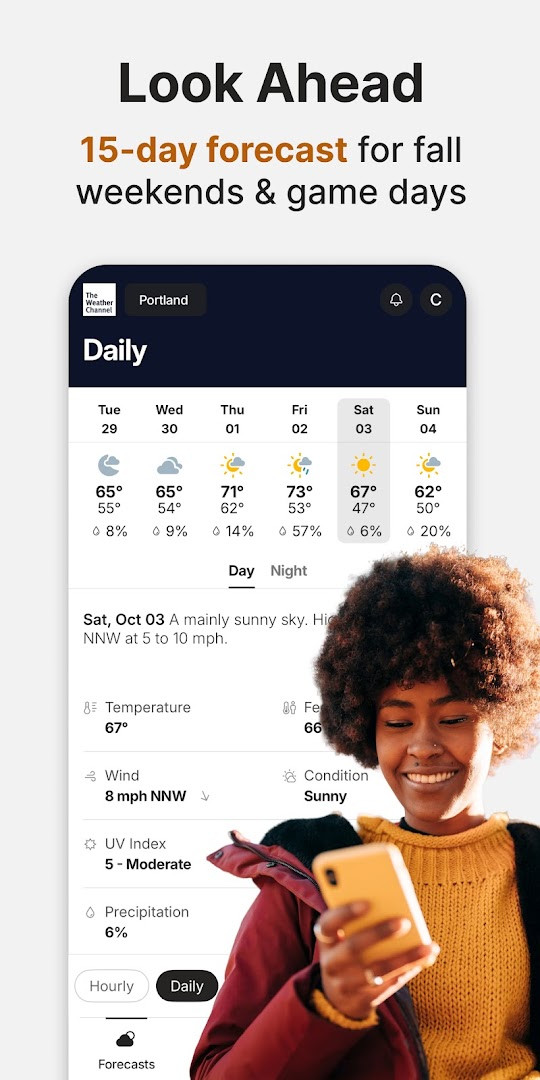
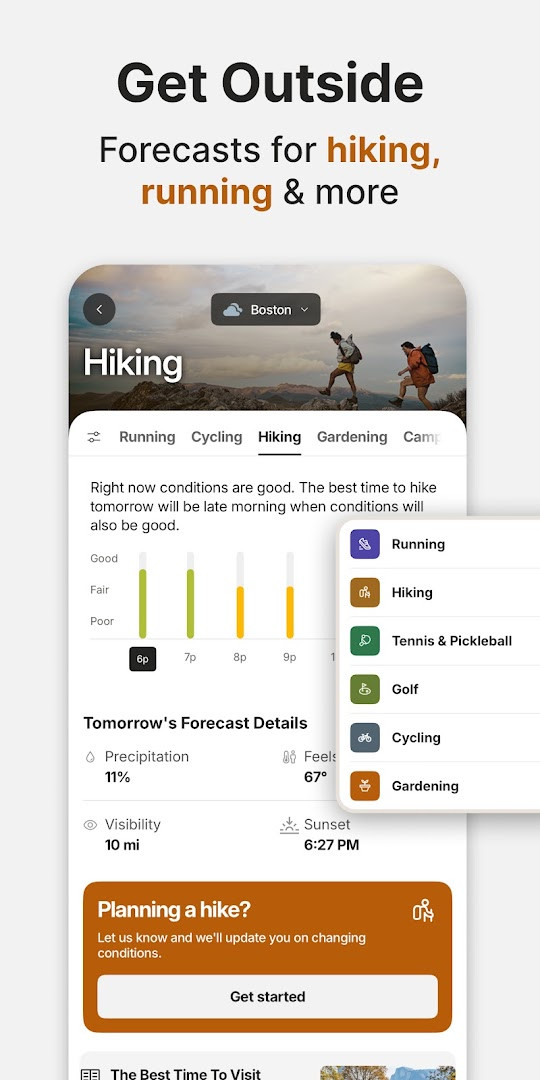
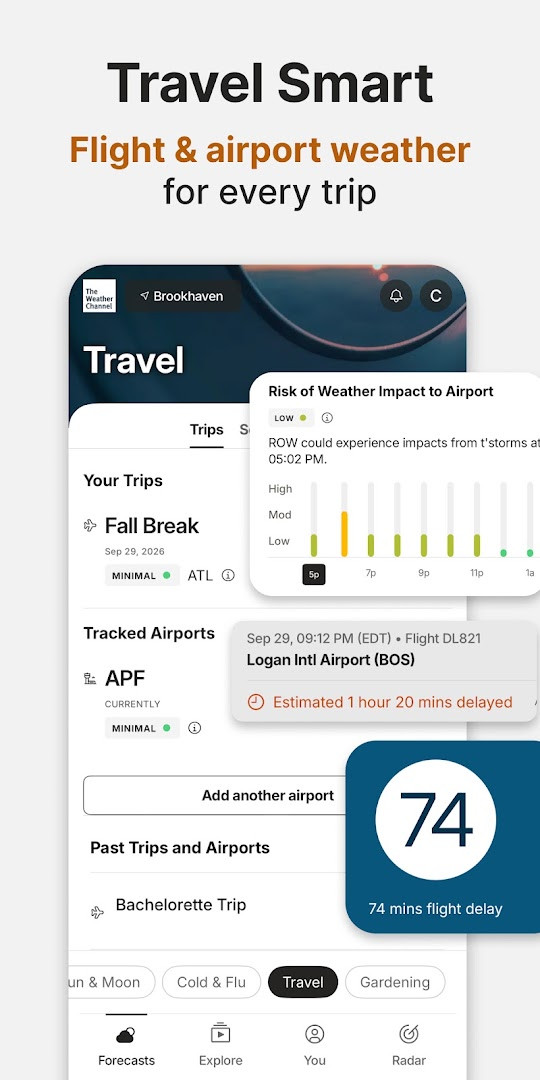
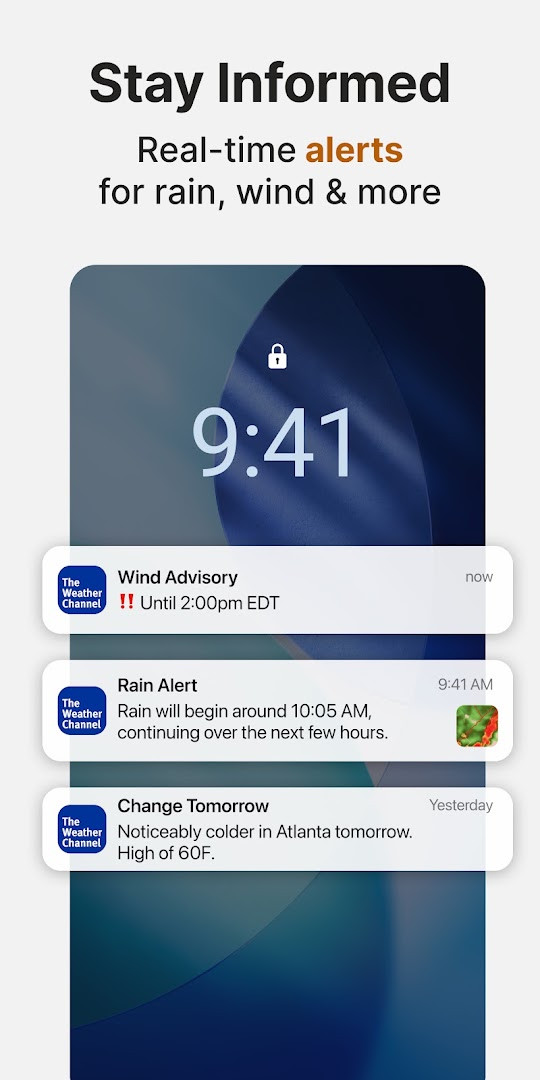
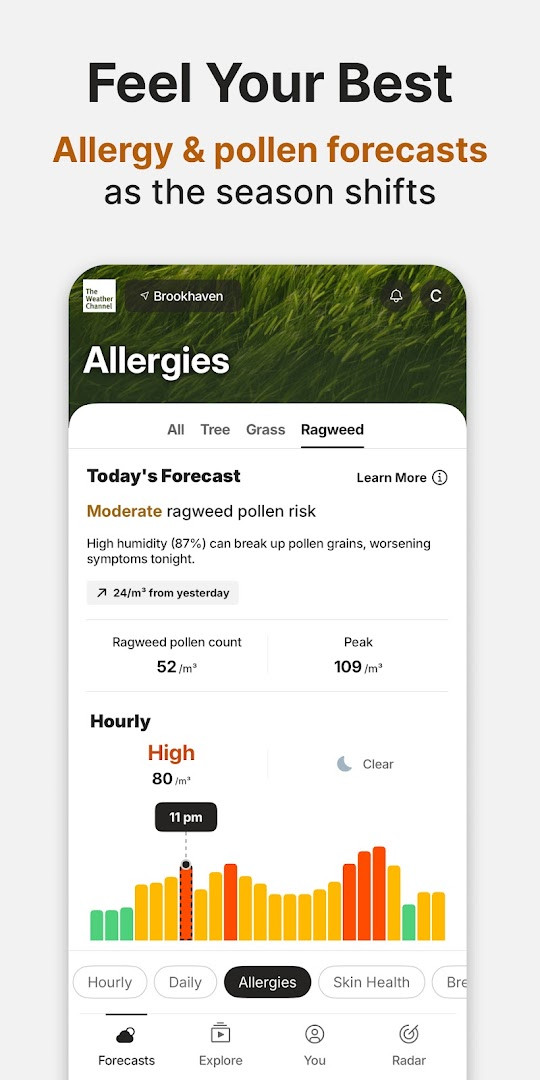
The Weather Channel - Radar is a weather app by The Weather Channel that delivers forecasts, live radar maps, and severe weather notifications for Android. It addresses the challenge of staying safe and prepared during changing weather conditions by combining real-time storm tracking with forward-looking tools. The app uses live Doppler radar, 24-hour future radar, hourly rain tracking, and local alerts to keep users informed about rain, snow, and other severe conditions. A home-screen widget and forecast alerts for the next three hours help people notice changes quickly. The app also includes an allergy tracker, air quality index readings, sunset times, pollen details, and local weather news, giving users a more complete picture of the day ahead. Forecasts extend up to 15 days, and the 'Feels Like' feature helps with planning outfits and outdoor activities.
Key features
- Live Doppler radar with storm tracking and local rain radar
- 24-hour future radar to preview where precipitation is heading
- Severe weather alerts for rain, snow, and other inclement conditions
- Hourly and daily forecast updates with up to 15-day outlook
- Home-screen weather widget with forecast alerts for the next 3 hours
- Allergy tracker, pollen details, and air quality index monitoring
- Sunset times and 'Feels Like' temperature readings
- Dark mode compatibility and local weather news
How to install
- Tap the download button on this page to get the APK file (no file size is specified for this version).
- When Android asks for permission, allow your browser or file manager to install apps by enabling the 'Install unknown apps' setting.
- Open the downloaded APK file from your notifications or Downloads folder.
- Tap Install and wait for the installation to finish.
- Open the app from your home screen or app drawer.
- Note that this version requires Android 9 (minimum OS version) or newer.
Pros
- Comprehensive severe weather alerts for rain and snow
- Useful future radar and hourly rain tracker
- Includes allergy, air quality, and pollen information
- Home-screen widget with short-term forecast alerts
- Dark mode support and local weather news
Cons
- Contains ads
- Offers in-app purchases for premium features
- Requests access to location, calendar, phone, and device information, which may concern privacy-minded users
Latest changes · 16.26.0
Version 16.26.0 focuses on Radar improvements, along with performance enhancements and bug fixes. The update aims to refine the radar experience for users. No other specific changes were detailed in the release notes.
Previous versions
| Version | Size | Requires Android | Updated |
|---|---|---|---|
| 16.26.0 | — | 9 | Nov 1, 2026 |
| 16.25.0 | — | 9 | Oct 12, 2026 |
| 8.14.0 | 30 MB | 4.4 | Jul 1, 2026 |
| 10.28.0 | 36 MB | 5.0 | Jun 26, 2026 |
| 10.45.0 | 73 MB | 6.0 | Jun 25, 2026 |
| 10.69.1 | 85 MB | 7.0 | Jun 17, 2026 |
This app is a good fit for beginners who want a single, straightforward tool to check daily forecasts, watch incoming weather on a radar map, and receive alerts before storms arrive. It is especially useful for people who commute, plan outdoor activities, or want to keep an eye on allergy and air quality conditions. Because the interface covers everything from 15-day forecasts to severe weather warnings, it also suits users who prefer having weather information in one place rather than juggling multiple apps, though those concerned about permissions may want to review what the app requests.
To make the most of the app, enable location access so local radar and alerts are accurate, and allow notifications for severe weather warnings. If you find ads distracting, the premium subscription removes them and adds 15-minute forecast details and advanced radar, but the free version still covers basic forecasting and storm alerts.
Permissions
Frequently asked questions
Is The Weather Channel - Radar free to download and use?
Yes, the app is free to download and use. It does contain ads and offers optional in-app purchases for a Premium subscription that removes ads and adds advanced features.
What Android version do I need to install the app?
The app requires Android 9 or higher. If your device runs Android 9 or a newer version, it should be compatible.
What permissions does the app request during installation?
The app requests access to your calendar, location, phone, Wi-Fi connection information, and device ID & call information. These are used for features like weather alerts, forecasts, and notifications.
Do I need an account to use the app?
No, you can download and use the app without creating an account. The app can be used right after installation, though some features may be available through optional in-app purchases.
How do I update the app to the latest version?
To update, simply download the newest version from this page and install it over your current version. The latest version listed is 16.26.0, released on 2026-11-01.
How large is the app file to download?
The exact file size is not listed on this page. You can proceed with the download, and the file size will be shown before installation begins.
The Weather Channel - Radar combines reliable forecasting, live radar, and severe weather alerts in a way that is easy for newcomers to understand. It is a solid choice for anyone who wants practical weather information, as long as they are comfortable with ads and the permissions the app requests.
Similar apps
 WeatherServiceWeatherService is a free weather app from ColorOS with no ads and no in-app purchases. It runs on Android 9 and above, covers more than 7…ColorOS · ★ 3.5 · Weather · v16.29.0
 WeatherWeather offers hour-by-hour and 15-day forecasts, precipitation, air quality, and clothing advice, plus severe weather warnings. The app …ColorOS · ★ 3.8 · Weather · v16.46.2
 Weather - By XiaomiWeather - By Xiaomi requires Android 7.0 or newer and has a size of 18 MB. Weather - By Xiaomi contains no ads and no in-app purchases. W…Xiaomi Inc. · ★ 4.1 · Weather · 18 MB
Updated: Nov 4, 2026
- Version
- 16.26.0
- Requires Android
- 9
- Updated
- Nov 1, 2026
- Installs
- 100M+
- Rating
- ★ 4.59 (3,614,815)
- Category
- Weather
- Developer
- The Weather Channel
- Content rating
- Everyone
- Package
- com.weather.Weather
- Free
- ✓ · Contains ads · In-app purchases