Cash App: Send, Invest, Bank
Cash App is a free finance app by Block, Inc. that lets you send money, buy bitcoin, invest in stocks, and manage banking.

Cash App has over 100 million installs and a 4.71 rating from about 4.49 million ratings. The app requires Android version 10 or higher, shows ads, and does not offer in-app purchases. It is suitable for anyone aged 13 and older, including teens sponsored by a parent or guardian.
Get Cash App · v5.72.0Screenshots
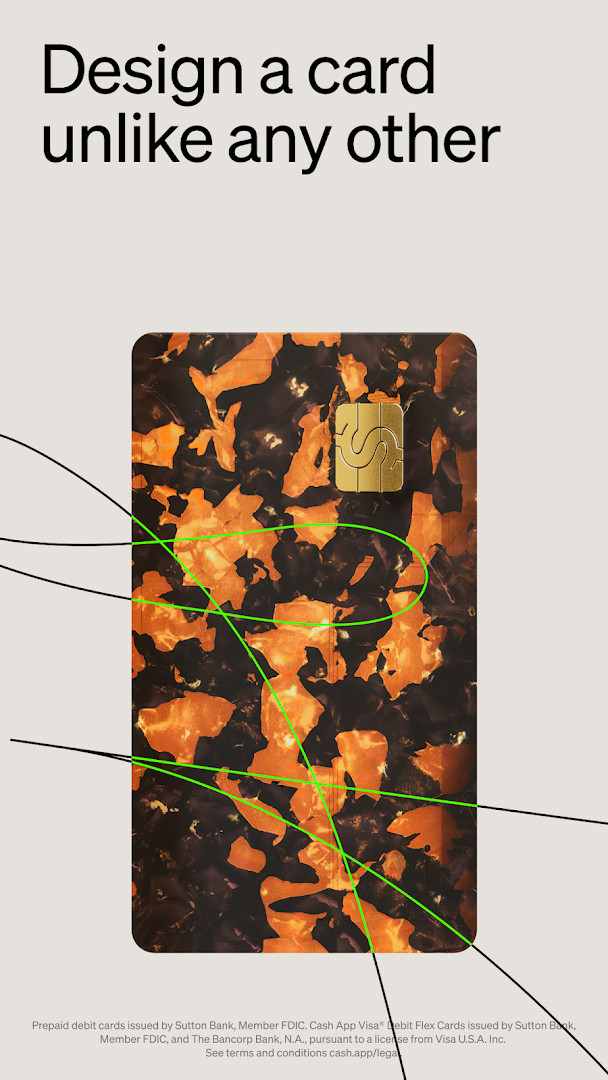
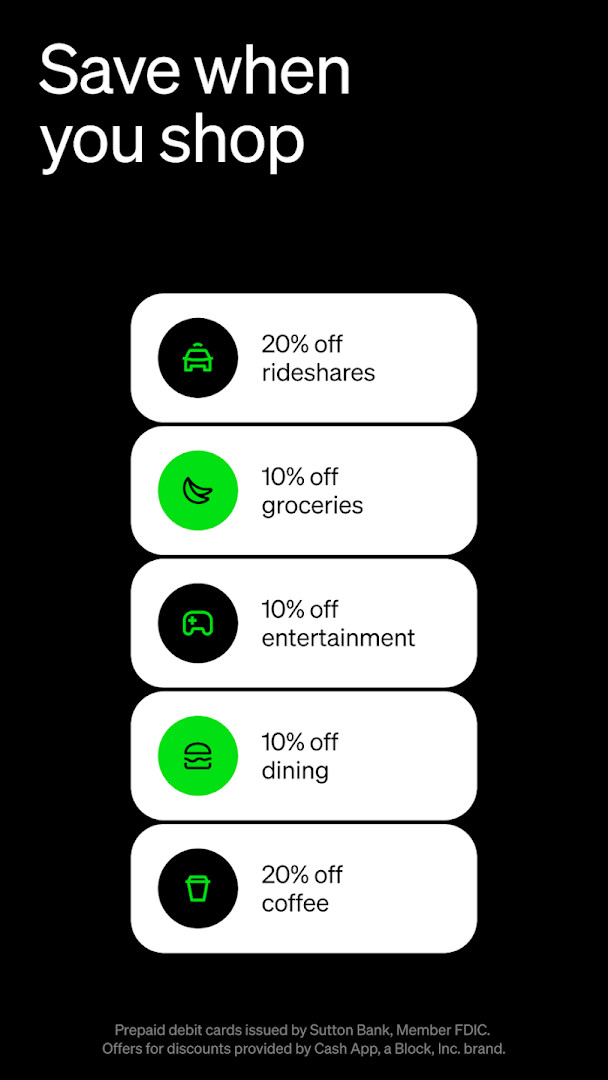
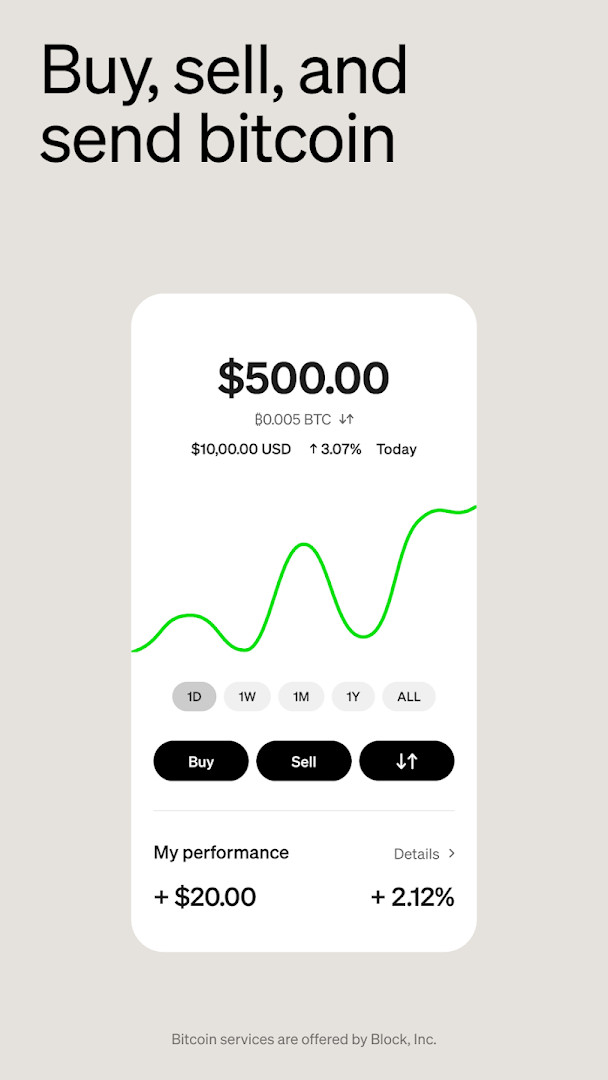
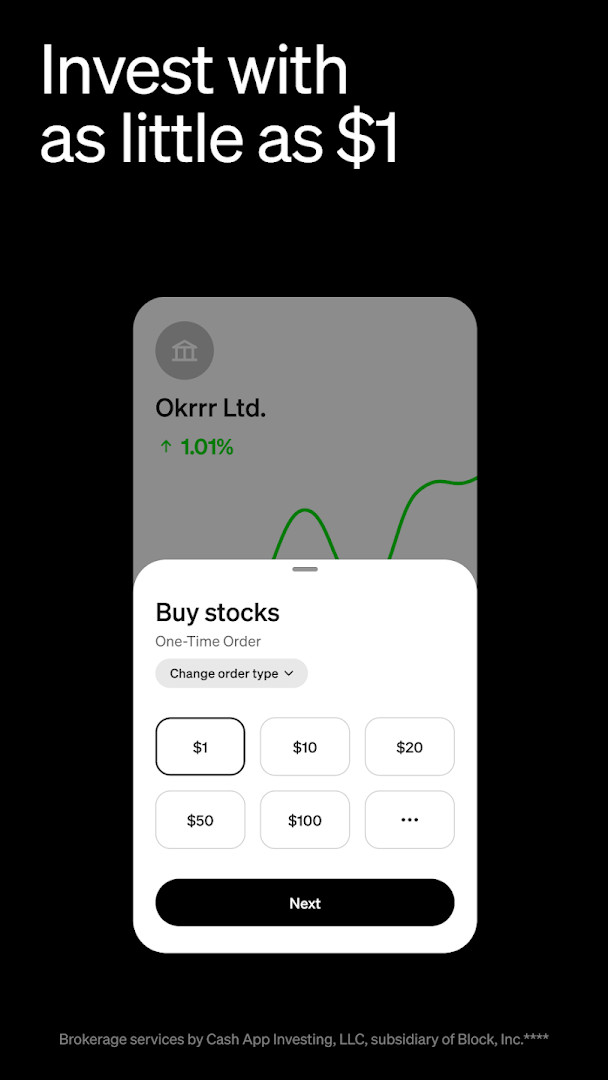
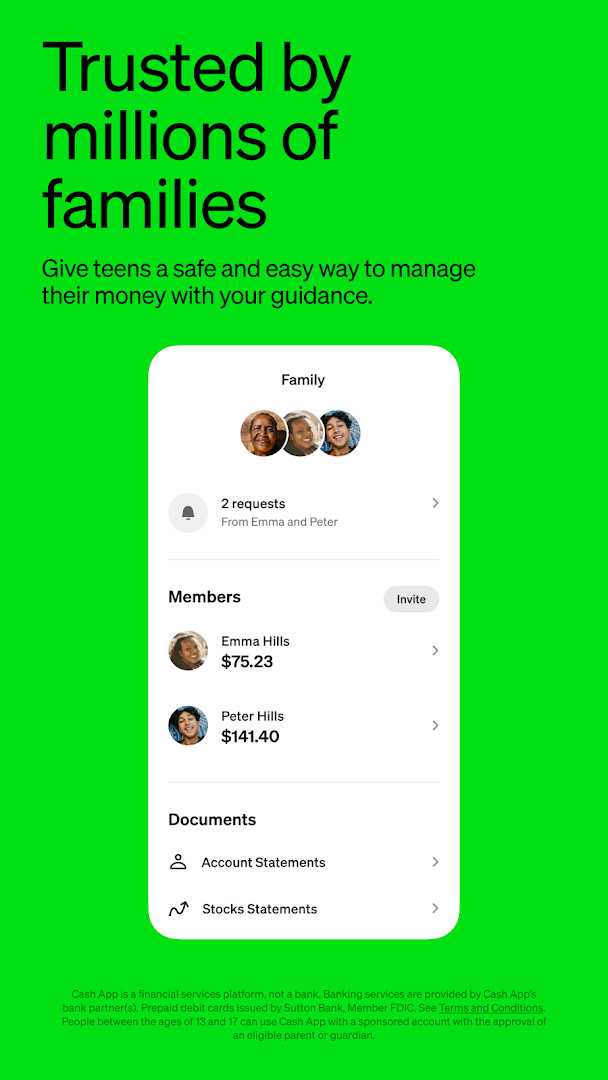
Cash App is a finance app by Block, Inc. that lets you send and receive money, buy and sell bitcoin, invest in stocks, and manage everyday banking tasks from your phone. Designed for practical, everyday use, the app combines peer-to-peer payments with a customizable debit card, savings tools, and optional investing features, so you can handle multiple money-related needs without juggling several different apps. Whether you are splitting a dinner bill, getting paid by an employer, or setting aside part of a paycheck, Cash App aims to make those routine transactions straightforward.
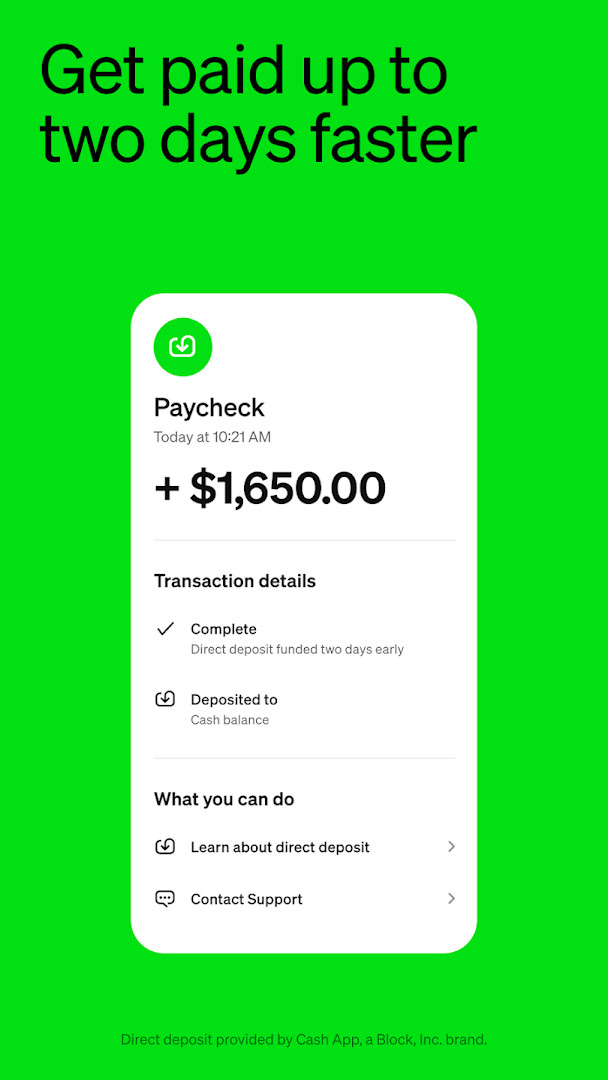
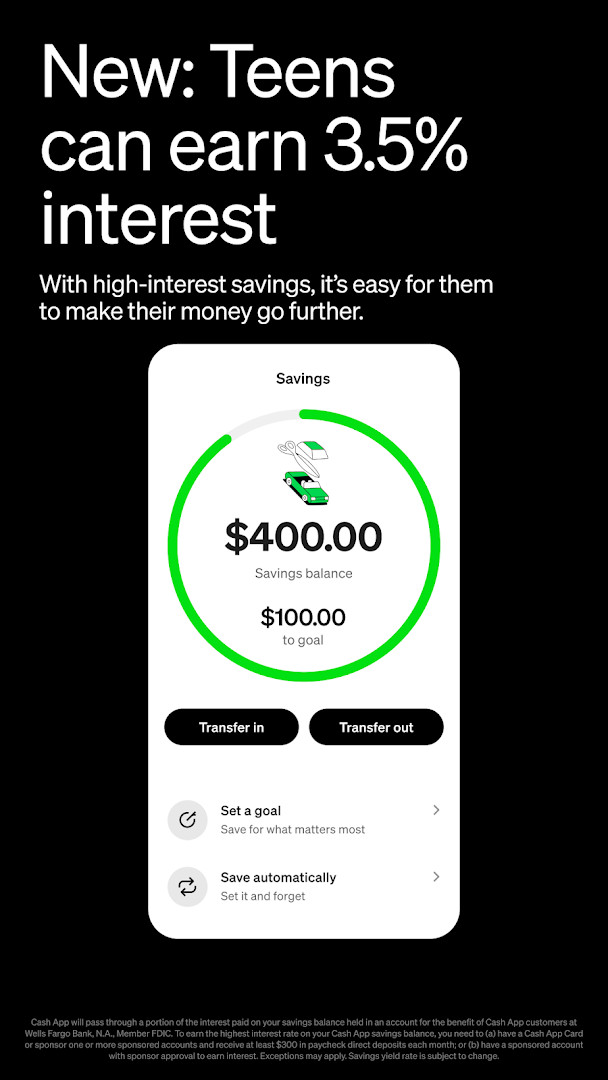
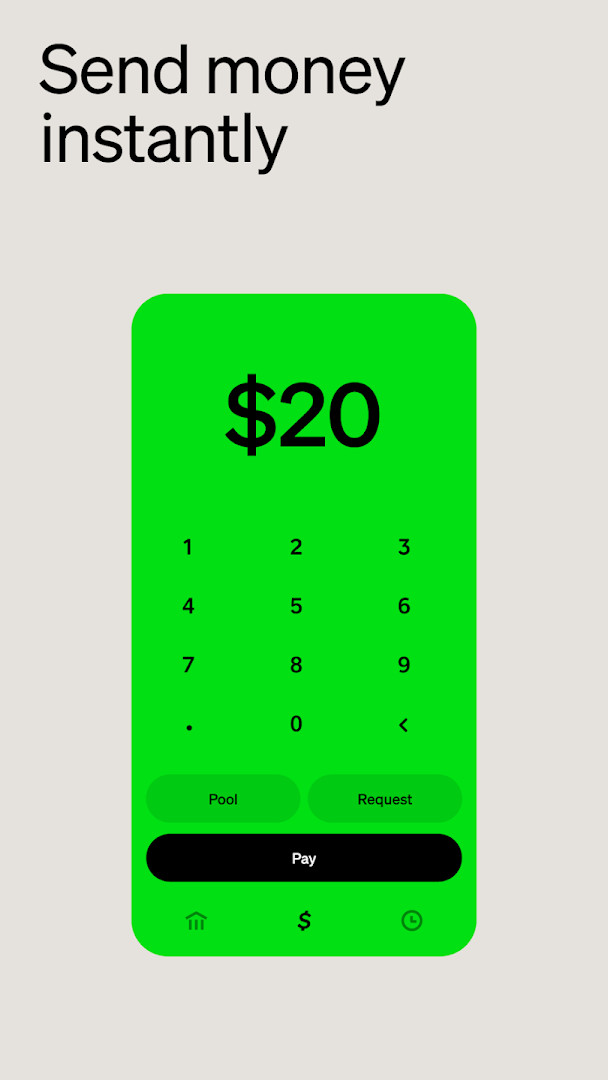
The app is built around instant money transfers, which are free for standard peer-to-peer payments, and it also offers a Cash App Card that works wherever Visa is accepted. You can set up direct deposit to receive your paycheck up to two days early, earn interest on savings balances, and use features like round-ups to automatically tuck spare change into savings, stocks, or bitcoin. For those interested in investing, the app allows stock purchases starting at one dollar and bitcoin trading, with no commission fees on stock trades.
Cash App is intended for a broad audience, including adults who want a simple way to pay friends, receive payments, or manage spending, as well as teens aged 13 to 17 when sponsored by a parent or guardian. The app includes parental controls and extra security features for younger users. With over one hundred million installs and a high user rating, it is a widely used option for people who prefer handling money on a mobile device rather than visiting a traditional bank branch. Note that Cash App is a financial services platform, not a bank, and banking services are provided by partner institutions.
Key features
- Send money instantly for free using phone number, email, $cashtag, or QR code
- Buy and sell bitcoin with as little as $1
- Invest in stocks with no commission fees
- Customizable Cash App Card debit card that works with Apple Pay and Google Pay
- Set up direct deposit to get paid up to 2 days early
- Earn up to 3.5% interest on savings when you qualify for Green status
- Round up spare change or direct part of paychecks into savings, stocks, or bitcoin
- Free in-network ATM withdrawals and up to $200 in free overdraft coverage with Green status
- Teens aged 13 to 17 can use the app with parental sponsorship and controls
- Access exclusive offers, concert presales, and events
How to install
- Tap the download button on this page to get the APK file. The file size is not specified.
- When Android asks for permission, allow your browser or file manager to install apps by enabling the 'Install unknown apps' setting.
- Open the downloaded APK file from your notification bar or downloads folder.
- Tap 'Install' when prompted and wait for the installation to finish.
- Open the app from your home screen or app drawer.
- Make sure your device runs Android 10 or higher, as this is the minimum required version.
Pros
- Free standard peer-to-peer money transfers
- Low barrier to investing, with stock and bitcoin purchases starting at $1
- No monthly or hidden fees for the debit card
- Parental controls available for teen users
- Direct deposit can get you paid up to 2 days early
- Widely adopted with over 100 million installs
Cons
- Contains ads within the app
- Requests access to a wide range of permissions, including contacts, location, camera, and storage
- Not a bank, so banking services are provided by partner institutions
- Some features, like higher savings interest and free overdraft coverage, require qualifying for Green status
Latest changes · 5.72.0
Version 5.72.0 of Cash App brings various bug fixes and improvements to enhance overall performance and reliability. This update focuses on refining the app's functionality for a smoother experience.
Previous versions
| Version | Size | Requires Android | Updated |
|---|---|---|---|
| 5.72.0 | — | 10 | Oct 9, 2026 |
Cash App is for individuals and families who want a single mobile tool for sending money to friends, receiving direct deposits, using a customizable debit card, saving automatically, and buying stocks or bitcoin with small amounts. It is also suitable for parents who want to introduce teens aged 13 to 17 to money management under supervision.
To get the most out of Cash App, consider setting up direct deposit to access early paycheck availability, and enable round-ups so spare change builds up in savings or investments automatically. If you use the debit card regularly, track your monthly qualifying purchases or deposits to reach Green status, which unlocks benefits like higher savings interest and free overdraft coverage. Always review transaction details before sending money to avoid scams, and use the app's proactive security features.
Permissions
Frequently asked questions
Is Cash App free to download and use?
Yes, Cash App is free and has no upfront cost or in-app purchases. You may still encounter ads while using the app.
What Android version do I need?
Cash App requires Android 10 or newer. The current version available on this page is 5.72.0, updated on October 9, 2026.
How large is the Cash App APK file?
The file size is not listed on this page, so no exact size is available before you download.
Do I need an account to use Cash App?
Yes, you need a Cash App account to send, receive, or invest money. Teens aged 13 to 17 can use the app when sponsored by a parent or guardian.
What permissions does Cash App request?
The app requests access to identity, contacts, location, phone, photos and media files, storage, camera, Wi-Fi connection information, and device ID and call information.
How do I update Cash App?
To update, download the newest version from this page whenever it becomes available. The latest version shown here is 5.72.0, released on October 9, 2026.
Cash App is a practical, all-in-one finance app for sending money, spending with a customizable debit card, saving, and investing in stocks or bitcoin. It is free to download and use for basic payments, with optional features for those who want more from their money. Given its large user base and solid rating, it is a dependable choice for everyday financial tasks on Android.
Similar apps
 Google WalletGoogle Wallet is for Android users who want to pay in stores, online, or in apps and keep passes, tickets, and digital IDs in one place. …Google LLC · ★ 4.3 · Finance · 16 MB
 PayPal - Pay, Send, SavePayPal - Pay, Send, Save helps people send and request money quickly, shop with purchase protection, and track orders and subscriptions. …PayPal Mobile · ★ 4.2 · Finance · v10.16.0
 bKashbKash version 7.3.5 requires Android 6.0 or higher and contains no ads or in-app purchases. The app has been rated 4.37 stars from about …bKash Limited · ★ 4.4 · Finance · v7.3.5
 easypaisa – a digital bankeasypaisa is for Android users in Pakistan who want to handle banking tasks without visiting a branch. It allows sending money to bank ac…Easypaisa Bank Limited · ★ 4.6 · Finance · v2.10.11
 Inter Banking & Money TransferInter Banking & Money Transfer combines everyday banking with investing and international transfers in one place. It serves individuals s…Banco Inter SA · ★ 4.4 · Finance · v26.17
 Mercado Pago: cuenta digitalMercado Pago: cuenta digital is a free finance app by Mercado Libre for QR payments, credit lines, and a free card. Mercado Pago: cuenta …Mercado Libre · ★ 4.8 · Finance · v2.457.2
Updated: Nov 8, 2026
- Version
- 5.72.0
- Requires Android
- 10
- Updated
- Oct 9, 2026
- Installs
- 100M+
- Rating
- ★ 4.71 (4,489,524)
- Category
- Finance
- Developer
- Block, Inc.
- Content rating
- Everyone
- Package
- com.squareup.cash
- Free
- ✓ · Contains ads