PayPal - Pay, Send, Save for Android
PayPal - Pay, Send, Save is a finance app from PayPal Mobile for sending money, shopping with purchase protection, and paying in four installments.

PayPal - Pay, Send, Save helps people send and request money quickly, shop with purchase protection, and track orders and subscriptions. PayPal is free, has no ads or in-app purchases, requires Android 8.0 or later, and supports payments to 110+ countries. PayPal's 4.21 rating comes from about 3.74 million reviews across over 500 million installs.
Download PayPal · v10.16.0Screenshots
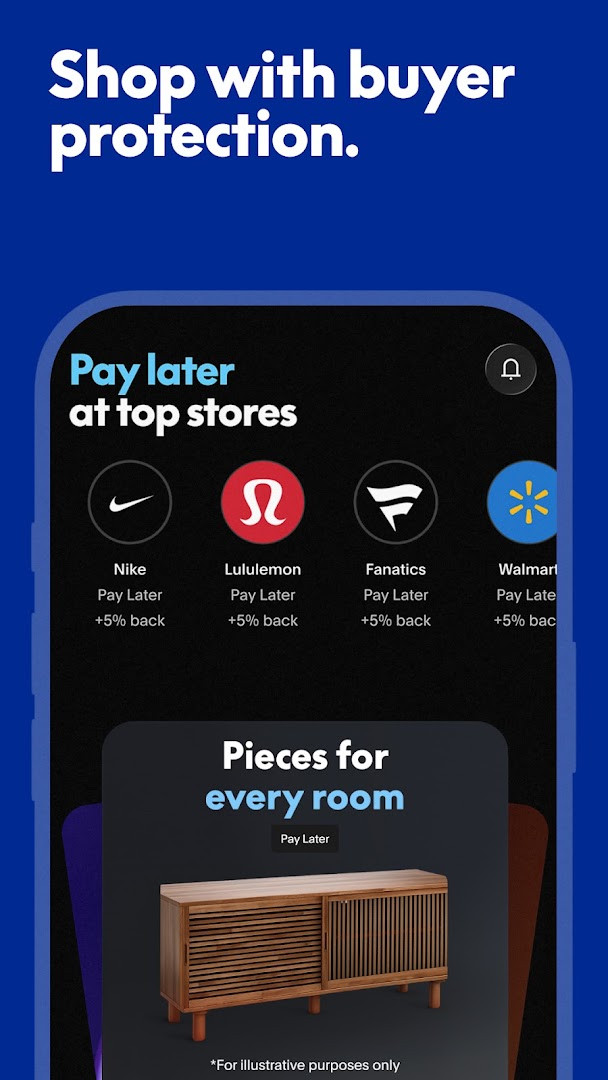
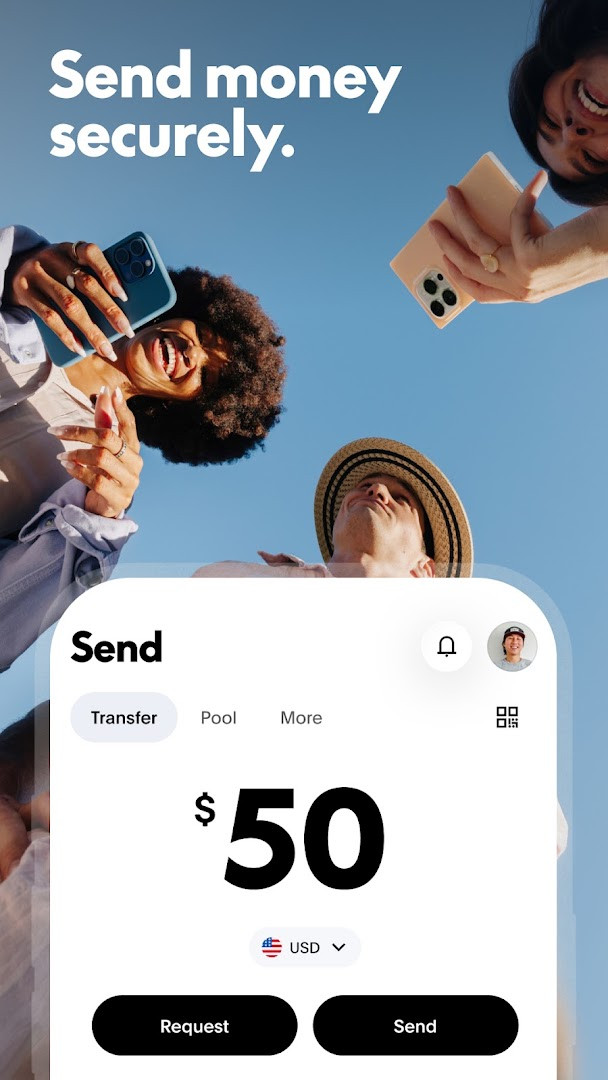
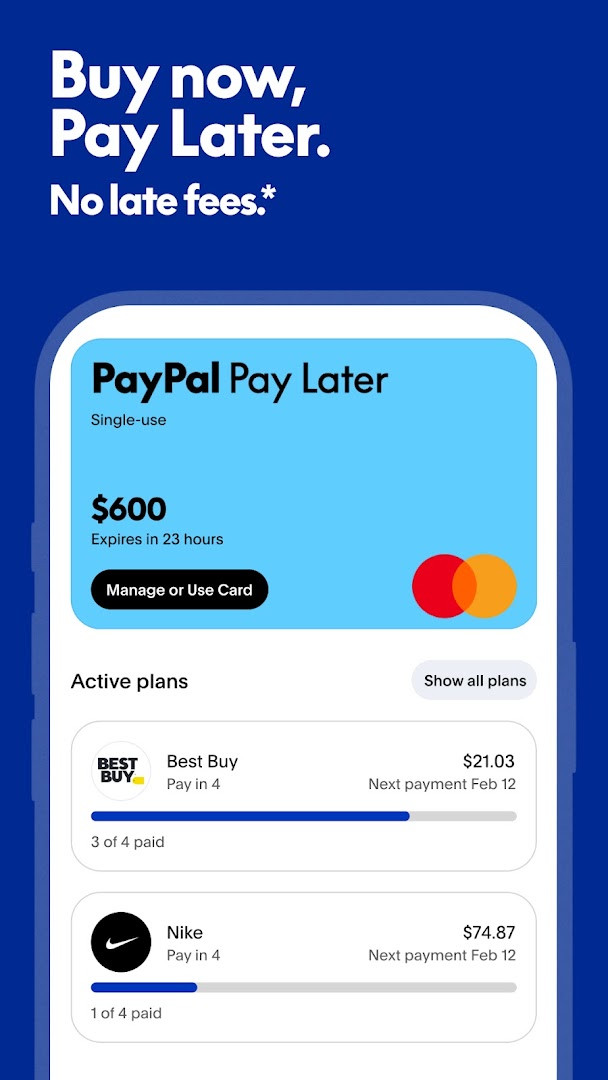
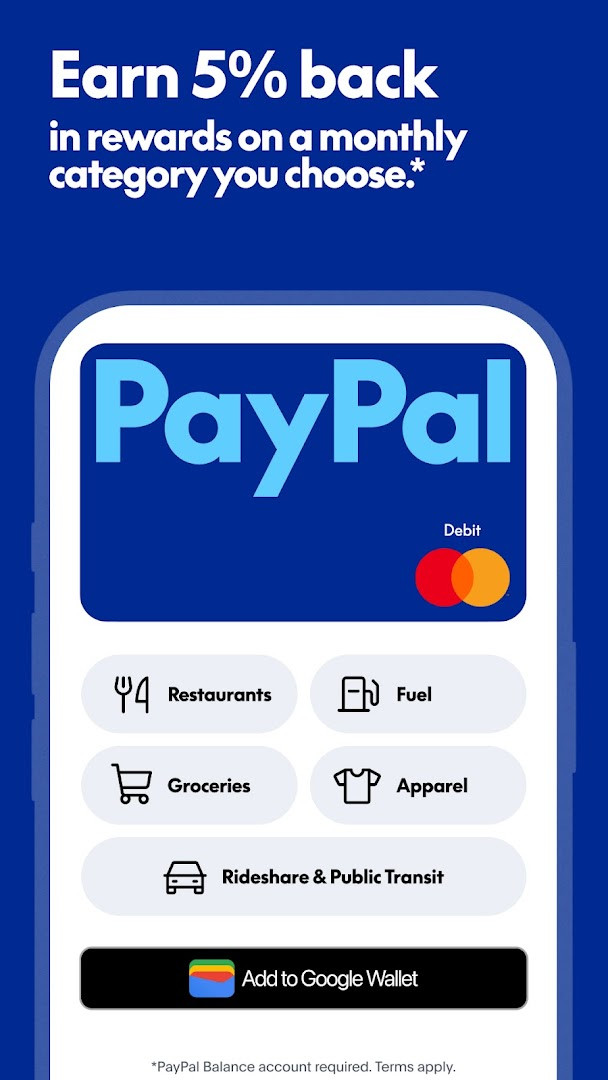
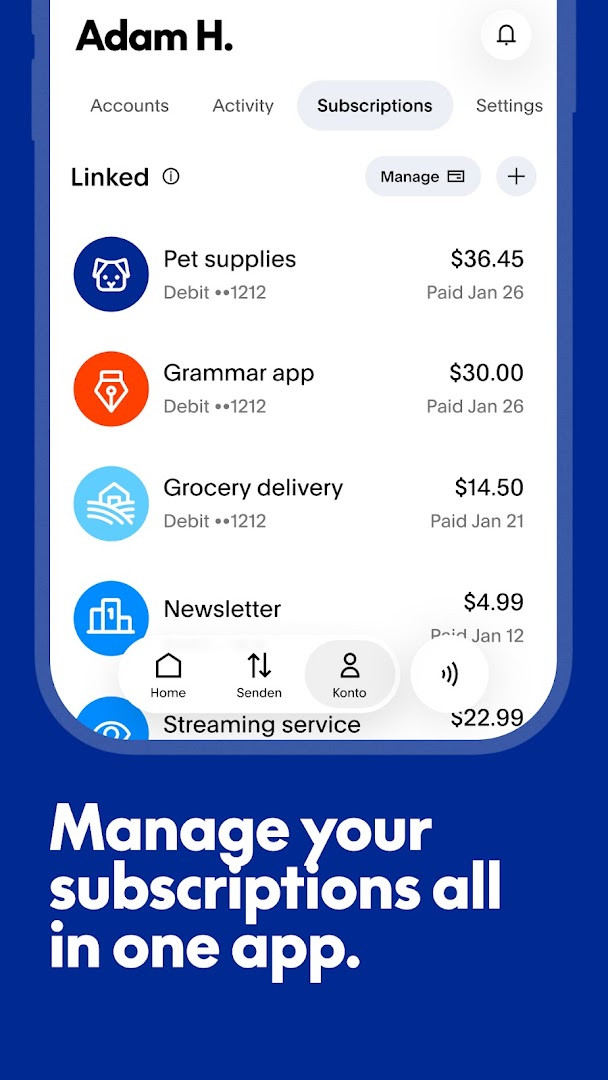
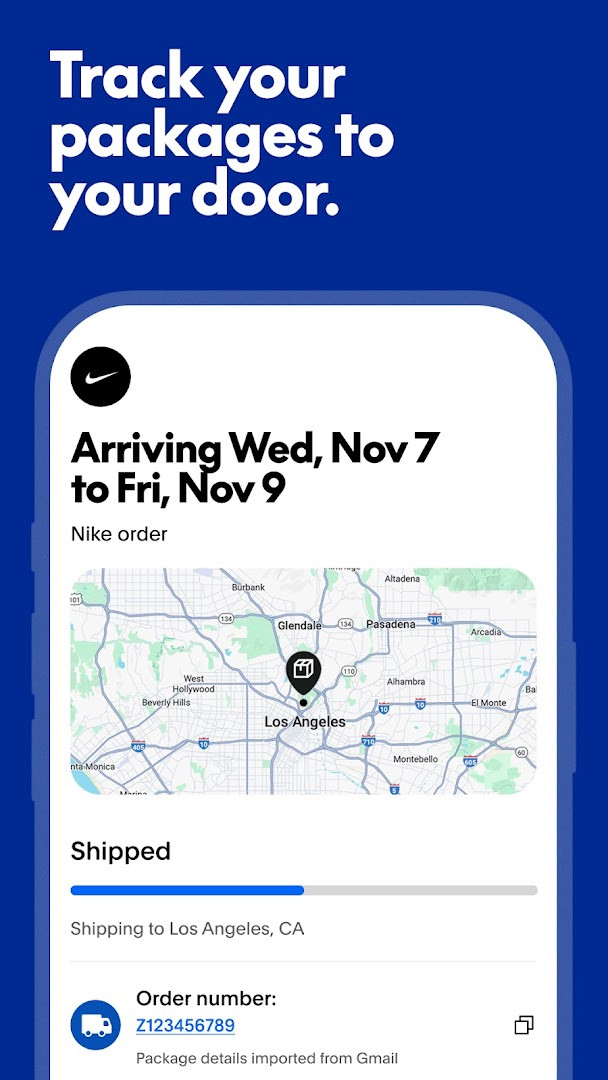
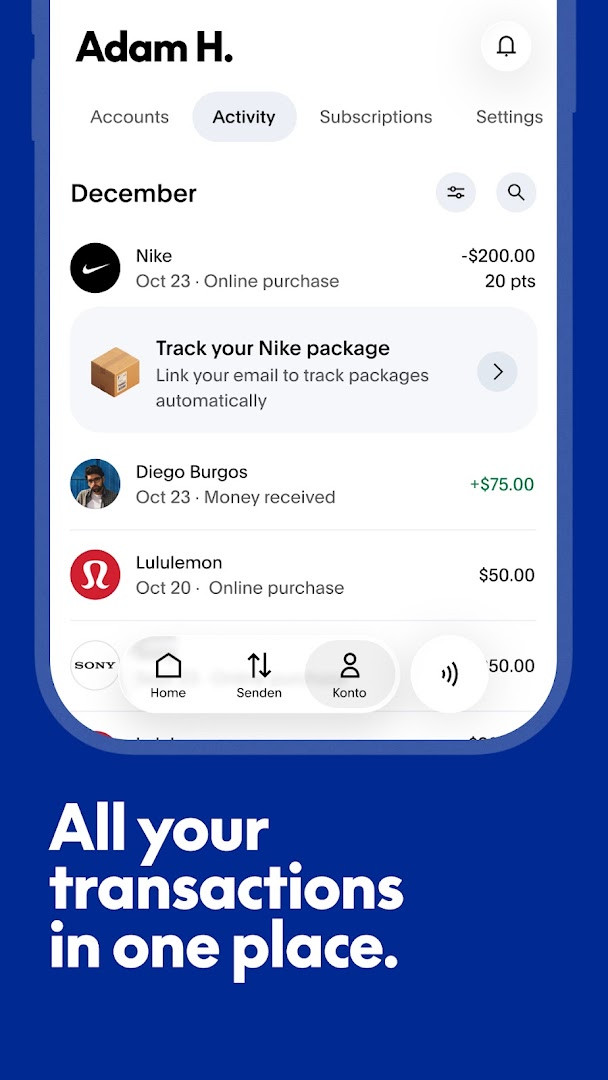
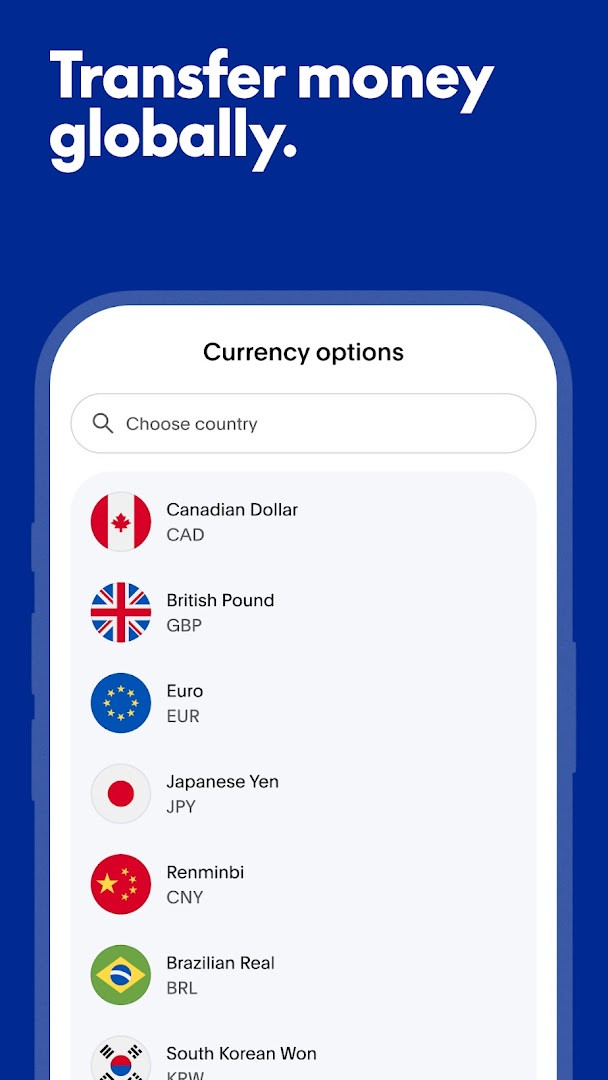
PayPal - Pay, Send, Save is a finance app by PayPal Mobile that lets you send and request money, shop in stores and online, and keep track of your balance and spending in one place. At version 10.16.0, it runs on Android 8.0 and newer, is free to download, and contains no ads and no in-app purchases. The app has been installed about 500 million times and holds a 4.21-star average from more than 3.7 million ratings, which points to a large and active user base.
The app is aimed at people who want to move money without reaching for a card or visiting a bank branch. You can split a dinner bill with friends, pay a freelancer, send funds to someone in another country, or check out at a store using the app. Payments are encrypted, which is meant to keep financial details private and secure. Beyond transfers, the app can track packages when you link a Gmail or Outlook account, show your recurring subscriptions in one list, and offer buy-now-pay-later options in eligible locations.
Because this is a financial app, it asks for a long list of permissions: Identity, Contacts, Location, Phone, Photos/Media/Files, Storage, Camera, Microphone, Wi-Fi connection information, and Device ID & call information. Some of these make sense—Camera and Photos can help scan a card or upload a receipt—but the breadth of access is worth reading closely before you agree. The app is free, ad-free, and has no in-app purchases, but it is not a bank. PayPal is a financial technology company, and the optional debit card is issued by a partner bank.
Key features
- Purchase Protection on eligible transactions, with support if an order does not go as planned
- Optional PayPal Debit Card with 5% back in rewards points on a monthly category, up to $1,000 in spend per month, and no monthly fee
- Fast money transfers within the US and to 110+ countries, with encrypted payments
- Pay in 4 buy-now-pay-later option for purchases of $30–$1,500 upon approval (not available to Missouri residents; you must be 18 or older)
- Package tracking by linking Gmail or Outlook, though not all sellers participate
- Subscription manager to link and track recurring services in one app
- Me Tab to navigate your money, accounts, and settings from one place
How to install
- Tap the download button on this page to get the APK file (the file size is listed as n/a).
- If your browser or file manager asks, allow it to install apps by turning on the “Install unknown apps” setting when prompted.
- Open the downloaded APK file from your notifications, downloads folder, or file manager.
- Tap Install and wait for the process to finish; the app requires Android 8.0 or later.
- Tap Done or Open, then launch PayPal - Pay, Send, Save and sign in or create an account.
Pros
- Encrypted payments help keep financial details private and secure
- Purchase Protection is included on eligible transactions
- No ads and no in-app purchases
- Free to download and use
- Money transfers to 110+ countries
- Tracks packages and subscriptions in one place
Cons
- Requests many permissions, including Identity, Contacts, Location, Camera, and Microphone
- Pay in 4 is not available to Missouri residents and depends on approval
- Package tracking requires linking Gmail or Outlook, and not all sellers participate
- PayPal is a financial technology company, not a bank; some services are provided by partner institutions
- Requires Android 8.0 or newer, so older devices are not supported
What's New · 10.16.0
PayPal 10.16.0 arrived on 2026-10-09, bringing the latest update so you can pay, send and save smarter. It also unlocks cash back offers and more — with PayPal, it really adds up. The app remains free, requires Android 8.0 or later, and carries a rating of 4.21 from over 3.7 million ratings.
Other Versions
| Version | Size | Requires Android | Updated |
|---|---|---|---|
| 10.16.0 | — | 8.0 | 09.10.2026 |
People who regularly send or receive money, shop online or in stores, pay in installments, or want a single app to track purchases, subscriptions, and packages. It is especially useful for US users, since the optional debit card and Pay in 4 offers have US-focused eligibility and terms.
Before linking Gmail or Outlook for package tracking, think about whether you want the app to scan those mailboxes. Review the permission list at install time and again later in Android settings, and turn off anything you do not need. Also check the terms for Pay in 4 and the debit card rewards to see whether you qualify.
Permissions
Frequently Asked Questions
Is the PayPal app free to download and use?
Yes, the app is free to download. There are no in-app purchases or ads, and the listed price is $0.00.
What Android version do I need to install PayPal?
The app requires Android 8.0 or higher. If your device runs Android 8.0 or a newer version, you can install it.
Do I need a PayPal account to use the app?
Yes, you need a PayPal account to send money, shop, and use other features. If you don't have one, you can create it within the app.
What permissions does the PayPal app request?
The app requests access to your identity, contacts, location, phone, photos/media/files, storage, camera, microphone, Wi-Fi connection information, and device ID and call information. These permissions help enable features like scanning cards, linking email for package tracking, and secure transactions.
How do I update the PayPal app?
To update, simply download the latest version from this page and install it over your current version. The most recent version available here is 10.16.0.
PayPal - Pay, Send, Save is a capable all-in-one money app that combines transfers, shopping protection, and order tracking. The broad permission list and the financial nature of the app mean you should review what you share, but the free, ad-free experience and strong install base make it a practical choice for everyday payments.
Similar Apps
 Google WalletGoogle Wallet is for Android users who want to pay in stores, online, or in apps and keep passes, tickets, and digital IDs in one place. …Google LLC · ★ 4.3 · Finance · 16 MB
 Mercado Pago: cuenta digitalMercado Pago: cuenta digital is a free finance app by Mercado Libre for QR payments, credit lines, and a free card. Mercado Pago: cuenta …Mercado Libre · ★ 4.8 · Finance · v2.457.2
Updated: 24.10.2026
- Version
- 10.16.0
- Requires Android
- 8.0
- Updated
- 09.10.2026
- Installs
- 500M+
- Rating
- ★ 4.21 (3 738 235)
- Category
- Finance
- Developer
- PayPal Mobile
- Content rating
- Everyone
- Package
- com.paypal.android.p2pmobile
- Free
- ✓