ComicScreen - PDF, ComicReader: read comics and images
ComicScreen - PDF, ComicReader is a free comics app by InstSoft that lets you read CBZ, CBR, PDF and ZIP files with image viewing tools.

ComicScreen - PDF, ComicReader has about 5 million installs and a 4.69 rating from roughly 92,747 ratings. The app requires Android 8.0 or newer, contains ads, and offers in-app purchases; it suits comic readers who want folder management, USB-OTG support, and network access.
Get ComicScreen · v2309Screenshots
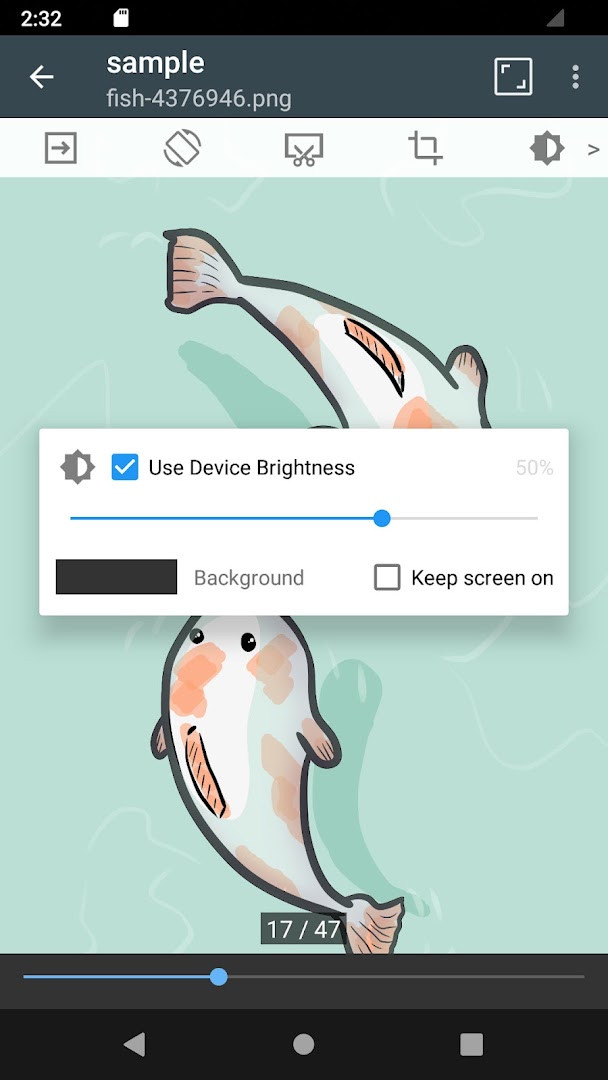
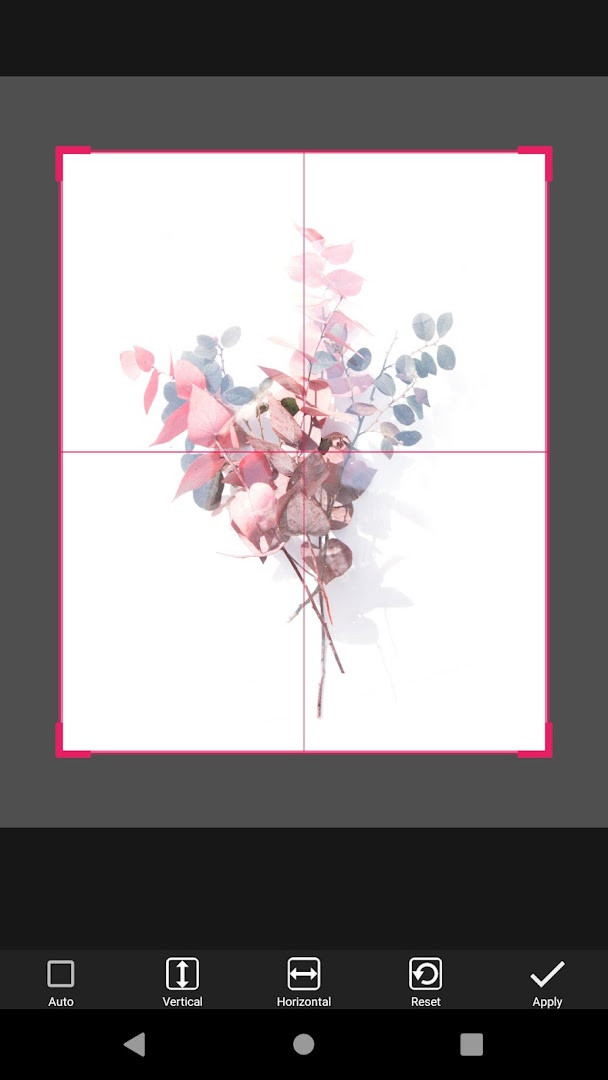
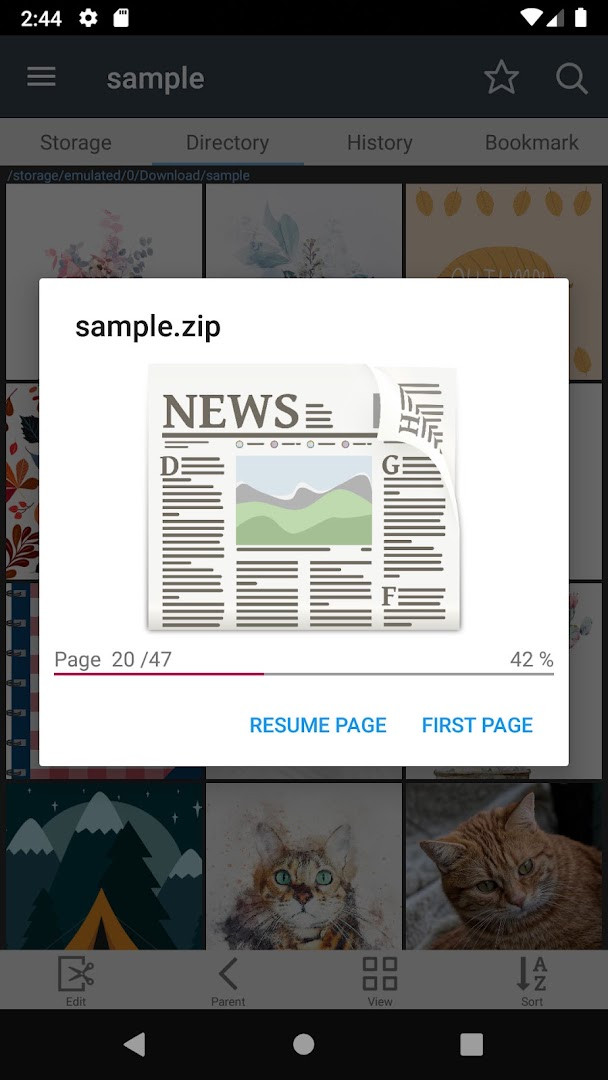
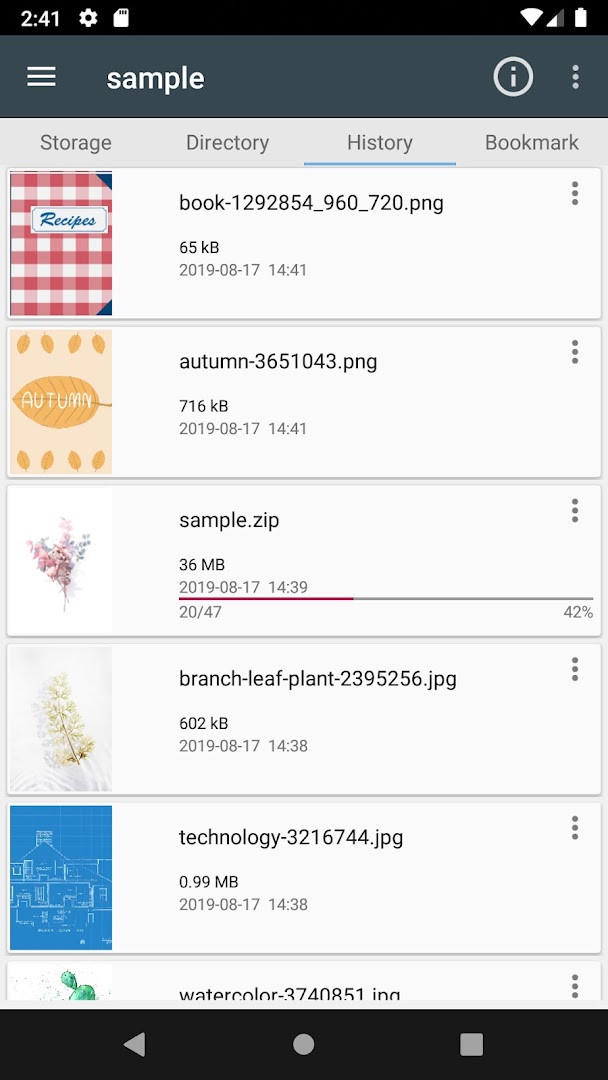
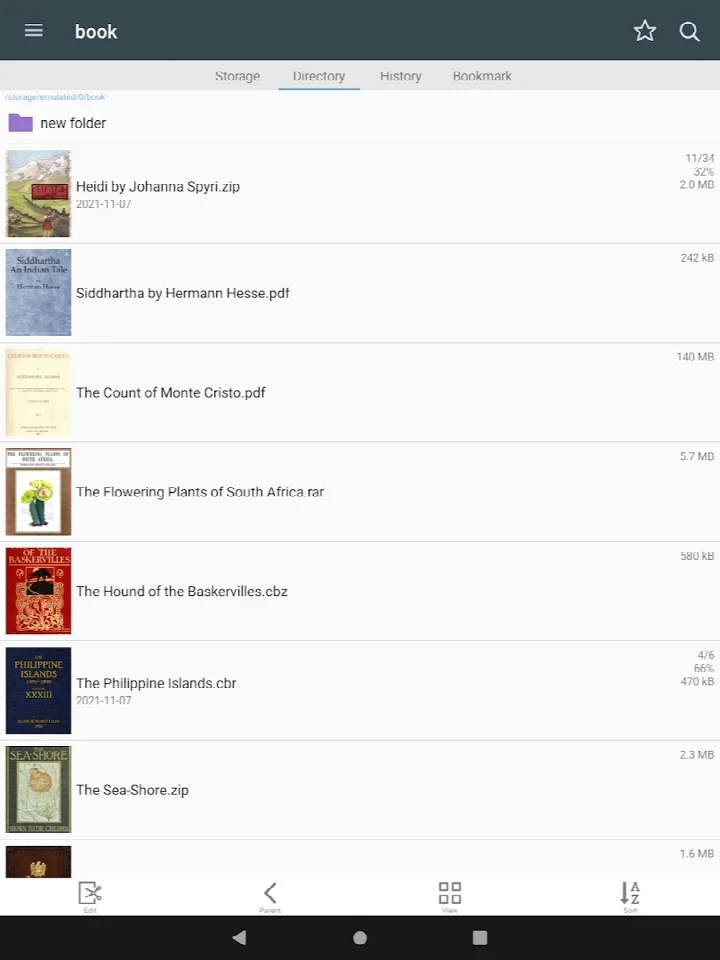
ComicScreen - PDF, ComicReader is a file management and viewing application by InstSoft that lets you display comics, images, and picture collections stored in compressed formats like PDF, CBR, and CBZ. Rather than focusing solely on a polished reading interface, the app positions itself as a practical tool for organizing and browsing visual content directly from your device's storage, making it a solid choice for users who prefer to manage their own files rather than rely on a curated library. The app has been around since 2014 and has evolved over the years, with the latest version (2309) released in November 2026, bringing improved AVIF decoding for better support of modern image formats.
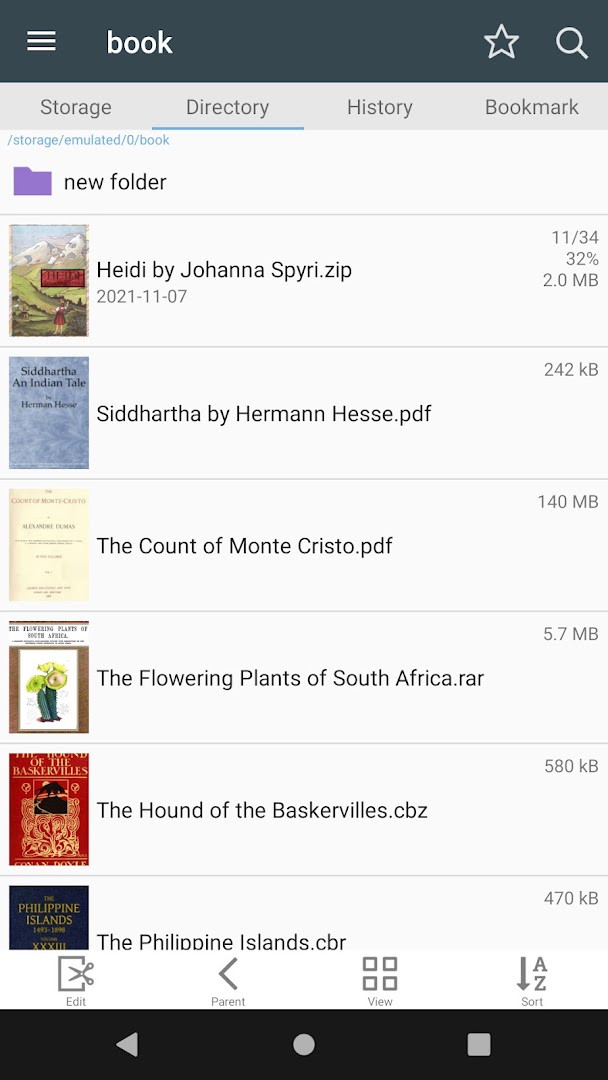
At its core, the app acts as both an explorer and a reader. You get a folder and file explorer with search, rename, and delete functions, alongside support for USB-OTG drives and network shares via SMB and FTP protocols. This means you can pull comics from a NAS or a USB stick and read them without needing to transfer files first. The reading experience includes smooth scrolling, bookmark previews, and page move previews, plus horizontal two-page and vertical one-page view modes. It also handles zip files for quick viewing and can automatically resort pages, which is handy when a scanned comic has pages out of order.
Version 2309 specifically refines AVIF decoding, so if you have a library with many files in that format, you'll see better performance and visual fidelity. The app is free but includes ads and in-app purchases, and it requires Android 8.0 or higher. With over five million installs and a strong rating from nearly 93,000 users, it has a proven track record, though it's worth noting that it doesn't include a built-in image viewer for individual files outside of compressed archives—its focus is firmly on compressed comic and PDF reading.
Key features
- Supports compressed file types: ZIP, RAR, CBZ, CBR, PDF
- Supports image formats: JPG, PNG, GIF, BMP, TIFF, WEBP, AVIF
- Folder and file explorer with search, rename, and delete operations
- USB-OTG drive support for reading files from external storage
- SMB and FTP network support for accessing files on shared drives
- Drag and drop functionality for files and folders
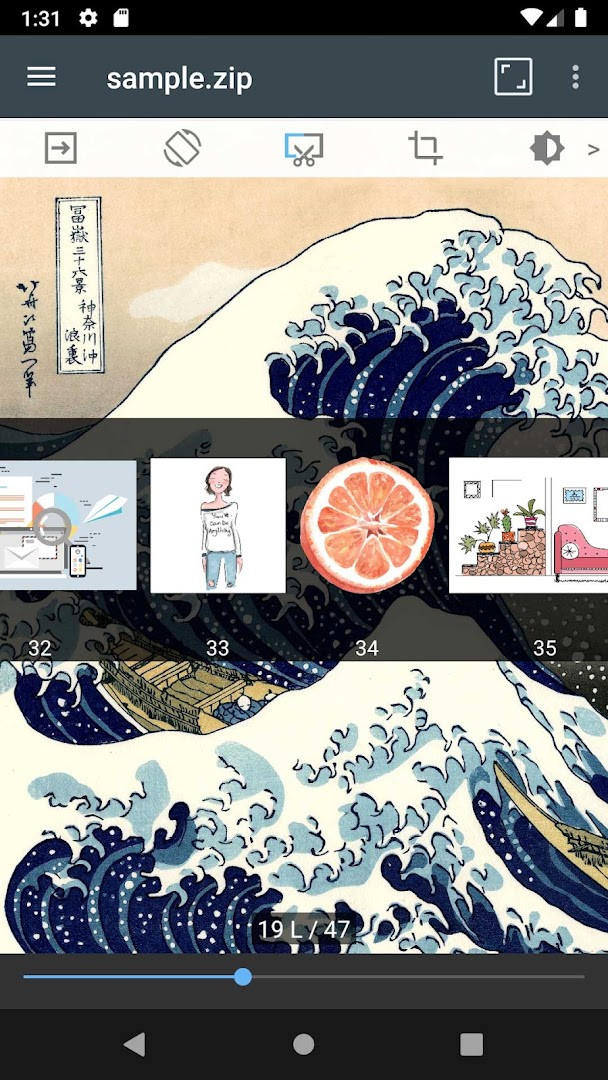
- Bookmark preview and page move preview for quick navigation
- Horizontal view mode for two pages and vertical view mode for one page
- Automatic page resort to fix out-of-order scans
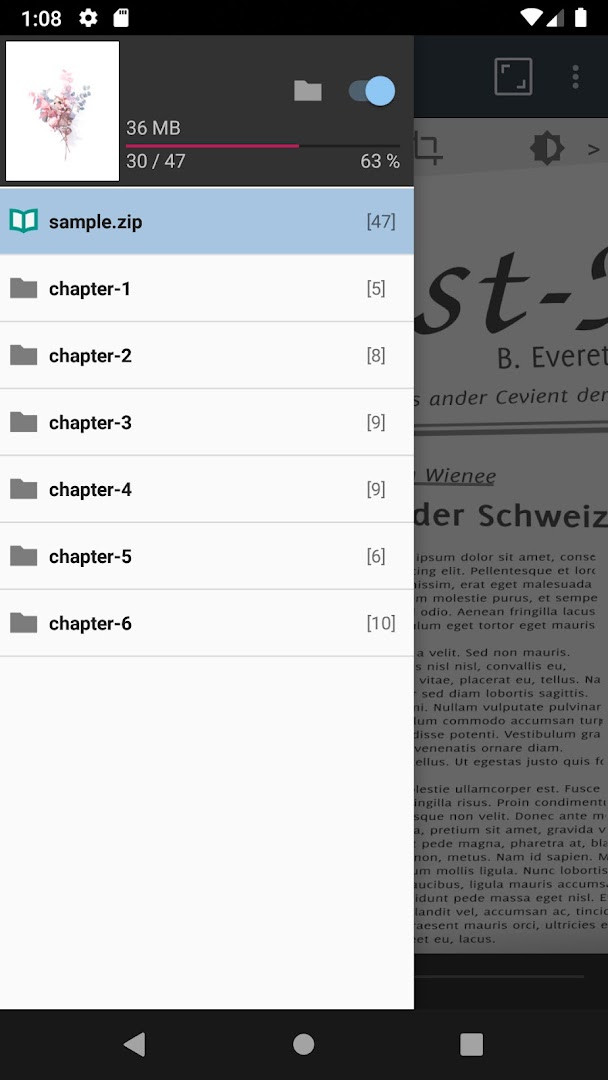
- Chapter drawer support when folders are present inside ZIP files
How to install
- Tap the download button on this page to get the APK file for version 2309. The file size is not specified, but the app requires Android 8.0 or higher.
- When your browser or file manager asks for permission, allow it to install apps by enabling the 'Install unknown apps' setting for that app.
- Open the downloaded APK file from your notifications or downloads folder.
- Tap Install on the confirmation screen and wait for the installation to complete.
- Once installed, open the app from your app drawer or home screen to start browsing and reading your comics.
Pros
- Comprehensive format support including CBR, CBZ, PDF, and AVIF
- Useful network and USB-OTG features for power users
- Multiple viewing modes and page navigation options
- Automatic page resort saves time with messy scans
- Hardware key support for convenient page turning
Cons
- Includes ads and in-app purchases, which may interrupt reading
- No standalone image viewer for individual files outside archives
- Interface may feel utilitarian compared to dedicated comic readers
- Requires manual file organization since there's no library management
Latest changes · 2309
Version 2309 of ComicScreen - PDF, ComicReader focuses on improving AVIF image decoding, which should result in faster and more reliable display of AVIF files. This update builds on the app's existing support for various compressed formats and image types, keeping its file management and reading tools running smoothly.
Previous versions
| Version | Size | Requires Android | Updated |
|---|---|---|---|
| 2309 | — | 8.0 | Nov 4, 2026 |
This app is ideal for experienced users who maintain large local collections of comic archives and PDFs, for people who frequently access files on network shares or USB drives, and for those who prefer a file-management-centric approach over a curated library experience.
If you have comics with pages in the wrong order, use the automatic page resort feature after opening the archive; it can save you from manually reordering each file.
Permissions
Frequently asked questions
Is ComicScreen free to download and use?
Yes, the app is free, with a price of $0.00. It does contain ads and offers in-app purchases, but the core download and installation are at no cost.
What Android version do I need to install it?
The app requires Android 8.0 or higher. If your device runs on this version or a newer one, you should be able to install and run it without issues.
What permissions does the app ask for?
The app requests access to Photos, Media, and Files, as well as Storage. These permissions are used to open and manage comic files and images stored on your device.
Do I need an account to use the app?
No, there is no requirement to create an account. The app can be used directly for browsing and reading comics without any sign-in process.
How do I update the app to the latest version?
To update, simply download the newest version (2309, released on 2026-11-04) from this page and install it over your current installation. This will replace the old version with the updated one.
What file formats does the app support?
It supports compressed formats like ZIP, RAR, CBZ, CBR, and PDF, as well as image types such as JPG, PNG, GIF, BMP, TIFF, WEBP, and AVIF. This makes it versatile for reading comics and viewing images.
ComicScreen - PDF, ComicReader is a capable and flexible tool that prioritizes file access and format support over polish. It's a strong choice for users who want deep control over their files, though those seeking a streamlined, ad-free reading experience may want to consider alternatives. Overall, it delivers solid value for its price.
Similar apps
 WEBTOON: Manga, Comics, ManhwaWEBTOON: Manga, Comics, Manhwa is a free-to-use app that hosts a large collection of webcomics across genres like action, romance, and th…NAVER WEBTOON · ★ 4.6 · Comics · v26.111.0
 WASticker-Sticker for WhatsAppWASticker-Sticker for WhatsApp is for people who want to express feelings in chats with stickers instead of text. It offers a large colle…Office Tools. · ★ 4.4 · Comics · v3.4.5
 MANGA Plus by SHUEISHAMANGA Plus by SHUEISHA has been downloaded over 10 million times and requires Android 8.0 or higher. The app includes ads and offers in-a…株式会社 集英社 · ★ 3.7 · Comics · v2.7.1
 Tapas – Comics and NovelsTapas – Comics and Novels serves readers who want webcomics and webnovels on their phone, solving the need for a portable story library. …Tapas Entertainment Inc. · ★ 4.2 · Comics · v7.13.1
 WebComics - Webtoon & MangaWebComics - Webtoon & Manga is 51 MB in size and requires Android 6.0 or higher. The app contains ads and offers in-app purchases, and it…WEBCOMICS HOLDINGS HK LIMITED · ★ 4.4 · Comics · v3.9.61
 ピッコマ-人気漫画や話題のコミックが毎日読めるマンガアプリピッコマ-人気漫画や話題のコミックが毎日読めるマンガアプリ is a manga and light novel app from Kakao piccoma Corp. that is free to download and offers optional in-app…Kakao piccoma Corp. · ★ 4.4 · Comics · v8.7.1
 네이버 웹툰 - Naver Webtoon네이버 웹툰 - Naver Webtoon has no listed file size, requires Android 9 or higher, and includes ads and in-app purchases. The app's rating is …NAVER WEBTOON · ★ 4.3 · Comics · v2.49.1
 MangaToon: Comic & MangaMangaToon: Comic & Manga is a free comics app from developer MangaToon that requires Android 6.0 or newer. The app carries ads and offers…MangaToon · ★ 4.3 · Comics · v3.38.06
Updated: Nov 18, 2026
- Version
- 2309
- Requires Android
- 8.0
- Updated
- Nov 4, 2026
- Installs
- 5M+
- Rating
- ★ 4.69 (92,747)
- Category
- Comics
- Developer
- InstSoft
- Content rating
- Everyone
- Package
- com.viewer.comicscreen
- Free
- ✓ · Contains ads · In-app purchases