Invitation card Maker, Design - Create Custom Cards
Invitation card Maker, Design is a free invitation editor by Splendid App Maker that lets you create personalized cards for birthdays, weddings, and other events.

Invitation card Maker, Design has no listed file size and requires Android 7.0 or higher. The app contains ads and offers in-app purchases, and it has received 53,221 ratings with an average of 4.91 stars. It is suited for anyone who wants to design digital invitations for parties, ceremonies, and celebrations.
Get App · v3.3Screenshots
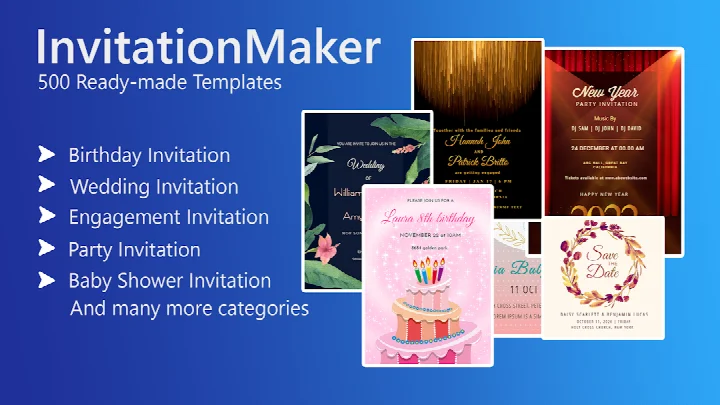

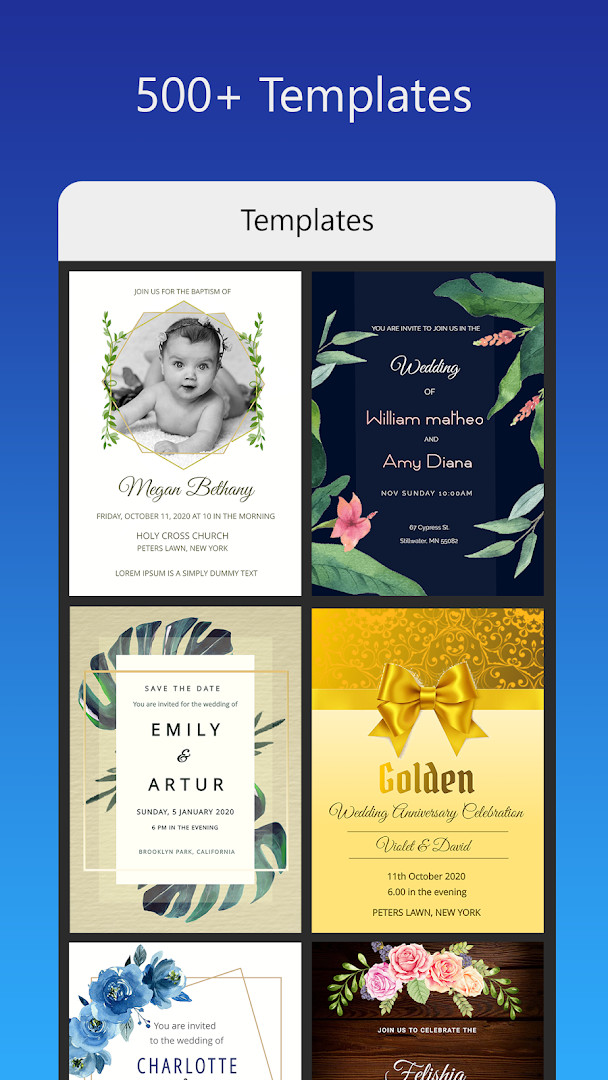
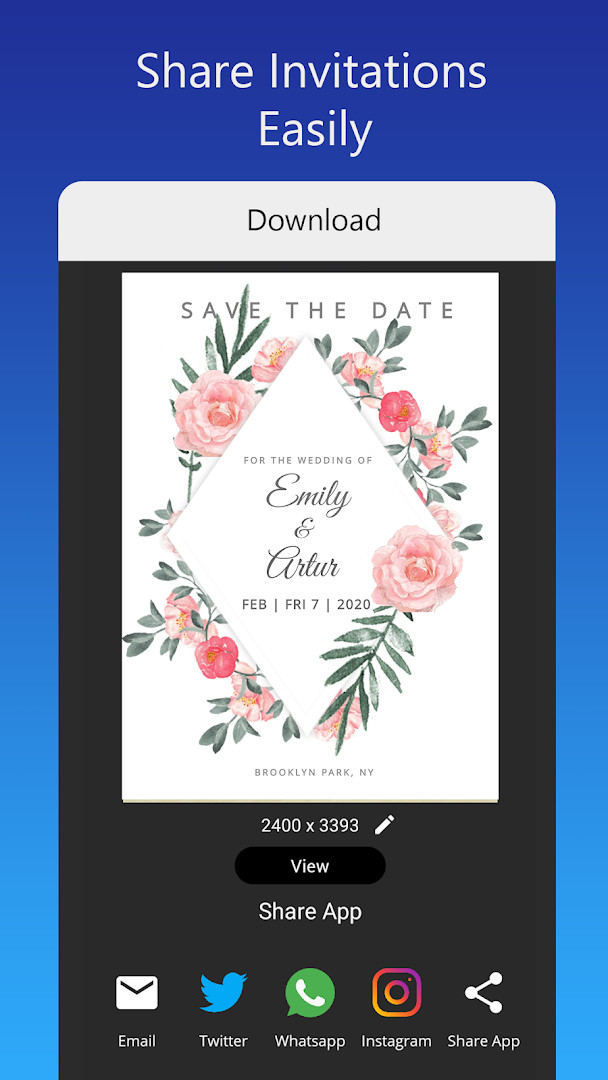
Invitation card Maker, Design is a design utility by Splendid App Maker that lets you create personalized invitation cards and digital greeting cards for a wide range of events. It functions as a mobile editor built around ready-made templates, photo tools, and text styling, so you can assemble a finished invite without needing graphic design experience. The app focuses on common life events such as birthdays, weddings, engagements, baby showers, and anniversaries, offering a straightforward way to produce both printable and shareable cards. The workflow is template-first: you pick a design, swap in your own photos and details, adjust the look with filters and overlays, then save or share the result. Version 3.3, updated in late October 2025, adds more invitation designs to the existing library, so the main change is an expanded selection rather than new core tools. The app requires Android 7.0 or higher and has been downloaded over five million times, with a high average rating from more than fifty-three thousand reviews. It is free to use but includes ads and optional in-app purchases. Because it requests access to photos, media, and storage, it can pull images from your device and save your finished cards locally. That permission set is typical for an editor that needs to import and export image files, but it is worth knowing that the app can see and store media on your phone.
Key features
- Over 200 ready-made invitation templates for birthdays, weddings, engagements, baby showers, and other events
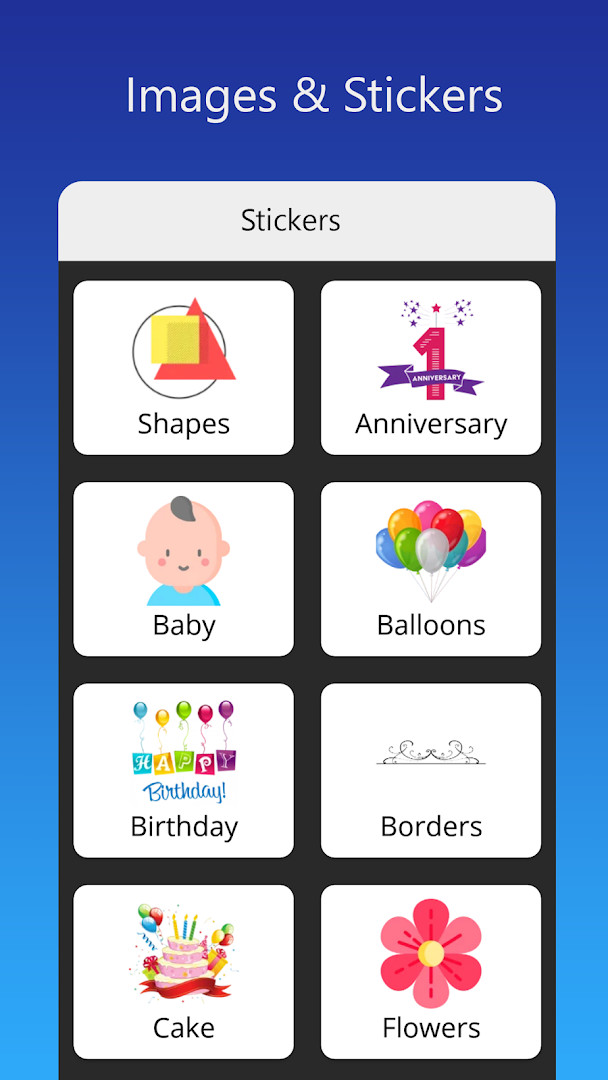
- Photo frames, background images, gradient colors, and a large set of stickers to decorate your card
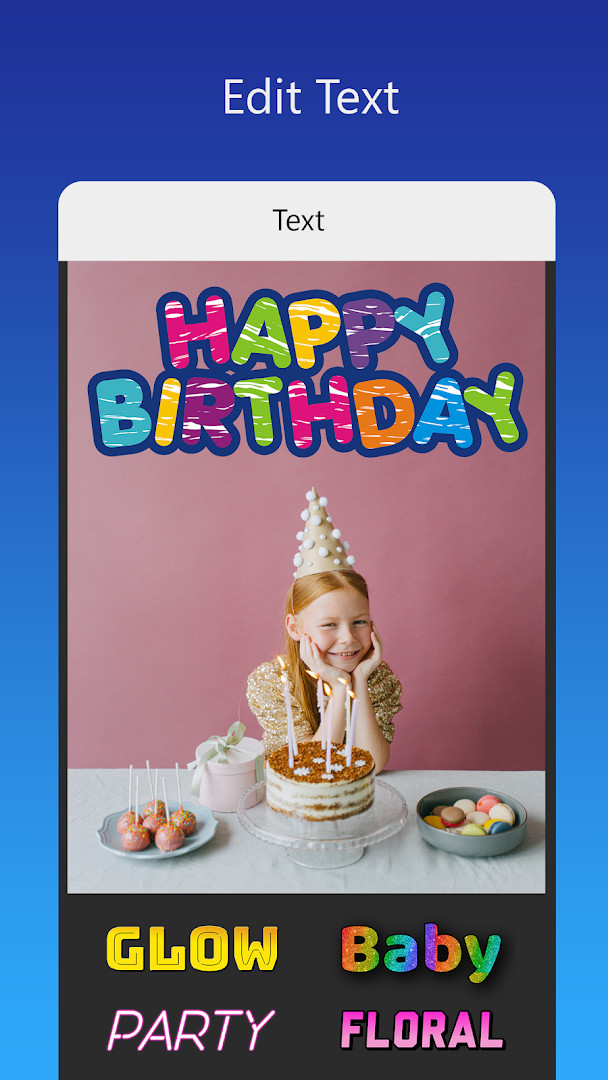
- Text editing with multiple font styles, plus the option to upload your own font or download additional ones
- One-tap image replacement that keeps the rest of the design intact
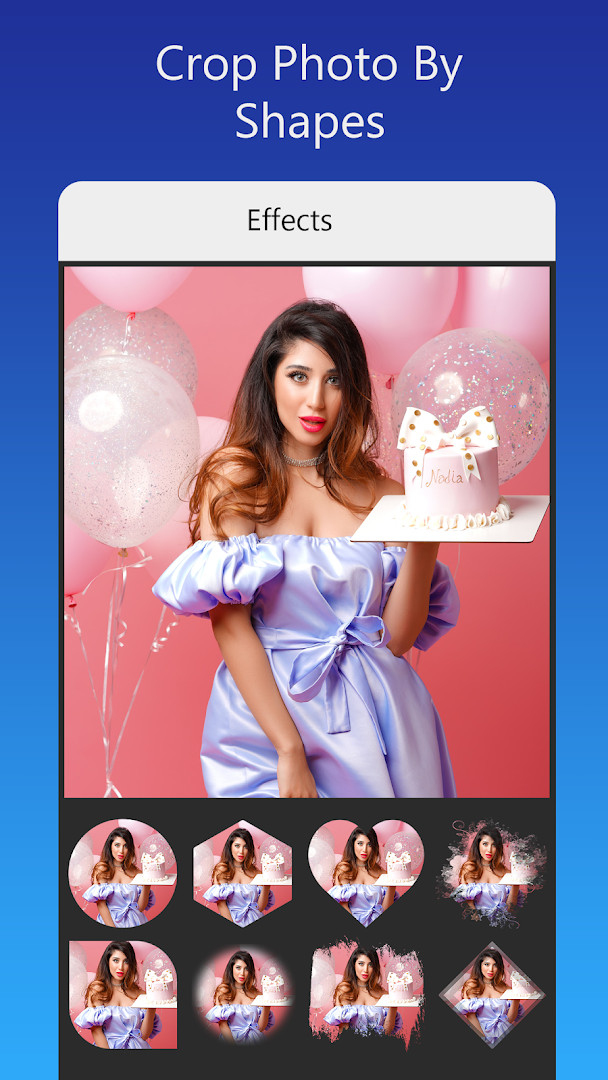
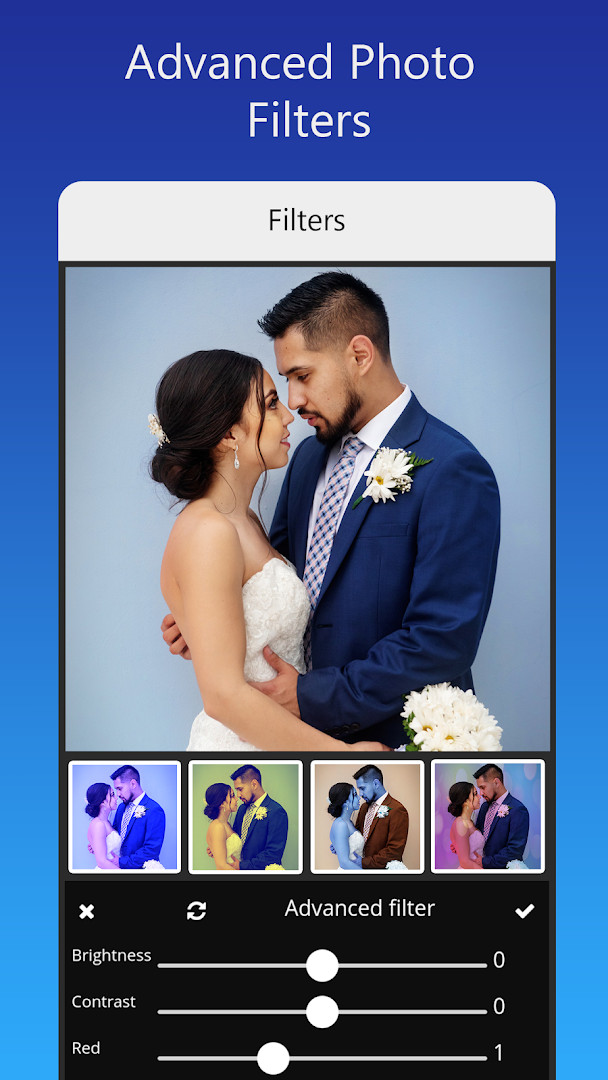
- Photo filters and advanced adjustments such as brightness, contrast, overlays, and cropping by shape
- Resize your invitation card to different dimensions for various uses
- Save your work-in-progress so you can continue editing later
- Share your digital invitation directly to social apps or download it for printing
How to install
- Tap the download button on this page to get the APK file for Invitation card Maker, Design. The file size is not specified, so ensure your device has enough free space before downloading.
- When Android prompts you, allow your browser or file manager to install apps from unknown sources. You can find this option under Settings > Apps > Special access > Install unknown apps.
- Locate the downloaded APK file in your Downloads folder or the location your browser uses for saved files.
- Open the APK file by tapping it. Android will show a confirmation screen with details about the app and its permissions.
- Tap Install and wait for the process to finish. This may take a minute depending on your device speed.
- Once installed, tap Open to launch the app. The minimum Android version required is 7.0, so older devices may not be compatible.
Pros
- Large library of templates covering many event types
- Simple one-tap photo replacement and easy text editing
- Option to save drafts and continue later
- Supports sharing to popular social apps and printing
- Free to download with a high user rating
Cons
- Contains ads and in-app purchases, which may interrupt the experience
- Requires access to photos, media, and storage, which could be a privacy concern for some users
- No explicit file size listed, making download planning harder
Latest changes · 3.3
Version 3.3 of Invitation card Maker, Design brings additional invitation designs for users to choose from. This update expands the available template library, giving you more options when creating personalized cards for birthdays, weddings, and other events.
Previous versions
| Version | Size | Requires Android | Updated |
|---|---|---|---|
| 3.3 | — | 7.0 | Oct 30, 2025 |
This app is well suited for event hosts who want to create custom invitations quickly without hiring a designer. It is also useful for parents planning birthday parties, couples organizing weddings or engagements, and anyone who enjoys making personalized greeting cards for friends and family.
Before you start designing, gather all the event details and photos you plan to use. Having your images ready on your device will let you swap them into a template quickly, and you can preview the final card before sharing or printing it.
Permissions
Frequently asked questions
What types of events can I create invitation cards for?
The app supports birthday parties, engagements, weddings, anniversaries, baby showers, and other celebrations. It also includes themed options such as first birthday themes for boys and girls, gender reveal designs, and templates for baby naming ceremonies.
Can I customize the text, names, and event details on a template?
Yes, you can edit or replace the text, name, event location, and timing on any invitation. You can also add your own text or quotes using various font styles, upload a custom font, or download fonts for your language and decoration.
How many ready-made templates are included and how quickly can I create a card?
The app provides over 200 ready-made invitation templates, allowing you to create your own invitation, RSVP, or greeting card in about 2 minutes. Templates cover styles like classic, modern, stylish, and Indian wedding designs.
Can I use my own photos and add effects to the design?
Yes, you can upload your own images and use photo frames, background images, gradient colors, and unlimited stickers. The app also includes photo filters and effects for advanced editing, including brightness, contrast, overlay images, and cropping by shape.
What are the options for saving, sharing, and printing my invitation?
You can save an invitation for future editing, download the digital card, or print it. You can also share the digital invitation on social networks such as Facebook, Instagram, Snapchat, WhatsApp, and Twitter, and create statuses for WhatsApp, Facebook, and Instagram.
Invitation card Maker, Design is a practical and popular choice for creating event invitations on a mobile device. Its extensive template library and straightforward editing tools make it easy to produce a polished card in minutes, though the presence of ads and the need for storage permissions are worth noting. Overall, it delivers solid value for casual and semi-formal event planning.
Similar apps
 Fever: Events & TicketsFever: Events & Tickets is a free event discovery app with no ads and no in-app purchases. Fever: Events & Tickets requires Android 7.0 o…Fever Labs · ★ 4.7 · Events · v5.247.1
 Invitation Maker: Cards & RSVPInvitation Maker: Cards & RSVP is aimed at hosts who need to send invitations for weddings, birthdays, baby showers and parties without h…Greetings Island · ★ 4.9 · Events · v3.12.0
 Easy Quran Mp3 Audio OfflineEasy Quran Mp3 Audio Offline is built for Muslims who want Quran recitation, Qibla direction, and prayer schedules in one place without d…Muslim Worldapp · ★ 4.7 · Events · v6.1
 TickPick - Live Event TicketsTickPick - Live Event Tickets is free with no ads and no in-app purchases, and it requires Android 8.0 or higher. The app has a 4.76 rati…TickPick LLC · ★ 4.8 · Events · v6.0.23
 Gametime - Last Minute TicketsGametime version 2026.27.2 requires Android 8.0 or higher, has no ads and no in-app purchases, and was updated on October 9, 2026. It has…Gametime · ★ 4.8 · Events · v2026.27.2
 Invitation Maker: Cards + RSVPInvitation Maker: Cards + RSVP offers thousands of professionally designed templates for birthdays, weddings, baby showers, and other eve…Photo Studio & Picture Editor Lab · ★ 4.9 · Events · v175.0
Updated: Nov 12, 2026
- Version
- 3.3
- Requires Android
- 7.0
- Updated
- Oct 30, 2025
- Installs
- 5M+
- Rating
- ★ 4.91 (53,221)
- Category
- Events
- Developer
- Splendid App Maker
- Content rating
- Everyone
- Package
- splendid.invitation.maker
- Free
- ✓ · Contains ads · In-app purchases